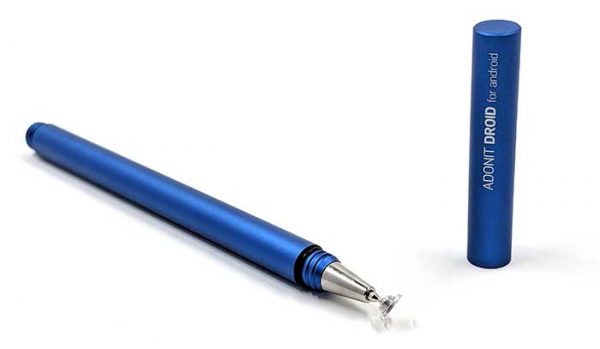
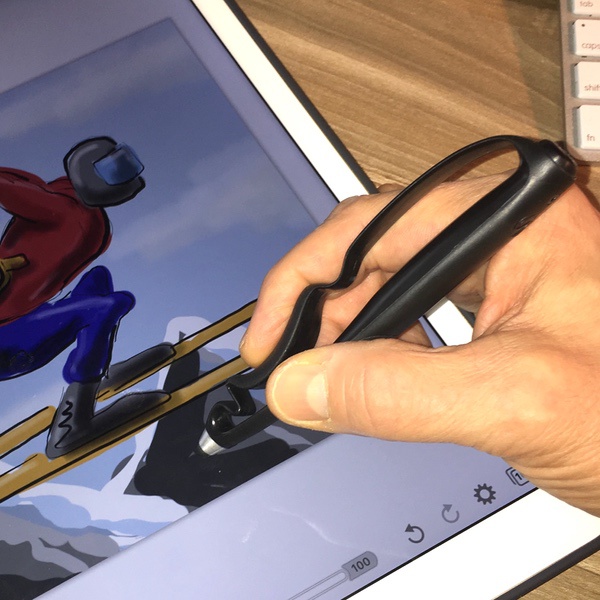
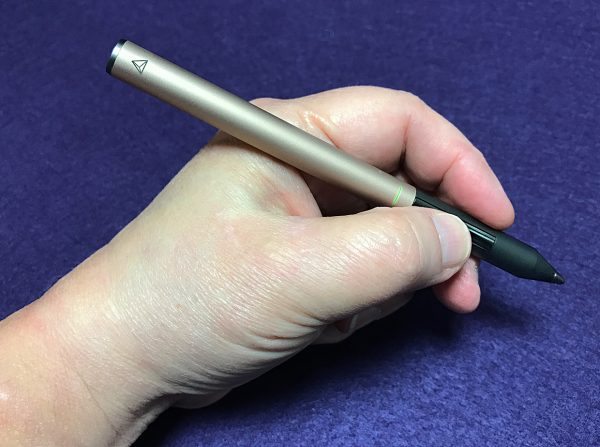
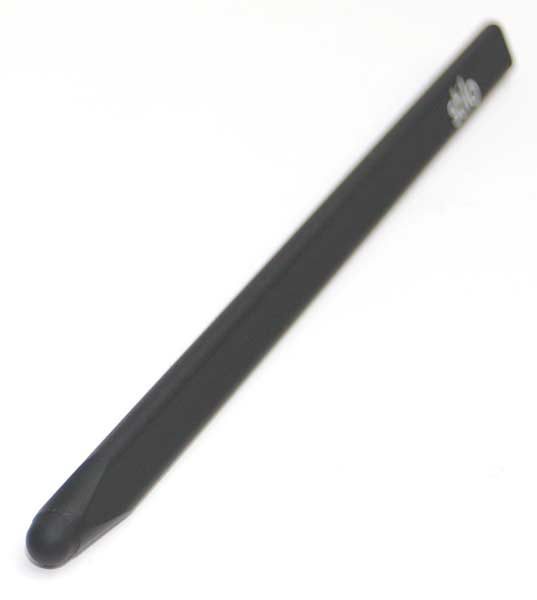
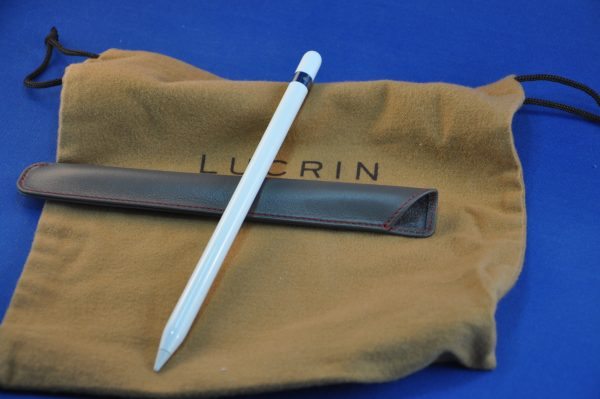
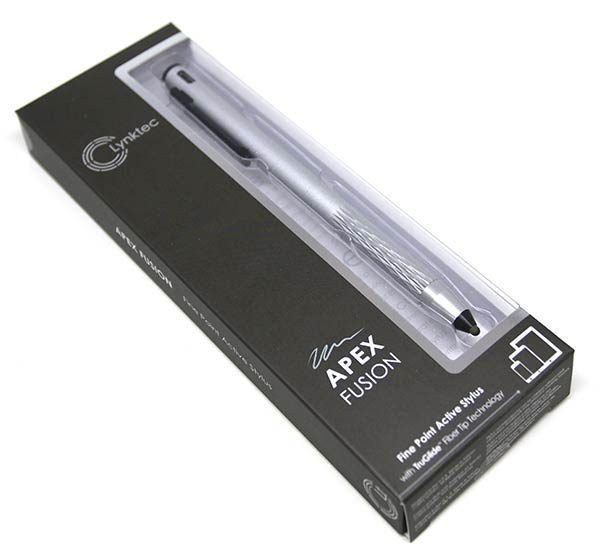
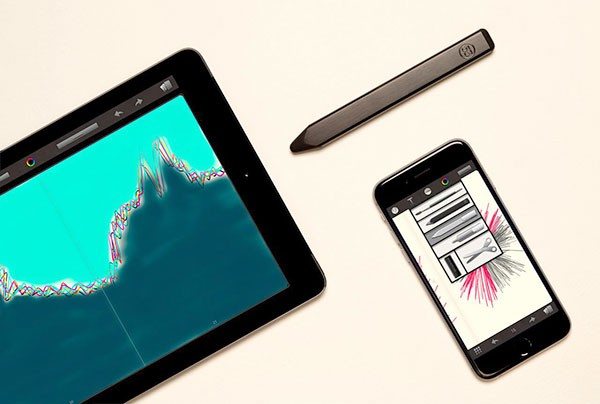
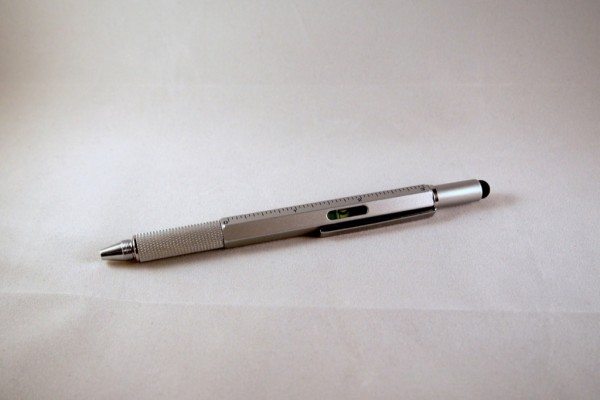
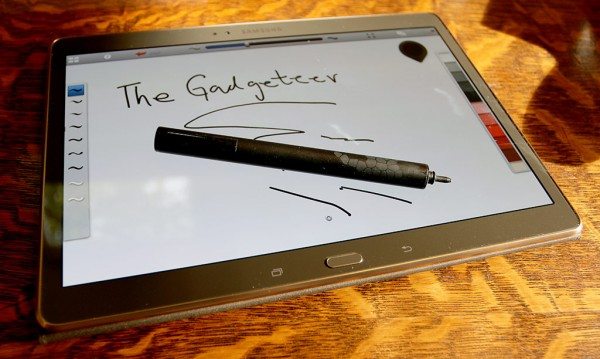
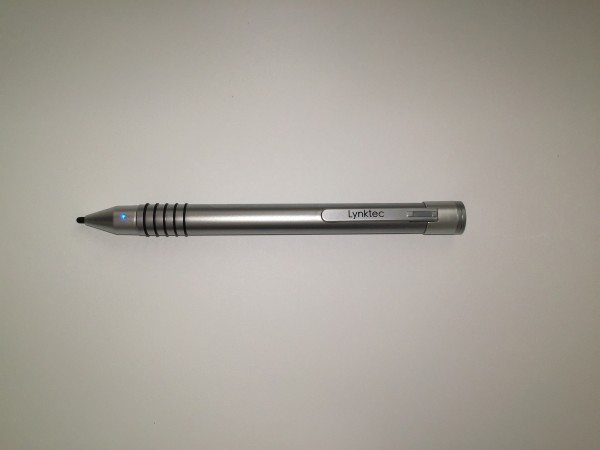
Do you enjoy making art with your iPad or Android tablet? If so, you probably prefer using a stylus instead of your finger when drawing. There are quite a few capacitive styli on the market, and now there’s another. Ten One Design, the company that has brought us the Pogo Stylus has just announced the [...]
Still looking for the best stylus for your iPad? Quit looking and make your own for free! The folks at Rainy Day Projects show you how to take an ordinary Bic pen and an old power cord to create paint brush style stylus that will work with any capacitive touch screen device..
Back when Steve Jobs introduced the original iPhone, he went on and on about how Apple decided to use the most natural stylus, your finger, for navigating the newly designed touchscreen. The advantages were obvious: You already know how to use your finger (no, not THAT finger), you can’t misplace it and it’s always there, [...]
If you are still searching for the perfect capacitive stylus for your iPad or other touch screen device, I have another one for you to consider. It’s the Candy Pen iPad Stylus from Hard Candy Cases. This stylus has a chromed finish with two caps that reveal a capacitive stylus on one end and a [...]
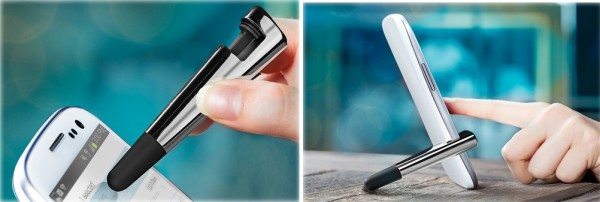
Ten One Design’s Pogo Stylus for the iPhone 4 isn’t radically different than their original stylus, but you do get some added functionality with the clip on stylus holder. Besides holding your stylus when it isn’t be used, it will double as a stand to position your iPhone at a comfortable viewing angle in portrait [...]
The iPad is known to be primarily a finger driven device, but it seems to be creating a revival of the stylus. Why? People who enjoy drawing and sketching want a tool to make it easier. We’ve been reviewing several styli since the iPad’s release and today I have another. It’s the oStylus Capacitive Touch [...]
Got an iDevice? Love to draw? Hate to use your finger? There’s a stylus for that! Unlike many other styli like the Pogo Stylus or WirelessGround Stylus, DAGi’s Stylus has one advantage over them. It allows the user to be able to see what they are writing/drawing on the screen.
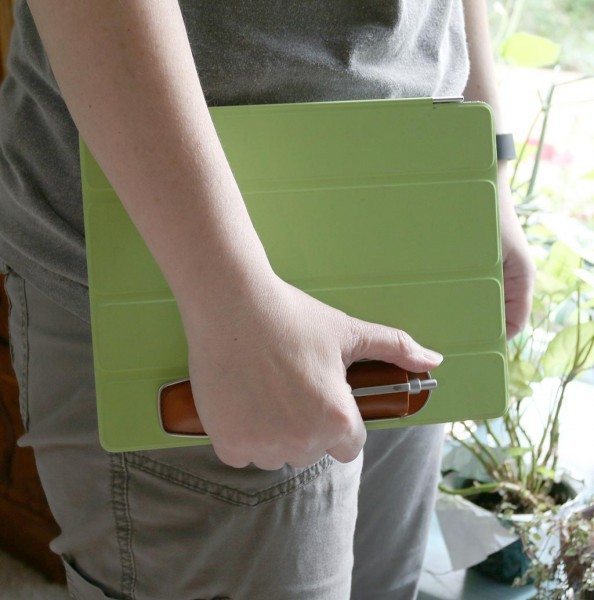
Ten One Design, the creators of the Pogo Stylus and Pogo Sketch capacitive touch-screen stylus for the iPhone, iPod touch, MacBook and iPad, have announced the availability of their new iPad case – Particle. It is a lightweight open backed rubber case that has a built-in holder for the Pogo Sketch stylus. The Particle, bundled [...]
Although the touch screen was not a new technology when the first iPhone was released, this device did usher in a new age in touch screen interactivity. Before the iPhone, most smartphone and PDA users employed a stylus as the preferred method of input. The iPhone changed that with the capacitive touch screen and true [...]
The new Tango case from Ten One Design, which comes pre-bundled with the Pogo Stylus. This iPhone 3GS case features a full-grain Black leather exterior that flips open to reveal a micro-suede interior. It’s available in two colors: Aqua or Lime. The Tango Case, bundled with the Pogo Stylus, is available at www.TenOneDesign.com for just [...]
The best thing about the iPhone and iPad is that they are finger friendly. No stylus needed. Sometimes a stylus does come in handy though and regular ones will not work with these devices due to their capacitive displays. I’ve reviewed other capacitive styli in the past, but today I want to tell you about [...]
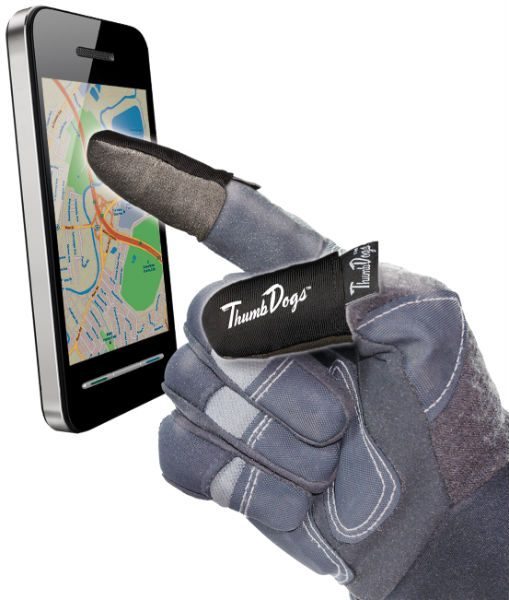
The iPhone is 99.9% touch screen driven. That fact is both good and bad. Good because Apple has done an incredible job making the user interface so friendly and easy to use. Bad for me, because I wear gloves during the winter and the touch screen no worky with gloved phalanges. That means no texting [...]
A couple days ago I received an email from someone asking for advice on multi-point pens. I posted that question here on The Gadgeteer so that other people could weigh in with their suggestions. Harold M. Goldner saw that post and did one better. He wrote a comparison review and asked me to post it [...]
Hey folks, I thought I would start up a new feature called Gadgeteer Mail. As you probably would guess, people are always emailing me asking for gadget advice. A lot of times, I can respond with info to help them, but sometimes, people ask me questions for which I don’t have a good answer. That’s [...]
Remember the review I wrote recently of the Pogo Stylus for the iPhone? Ten One Design’s latest creation is the Pogo Sketch. It appears to be longer than their stylus and is being marketed for use for both the iPhone and multi-touch Macbooks. You can use the Sketch to…ummm… sketch things on the Macbook trackpad. [...]
The iPhone is the first touch screen device that I’ve felt comfortable using my finger to navigate with. After all, on the iPhone, that’s all you can use to control the device – right? Wrong, you can use a stylus. But not an ordinary stylus, it has to be one designed specially for the iPhone, like the Pogo Stylus from Ten One Design.
I’ve said it before and I’ll say it again… I don’t carry a purse. I do carry a gear bag to work every day, but when I go out for lunch or go shopping, I don’t take it along with me. In the winter time, this isn’t a problem because I tend to load my [...]
Product Requirements: Device: palmOne Treo 650 Smartphone The palmOne Treo 650 smartphone comes equipped with a better than average stylus. It isn’t fancy by any stretch of the imagination, but it does have a nice heft to it and has worked fine for me so far. That said, Brando was kind enough to send me [...]
Product Requirements: HP iPAQ rz17xx/rx37xx/rx34xx/hx47xx Series Series PDA If you have been waiting for a replacement stylus for your iPAQ hx 4700 that includes a ball-point pen, then the wait is over. PDair has released their 3-in-1 Stylus which fits in the iPAQ’s silo, just as the original stock stylus. Hidden under the top end [...]
Product Requirements: Device: PalmOne Zire 71 If anyone out there owns a Zire 71, they know why a replacement stylus is pretty much a must. The stock stylus is nothing but a plastic stick, and it’s very flexible. Not only that, but it doesn’t even reset the PDA. In short, there is no upside to [...]