
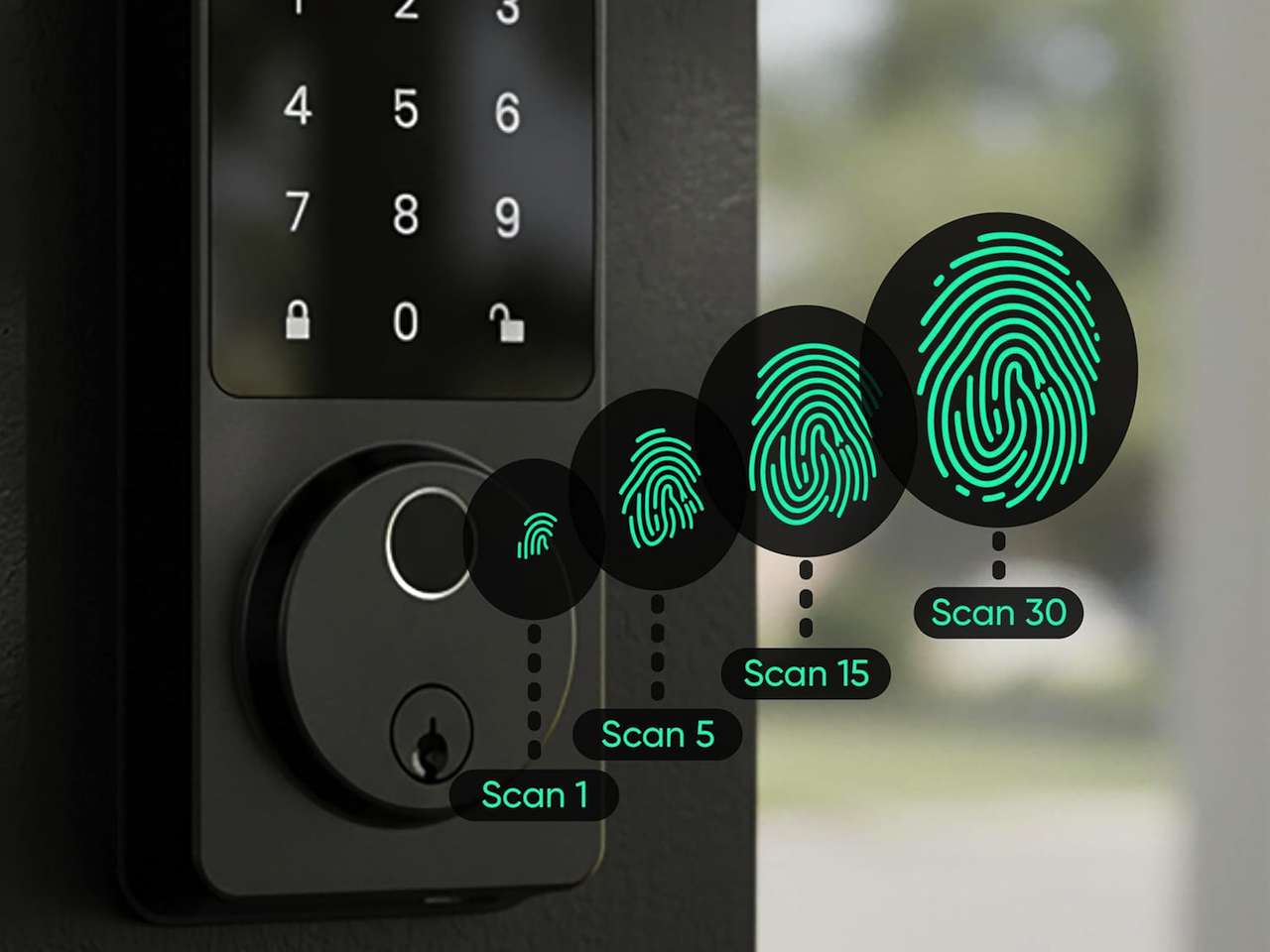
Subscription fatigue has crept into every corner of the smart home, but your front door doesn’t have to be next. The 2026 crop of smart locks finally lets you skip recurring fees without giving up fingerprint entry, app control, or local video storage. Renters who don’t want to commit to a cloud plan and homeowners tired of nickel-and-dime upcharges both have real choices now, and most work right out of the box.
The catch isn’t the hardware. It’s knowing which features genuinely stay free and which ones quietly nudge you toward a paid tier the moment you add a second user or want event history older than a week.
Do smart locks need a subscription?
No. The best 2026 smart locks work end-to-end without a paid plan, and a true smart lock without subscription keeps fingerprint, keypad, app unlock, and local event logs free for the life of the hardware. Cloud relay, AI alerts, and long-term history are the only features brands gate behind monthly fees.
The five picks below all clear that bar. None of them paywall a basic unlock method, none of them quietly migrate event logs to a cloud trial, and none of them require you to create an account just to use the keypad. We spread the picks across price tiers so this isn’t five versions of the same lock. You get a true budget option, a long-battery local-storage standout, a video hybrid for porches that double as package zones, an ecosystem play for Apple households, and a Matter-over-Thread pick for power users who want everything local.
What changed in 2026
Matter and Thread are the two big reasons this category finally makes sense without a monthly bill. A Matter-capable lock connects to whatever hub you already own (Apple Home, Google Home, SmartThings, Amazon) and runs locally on your network for the basics: lock, unlock, status, automations. Cloud relay is optional, not mandatory.
Local fingerprint matching has also gotten cheap. Five years ago, biometric entry meant a $250 lock and a cloud account. Today, $80 buys you fingerprint, keypad, and an app, with all the match data stored on the lock itself.
The last shift is honest marketing pressure. Buyers got loud about subscription creep after the wave of cameras that paywalled basic event history in 2024 and 2025. Lock brands paid attention, and most of the 2026 lineup is explicit about what stays free.
1. Wyze Lock Bolt v2 at the entry tier
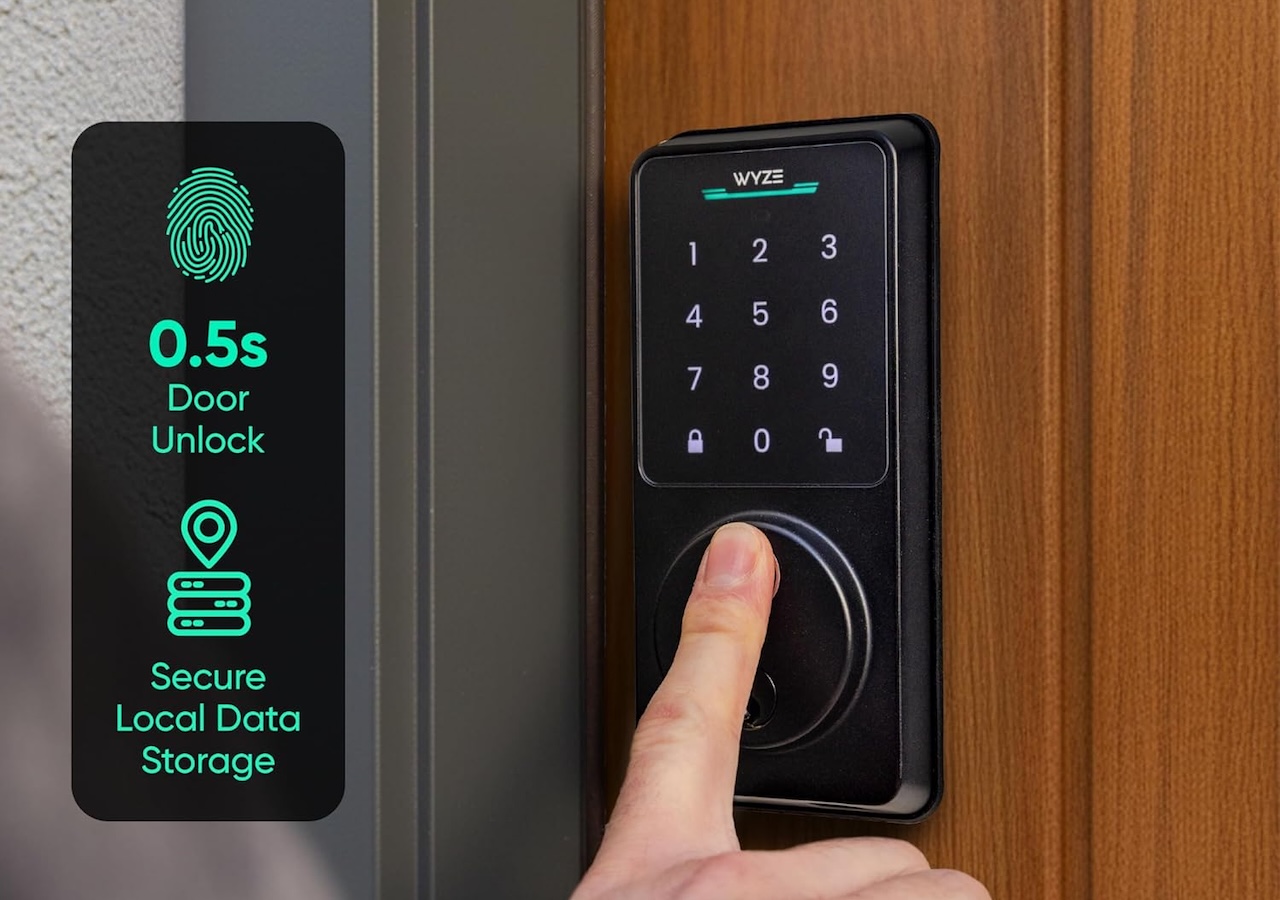
At $79.98, the Wyze Lock Bolt v2 is the cheapest way into real keyless entry without strings attached. You get fingerprint, keypad, app unlock, and built-in Wi-Fi remote, all stored and processed on the lock itself. Battery life lands at up to eight months on the AA setup, and the app doesn’t gate any of the core unlock methods behind a Cam Plus style plan.
Price: $79.98
Where to Buy: Amazon
The tradeoffs are real. Wyze doesn’t pretend this is a Matter-native product, so Apple Home automations, SmartThings routines, and HomeKit tiles sit outside the supported list. If you want to hand out time-limited codes to a dog walker on Tuesday and a contractor on Thursday, the free tier handles that. If you want AI-driven activity insights or detailed quarterly reports, that isn’t in the box at this price.
It’s the answer for renters and first-apartment buyers who want fingerprint entry without justifying a $200 hardware spend.
2. Eufy FamiLock for local storage and battery life
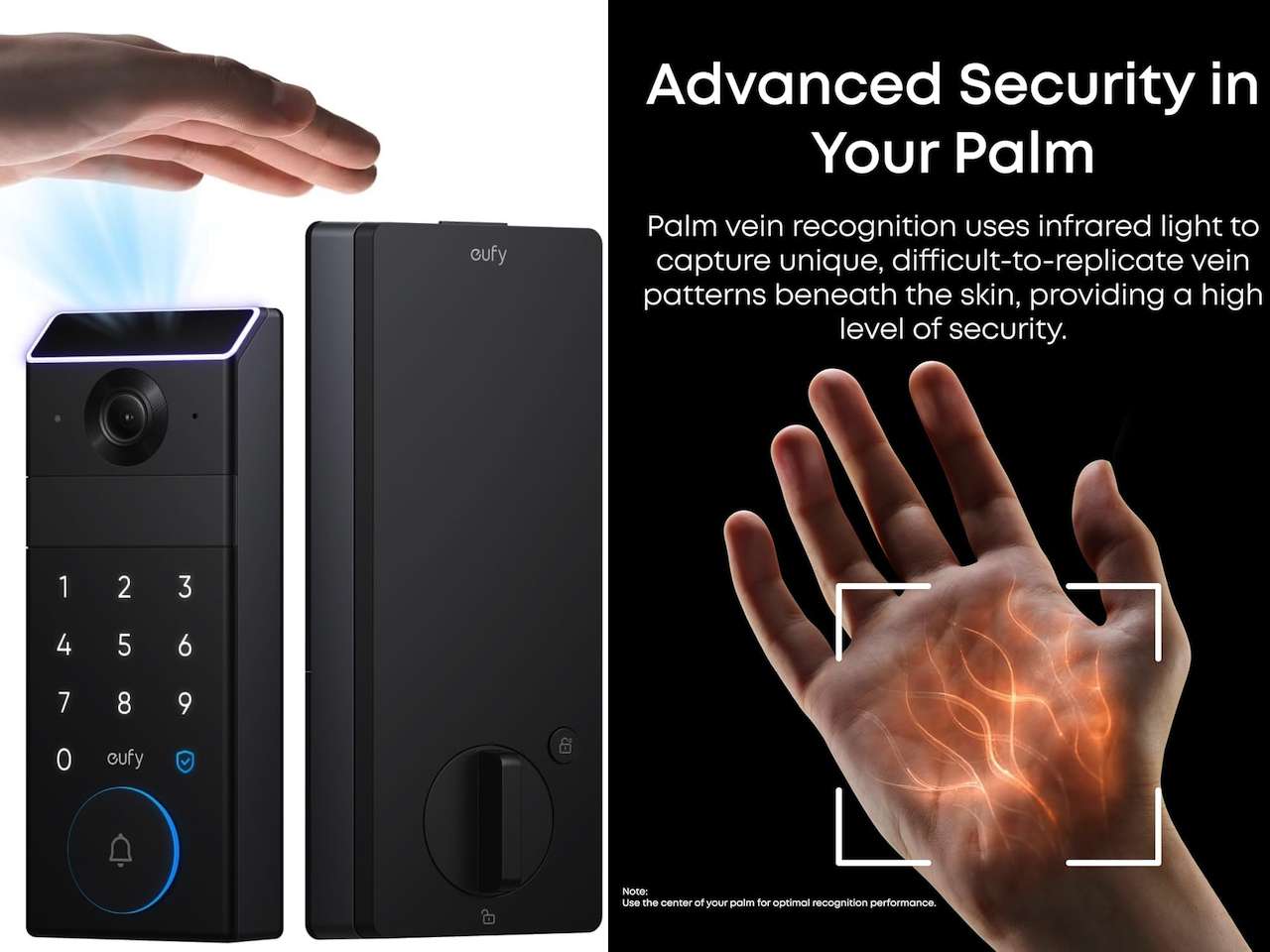
The Eufy FamiLock line is the move when you want the longest stretch between charges and zero reliance on the cloud for event logs. The current US listing on the FamiLock E35 sits at $229.99, and it stores entry logs, palm vein templates, and access codes locally on the device. The 10,000 mAh lithium pack runs up to eight months on a charge, with a backup AAA tray that adds roughly another month if the main battery runs dry. If you want the higher-end sibling with a built-in 2K doorbell and interior screen, the FamiLock S3 Max sits at $399.99 and currently holds PCMag’s Editors’ Choice for smart locks.
Price: $279.99 (Discounted from $349.99)
Where to Buy: Amazon
Where this pick stands out is the Eufy app’s clean separation between free features and the optional storage add-ons. Lock, unlock, palm vein enrollment, code management, and a rolling local event log all stay free permanently. If you ever add a Eufy security camera, that’s where Eufy tries to upsell, not at the lock itself.
For a household with one front door, several family members, and zero patience for app pop-ups asking for $3 a month, the FamiLock is the relaxed pick.
3. The Eufy video lock hybrid
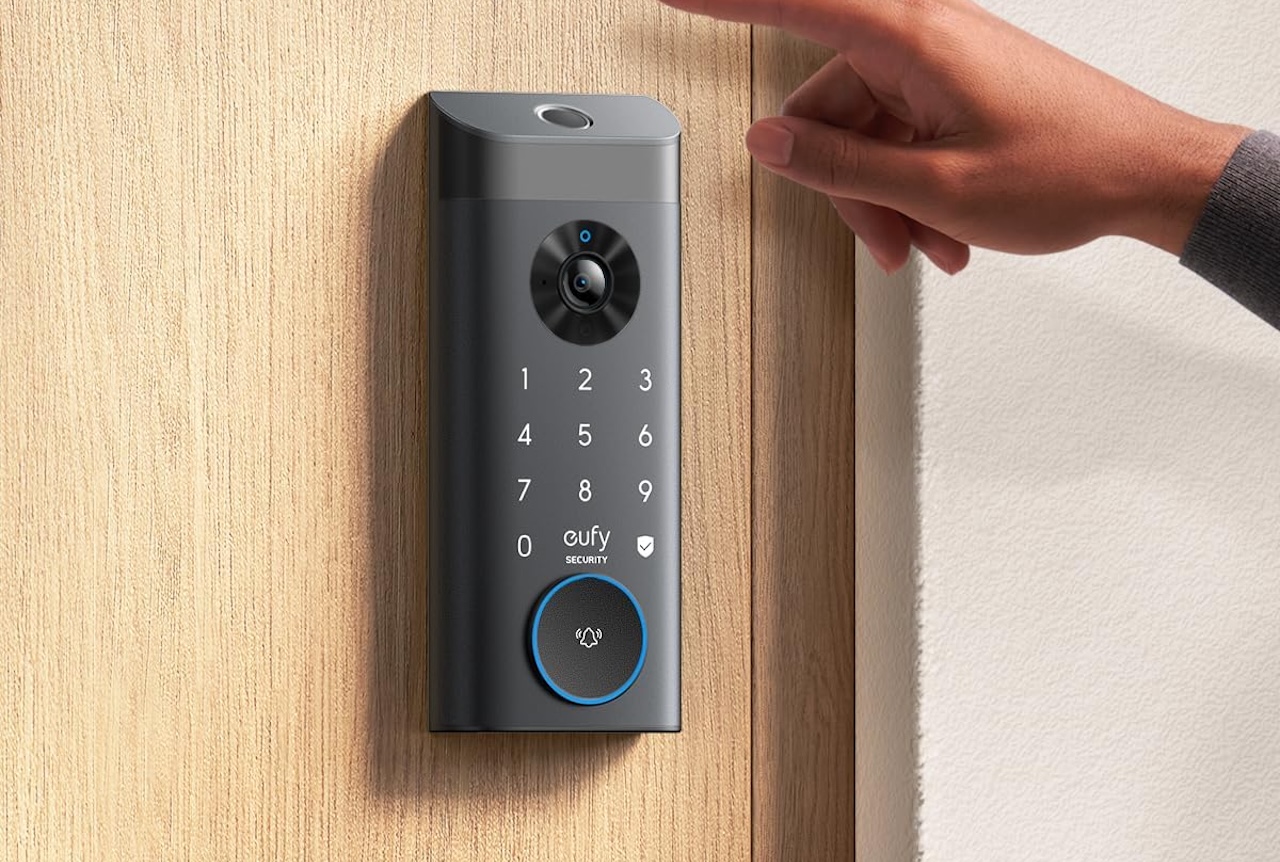
If your front door is also where the packages land, a video lock makes more sense than a standalone deadbolt. The Eufy Video Smart Lock E330 lists at $299.99 and stacks fingerprint, keypad, and key entry on top of a 2K camera with an f/1.6 lens and a built-in video doorbell. Eight gigabytes of onboard eMMC storage holds clips locally with no cloud plan and no required Eufy account upgrade.
Price: $249 (Discounted from $299.99)
Where to Buy: Amazon
The selling point is the storage handling. Recent owners can pull video clips locally without ever creating a cloud account, and the app doesn’t quietly migrate older clips to a paid plan after a trial expires. If a face shows up in the preview window, that face stays on your device.
This is the option for the buyer who almost talked themselves into a Ring or Nest setup and then remembered what those plans cost over five years.
4. Yale Smart Lock with Matter for any Matter hub
At $189.99 MSRP and often discounted to around $154 at major retailers, the Yale Smart Lock with Matter is the cleanest ecosystem pick if you already have a Google Home, Apple Home, SmartThings, or Alexa hub in the house. Yale designed this model for Google Home first, but Matter handles unlock and status sync across every major platform, so it slots in without an extra bridge.
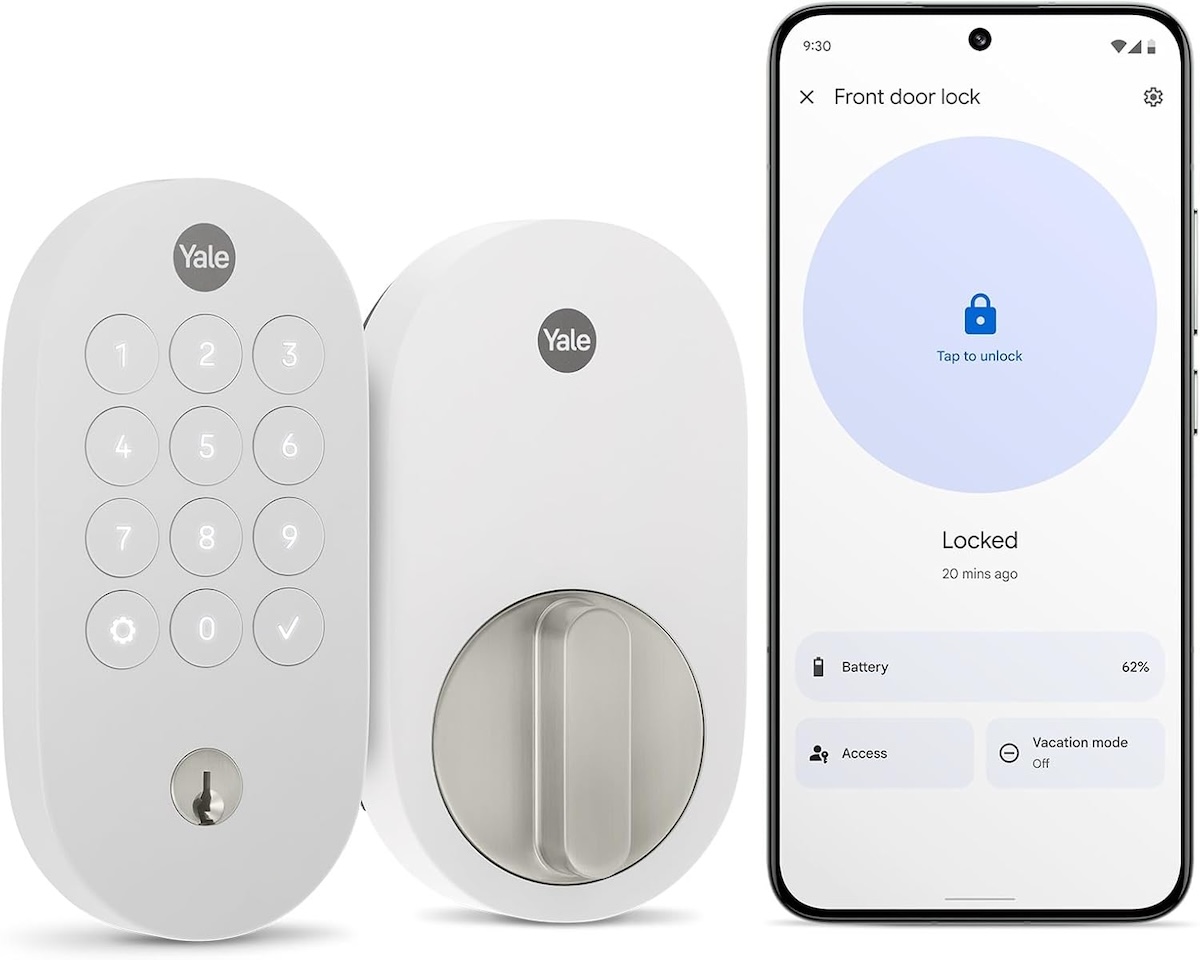
Price: From $149.98
Where to Buy: Amazon
The keypad is the everyday driver for kids and guests. Codes live on the lock, so a power blip doesn’t lock anyone out. Yale’s own app exists but you don’t have to use it. Google Home, Apple Home, and SmartThings all talk to the lock directly via Matter, and the free tiers of those platforms cover everything most households actually do with a smart lock.
If you want a Yale with native Apple Home Key tap-to-unlock instead, the Assure Lock 2 Plus is the sibling SKU to look at, though it lands at a higher price point.
5. Aqara Smart Lock U300 for power users
The Aqara U300 at $229.99 is the most flexible pick on the list if you care about running everything through Thread and keeping cloud touchpoints close to zero. It supports app, fingerprint, keypad, physical key, and NFC unlock, and Matter over Thread lets it run on a low-power mesh that doesn’t depend on Wi-Fi at all. One spec to confirm before ordering: the U300 is a lever-style lock with a spring latch, not a deadbolt, so your door needs to be prepped for a lever. Aqara’s U100 is the deadbolt-compatible sibling with Apple Home Key support if that form factor matters.
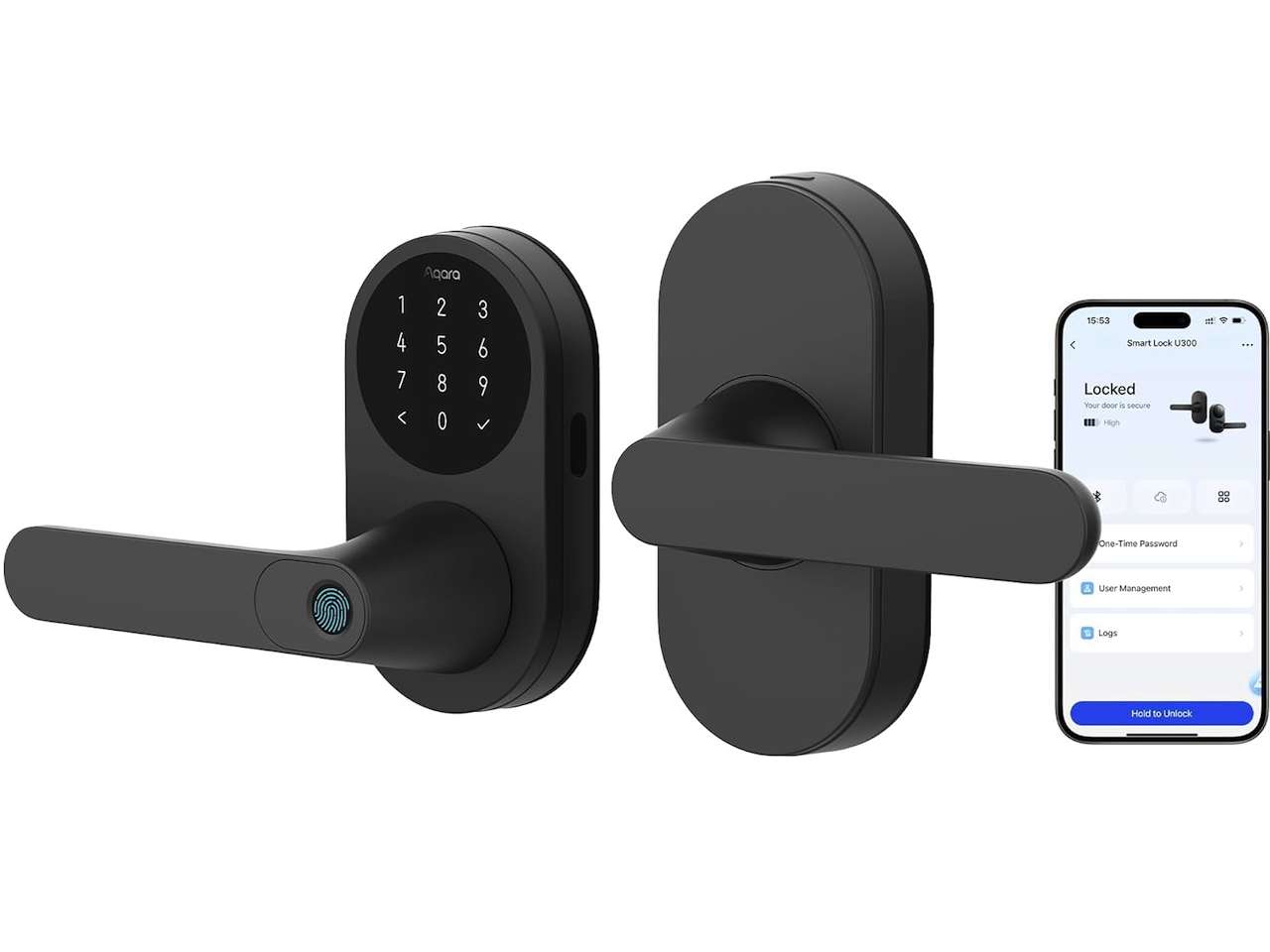
Price: $199.99 (Discounted from $229.99)
Where to Buy: Amazon
Aqara’s own app is optional. Once paired to a Matter controller, the U300 reports locally, accepts automations locally, and stores access logs through your hub of choice. Aqara has been quiet about ever paywalling lock features, and the U300’s hardware roadmap reads more like a long-term smart home component than a monthly revenue product.
This is the pick for the household running Home Assistant, a Thread border router, or any setup where the goal is to keep everything inside the home network for as long as possible.
What you give up when you skip the subscription
No monthly fee comes with real tradeoffs and you should know them before the lock ships. Remote unlock from outside your home network usually needs a relay, and brands offer that relay for free at the basic level but throttle it to occasional use. If you need rock-solid remote unlocking ten times a day from across the country, plan on either a bridge device or a paid relay tier on top of these locks.
AI alerts are the other gap. The marketing language around “someone tried to enter at 2:14 a.m. and our model thinks it was a stranger” only ships on the paid tiers of the same brands. The free experience tells you the lock opened or didn’t open and who used what code. That’s enough for most households. It isn’t enough if you specifically want the AI layer.
Long-term event history beyond a few weeks is the third item to watch. Local logs roll off, and most of these locks don’t keep a year of history on the device. If you want a permanent audit trail, you’ll either add a hub that logs everything or accept that the lock itself only remembers the recent past.
Match the lock to your door and your budget
The right pick is less about specs and more about your door, your ecosystem, and your tolerance for app pop-ups. Renters and first-time buyers usually want the Wyze. Families with one busy front door want the Eufy FamiLock. Porches that catch every Amazon delivery want the video hybrid. Multi-platform Matter households want the Yale. Power users with Thread and Home Assistant want the Aqara U300.
What they all share is the part that matters: you pay once and you own the experience for the life of the hardware. That’s how a smart lock should have worked all along.




Gadgeteer Comment Policy - Please read before commenting
What is the business case for a smart lock?
Using biometrics is a big NONO because once stolen, like when the bad guy steals the whole lock, you can never reset like with a paswoord or key.
Also if i need to use my hand to either touch a pad or put in a code I might as wel use my key. It’s the exact same effort.
Again, what is the business case for a smart lock?
Smart locks work when you leave the keys in the house. or for kids who dont have keys.
Smart locks can have codes you can give to house sitters, contractors, etc that you can set time windows and expire.
I dislike biometrics because they change (get a papercut, lose access to your house. kid hits a growth spurt and the biometric doesn’t match, etc) but “stealing” them is a non-issue since someone has to first steal your lock (??), extract them from firware and then use a 3d printer to produce fake fingerprints, which is some Mission Impossibe/Cableguy-stalker level of fear.
Any device with an app can have features removed or changed. August removed the “pair with z-wave” from their locks using their app. (They never had a “pair” button on the lock, it required a bluetooth command from the app.)
You are better of never using an app and going with pure z-wave/zigbee because those devices NEVER have cloud services and cannot be remotely bricked.