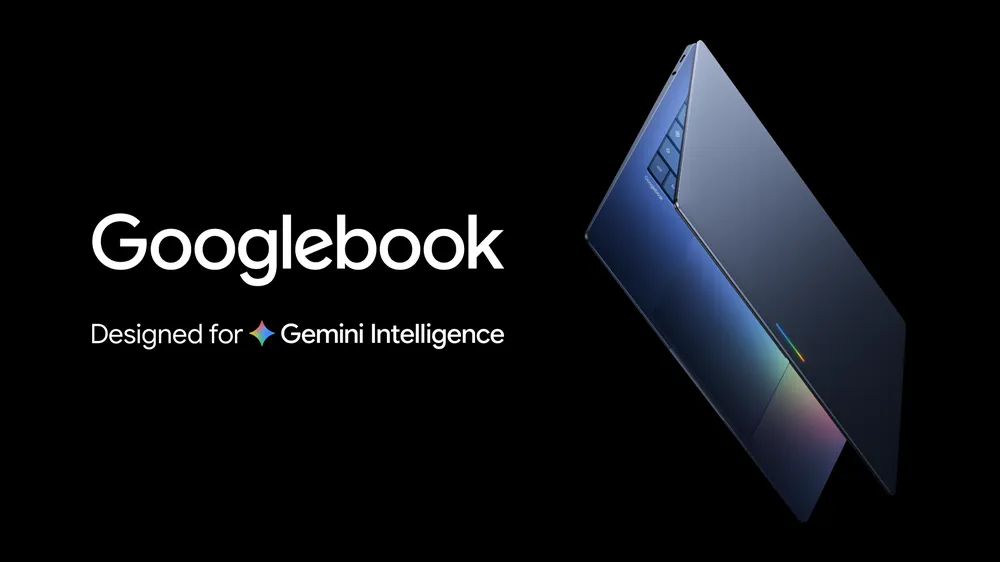
We’ve spent thirteen years reviewing Chromebooks as the budget machine you buy when $300 is the hard ceiling. Google’s new Googlebook, announced today at the Android Show: I/O Edition, is not that machine. It’s a premium laptop built on part of the Android tech stack and ChromeOS, with Gemini wired into the OS, a cursor that surfaces suggestions when you wiggle it over content, and phone-to-laptop sync deep enough to let you finish a daily Duolingo lesson without ever leaving the screen. The question isn’t whether it’s interesting, it’s whether Googlebook is a real Chromebook replacement, a MacBook challenger, or another Google hardware story the OEMs have to actually deliver on.
The Announcement: What Google Actually Said
Google announced Googlebook on May 12, 2026, at the Android Show: I/O Edition, ahead of Google I/O 2026, which begins May 19. The pitch, in a blog post by Alex Kuscher, Senior Director of Laptops & Tablets, was that the company sees “an opportunity to rethink laptops again” as the industry moves “from an operating system to an intelligence system.” Google frames Googlebook as the successor to the Chromebook it introduced over 15 years ago, built by bringing together parts of the Android tech stack (with Google Play apps and a modern OS designed for intelligence) and ChromeOS (home to what Google calls the world’s most popular browser). Full hardware specs, pricing, and a firm release date were not part of the announcement, with more promised as devices become available this fall.
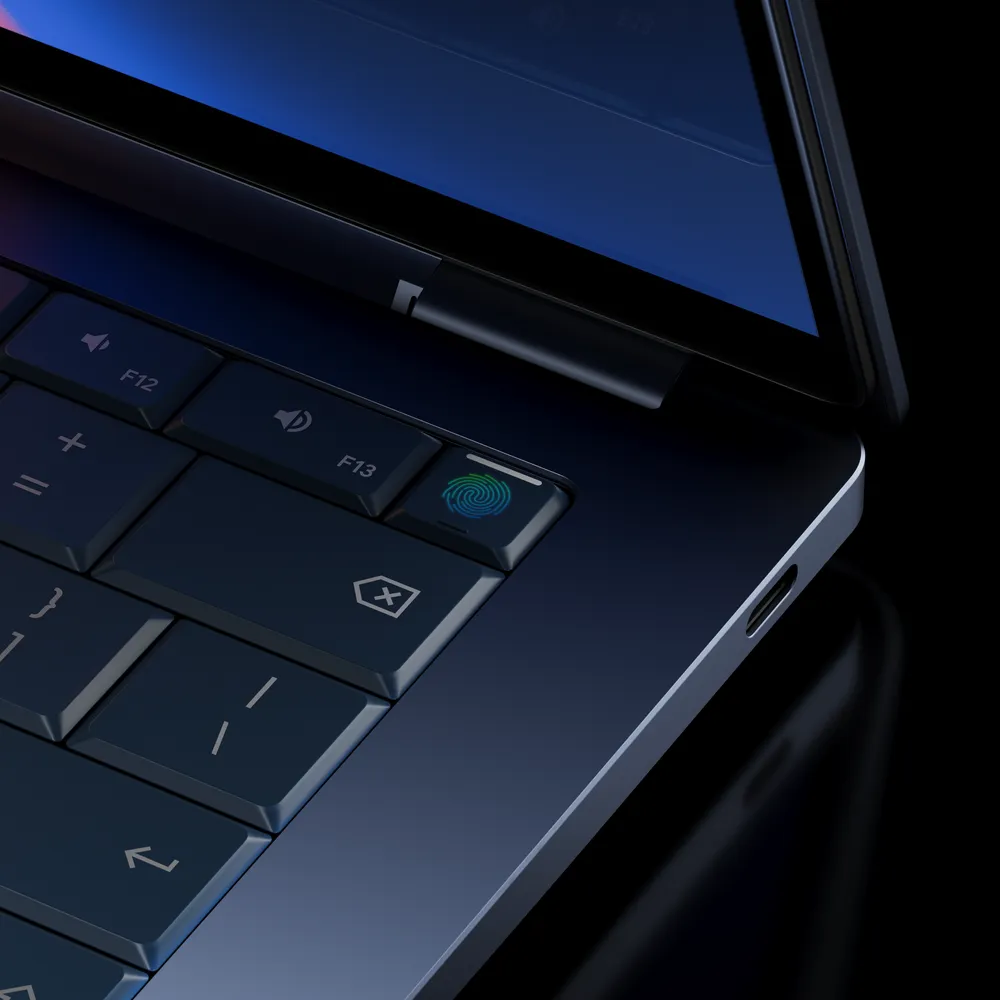
What We Know About Googlebook
Google confirmed a handful of features in the teaser, with full hardware details held back for launch.
Android plus ChromeOS, with Google Play apps. Googlebook fuses parts of the Android tech stack with ChromeOS, which means Google Play app support is native rather than bolted on the way Android apps have historically been on Chromebooks.
Gemini integrated at the OS level. Google calls Googlebook a laptop “designed from the ground up for Gemini Intelligence,” not a machine with Gemini bolted on after the fact.
Magic Pointer. Built with the Google DeepMind team, this is a Gemini-powered cursor that wakes up when you wiggle it and surfaces quick, contextual suggestions every time you point at something on screen. Google’s examples: point at a date inside an email to set up a meeting, or select two images (your living room and a new couch) to visualize them together.
Create your Widget. Prompt Gemini and it can search the open web or connect to your Google apps like Gmail and Calendar to assemble a single personalized dashboard on your desktop. Google’s example is planning a family reunion in Berlin, with flight info, hotel reservations, restaurant bookings, and a countdown all in one widget.
Native Android phone-app casting. Google says you can run Android phone apps on the laptop without leaving your screen, no downloads or emulated touch controls required. The examples include tapping a phone app to get a food order out and getting back to work, and popping over to finish a daily Duolingo lesson without ever leaving the laptop. Google hasn’t confirmed whether phone-app casting and Quick Access work with any Android phone or only with Pixel devices like the Pixel 10 Pro or Pixel 10 Pro Fold.
Quick Access. View, search, or insert files from your phone directly inside the Googlebook file browser, with no transfers required.
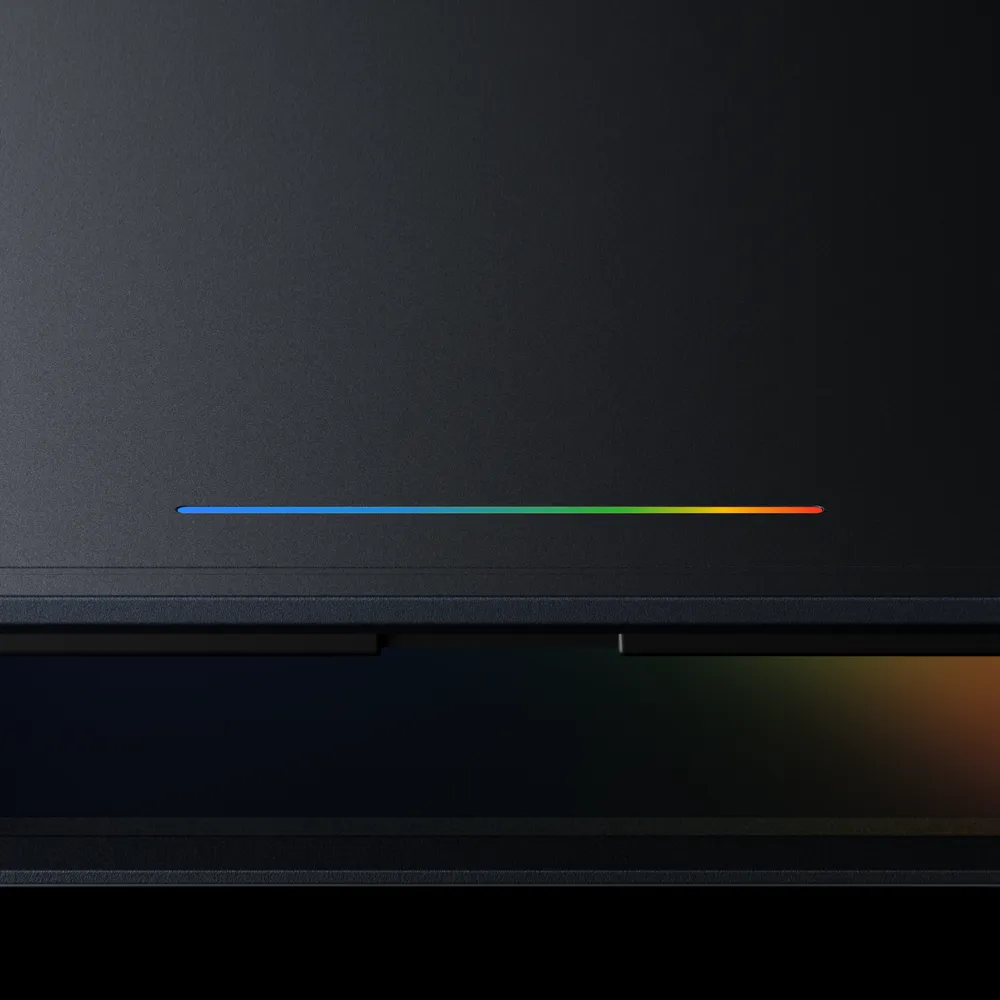
The glowbar: How You’ll Spot a Googlebook
Google says you’ll recognize a Googlebook by a unique glowbar element on the hardware, which Google calls “a statement that is both functional and beautiful.” Leaked imagery published by PC Guia and reported by Notebookcheck shows the glowbar on the device exterior. Google didn’t detail in the announcement whether the glowbar is a status indicator, a notification bar, or something else.
Googlebook vs Chromebook: What We Can Say So Far
Google has framed Googlebook as the successor to the Chromebook it introduced over 15 years ago, but it hasn’t formally ended Chromebook in the announcement itself. What’s clear from the post: Googlebook brings together parts of the Android tech stack and ChromeOS into a single platform, while today’s Chromebook runs ChromeOS by itself. Googlebook also gets Gemini at the OS level and the new Magic Pointer plus phone-sync features as its launch identity, and Google has not paired any of those with current Chromebook hardware. Pricing tier comparisons aren’t possible yet because Google hasn’t released a single Googlebook SKU price.
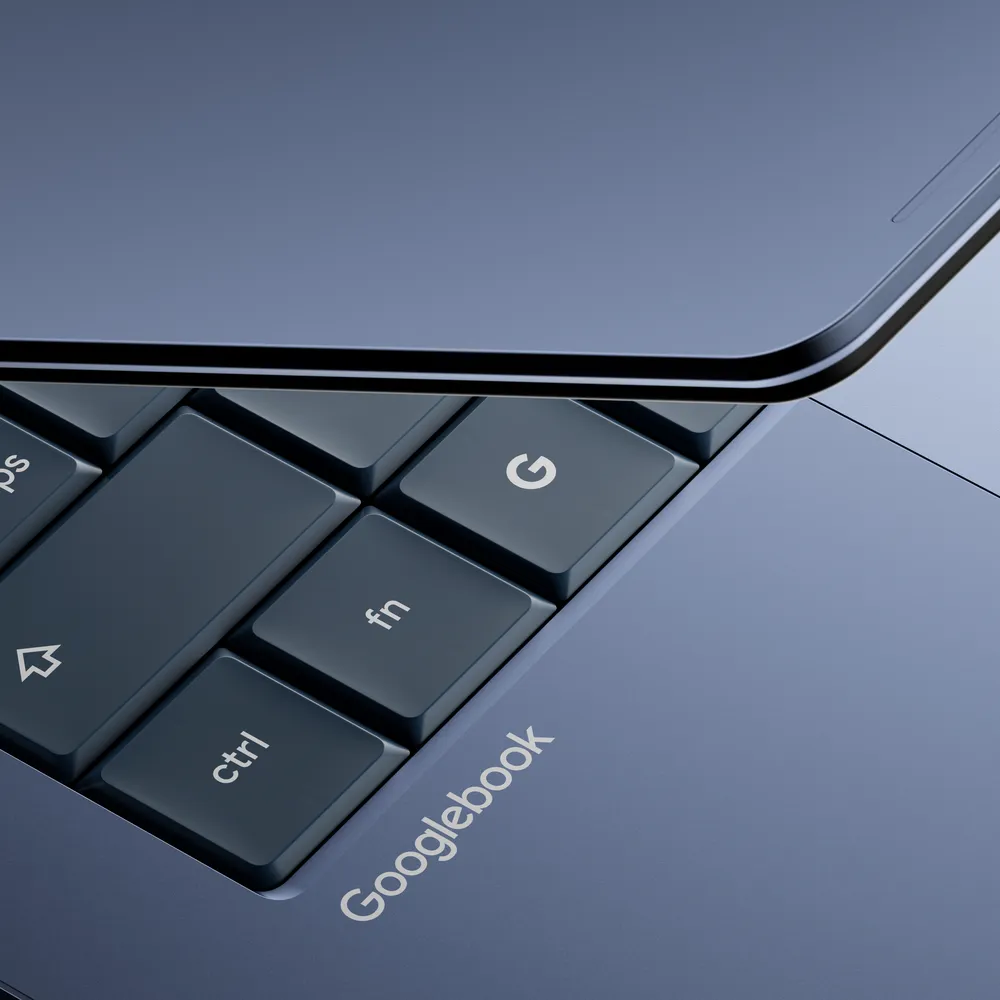
The OEM Lineup
Google named its OEM partners directly in the announcement: Acer, ASUS, Dell, HP, and Lenovo. That list lines up with the partner slide previously reported by PC Guia and surfaced by Notebookcheck, with Acer now confirmed on the record by Google rather than only via the leak. First Googlebook devices arrive “this fall” per Google, with the company pointing readers to googlebook.com for updates as launch approaches.
What Google Didn’t Tell Us Yet
For all the marketing energy in the announcement, the teaser left a long list of basic questions unanswered:
- Hardware specs. SoC, RAM, storage, display size, and battery life were not disclosed.
- Silicon. Whether Googlebook runs on Tensor or third-party silicon isn’t confirmed.
- Pricing. No SKU pricing has been shared by Google or any OEM partner.
- Retail availability. “This fall” is the only date guidance Google has shared.
- Glowbar function. Google’s “functional and beautiful” line is the entire public description so far.
- Pixel exclusivity. Whether phone-app casting and Quick Access work with any Android phone or only with Pixel devices like the Pixel 10 Pro or Pixel 10 Pro Fold isn’t confirmed.
- Chromebook’s future. Google describes Googlebook as combining the best of Android and ChromeOS, but doesn’t say whether existing Chromebooks continue shipping or get phased out on a published timeline.
Should You Wait for It?
If your current Chromebook still works, there’s no reason to panic-buy a replacement on the strength of a teaser. If you’re shopping today, the calculus is the same as it was yesterday: buy what you need now, and revisit Googlebook when actual hardware, prices, and reviews exist. Google has committed only to “this fall” for availability, which means waiting for shipping units and independent testing is the conservative move.
Learn more: Google’s official Googlebook announcement
We’ll update this piece when Google I/O 2026 fills in the gaps and when actual Googlebook hardware lands for review.