Pocket printers usually pick a lane. Polaroid wants you printing photos. Phomemo wants you printing labels. Nothing on the shelf has tried to handle photos, stickers, heat-transfer t-shirt prints, and temporary tattoos out of the same box. INKWON’s first product, the INKWON TAG, makes exactly that pitch on Kickstarter. INKWON Printing is a Kowloon, Hong Kong studio with no prior crowdfunding campaigns, and after putting a production unit through its paces, the pitch holds up.
This is a hands-on review. We’ve had the TAG on the desk, printed across all four modes, run the cleaning cycle, swapped cartridges, and put the heat transfers through real wash cycles. Every feature works the way the brand promises.
Super Early Bird (Basic Pack): $169 (185 of 200 left, MSRP $299)
Super Early Bird (MEGA Pack): $199 (136 of 200 left, MSRP $349)
Where to buy: Kickstarter
What you actually get
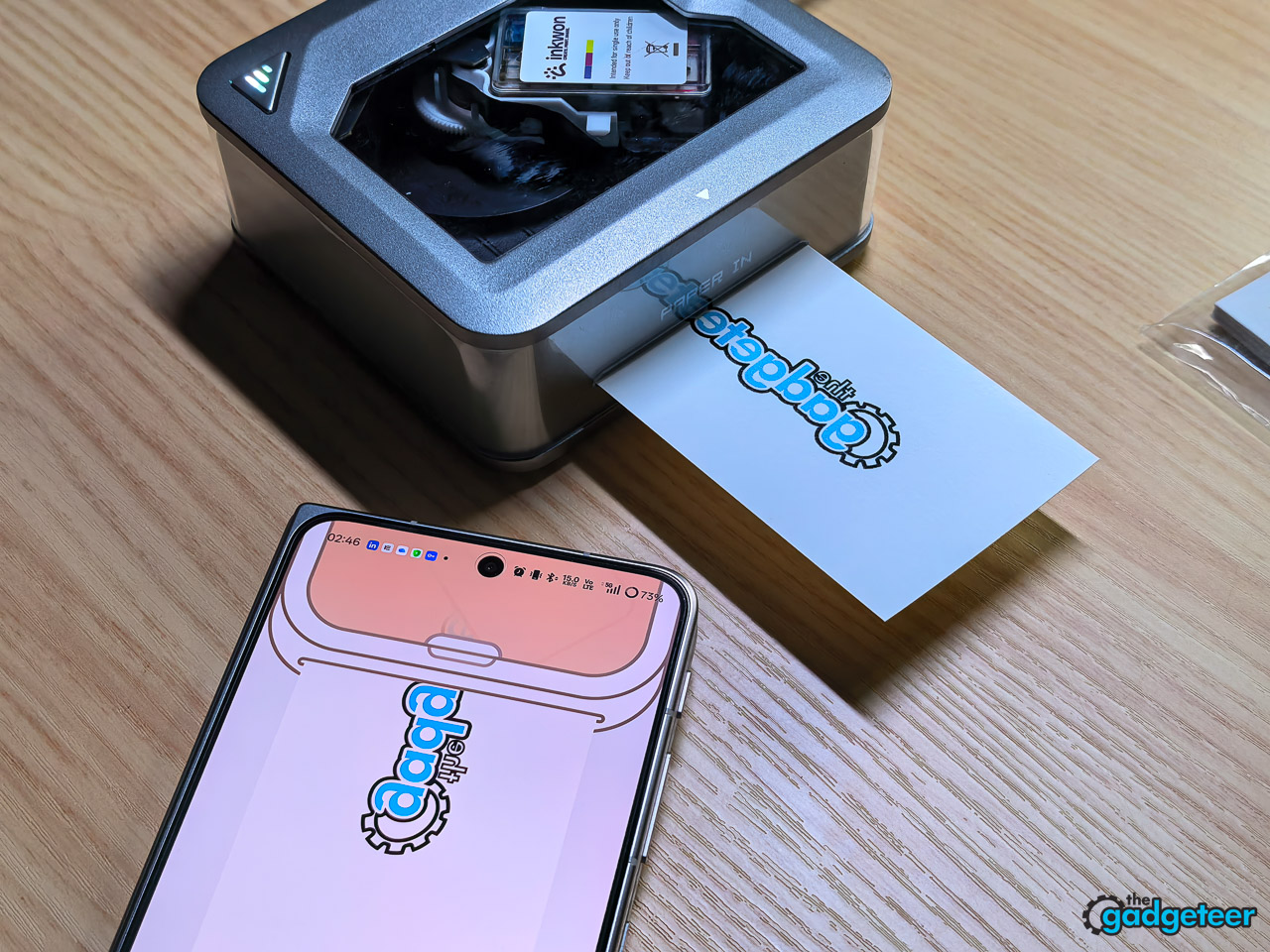
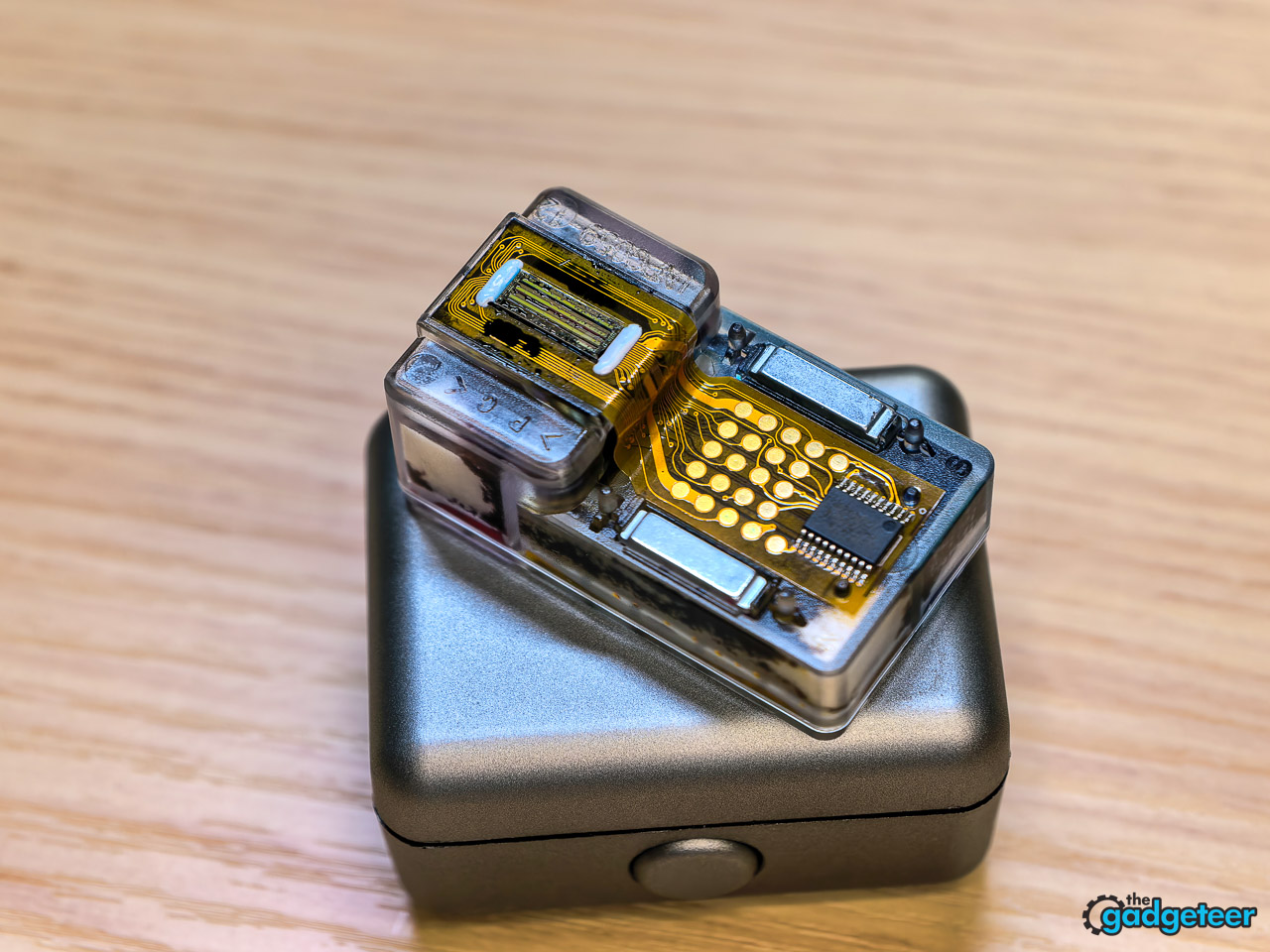
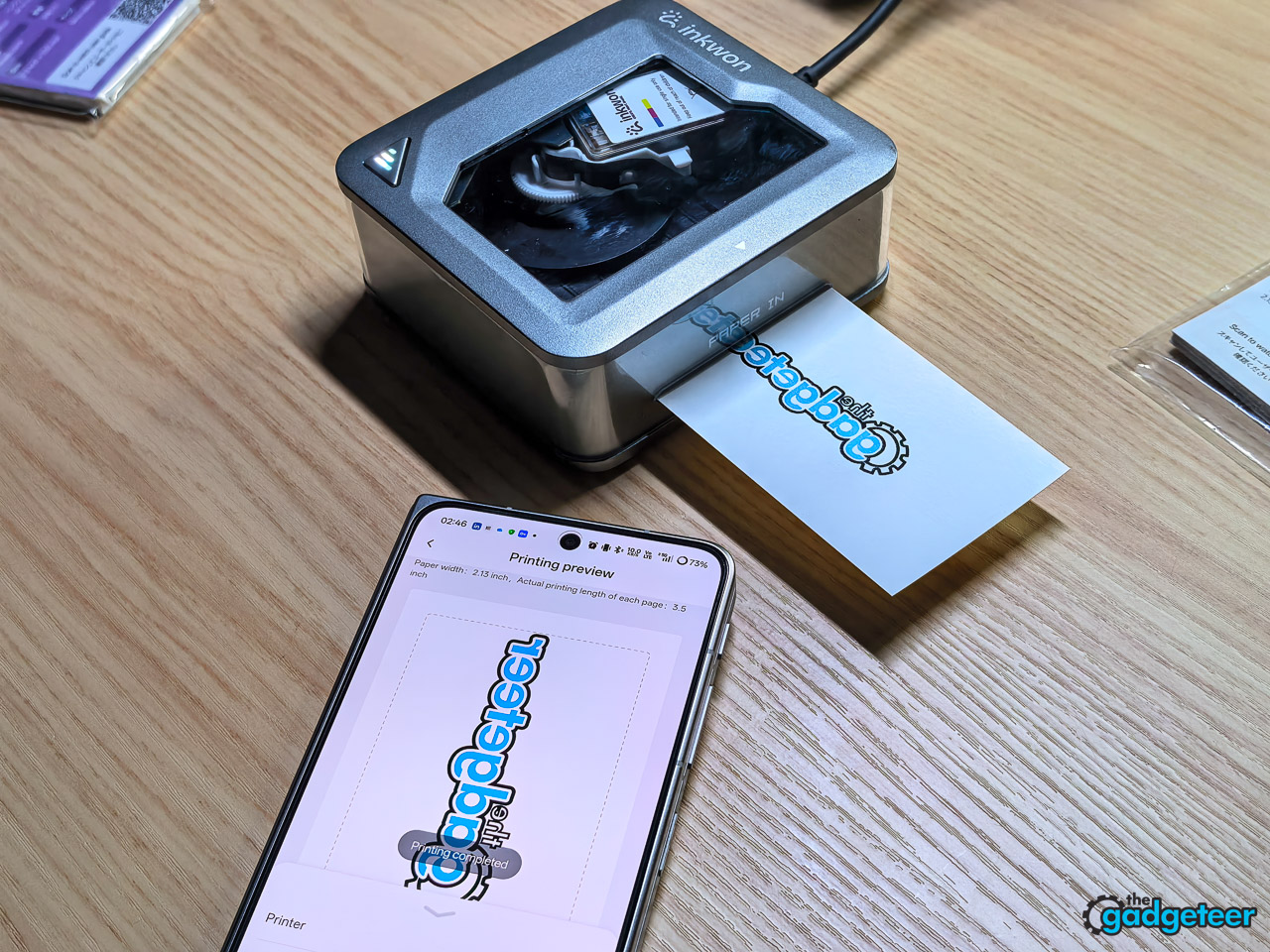
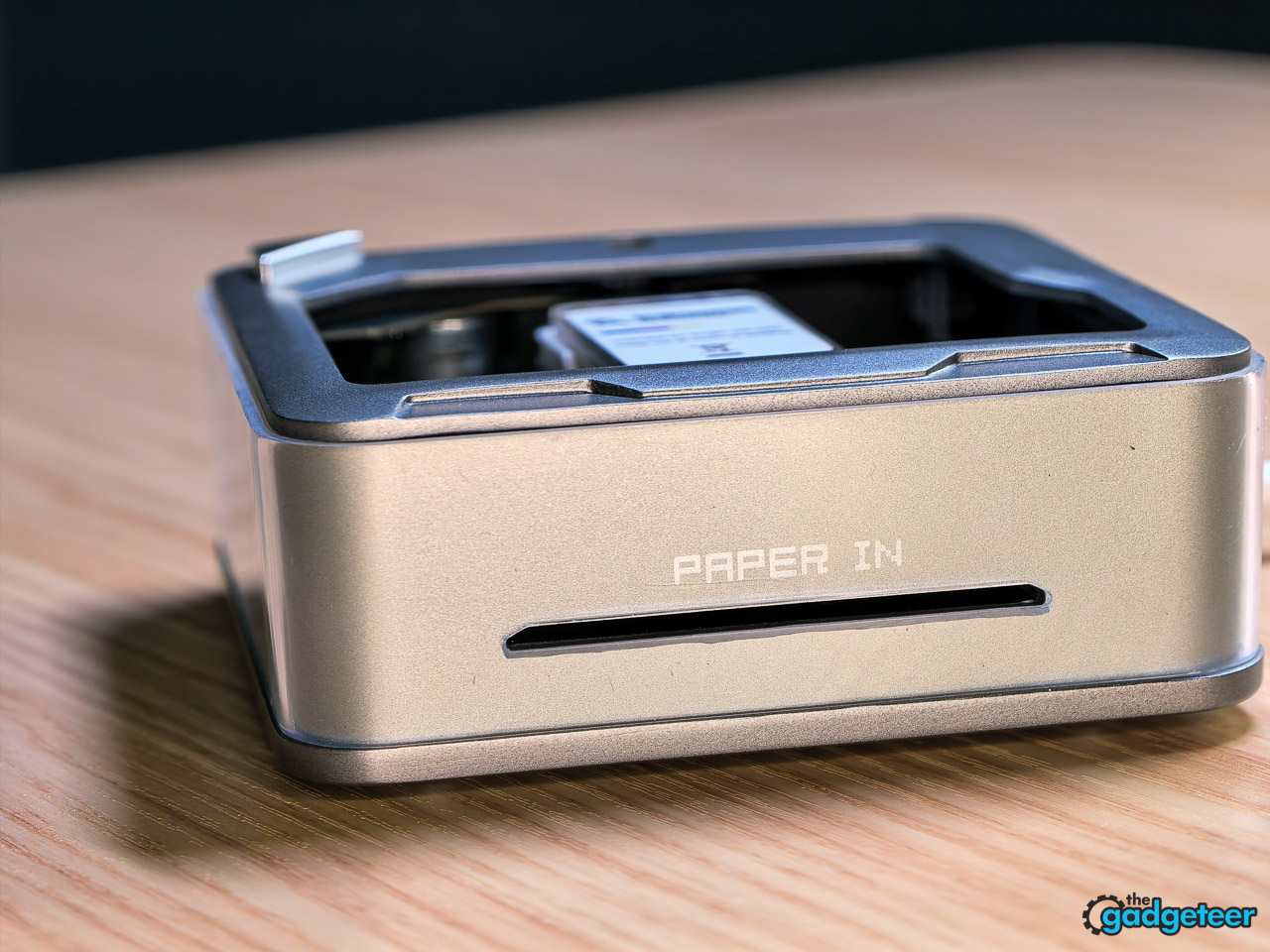
The TAG is genuinely palm-sized at roughly 3.9 by 3.8 by 1.8 inches (100 by 97 by 45 mm) and weighs about half a pound (235 g). In hand it feels closer to a Polaroid Hi-Print than a label printer, with a soft-touch plastic shell and a single power button (hold three seconds to wake it). The CMY tri-color cartridge is a magnetic snap-in: peel its protective seal, slide it in vertically, and it clicks securely into place. There’s no separate black ink, which is a normal compromise at this size and one the photos and stickers don’t visibly suffer from. Paper feeds one sheet at a time through INKWON’s self-suction slot; you start a sheet in and the printer pulls it through on its own, so there’s no force-feeding.
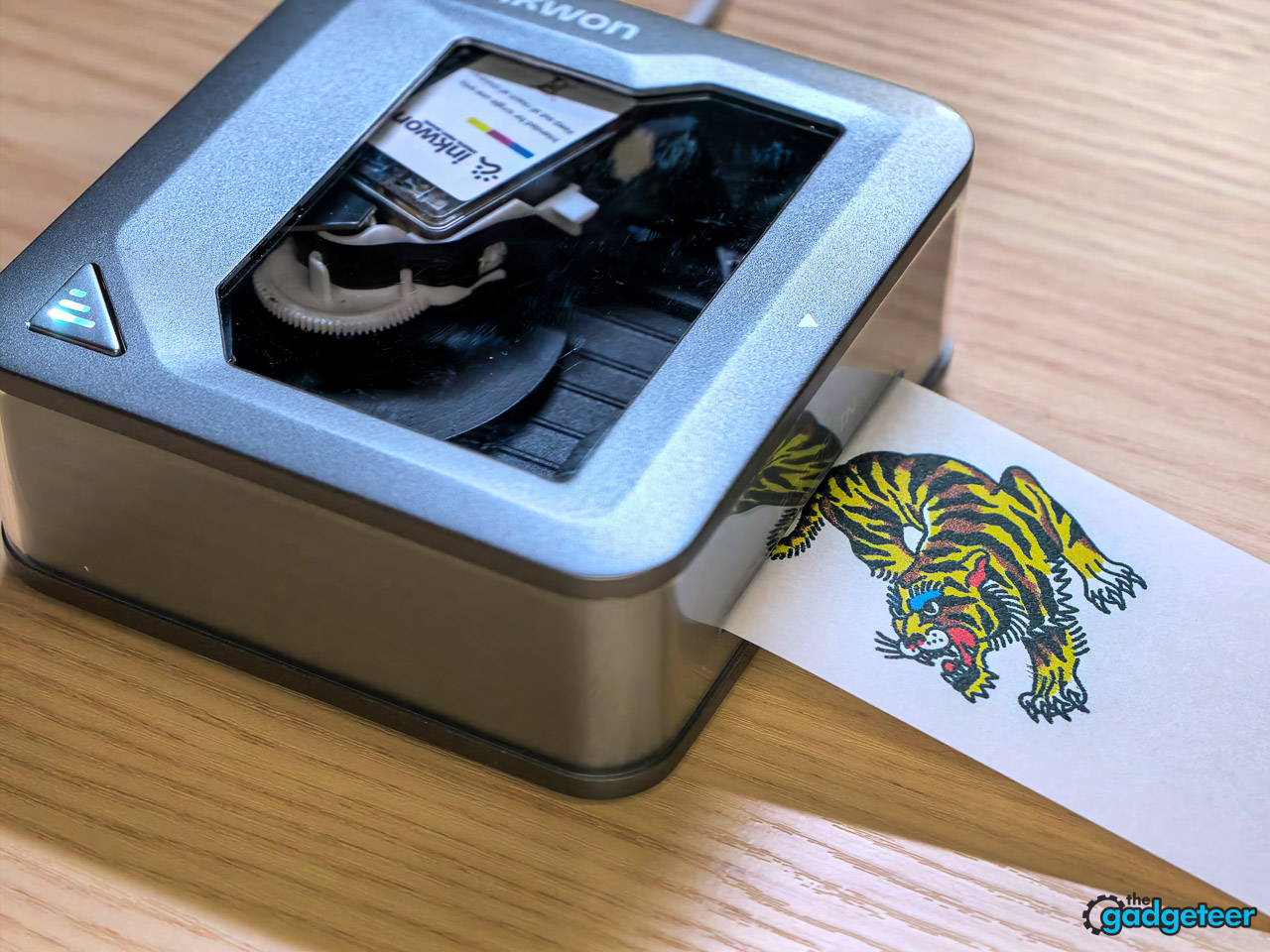
Setup ran under five minutes. Charge it over USB-C, install the INKWON app on iOS or Android, pair over Bluetooth 5.4, and you’re loading paper. No PC, no Mac, no print drivers. At this form factor a phone-only workflow is the right call, and INKWON doesn’t pretend otherwise.
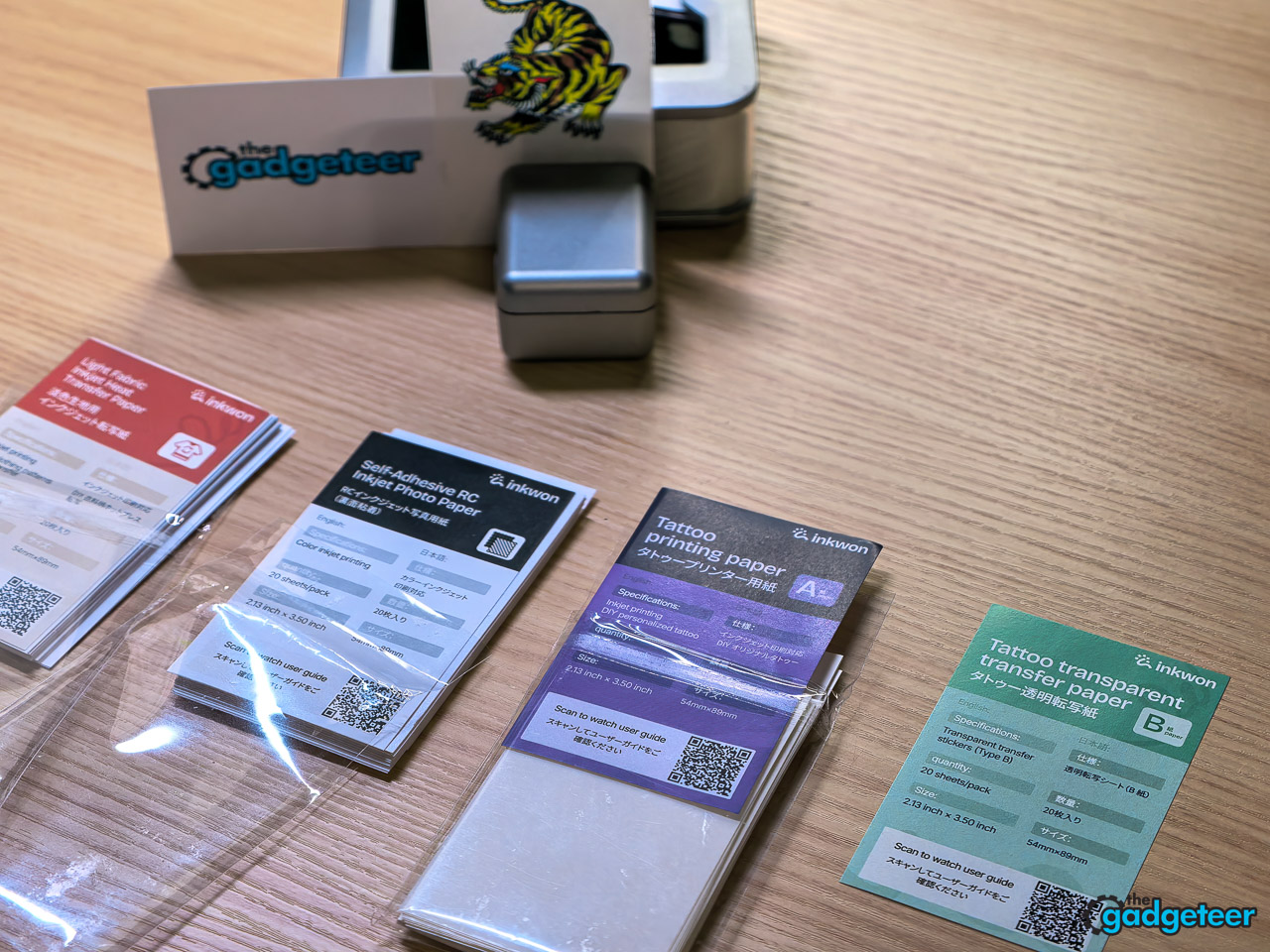
What’s in the box (Basic Pack)
- 1× INKWON TAG printer
- 1× ink cartridge (CMY, 1.2 ml per color)
- 1× USB-C charging cable
- 20× photo and sticker paper sheets
- 20× heat-transfer paper sheets
- 20× temporary tattoo paper sheets
- 5× nozzle cleaning wipes
- 1× quick-start guide
- 1× user manual
The MEGA Pack adds a second ink cartridge, doubles all three paper types to 40 sheets each, and throws in a tote bag, photo frame, and a printed t-shirt.
Specs
| Spec | Value |
|---|---|
| Dimensions | 100 × 97 × 45 mm (3.9 × 3.8 × 1.8 in) |
| Net weight | 0.52 lbs (235 g) |
| Print resolution | 600 dpi |
| Print speed | 2 mm/s max |
| Battery life | ~90 min, 60 sheets per full charge |
| Connectivity | Bluetooth 5.4 |
| OS compatibility | Android 5.0 / iOS 12 or later |
| Charging time | 2.5 hours |
| Certifications | FCC, IC, ASTM-F963, CPC, CE, EN71, RoHS, REACH, WEEE, UKCA, TELEC, UN38.3, MSDS, IEC-62133 |
Print quality
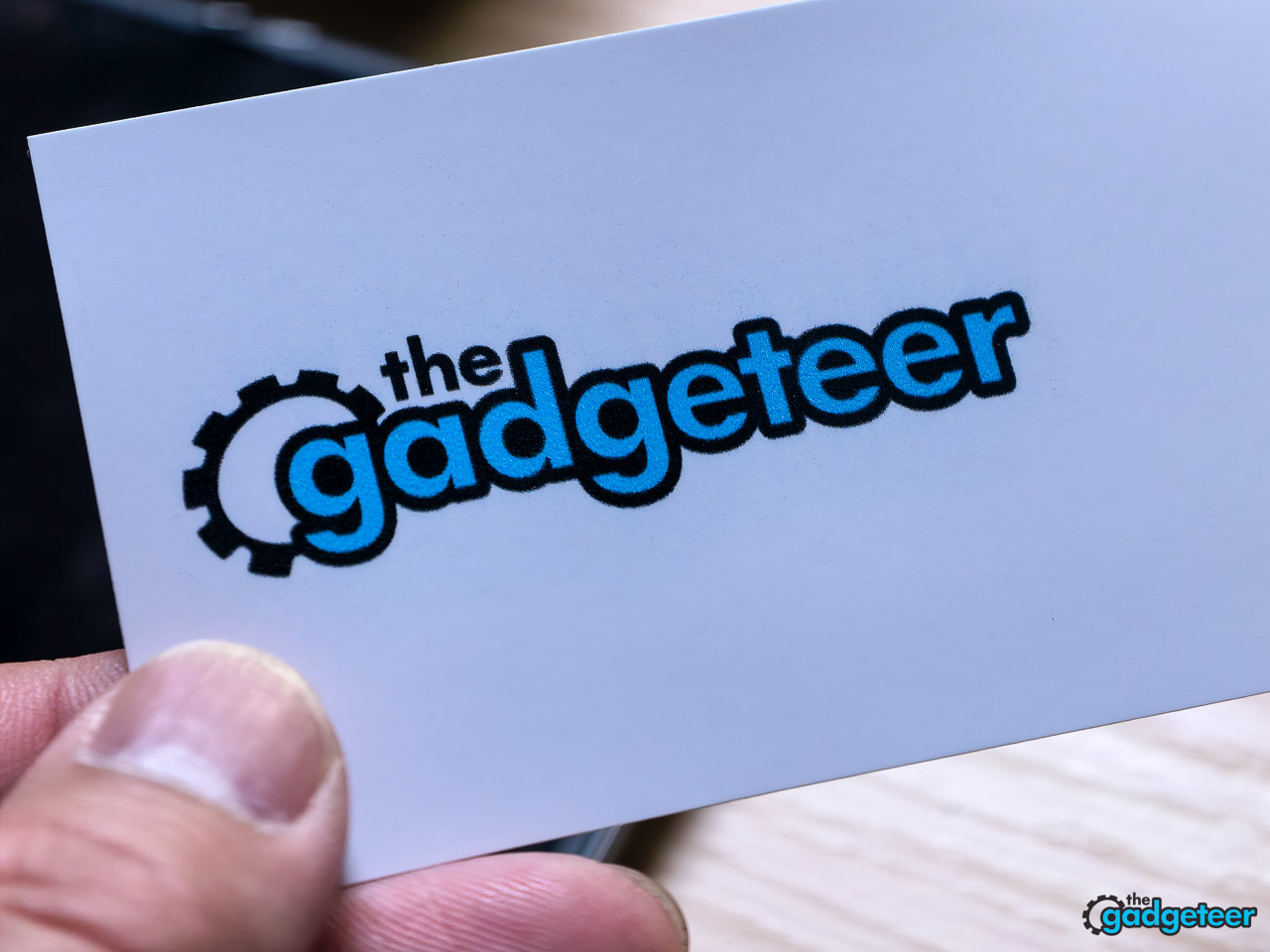
INKWON’s headline number is 600 DPI true CMY color, and in my prints that translates to noticeably better output than the thermal pocket printers most buyers will compare it against. Skin tones come out as skin tones, not the slightly washed-out salmon you get from a Polaroid Hi-Print. Small text stays readable at sticker scale. Gradients hold up without obvious banding, and dense areas of black or deep blue don’t muddy the way they do on dye-sublimation pocket prints. The Hi-Print is the closest direct competitor in form factor, and the TAG out-prints it on every visual metric I tested. The Hi-Print still wins on paper-loading convenience, but that’s a narrow edge against a real quality gap. Super Early Bird backers go in at $169 for the basic pack and $199 for the MEGA pack, both well under the eventual MSRPs of $299 and $349, which makes the quality gap easier to justify.

Three things to be honest about. Print width caps at 1.8 inches and the paper itself is fixed at 2.1 by 3.5 inches, so this is a small-canvas device, and nothing about that will change in firmware. Print speed is 2 mm per second, which feels slow if you’re used to thermal output. And dye-based CMY means longevity is not the same as pigment ink, so direct sunlight on a sticker over months is going to fade faster than a laser print would.
For what the TAG is actually built for (photos for the fridge, stickers for a planner, transfers for a kid’s t-shirt), I can live with all three.
The four modes, tested
Photo mode is the easiest win.

You’re printing a 2.1 by 3.5 inch adhesive photo, and the result looks like a small, clean inkjet photo. The adhesive backing means you can stick prints straight onto a notebook, a fridge, or a planner cover without any extra tape or glue. Compared to a Hi-Print, prints come out glossier, sharper, and with stronger color depth. For most casual buyers this single mode is the reason to buy the device, and it’s the one I came back to most during testing.
Sticker mode prints on adhesive paper that doubles as the photo stock, with a pre-cut backing. Output is sharp enough for laptop decals, gear tags, planner work, and small product labels. The peel-and-stick backing is generous enough to handle without fingerprinting the adhesive, which most small-batch sticker printers botch. There’s no die-cutting, so shapes are limited to whatever you design inside the rectangle.
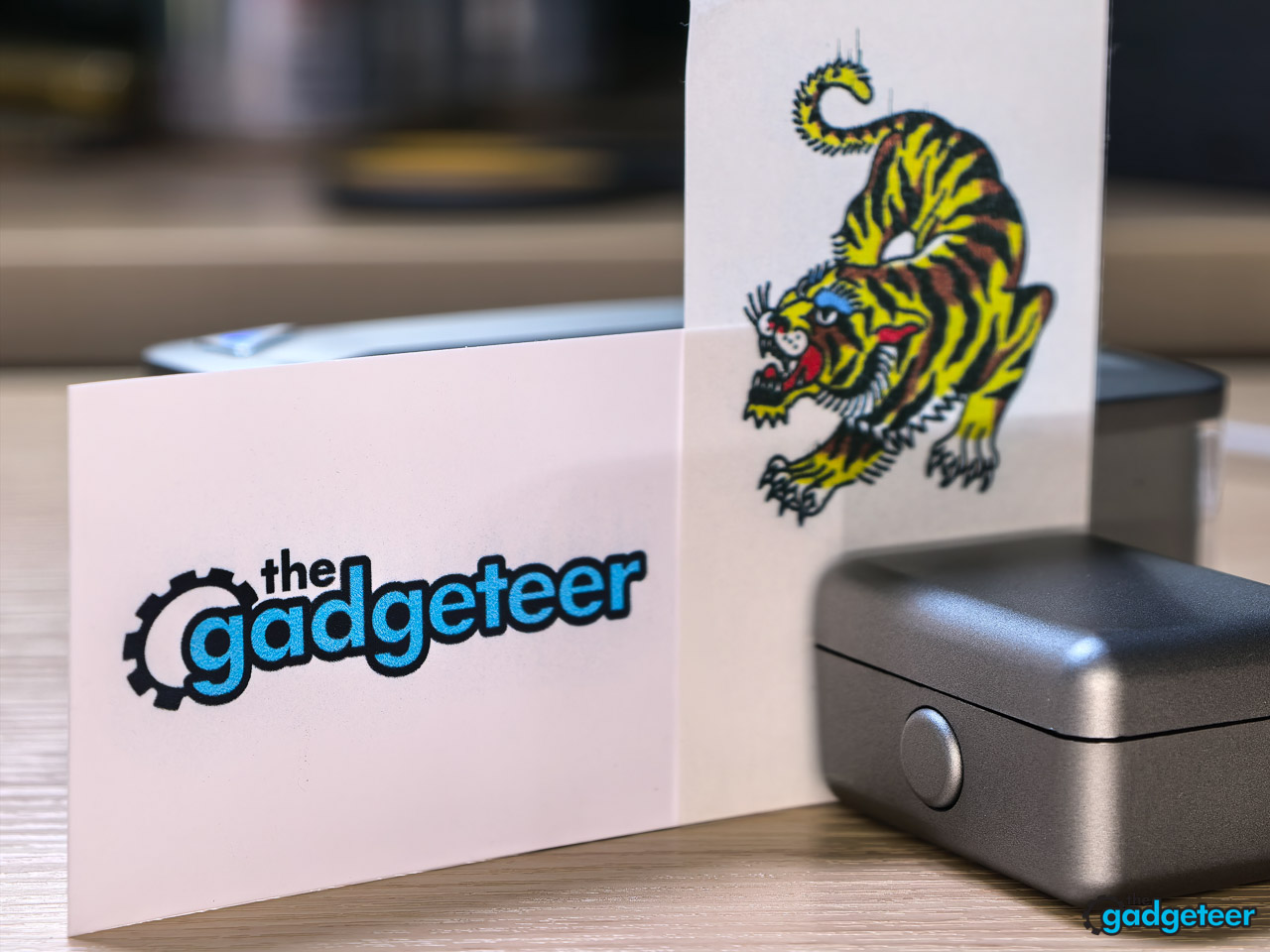
For most personal use cases that’s a non-issue. Scissors handle the rest, and the cuts read as deliberate rather than improvised.
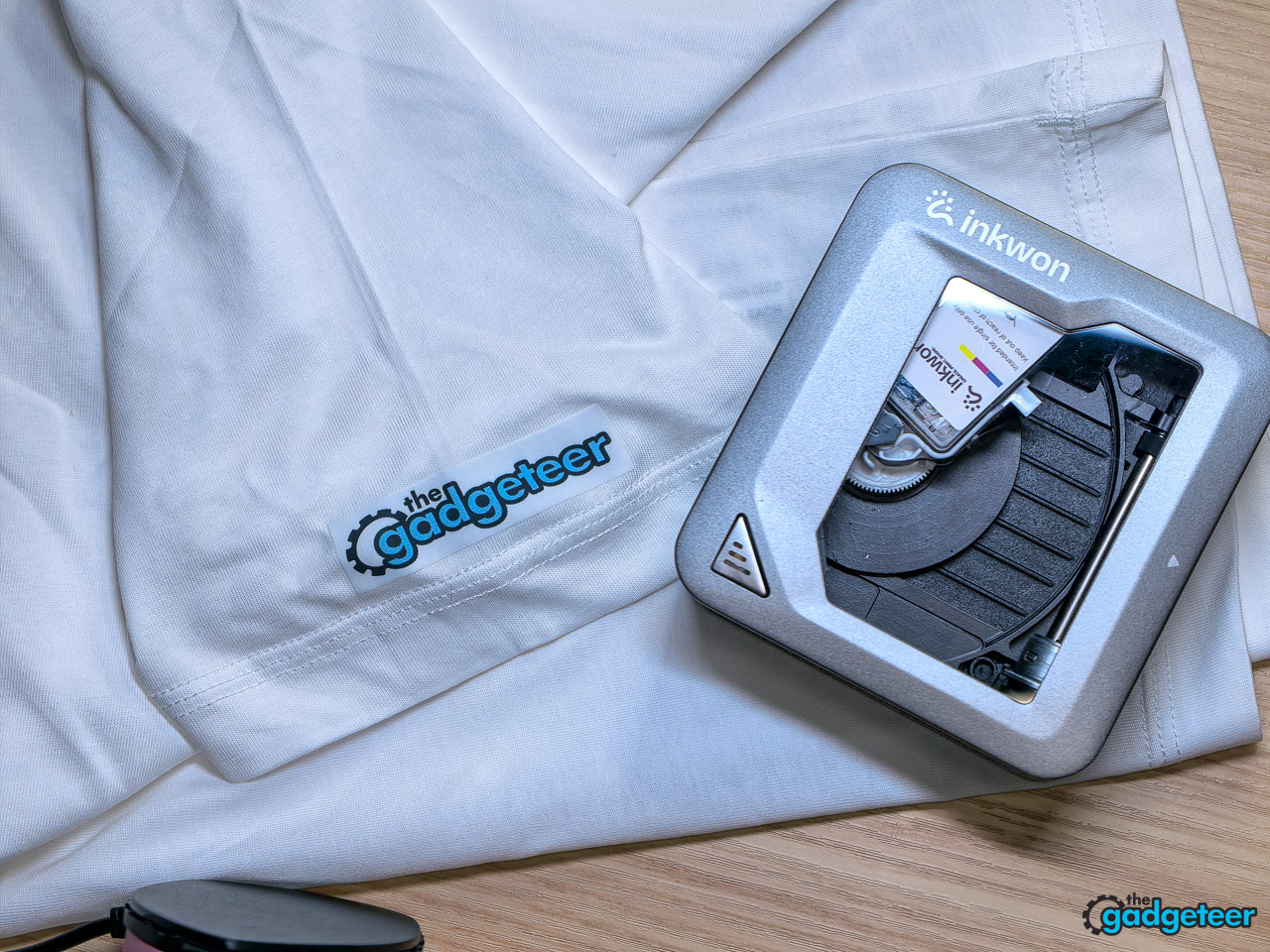
Heat-transfer mode is the most interesting, and the one with the most caveats. The brand limits this to light-colored fabric, which is correct given how dye-based inkjet transfers behave. There’s no white underbase, so dark shirts are out.
INKWON’s spec sheet calls for 160 to 190 °C with a 3 to 5 minute transfer window, while the brand’s quick-start walkthrough demonstrates a shorter 25 to 35 second press at medium-high heat with a heat press. I worked from the walkthrough numbers in testing. The process is straightforward: print, peel the backing, lay the design face up on the shirt, cover it with a heat-resistant sheet (parchment paper works), and apply firm even pressure.
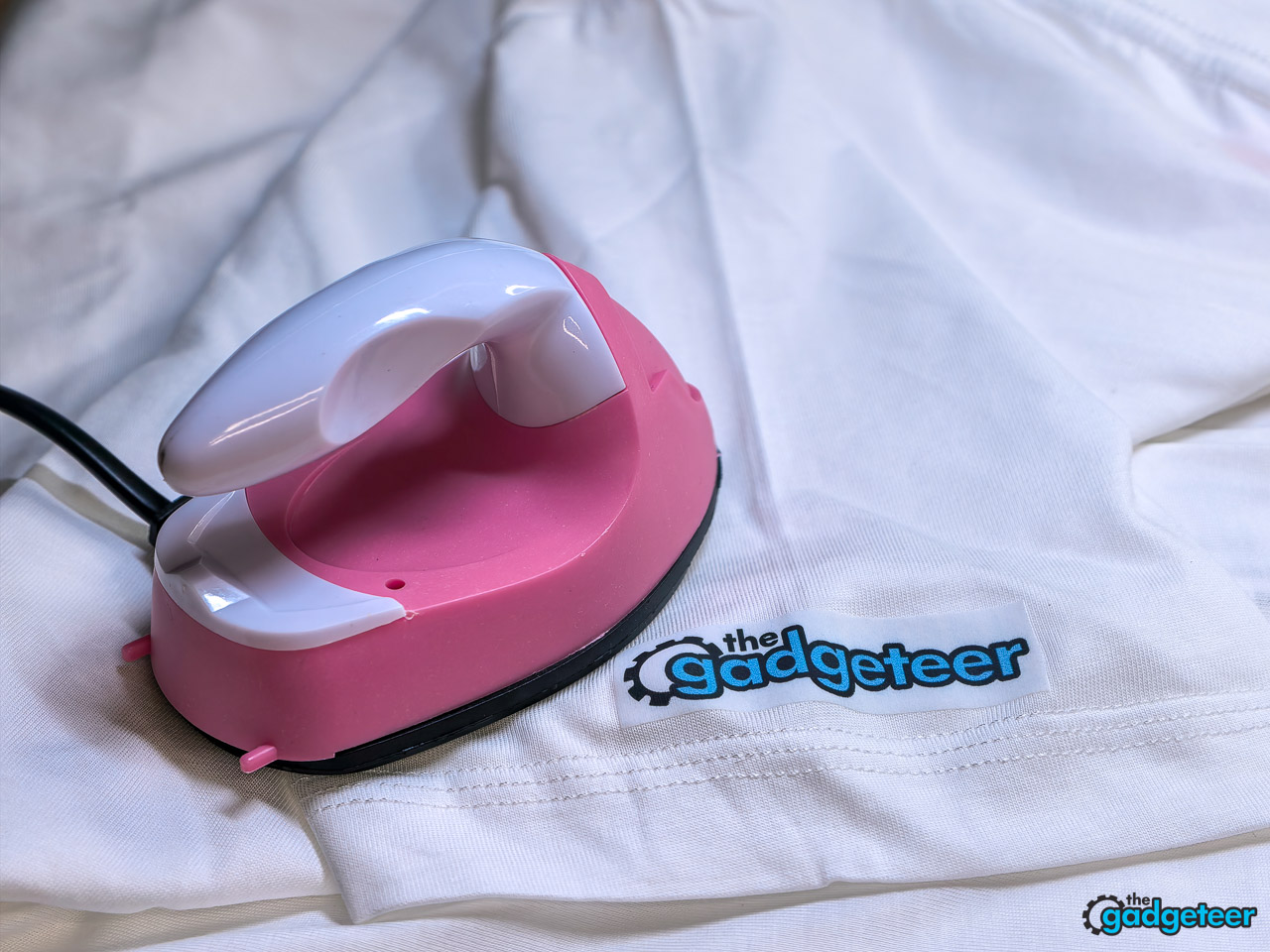
You don’t actually need one.
I happen to own a tiny $2 mini iron from a craft drawer. It worked perfectly with a sheet of parchment paper at roughly the same dwell time, the result came out clean and saturated with sharp edges and full color fill, and from app to finished design on a white cotton tee the whole thing took about three minutes. The transfer survived repeated wash cycles in cold water with no cracking, peeling, or visible color loss.
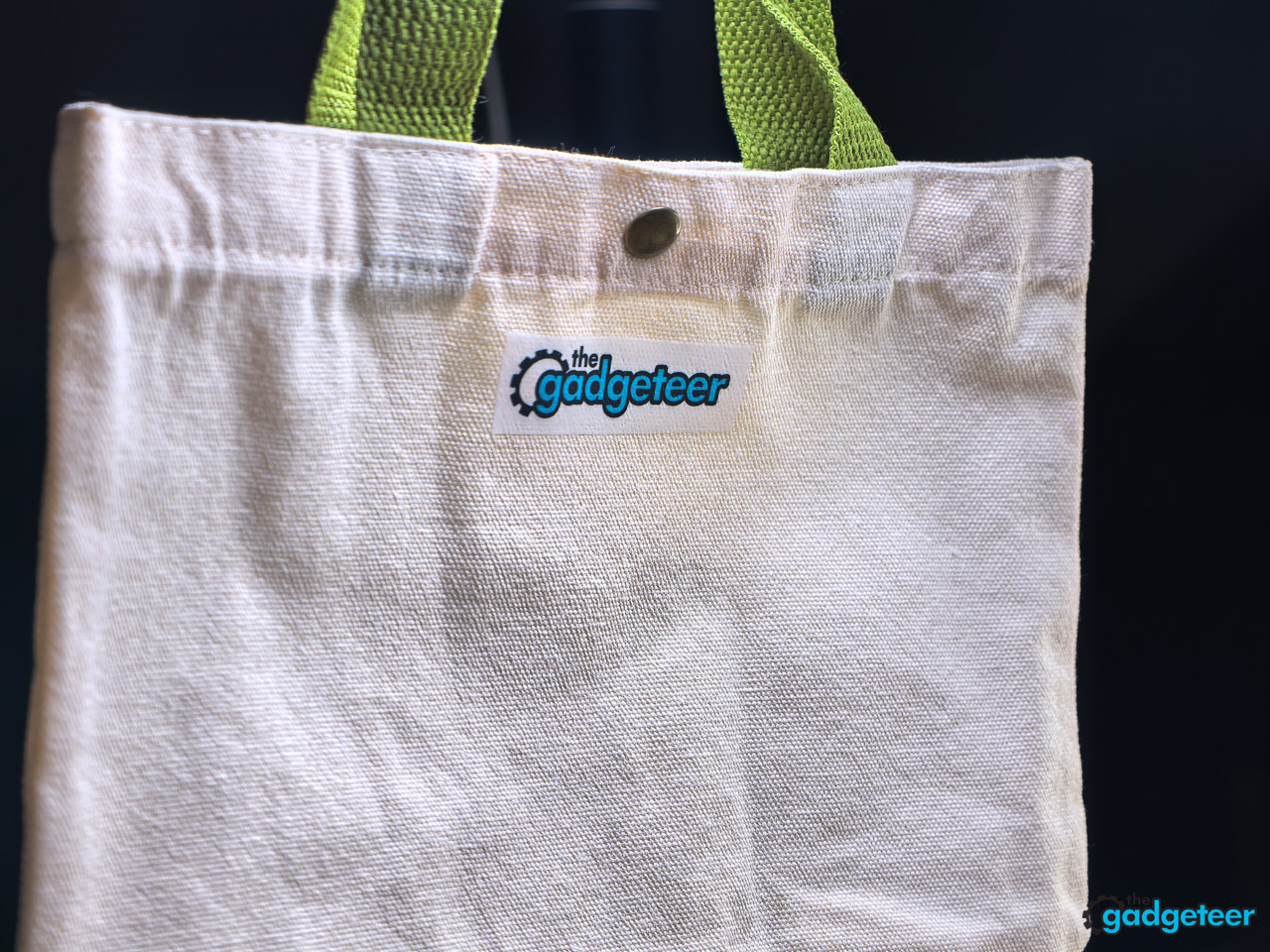
For light-fabric personal projects, this works. And the fact that a craft-drawer mini iron lands the same result as a heat press makes it more accessible than the marketing materials suggest.
Temporary tattoo mode uses transfer paper applied with a damp cloth. The chemistry has been around for decades on commercial children’s tattoos, and INKWON is using the same approach with their own paper stock. The brand pitches the ink as 100 percent skin-safe, with EN71-3, ASTM F963, REACH, and RoHS compliance backing the kid-friendly claim. Application took about thirty seconds with a wet washcloth, and the transfer cured cleanly.
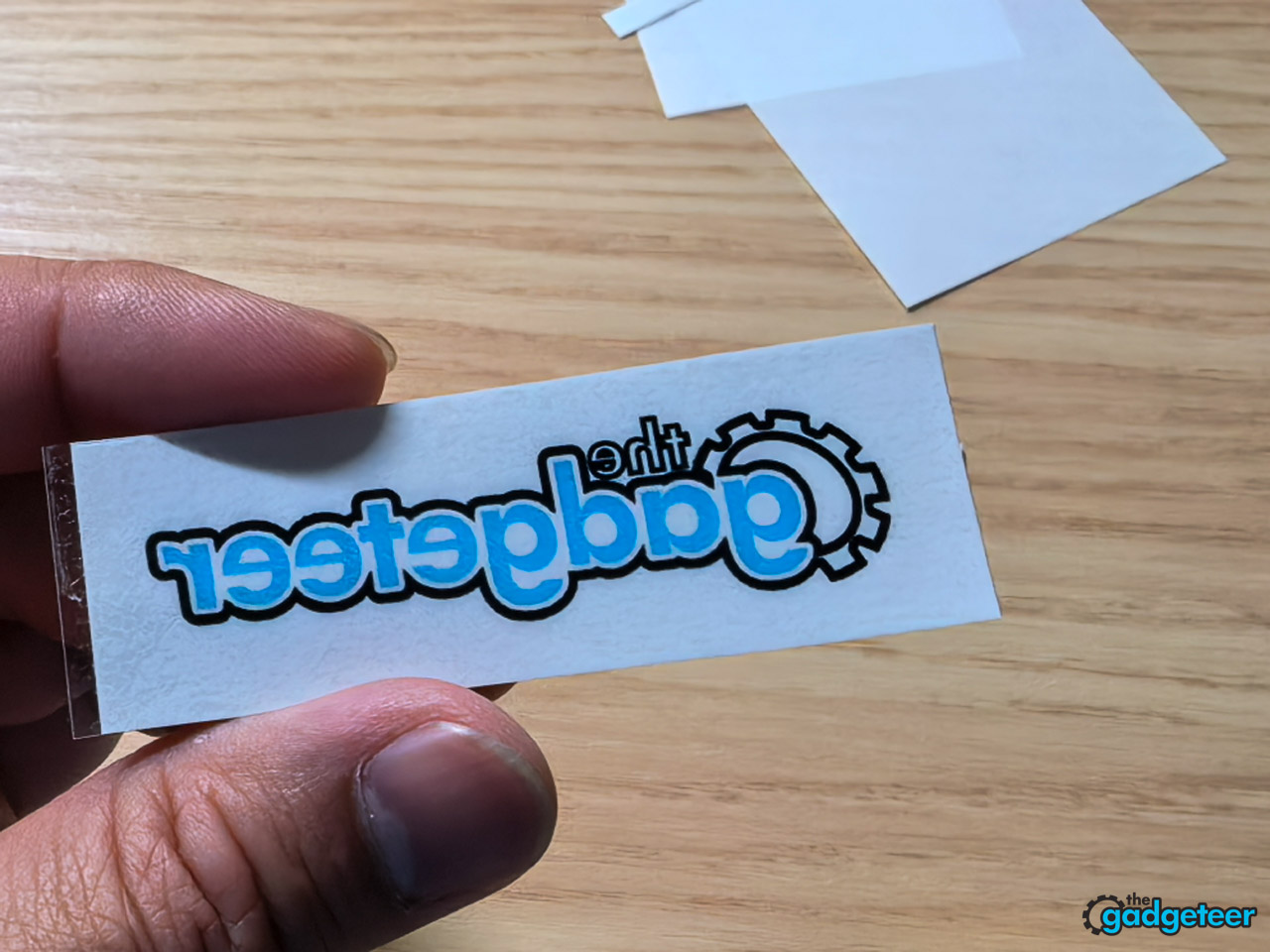
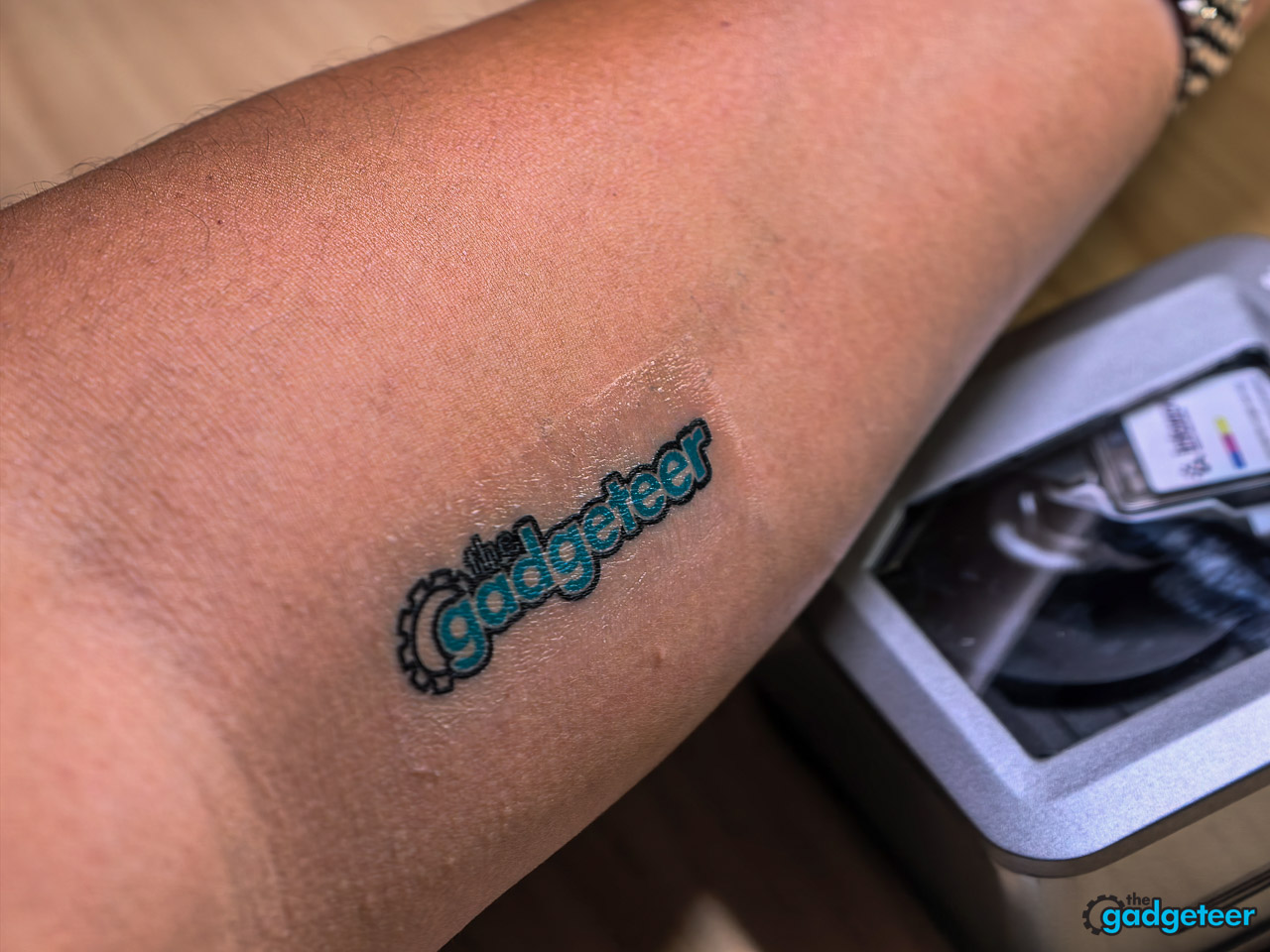
It held for four full days under normal wear, including showers and a couple of workouts. Color stayed clean. No smearing under sleeves, no transfer onto bedsheets. By day five it started to flake at the edges, which is exactly what you want from something marketed as temporary.
This is a better party trick than I expected. For event branding or a kid’s birthday, I’d actually use it.

App and workflow
The INKWON app is template-driven, with filters, frames, AI-assisted layout, and 18 languages supported. In daily use it’s competent and unfussy. The template library covers most of what casual users want without forcing you to design from scratch, and the AI layout tool did a reasonable job auto-arranging multi-photo collages onto the small canvas. It’s also the only way to drive the printer, and the lack of any desktop workflow will frustrate anyone who edits photos in Lightroom or designs in Illustrator the way I do. The workaround is simple: export a flattened JPG, open it in the INKWON app, and print from there. Phone screenshots and phone-edited art are the assumed input, and once you accept that, the workflow stays out of your way.
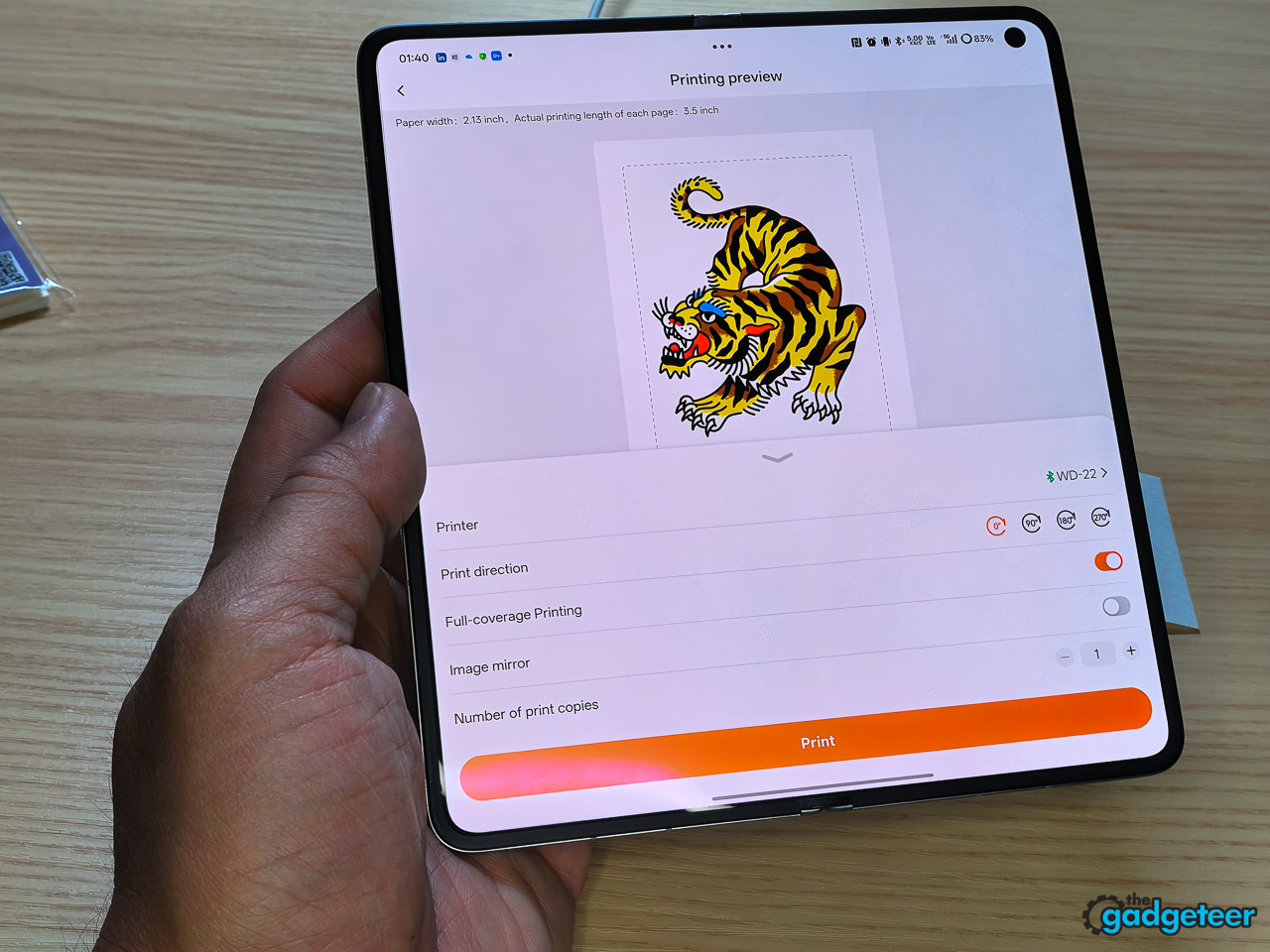
INKWON built maintenance into the app instead of leaving it to you. There’s a one-click cleaning cycle that runs in about ten seconds, and the brand wants you running it before every print. Five cleaning wipes ship in the box for the print head, and the routine is to wipe gently in one direction only after each cartridge swap. Inkjets clog. Two weeks of regular printing produced no failed prints and no visible streaks.
Battery and consumables
INKWON’s headline math is clean: one charge equals one cartridge equals sixty prints, with roughly 90 minutes of active runtime and 2.5 hours to fully recharge over USB-C. Pairing the battery and cartridge to expire together makes resupply planning simple. You burn through both at once, swap both at once, and never run ink math separately from battery math. In one working session I ran through about forty prints across photos, stickers, and one heat transfer before the battery dropped below half, which tracks with the brand’s claim. That’s a usable day at a craft fair, an event booth, or a long review-unit photo session, and a power bank tops it up over USB-C if you need more.
Unit pricing is set: Super Early Bird backers pay $169 for the basic pack (MSRP $299) and $199 for the MEGA pack (MSRP $349). Refill pricing is also published. Add-ons run $59 for three ink cartridges, $19 for five photo or sticker paper packs, $19 for three heat-transfer paper packs, and $25 for three tattoo sticker paper packs. INKWON backs that out to roughly $0.50 per print on photos and stickers, $0.63 on heat transfers, and $0.72 on tattoos. At fifty cents a photo the TAG lands competitively against thermal pocket printers, with the specialty papers commanding the premium you’d expect.
Verdict
The INKWON TAG is the most ambitious pocket printer in years, and every feature works the way the brand promises. Photos print like real inkjet photos. Stickers come out sharp enough for laptops and planners. Heat transfers survive the wash. Temporary tattoos hold for days on skin. No shipping competitor delivers all four jobs in one pocket-sized device.
The campaign is already past 400 percent funded with shipping estimated for August 2026, so the financial risk on backing this is low. The standard first-time Kickstarter caveats still apply on shipping timelines and long-term support, since INKWON Printing is a new operation out of Kowloon, Hong Kong with no prior campaigns under its belt. The product itself, though, works. This is one of the few Kickstarter pocket gadgets I can recommend without hedging on the hardware. If you already own a pocket photo printer and wished it could do more, this is the upgrade.
Super Early Bird (Basic Pack): $169 (185 of 200 left, MSRP $299)
Super Early Bird (MEGA Pack): $199 (136 of 200 left, MSRP $349)
Where to buy: Kickstarter
Source: The sample of this product was provided for free by INKWON. INKWON did not have a final say on the review and did not preview the review before it was published.