Senior year runs on one laptop: the thing that survives a full day of classes, a midnight essay, and a backpack that gets dropped more than anyone admits. Prime Day 2026 ends tonight, June 26, so the prices below are the ones a student can actually grab before back-to-school demand pushes them back up. You don’t need to spend four figures to get a machine that lasts until graduation. You just need to know which corners are safe to cut.
I’m weighing this exact call at home. My eldest is an incoming senior, and his 2020 MacBook Air still runs, so my question isn’t which laptop wins on paper, it’s whether that Air has one more school year in it or it’s finally time to replace. That’s the lens behind every pick below: what I’d actually buy for my own kid heading into a deadline-heavy final year.
How We Picked
We ranked these six on the things that decide a school year: battery that survives a full day, memory that keeps tabs and apps quick, and a build that takes daily commuting. We matched each operating system to real classroom needs, then sorted by how much laptop a student gets for the money at Prime Day pricing. Every price here is approximate and tied to the sale, so these are value calls for the event, not list-price rankings.
At a Glance
- Apple MacBook Neo: the best all-around pick when macOS fits the student
- Acer Aspire 3 (A315-24P): the cheapest Windows laptop here that still feels quick
- Lenovo Flex 5i Chromebook Plus: a flip-screen 2-in-1 for note-taking and streaming
- HP OmniBook 5 14: the battery champ that clears a full school day with hours to spare
- Asus Chromebook Plus CX34: the lowest-cost pick for a student who lives in Google Docs
- Lenovo Chromebook Duet Gen 9: a detachable that weighs almost nothing in a bag
| Laptop | Best for | OS | Approx. Prime Day price |
|---|---|---|---|
| Apple MacBook Neo | Best overall | macOS | $560 |
| Acer Aspire 3 (A315-24P) | Best Windows under $500 | Windows | $456 |
| Lenovo Flex 5i Chromebook Plus | Best 2-in-1 | ChromeOS | $329 |
| HP OmniBook 5 14 | Best battery life | Windows on ARM | $500 |
| Asus Chromebook Plus CX34 | Best cheap Chromebook | ChromeOS | $379 |
| Lenovo Chromebook Duet Gen 9 | Best for carrying light | ChromeOS | $399 |
1. Apple MacBook Neo: Best Overall
The MacBook Neo is the first laptop most seniors should look at, because it handles the daily grind of essays, fifteen browser tabs, and video calls without the slowdown that hits cheap Windows machines after a year. It starts around $599, which puts a real Mac inside a high-school budget for the first time. You lose a few extras like Thunderbolt and the sharpest webcam, but the aluminum build and the screen punch well above the price.
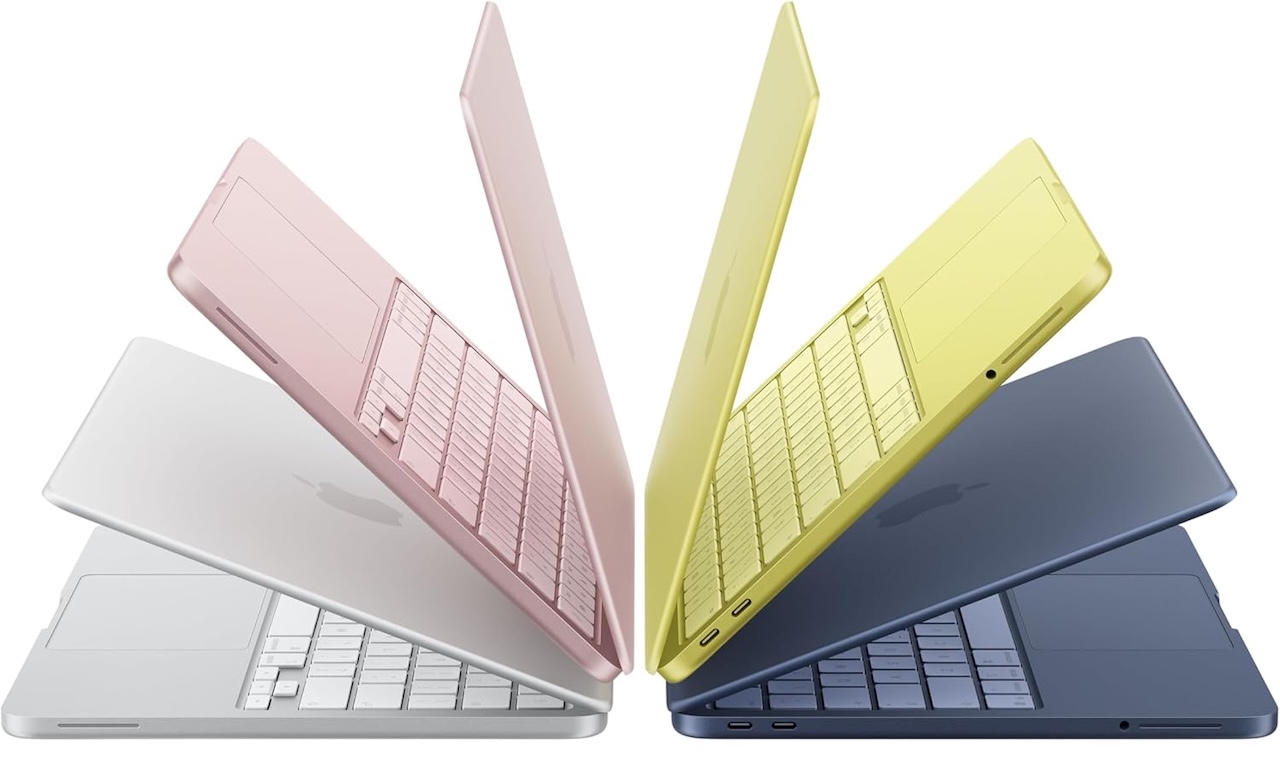
Price: $560 (From $599)
Where to Buy: Amazon
Battery life is the reason to pick it for a commuter, since it carries through a school day and the ride home before it asks for a charger. If the student already lives in iMessage and FaceTime, this is the low-effort answer.
2. Acer Aspire 3 (A315-24P): Best Windows Under $500
If a class needs Windows for a specific app, or the student just wants the familiar layout, the Acer Aspire 3 is the one to beat under $500. Its AMD Ryzen chip keeps a dozen tabs, a Word doc, and a music stream running at once, which is more than most laptops this cheap can promise. The 15-inch screen gives you room for split-screen research and a show on a break.
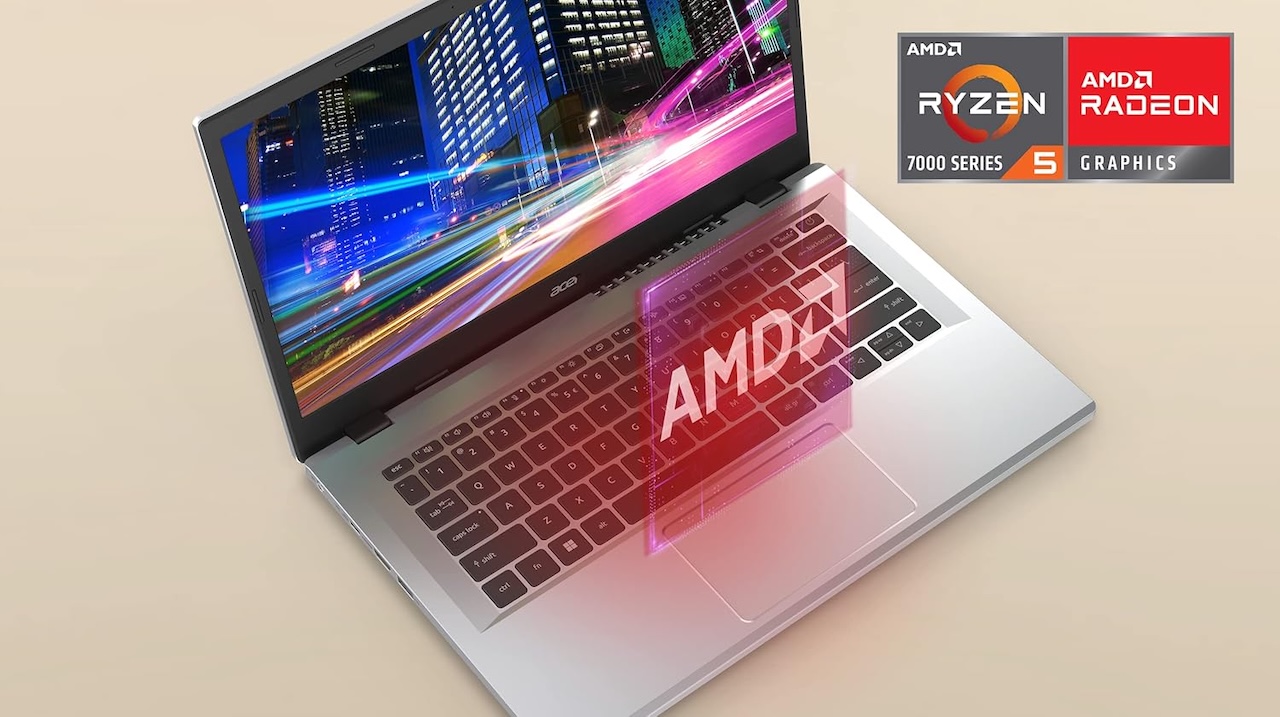
Price: $456
Where to Buy: Amazon
Battery life lands near a full school day, and the plastic shell takes locker abuse better than its weight suggests. Storage is the spot to watch, because the base configuration fills up fast once a few games show up.
Treat it as a workhorse, not a showpiece. For a laptop that has to last from freshman year through senior spring, the price is tough to argue with.
3. Lenovo Flex 5i Chromebook Plus: Best 2-in-1
The Flex 5i is the pick for a student who writes notes by hand, reads PDFs in bed, and watches recorded lectures on the bus. The screen folds back a full 360 degrees, so it flips from laptop to tablet in a second. The Chromebook Plus badge means it clears a higher hardware bar than a basic Chromebook, with enough memory to stop tabs from reloading every time you switch.
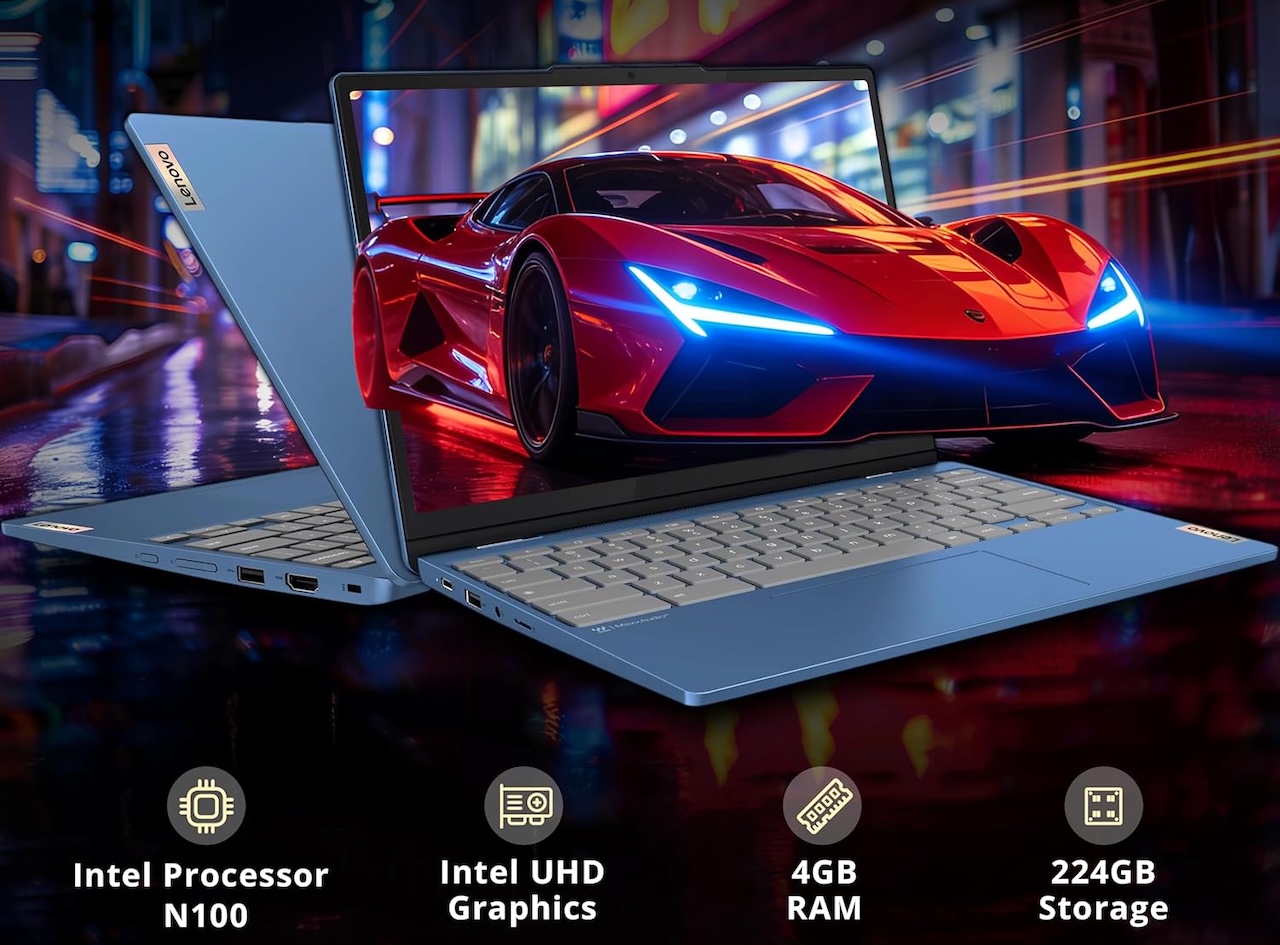
Price: $329
Where to Buy: Amazon
ChromeOS starts fast, updates in the background, and shrugs off most of the malware a teenager can stumble into. The catch is the familiar one: heavy desktop software like full Photoshop won’t install, so check that the student’s classes don’t require it.
4. HP OmniBook 5 14: Best Battery Life
The OmniBook 5 14 is built around endurance. It pairs a Snapdragon X processor with 16 GB of memory, 512 GB of storage, and a 14-inch OLED screen, a spec sheet that usually costs a lot more.
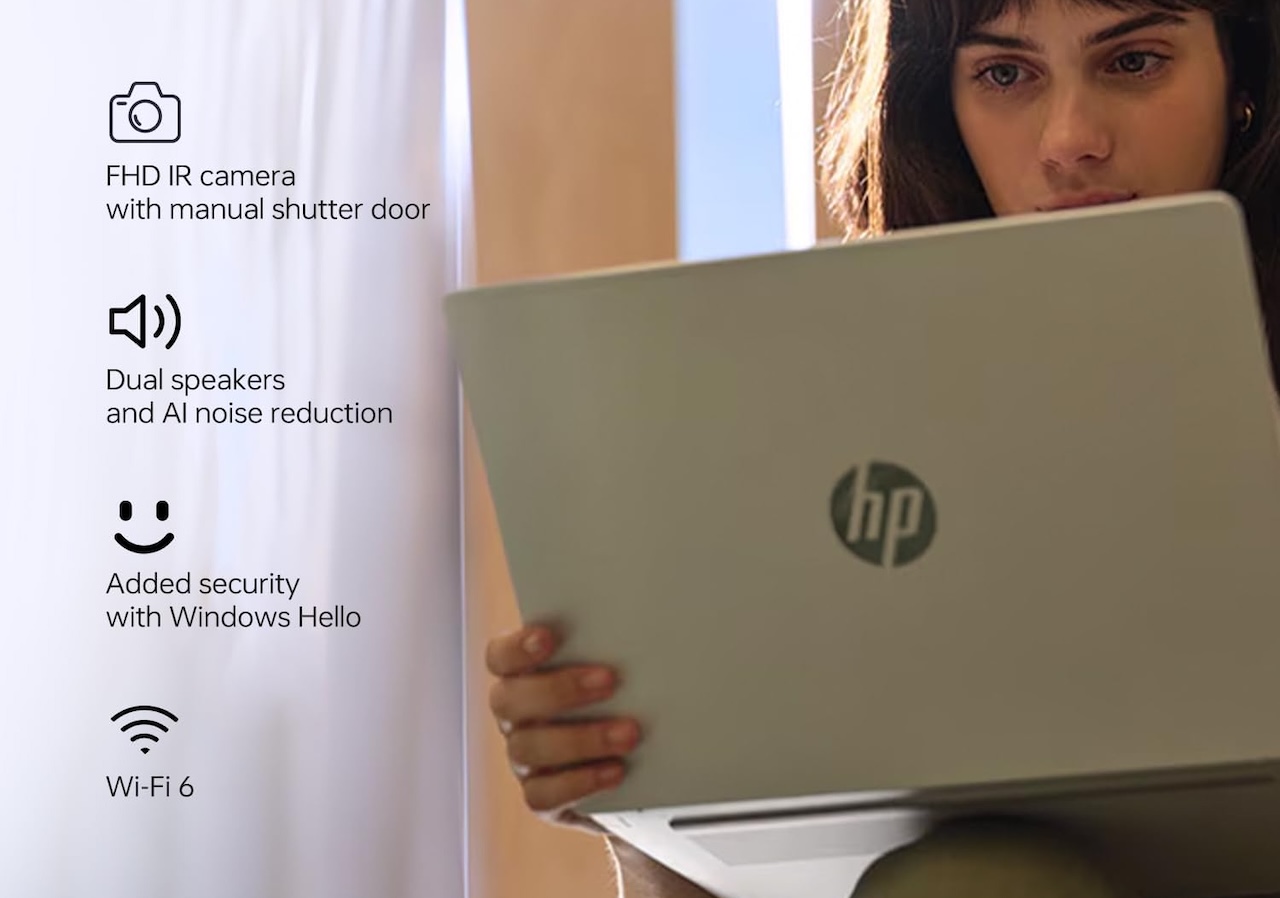
Price: From $579
Where to Buy: Amazon
That efficient chip is the headline: HP rates it for up to 34 hours, so the OmniBook clears a full school day and a long study session before it needs an outlet, and a student can leave the charger at home most days. The OLED panel also makes it the nicest screen on this list for late-night reading and streaming.
There’s one caveat to flag for a buyer. Because it runs on an ARM chip, a rare older Windows program may not install, so confirm any required school app supports ARM first.
5. Asus Chromebook Plus CX34: Best Cheap Chromebook
For a student who lives in Google Docs, Classroom, and a browser, the Asus Chromebook Plus CX34 covers the basics for the least money on this list. It’s quick enough for writing and research, the keyboard is comfortable for long typing sessions, and the battery stretches across a school day.
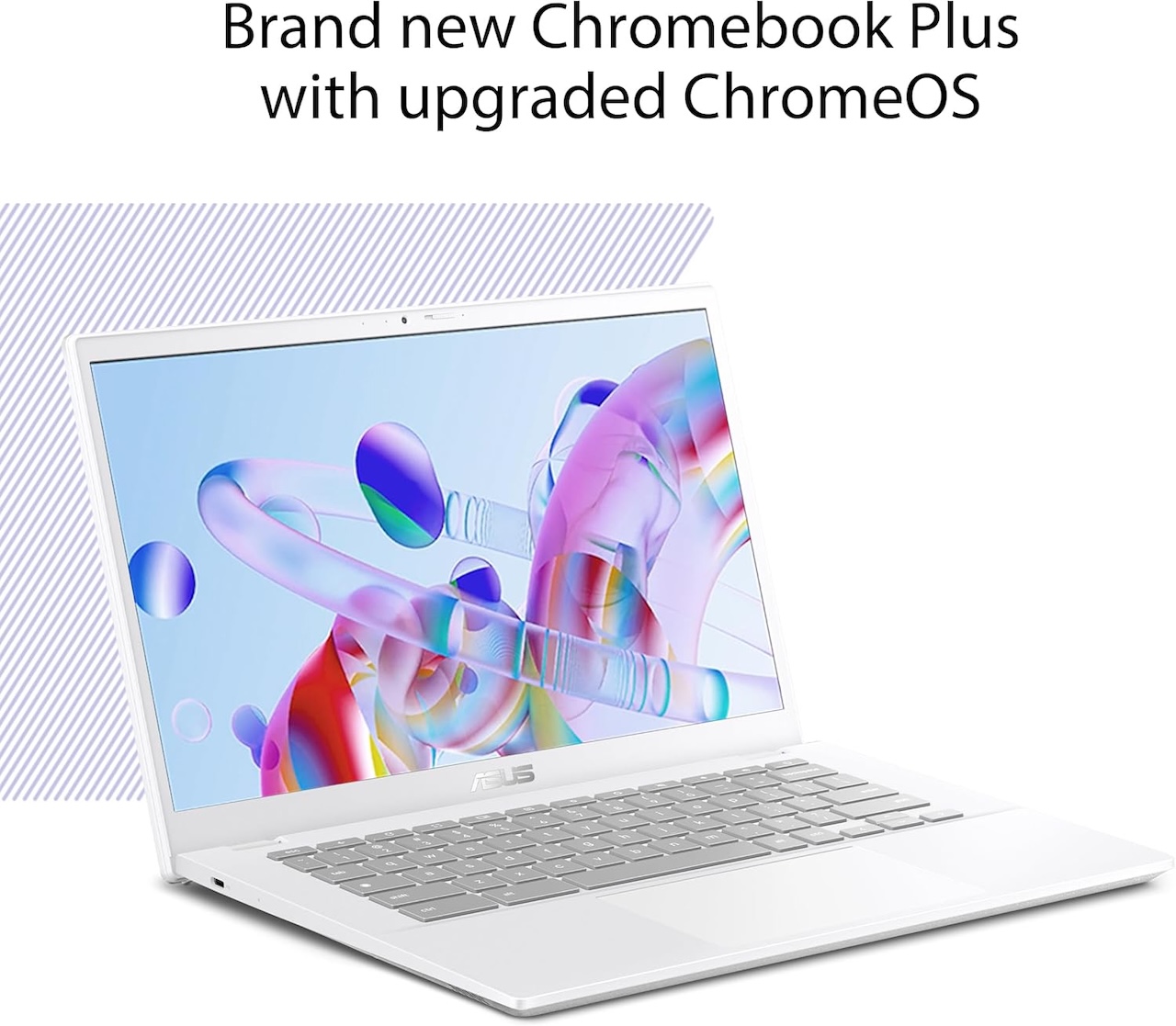
Price: $379.99
Where to Buy: Amazon
Set expectations on the rest: this is a Chromebook, so plan around web apps rather than installed software, and treat the storage as a place for documents, not a game library. Inside those limits, it’s the most laptop you can get for the money during Prime Day.
6. Lenovo Chromebook Duet Gen 9: Best for Carrying Light
The Chromebook Duet Gen 9 is the pick for a student whose backpack is already full. The keyboard detaches, so it drops to a tablet for reading and note-taking, then clicks back together for typing an essay. At close to a pound on its own, it barely registers next to a stack of textbooks.
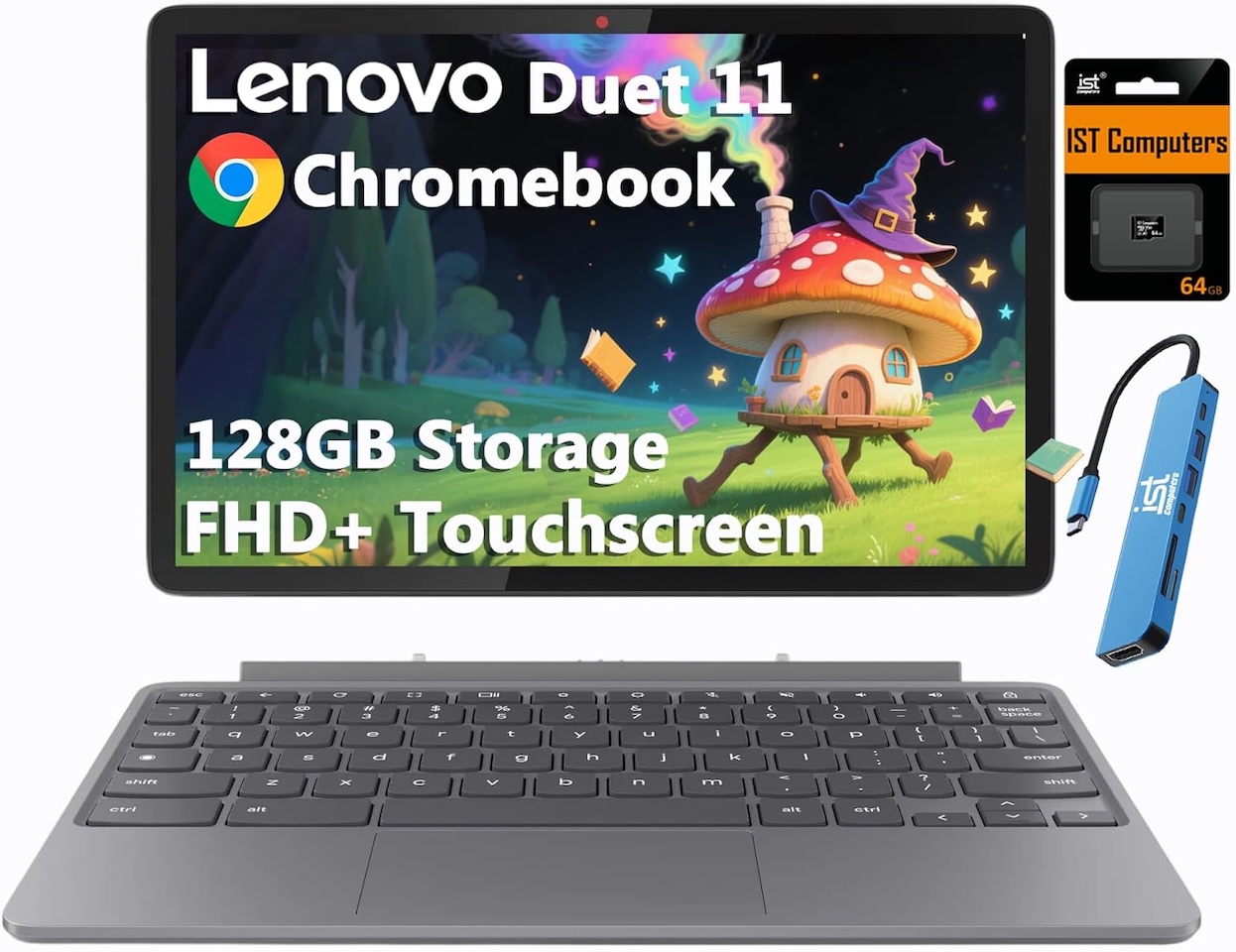
Price: $399.98
Where to Buy: Amazon
ChromeOS keeps it fast for the everyday run of Docs, Slides, and a browser, and the battery gets through a school day with normal use. The detachable design does mean a smaller screen and a tighter keyboard, so a student who writes long papers for hours may want one of the 14 or 15-inch picks instead.
It’s the easy choice for a teenager who values weight and flexibility over raw screen size. For hallway-to-hallway carry, nothing else here comes close.
What to Look For in a Student Laptop
Before you sort by price, match the operating system to the student’s actual classes, then make sure the battery and memory can carry a full day. A few specifics matter more than the brand on the lid:
- Battery: aim for 10 to 12 hours of real use so it survives class without a charger
- Memory: 8 GB is the floor, 16 GB if the budget allows, to keep tabs and apps smooth
- Storage: 256 GB or more on Windows and macOS, since photos and apps fill space fast
- Operating system: ChromeOS for browser-first students, Windows or macOS when specific software is required
- Build and weight: a sturdy hinge and a sub-4-pound body hold up to daily commuting
The Bottom Line
Most seniors are choosing between three different paths, and price is only part of it. The MacBook Neo is the safe all-rounder when macOS fits, the Acer Aspire 3 is the value Windows pick, and the Flex 5i or the Duet cover the students who want a tablet and a laptop in one.
If battery life is the priority, the HP OmniBook 5 14 is the one to pick, and if the goal is the lowest price that still lasts, the Asus CX34 gets it done. Buy before Prime Day closes tonight, because these are the prices that make the cheaper picks a real bargain.
Frequently Asked Questions
How much should you spend on a high school laptop?
For a senior who mostly writes, browses, and streams, $300 to $650 covers it with room for battery life and build quality that have to last. Spending below $250 usually means trading away the durability you want in a machine that needs to reach graduation.
Is a Chromebook good enough for a high school senior?
For most students, yes, as long as their classes run on web apps like Google Docs and Classroom. The one thing to check first is whether any course requires installed Windows or Mac software, since that won’t run on ChromeOS.
Will these work with Google Classroom and Microsoft 365?
All six handle Google Classroom and the web versions of Microsoft 365 through a browser. The full installed Microsoft 365 apps run on the MacBook Neo, the Acer Aspire 3, and the HP OmniBook, while the three Chromebooks use the web versions.
How much memory and storage does a student need?
Treat 8 GB of memory as the minimum and 16 GB as the upgrade that keeps a laptop quick for years. For storage, 256 GB is comfortable on Windows or macOS, while Chromebooks lean on the cloud and need less.
Are these Prime Day prices going to last?
No, Prime Day 2026 ends late on June 26, so the discounts here expire with it. After that, the next reliable price drops tend to arrive during back-to-school and Black Friday sales.