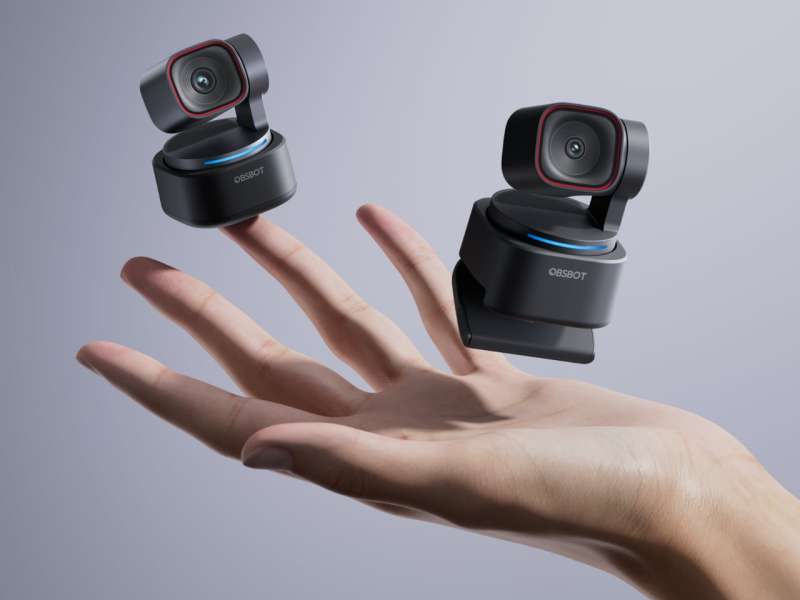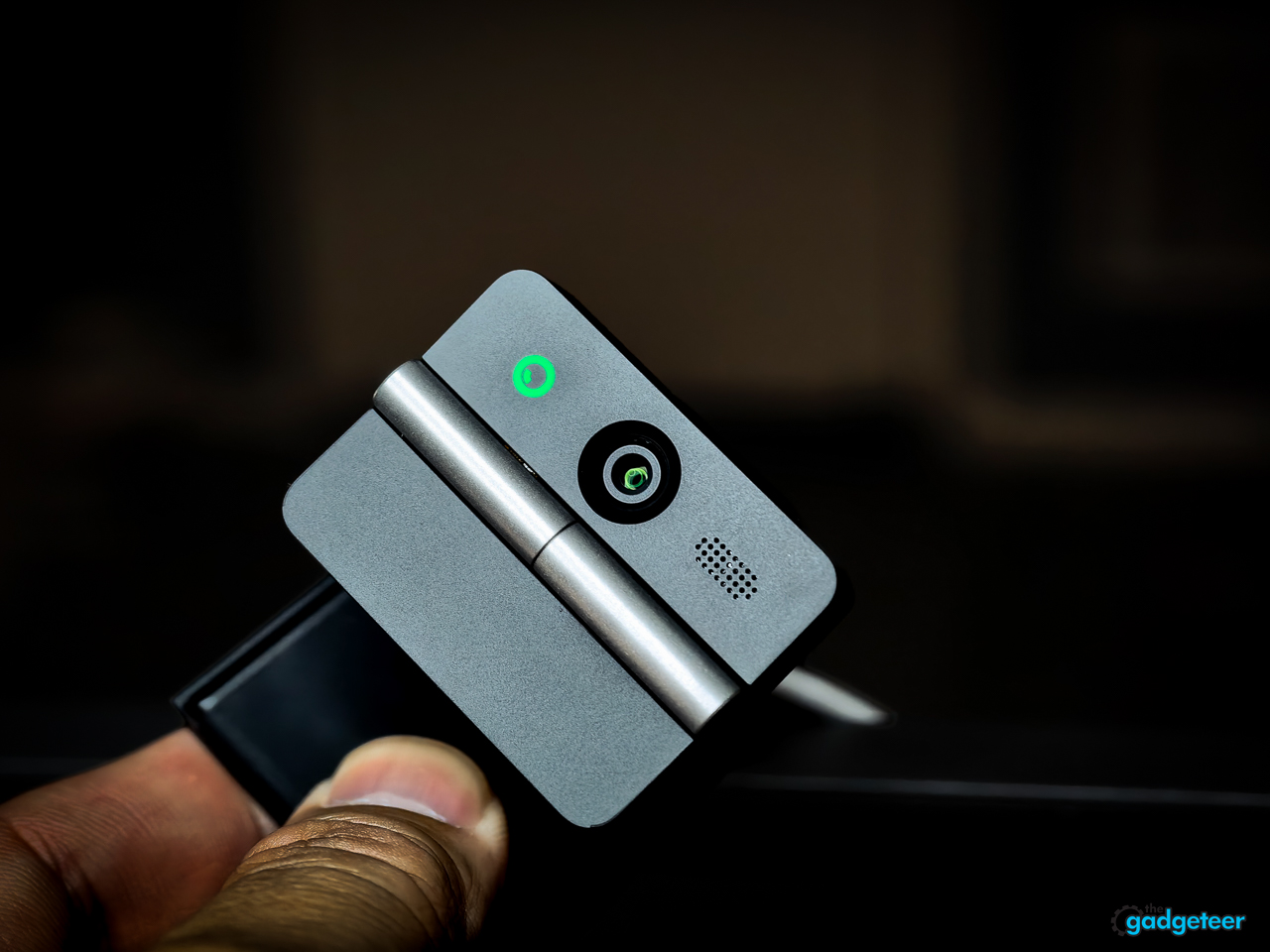
The OBSBOT Meet Flip is a webcam. You can dress it up with AI framing, gesture controls, meeting notes, four audio modes, and OBSBOT’s software, but I don’t need it to be anything more than a webcam.
I need it to look good, sound good, stay out of the way, and shut down when I’m done. The Meet Flip does that. It’s a good 4K webcam, but whether it’s worth $119 depends almost entirely on the screen in front of you.
Price: $119.00
Where to buy: Amazon
Where I actually use it
My Lenovo display doesn’t have a webcam, which is exactly where the Meet Flip earns its place. I can clip it to the display, get a good camera where I need one, and move on with my call. It works the same way when I close my laptop and use an external monitor, because the laptop webcam disappears with the lid. In both setups, the Meet Flip puts the camera on the screen I’m actually looking at without adding a larger, more complicated camera to the desk. That’s a much better reason to buy it than a long list of camera modes.
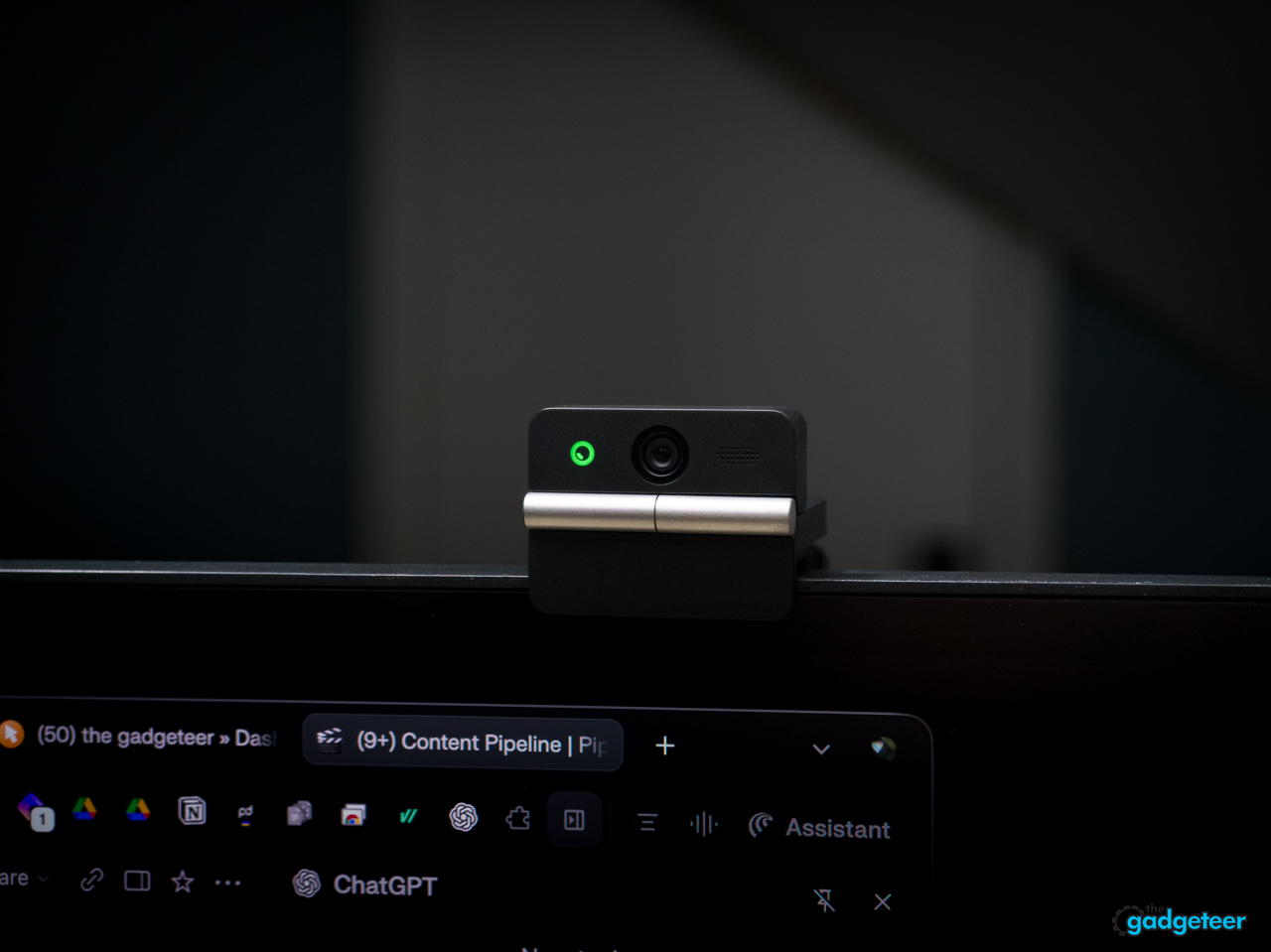
If I’m using my laptop normally, though, I already have a webcam. I don’t need to spend another $119 to duplicate a camera that’s already in front of me. That’s the line that separates a useful accessory from an unnecessary one.
The folding design helps every time I use it
OBSBOT lists the Meet Flip at 37.7 grams, and it feels light, compact, and easy to hold. It’s small enough that I can throw it in a bag without thinking about a dedicated pouch or a loose lens cap.
I don’t use the fold just because it looks clever. When I close the Meet Flip, the lens faces inward and the camera shuts down. That gives me a privacy action I can see. I don’t have to trust a software setting, and I don’t have to keep track of a separate cap that can get lost.
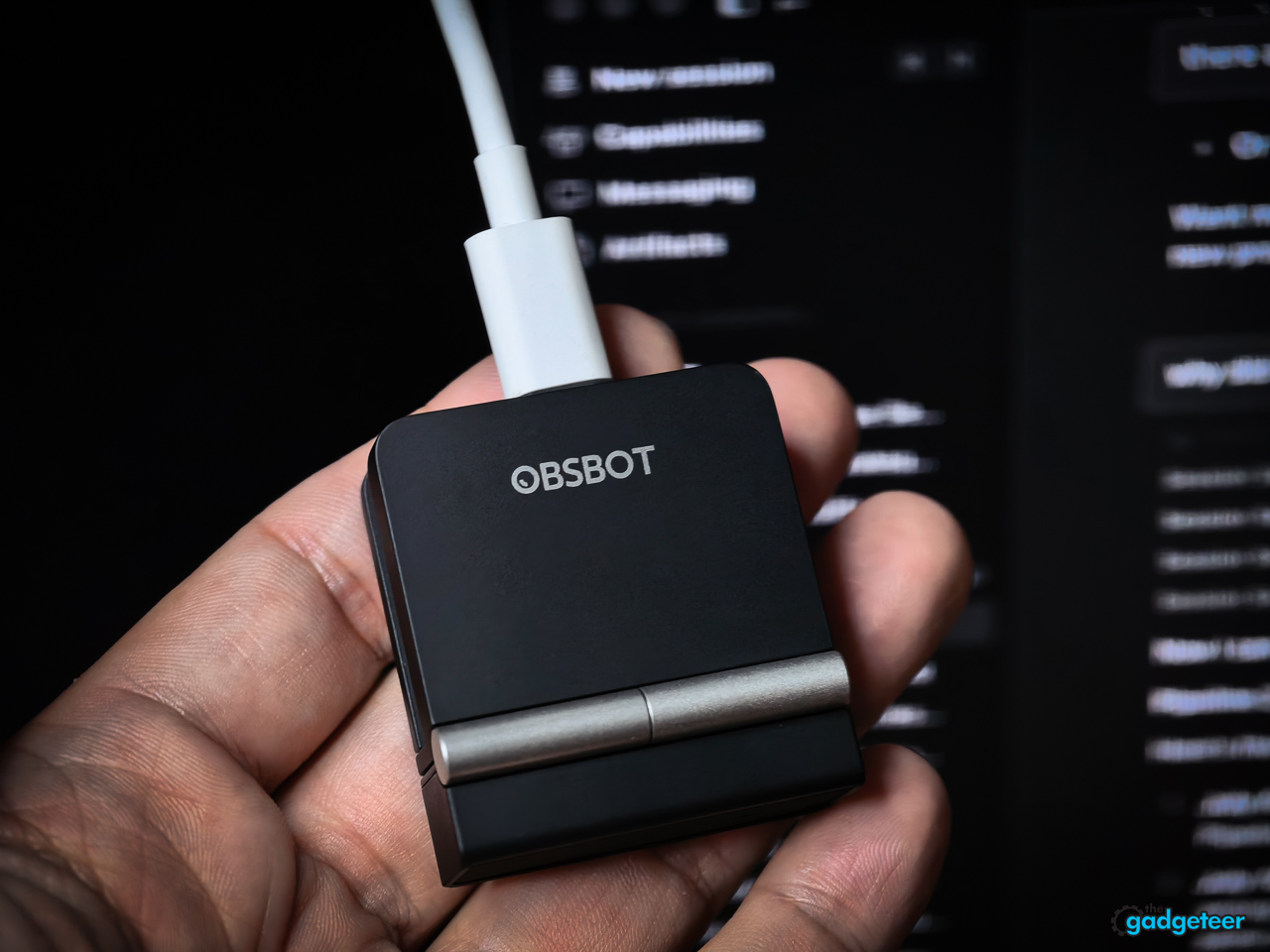
Lenovo already puts physical shutters on some of its laptop cameras. I like that same idea here. The Meet Flip gives an external display a straightforward way to say the camera is off, while its compact design keeps it easy to pack and move between a desktop, a closed-lid laptop setup, and a different work space.
Open it, clip it onto a laptop or monitor, or use its 1/4-inch thread on a tripod. That’s all the setup I need. The small size and the physical shutter do more for my day-to-day use than a longer list of software features.
It’s still just a good webcam
The Meet Flip supports 4K at 30 frames per second and 1080p at 60fps. It has a 1/2-inch sensor, an f/1.8 aperture, phase-detection autofocus, HDR, and up to 4x digital zoom.
The image quality is good. The microphone quality is good. I have no real complaints about calls, meetings, or the straightforward on-camera work I use a webcam for. I don’t need to pixel peep this camera. It looks good where I need it to look good, and it sounds good without making me reach for something else.
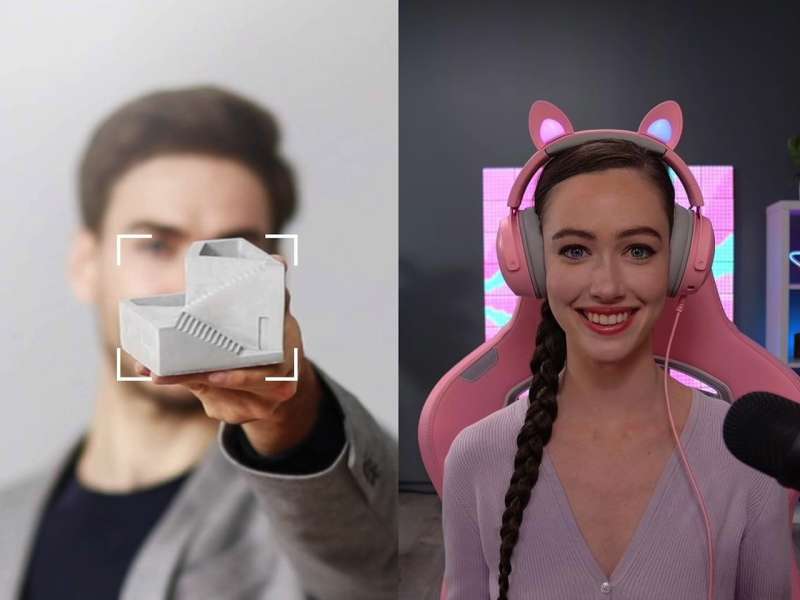
OBSBOT has packed in auto-framing, gesture controls, several microphone modes, and AI Magic Notes. They’re there if you want them. I don’t use a webcam often enough to need a deeper feature set. I want to plug it in, look good on a call, and move on.
The extra $119 is the real decision
The Meet Flip is good for the price, but it’s still another $119 you have to spend. That’s easy to justify if your desktop display has no camera, if you work from an external monitor with your laptop closed, or if you need a small webcam you can move from setup to setup.


It’s harder to justify if a laptop’s built-in camera already handles your calls. The Meet Flip doesn’t solve a problem in that situation. It adds another device to your bag or desk, and a better image doesn’t automatically make the cost worthwhile.
The AI extras don’t change that calculation for me. OBSBOT includes 120 complimentary minutes of AI Magic Notes, then requires a subscription for continued use. I wouldn’t buy the Meet Flip for that, background tools, or gesture control. I’d buy it because I need a good camera on a desktop display.
That’s also why I wouldn’t call it a must-have. It’s a practical accessory for a specific setup. If you have that setup, it’s easy to recommend. If you don’t, it’s easy to skip.
Verdict
The OBSBOT Meet Flip is a good 4K webcam for a desktop display or an external-monitor setup. It’s small, ergonomic, easy to pack, and the folding design gives me a simple privacy shutter without adding bulk.
It’s not trying to replace a full camera or make every video call feel like a production. It gives a screen without a camera a good one. For the right desk, that’s enough.
Price: $119.00
Where to buy: Amazon