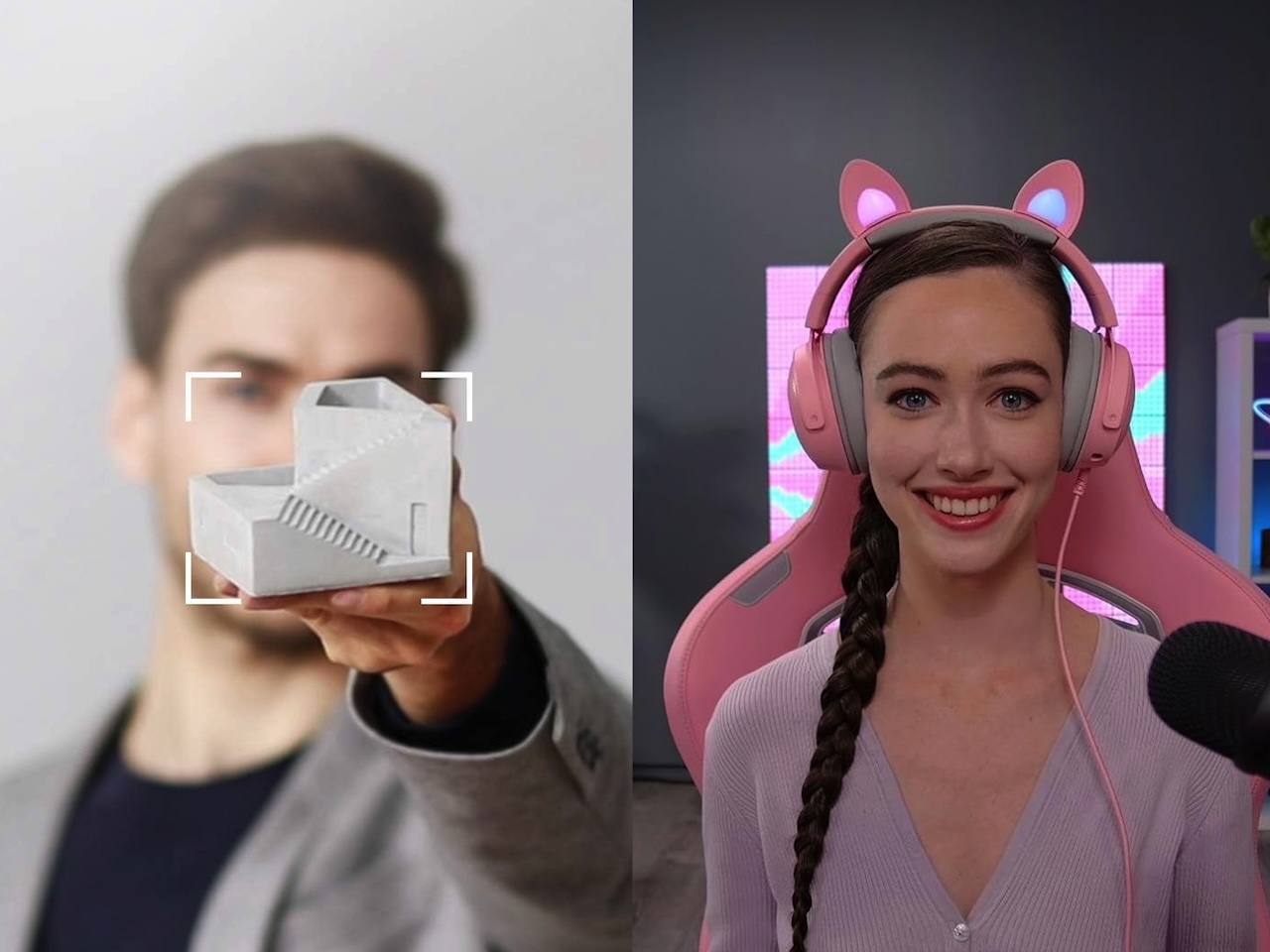
The camera built into your laptop is probably the weakest link in how the world sees you, and no clip-on lamp or software filter fixes a sensor the size of a pinhead. What’s actually changed in the last two years is the AI webcam, a camera that tracks, frames, and exposes you on its own while you forget it’s there.
Prime Day 2026 is live right now, and webcams are one of the first categories to take a real price cut, with OBSBOT, Insta360, Razer, Dell, and Anker all on sale. A discount alone doesn’t make the wrong camera worth it, though. So the real question is which of these earns a permanent spot on your monitor once the Prime Day price is the only thing left to separate them.
We’ve featured some of these AI webcams, from the Obsbot Tiny 2 to the wider field in our best webcams for working from home guide. The gap between them is smaller than the spec sheets suggest. What separates them is how much you move, how dark your room gets, and whether you need a motor at all. Here are the seven worth watching, and who each one is really for.
OBSBOT Tiny 3
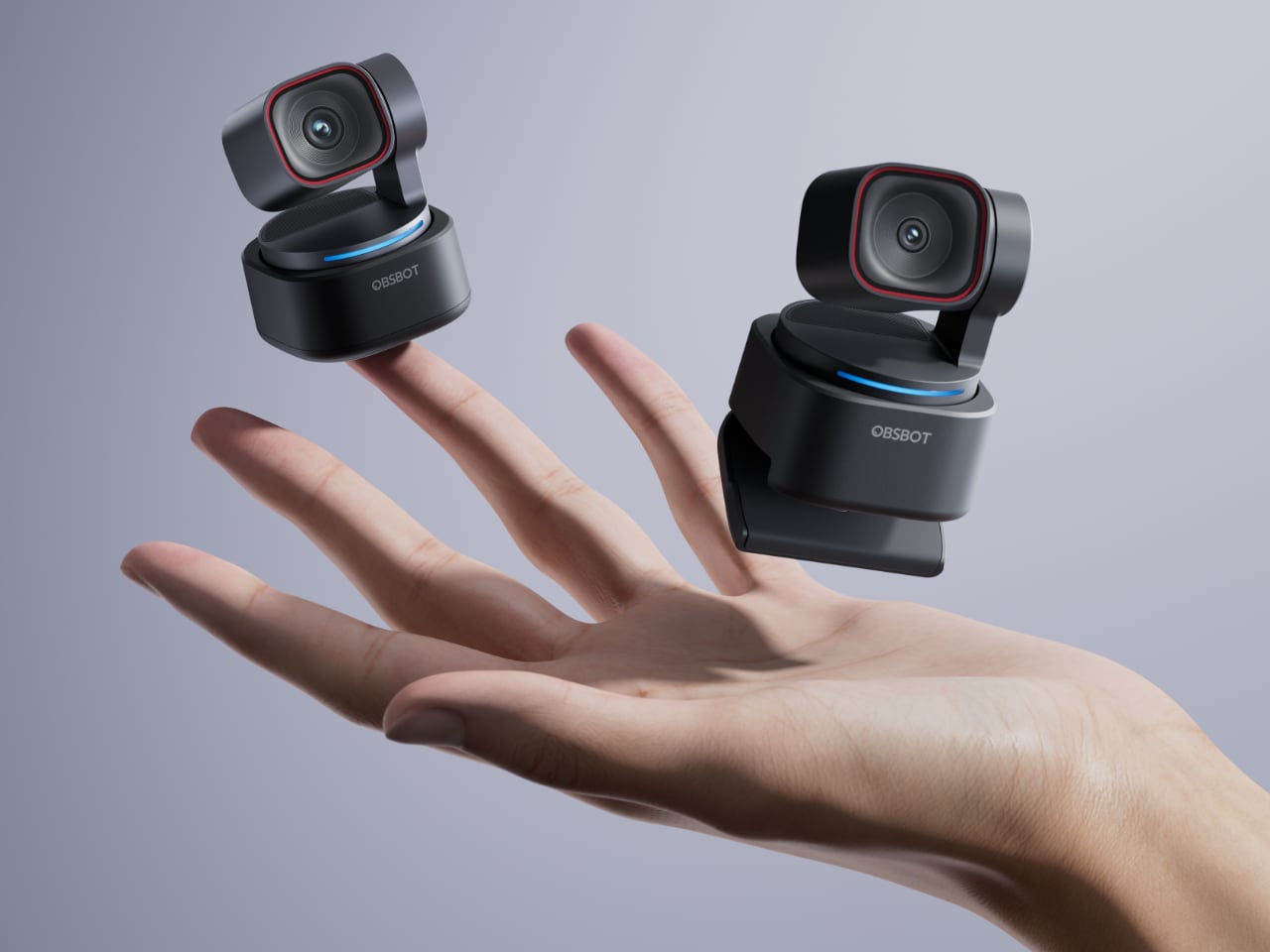
The Tiny 3 is OBSBOT’s current flagship, and it’s the one to beat if hands-free framing is the whole point for you. A 1/1.28-inch 50MP sensor paired with AI Tracking 2.0 on a motorized gimbal means it follows you around the room without a remote, so you can run a whiteboard session or pace during a call and stay centered.
Price: $296 15% off Prime Day only: June 23-29! ($349)
Where to Buy: OBSBOT
This one shoots 4K at 30fps or drops to 1080p at 120fps when you want slow, smooth motion, and the three-mic system with spatial audio spares you a separate microphone for casual calls. OBSBOT says it’s 48 percent smaller than the Tiny 2, which matters more than it sounds when the thing lives clamped to your laptop lid.
OBSBOT Tiny 3 Lite
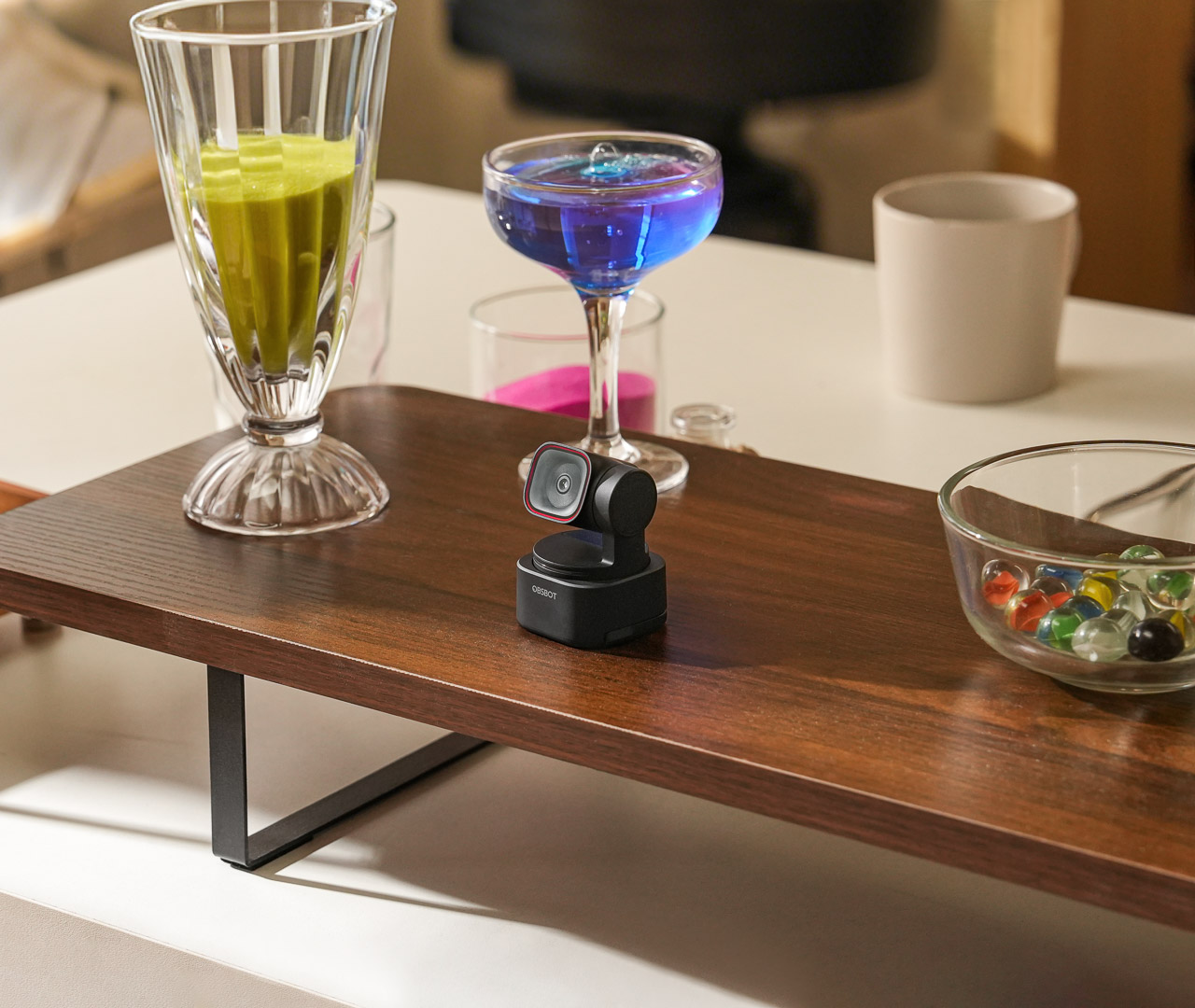
If the flagship’s price stings, the Tiny 3 Lite keeps the same tracking gimbal and steps down only where most desks won’t notice. You still get a 1/2-inch 48MP sensor, 4K at 30fps with HDR, and the directional three-mic array, so everyday call quality lands close to the flagship.
Price: $169 15% off Prime Day only: June 23-29! ($199)
Where to Buy: OBSBOT
The cheaper Lite formula won us over once before in our Obsbot Tiny 2 Lite review, and the same trade holds here, since you lose the bigger sensor’s low-light headroom and little else. For a desk with a window or a lamp, it’s the smarter value pick of the two.
OBSBOT Tiny 2
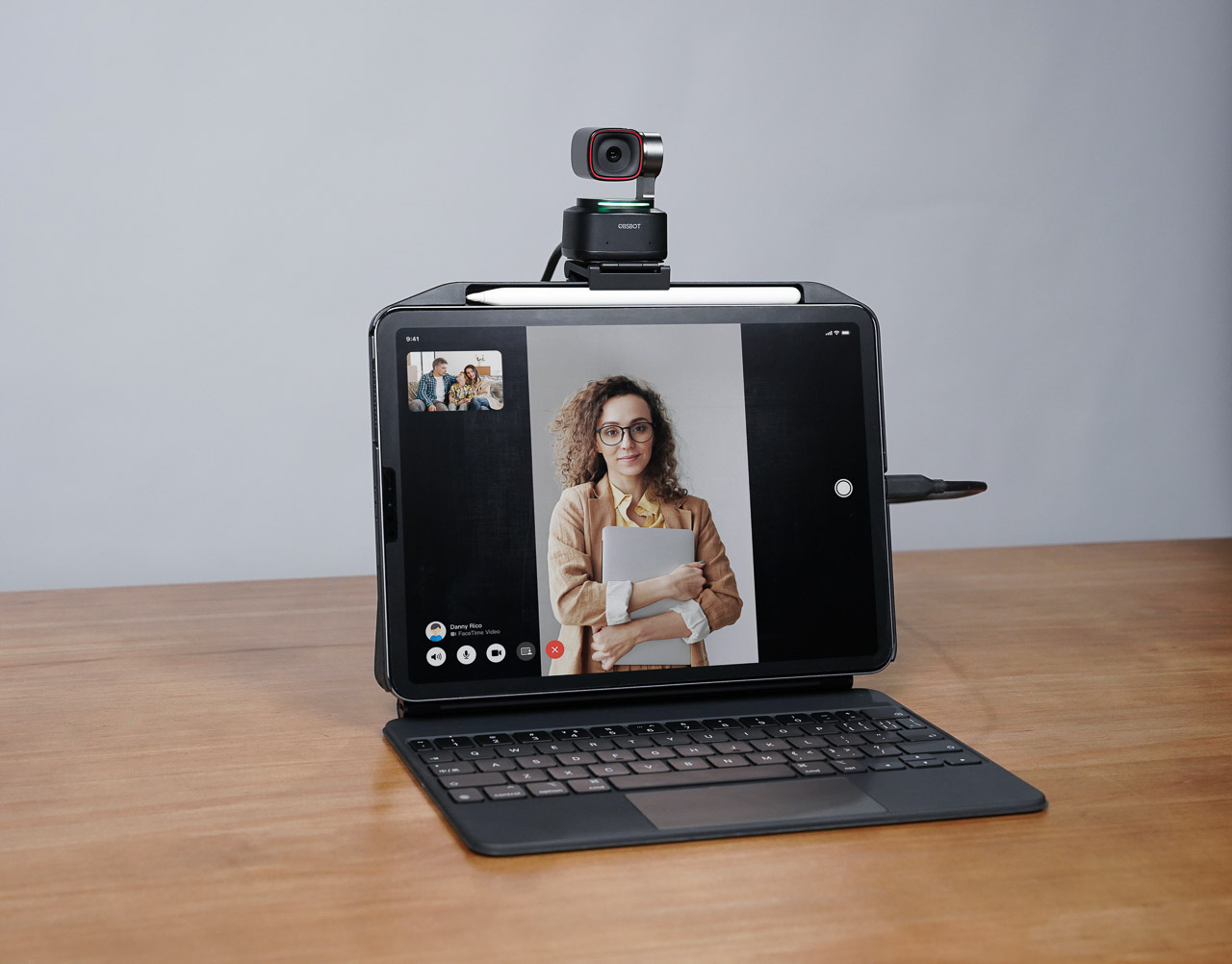
The previous-generation flagship is still a strong AI webcam, and it usually takes the deepest cut of the OBSBOT trio once a sale starts. A 1/1.5-inch sensor with Dual Native ISO and PixGain HDR keeps it usable as the light drops, it shoots 4K at 30fps or 1080p at 60fps, and all-pixel autofocus keeps your face sharp when you lean in and out.
Price: $226 30% off Prime Day only: June 23-29! ($329)
Where to Buy: OBSBOT
Voice control and Gesture Control 2.0 mean you can mute or reframe without reaching for the keyboard. When we tested it, the tracking, not the resolution, is what set it apart from a normal webcam, so it’s an easy one to watch if you move while you talk.
Insta360 Link 2
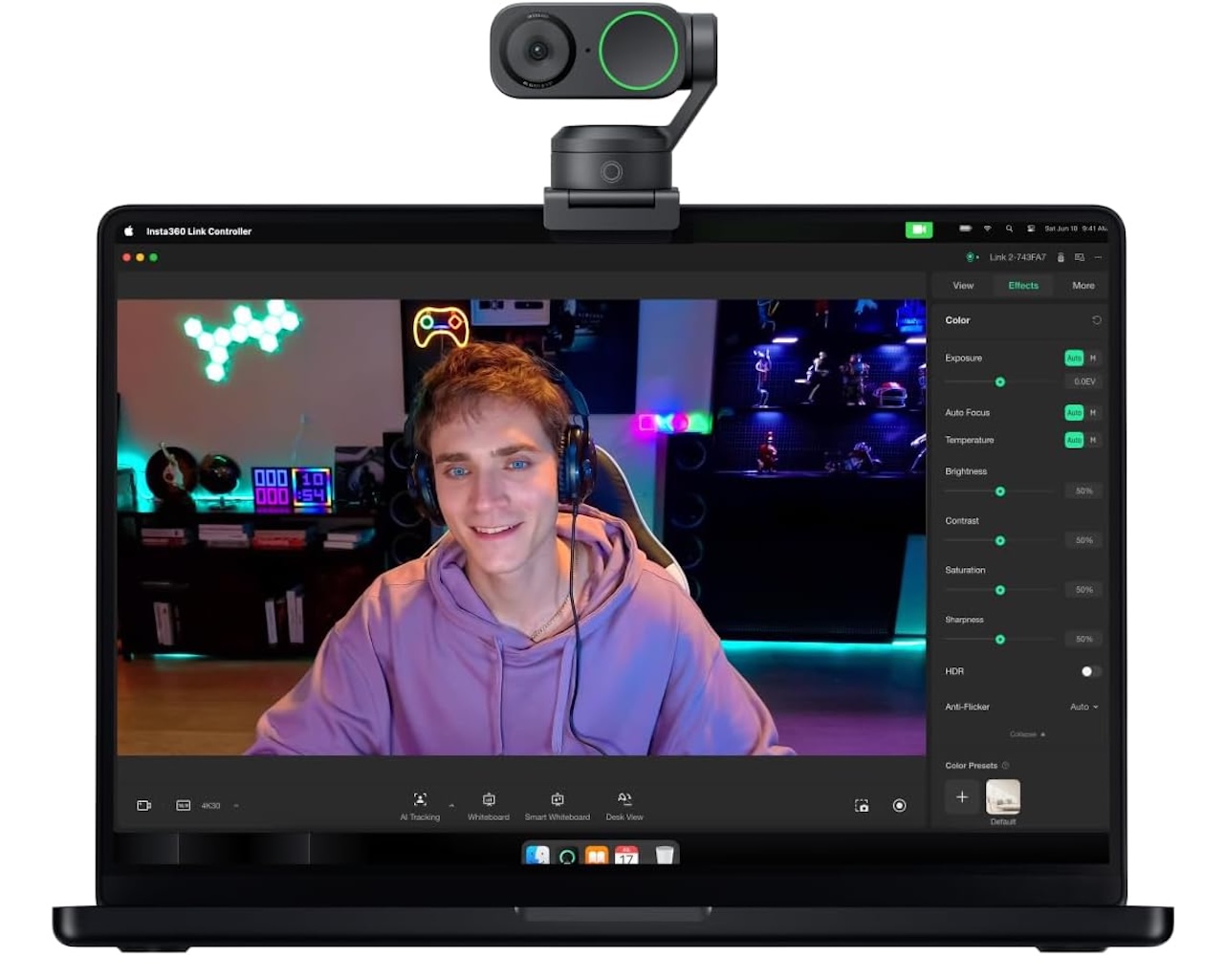
The Link 2 is the closest rival to OBSBOT’s gimbal cams, and it’s the one to weigh against the Tiny 3 Lite on price. It rides a 1/2-inch sensor on a 2-axis gimbal and shoots 4K at 30fps, with AI tracking and auto-framing that keep you in frame as you shift around.
Price: $149 (From $199)
Where to Buy: Amazon
The party trick is the uncropped 9:16 portrait mode, which makes it the pick if you cut vertical video for social as well as taking calls. An AI noise-canceling mic and a magnetic mount round out a kit that’s built to live on a monitor.
Razer Kiyo Pro Ultra
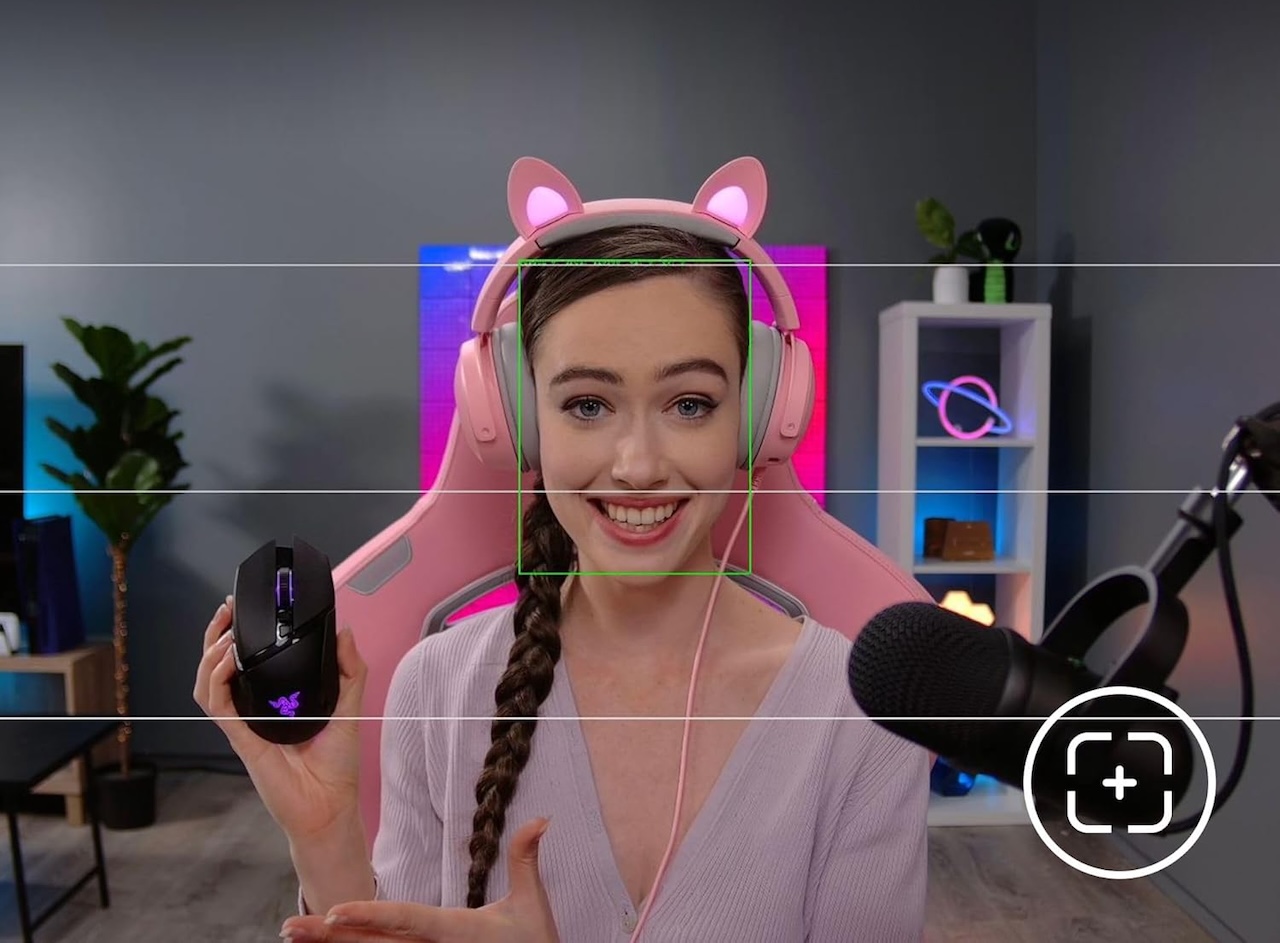
This is the pick if image quality matters more to you than a camera that moves. The Kiyo Pro Ultra carries a 1/1.2-inch Sony Starvis 2 sensor, the largest in a consumer webcam, behind a bright f/1.7 lens, so it pulls in light a smaller cam simply can’t. That makes it the one to buy for a dim home office where the others get grainy after sunset.
Price: $299
Where to Buy: Amazon
Its AI auto-framing comes through a bundled Camo Studio Pro license rather than a motor, so the camera body stays still while the software does the reframing.
Dell UltraSharp Webcam WB7022
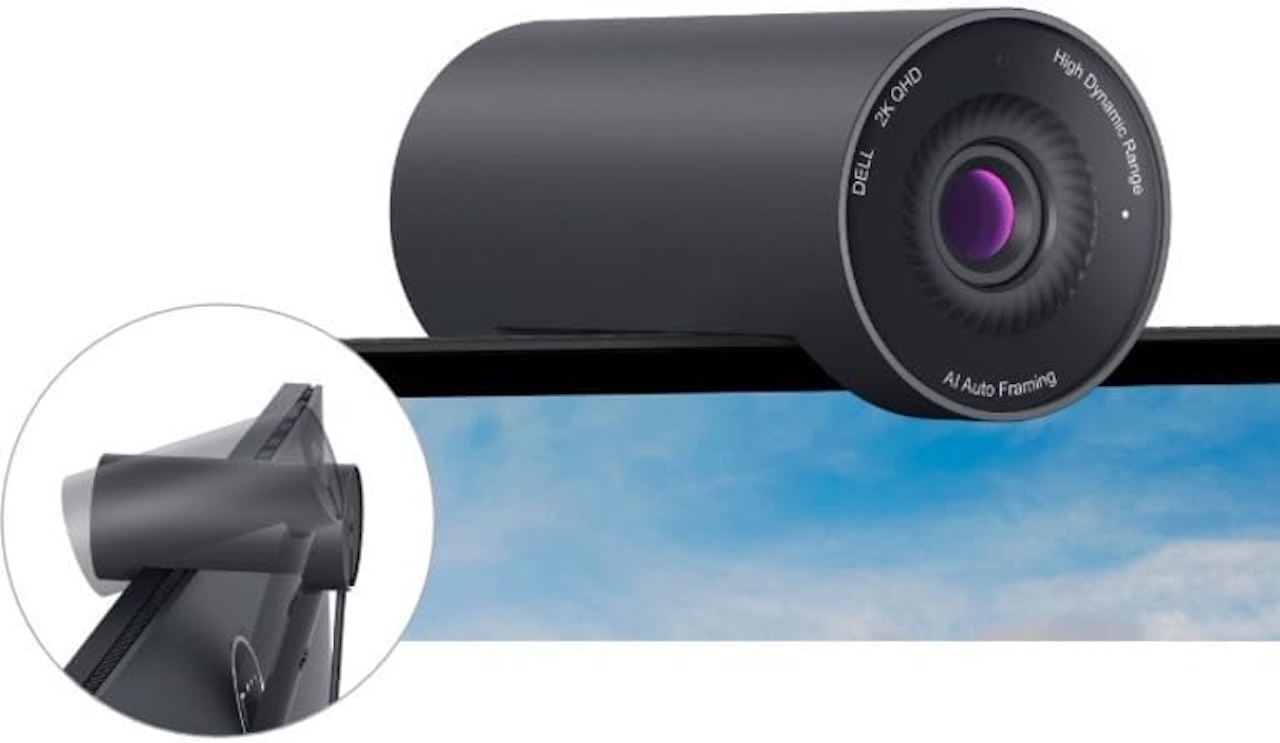
The WB7022 is the pick if you want AI framing without buying into a gimbal system at all. A large Sony STARVIS CMOS sensor shoots 4K at 30fps or 1080p at 60fps, and AI Auto-framing keeps you centered as you move, with three field-of-view presets at 65, 78, and 90 degrees to fit a desk or a couch backdrop.
Price: $120 (From $142)
Where to Buy: Amazon
You also get 5x digital zoom, HDR, and a magnetic privacy cover that earns its keep on a work machine. It mounts cleanly on a monitor and leans toward calls over streaming, and since there’s no built-in mic, you’ll lean on your laptop or a headset for audio.
Anker PowerConf C300
The budget pick here leans toward meetings rather than 4K streaming, and that focus is the point. It shoots 1080p at 60fps with AI framing, AI autofocus, and noise-canceling mics, and the field of view adjusts from 78 to 115 degrees so it can fit one face or a whole huddle room.

Price: $99 (From $129)
Where to Buy: Amazon
There’s no gimbal, so the framing happens in software rather than with a moving lens. If your day is mostly video calls and you want to spend the least, it covers the basics without asking you to think about it.
How the Picks Compare
For full hands-free tracking, the OBSBOT Tiny 3, Tiny 3 Lite, Tiny 2, and Insta360 Link 2 all move to follow you, so they reward anyone who paces, presents, or works standing up. The Razer Kiyo Pro Ultra trades motion for the biggest sensor, which is the right call only if your room is dark.
The Dell UltraSharp WB7022 and Anker PowerConf C300 handle framing in software, so they suit a fixed seat and a tighter budget. Match the sensor and the tracking style to how much you actually move, then let the live Prime Day price settle the tie.
Who Should Skip This
Not everyone needs one of these, and a sale is the worst reason to talk yourself into the wrong one. If you take a handful of calls a month from the same well-lit chair, your laptop camera plus a desk lamp is more than fine, and the money is better spent elsewhere.
And if a lens that pans to follow you around the room reads as surveillance theater rather than a tool, skip the gimbal cams without guilt, because a good fixed camera like the Dell or the Anker respects that instinct and still cleans up your image. The point of buying now is matching a real need to a real discount, not collecting a feature you’ll switch off by the second call.