
I expected PCIe 5.0 storage to be the expensive option. It usually is. You pay more for the newest interface, then spend the next few months explaining why you needed it. That was not the decision I had in front of me.
While pricing PCIe 3.0, PCIe 4.0, and PCIe 5.0 drives, the 2TB Kingston FURY Renegade G5 was the cheaper choice. The Amazon listing was $379.99 against a $732.99 list price, a $353 difference and roughly 48% off. At that price, buying an older, slower drive stopped making sense.
Price: $379.99 (48% off the original $732.99 price)
Where to Buy: Amazon
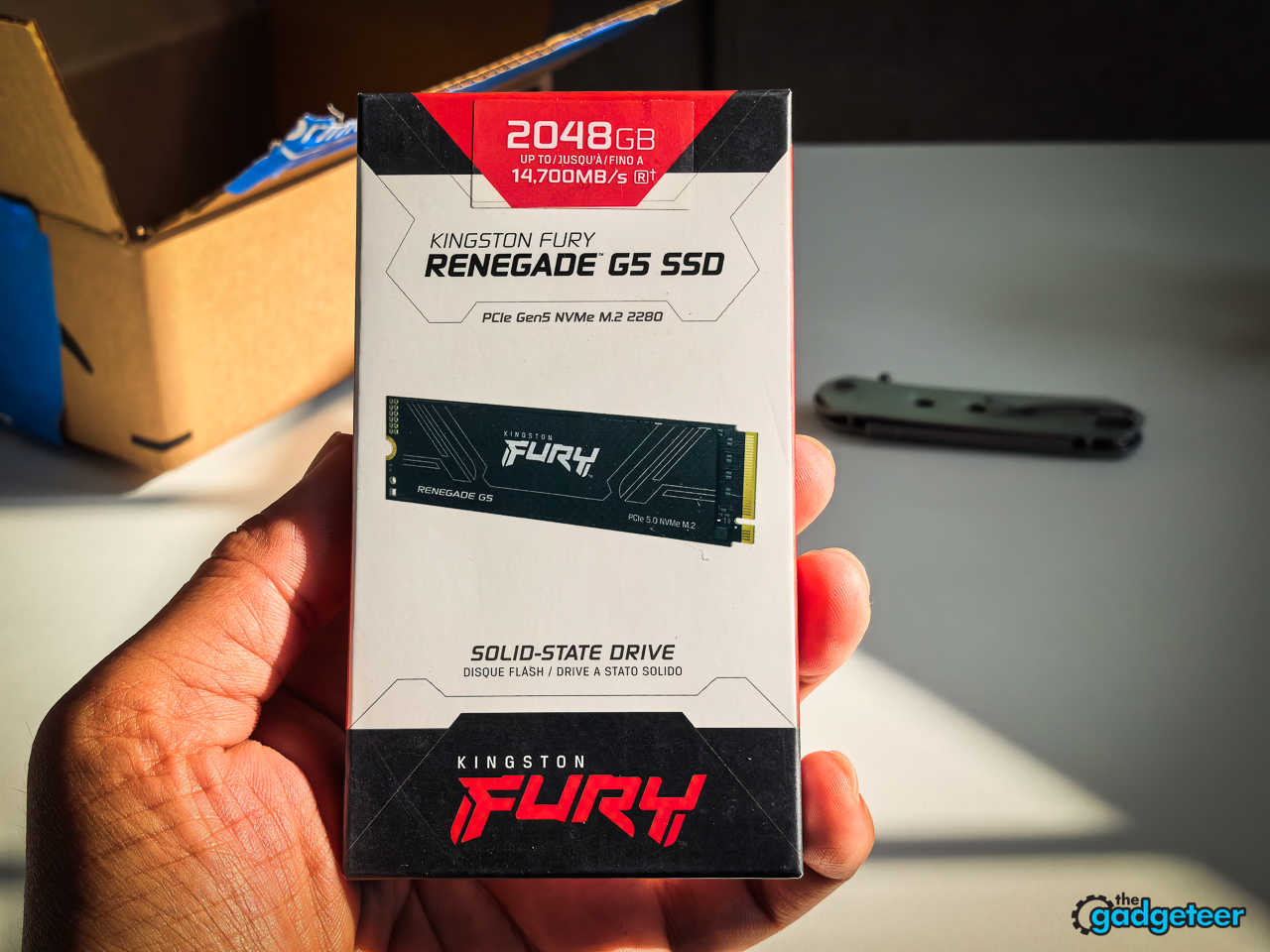
The price made this a no-brainer
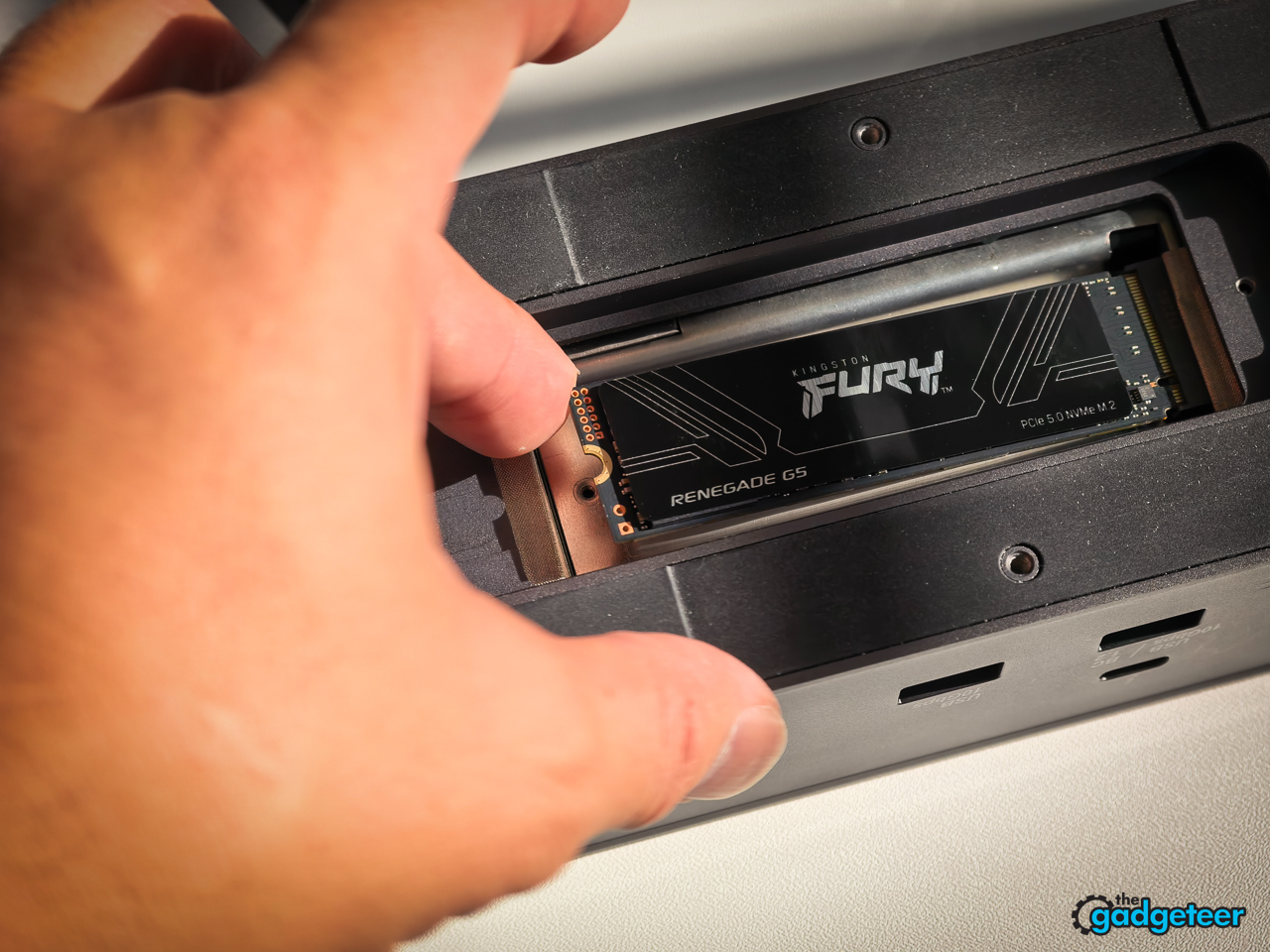
The drive I bought is the Kingston FURY Renegade G5 2TB, model SFYR2S/2T0. It is not RAM. It is a PCIe 5.0 NVMe SSD in the M.2 2280 format, built for a desktop system that can feed it a Gen 5 x4 connection.
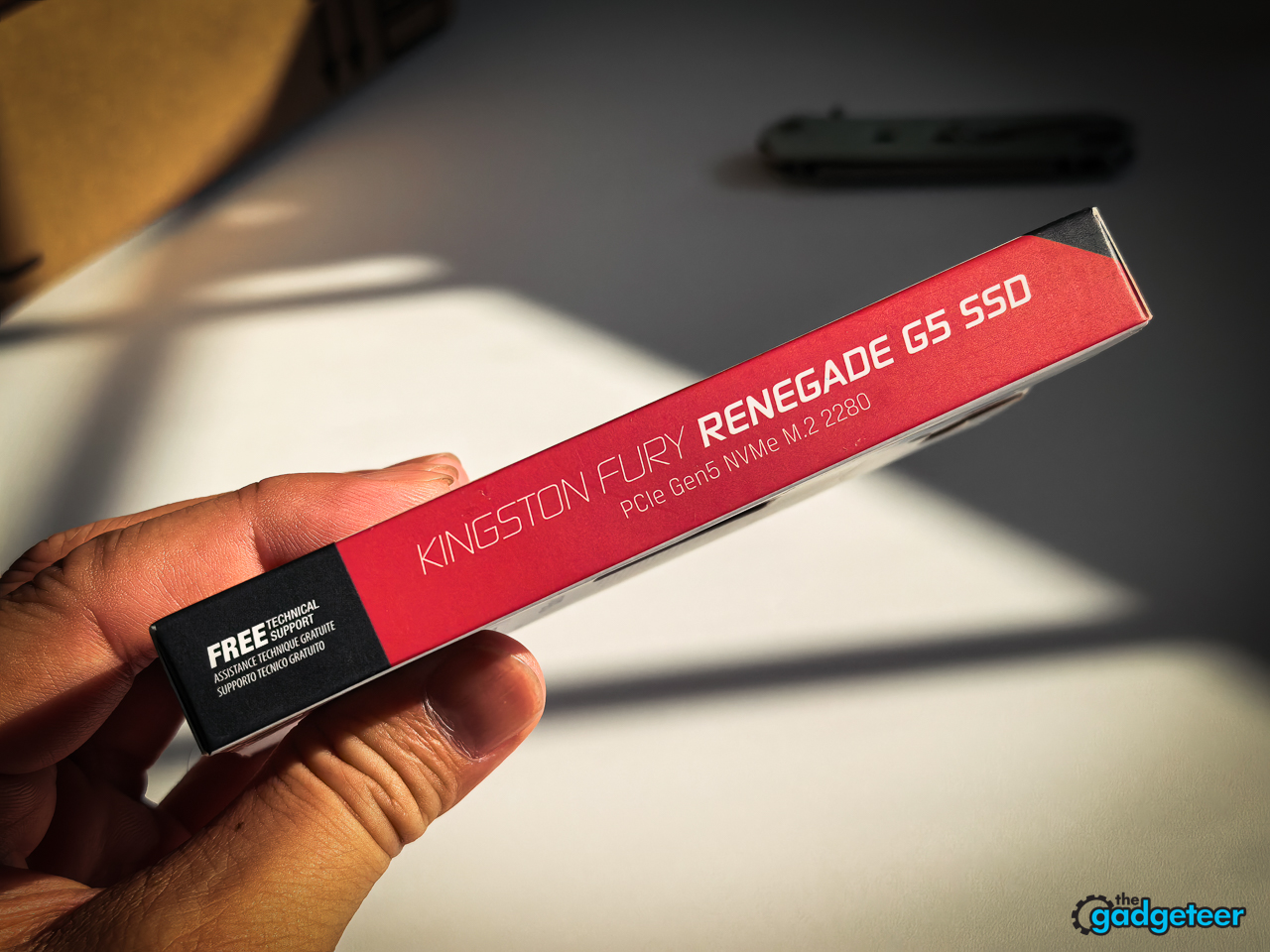
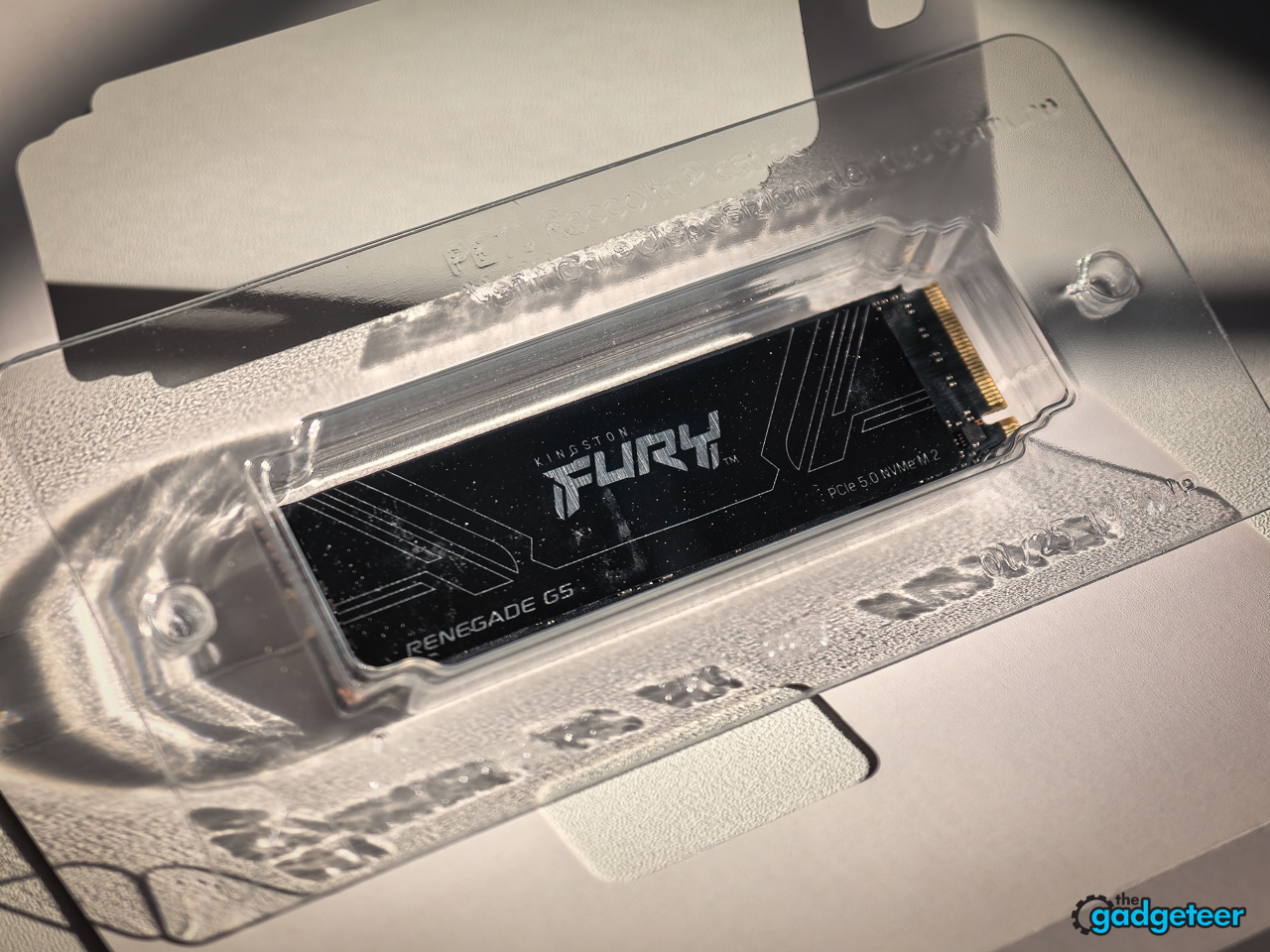
That distinction is important because the headline number is huge. Kingston rates the drive for up to 14,800MB/s reads and 14,000MB/s writes. Those are platform-dependent maximums, not a promise that every laptop, enclosure, or older motherboard will see the same result.
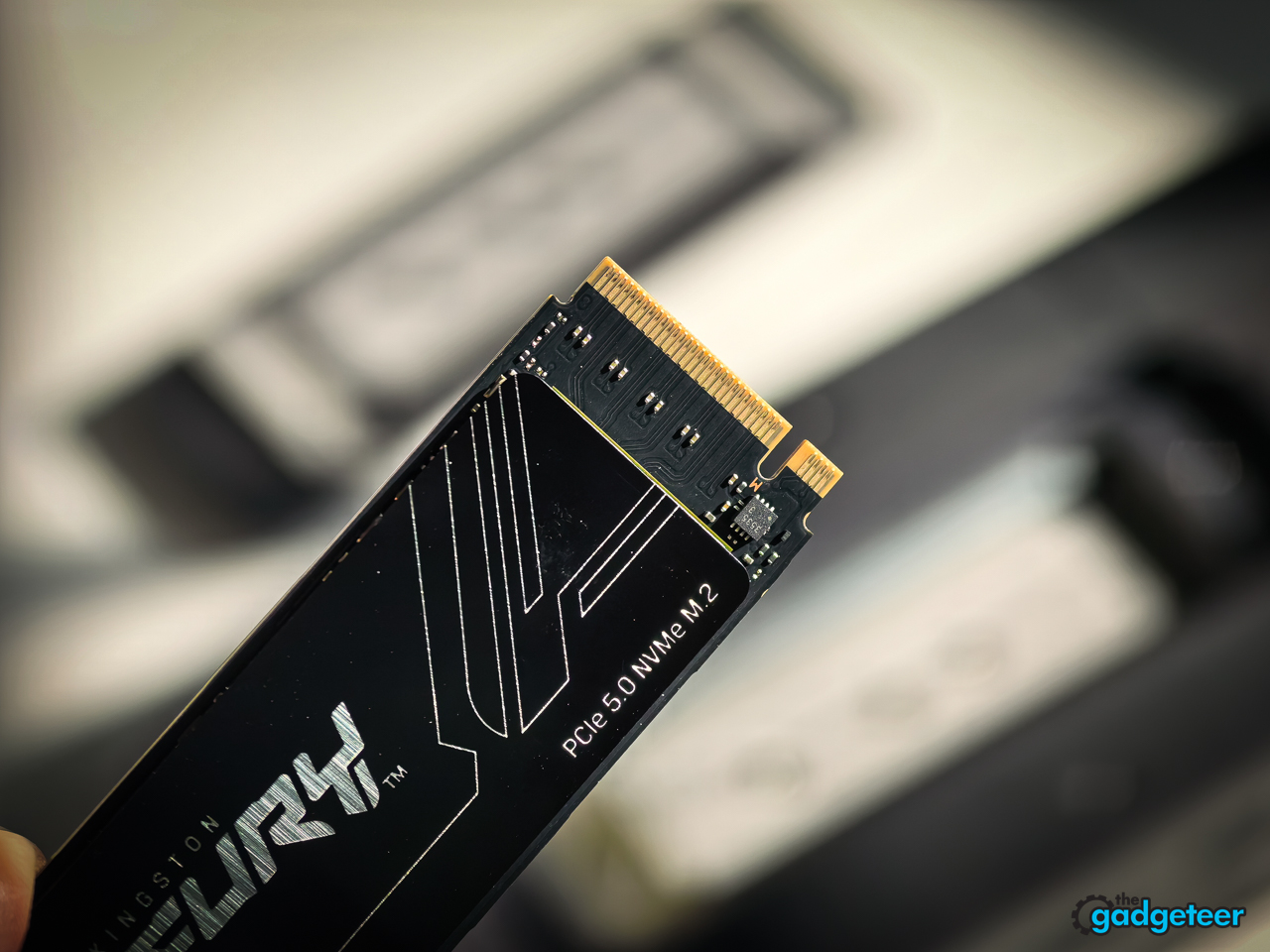
But I was not shopping from a clean spreadsheet. I was comparing what I could actually buy. PCIe 4.0 and PCIe 3.0 drives were not cheap enough to make the slower interface feel like a bargain. The FURY Renegade G5 was. At $379.99, I got 2TB of current-generation storage for less than several older options.
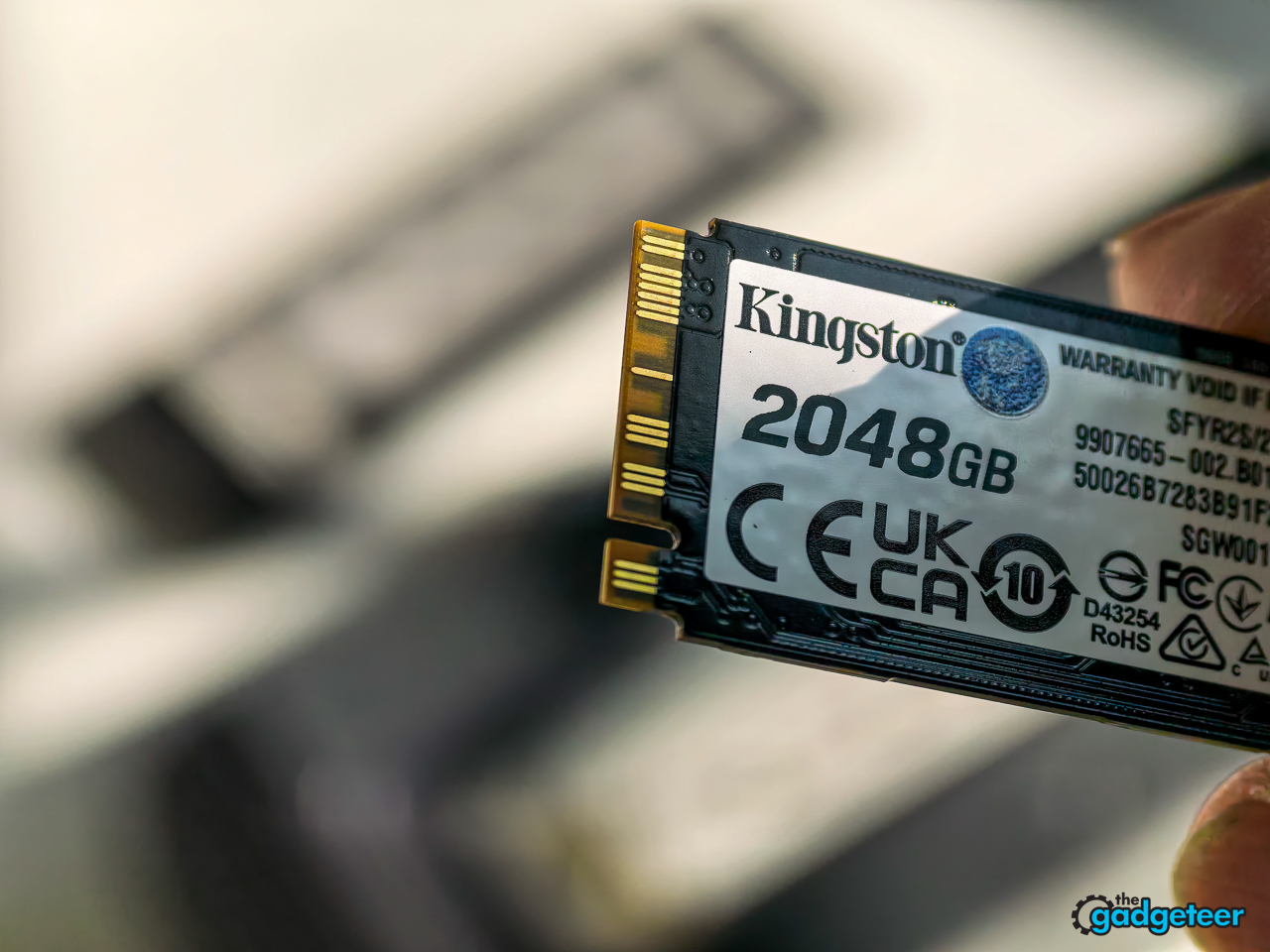
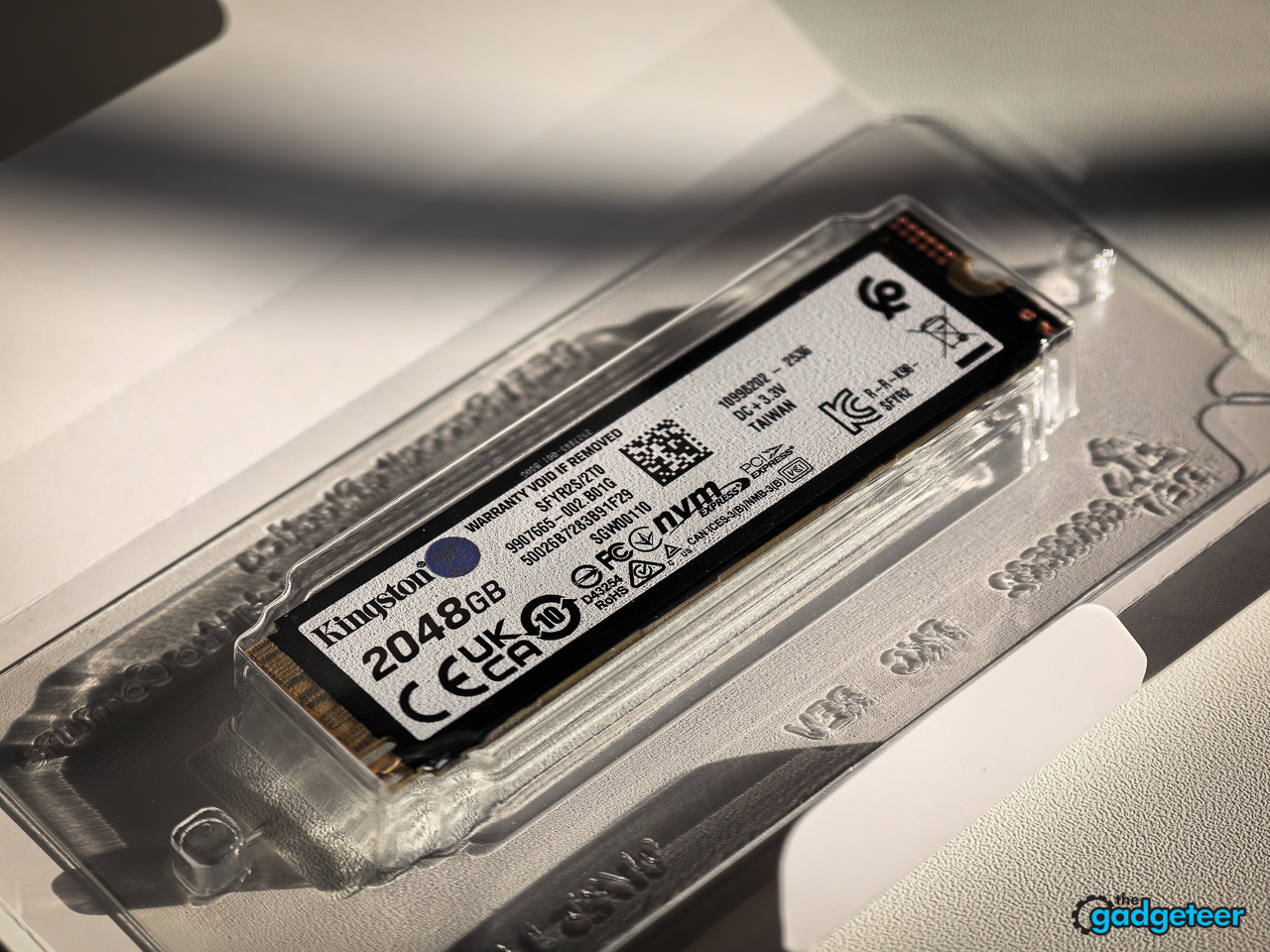
It beat my MacBook Pro in the work I do
The useful claim here is not that this desktop SSD beats every MacBook Pro in every synthetic benchmark. That would be nonsense. The useful claim is that, in my own work, this setup outperformed my MacBook Pro where I felt the difference: moving big files, working through storage-heavy tasks, and waiting less on the machine.
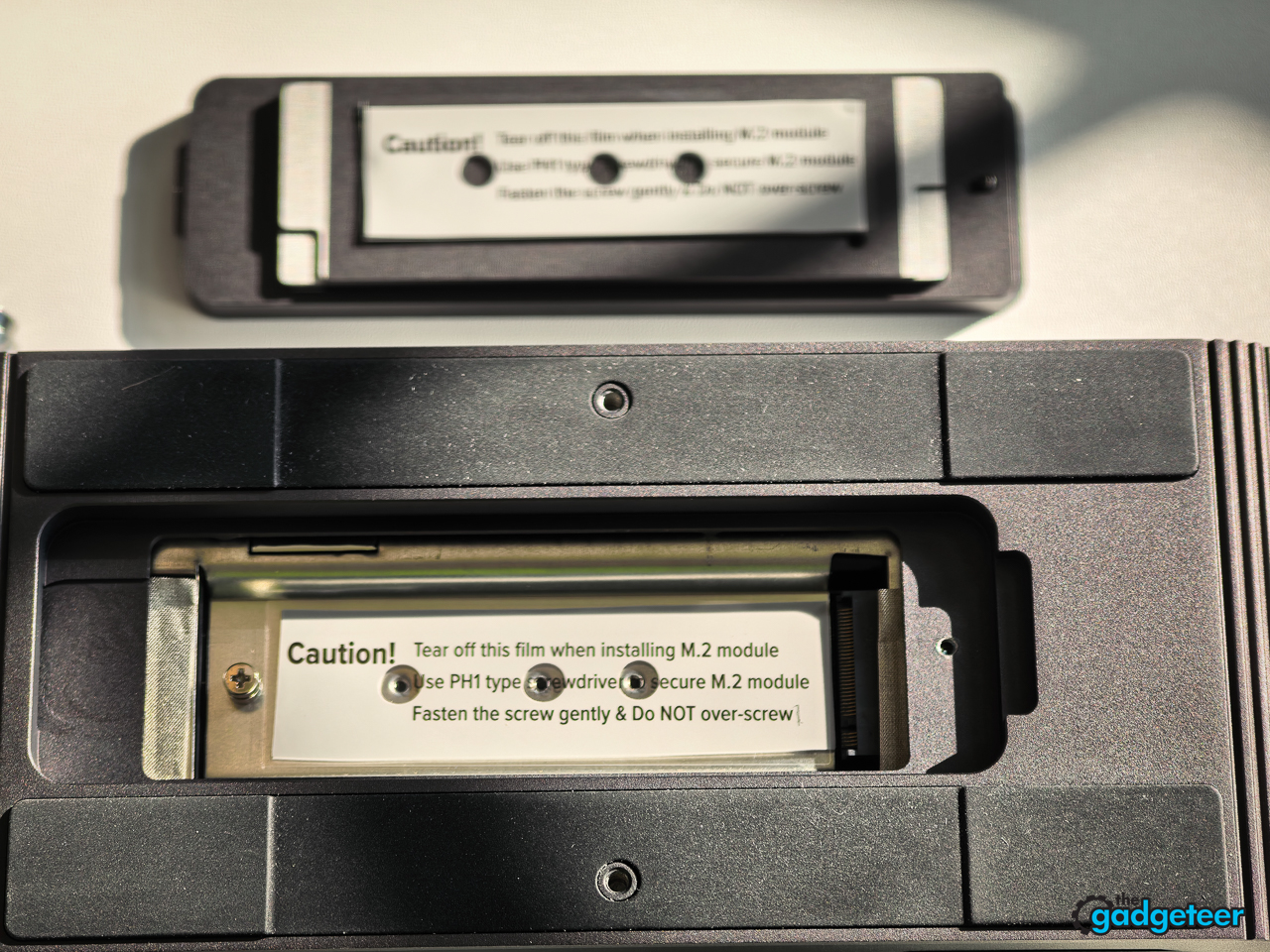
The HyperDrive Next Thunderbolt 5 Dock is the subject of a separate review. For this test, I used that dock, model HDZ801, as the external enclosure. Its label specifies a 20V, 9A power input, while the front panel includes a Thunderbolt connection and two 10Gbps USB ports.
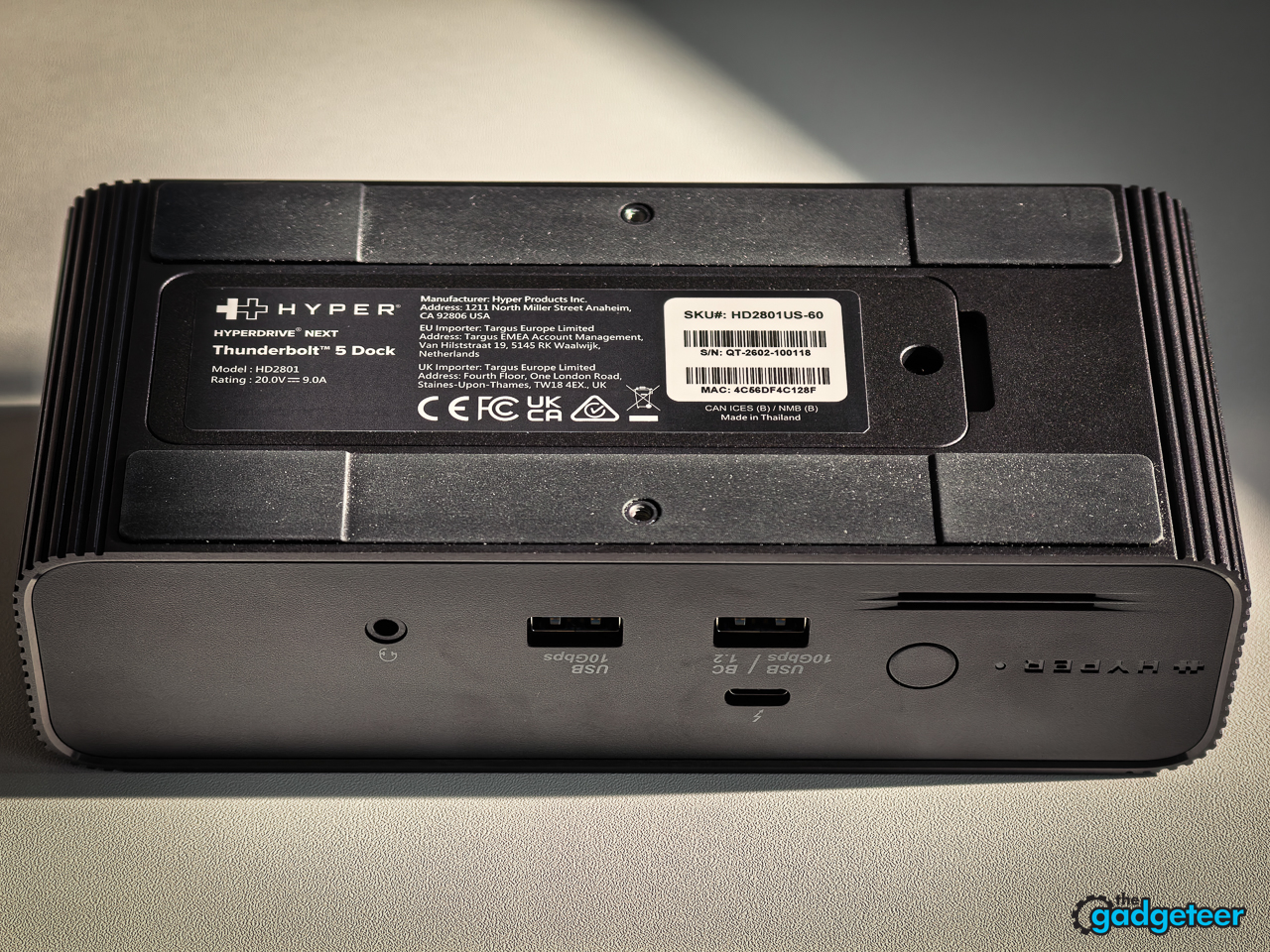
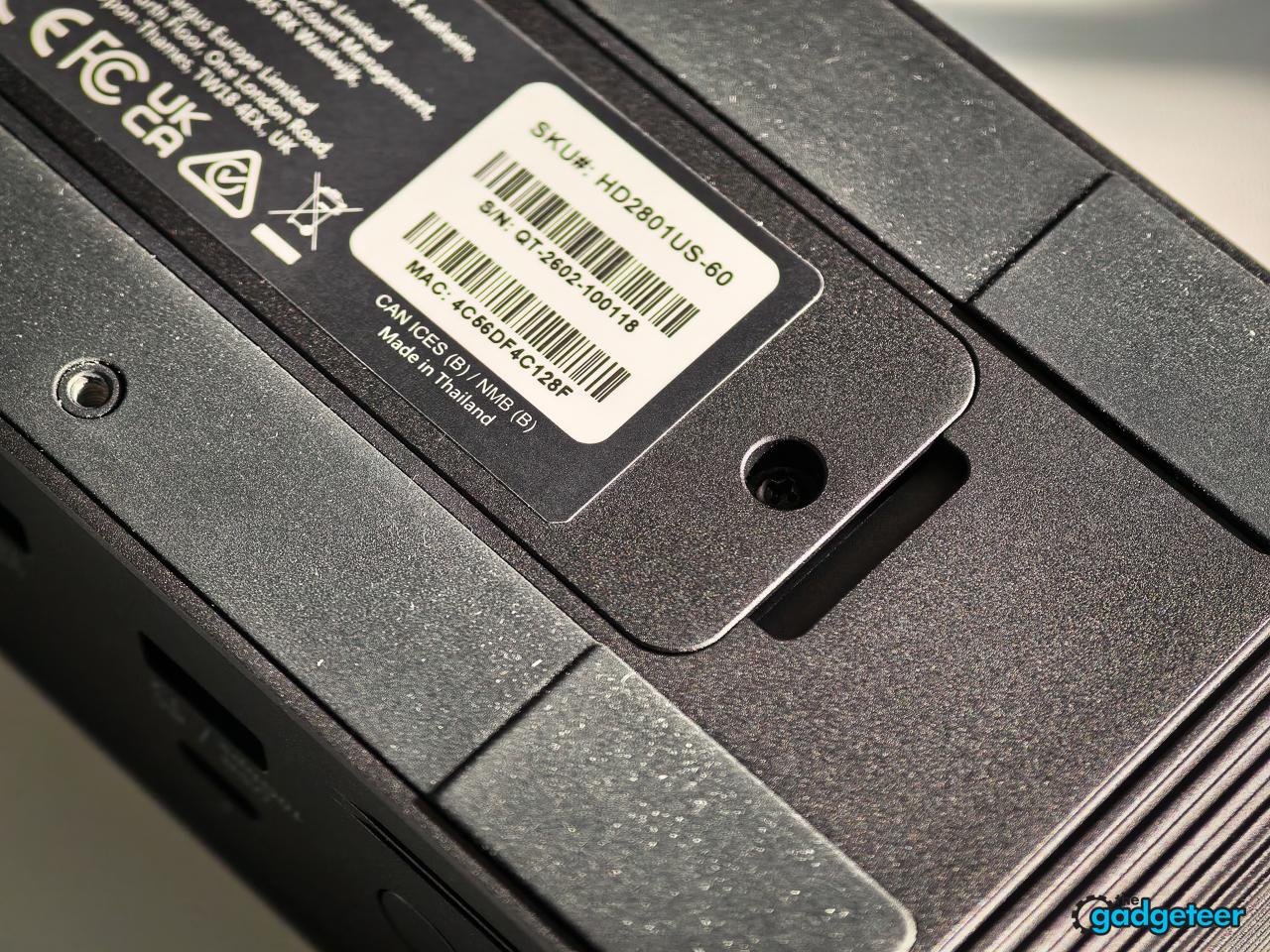
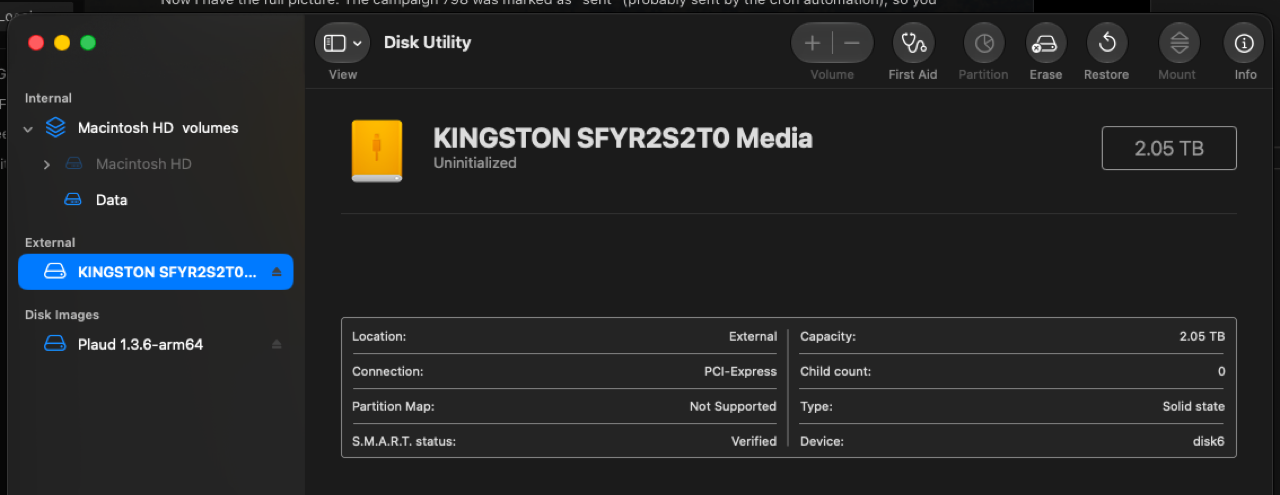
Disk Utility identified the Kingston FURY Renegade G5 as a 2.05TB external PCIe device before formatting.
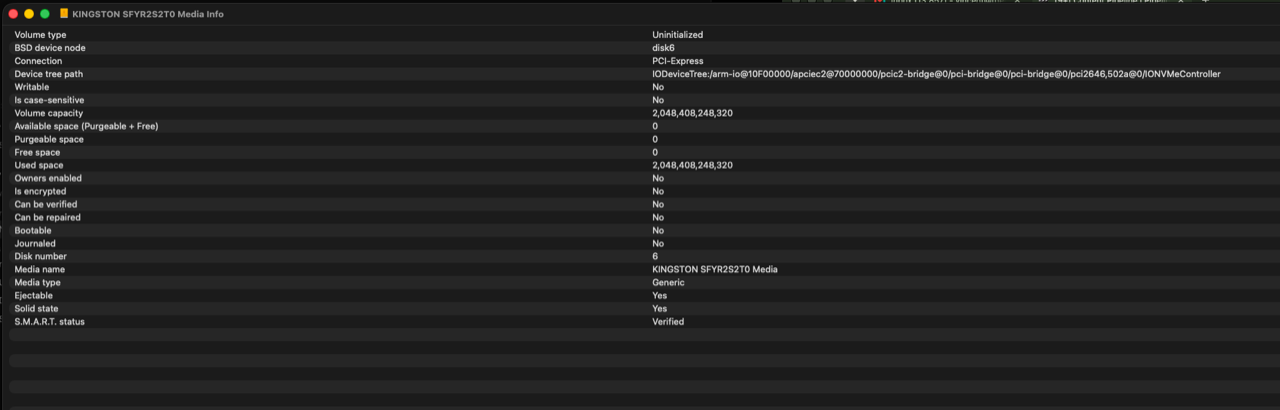
macOS reported the uninitialized drive, its PCIe connection, and verified S.M.A.R.T. status.
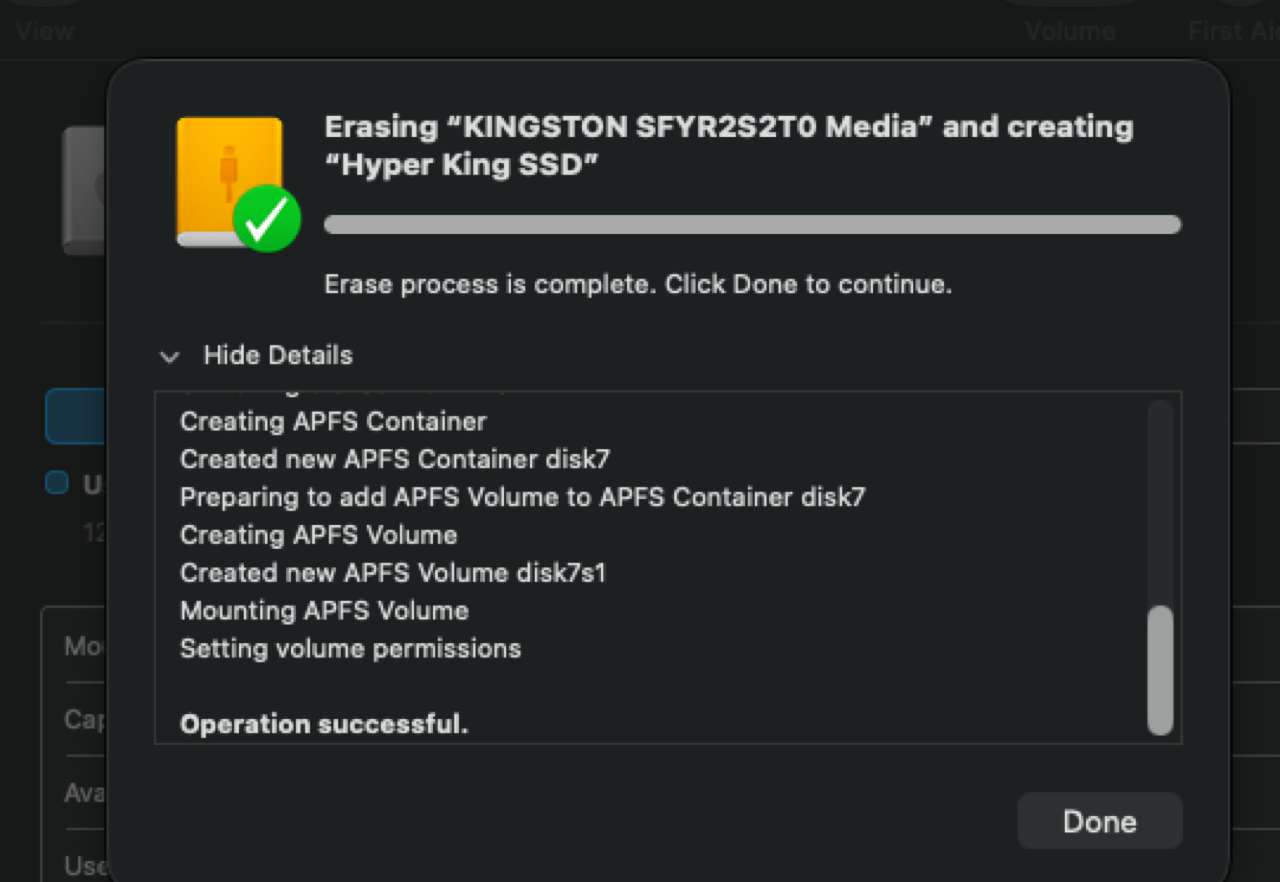
Disk Utility completed APFS formatting and mounted the drive as Hyper King SSD.
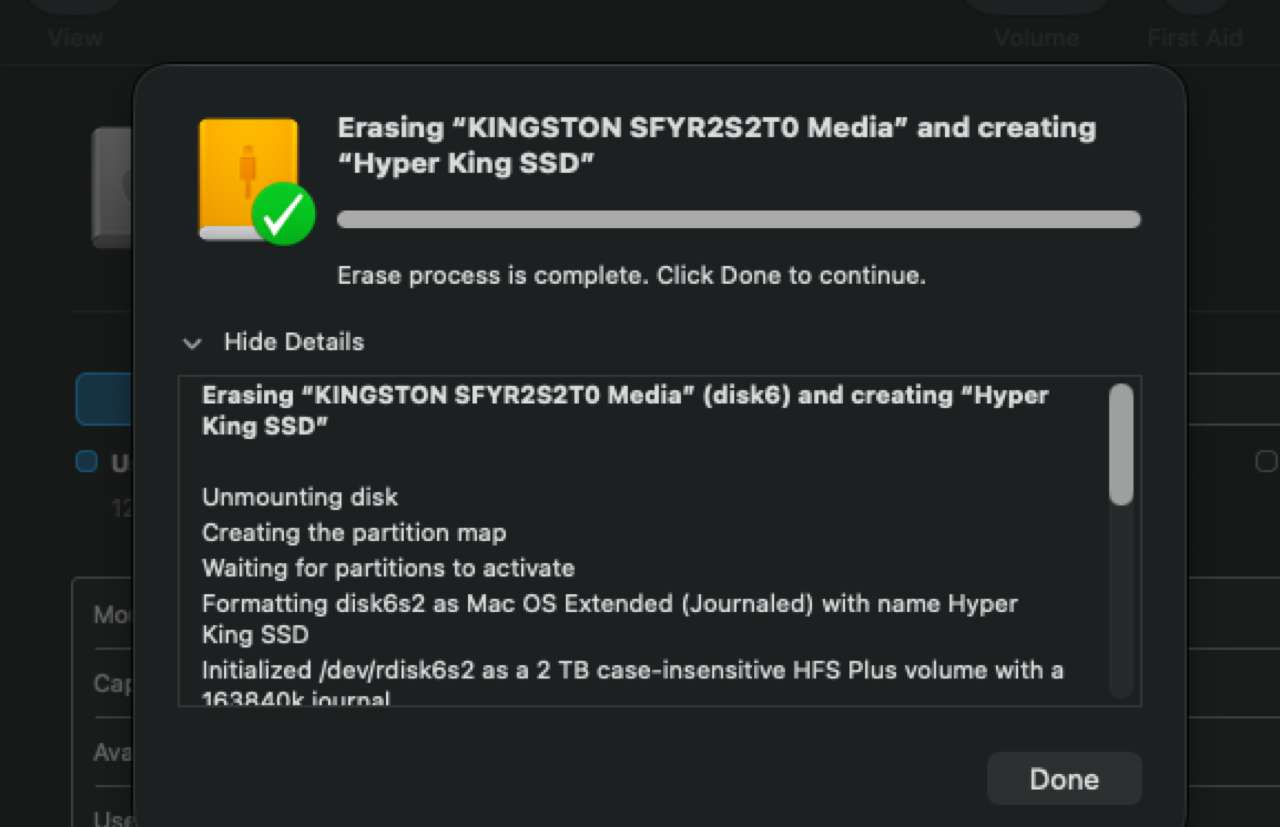
Disk Utility also completed a Mac OS Extended formatting pass.
The screenshots above are from my actual setup, not Kingston marketing. In Blackmagic Disk Speed Test, the Kingston reached 5,815.6MB/s write and 5,397.4MB/s read. My MacBook Pro recorded 5,676.9MB/s write and 5,289.3MB/s read. The Kingston result is below its internal PCIe 5.0 ceiling, which is exactly what you should expect from the external configuration shown in the screenshots.
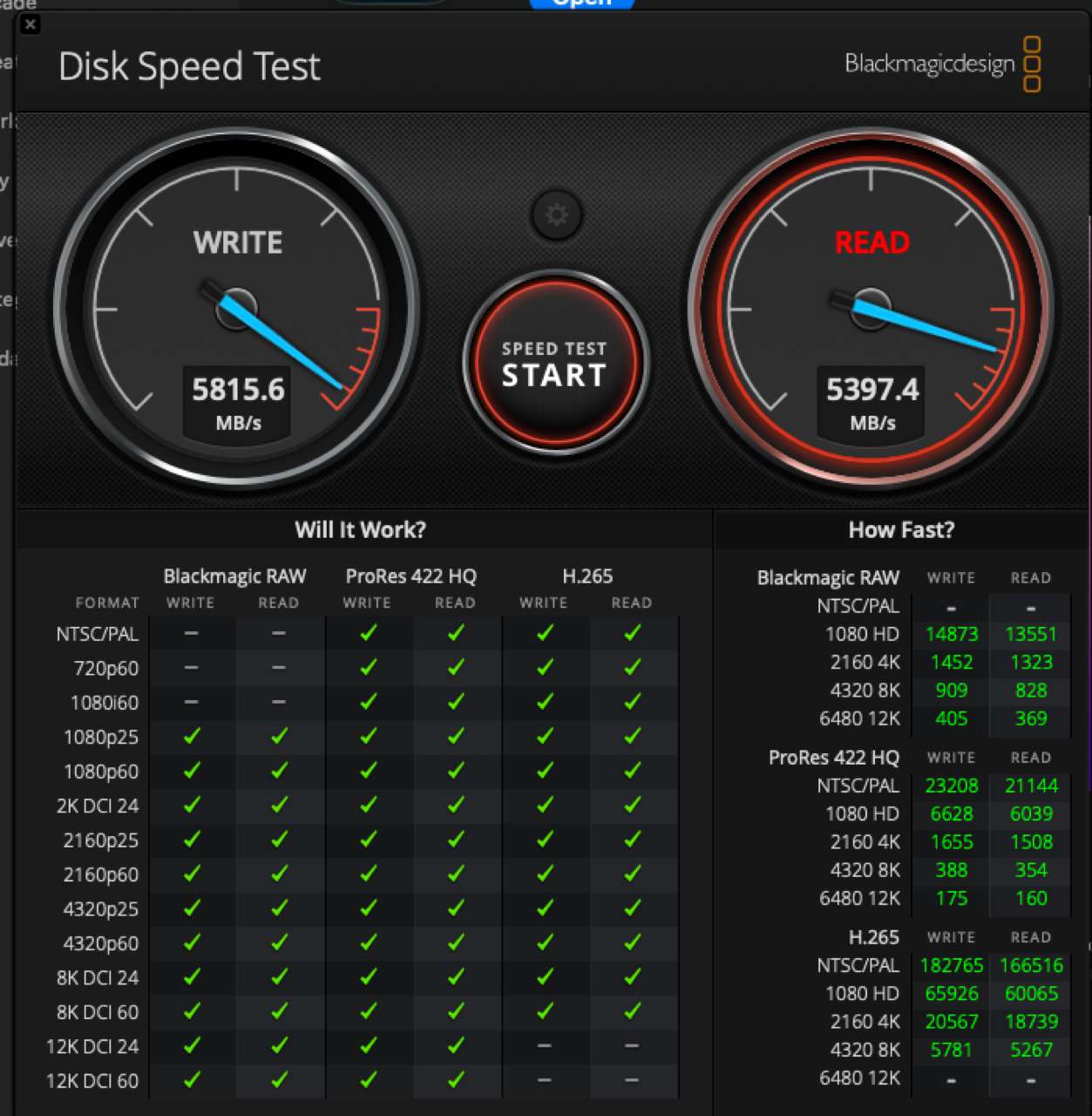
The Kingston recorded 5,815.6MB/s write and 5,397.4MB/s read in Blackmagic Disk Speed Test.
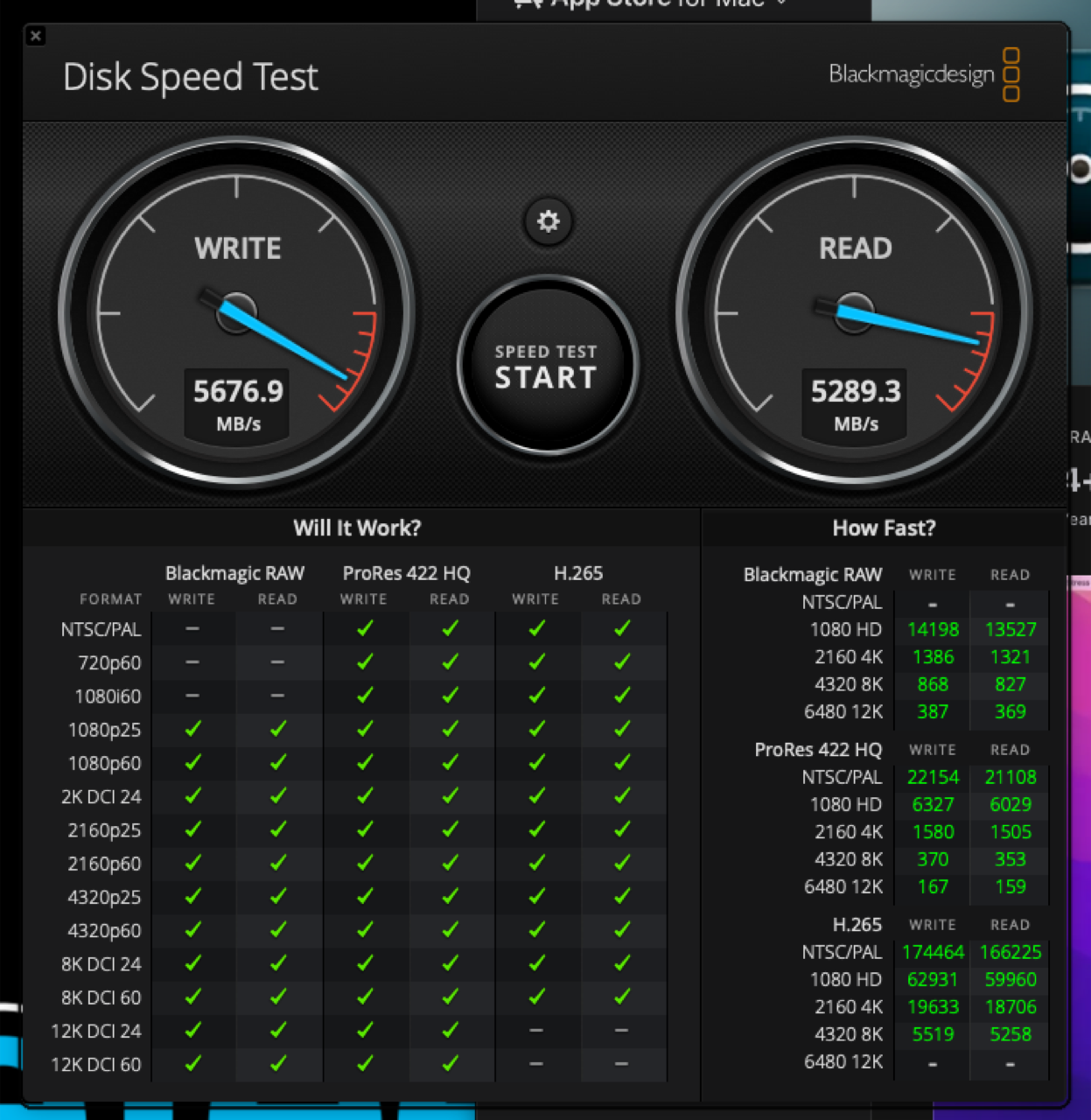
The MacBook Pro recorded 5,676.9MB/s write and 5,289.3MB/s read in the comparison run.
That does not weaken the experience. It makes the point clearer. Even before putting the drive in a full Gen 5 desktop configuration, it gave me storage performance that felt ahead of the MacBook Pro workflow I had been using.
Do not buy Gen 5 for the label alone
A PCIe 5.0 drive only gets to stretch when the rest of the machine can support it. Check the motherboard specification, CPU lane support, M.2 slot generation, and heatsink clearance before treating the rated speed as a given.
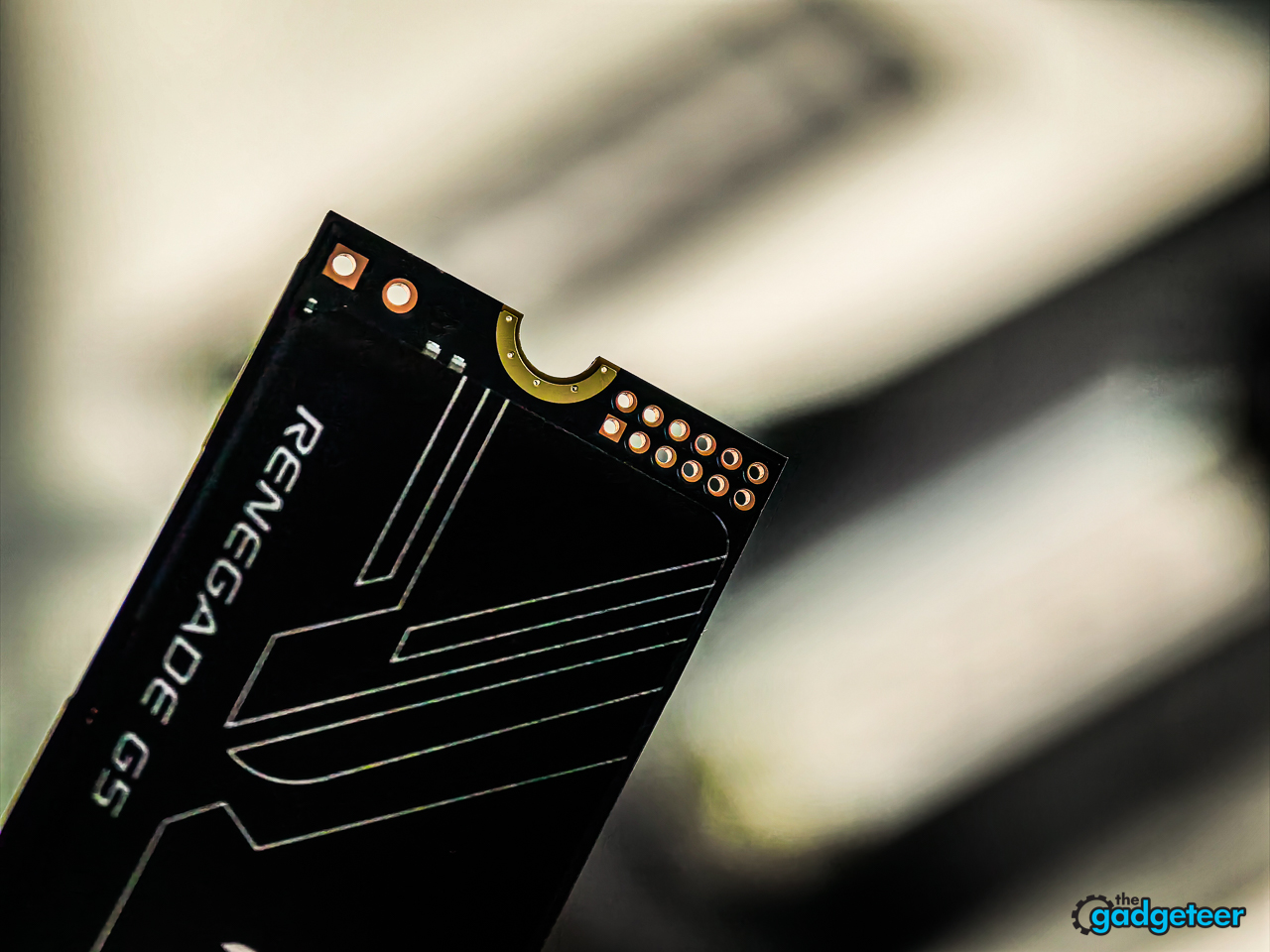
The FURY Renegade G5 is backward compatible with Gen 4 and Gen 3 systems. That makes it usable in older builds, but the connection will limit it to the speed supported by the platform. A Gen 3 machine will not become a 14,800MB/s machine because this drive is installed.
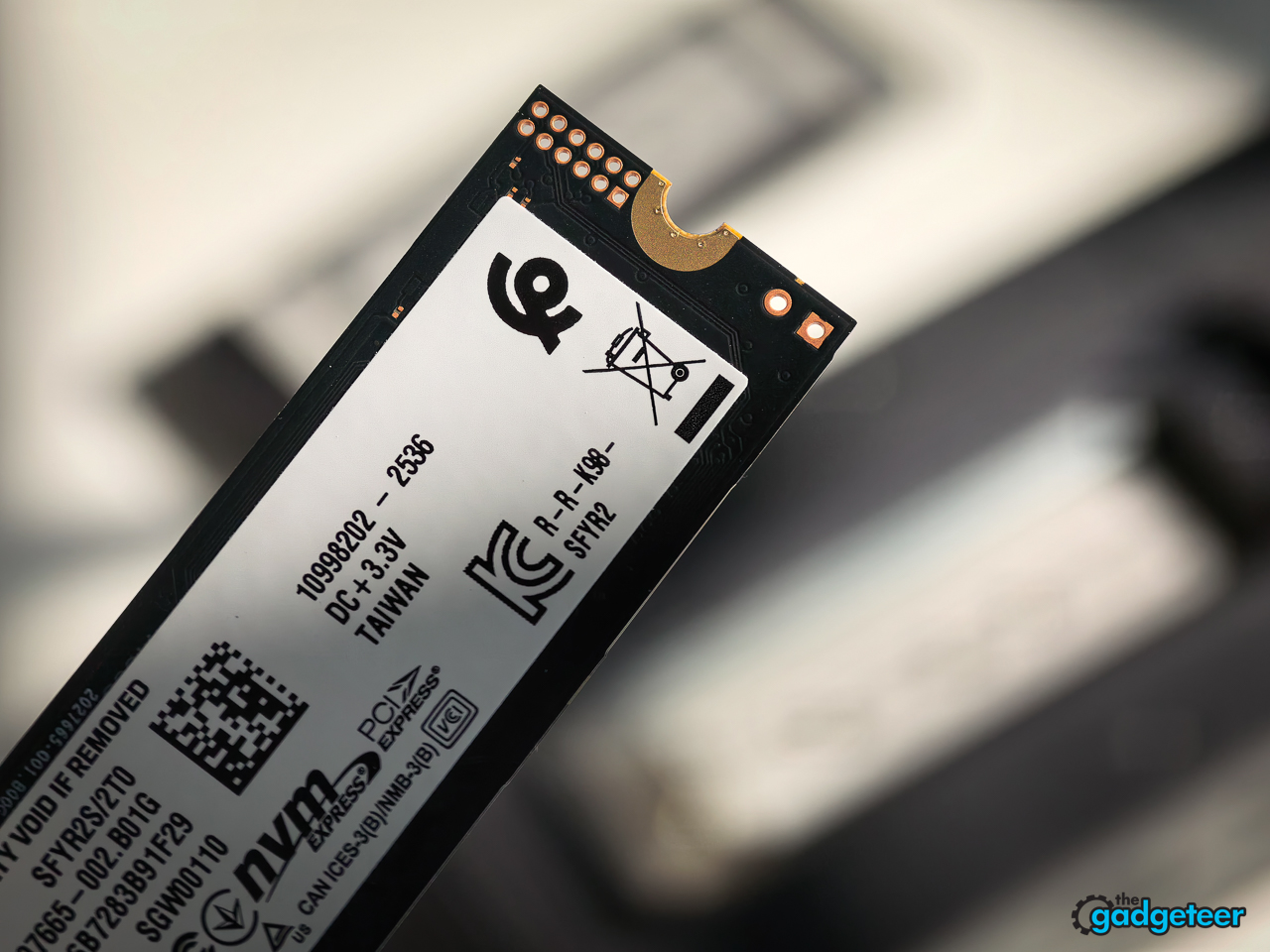
If you are building a new high-end desktop, that is where the G5 makes the most sense. If you are keeping an older system for several more years, the sale can still be a smart way to buy storage now and carry it into a later build. If your system only needs a budget drive for web browsing and documents, this is more speed than you need.
The thermal design is part of the purchase
Kingston uses a Silicon Motion SM2508 controller, low-power DDR4 cache, a separate Buck IC, and a 12-layer PCB. Those are not flashy features, but high-speed NVMe storage needs a real thermal plan. PCIe 5.0 drives run hard when you ask them to move large files or stay under sustained load.
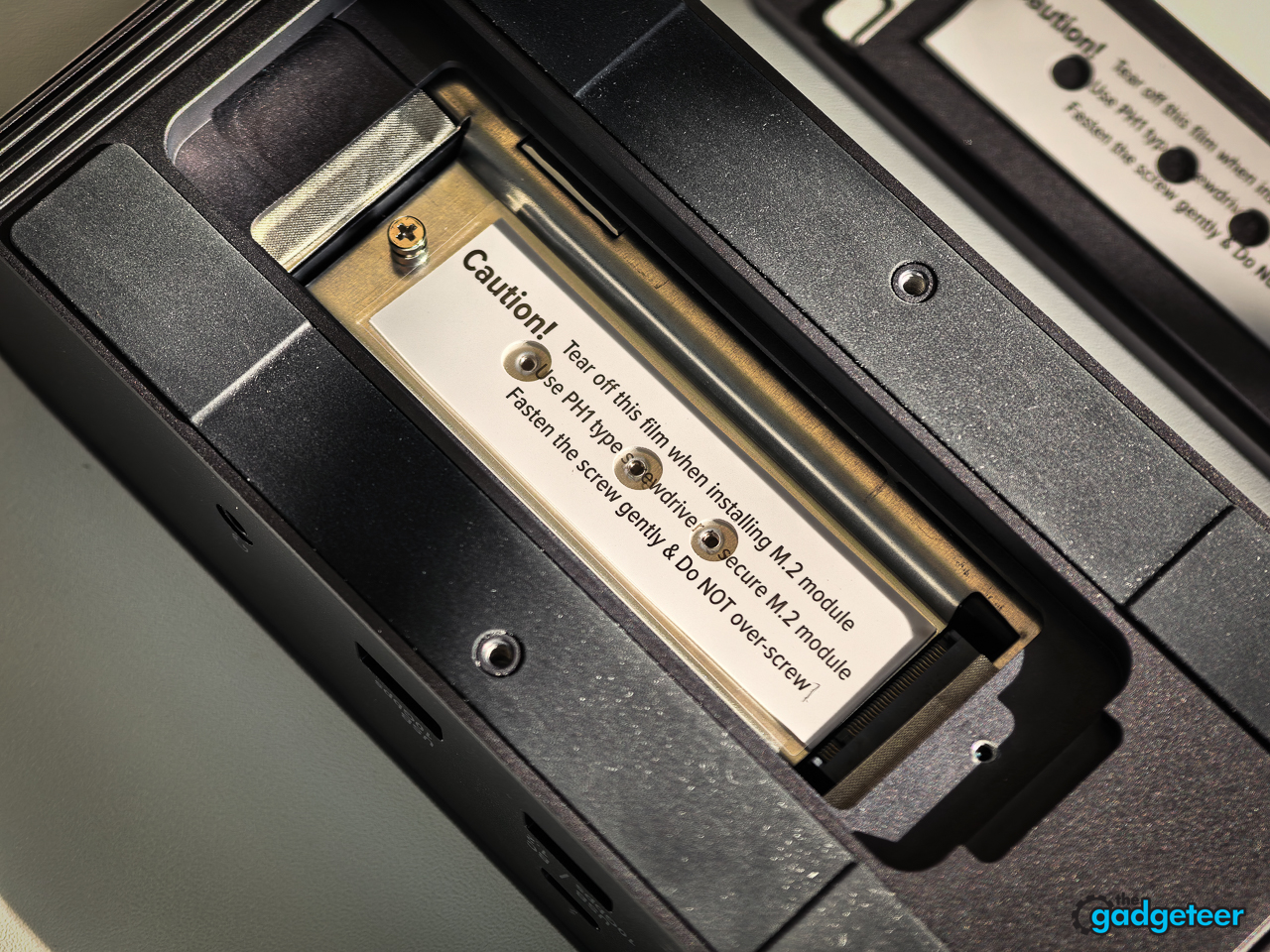
Use the motherboard M.2 heatsink if your board includes one, make sure it fits properly, and do not bury the drive in a case with poor airflow. The drive is only as quick as the system around it, and heat can erase the advantage you paid for.


Who should buy it at this price
This is for desktop builders with PCIe 5.0 support, creators who move large files regularly, gamers building a serious new rig, and anyone who has been waiting for Gen 5 pricing to stop feeling absurd. At $379.99 for 2TB, it is an easy recommendation because the deal fixes the biggest problem PCIe 5.0 drives usually have: cost.
It is not for someone expecting a universal laptop upgrade or a magical performance lift from an old PCIe 3.0 system. Buy for the right platform, install it with proper cooling, and it pays back the decision every time you stop waiting on storage.
Final thoughts
Price: $379.99 (48% off the original $732.99 price)
Where to Buy: Amazon
I went looking for a sensible storage upgrade and ended up with a PCIe 5.0 SSD that cost less than slower drives. That alone made it a no-brainer. The fact that it then beat my MacBook Pro in the work I actually do turned a good deal into one of the more satisfying upgrades I have made.