A smart lock that recognizes your face sounds like a party trick until your hands are full of groceries, a sleeping child, or a muddy garden hose. I don’t need my front door to feel futuristic. I need it to open for the right person, keep working when the phone stays inside, and give guests a backup route that doesn’t turn into a support call.
That makes face unlock a useful option, not an automatic upgrade. The right comparison isn’t face versus old fashioned keys. It’s face unlock versus a keypad, fingerprint reader, phone, watch, and physical key working as a complete access system. Facial recognition earns its place only when it removes a daily step without creating a new failure at the door.
Face recognition solves one specific problem
The strongest case for facial recognition is device-free access. A phone-based system asks you to carry a phone, keep the app available, or rely on geofencing. A keypad asks you to remember a code and find the right digits. A fingerprint reader asks you to touch a sensor with a clean, uncovered finger. Face unlock removes that deliberate action. You approach, the lock scans, and the door opens.
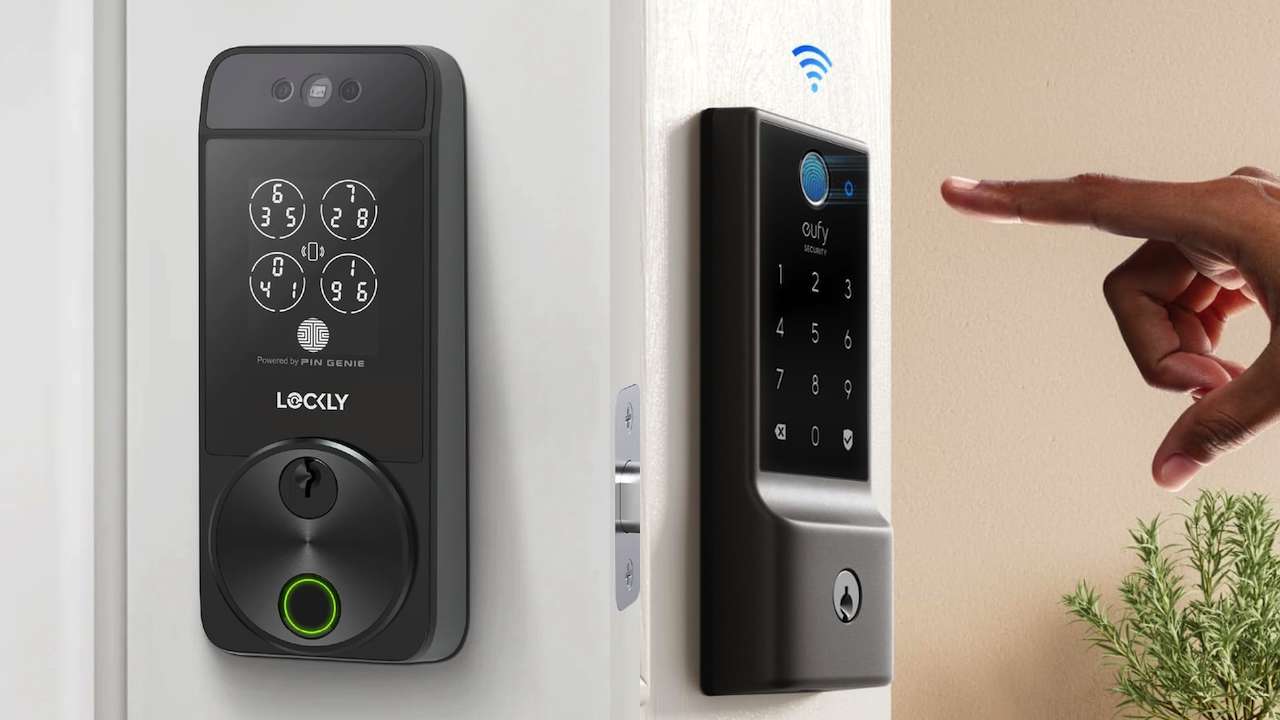
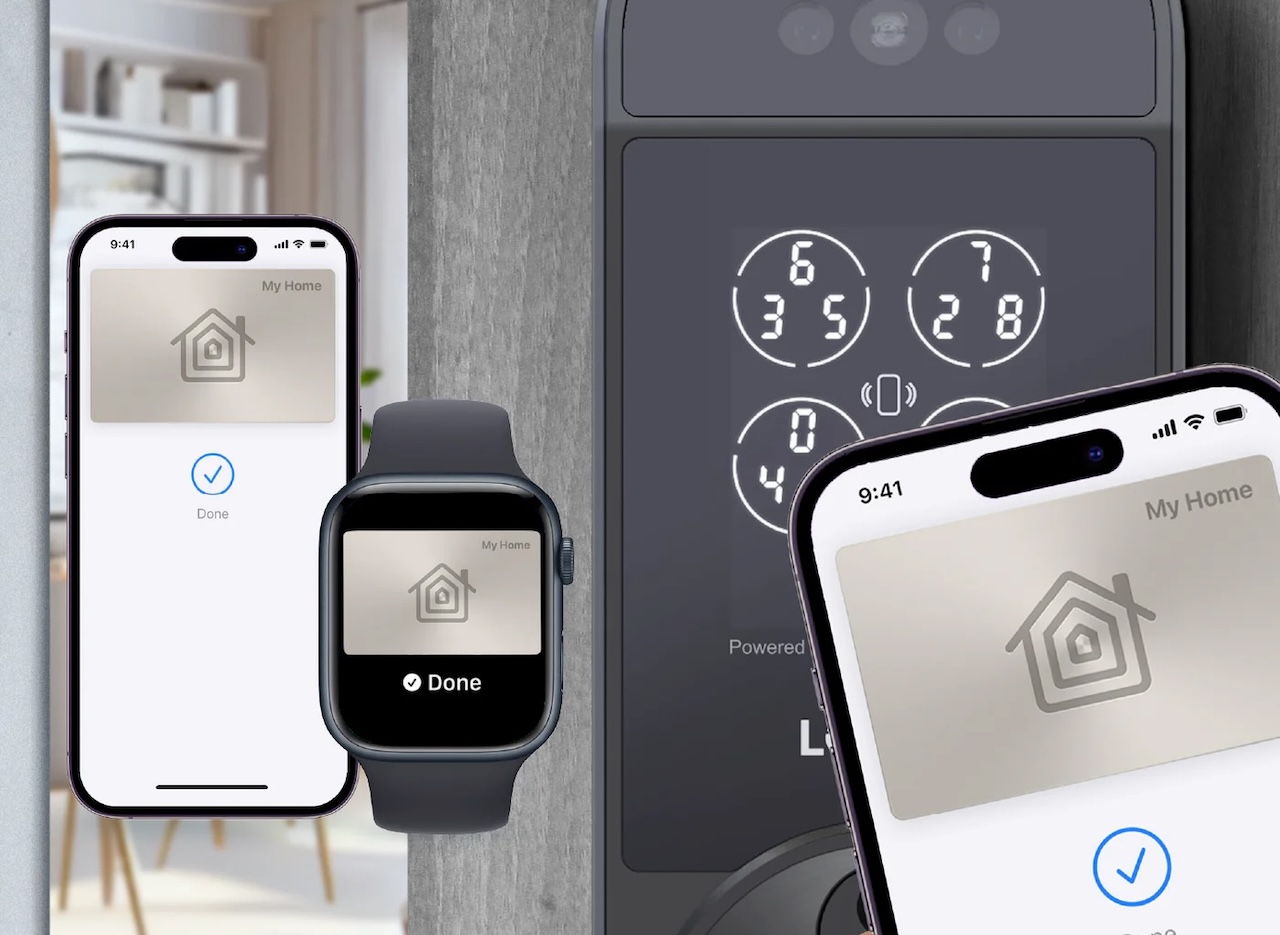
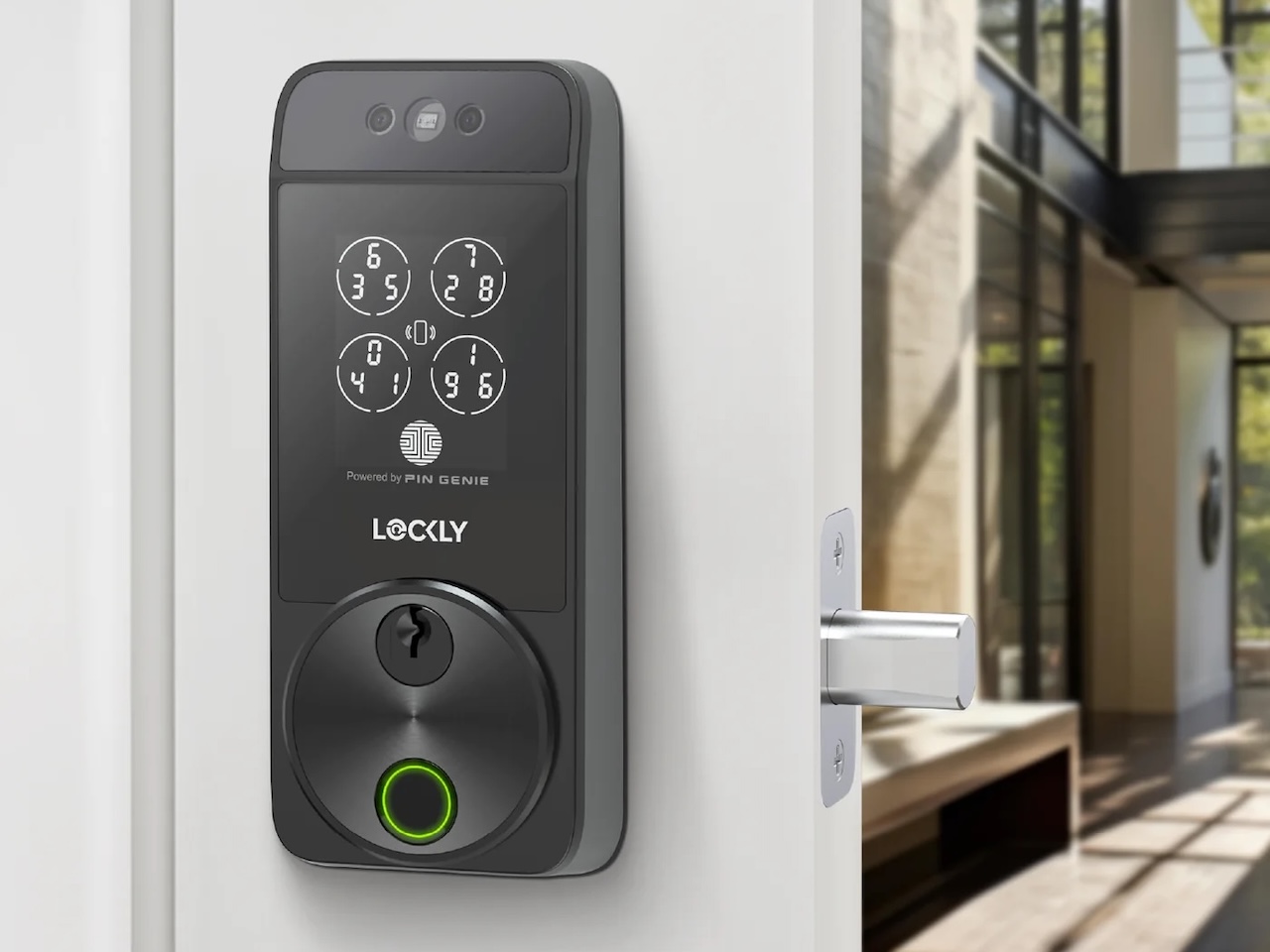
Lockly says Visage uses dual infrared sensors for facial recognition. It encrypts facial-recognition data and stores it on the device rather than sending it to a server. Its product page also lists built-in Wi-Fi, Apple Home Key, a PIN Genie keypad, fingerprint access, app control, voice control, and a physical key.
That backup list is the key design choice. A face scanner can’t be the only way into a home. Lighting, sunglasses, hats, a changed appearance, a dirty sensor, or a failed battery can interrupt the experience. A good lock treats biometrics as one route in a wider access plan.
Why backups matter more than face unlock speed
Face unlock sounds simple, but the door is a bad place for a single access method to fail. Sunglasses, hats, harsh sunlight, a dirty sensor, a changed appearance, or a low battery can all turn a hands-free feature into a delay. That doesn’t make facial recognition useless. It means the backup methods matter as much as the camera.
The real buying question isn’t whether face unlock can feel fast on a good day. It’s what happens when the scan misses. If the answer is a fingerprint reader, tap-to-unlock, keypad code, or physical key, those paths need to feel quick and dependable too.
Lockly Visage Zeno Series Facial Recognition Deadbolt
Price: $349
Where to Buy: Lockly
The keypad remains the better default for many homes
A keypad has one advantage face unlock can’t copy: it works for people who aren’t enrolled. Give a cleaner, dog walker, neighbor, or short term guest a code and they can enter without downloading an app or standing in the right position for a camera. Temporary and recurring codes also make access easier to revoke than a copied physical key.
Keypads also handle the situations that confuse biometric systems. A winter hat doesn’t change the digits. Sunglasses don’t block the code. A visitor doesn’t need a face profile. The tradeoff is that keypads expose a visible interaction and can create problems when the layout is hard to read or the code is shared too widely.
Lockly’s PIN Genie system adds another wrinkle. Its number layout shuffles digits to make code observation harder, according to the company. That design can improve resistance to someone watching the door, but it can also slow down a guest who expects a standard keypad. A smart lock should protect access without turning a simple entry into a puzzle.
Fingerprint access sits between convenience and control
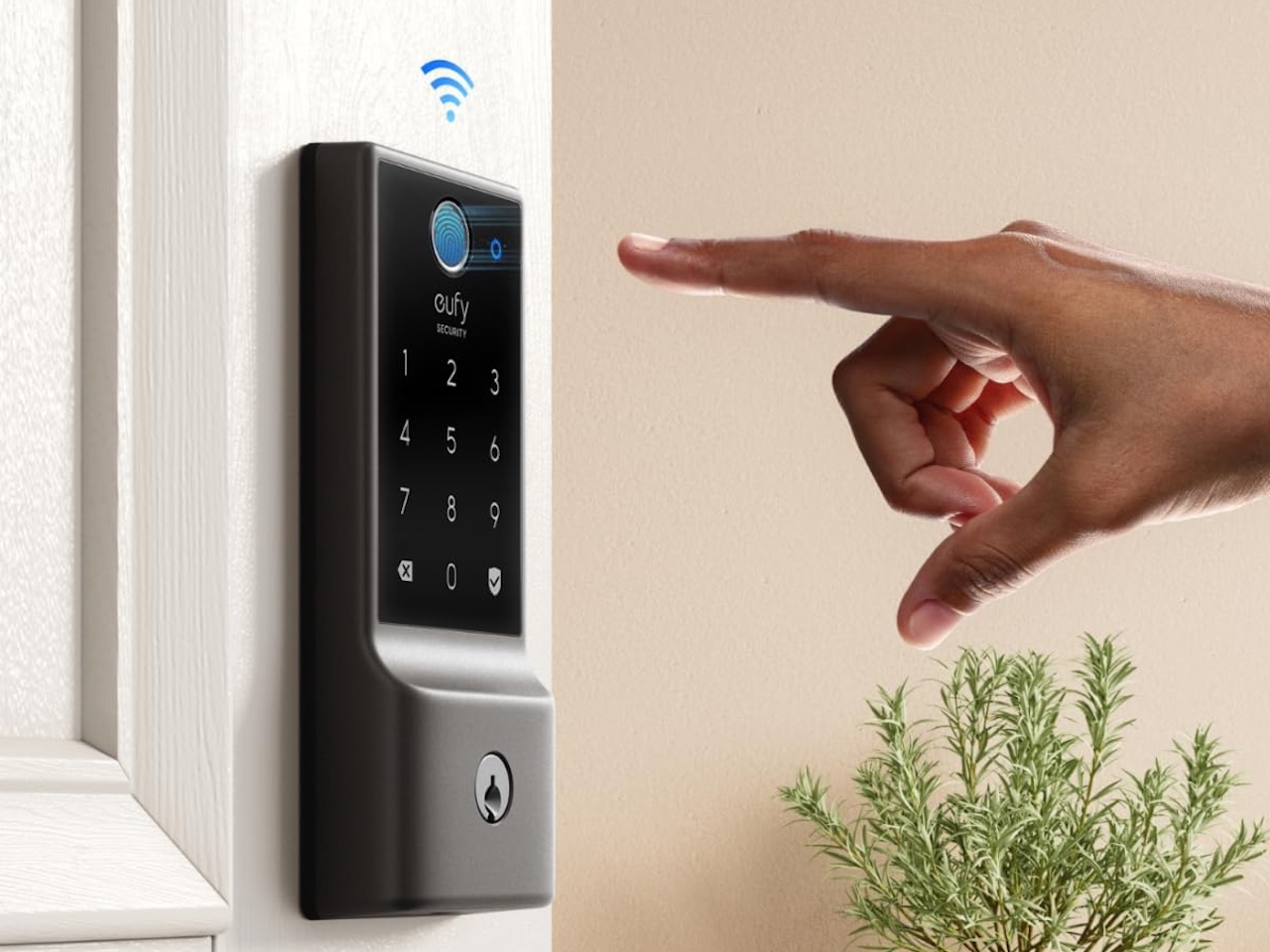
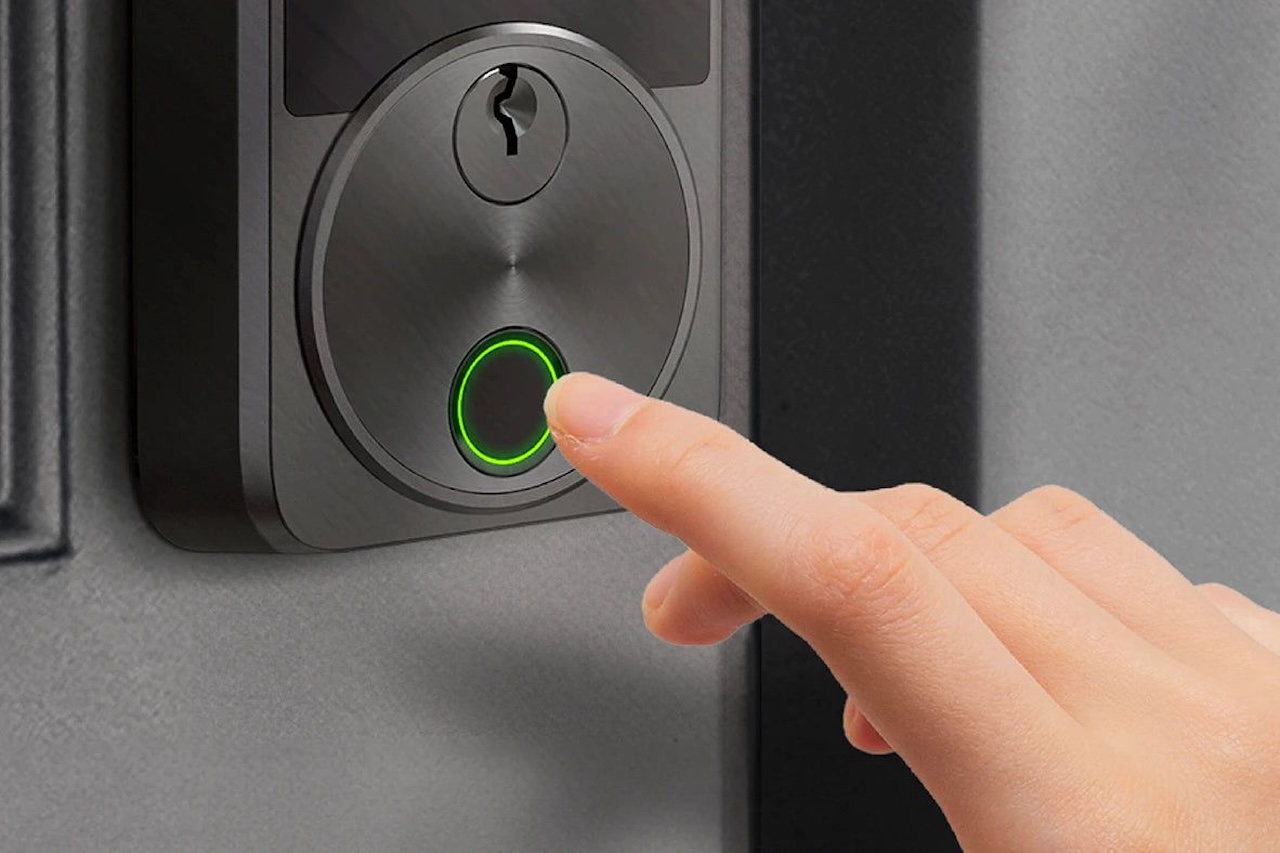
Fingerprint access may be the most practical compromise for a family. It doesn’t require a phone, it works for enrolled users in poor lighting, and it avoids the visible code entry that makes some owners uneasy. Lockly claims its three-dimensional fingerprint sensor can recognize a print in 0.2 seconds. The eufy Security Smart Lock C220 Front Door Handle Set lists fingerprint, keypad, app, physical key, and voice access.
The catch is enrollment. Every person who needs regular access must register a finger, and a reader can struggle with wet, dirty, gloved, or worn fingertips. A keypad handles a guest better. A face scanner handles a person carrying bags better. Fingerprint access works best as the household’s quiet middle path, not as the one method everyone must use.
For a mixed household, the access stack should look something like this: face unlock for the owner who approaches with full hands, fingerprint for family members who want a quick touch, keypad for guests, phone or watch access for remote control, and a physical key for the failure nobody planned for. That sounds excessive until one method fails at the exact time you need the door.
The real privacy question is local storage
Facial recognition turns a door lock into a biometric device, so storage and deletion controls deserve more attention than the novelty of the scan. Lockly says Visage encrypts face data and stores it on the device. That’s a meaningful design choice, but readers should still check how enrollment works, how an owner deletes a profile, what the app logs, and which features require a cloud account.
A keypad has its own privacy weakness. Codes spread quietly. A temporary code can remain active after a guest stops visiting, and a shared family code makes access history less useful. Fingerprints avoid shared codes but create a different concern because a biometric trait can’t be replaced like a PIN.
The practical rule is simple: pick the least sensitive access method that solves the job. Use a code for a plumber who needs one visit. Use a fingerprint or face profile for a household member who needs recurring entry. Use a phone or watch when the platform’s access history and remote controls are worth the account connection.
Which access method fits your door?
Choose face unlock when you approach the door with full hands, want device free entry, and will still use a keypad or fingerprint reader as backup. It makes the strongest case for families, frequent arrivals from a garage or yard, and owners who dislike pulling out a phone at the threshold.
Choose a keypad when guests, renters, children, caregivers, or service workers need access without enrollment. It also makes sense when the household wants a simple failure path that doesn’t depend on a camera, cloud account, or phone battery.
Choose fingerprint access when the same small group enters often and wants fast touch access. It gives you a quieter interaction than a keypad, but it needs careful enrollment and a backup for wet or covered fingers.
Skip facial recognition when the door sits in harsh direct sunlight, the household rarely needs hands free access, or the premium price only buys a camera without stronger backup methods. A reliable keypad lock can solve the actual problem for less money and with less biometric complexity.
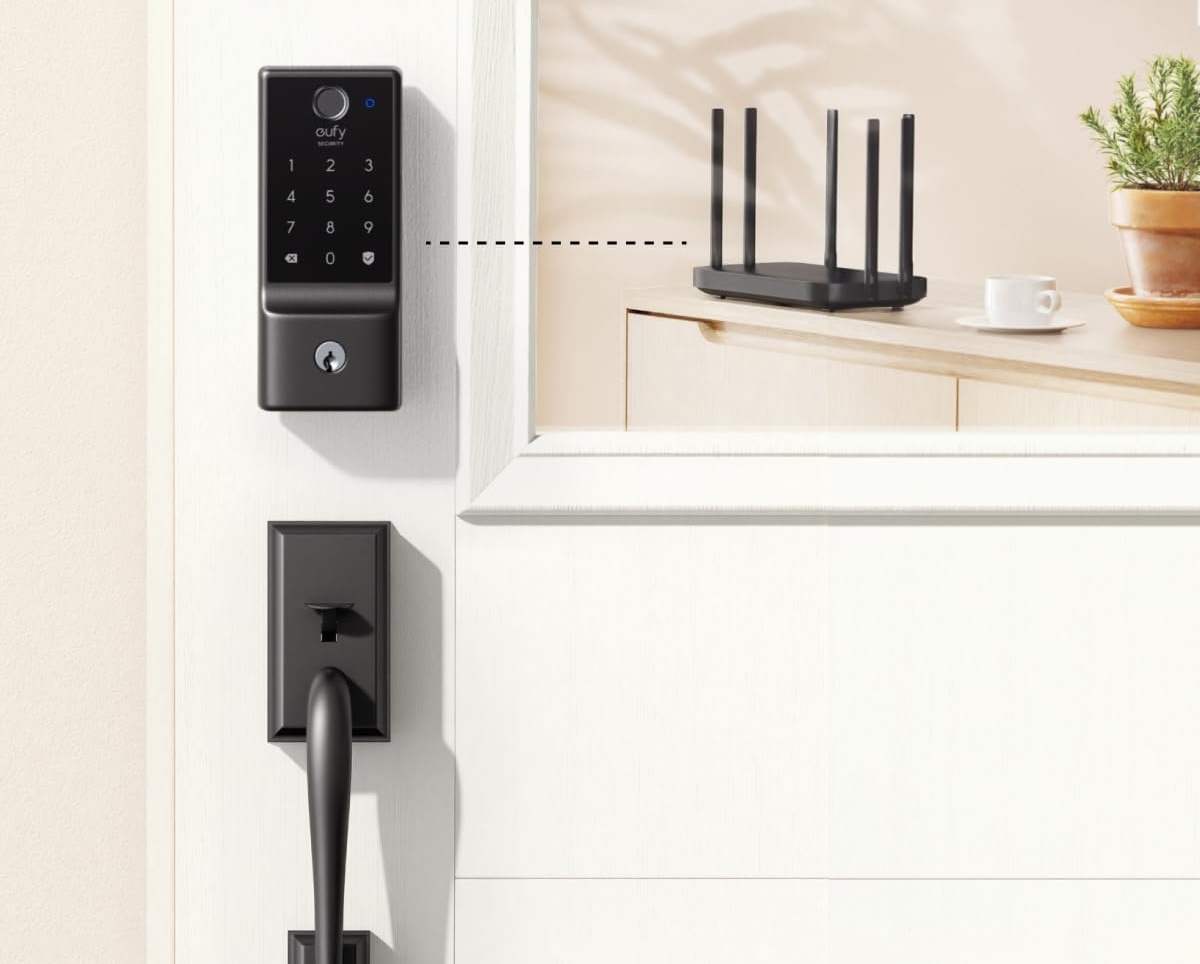
eufy Security Smart Lock C220 Front Door Handle Set
Price: $169.99
Where to Buy: Amazon
Check these details before buying
First, check the door. A smart lock can have excellent biometrics and still fail as a purchase if the deadbolt, door thickness, backset, strike plate, or handle spacing doesn’t match. Lockly lists support for doors from 1 3/8 inches to 3 1/8 inches by default, with an extension kit for thicker doors. The eufy Security Smart Lock C220 Front Door Handle Set isn’t compatible with mortise locks, according to its product information.
Next, check the backup path. A lock should offer at least two alternatives to face unlock, and one of them should work without a phone or network. Look for a physical key, keypad, fingerprint reader, emergency power input, low-battery alerts, and a clear battery plan before buying.
Finally, check the ecosystem claim instead of assuming every smart home feature travels with the lock. Lockly lists Apple Home Key, Siri, Alexa, Google Assistant, and built-in Wi-Fi, while eufy says the C220 with Door Lever is not compatible with Apple HomeKit, IFTTT, or Matter yet. Compatibility can vary by region, model, and firmware, so verify the exact listing before you buy.
Bottom line: Face unlock should be the bonus, not the foundation
Facial recognition makes sense when it removes a repeated nuisance at the door. It doesn’t replace the need for a good keypad, a usable fingerprint reader, a physical override, and a clear battery plan. The feature earns its premium when the household actually approaches the door with full hands or wants entry without carrying a device.
For most homes, I’d choose the lock with the best backup system first, then treat face unlock as the convenience layer. A camera that opens the door quickly is nice. A lock that still gets everyone inside when the camera misses is the one I’d trust.