
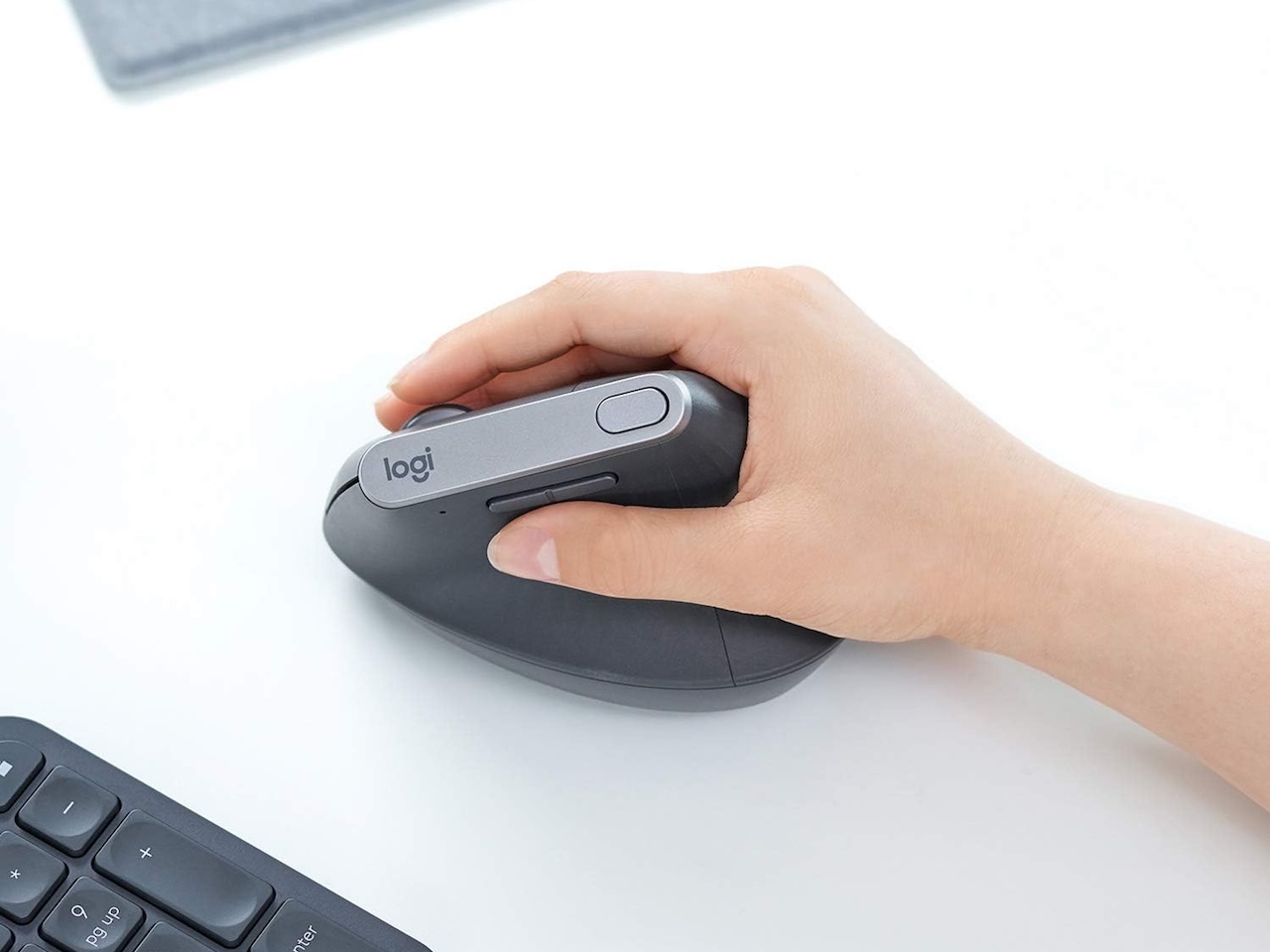
If your wrist hurts after a long day at the desk, a vertical mouse may be the cheapest fix to try. These mice tilt sideways so your hand rests in a relaxed handshake shape, which keeps your forearm in a more natural spot. In 2026, you finally have real options beyond the same one or two brands.
Maybe you want an adjustable angle, a setup for gaming, or just a steady wireless mouse for spreadsheets. The 2026 lineup covers more uses than ever. We picked five strong models and matched each one to the job it does best, so you can skip the spec-by-spec face-offs and grab the one that fits your hand.
What changed in vertical mice in 2026
For years, “vertical mouse” pretty much meant Logitech. That’s no longer true. Gaming-focused models like the SOLAKAKA E9 PRO showed up on Kickstarter in early 2026. Razer’s late-2025 release, the Pro Click V2 Vertical Edition, put a 71.7° handshake grip and gaming-grade sensor tech into a work mouse. Older adjustable models like the Contour Unimouse are still the top choice if you want to set your own angle.
The bottom line: you can now pick a vertical mouse the same way you pick a regular one. Choose by what you actually need, not by what’s left on the shelf.
How we sorted the picks
Grip angle matters more than any other spec. A 57° mouse feels like a relaxed handshake. A 71.7° design has your hand almost fully upright, which isn’t for everyone. We also looked at wireless type (Bluetooth, 2.4 GHz dongle, or both), how easy it is to switch between devices, battery life, and how well the sensor and buttons hold up day to day.
Most are made for right-handed users. We’ll point out the ones that aren’t. None are wired-only.
Two we left off the list: the Logitech Lift uses the same 57° angle as the MX Vertical but in a smaller body for smaller hands, and it comes in a left-handed version (see the FAQ for a head-to-head). The Evoluent VerticalMouse 4 is a respected older pick, but it hasn’t had a real redesign in years.
Best all-rounder: Logitech MX Vertical
The MX Vertical is still the safe default. Its 57° angle hits what Logitech calls the “natural handshake position.” Logitech’s own tests say it cuts muscle activity by about 10 percent compared to a flat mouse.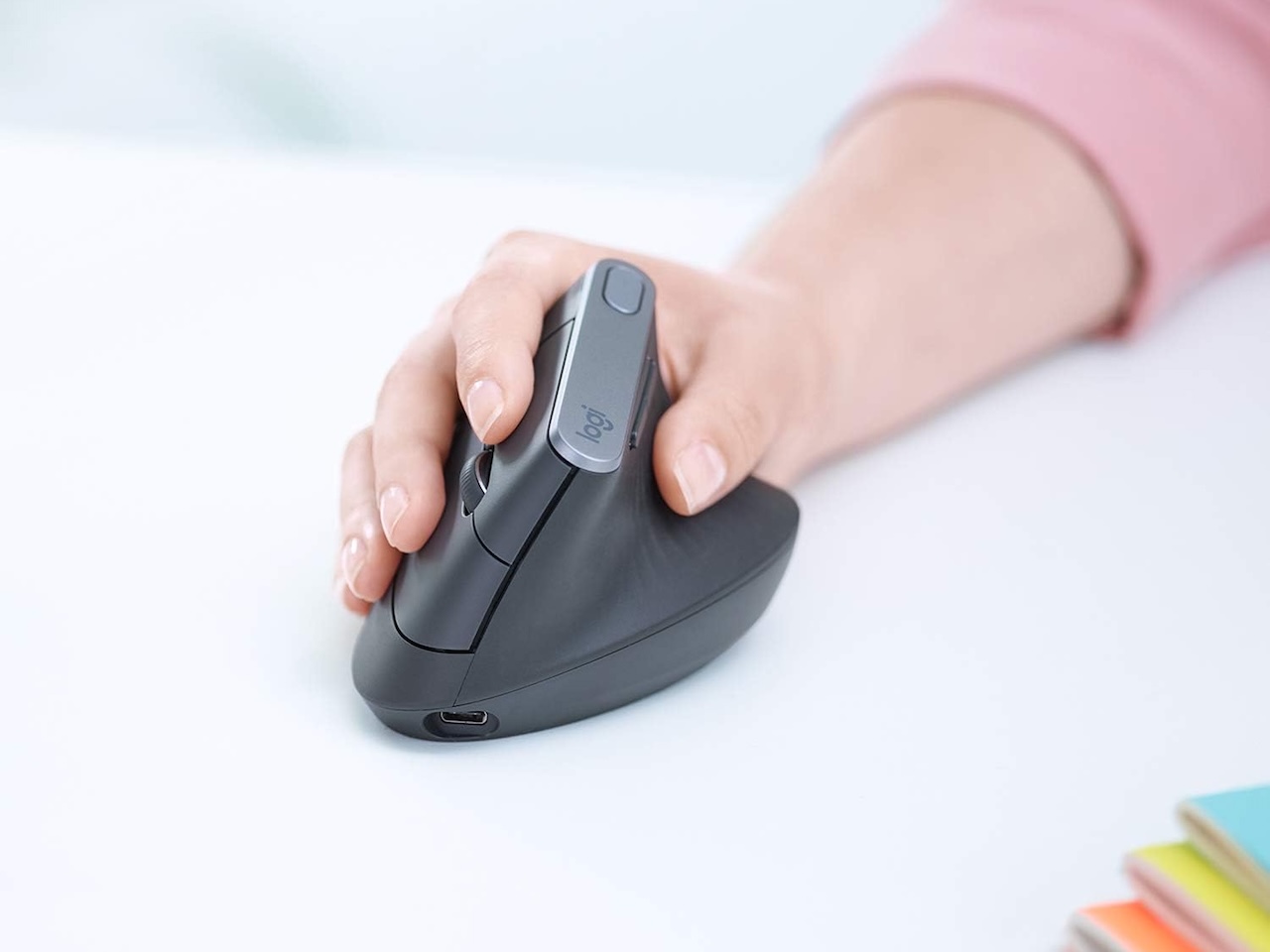
Price: $74.99
Where to Buy: Amazon
You get a 4,000 DPI optical sensor, a button to change cursor speed on the fly, and Easy-Switch pairing across up to three devices over Bluetooth or Logitech’s Unifying receiver.
The catch: this is a 2018 design, so there’s no MagSpeed scroll wheel, and some owners say the rubber coating wears down after heavy long-term use. For most desk workers with medium to large hands, that’s still a fair trade for a shape Logitech has fine-tuned over the years.
Best adjustable angle: Contour Unimouse
Most vertical mice lock you into one tilt. The Contour Unimouse doesn’t, and that’s the whole point. A patented friction hinge lets you set the angle anywhere from 35° to 70°. The thumb support also slides forward and back, up and down, and in and out, so it actually fits your hand.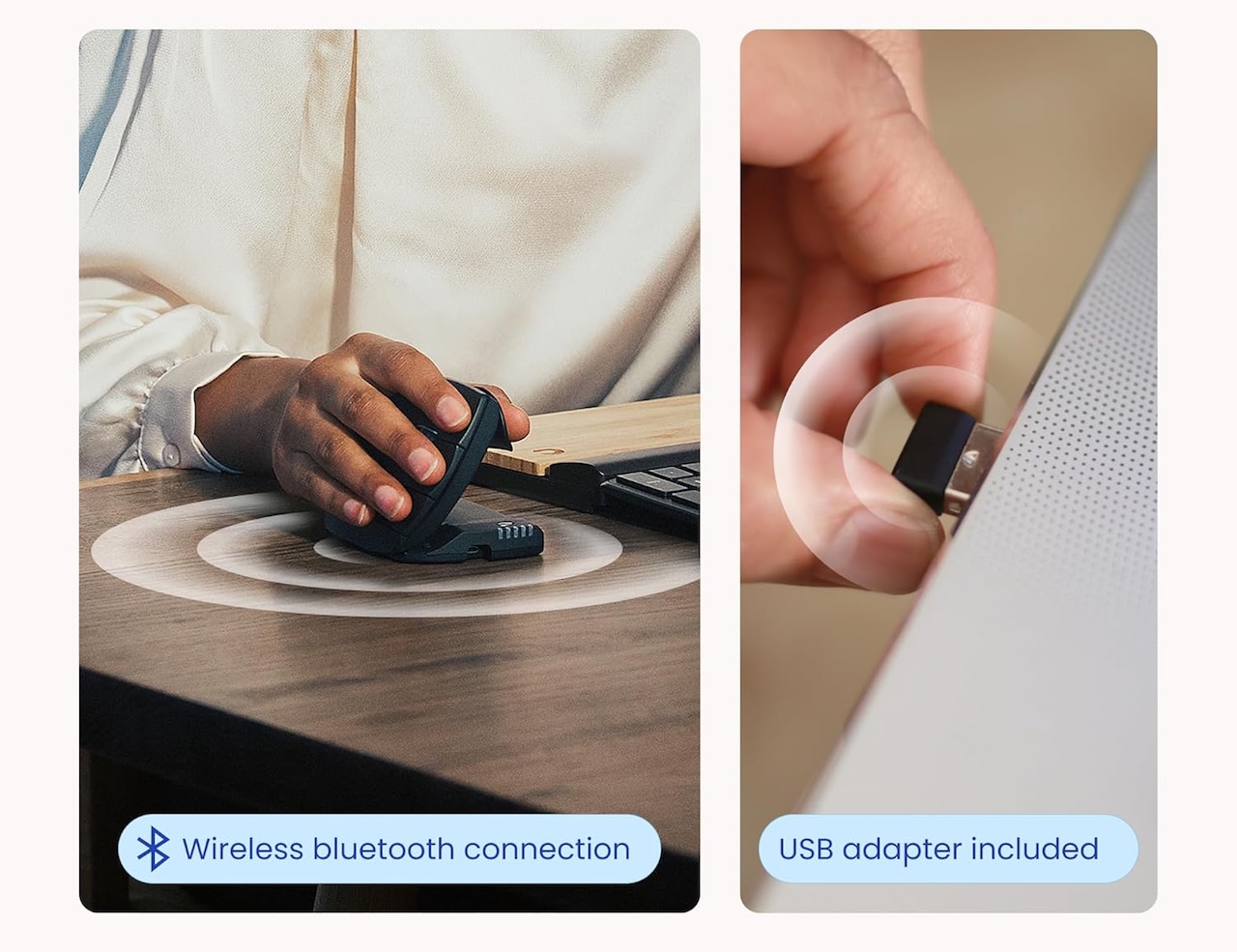
Price: $99
Where to Buy: Amazon
You also get six buttons you can program, a Pixart sensor with DPI up to 2,800, and a rechargeable wireless version for a cable-free desk. Right- and left-handed models are both available, with wired and wireless versions starting around $99. If you’ve tried vertical mice before and the angle never felt right, this is the one to try.
Best gaming pick: SOLAKAKA E9 PRO
Until this year, “gaming vertical mouse” felt like a contradiction. The SOLAKAKA E9 PRO, launched on Kickstarter in January 2026, fixes that. It wraps a 45° vertical shell around a PAW3395 optical sensor with six built-in DPI presets: 800, 1200, 1600, 2400, 3200, and 6400.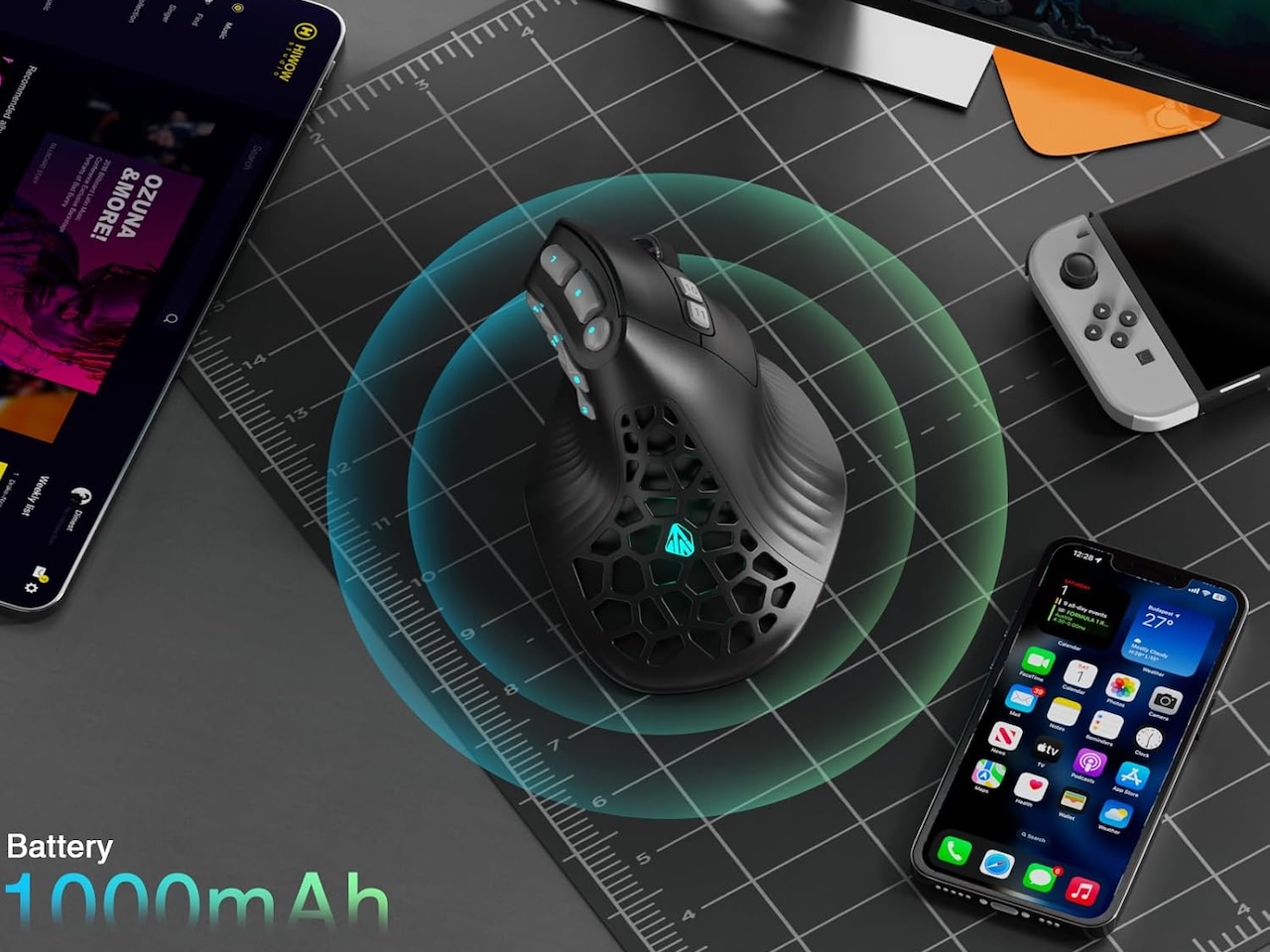
Price: $79
Where to Buy: Amazon
The 45° angle is a planned compromise. It’s tilted enough to relax your forearm, but flat enough that the side buttons stay easy to reach for MMO macros. Solakaka calls it the first vertical MMO mouse, and street pricing sits around $82.99.
If you grind raids or play games with lots of keybinds but still want your wrist to feel okay after, this is the first vertical mouse built for that job.
Best premium wireless: Razer Pro Click V2 Vertical Edition
Razer’s first wireless vertical mouse goes for a steep 71.7° angle, with the Focus Pro 30K optical sensor and up to 6 months of battery life under Razer’s standard test conditions. You also get 5-way multi-device connectivity over 2.4 GHz, Bluetooth, and USB-C wired, plus a dedicated button to switch between them.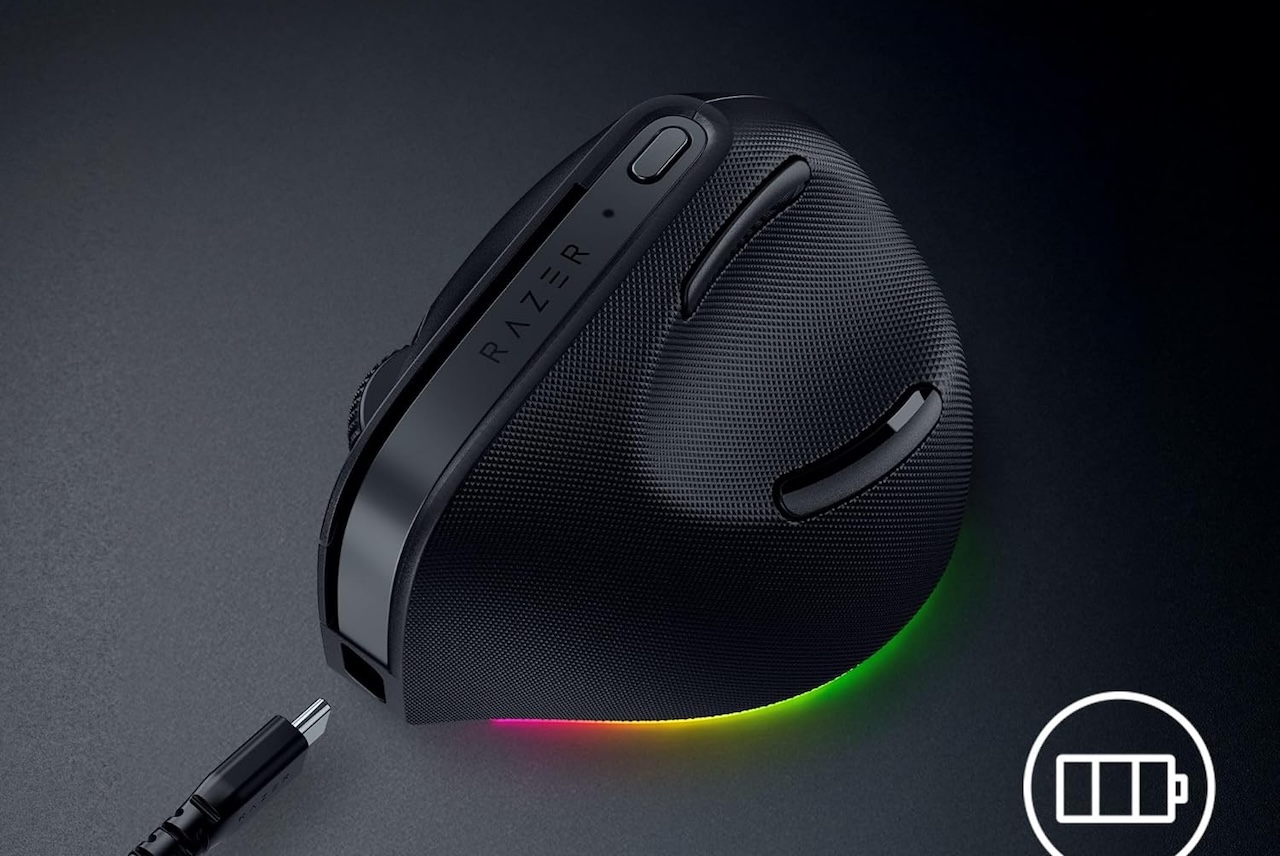
Price: $119
Where to Buy: Amazon
The steep angle is the catch. At 71.7°, it’s clearly more upright than the MX Vertical’s 57°, and reviewers with smaller hands or more relaxed grips have said their wrist feels strained during long sessions. But if your hand already rests close to vertical, this is the most full-featured vertical mouse you can buy right now.
Best under $40: Anker 2.4G Wireless Vertical Ergonomic Mouse
Many vertical mice under $40 feel wobbly or track poorly on textured desks. The Anker 2.4G Wireless Vertical is the one cheap pick worth knowing about.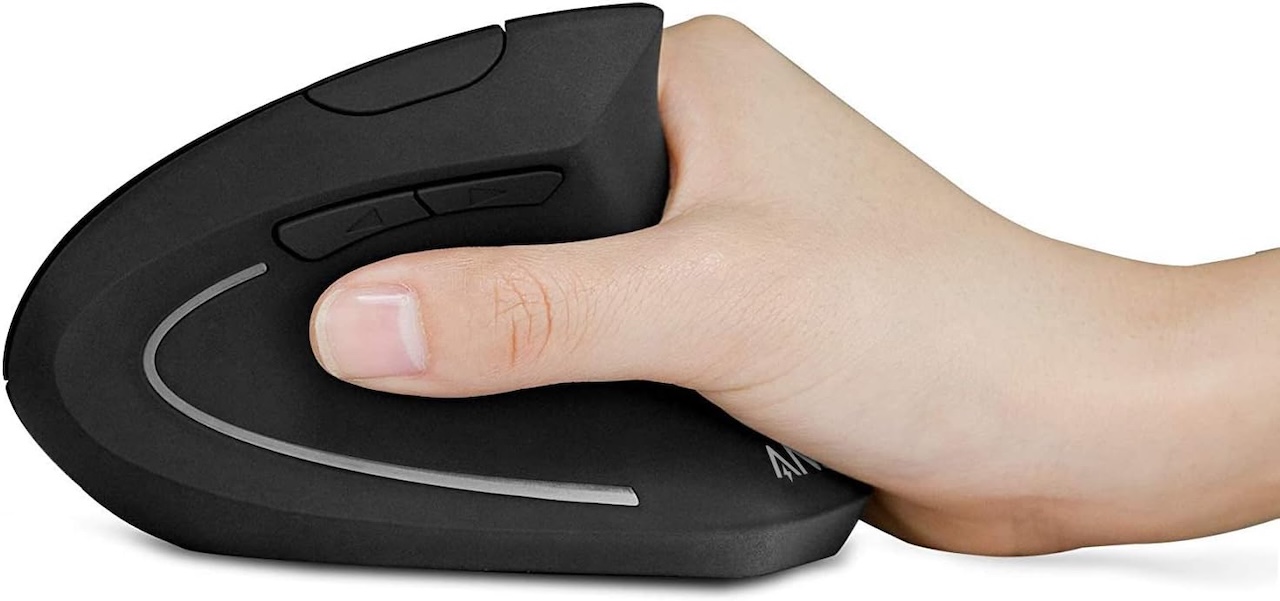
Price: $21
Where to Buy: Amazon
It keeps things simple. You get 800, 1200, and 1600 DPI presets through a button on top, five buttons total (including next and previous), a 2.4 GHz USB receiver that tucks into the base, and a sleep mode that kicks in after eight idle minutes. The shape copies the same handshake idea as pricier picks. At Anker’s usual sub-$30 list price, it’s a cheap way to find out if vertical works for you before spending three times as much.
Don’t expect Bluetooth, a rechargeable battery, or thumb-button support on Mac. For a mouse that handles spreadsheets and email and costs less than dinner out, that’s a fair deal.
Who should actually switch
The best way to tell if a vertical mouse will help you is to check your current grip. Let your hand rest naturally on the desk. If your thumb points more up than out, a 57° or steeper mouse will feel right at home. If your hand lands almost flat, start with an adjustable model like the Contour Unimouse and tilt up over time.
Give any vertical mouse at least a week before you judge it. The first few days feel awkward as your forearm learns a new motion. The payoff (less wrist tension after a long session) is worth that adjustment for most desk workers. It’s especially worth it if you deal with carpal tunnel or tennis elbow from heavy mouse use.
FAQ
Do vertical mice help with carpal tunnel?
Vertical mice hold your forearm in a relaxed handshake position. That reduces the inward twist (called pronation) that makes carpal tunnel and tennis elbow worse. A vertical mouse alone isn’t a cure, but pairing it with good posture and regular breaks should ease wrist tension over time. If pain sticks around, see a physical therapist.
How long does it take to adjust to a vertical mouse?
Plan on about a week of awkwardness. The first few days feel slow as your forearm learns the new motion, but most people settle in within five to seven days of regular use.
Logitech Lift vs MX Vertical: which is better?
Both use Logitech’s handshake-grip idea. The Lift has a smaller body that fits smaller hands, and it comes in a left-handed version. The MX Vertical’s larger body fits medium to large hands. Pick the Lift if your hand is on the smaller side or you want a left-handed option. Pick the MX Vertical if you need a bigger grip.
What grip angle is best for a vertical mouse?
There’s no single best angle. It depends on how your hand rests. Let your hand fall onto the desk. If your thumb points more up than out, a 57° to 71.7° mouse will feel right. If your hand lands almost flat, start lower (around 45°) or pick an adjustable model like the Contour Unimouse and dial it in.




Gadgeteer Comment Policy - Please read before commenting
Interesting comparison, especially the discussion about grip angles and how they affect comfort during long sessions. One thing I have noticed is that many users focus on DPI and sensors but rarely pay attention to how ergonomics can influence overall clicking consistency and endurance. It would be interesting to see more testing on different vertical mouse designs on click speed and fatigue over extended use.