A memory shortage has quietly rewritten the laptop buying rules for 2026, and most of the advice people are still repeating hasn’t caught up.
RAM and storage prices have jumped hard this year, and brands have started downgrading specs and raising prices to protect their margins. So the cheap laptop that looked fine two years ago is a worse deal today, and the spec choices that used to be forgiving now decide whether you regret the purchase a few months in.
That’s why the old habit of buying more machine than you need, or trusting the biggest number on the box, costs more in 2026 than it used to.
The biggest laptop buying mistake in 2026 is still the same one people made ten years ago: buying the spec that sounds impressive instead of the laptop that fits their life.
The sticker changed. Now it says AI PC, Copilot+ PC, NPU, 50 TOPS, OLED, Wi-Fi 7, Snapdragon X, Ryzen AI, Core Ultra. Some of those labels matter. None of them matter enough to rescue a bad screen, 8GB of soldered RAM, a tiny SSD, a miserable keyboard, or a battery claim nobody should believe.
We spend a lot of time with laptops at The Gadgeteer, and the same avoidable mistakes keep surfacing across every price tier. So before you buy the laptop that looks like a deal, run it through this list.
Who this guide isn’t for
If you already know the exact laptop you want and why, you can skip this.
This is for the person standing in front of a wall of near-identical laptops, or scrolling a marketplace full of suspiciously cheap ones, trying to work out which specs are still worth paying for in a year when none of the pricing feels normal.
Mistake 1: Buying the cheapest thing that clears the checkout page
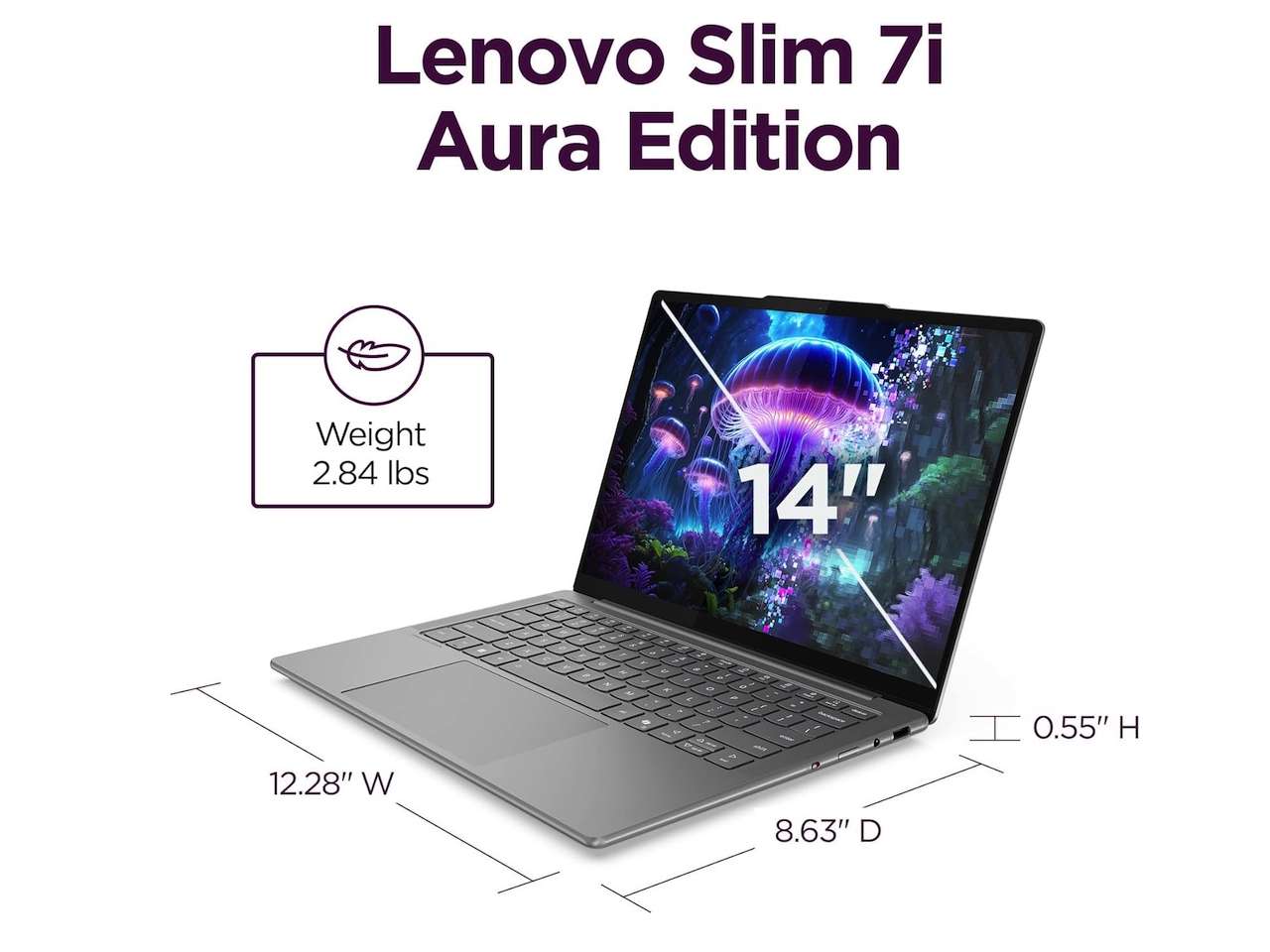
Price: From $1,114.44
Where to Buy: Amazon
Cheap laptops can be useful. Bad cheap laptops are expensive.
The problem starts when the price becomes the whole decision. A $399 laptop with weak RAM, slow storage, a dim screen, and a short support runway can feel fine for the first week and miserable by month six.
Browser tabs get heavier. Video calls get uglier. Windows updates eat storage. The laptop that looked like a bargain becomes a chore.
That doesn’t mean you need to spend $2,000. It means the cheapest acceptable laptop should still meet a floor: 16GB of RAM if possible, SSD storage, a current processor family, a screen you can stare at for hours, and a return policy that gives you a way out. If a deal misses two or three of those, it probably isn’t a deal.
Mistake 2: Treating 8GB of RAM as normal
The 8GB laptop is the trap I’d avoid first. It’s also the one 2026 is quietly pushing more people toward. With memory prices up sharply this year, some brands protect a tempting sticker price by shipping 8GB instead of 16GB, or by soldering the smaller amount in place. The number on the box guards their margin, not your next four years.
In 2026, 8GB can still work for light browser use, a few documents, and a very patient owner. It’s not where I’d put my own money unless the price was low enough that I understood the compromise. The moment you stack Chrome tabs, Teams, Slack, email, a password manager, cloud sync, antivirus, and a few background apps, 8GB starts to feel tight.
Worse, a lot of thin laptops have soldered memory. You can’t fix the mistake later. If the listing says 8GB soldered, read that as a permanent decision.
For most people, 16GB is the sane floor. For creators, coders, heavy multitaskers, local AI experiments, and long-term ownership, 24GB or 32GB is safer.
Mistake 3: Assuming storage will be easy to upgrade
A 256GB SSD looks tolerable until Windows, recovery partitions, app caches, photos, downloads, and cloud sync start claiming space.
For a Chromebook or a cloud-first secondary machine, 256GB can be fine. For a main Windows laptop, I’d rather see 512GB as the minimum and 1TB as the comfortable target. It isn’t because everyone stores giant video files.
It’s because storage stress changes how you use the machine. You stop downloading what you need. You start babysitting folders. You delay updates because the drive is always full.
The other storage mistake is assuming the SSD can be replaced. Many laptops still allow it. Some block it. Some reseller listings also open the box for upgrades, which may affect warranty terms or buyer confidence.
Check the actual model, not just the family name.
Mistake 4: Buying a processor name instead of a platform
A processor label tells only part of the story. Core Ultra, Ryzen AI, and Snapdragon X can all be good. They can also mean very different things. Intel and AMD laptops usually give you the broadest Windows app comfort. Snapdragon systems can deliver excellent battery life and quiet travel use, but you need to check Windows on Arm compatibility for your specific apps, peripherals, VPN, printer, capture device, games, and drivers.
This is where AI branding makes things worse. A Copilot+ PC badge tells you the machine meets a Microsoft AI hardware baseline. It doesn’t tell you whether your old accounting app runs, whether your audio interface has drivers, or whether your favorite game blocks Arm.
If platform choice is the confusing part, read our Intel vs AMD vs Snapdragon laptop platform guide before you buy.
Mistake 5: Ignoring the screen because the CPU sounds exciting
Price: From $1,005
Where to Buy: Amazon
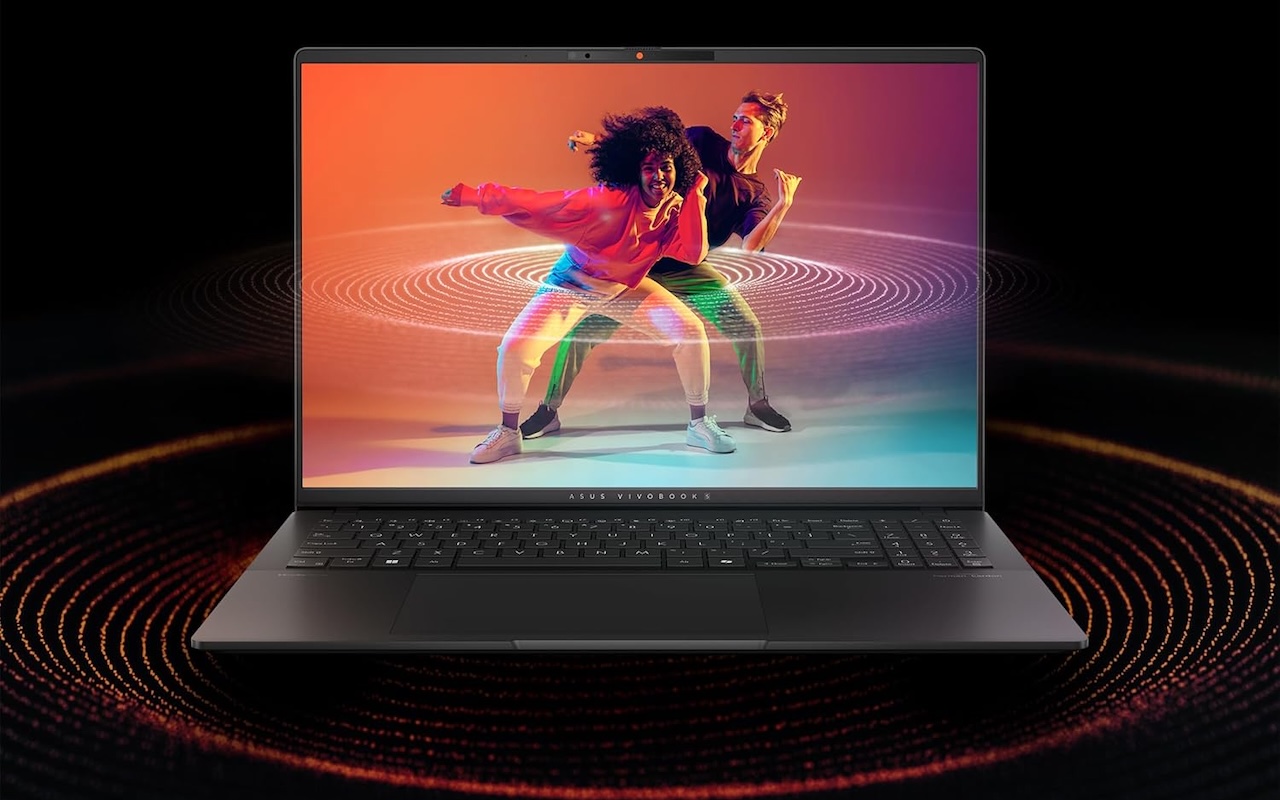
The screen is the part you actually use. A faster processor won’t make a dim 250-nit panel easier to see near a window. A bigger NPU won’t fix washed-out colors. A fancy model name won’t make a cramped 16:9 display feel roomy when you live in documents, spreadsheets, browser windows, and email.
Look at size, resolution, brightness, aspect ratio, finish, and panel type. A 14-inch laptop is great for travel. A 16-inch 16:10 laptop is better if the machine mostly sits on a desk.
OLED can look fantastic, but glossy panels can reflect more light. Touch is useful for some people and pointless for others.
Don’t let the processor headline distract you from the screen you’ll be staring at every day.
If you’re halfway down this list and starting to see a pattern, that’s the point. Every one of these mistakes is really the same mistake wearing a different label: paying for the number that’s easy to print instead of the experience you’ll actually live with.
Mistake 6: Believing battery-life claims without context
Battery specs can be useful, but they often describe the easiest possible life.
Local video playback at low brightness barely resembles your normal day. Your normal day has Wi-Fi, browser tabs, video calls, background sync, screen brightness changes, Bluetooth devices, app updates, and moments where the processor actually works.
That’s why buyer reviews and proper laptop reviews matter. If a company claims 20, 30, or 34 hours, treat it as a ceiling, not a promise. Then ask a practical question: can this laptop survive the way I work without dragging the charger everywhere?
Also check the charger. A light laptop with a brick-sized adapter is still annoying in a bag. USB-C charging helps, but only if the laptop charges at a wattage your existing charger can supply.
Mistake 7: Forgetting the keyboard, trackpad, webcam, and ports
The laptop you hate is often not slow. It’s uncomfortable. Bad keyboards make every email irritating. Tiny touchpads make travel work worse. Weak webcams make meetings look awful.
Missing ports turn every desk into dongle math. Loud fans ruin quiet rooms. Speakers that point into the table make videos sound thin. These aren’t bonus features. They’re the daily interface.
Before buying, check the keyboard layout, whether there’s a number pad, whether the touchpad is large enough, whether the webcam has Windows Hello or a privacy shutter, and whether the ports match your real accessories. HDMI, USB-A, USB-C, Thunderbolt, SD card, audio jack, Ethernet, and charging placement all matter differently depending on how you work.
A great spec sheet with the wrong ports is still the wrong laptop.
Mistake 8: Buying a gaming GPU you don’t need, or skipping one you do
Graphics are where people overspend and underspend in equal measure.
If your work is documents, browser tabs, email, streaming, light photo edits, and video calls, integrated graphics are probably fine.
Buying a thick gaming laptop for that workload gives you extra heat, fan noise, weight, and battery drain for power you rarely use.
If your work includes 3D rendering, serious video editing, GPU-heavy creator apps, local AI models, CAD, or modern games, integrated graphics may be the wrong compromise. In that case, the GPU matters more than the NPU sticker.
This is why I separated NPU AI from GPU AI in our best AI laptops you can buy today coverage. Windows AI features and creator workloads need different hardware.
Mistake 9: Assuming a 2-in-1 will solve every use case
Price: From $880
Where to Buy: Amazon
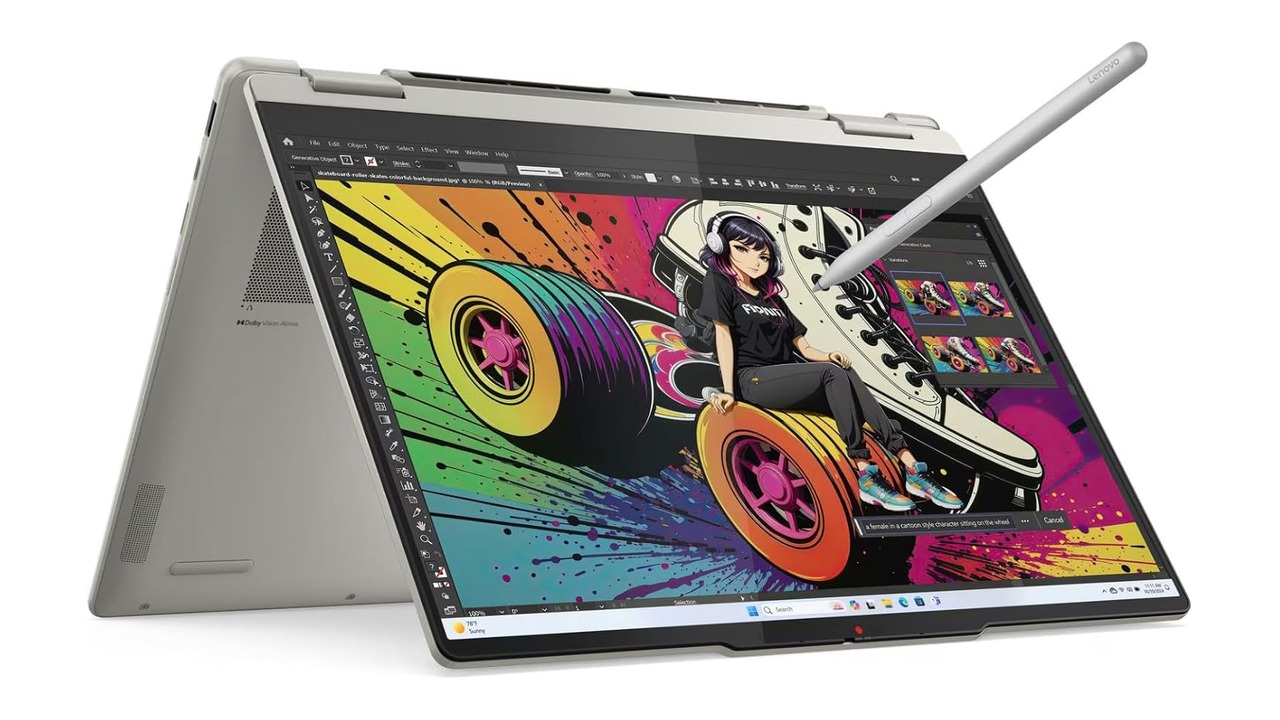
Convertible laptops are useful. They’re also easy to romanticize. A 2-in-1 makes sense if you take handwritten notes, sketch, annotate PDFs, present from odd angles, watch video away from a desk, or want a couch-friendly touchscreen. It makes less sense if you’ll use it as a normal laptop 99 percent of the time.
The hinge adds complexity. Touch can add cost. The glossy screen may add reflections. The pen may live in a drawer.
Buy the convertible because you know the use case, not because the demo photo looks flexible.
Mistake 10: Not checking the exact seller, return policy, and warranty
This one has gotten worse because marketplace listings can blur the line between first-party products, authorized sellers, refurbished units, open-box upgrades, and third-party resellers.
Check who sells the laptop. Check who ships it. Check whether the box has been opened for RAM or SSD upgrades.
Check whether the manufacturer warranty still applies. Check the return window. Read the recent one-star reviews for the listing, not just the star average.
A low price from a questionable seller can still work. It carries higher risk. That risk should be part of the price.
This matters even more for used and refurbished laptops. Ask for battery health, exact model number, photos of the screen powered on, proof of specs, warranty status, and return protection. If the seller gets evasive, walk away.
The 2026 laptop buying checklist
Before you buy, answer these in order.
- What will I do on this laptop every week?
- Is 16GB of RAM enough, or should I buy 24GB or 32GB now?
- Is the SSD at least 512GB, and can it be replaced?
- Is the screen bright, sharp, and shaped for how I work?
- Does the platform fit my apps: Intel, AMD, or Snapdragon?
- Do I need a dedicated GPU, or am I paying for heat and weight?
- Can I carry the laptop and charger without hating both?
- Does it have the ports, webcam, keyboard, and touchpad I need?
- Is the seller trustworthy, and is the return policy clear?
- Would I still buy this laptop if the AI sticker disappeared?
That last question is the filter.
What I’d buy
For a normal Windows laptop, I’d start around a 14-inch or 16-inch machine with 16GB of RAM, a 512GB or 1TB SSD, a current Intel Core Ultra or AMD Ryzen AI chip, a good 16:10 screen, USB-C charging, and a real return policy.
For travel, I’d prioritize weight, battery life, keyboard comfort, and app compatibility over peak performance.
For creative work, I’d prioritize RAM, screen quality, storage, cooling, and GPU options before caring about the NPU number.
For a student, I’d avoid the cheapest 8GB laptop unless the budget leaves no other choice. A slightly better machine that lasts four years is cheaper than a bargain that becomes frustrating in one.
The bottom line
A good laptop purchase is boring in the best way. It fits your work. It has enough memory. It has enough storage.
The screen is comfortable. The keyboard doesn’t annoy you. The battery is good enough for your day. The seller gives you a way out if the listing oversold reality.
The mistakes happen when buyers chase one shiny label and ignore the parts they touch every day.
In 2026, buy the laptop after the spec sheet stops shouting. That’s when the real decision starts.