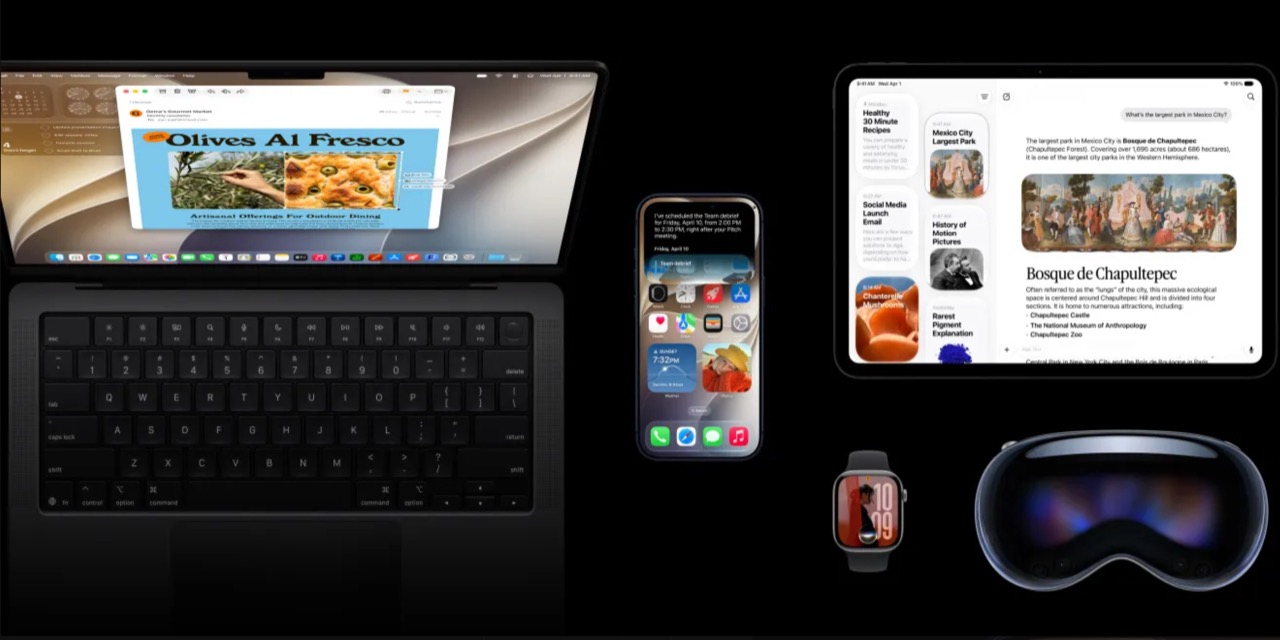
Apple kicked off its third round of developer betas on July 8, bringing iOS 27 beta 3, iPadOS 27 beta 3, macOS 27 Golden Gate beta 3, watchOS 27 beta 3, tvOS 27 beta 3, and visionOS 27 beta 3 to registered developers. This release is the biggest mid-cycle update yet, with Siri AI landing across every platform.
The headliner across every platform is Siri AI. Apple’s conversational AI assistant, first introduced at WWDC, is now usable in beta form on iPhone, iPad, Mac, Apple Watch, and Vision Pro. Each platform implements it slightly differently, but the core experience (natural conversation, follow-up questions, on-device processing) is consistent across the board.
Here is what changed in every single update, what works now, and what still needs work.
iOS 27 Beta 3: Siri Finally Gets a Voice of Its Own
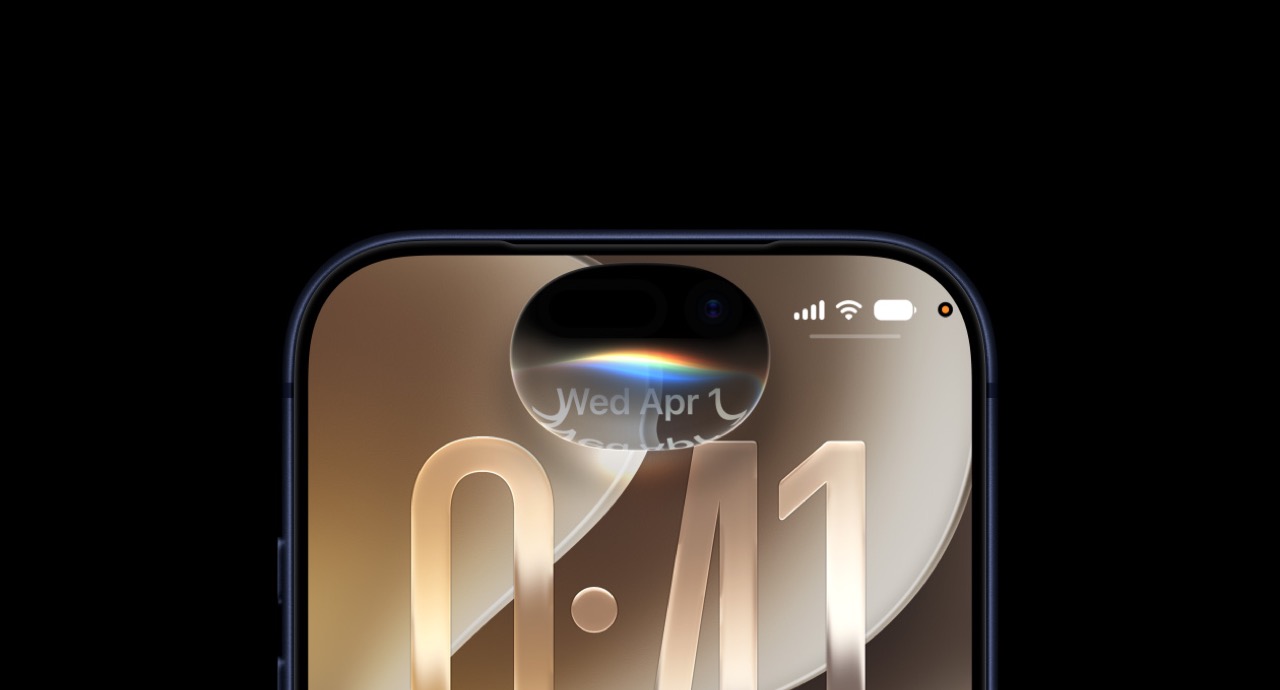
The biggest addition in iOS 27 beta 3 is Siri Voice Customization. You can now pick from eight distinct AI-generated voice profiles for Siri, each with different tone, pitch, and speaking cadence. The voices are fully on-device, generated by Apple’s foundation language model, and sound significantly more natural than the previous Siri voice options.
Beyond voice, the new Live Recognition accessibility tool uses the phone’s camera to identify objects, text, doors, and people in real time and describe them aloud. It runs entirely on-device and works across all iPhone models that support iOS 27.
The Photos app picked up a new Show Rating Controls option that lets you rate photos with a star system directly in the photo viewer. The ratings sync via iCloud and are accessible in Smart Albums on Mac.
Shortcuts picked up a new option to launch directly into the Shortcuts editor from an automation trigger. This is a niche but welcome change for power users who build complex automations.
Safari greets you with four new features the first time you open it: tab grouping by topic, a Distraction Control mode that hides persistent page elements, a built-in translation sidebar, and passkey sharing across devices.
On the stability side, beta 3 resolves the random respring issue that affected some iPhone 18 Pro models on beta 2. The Mail app crash when searching is also fixed.
Who should install it: If you are already on the developer beta track, this is a safe update. The respring fix alone makes it worth it. If you are waiting for the public beta, you are not missing anything critical yet.
iPadOS 27 Beta 3: Stage Manager Tweaks and Apple Pencil Upgrades
iPadOS 27 beta 3 mirrors most of the iOS changes above: Siri AI, Live Recognition, Safari improvements, and the Photos rating system. But iPad gets a few exclusive features worth calling out.
Stage Manager picked up a new persistent dock mode that keeps the Dock visible even when apps are in full-screen. This sounds small but dramatically improves multitasking flow on the 13-inch iPad Pro.
Apple Pencil users get a new hover feedback system that changes the cursor appearance based on the tool you are using. The hover preview now shows a live thumbnail of what you are about to draw, which is excellent for precision work in Procreate and Freeform.
macOS 27 Golden Gate Beta 3: Liquid Glass and Ultrawide Improvements
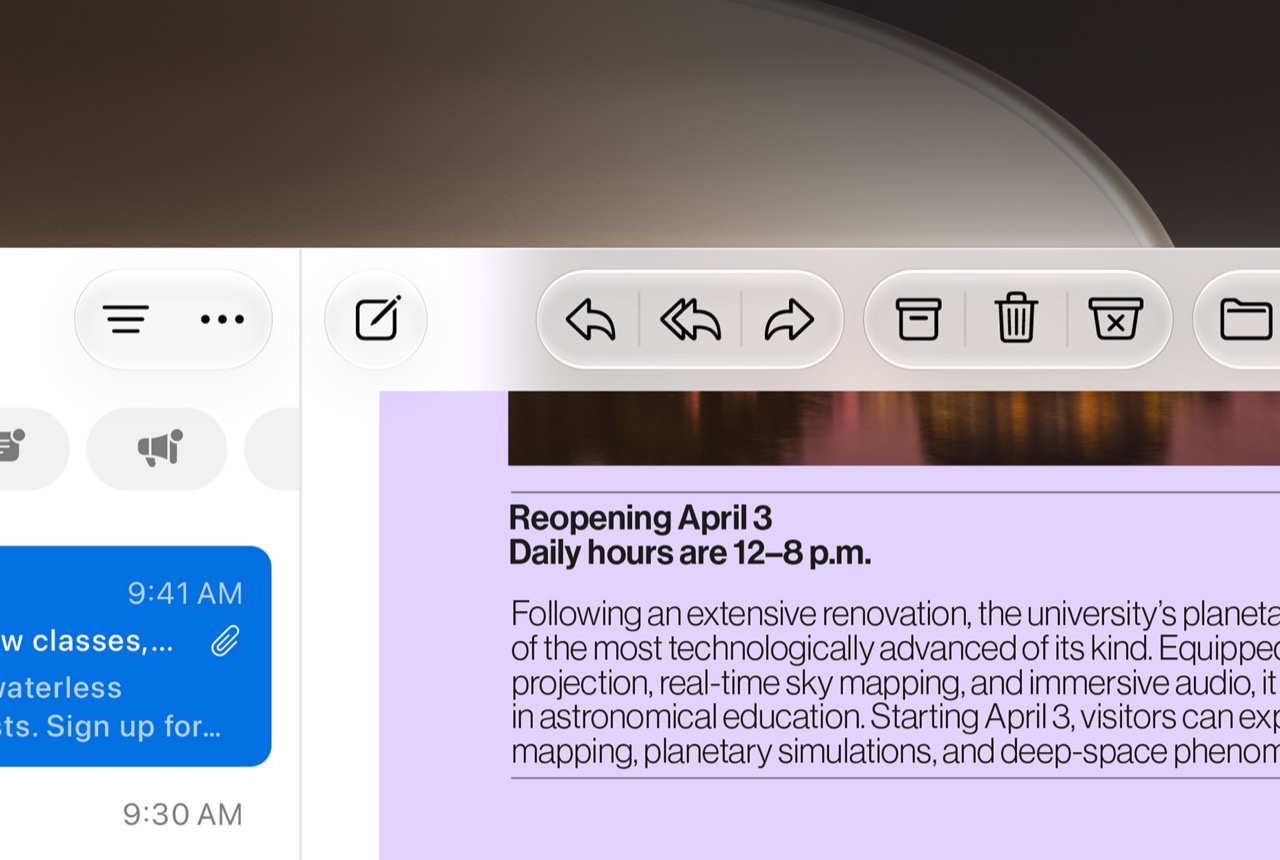
macOS 27 Golden Gate beta 3 continues Apple’s design push toward what it calls Liquid Glass: translucent UI elements with dynamic blur that respond to the content behind them. The effect is most visible in the new Control Center redesign, Finder sidebar, and notification banners.
Ultrawide display support saw meaningful improvements. Beta 3 now properly handles 5120×2160 resolutions at the full 120Hz refresh rate, which was broken in beta 2 on most ultrawide monitors. This is a big deal for creative professionals using displays like the LG UltraWide or Samsung Odyssey.
Siri AI on Mac now supports Ctrl-click contextual queries. You can Ctrl-click any selected text and choose ‘Ask Siri’ from the context menu. The result appears in a popover without leaving your current app.
Performance-wise, this build feels noticeably snappier than beta 2. App launch times are down, and the WindowServer process uses less CPU on multi-monitor setups.
watchOS 27 Beta 3: Siri AI Finally Comes to Your Wrist
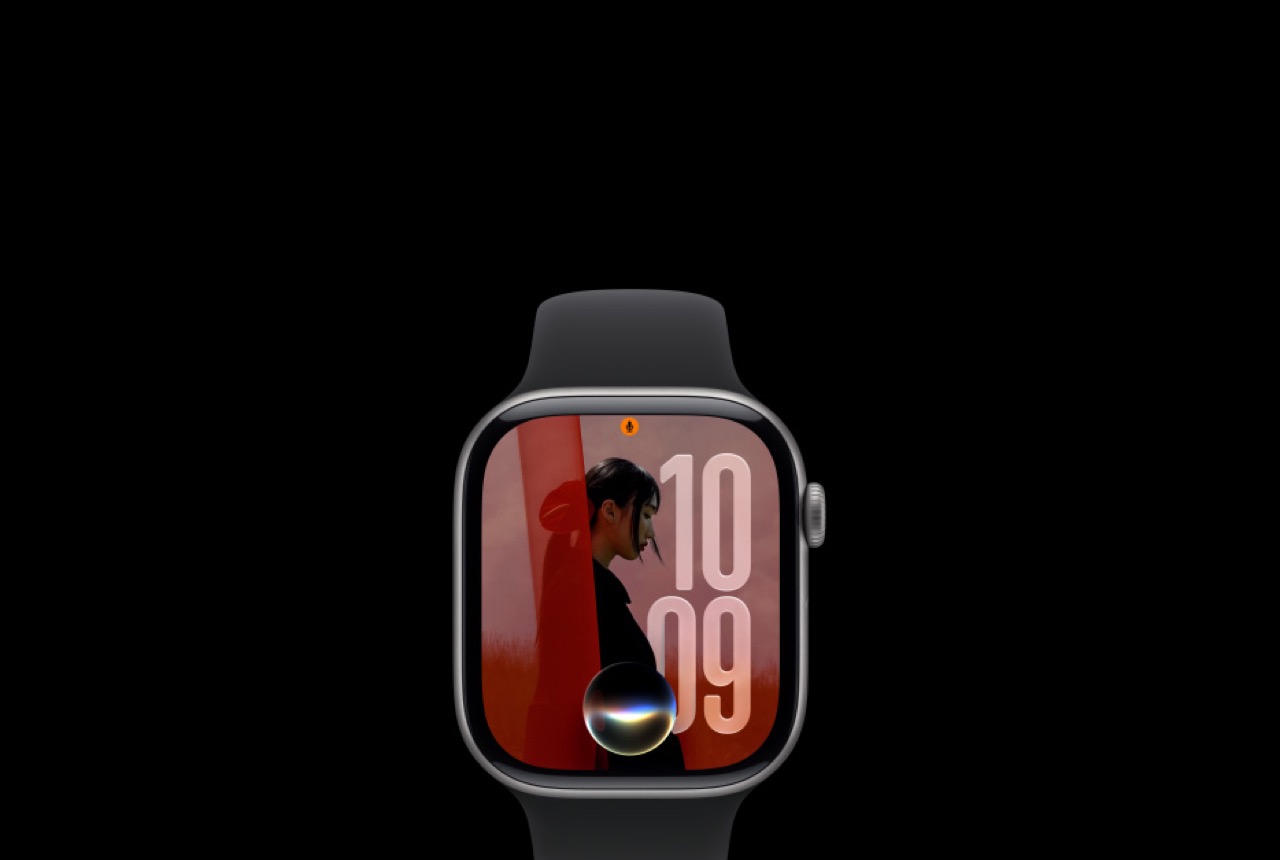
This is the big one for Apple Watch owners. watchOS 27 beta 3 brings the first Siri AI experience to the wrist. You can ask follow-up questions, get contextual responses based on your health data, and even have short conversations with Siri without needing to say ‘Hey Siri’ each time.
The Siri app on watchOS 27 supports follow-up conversations, a dedicated Siri face that shows AI-suggested actions throughout the day, and on-device dictation that works even without an internet connection.
The app grid got a dynamic update too. Instead of a static honeycomb, the grid now adapts based on which apps you use most at different times of day. Morning shows weather and calendar; afternoon shows workout and messages; evening shows sleep and wind-down.
Beta 3 also improves Workout detection accuracy for strength training. The watch now recognizes individual exercise types (bench press, bicep curl, squat) with better accuracy, though it still struggles with Olympic lifting movements.
Compatibility note: watchOS 27 drops support for Apple Watch Series 4, 5, and SE (1st gen). Series 6 and newer are supported.
visionOS 27 Beta 3: Siri AI in Spatial Computing

visionOS 27 beta 3 brings the same Siri AI overhaul to Apple Vision Pro. The spatial computing context makes Siri AI particularly useful here: you can ask Siri about objects in your environment, get real-time translations of text you are looking at, and control spatial apps with natural language.
The update also improves Persona rendering with better eye-contact correction and more natural mouth movements during calls.
tvOS 27 Beta 3: A Redesigned Podcasts App and Bigger Text
tvOS 27 is the quietest update of the bunch, but beta 3 brings a redesigned Podcasts app with better discovery, chapter support, and video podcast playback. The new Larger Text accessibility option makes UI text significantly bigger across the entire system.
How to Get These Betas Right Now
All seven beta 3 builds are available to anyone with a free Apple Developer account. Go to developer.apple.com, enroll (it is free), then go to Settings > General > Software Update on your device and enable Developer Betas. The update should appear within a few minutes.
If you would rather wait for the public beta, Apple typically releases the first public beta about two weeks after the developer beta. Expect public beta 1 around July 22.
The final versions of all these operating systems will ship in September alongside the iPhone 18 Pro and new Apple Watch models.
Price: $1,429.00
Where to Buy: iPhone 17 Pro Max 256GB Deep Blue on Amazon
Price: $1,181.07
Where to Buy: iPad Pro 13-Inch M4 256GB on Amazon
Price: $359.00
Where to Buy: Apple Watch Series 11 46mm on Amazon
Which beta are you installing first? Let us know in the comments on The Gadgeteer.