When people say “smart lighting,” they usually picture a smart bulb. In practice you’re choosing between device types that solve different problems.
Smart bulbs make the most sense for lamps, renters, and rooms where you want scenes or tunable whites, but they’re less ideal for fixtures on a wall switch people habitually turn off. Smart switches and dimmers deliver the most “normal” experience in shared spaces because the wall control keeps working; they’re usually the better choice for ceiling fixtures, recessed cans, and any circuit that controls multiple bulbs. Smart plugs are the budget option when you just want to automate a basic lamp (mostly on/off and schedules) without swapping a bulb, though they won’t dim. Light strips and panels are for accent lighting (under cabinets, behind TVs and monitors, on shelves), yet they often need a controller and can be more ecosystem‑tied than standard bulbs. Hubs/bridges aren’t always required, but they’re still common when you want maximum reliability; they add cost and clutter, but can reduce Wi‑Fi load.
A useful rule: pick the device type that matches the thing you’re trying to improve, then choose the ecosystem around it. If you start with an ecosystem first, you’ll end up buying hardware that fits the app, not your home.
How Matter and Thread changed the lock‑in math (and what it still can’t fix)
Matter is the “common language” that lets devices work across major platforms. Thread is a low‑power mesh network some Matter devices use instead of Wi‑Fi. Together they reduce lock‑in and can outperform all‑Wi‑Fi setups in apartments with congested 2.4 GHz airspace.
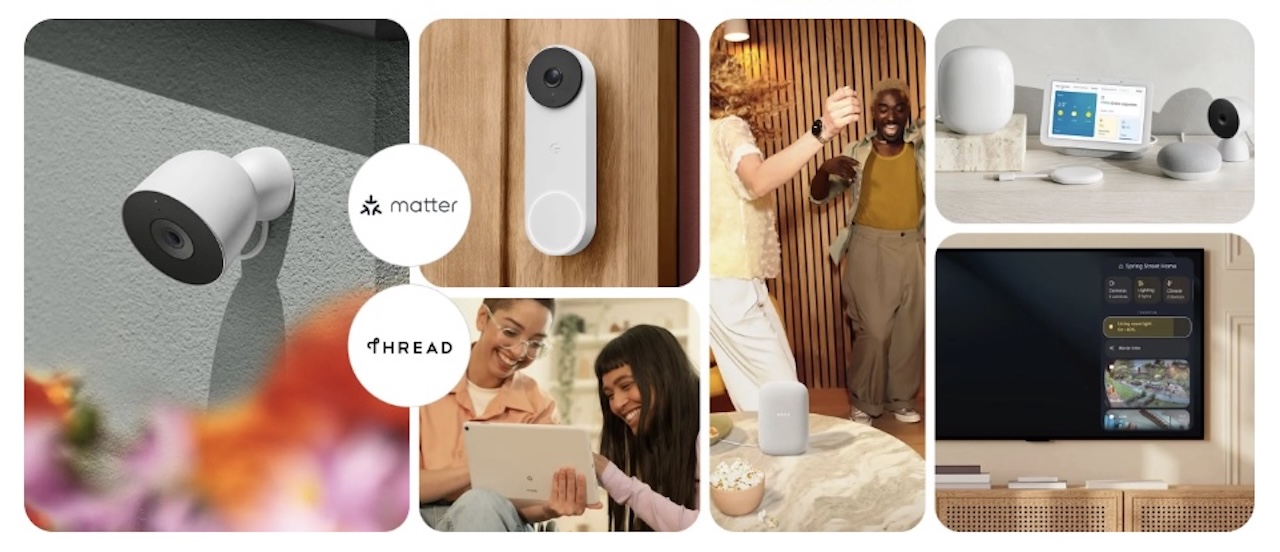
The caveats: feature parity still varies by platform, and some brands gate their best effects behind proprietary apps. Philips Hue still requires the Hue Bridge for dynamic scenes and entertainment sync. Thread needs a compatible “border router” on your network, and firmware quality matters more than the protocol on the box.
Thread itself isn’t fully unified yet. Thread 1.4 (late 2024) lets cross‑brand border routers share credentials, and it’s the only spec accepted for new certifications as of January 1, 2026. But Apple’s rollout is tied to tvOS 26 later this year and Amazon and Google border routers are still on Thread 1.3, so an Echo and a HomePod mini can still run separate Thread networks today. Expect convergence through 2026.
The three automation layers that actually matter: Schedules, motion, and “natural” lighting
Most people don’t end up relying on a long list of voice commands. The lighting that feels “smart” day‑to‑day tends to come from three automation layers:
1) Scheduling (the “set it and forget it” layer)
Schedules are the easiest win: porch lights at sunset, a hallway light at a fixed bedtime, gentle wake‑up lights on weekdays. In 2026, scheduling is pretty universal across platforms and doesn’t require any fancy sensors. The main mistake is trying to schedule your entire life. Keep it to a few anchors (sunset, bedtime, morning), then let manual control handle the rest.
2) Motion and presence (the “hands full” layer)
Motion lighting used to be a false promise: delayed triggers, lights turning off too soon, and sensors that missed you completely. The difference now is better sensors and better rules: things like faster response, “only after dark,” “only when someone is home,” and better room‑level logic when you have more than one sensor. A good motion setup feels invisible. A bad one feels like your house is nagging you.
3) Adaptive color temperature (the “your eyes will notice” layer)
Even if you don’t care about RGB scenes, you might care about color temperature. Cooler whites during the day can feel crisp for working, while warmer whites in the evening can feel calmer and reduce “overhead glare” vibes. Many platforms support adaptive lighting that shifts color temperature across the day, and it’s one of the few features people consistently keep because it improves a room without demanding attention.
Hardware reality check: when to swap a bulb, replace a switch, or use a smart plug
Choosing the wrong hardware is one of the most common reasons smart lighting ends up feeling “dumb.”
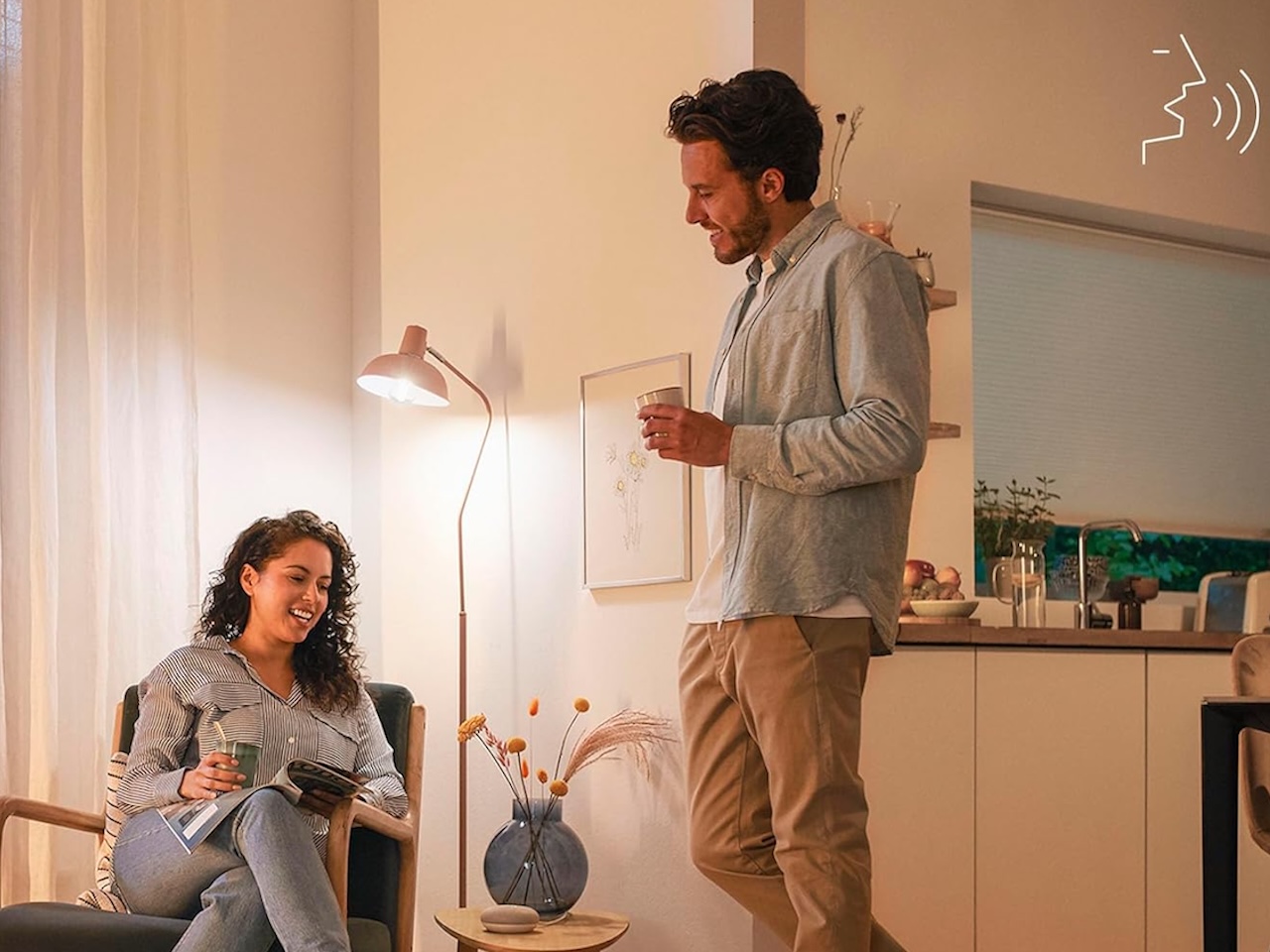
Smart bulbs are a great fit for lamps and fixtures that stay powered, especially if you want color scenes or tunable white. They’re also the easiest option for renters who can’t change switches, and they work well in rooms where individual control matters (like bedside lamps and desk lighting). The big gotcha is simple: if someone turns the wall switch off, your “smart” bulb becomes a regular bulb until power returns.
Smart switches and dimmers make the most sense in shared rooms like living rooms, kitchens, and hallways, anywhere people use the wall switch automatically. They’re especially good when one circuit controls multiple bulbs and when you want the “it still works normally” experience for guests. (Installation can require a neutral wire; if you’re unsure, it’s worth using an electrician.)
Use a smart plug when you want simple on/off automation for a lamp and don’t care about dimming, when you’d rather keep the lamp’s existing bulb, or when you’re trying smart lighting cheaply before committing.
Strip and panel systems are best when you’re chasing accent lighting and you’re okay adding a controller or bridge if necessary, because you value “looks” and scenes more than one less switch flip.
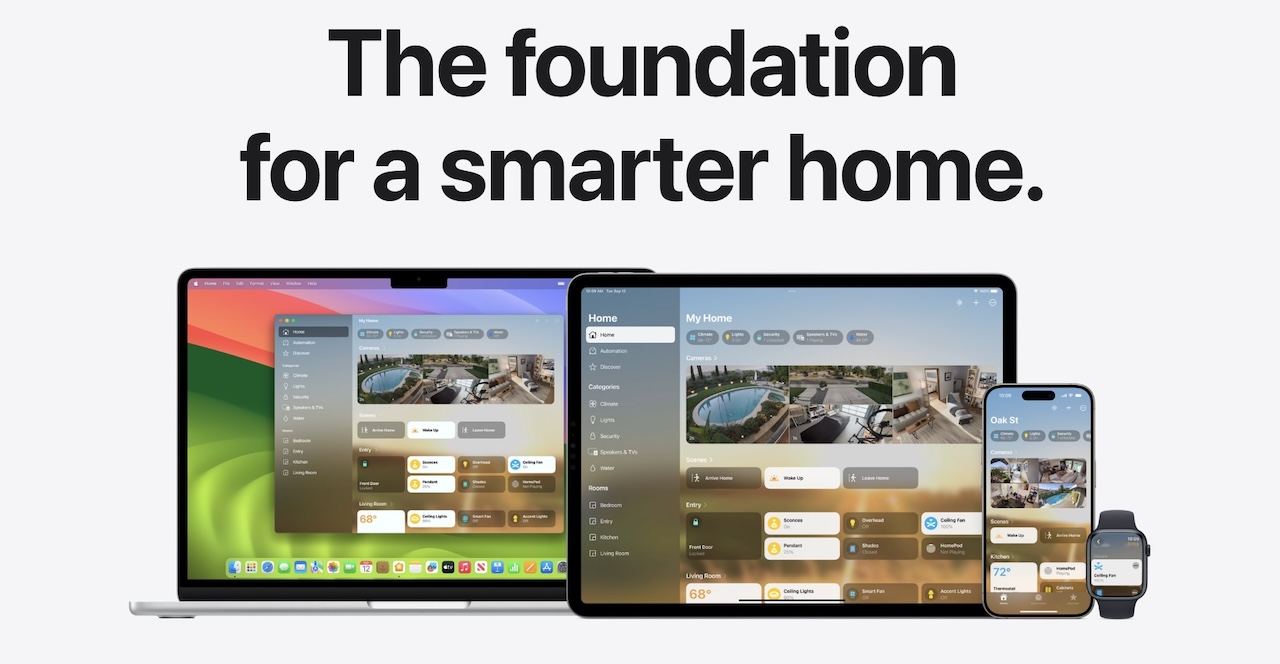
Platform comparison: what the big ecosystems get right (and wrong)
In 2026, the “best” ecosystem is mostly about what your household already uses (phone + speakers) and how much you want to tinker.
| Ecosystem | Best for | Strengths | Watch-outs |
|---|---|---|---|
| Apple Home | iPhone households, privacy-minded users | Clean UI, local-ish control, strong Thread support via HomePod mini and Apple TV 4K (Wi-Fi + Ethernet model) | Narrower device support; troubleshooting can be opaque |
| Google Home | Nest speaker and display homes | Excellent voice control, good multi-room audio and lighting tie-ins | Automation reliability still varies by device |
| Amazon Alexa | Mixed-device households on a budget | Broadest device compatibility, mature routines, cheap Echo hubs with Thread | Interface can feel cluttered with upsells |
| SmartThings | Tinkerers expanding beyond lighting | Powerful automations; supports Zigbee, Z-Wave, Matter, and Thread | Steeper learning curve; less plug-and-play |
A practical approach: pick the platform your household will actually use day‑to‑day, then prefer Matter‑friendly devices where possible so you keep flexibility later.
The hidden costs beyond the box: Wi‑Fi load, bridge clutter, and subscription creep
Smart lighting is more affordable now, but the “all‑in” experience can still sneak up on you.
Wi‑Fi congestion is the first one: dozens of Wi‑Fi bulbs can overwhelm older routers, and while Thread/Zigbee setups can reduce that, they only help if your ecosystem supports them well. Bridge clutter is the next: one bridge is fine; three becomes a power‑strip problem. Some bulb setups also need wall‑switch accessories (remotes or covers) so people don’t cut power to smart bulbs. Dimming quality can be inconsistent too: not all dimmers play nicely with all bulbs, and mixing brands can be hit‑or‑miss. Finally, watch for subscription creep as you expand into “smart home” bundles beyond lighting.
Smart lighting is most satisfying when it reduces friction. If your plan adds five new points of failure, it’s not actually an upgrade.
Verdict: who should invest now (and who should wait)
Invest now if you want better ambiance (tunable white, gentle evening scenes), hands‑free reliability (motion in hallways/bathrooms, sunset schedules), or you’re ready to standardize on an ecosystem and buy Matter‑friendly devices where possible.
Wait, or start small, if your router is already struggling and you’re not planning to upgrade, if your household has strong opinions about wall switches and you’re not ready to commit to smart switches/remotes, or if you mainly want RGB “party colors” but you’re not going to use them after week two.
If you’re unsure, the safest move is to start with one room: a lamp with a smart bulb (or plug), a motion sensor for a hallway/bathroom, or a smart dimmer for a main ceiling circuit. If that first setup makes daily life easier, scaling up becomes obvious, and with Matter and Thread in the mix, you’re less likely to regret your early choices.
Quick buying checklist (2026 edition)
- Match hardware to the room. Bulbs for lamps and tunable/color scenes; switches for shared ceiling circuits; plugs for cheap on/off.
- Prefer Matter when available, especially for your first devices; it keeps your options open later.
- Budget for the network. If you’re going all Wi‑Fi, a decent router is non‑negotiable; otherwise lean on Thread or Zigbee.
- Don’t over‑automate. Start with three anchors: sunset, motion, and warm evenings. Add more only when you miss something.
- Plan for physical control. A smart switch, dimmer, remote, or scene button beats voice in the long run.
- Avoid bridge clutter. One hub is fine; three is a power-strip problem.
- Skip RGB unless you’ll use it. Tunable white pays off daily; party colors rarely do.
Frequently Asked Questions
Do smart bulbs work without Wi‑Fi?
Most need a network for app or voice control, though the wall switch still works. Hub‑based systems like Philips Hue keep schedules and scenes running locally during internet outages. For reliability, prefer ecosystems that automate locally: Matter, Hue, Home Assistant, or Apple Home with a hub.
Should I buy smart bulbs or smart switches?
Pick by room. Bulbs for lamps, renters’ fixtures, and rooms where you want color or tunable white. Switches for shared spaces and ceiling fixtures, where the wall control should keep working for guests. Plugs are a cheap way to test a single lamp.
Is Matter worth waiting for, or should I buy now?
Buy now if the box has the Matter logo; it works across Apple Home, Google Home, Alexa, and SmartThings today. Thread 1.4’s cross‑vendor mesh is still rolling out (Apple via tvOS 26, Amazon and Google catching up), but that shouldn’t delay a purchase.
Do I need a hub for smart lighting?
Not always. Wi‑Fi and most Matter‑over‑Wi‑Fi bulbs don’t need one. You’ll want a hub or border router for Zigbee (Hue), Z‑Wave, or Thread devices, or for faster local routines. A HomePod mini, Apple TV 4K (Wi‑Fi + Ethernet), Echo with Thread, or Nest Hub (2nd gen) already counts.
How much does a starter smart lighting setup cost in 2026?
A single‑room setup runs roughly $40–$120: one or two Matter bulbs ($10–$20 each), or a smart plug ($10–$15) plus a motion sensor ($15–$30). DIY smart dimmers run $40–$70. Whole‑house setups scale from a few hundred dollars to $1,000+ once you add switches, sensors, and a quality router.