I’m gearing up for the new school year, and for me that means getting my work gear sorted. A new school year means more time on the road: school pickups, waiting out the kids’ extracurriculars, and working from whatever new cafe or restaurant I’m trying that week. You know the feeling. You open your laptop at a corner table and instantly feel cramped. One 13 or 14-inch screen is fine for browsing, but it is not fine for spreadsheets, code, or any workflow that needs two windows visible at once. If your schedule looks anything like mine, this list is for anyone working the same way.
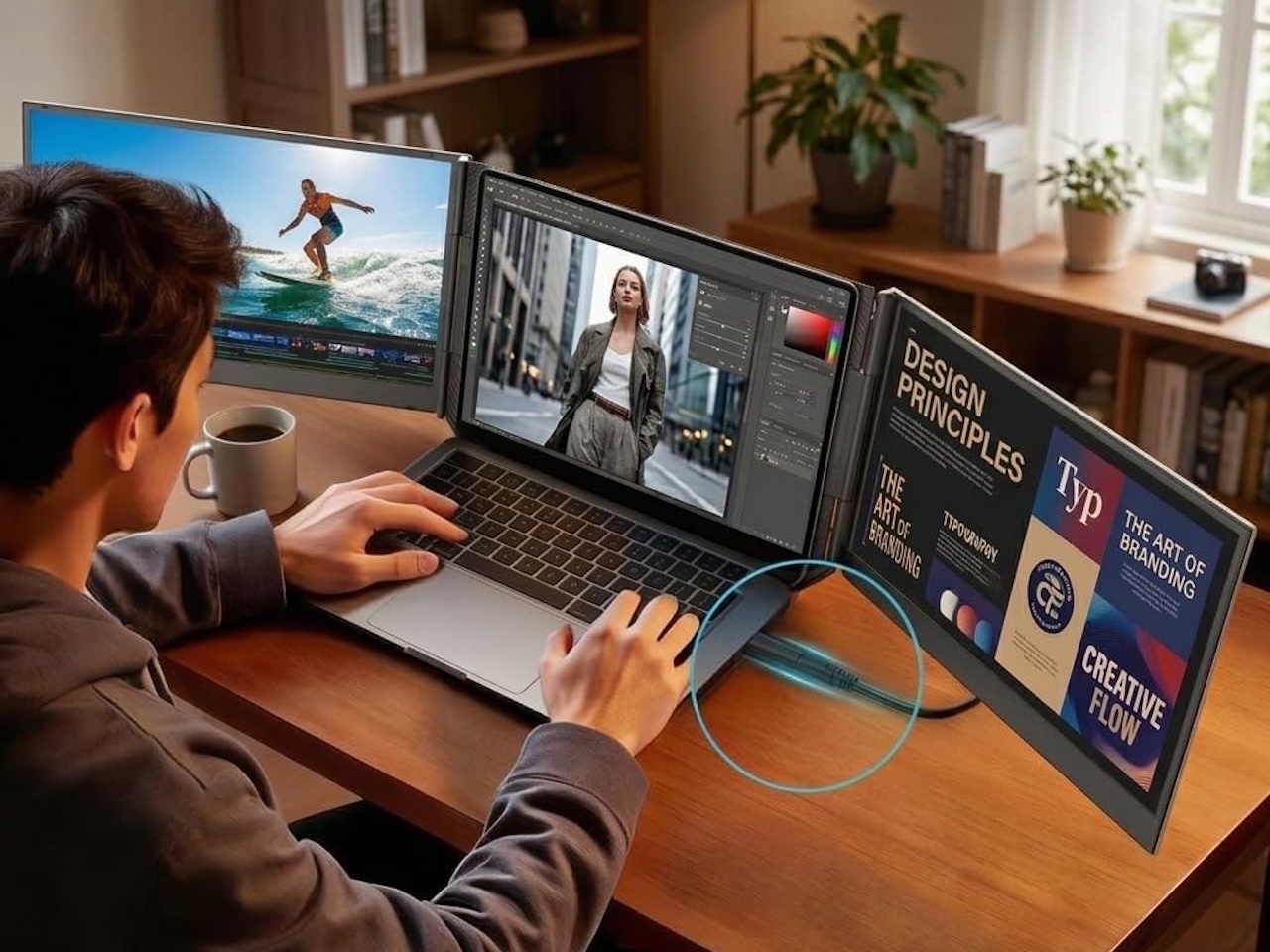
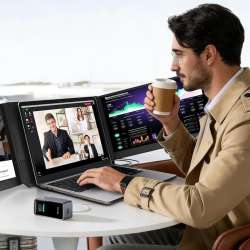
Laptop screen extenders solve this differently than portable monitors. Instead of a separate display you place next to your laptop, these attach directly to the back of your screen and fold out, creating a dual or triple monitor setup without extra cables or stands. The panels ride along with your laptop, so when you close the lid everything folds down into one travel-sized slab that slips into the bag you already carry.
That portability is the whole point for a schedule like mine. When I only have the twenty minutes between drop-off and a call, I do not want to hunt for an outlet and align a separate monitor. I want to open the laptop, flip the wings out, and start working on an article before the coffee arrives.
What to look for before you buy
A few things separate an extender you keep from one that lives in a drawer:
- Weight. You carry this in your bag all day. Half a pound matters more than the spec sheet suggests once it is on your shoulder.
- Brightness. Cheaper panels sit around 250 nits, fine indoors but washed out on a sunny patio. If you work outside often, brightness is worth paying for.
- Connection. Look for a single USB-C cable that carries both video and power, so there is nothing extra to forget.
- Fit. Check the size range against your laptop, and remember a magnetic mount only grips well on a flat metal lid.
Three models actually deliver on this promise, from a $199 me-too design to a $320 premium build.
domyfan 15.6 Triple Screen: The Best Value at $199
The domyfan 15.6 triple screen extender attaches magnetically to the back of your laptop lid and extends two 1080p panels outward. It fits 13 to 17-inch laptops, connects via a single USB-C cable, and folds flat into a carrying case.
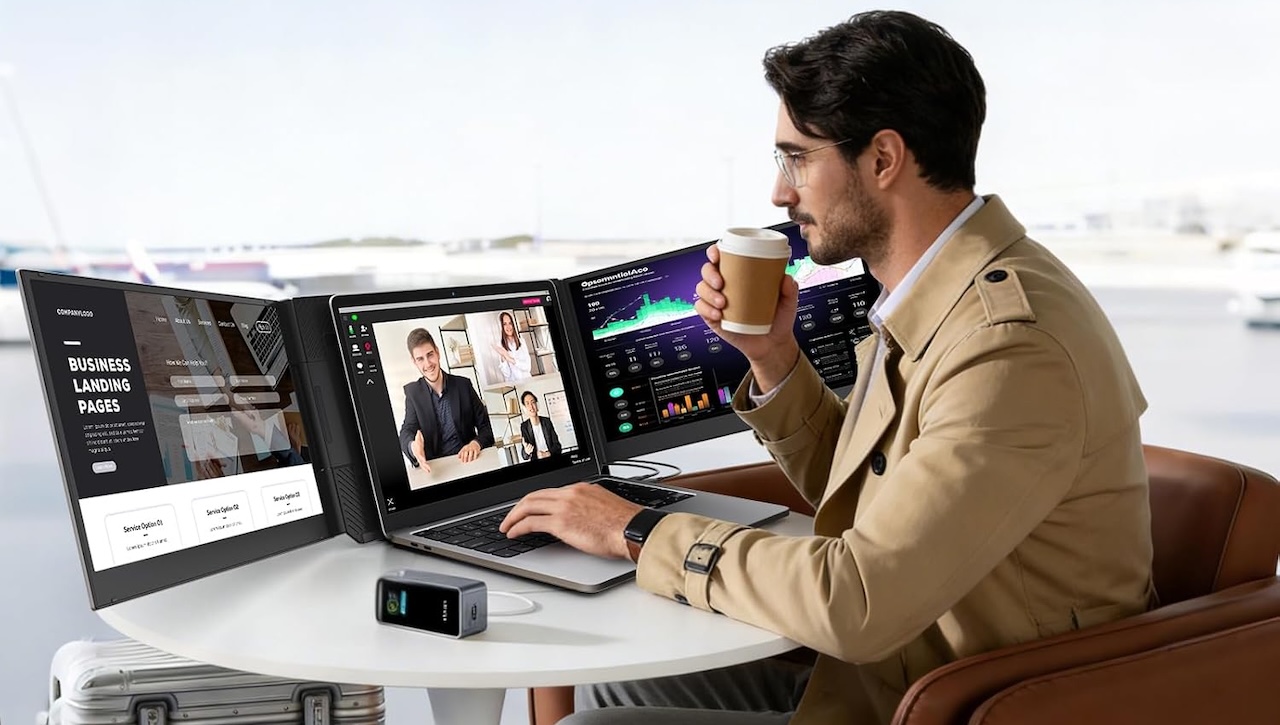
The panels are IPS with decent viewing angles. What you give up: brightness. They hit around 250 nits, which struggles in direct sun. But at $199, the value argument is strong.
For most of my week that tradeoff is easy to accept. Indoor cafes, school lobbies, and hotel desks are exactly where 250 nits is enough, and the single-cable setup means two extra windows within seconds of sitting down. If this is your first extender and you are not sure how often you will use it, the domyfan is the low-risk way to find out.
🛒 domyfan 15.6″ Triple Screen | $199.49 | Buy on Amazon
APILDELLA 15.6: The MacBook Contender
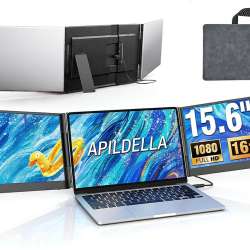
The APILDELLA 15.6 triple extender at $229.99 is the mid-priced step up from the domyfan, aimed at people who want a more finished, professional-looking setup rather than the cheapest way into a triple screen.
It is not the lightest option here, so think of it as the quality step-up from the domyfan rather than the travel-weight pick. If the domyfan is the mass-market pick, the APILDELLA is the quality pick.
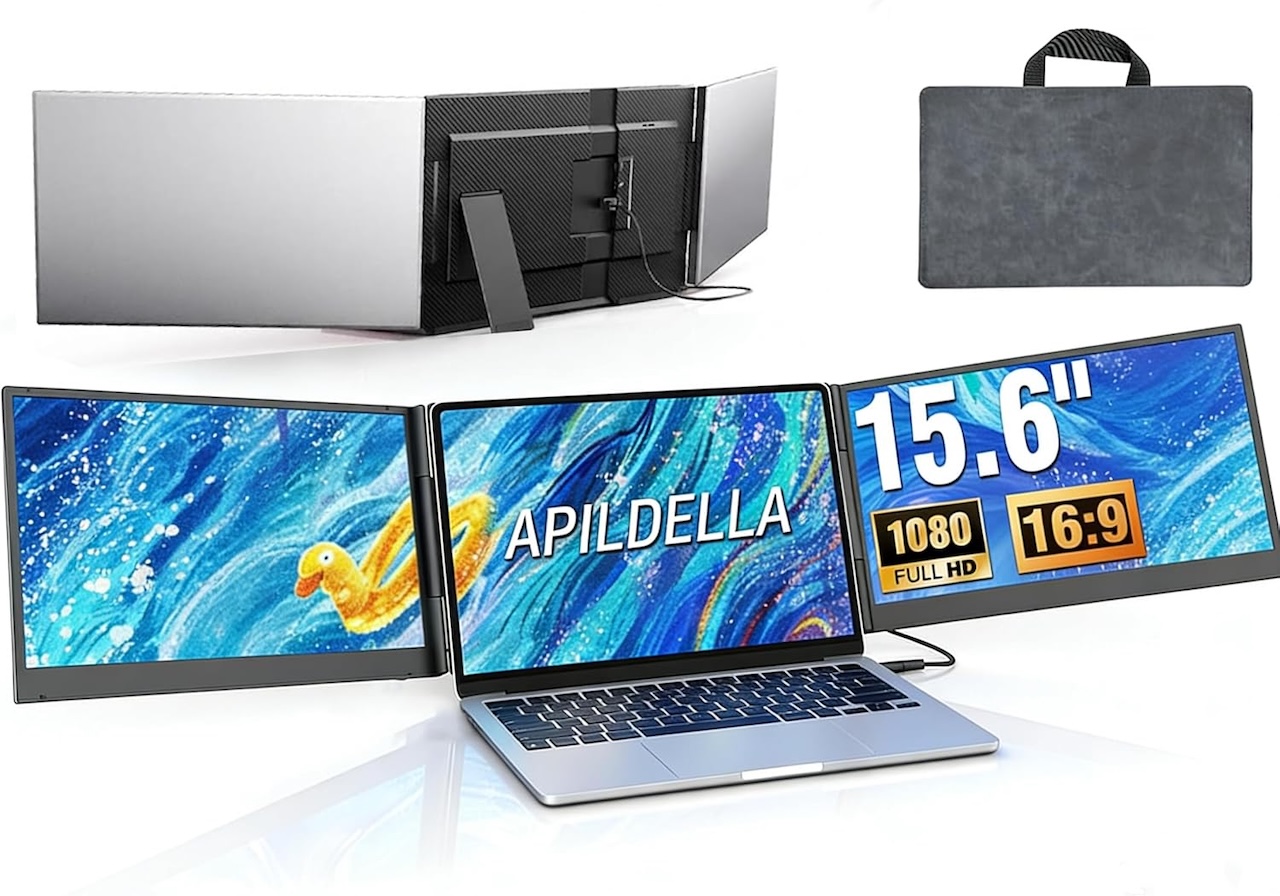
On core specs it lands close to the domyfan, so the case for spending the extra thirty dollars is mostly about build and finish. If you want your mobile setup to look the part next to a MacBook, and you do not mind paying a little more for it, this is the one to get.
🛒 APILDELLA 15.6″ Triple Extender | $229.99 | Buy on Amazon
Blackview 15.6 Ultra-Light: The Premium Option
The Blackview triple extender at $319.99 costs more than some full-sized 27-inch monitors, but it justifies that price through better build and lighter weight. At 2.2 pounds, it is the lightest option here by a wide margin.
It has TUV Eye-Care certification for reduced blue light, and the build quality is noticeably premium. The finish matches a MacBook Pro’s space gray aesthetic.
If you live out of hotels and work on a MacBook Pro all day, the Blackview is worth the premium. If you use a screen extender twice a month, the domyfan is enough.

The case for the Blackview is really about how much you carry it. When something rides in your bag every day, the lightest option and the nicest finish stop feeling like luxuries. Just know you are paying that premium for weight and polish, not for a brighter or sharper picture than the cheaper models deliver.
🛒 Blackview 15.6″ Ultra-Light Extender | $319.99 | Buy on Amazon
Who Should Buy a Screen Extender
Screen extenders are not for everyone. They add real weight (from about 2 pounds for the Blackview up to around 4 pounds for the bigger triples), only work with laptops that have flat lids, and cannot match an OLED monitor’s image quality.
But for road warriors, digital nomads, parents working around a school-pickup schedule, and anyone who has ever tried to write code on a 13-inch screen in a coffee shop, they are transformative. The domyfan at $199 is the easy recommendation for most people. The Blackview at $320 is the upgrade for people who pack a Rimowa carry-on.

Match the extender to your routine
If your sessions are short and scattered, like the gap between drop-off and a first meeting, prioritize weight and fast setup, and the lighter APILDELLA or Blackview reward you every time. If you settle in for long stretches at the same cafe, the domyfan’s lower price makes more sense because you are not paying for portability you do not use. If you bounce between bright patios and dim lobbies, the brighter step-up panels save you from chasing the shadiest seat in the room.
Common mistakes to avoid
A few predictable mistakes trip people up with these. The first is overpaying for brightness you will never use, because if you almost always work indoors the budget panel is genuinely enough. The second is ignoring weight, since the heaviest models can quietly undo the convenience they promise, so it is worth carrying one for a day before you commit.
Fit is the next trap: match the mount to your laptop size and confirm your lid is flat metal so the magnets actually hold. And do not forget the driver step, because some extenders rely on display software rather than a plain USB-C video signal, so check that your operating system, especially macOS, is supported before you buy.
Setup itself is simple: these draw power over the same USB-C cable that carries the picture, so no wall outlet is needed in normal use. The tradeoff is that they pull from your laptop battery, so pack a small power bank for the truly off-grid afternoons.