Memorial Day weekend gets sold as the best smart home sale of the spring, and the carts fill up fast. The catch is that most of what’s discounted phones home to a cloud account, a paid subscription, or a server in another country. When that pipeline blinks, your lights, locks, and cameras blink with it.
Local control is the fix, and it’s never been easier to get. Matter and Thread shipped enough hardware in the last year that you can build a real smart home without a single subscription, and Zigbee and Z-Wave gear has been doing this quietly for over a decade. Pick the right six upgrades this weekend and your house keeps running through router reboots, ISP outages, and the next time a brand decides to discontinue an app.
The list below isn’t built on hype, it’s built on what actually keeps its core features the day the cloud goes dark. Every pick works offline for its main jobs, plays with Matter or Home Assistant, and ships with a real local fallback.
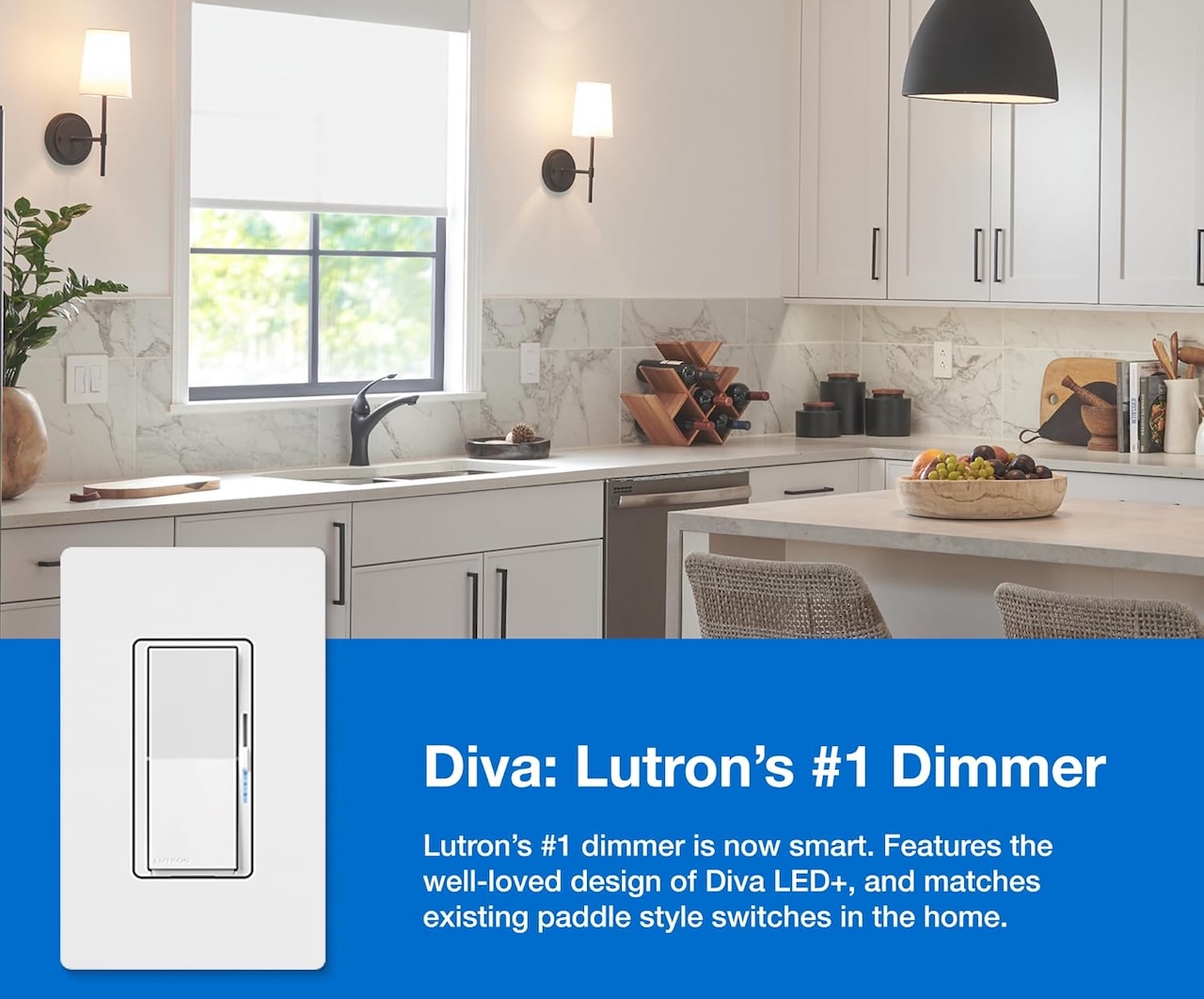
1. Lutron Caséta Diva dimmer kit, the install you can finish before the grill heats up
Lutron’s Caséta line runs on Clear Connect, a proprietary RF protocol Lutron introduced in 2008 and has been refining ever since. The dimmer talks to its companion Pico remotes and the Smart Hub over RF, and the hub holds your scenes locally. Internet only enters the picture if you want remote access through the app.
Price: $198
Where to Buy: Amazon
That separation is the point. Pull the Ethernet cable on the Smart Hub and your wall remotes still dim the lights, still trigger scenes, still respond instantly.
Apple Home and Home Assistant both talk to the hub on the local network, so automations keep firing without a single cloud call. Setup takes under an hour for a couple of rooms, which makes it the most realistic Saturday afternoon project on this list.
The Diva Smart Dimmer Starter Kit (DVRF-BDG-1DP-A) runs about $125 on Amazon right now, and the older Caséta Original starter kit (P-BDG-PKG1W) drops to about $114. If you only buy one local-first upgrade this weekend, this is the one that pays back fastest.
2. Philips Hue Bridge plus a starter pack, Zigbee color that works offline
Hue gets dismissed as too expensive and too cloud-dependent, but neither part is fully true once you understand the Bridge. The Bridge is the local Zigbee coordinator that runs the lights, and it does that with or without an internet connection. Bulbs respond to wall switches, Pico remotes, and Hue Tap Dial controls instantly because the Bridge handles the logic locally. Cloud only matters for remote access and voice assistant tie-ins.
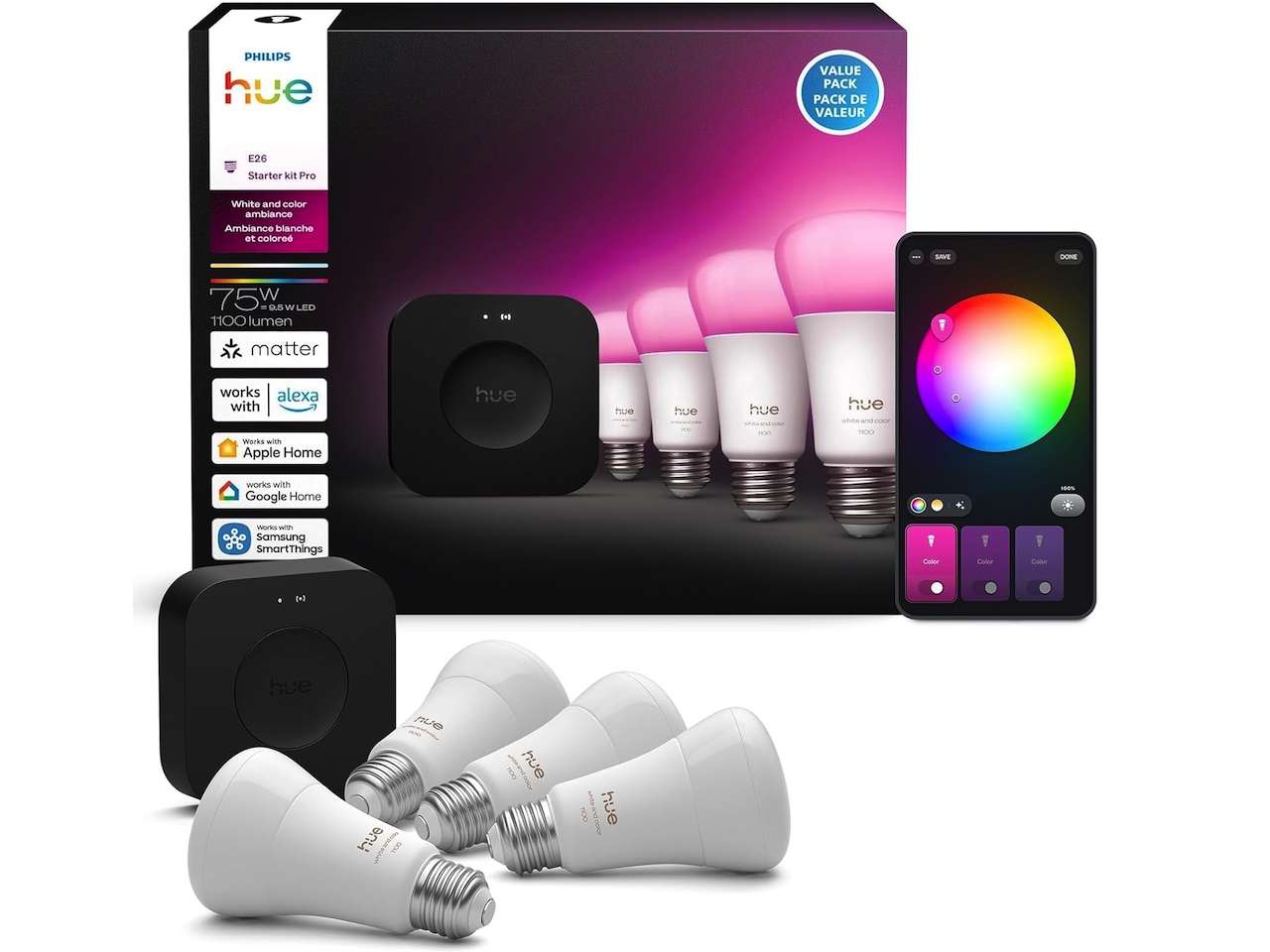
Price: $204 (On Sale)
Where to Buy: Amazon
The trick is buying the Bridge once and standardizing on Zigbee 3.0 bulbs from there. Hue’s own bulbs are the safest path, but the Bridge happily pairs with most Zigbee 3.0 lights, including cheaper Innr strips or third-party tunable whites. Local automations through HomeKit or Home Assistant keep firing even when your router is in recovery mode.
Hue’s recent firmware shift toward cloud login has made some owners nervous, and the concern is fair. Stick with local control through the Bridge and Apple Home or Home Assistant, and you sidestep most of the friction without losing the catalog of accessories.
A Bridge plus a four-pack of White Ambiance bulbs runs about $240 on Amazon. Add a Hue Tap Dial for the room you actually use, and you’ve got a system that survives both Wi-Fi outages and rage-quit moments with the app.
The quiet bonus is longevity. Hue Bridges from years ago still get firmware updates, and a Zigbee bulb you buy this weekend will keep working in five years even if the cloud side of Hue gets reshuffled.
3. Shelly Plus 1, the in-wall relay that hides behind any switch
Shelly’s Plus 1 is a tiny relay that fits behind an existing wall switch and turns it into a smart switch. The default firmware exposes a local web interface, MQTT, REST, and direct Home Assistant integration with zero cloud login required, so it’s the closest thing to a no-strings-attached smart switch on the market right now.
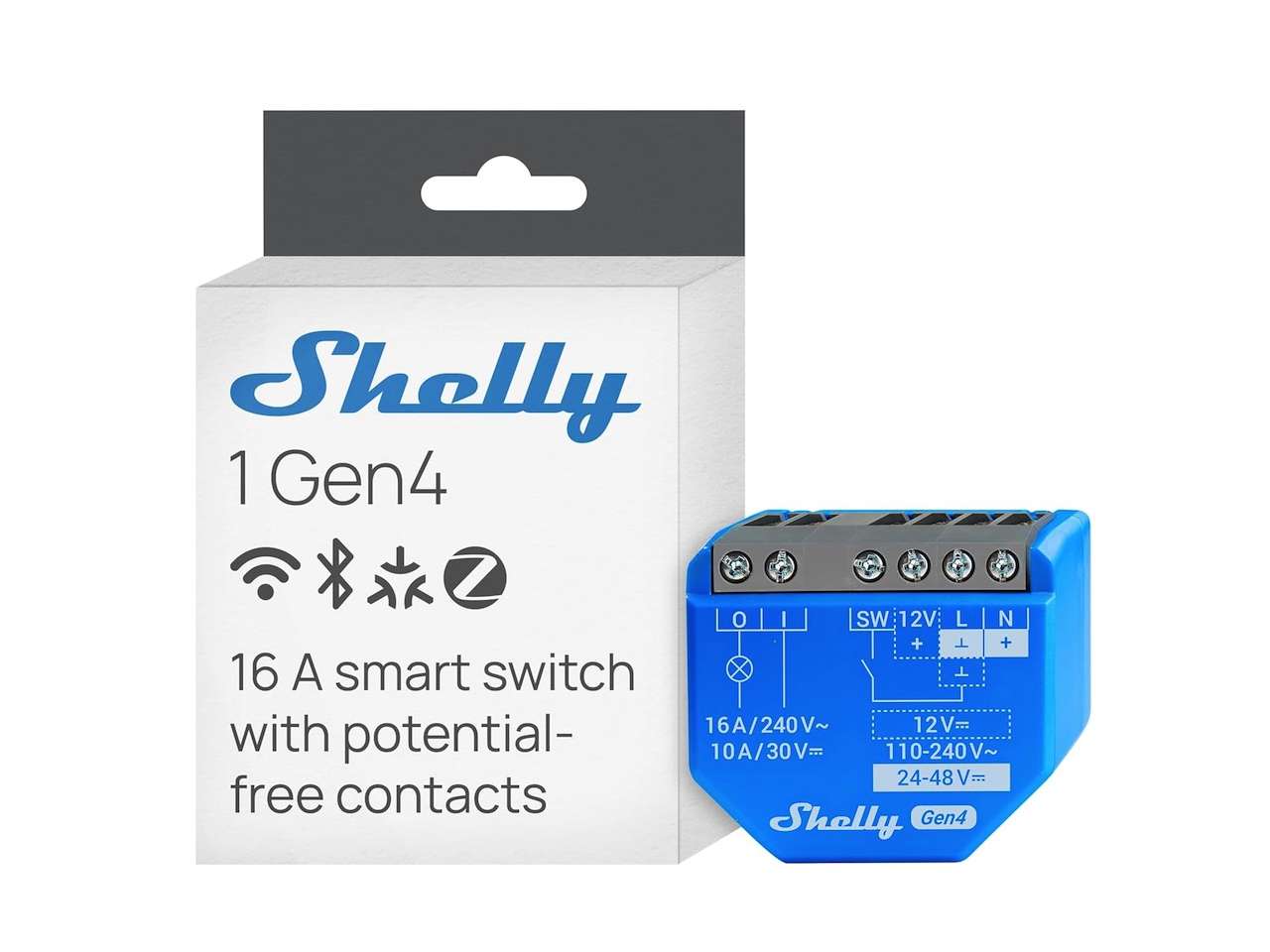
Price: $24.99
Where to Buy: Amazon
Cost stays low at about $25 per unit on Amazon, where the Shelly 1 Gen3 two-pack lists for $49, which is roughly the price of a single accessory remote elsewhere. The catch is that the install touches line voltage, so this one’s for the wiring-confident half of the house. If that’s not you, skip ahead to the Aqara pick below.
4. Aqara Hub M3, the Matter brain for the rest of us
Aqara’s M3 is the hub I’d hand to anyone who wants the cloud-free promise without learning MQTT. It’s a Thread border router, a Zigbee 3.0 coordinator, and a Matter controller in one box, with local automations built into the app. Bind a switch to a light through the M3 and the routine fires from the hub itself, not from a server overseas.
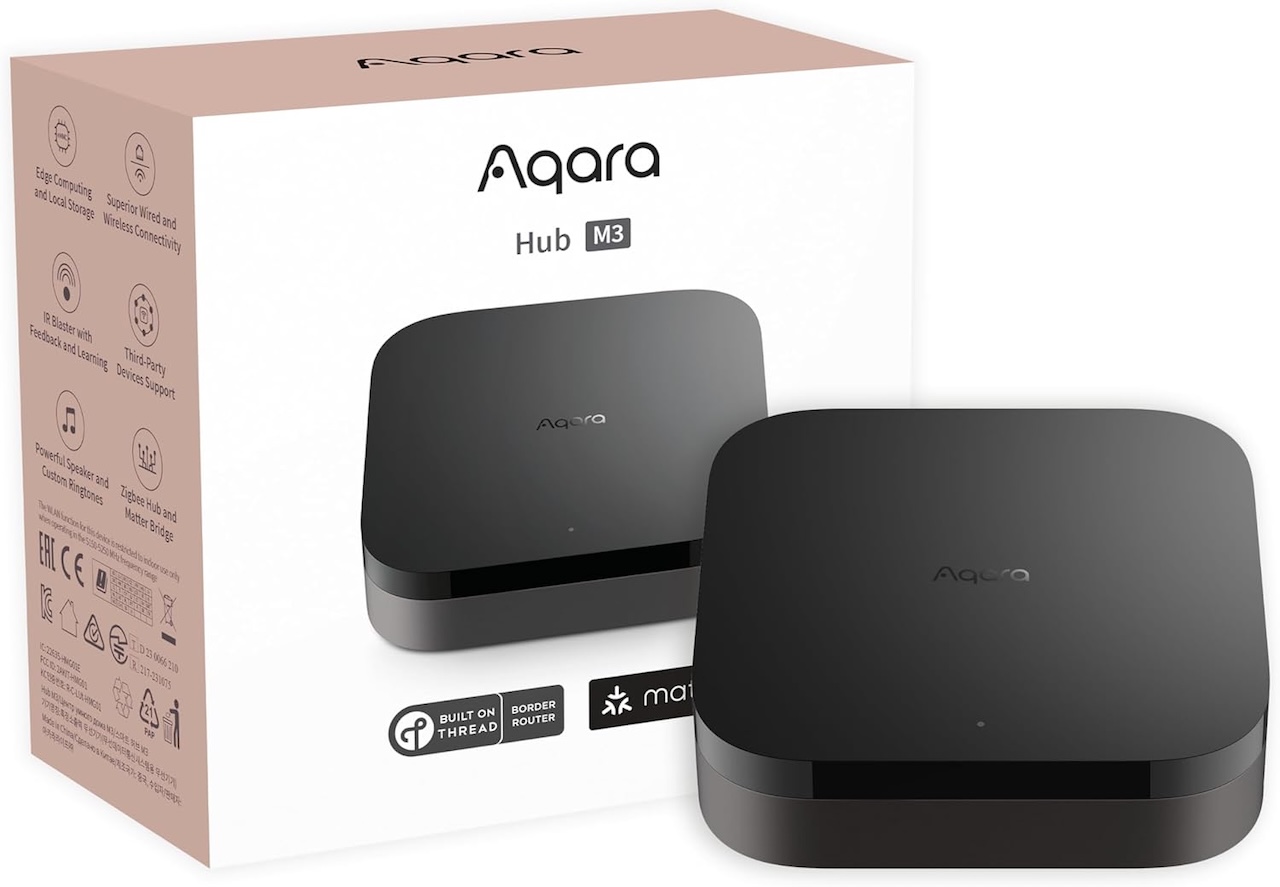
Price: $139 (On sale)
Where to Buy: Amazon
The hardware lineup matters here. Pair the M3 with Aqara’s H1 wireless switches and door sensors over Zigbee, add an FP2 presence sensor over Wi-Fi, and you get a local mesh that runs without the cloud. Bring in a Matter-over-Thread device from another brand, and the M3 routes it without forcing you into Aqara’s app for everything. It also exposes your devices to Apple Home, Google Home, and Home Assistant on the local network.
The trade-off is that some advanced AI features still run in the cloud, like the FP2’s elderly-care movement analysis, and Aqara is clear about which is which in the app. Stick to local automations and the M3 keeps every routine alive through an internet outage.
The M3 hub runs $159.99 on Amazon, and sensor bundles price up from there. That’s the cheapest local-first hub on this list that doesn’t ask you to bring your own Raspberry Pi, and the included Matter support future-proofs the rest of your purchases this weekend.
5. Reolink PoE camera kit with an NVR, footage that lives in your house
Cloud camera subscriptions are the most quietly expensive part of a “smart” home. Pay $5 to $15 a month per camera, multiply by four cameras, and the math gets ugly fast. Reolink’s PoE cameras paired with a Reolink NVR sidestep the whole thing because footage records to a hard drive inside your house, the NVR runs its own motion detection, and the cameras keep recording with the internet off.
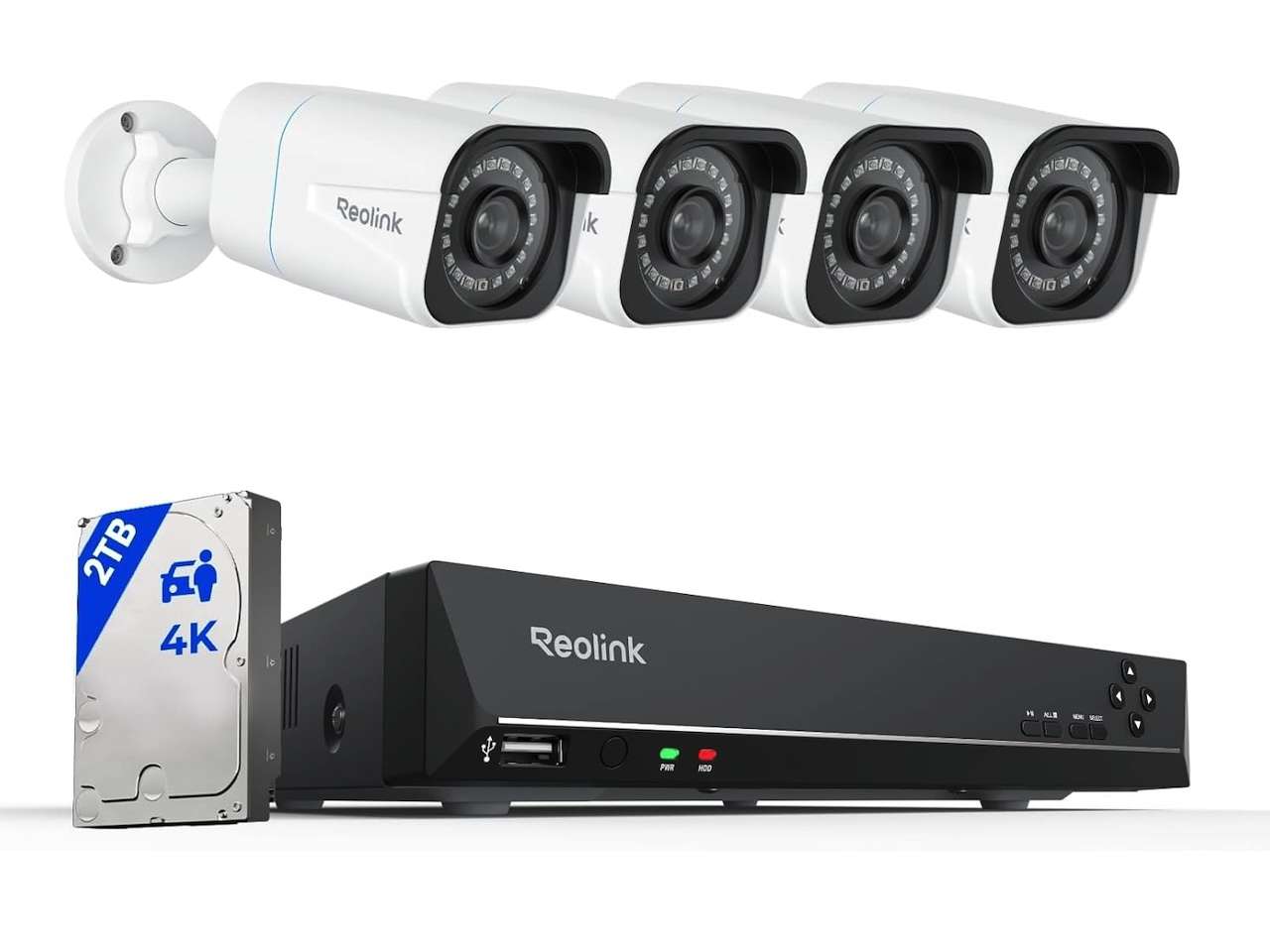
Price: $639
Where to Buy: Amazon (Also check this one out)
The starter pick is the Reolink RLK8-800B4 kit, four 4K PoE cameras and an eight-channel NVR with a hard drive included. Wiring is single-cable PoE, which means one Cat6 run carries both power and video to each camera. The NVR’s web UI works on the local network for live view and playback.
The catch is that you’re trading remote app convenience for control over your data, and the app experience still leans on Reolink’s servers for push notifications. Turn off cloud and use the NVR’s local alerts plus a local integration through Home Assistant, and you can route notifications through a self-hosted path. The kit is listed on Amazon in the $640 to $800 range, which is one or two years of competing subscription costs paid up front. After that, it’s free.
6. Home Assistant Green, the brain that ties it all together
Home Assistant Green is the easiest version of Home Assistant to set up. It’s a small box that boots Home Assistant OS out of the gate, no Raspberry Pi sourcing, no SD card flashing, no Linux flag waving. Plug in Ethernet, plug in power, and the onboarding wizard walks you through the rest, then add a Zigbee dongle or pair it with the Aqara M3 above and your whole local stack lights up.
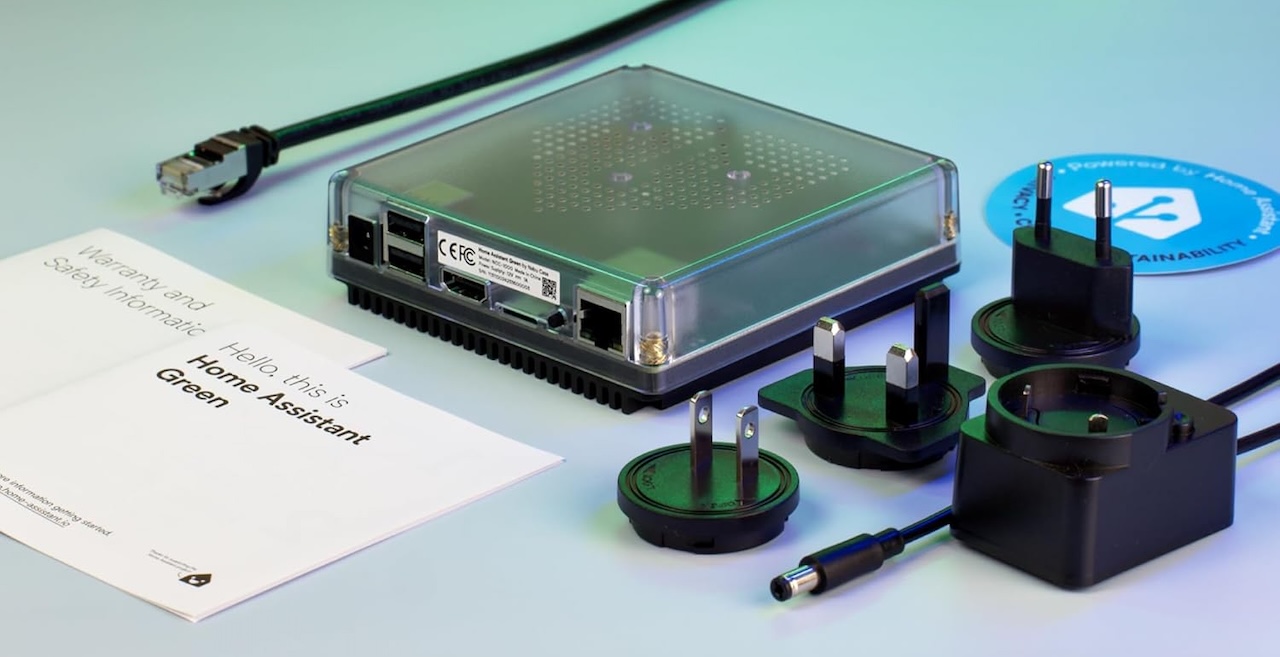
Price: $219
Where to Buy: Amazon
The Green’s value goes up with every other device on this list, because it pulls your Caséta, your Hue, your Shellys, your Aqara hub, and your Reolink NVR into one local dashboard, and the automations run on the box itself. At about $219 on Amazon through the Nabu Casa store, it’s no longer the cheapest pick on this list, but it’s still the easiest path into a fully local stack and the only one that ties every other purchase here together.
If you’re migrating off a SmartThings hub or a Hubitat Elevation, the Green is the natural successor. Your existing Zigbee devices repair to it without buying replacements, and most of your routines port over through Home Assistant’s blueprint library.
How to shop the sales without regretting it on Tuesday
The best Memorial Day move is to anchor your buys around the hub you’re committing to. Pick the Aqara M3 if you want a friendly all-in-one local stack, or Home Assistant Green if you want maximum flexibility, and slot the rest of the list in around that choice.
Don’t try to install all six in one weekend, the install fatigue is real. Start with the Caséta or Hue pick this Saturday, run it for two weeks, then layer in the next one once you trust the workflow.