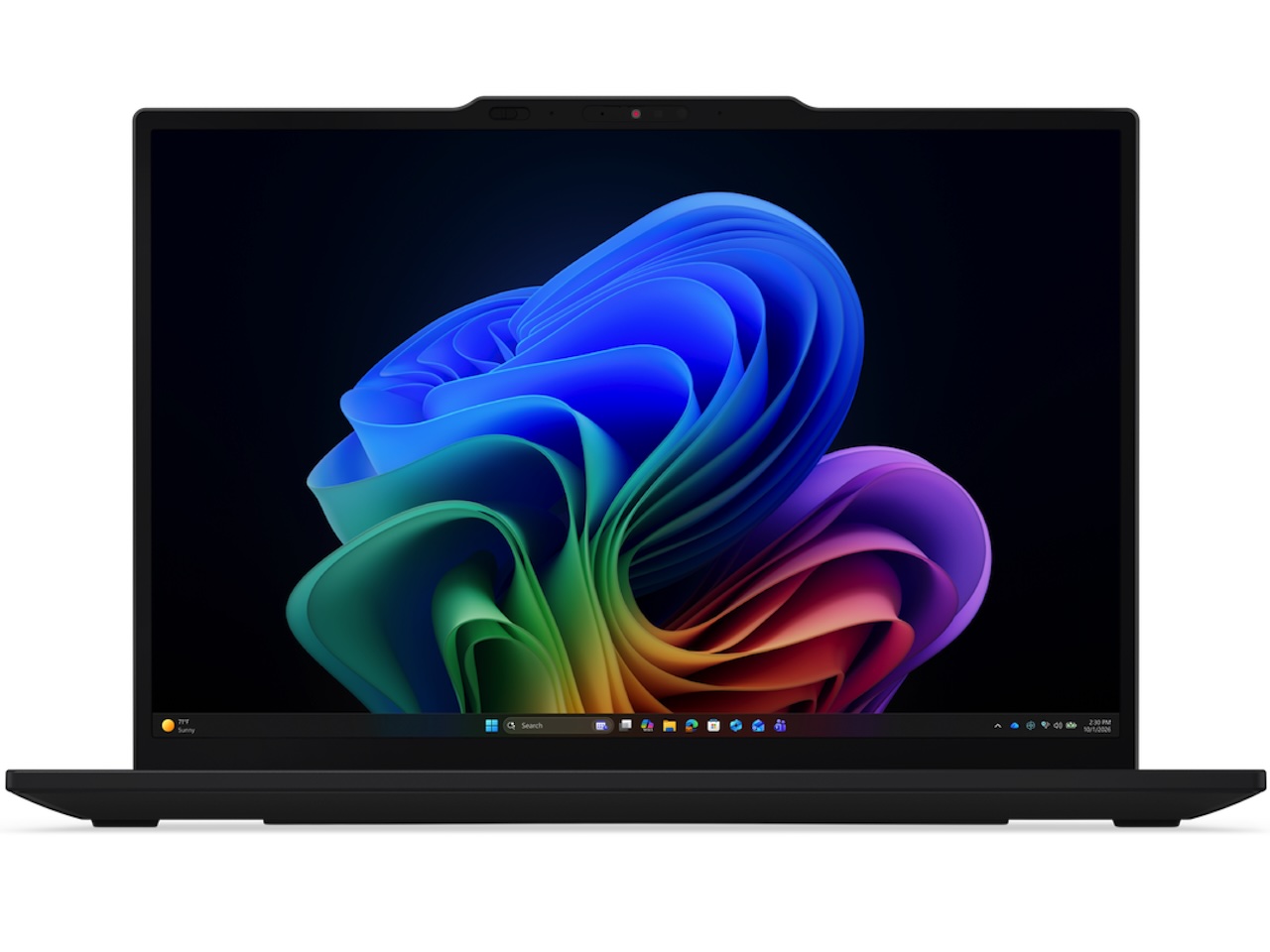
The 13-inch laptop spent the last three years quietly losing market share to 14-inch slim-bezel designs. Buyers wanted the bigger screen at the same travel weight, and 13 inches started feeling like a compromise. The ThinkPad X13 Gen 7 is the argument that you can still want the smaller machine for the right reasons, and Lenovo’s making that argument twice: once on Intel, once on AMD.
Both versions ship with the Copilot+ PC stack at 50 TOPS on the NPU, which means the on-device AI floor matches their bigger siblings without the bigger footprint. On paper, the X13 Gen 7 closes most of the performance gap that used to come with a 13-inch chassis, at least at the CPU, NPU, and wireless layers this generation.
For the traveler audience that lives out of an airport lounge, the math finally favors the smaller laptop again, regardless of which processor camp you’ve standardized on.
The Intel side of the X13 bet
The Intel variant runs up to Intel Core Ultra 7 Series 3 with a 50 TOPS NPU, which is the same platform powering the L14 Gen 7 (Intel) and the higher-tier T-series notebooks shipping this cycle. NPU-accelerated Studio Effects, Recall, and Live Captions are on the menu without a separate add-on SKU.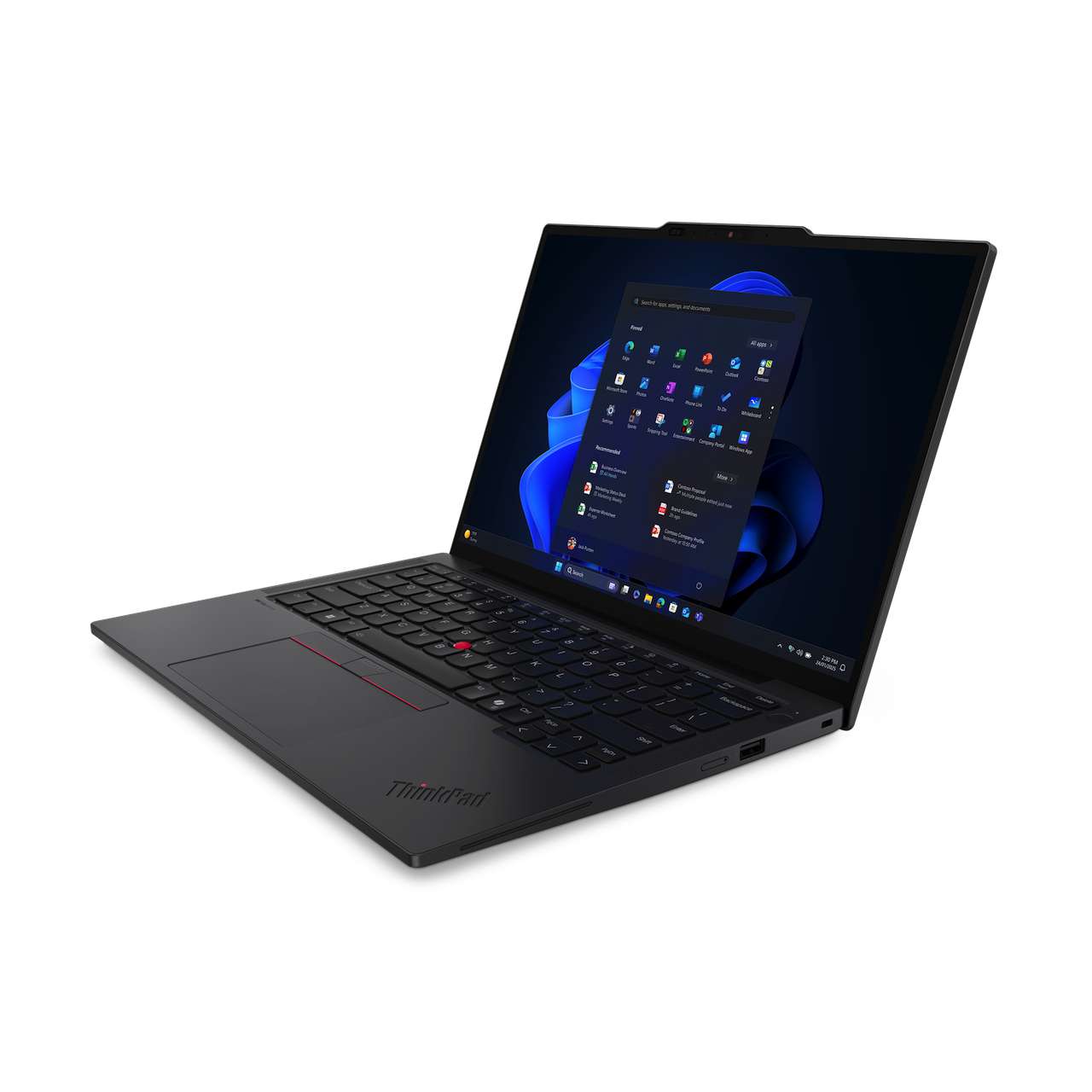
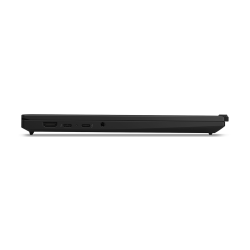
Wireless is Wi-Fi 7 with Bluetooth 5.4, plus optional WWAN. Thunderbolt 4 ports, USB-A, HDMI, and audio cover the I/O ladder, with optional Smartcard depending on configuration.
The AMD side of the X13 bet
The AMD variant runs up to AMD Ryzen AI PRO 400 Series with a confirmed 50 TOPS NPU and integrated AMD Radeon graphics. The Radeon iGPU is the practical differentiator. Light creative work, casual gaming, and the kind of local LLM inference that happens on a long flight typically benefit from the AMD graphics floor.
AMD PRO Security and Manageability handles the role Intel vPro plays on the Intel side. For IT teams already standardized on AMD client devices, the X13 Gen 7 (AMD) closes the gap that previously forced AMD shops up to bigger chassis. Wireless is Wi-Fi 7 with Bluetooth up to 5.4 and optional WWAN, matching the Intel variant’s connectivity story.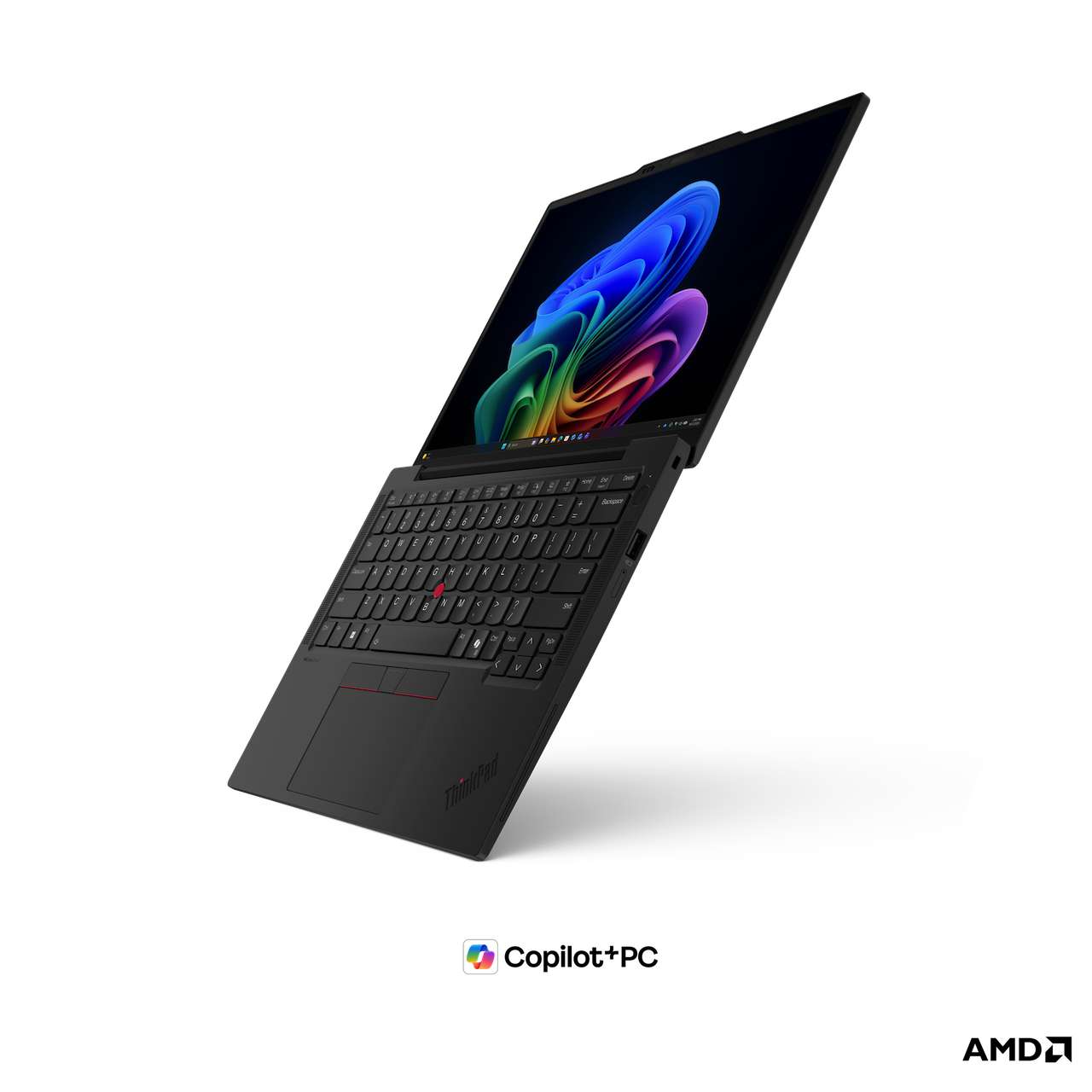
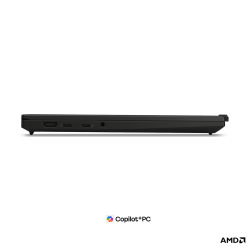
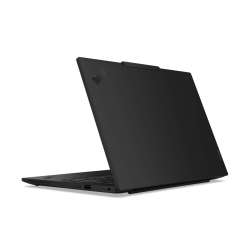
Both X13 variants share the same chassis: 295.9 x 207.7 x 16.9 mm at a starting weight of 1.09 kg (2.40 lb). The I/O layout matches across the two SKUs too: two Thunderbolt 4 ports at 40 Gbps with PD 3.0 and DP 2.1 (Lenovo’s AMD datasheet uses the Thunderbolt 4 label here), two USB-A 3.2 Gen 1 ports (one Always On), HDMI 2.1, a 3.5 mm audio combo, a NanoSIM tray for optional 4G LTE Cat12, and an optional Smartcard reader. There’s no native RJ45 at this size, which is the trade for the 1.09 kg starting weight.
What both versions share
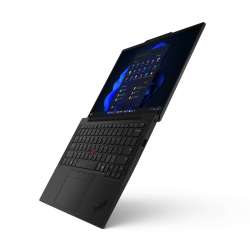
Both variants ship Copilot+ PC class on-device AI at 50 TOPS, Wi-Fi 7 with Bluetooth 5.4, up to 64 GB of LPDDR5x memory soldered to the board (not user-upgradeable, which is the key X13 vs L14 difference), up to 2 TB of PCIe Gen4 SSD in the M.2 2280 form factor, a 54.7 Whr battery, and the ThinkPad TrackPoint keyboard with 1.5 mm key travel paired to a 115 x 56 mm three-button TrackPad. MIL-STD-810H durability is confirmed on both X13 datasheets. Color is Eclipse Black on both.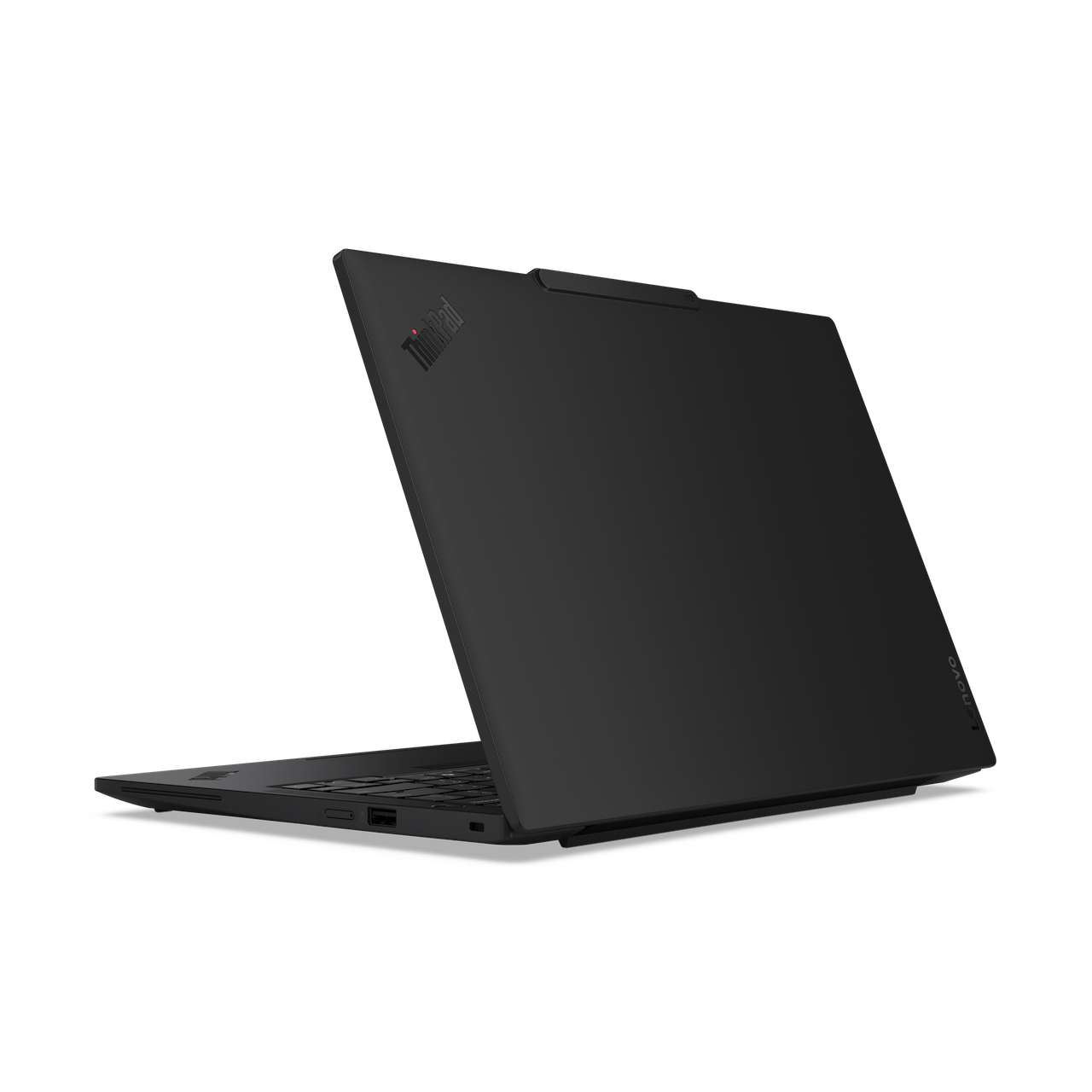
The chassis serviceability angle stays intact, which is part of the X13’s identity through six previous generations. The Gen 7 changes appear iterative rather than tear-down. For buyers who liked the X13 Gen 6, this isn’t a different laptop; it’s the same X13 with the on-device AI engine you’ve been hearing about for the X1 Carbon now in the 13-inch tier.
Who this laptop is for
The X13 buyer isn’t the same person as the L14 buyer. It’s the consultant who flies twice a week, the executive who carries it between offices and home, the support engineer who needs a small chassis without giving up the ThinkPad serviceability layer. That audience used to upsell to the X1 Carbon for the lighter weight, and the X13 was the affordable alternative with a heavier chassis penalty.
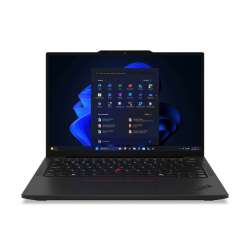
This generation closes that gap. Copilot+ PC features at the 13-inch tier reduce the X1 Carbon’s biggest non-weight advantage. Lenovo’s positioning the X13 as the daily ultraportable that doesn’t make the buyer feel they downgraded, on either Intel or AMD.
Choosing between Intel and AMD
The deciding factor on the X13 splits the same way it does on the L14. If your management layer runs Intel vPro, the Intel variant slots straight in. If you’re cross-shopping for the Radeon iGPU bump on creative workloads, or if your shop already standardized on AMD Ryzen PRO, the AMD variant is the better fit.
Both variants ship the same 54.7 Whr cell, so the AMD vs Intel runtime gap will come down to platform efficiency rather than battery capacity. AMD’s efficiency story has typically pulled ahead at the smaller chassis size, but the Intel Series 3 NPU efficiency claims tighten that gap.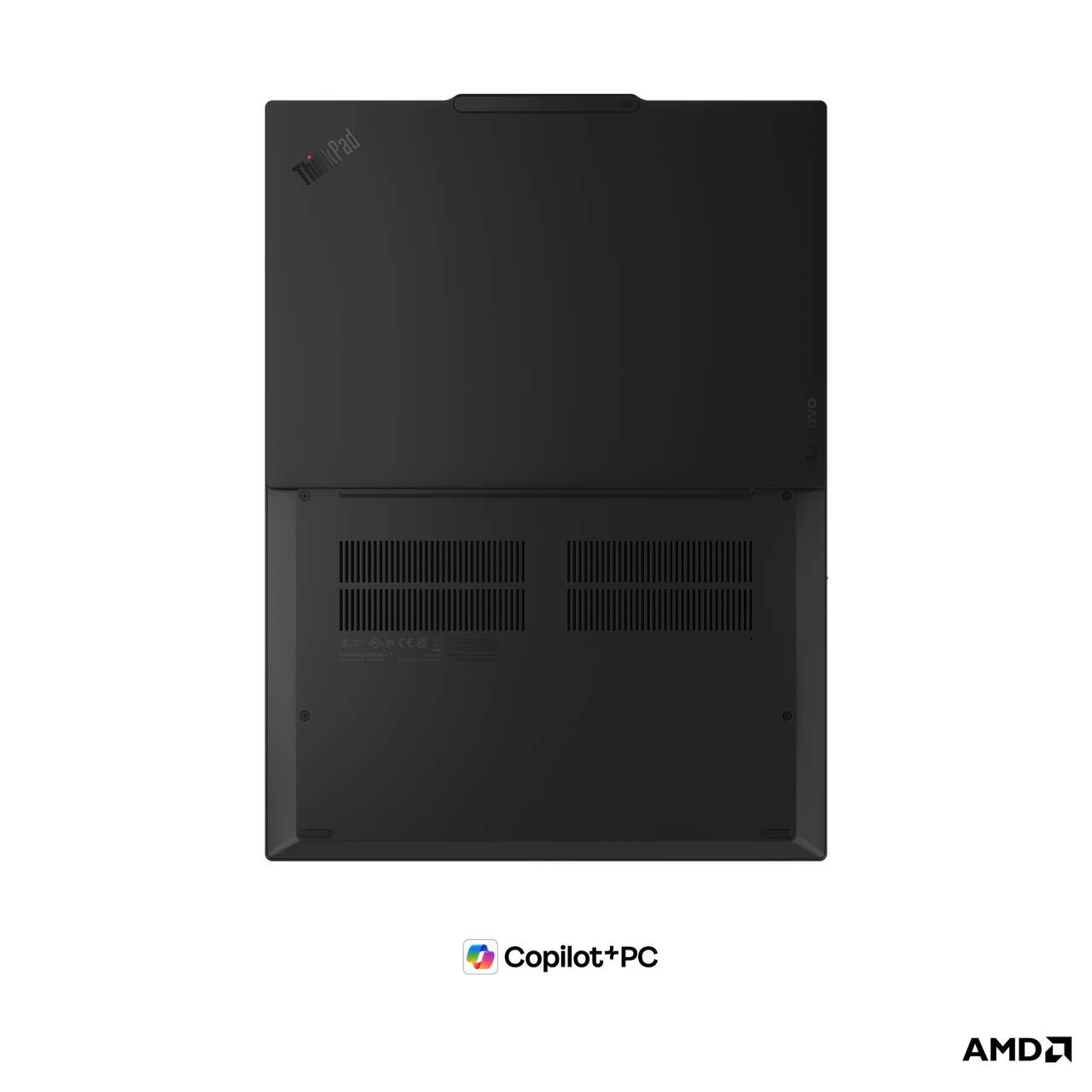
Pricing and what’s still under wraps
Availability and pricing weren’t disclosed by Lenovo at embargo and should land closer to launch. Everything else on the X13 Gen 7 is locked in: 13.3″ WUXGA panel choices from a 400-nit non-touch AG up to a 500-nit low-power LBL 100% sRGB AG, the Intel Core Ultra 7 Series 3 and AMD Ryzen AI PRO 400 Series ladders, the 54.7 Whr battery, the Wi-Fi 7 “5 Gig” plus Bluetooth 5.4 wireless stack, and sustainability at roughly 26% total PCC with ENERGY STAR 9.0, EPEAT Gold, TCO 10.0, and CO2 Offset on both variants.
The broader signal is that the 13-inch business laptop is competitive again, and the processor question is genuinely a choice rather than a tiered upsell. The slim-bezel rush convinced a lot of buyers that 14 inches was the new floor. The X13 Gen 7 argues that 13 inches plus 50 TOPS plus Wi-Fi 7 is the better travel choice if your daily commute happens at altitude, on whichever silicon your IT team already trusts.