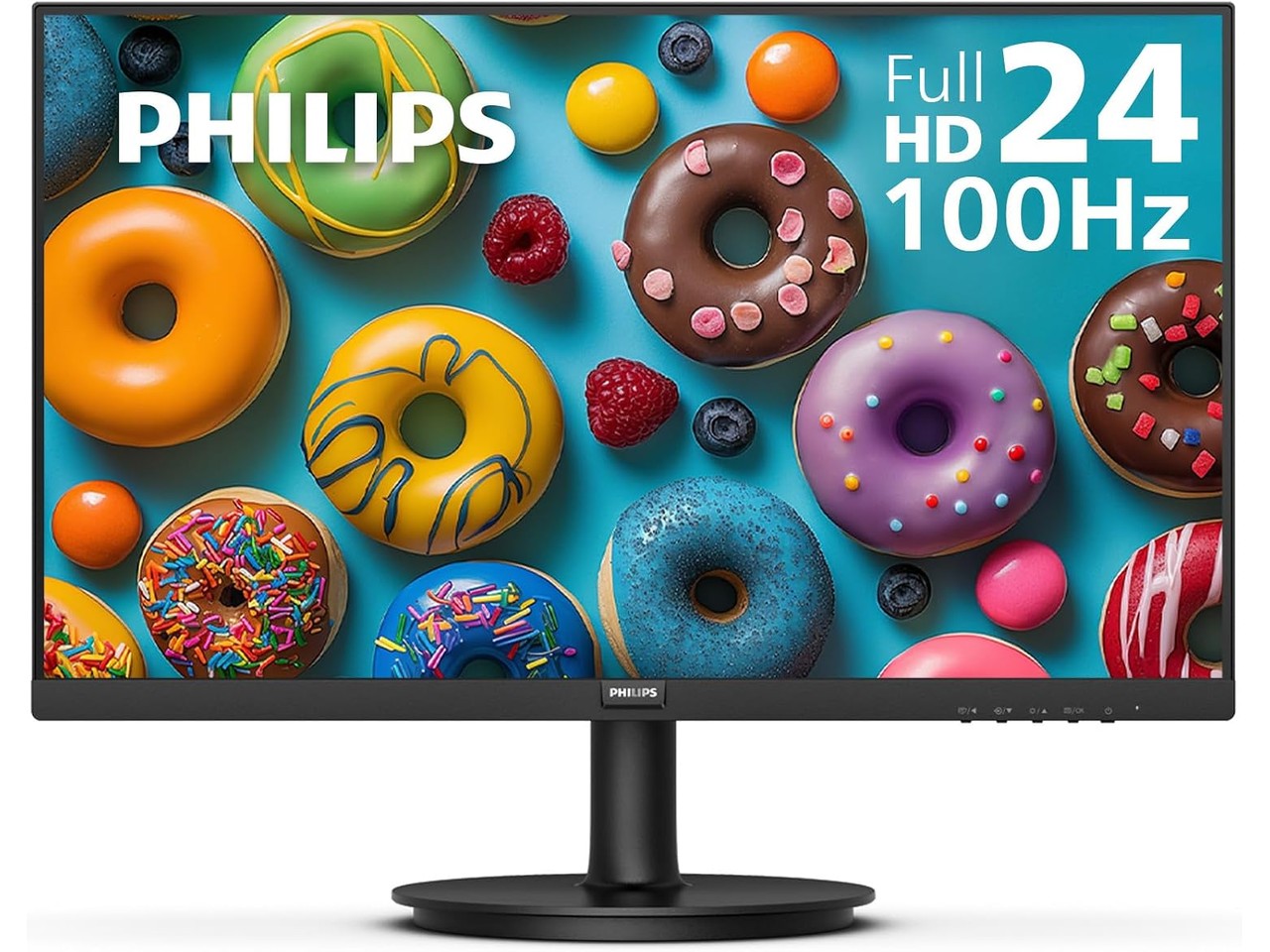
Budget monitor shopping has trained people to expect compromises stacked on compromises. You get an IPS panel washed out by poor contrast, a 60Hz refresh rate that makes every scroll feel sticky, and a warranty that expires before the stand does. The assumption is that anything under $80 trades down on everything that matters.
The Philips 241V8LB breaks that pattern in three specific ways at once. A VA panel instead of the usual IPS compromise. 100Hz instead of the budget-standard 60Hz. And a 4-year advance replacement warranty instead of the 1-year mail-it-and-wait coverage most sub-$80 monitors ship with. Right now it’s down to $74.98 from its usual $89.99, which puts it at #6 on Amazon’s best-seller list for computer monitors.
Price: $74.98 (was $89.99, save 17%) | Where to Buy: Amazon
The VA Panel Difference Most Budget Screens Skip
Here’s what the VA panel actually changes. A typical IPS budget monitor delivers a 1000:1 contrast ratio, which means blacks look dark gray and dark scenes lose all their depth. The 241V8LB’s VA panel hits 3000:1. That means blacks hold their shape, and a late-night video call with a dim background doesn’t turn into a muddy smear.
Colors reach 16.7 million with 178-degree viewing angles, and the image stays consistent when you lean over to show someone something on screen. Brightness sits at 250 cd/m², which is standard for the category. It holds up in a typical office or home setup. Direct sunlight will wash it out, but that’s true of every monitor at this price.
One thing to factor in: the screen finish leans glossy rather than matte. If your desk faces a window, the reflection might catch you. Most budget monitors go matte to hide cheaper panels, so a glossy finish at $75 is either confidence or a tradeoff worth knowing about before you buy.
100Hz Changes How the Whole Desk Feels
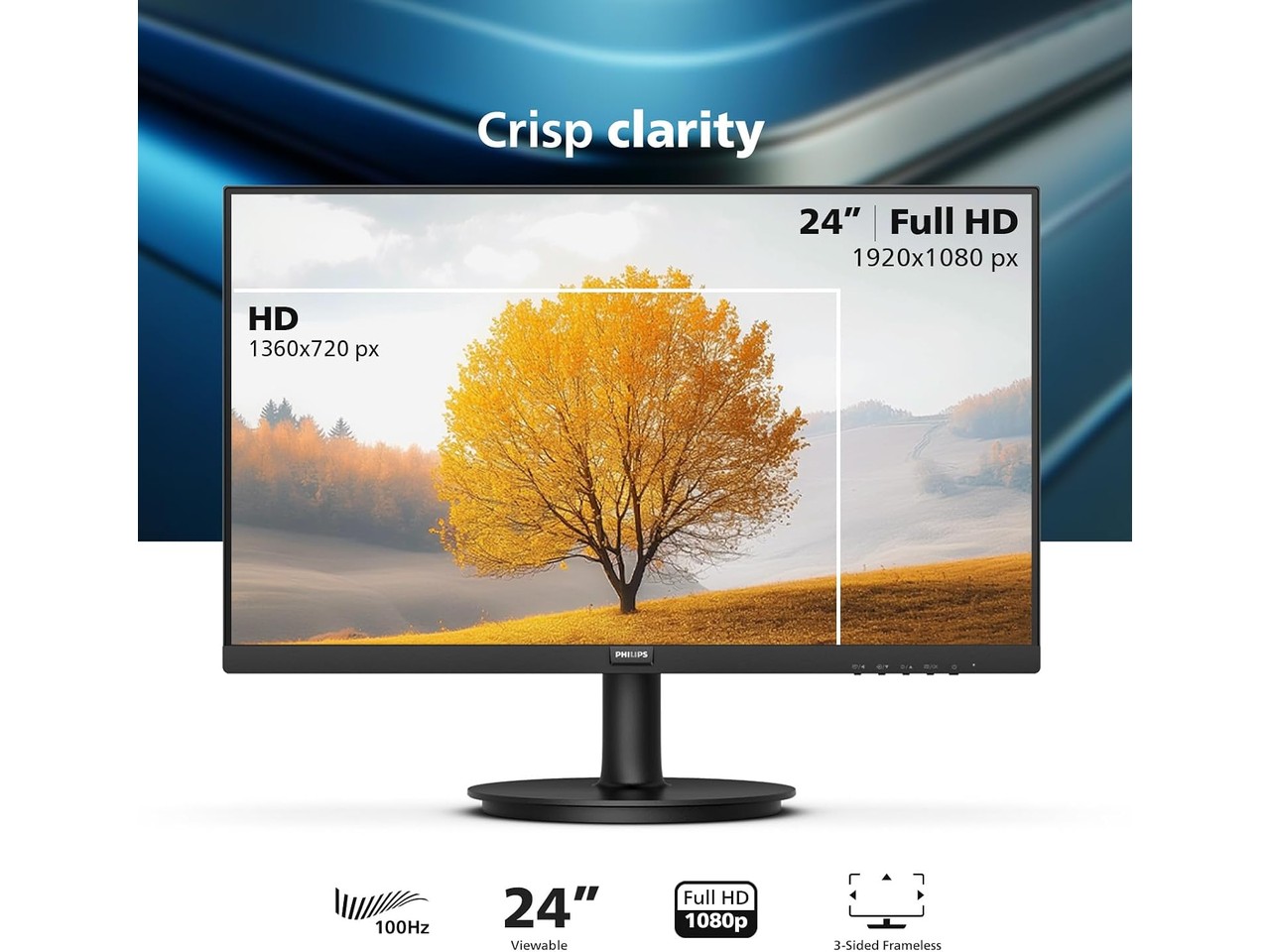
The number that matters most on this monitor isn’t a spec on the box. It’s the refresh rate. Most budget monitors stop at 60Hz or 75Hz, and that extra 25 frames per second changes how everything on screen behaves. Cursor movement feels snappier. Scrolling through a spreadsheet stops stuttering. Even the Windows desktop animations look smoother.
Adaptive-Sync eliminates screen tearing when your frame rate fluctuates, which matters more than people realize if you’re bouncing between a work laptop and a casual game. The 4ms response time holds for strategy games, MOBAs, and RPGs. Competitive esports players will want 144Hz and 1ms, and they’re not the audience for a $75 monitor anyway.
Go back to 60Hz after a week at 100Hz. The difference is immediate. It’s the single spec that makes this monitor feel like it costs more than it does.
Frameless Design and the One Compromise That Stays
Three sides of the bezel are nearly invisible, which does two things. A multi-monitor setup with two of these has almost no gap between screens. A single monitor carries less visual weight on a cluttered desk. The frameless design isn’t cosmetic. It changes how the monitor fits into a physical workspace.
The stand is the compromise that stays. You get tilt only, no height adjustment, no swivel. If your monitor needs to sit higher or angle sideways, budget for a VESA arm. The 241V8LB supports VESA mounting, so the upgrade path is open. Philips made a deliberate tradeoff here: spend the money on the panel and the warranty, not the stand.
Eye Care That Actually Does Something
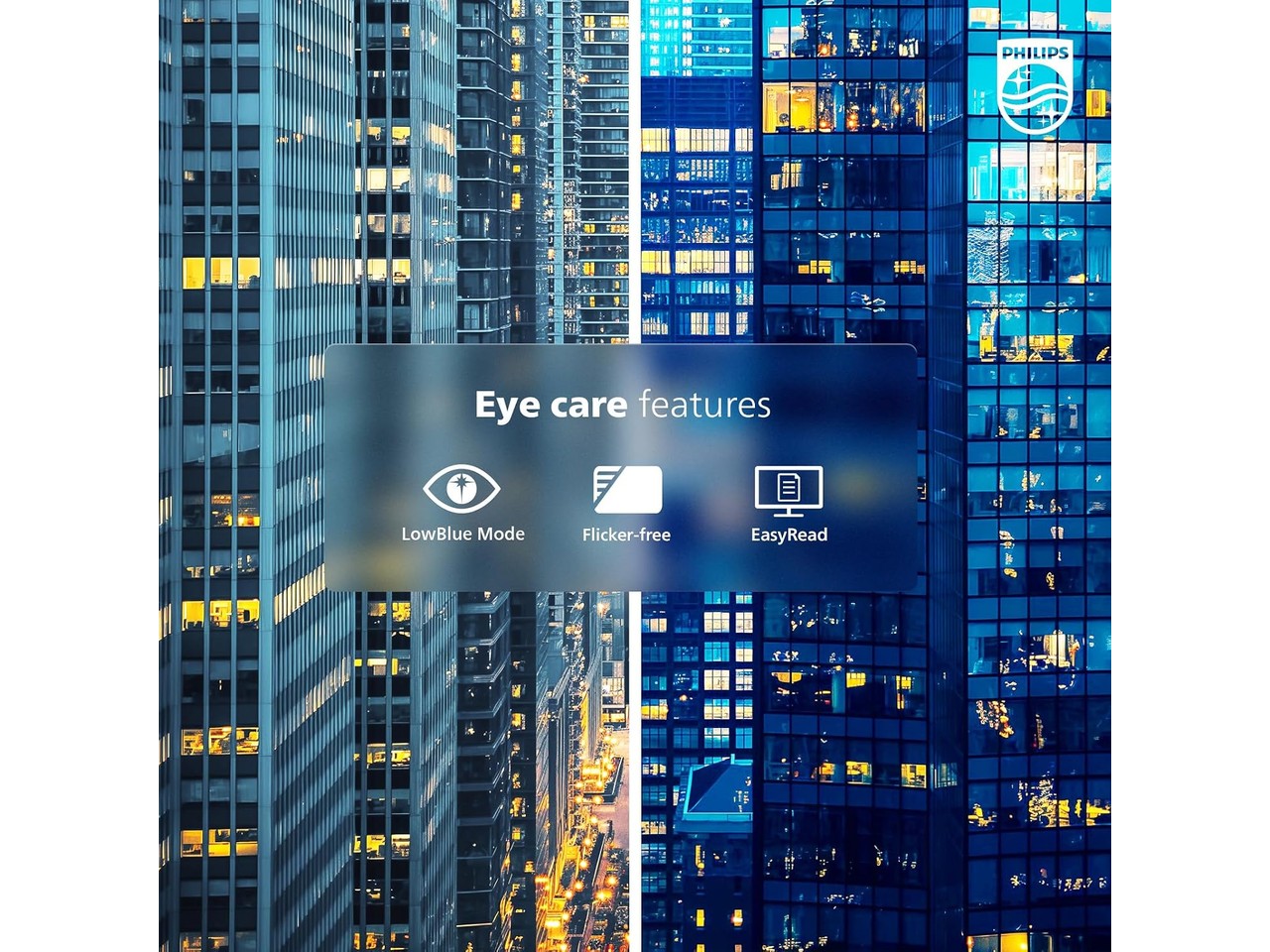
LowBlue Mode and flicker-free backlighting sound like marketing checkboxes, but they have a real effect over an 8-hour workday. Flicker-free technology eliminates the invisible backlight flicker that causes eye fatigue during long sessions. LowBlue Mode shifts the color temperature to cut blue light wavelengths without the orange wash that software-based night modes produce.
EasyRead mode takes it further by rendering content in monochrome, which mimics e-paper for long-form reading. It’s a small feature that anyone working through lengthy PDFs or legal documents will actually use. None of these features show up on a spec sheet comparison, but they’re the difference between feeling fine at 5pm and feeling strained.
Who Should Skip This
No internal speakers. The monitor has an audio-out jack for external speakers or headphones, but if you expect sound from the box, you’ll need a separate solution. Port selection is one HDMI and one VGA, which is tight if you switch between a work laptop and a gaming console. A USB hub would help at this price. You don’t get one.
If you need HDR certification, DisplayPort connectivity, or height-adjustable ergonomics built in, this isn’t your monitor. Spend more for an IPS panel with USB-C. The 241V8LB is built for a specific buyer: someone who wants a solid second screen or a primary work monitor, values the VA panel’s contrast, and plans to add their own speakers and possibly a VESA arm.
The 4-year advance replacement warranty is the feature that makes the gamble small. Philips sends the replacement unit first, before you ship back the old one. No waiting weeks for a repair. That warranty alone separates this from the no-name budget monitors competing at the same price.
For context on what else sits at nearby price points, we’ve covered Dell’s $130 240Hz monitor and the LG UltraGear Evo 5K for a look further up the spectrum.
Price: $74.98 (was $89.99, save 17%) | Where to Buy: Amazon
The Bottom Line
The Philips 241V8LB works because Philips spent the money on three things budget monitors usually skip: the panel, the refresh rate, and the warranty. A VA panel with 3000:1 contrast at $74.98 is the spec that matters. 100Hz at this price is the spec that changes how the desk feels. And the 4-year warranty is what makes trying one a low-risk bet. Across competing retailers, Walmart matches at $74.98, CDW comes in at $75.99, and Best Buy sits higher at $90.86. The Amazon listing carries an Amazon’s Choice badge, 4.6 stars from 1,884 reviews, and the #6 spot in computer monitors. The market has voted on this one, and the price drop makes the case stronger.