
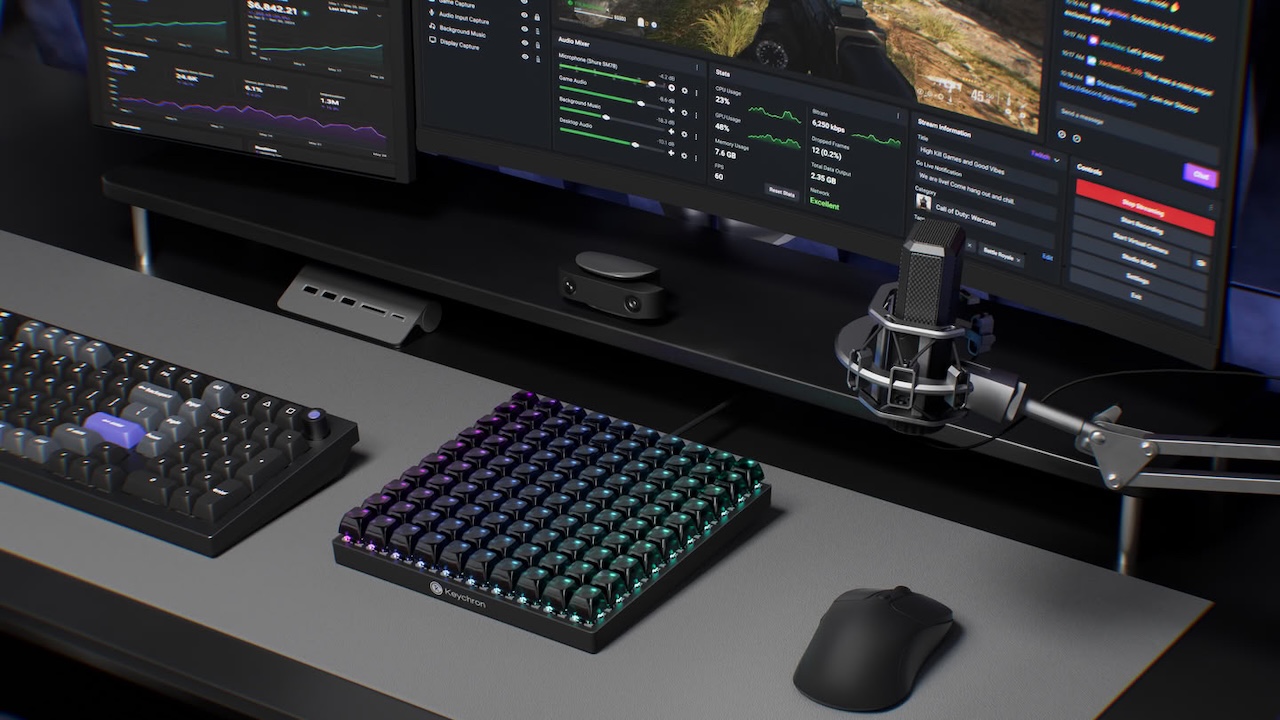
Most people do not need another keyboard. They need a faster way to reach commands they use too often: switching livestream scenes, trimming video, inserting editing markers, muting a call, running a script, or pasting a common response.
Price: Now $64.99
Where to Buy: Keychron
The Keychron C100 Macro Pad takes the opposite approach. It is a wired square pad with 100 mechanical keys. It ships with no default key assignments, so buyers are expected to build their own layout from scratch.
That is either its greatest strength or its biggest warning sign. The C100 is not a plug-in shortcut solution. It is a blank physical control surface for someone who already knows which repeated commands slow down their day.
It is closer to a second keyboard than a typical macro pad
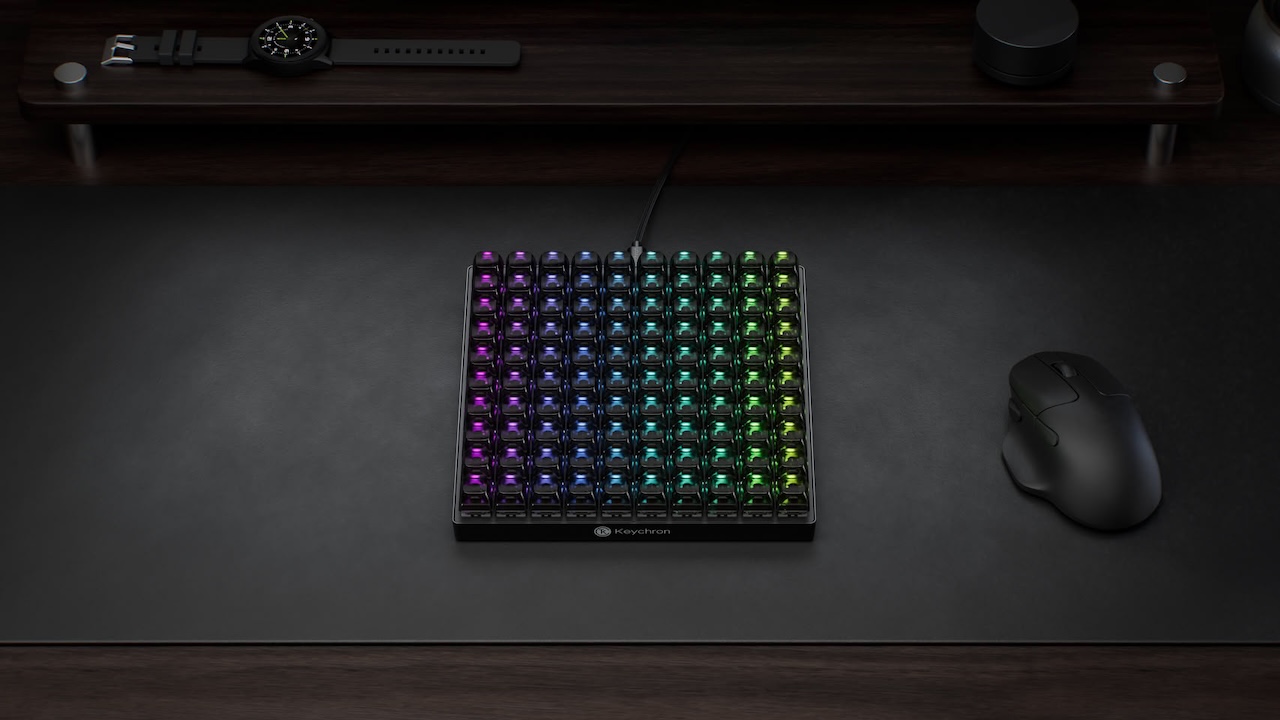
The C100 measures 196.65mm by 196.65mm, about 7.7 inches square. That is substantially larger than small macro pads designed to sit beside a keyboard unnoticed. It deserves dedicated desk space.
Keychron lists it at $64.99 and currently marks the red-switch version as backordered. The layout has 100 switches, but there is an important limitation beneath the headline number. Keychron says the four corner keys control lighting effects and cannot be customized. That leaves 96 keys available for remapping, macros, and shortcuts.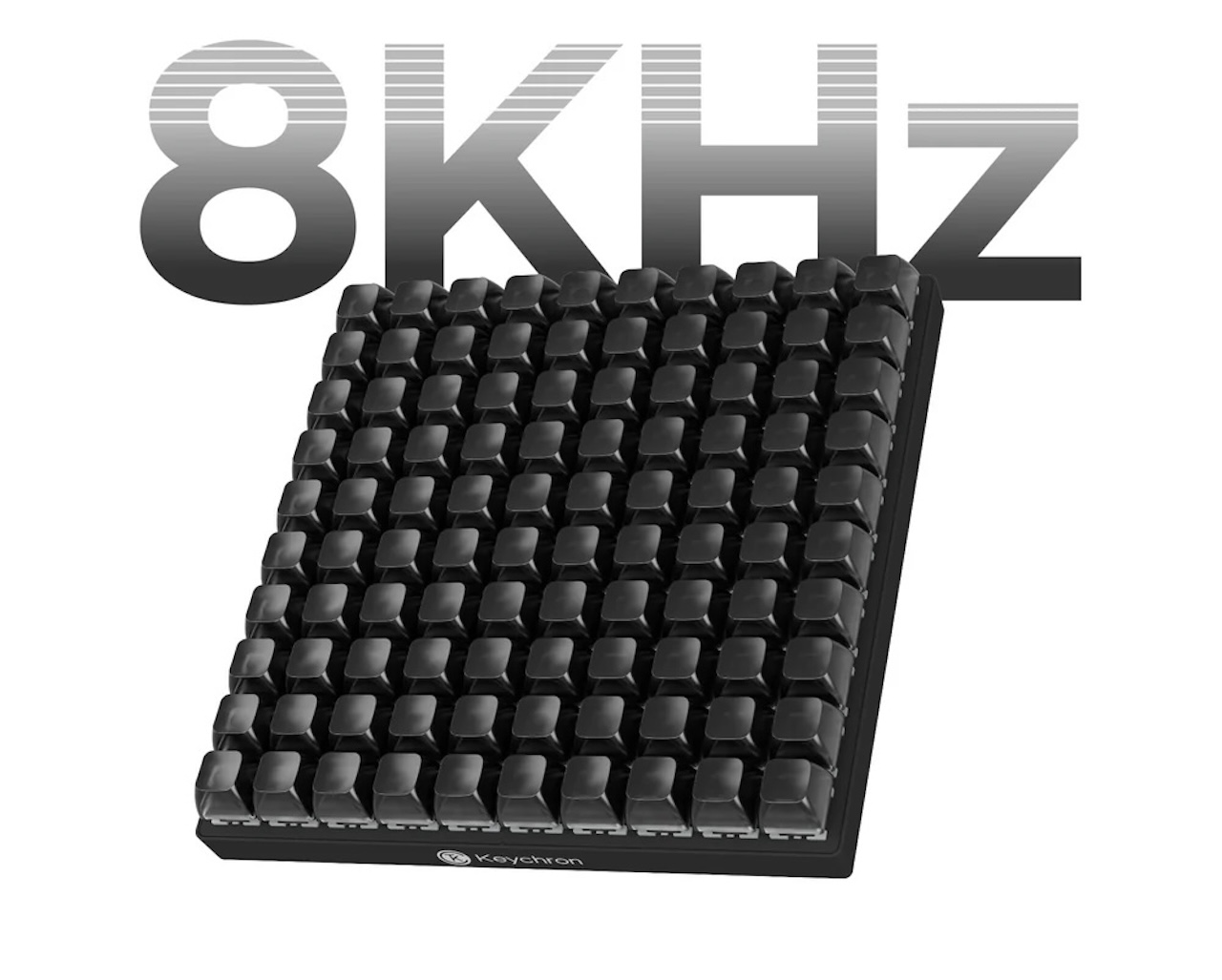
For most users, that is still an enormous number of physical controls. The package includes the macro pad, a USB-C cable, a USB-A-to-USB-C adapter, and a keycap and switch puller.
The design is wired only, using USB-C. It is not a portable wireless controller for moving between a laptop, tablet, and desktop. Buyers who want a flexible multi-device accessory should not assume that a macro pad automatically offers that convenience.
What blank keys actually means
Keychron says every working key starts with no pre-assigned function. That is attractive for people who edit video, automate spreadsheets, produce music, write code, or stream. You could organize the pad by app, task, or project: one section for timeline edits, one for audio controls, one for browser actions, and one for system shortcuts.
The practical benefit is muscle memory. A command that now requires a multi-key shortcut can become one dedicated button in a predictable location. Over time, that can reduce interruptions during repetitive tasks.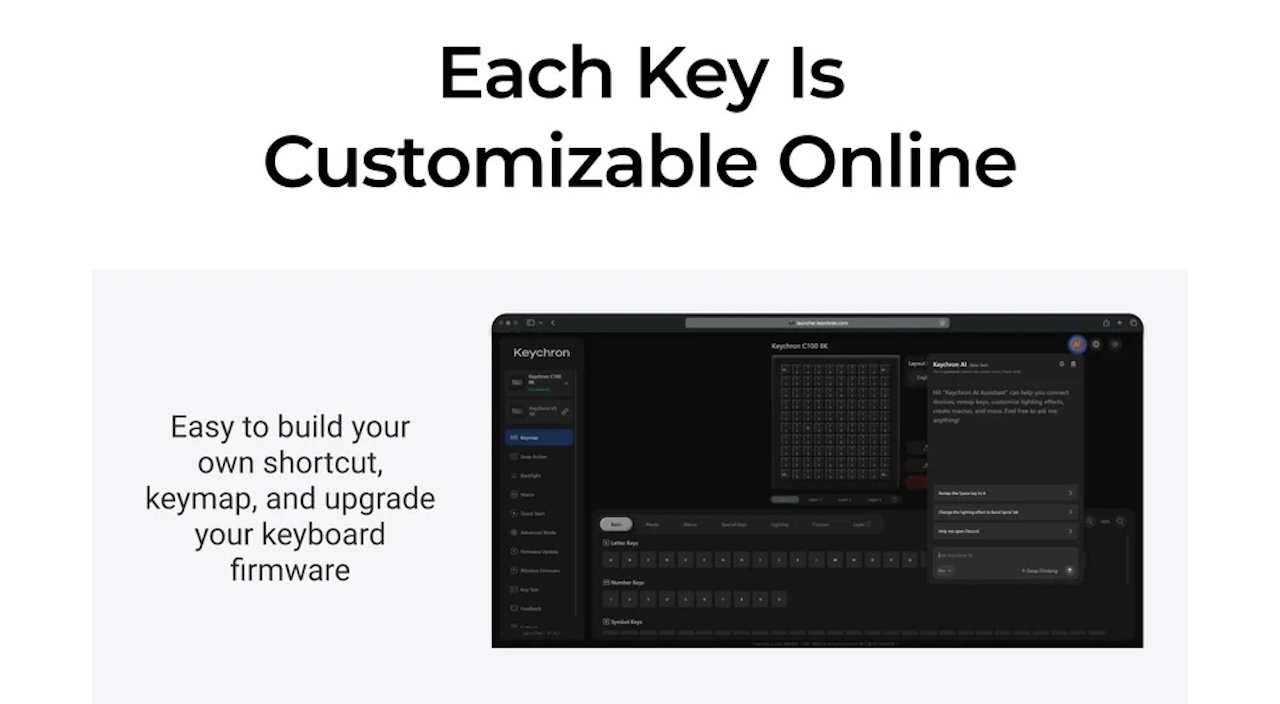
But the blank layout also creates setup work. An unlabeled field of controls is only useful after you decide what each one does, program it, and remember it. The transparent ASA keycaps can help make an arrangement more legible, but they do not automatically make an overbuilt keymap easier to learn.
Start small. Assign the 10 to 20 actions you perform most often, leave the rest unused, and expand only after the first group becomes second nature. Filling all 96 programmable keys on day one is more likely to create a confusing desk accessory than a faster workflow.
QMK is the real feature, not 8K polling
Keychron says the C100 uses open-source QMK firmware and its browser-based Keychron Launcher for remapping, shortcuts, and macros. That is the meaningful capability. QMK can make the C100 more flexible than a fixed-function keypad because users can tailor it to their applications and habits.
There is a catch: Keychron says Launcher setup requires a wired connection and the latest Chrome, Opera, or Edge browser. Since the C100 is already wired, that is not a dealbreaker, but it matters to buyers who prefer a native desktop app or use a different browser.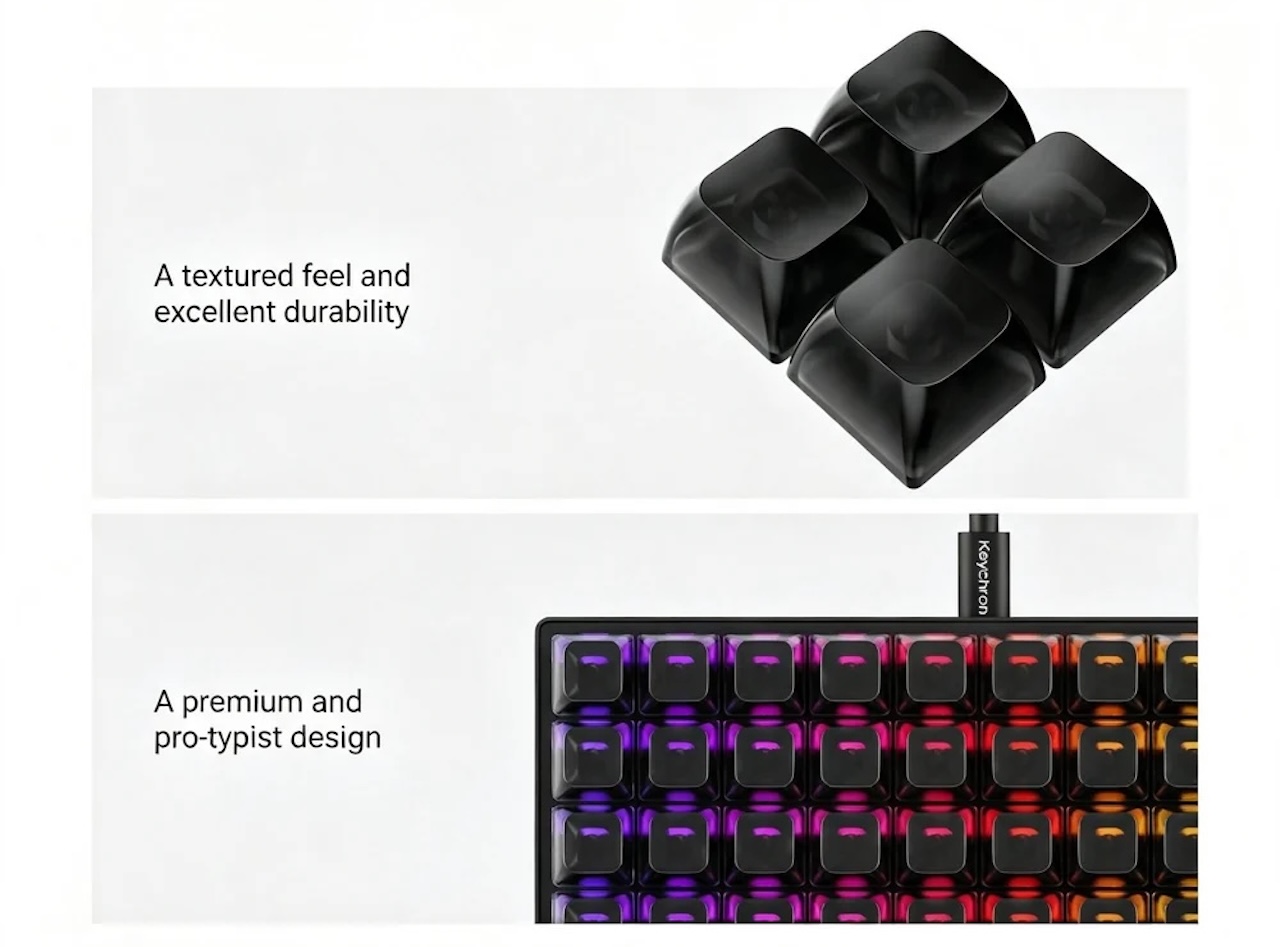
The 8,000Hz polling rate is real. Keychron lists it in the specifications. For office, editing, and productivity work, however, it is not the reason to buy this pad. Programmability, physical layout, and a well-planned keymap will have a much larger effect on daily use.
Customization has limits
The Keychron C100 Macro Pad supports hot-swappable switches, which Keychron says lets owners change switch feel without soldering. That gives keyboard enthusiasts room to tune sound and resistance. It is a nice feature, but it should not outrank the workflow question. Different switches will not fix a layout you never use.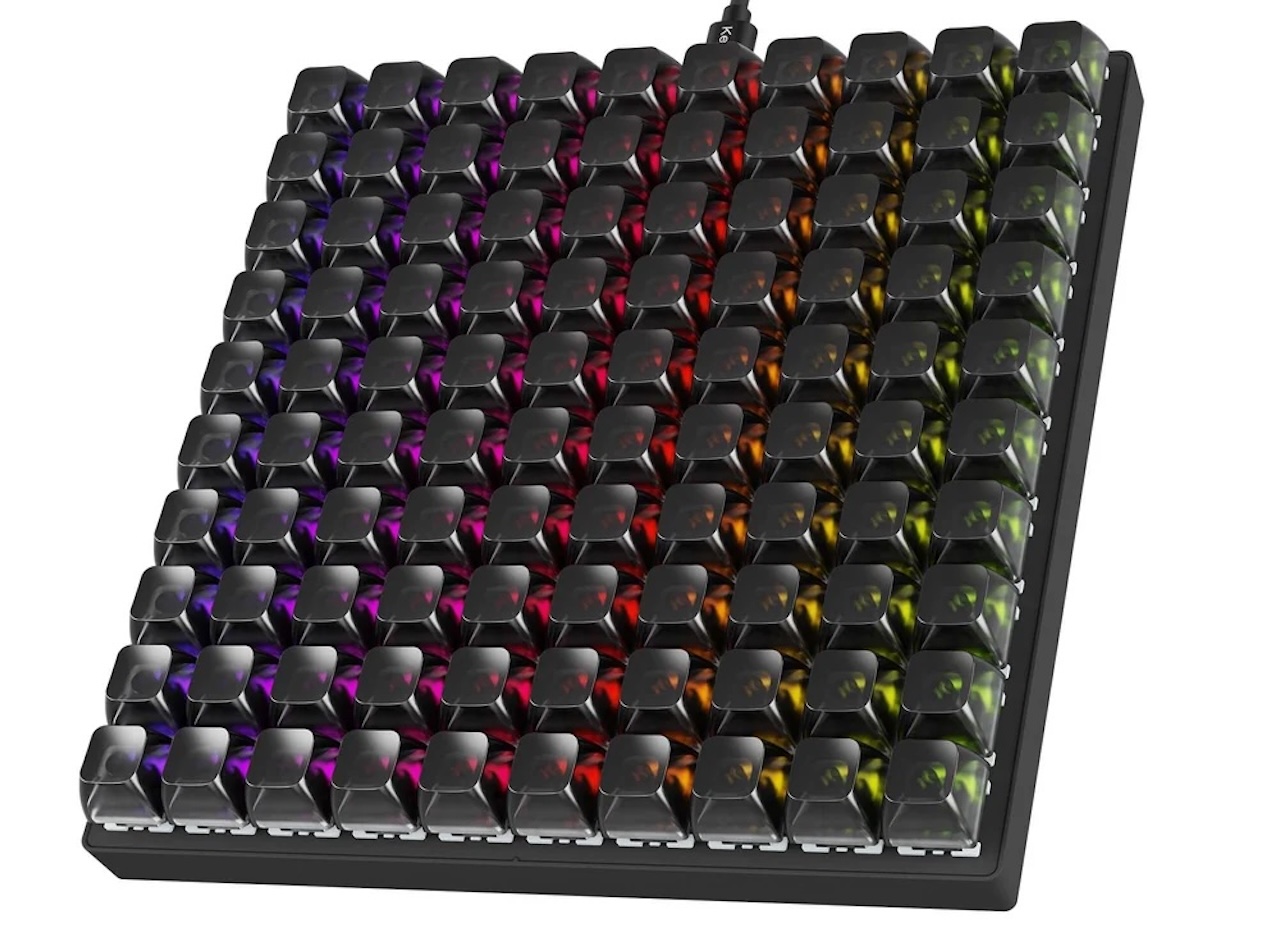
The core specification is clear: this is a large, wired, 100-switch QMK control pad with 96 remappable keys and hot-swappable switches. The unproven question is whether it will make a particular buyer more productive. That depends on the work they repeat every day.
Who should buy the Keychron C100?
The C100 is for a video editor, streamer, programmer, designer, audio producer, or power user who can already name at least a dozen repetitive commands worth putting on dedicated keys. It is also a compelling option for mechanical-keyboard enthusiasts who enjoy building a custom physical layout.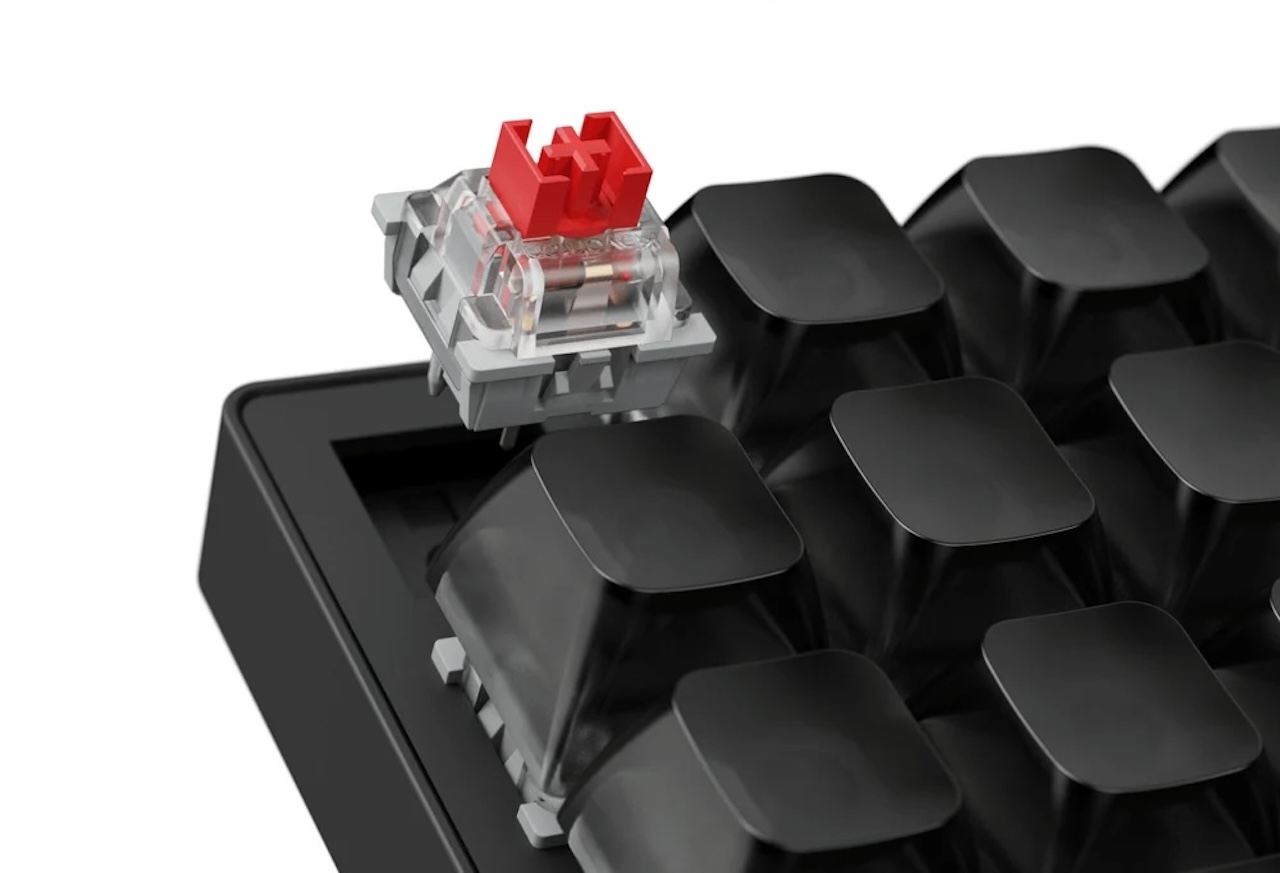
Skip it if you only need volume, media, chat, or a few streaming controls. A smaller macro pad will cost less, consume less desk space, and require far less setup. It is also a poor fit for anyone who needs wireless portability or expects useful defaults out of the box.
Price: Now $64.99
Where to Buy: Keychron
At $64.99, the Keychron C100 is not a macro pad for everyone. It is a serious blank canvas for people with a serious shortcut problem. If that is you, 96 programmable keys may feel liberating. If it is not, they may simply become 96 more things to remember.

Gadgeteer Comment Policy - Please read before commenting
To me it seems like a very good test-bed/library for mechanical switches, it’s only $15 more than the similarly shaped Keychron switch tester – which has no means to actually use any of the keys.