
It’s the one day a year the security industry collectively nudges you to fix the digital habits you’ve been avoiding since the last breach notification. Most of us know our passwords are a mess. The problem is figuring out which fix is worth the fifteen minutes.
So here’s a list that skips the lectures. Nine things you can knock out today, ranked roughly by how much safer they’ll actually make you. Pick one. Pick all of them. Either way, future you will thank present you the next time a company emails to say “we recently detected unusual activity.”
1. Sign Up for a Password Manager (If You Haven’t Already)
This is the single biggest upgrade you can make. A password manager generates strong, unique passwords for every account, remembers them all, and autofills them on every device you own. You memorize one master password and that’s it.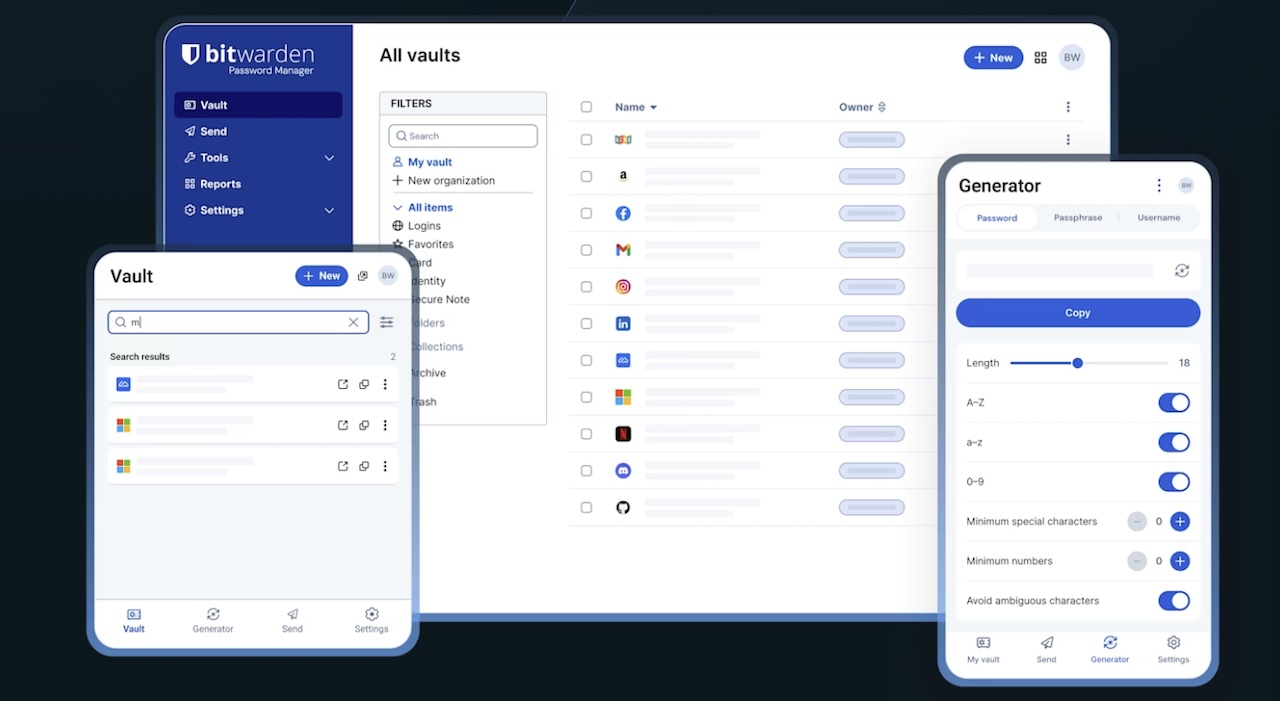
The free tiers from Bitwarden and Proton Pass are genuinely usable. 1Password and Dashlane add nicer interfaces and family sharing if you want to pay. Apple’s built-in Passwords app works fine if you live entirely inside the Apple ecosystem. The best password manager is the one you’ll actually use, so don’t overthink it.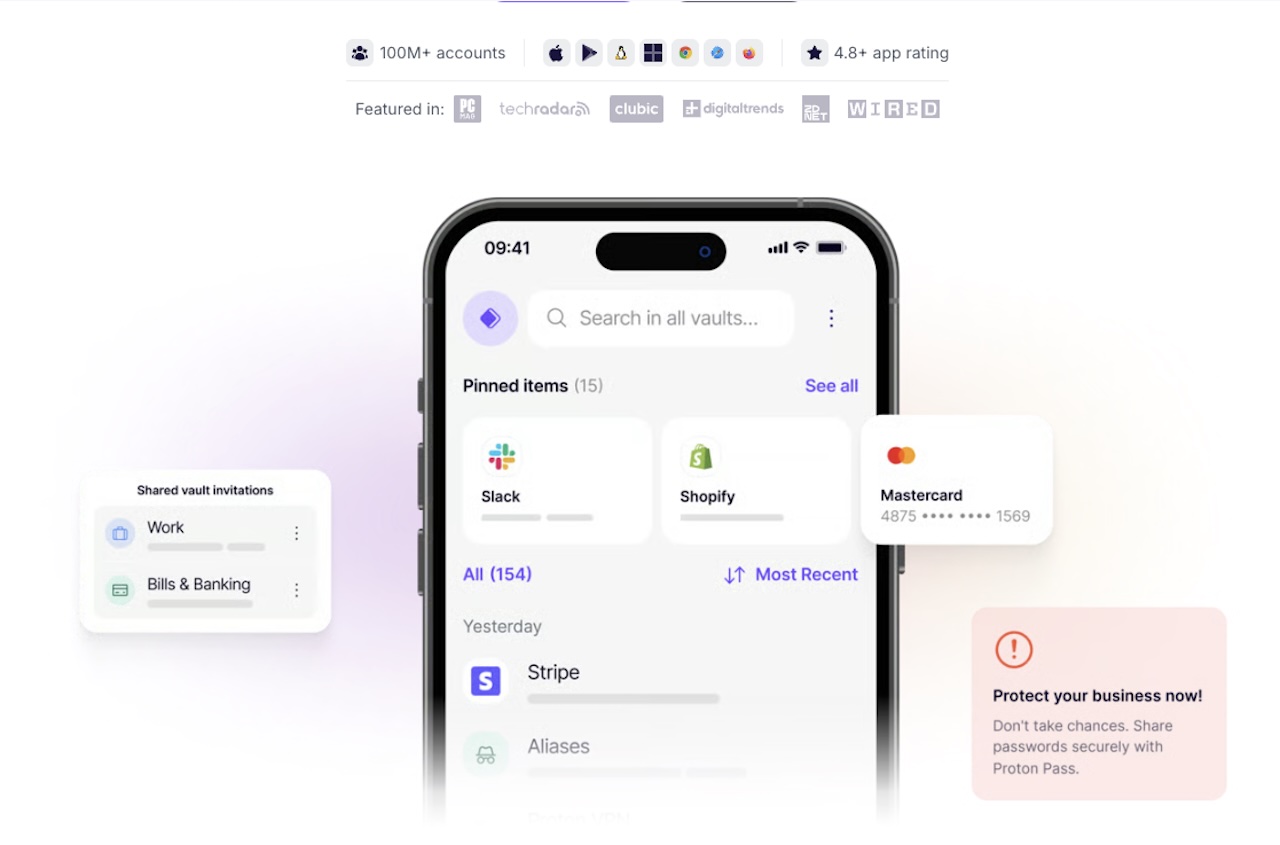
2. Replace Your Important Passwords With Passphrases
Long beats complex. A four-word passphrase like correct-horse-battery-staple is harder to crack than P@ssw0rd!23 and easier to remember. Length is what matters most against modern attacks, and most sites now allow passphrases up to 64 characters or more.
Start with your email account, your bank, and your password manager itself. Those three are the keys to everything else.
3. Turn On Two-Factor Authentication Everywhere It’s Offered
Even if your password gets leaked, 2FA stops most attackers cold. Use an authenticator app like 2FAS, Ente Auth, or Bitwarden Authenticator instead of SMS when you can. Text-message codes can be intercepted through SIM-swap attacks, and that’s a real threat for anyone with crypto, money, or a public profile.
Most major services now show you a security checkup screen that walks you through enabling this in under a minute.
4. Switch to Passkeys for the Accounts That Support Them
Passkeys are the quiet shift of the past two years. They replace passwords entirely with a cryptographic key tied to your device, your face, or your fingerprint. There’s nothing to type, nothing to phish, and nothing to forget.
The shift is no longer theoretical. The FIDO Alliance’s 2026 report, released this week, found that 75 percent of people have now enabled a passkey on at least one account, and 49 percent use them regularly when available. A year ago those numbers were a footnote. Now they’re a trend line.
Google, Apple, Microsoft, Amazon, PayPal, and a growing list of big platforms support them. If you see a “set up a passkey” prompt on World Password Day, take the prompt. It’s the closest thing to a permanent fix.
5. Run Your Email Through a Breach Checker
Go to haveibeenpwned.com, type in your email, and brace yourself. The list of breaches that include your address is almost certainly longer than you’d like. Anything flagged there means that password is in a database somewhere, being used to try every other site you’ve ever logged into.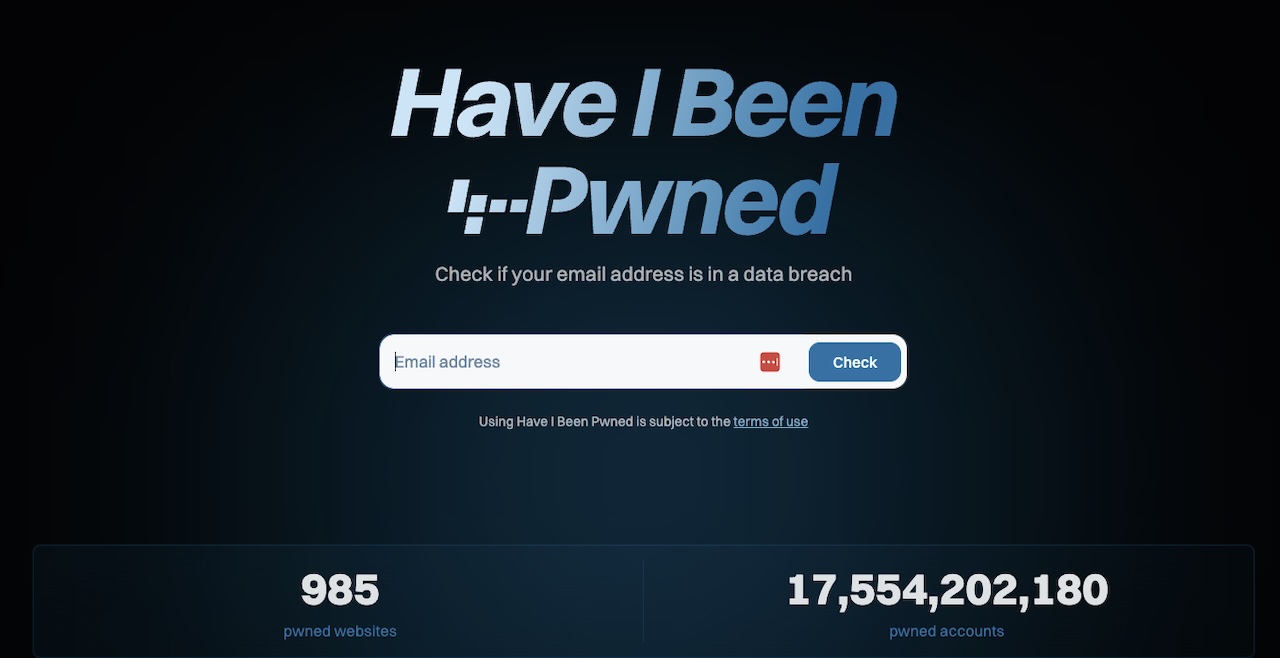
Change those passwords first. Your password manager probably has a built-in breach scanner that does this automatically.
6. Audit the Passwords Saved in Your Browser
Chrome, Safari, and Edge all keep a list of saved logins, and most of them have a “weak” or “reused” warning built in. Open it. Sort by reused. Fix the worst offenders.
This is the part everyone skips because it’s tedious. But twenty minutes here will catch the dozen accounts you didn’t even remember existed, including the loyalty programs, old shopping sites, and that one forum from 2014 you signed up for once.
7. Generate New Recovery Codes and Store Them Somewhere Real
Recovery codes are the lifeline when you lose your phone, your authenticator app, or both. Most services hand them out once and never again, which means most people have either lost theirs or never saved them in the first place.
Pull fresh codes for your email, your password manager, and your bank. Print them, drop them in a safe, or save them in an encrypted note that isn’t in the same place as your actual passwords. If your only copy lives on the same device as the account it protects, it’s not really a backup.
8. Buy a Hardware Security Key for Your Most Critical Account
For about $29 for a basic FIDO key like Yubico’s Security Key NFC, or around $58 for a YubiKey 5 NFC, a hardware key gives you the strongest 2FA option that exists. Google’s Titan keys sit in the same range. You plug it in or tap it to your phone, and the account simply will not log in without it. Phishing attacks become essentially useless against this setup.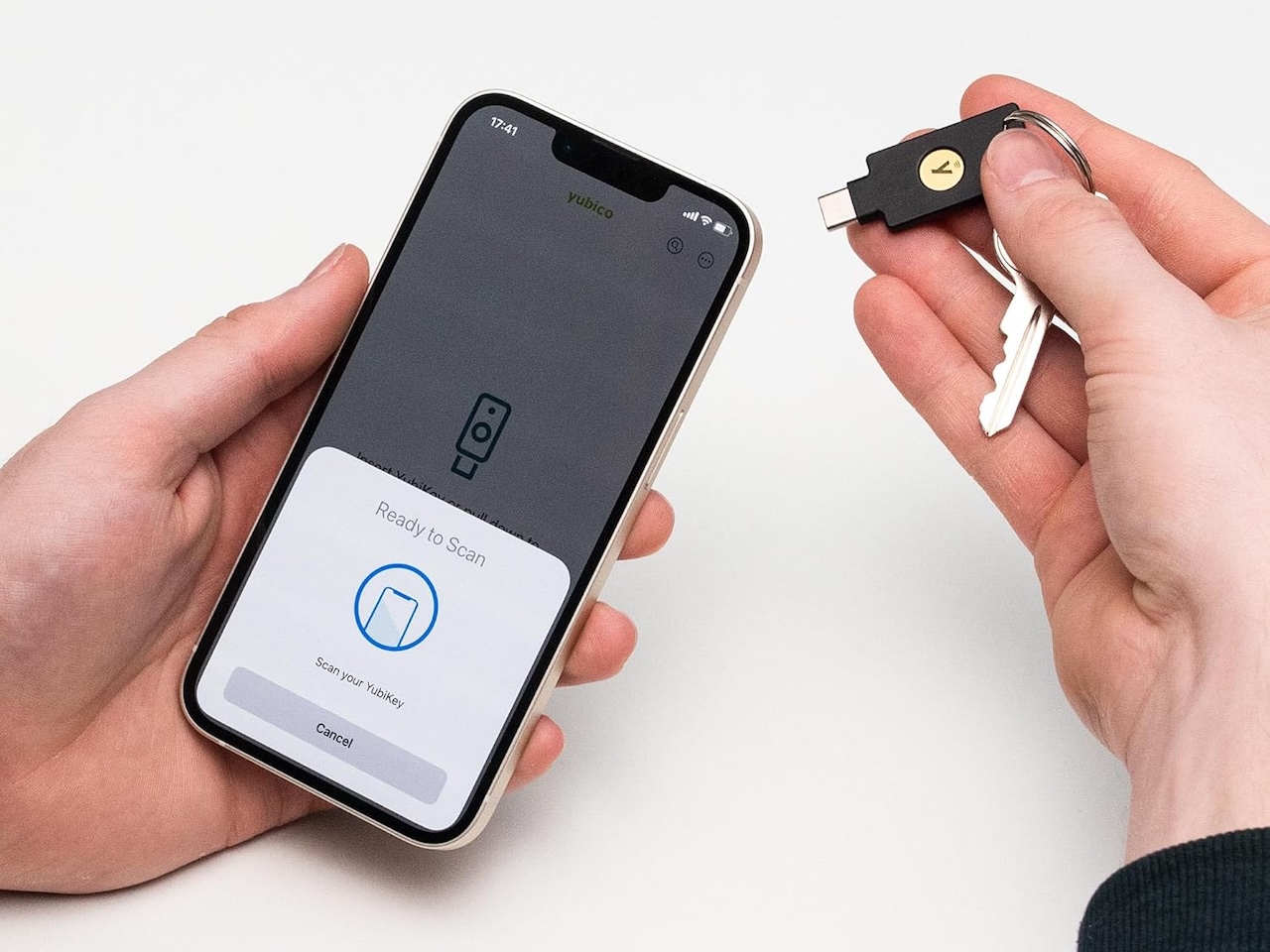
Price: $58
Where to Buy: Amazon
Overkill for your Hulu account, but a smart move for your primary email, which is the recovery point for everything else you own online. If someone takes that, they take everything.
9. Tell One Person You Care About to Do the Same
Security improves when the people around you also improve. Your parents, your partner, your kid heading off to college. The phishing email that fools them often ends up costing you, because attackers who get into one family member’s account use it to target others.
Send them this list, walk them through installing a password manager, and turn on 2FA together. It takes thirty minutes and removes a real attack vector from your life.
The Real Win
World Password Day works as a calendar reminder more than a cybersecurity holiday. It’s not a holiday anyone celebrates, and the security industry’s social posts about it tend to read like compliance training. The FIDO Alliance, Microsoft, Yubico, and dozens of other companies have already rebranded it as World Passkey Day, which tells you where things are headed. But the underlying point holds: most of us are one breach notification away from a bad week, and the fixes are cheaper and faster than the cleanup.
Pick three items off this list. Set a 20-minute timer. By the time it goes off, you’ll be in better shape than 80 percent of the internet. Next year’s reminder will feel a lot less daunting.
[Hero mage By: Miguel Á. Padriñán | Pexels.com]
