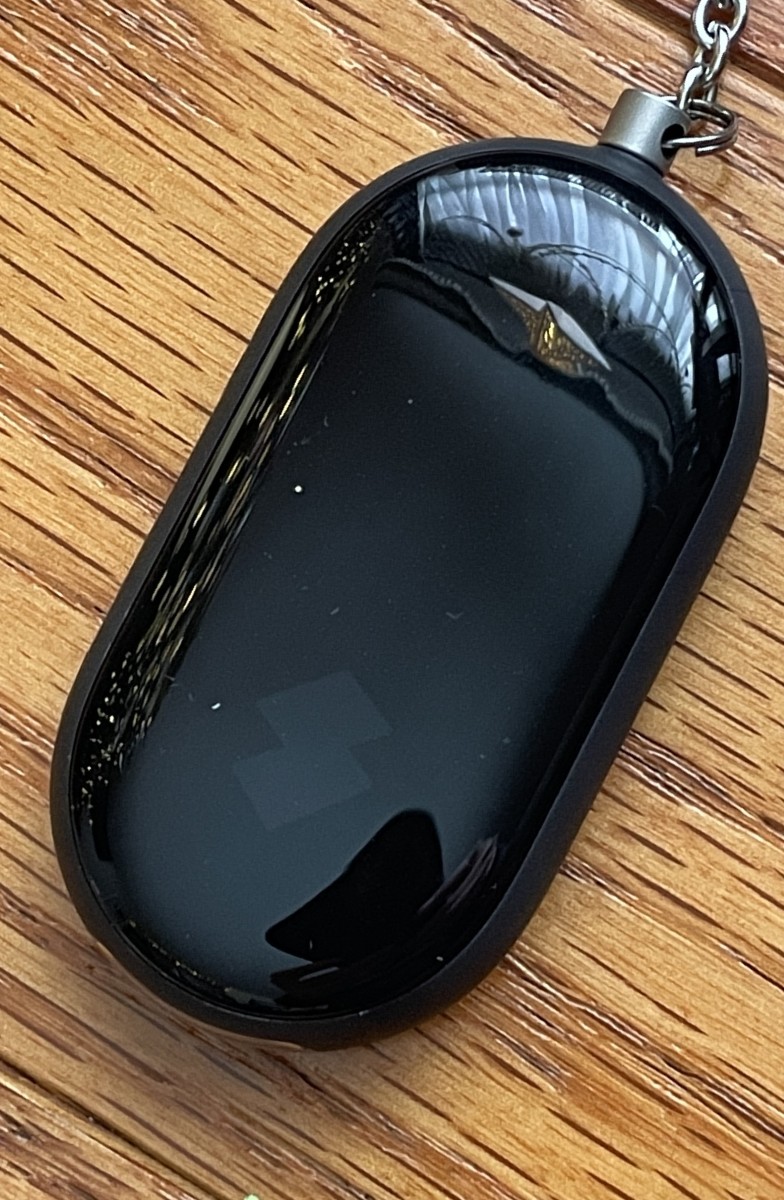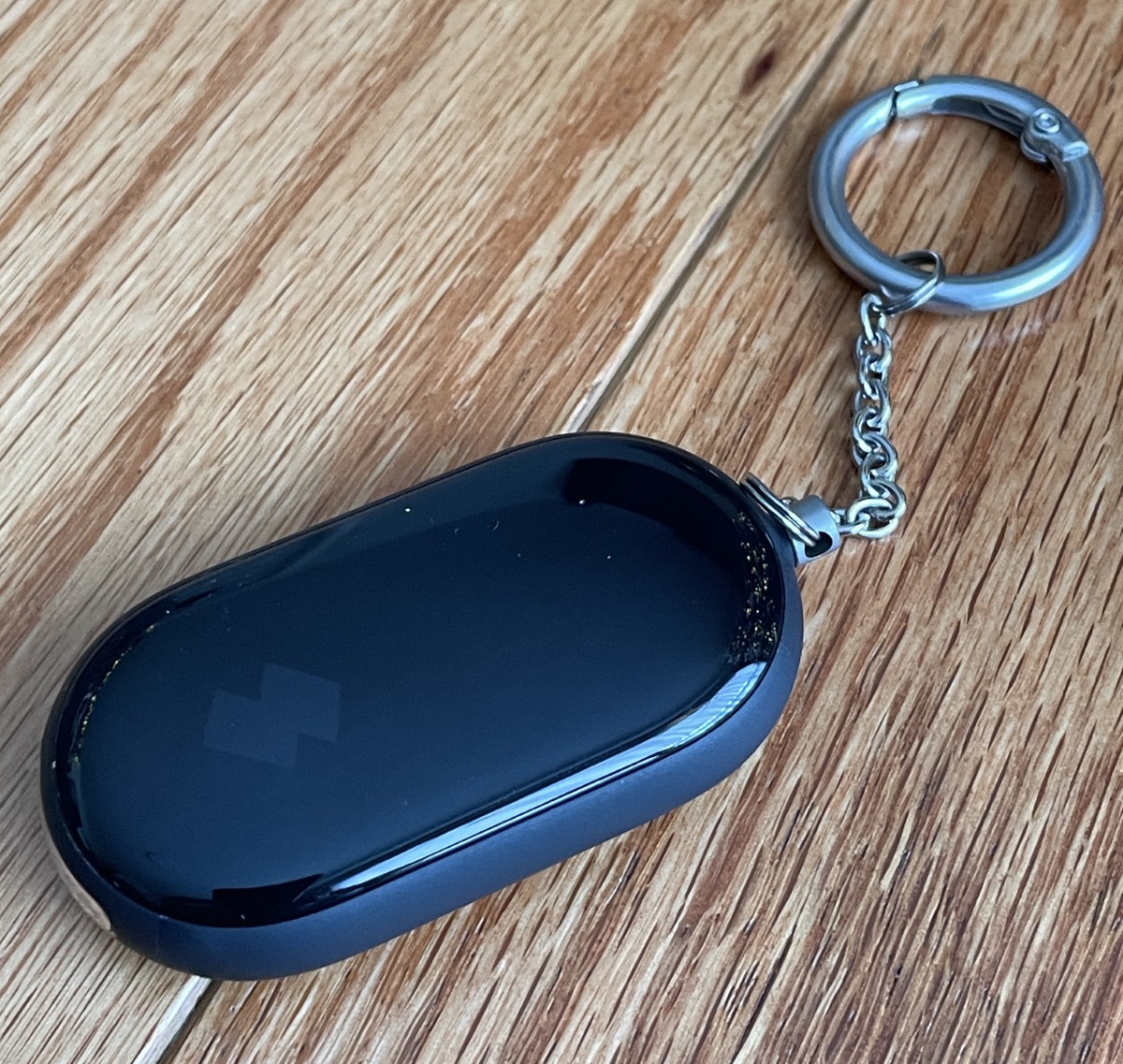
REVIEW – We’ve all misplaced our keys… or our phone… or both, but hopefully not both at the same time ;-). It’s times like those that you’ll wish you had a tracker. SwitchBot’s Safety Alarm does that, plus adds an alarm siren and a flashlight, along with a few other tricks. Pretty cool, right?
⬇︎ Jump to summary (pros/cons)
Price: $9.99 on Amazon
Where to buy: SwitchBot, Amazon
What is it?
The SwitchBot Safety Alarm is a tracking device compatible with Apple’s “Find My” network and adds an alarm siren and two-level flashlight.
What’s included?
- Safety alarm
- Two CR2032 button batteries
- Screwdriver
- Pry tool
- Two spare screws (YAY!)
- User manual
- Warranty cards
Tech specs
- Material: ABS and PC
- Size: 67 x 33 x 15mm (2.6 x 1.3 x 0.6 in.)
- Weight: 35g (1.2oz.)
- Battery life: 1 year
- Operating temperature: -10 to 45°C (14 to 113°F)
- Operating humidity: 0 to 90% relative
- Connectivity: Bluetooth Low Energy
- Operating Frequency: 13.56MHz
- Communication protocol: ISO14443A
- IP rating: IP65
Design and features
Tracking tags are everywhere. Surprisingly, I recently saw a few displayed in a gas station convenience store and in the “impulse buy” area near the checkouts at the grocery store. I love being able to find my luggage at the airport, my phone, or a misplaced wallet without panicking or hurling all the couch cushions on the floor, so I was looking forward to having a peek at the SwitchBot Safety Alarm.
It arrived in SwitchBot flagship colors.
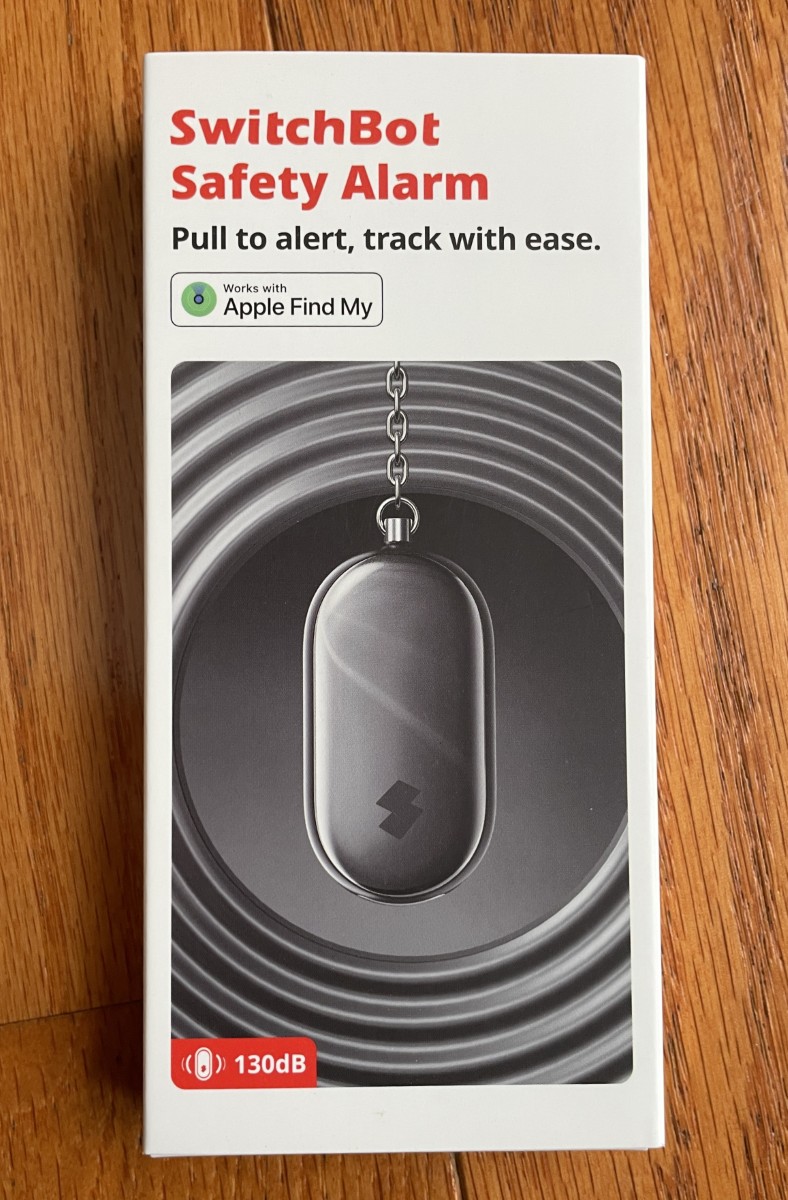
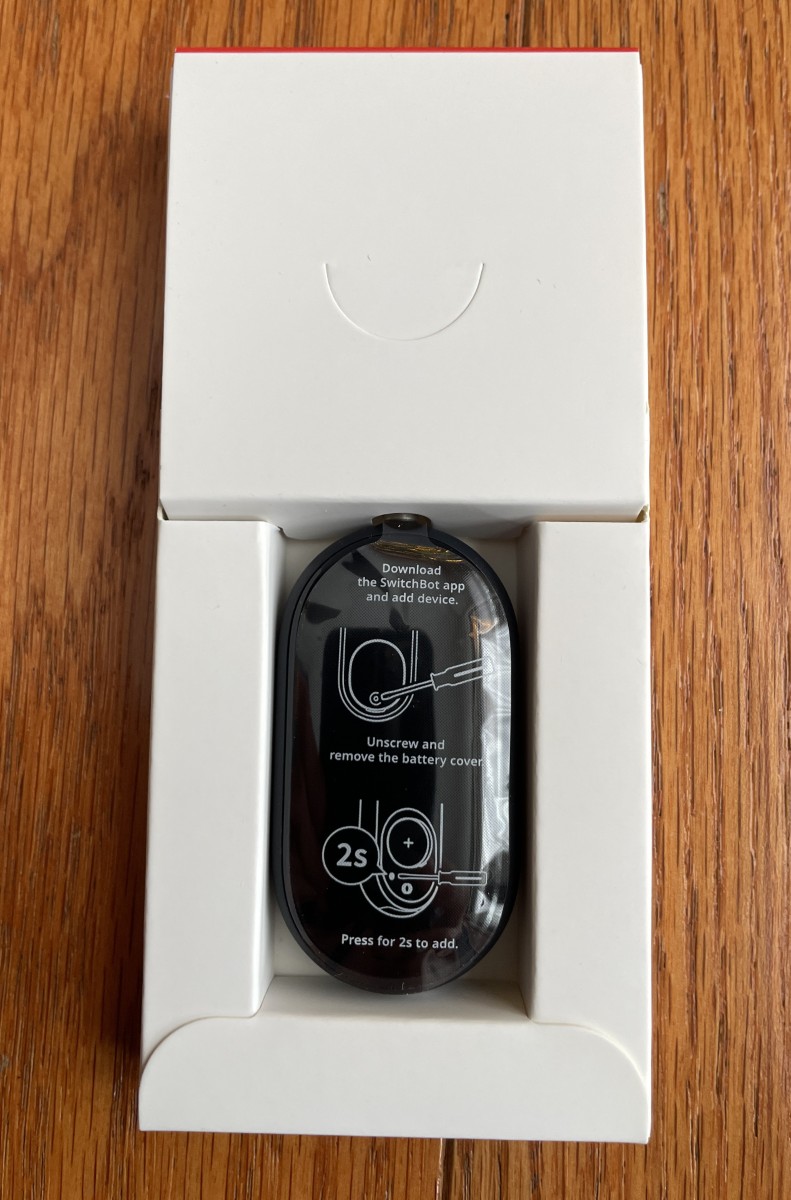
Inside the box are the alarm, two batteries, extra screws, a pry tool for removing the cover, and documentation.
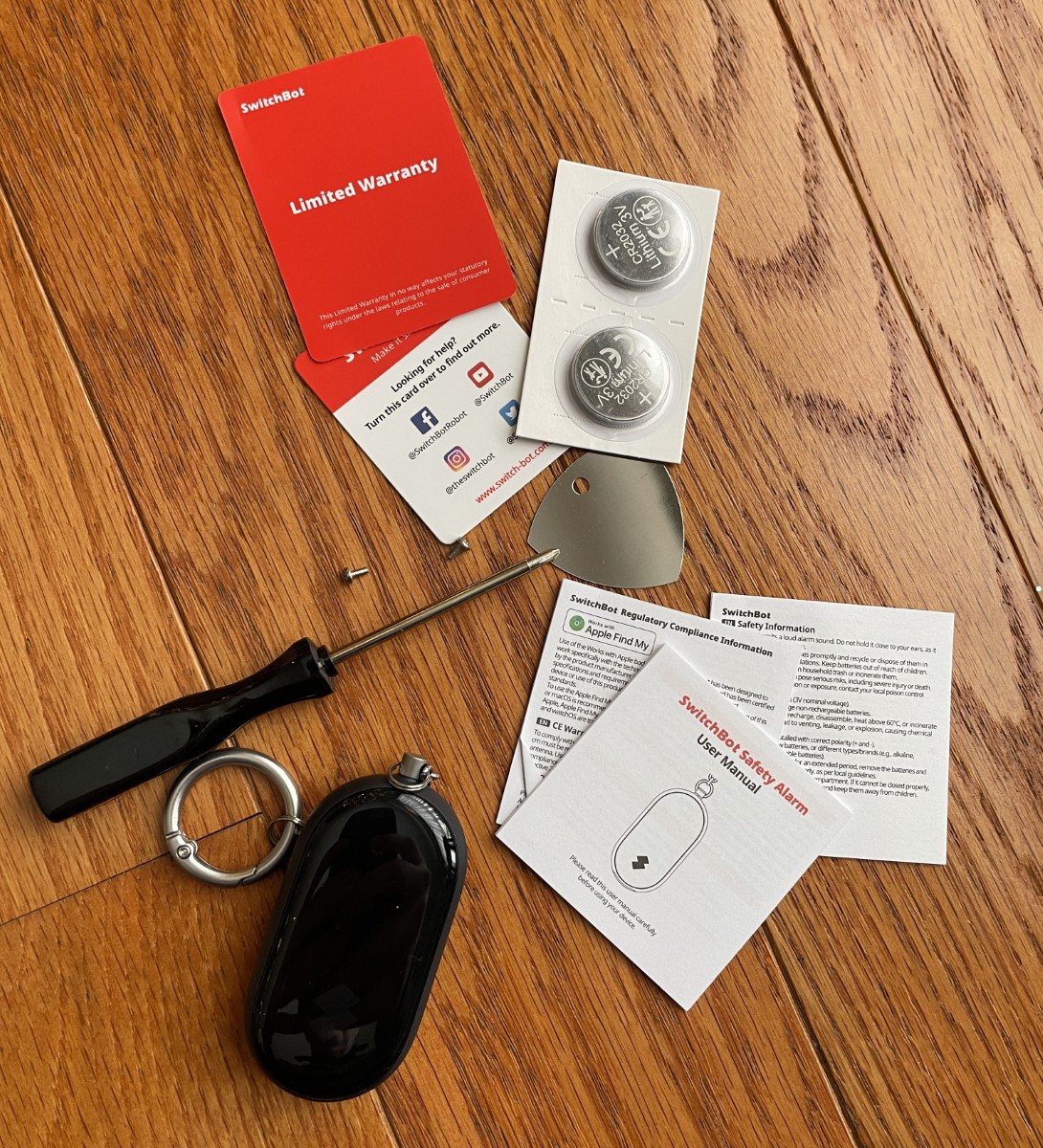
The Safety Alarm uses two CR2032 button batteries for a year of use.
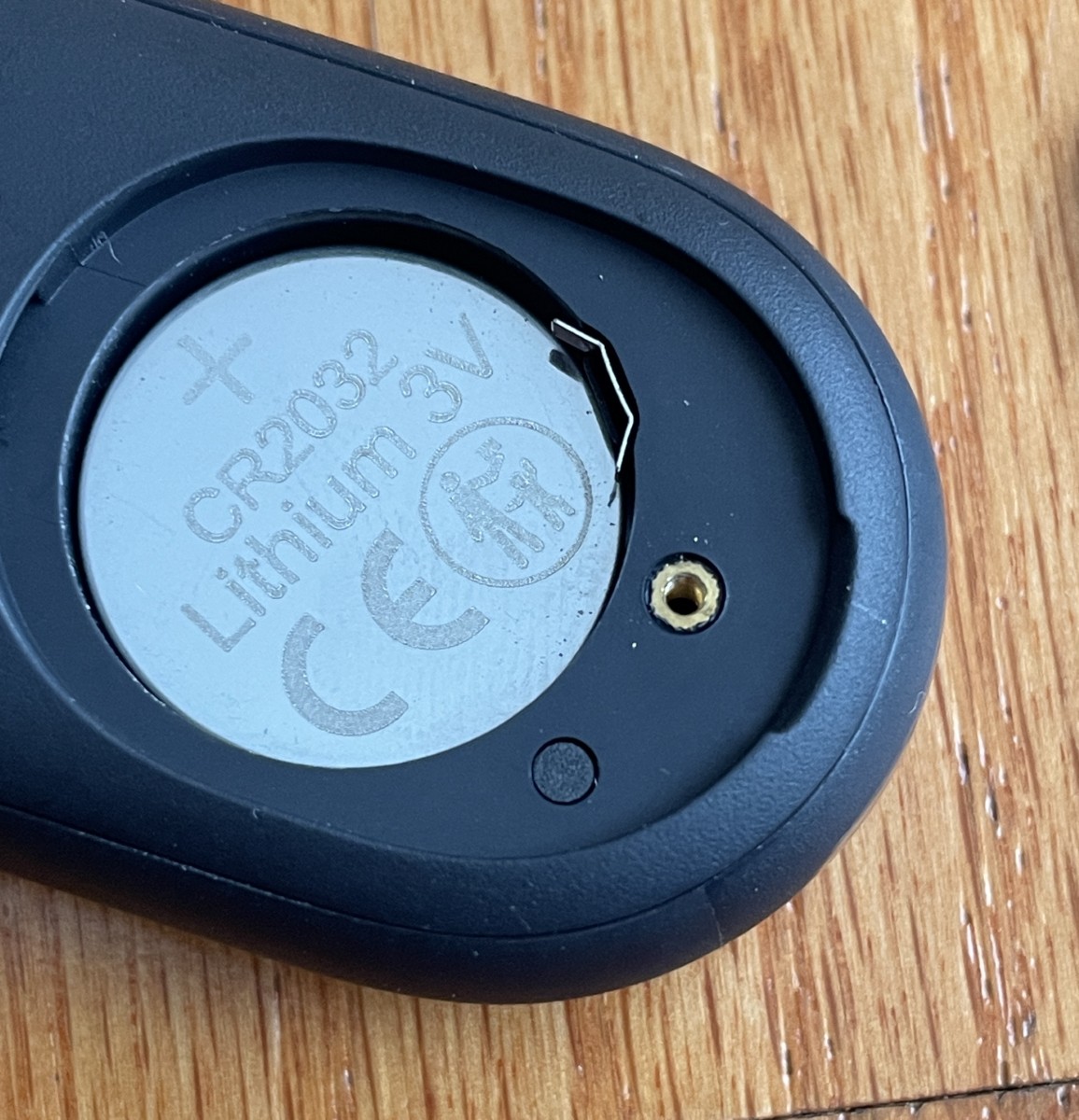
SwitchBot thoughtfully includes the screwdriver. Use it to remove the cover. I love it when manufacturers put everything needed to get the product working in the box. It’s a bonus when spare screws are included! Well done SwitchBot!
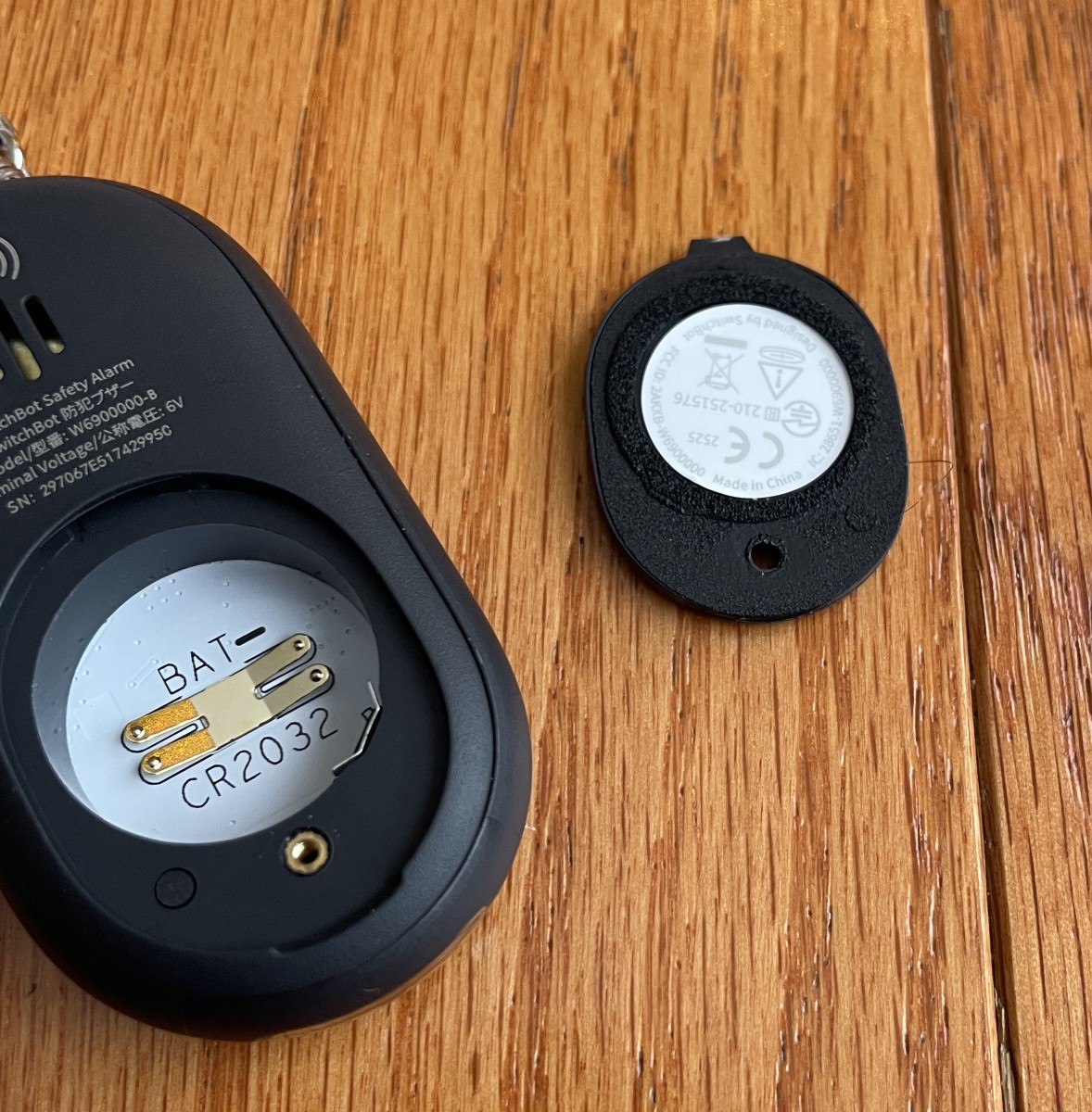
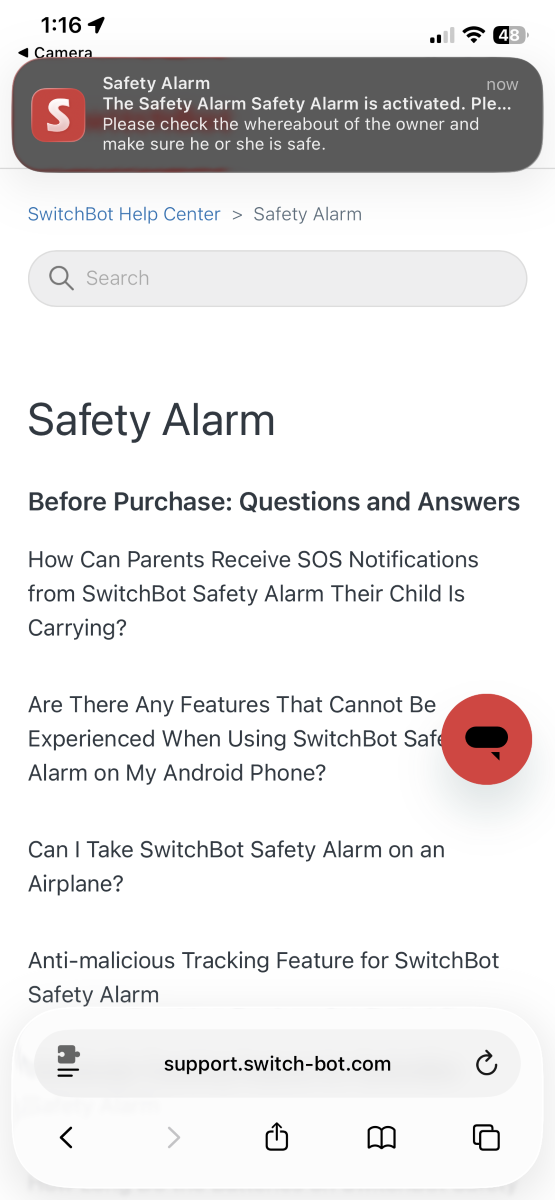
After configuring the app, if someone scans the QR code on the back of the battery cover, you’ll get a message on your phone. From personal experience, this works GREAT!
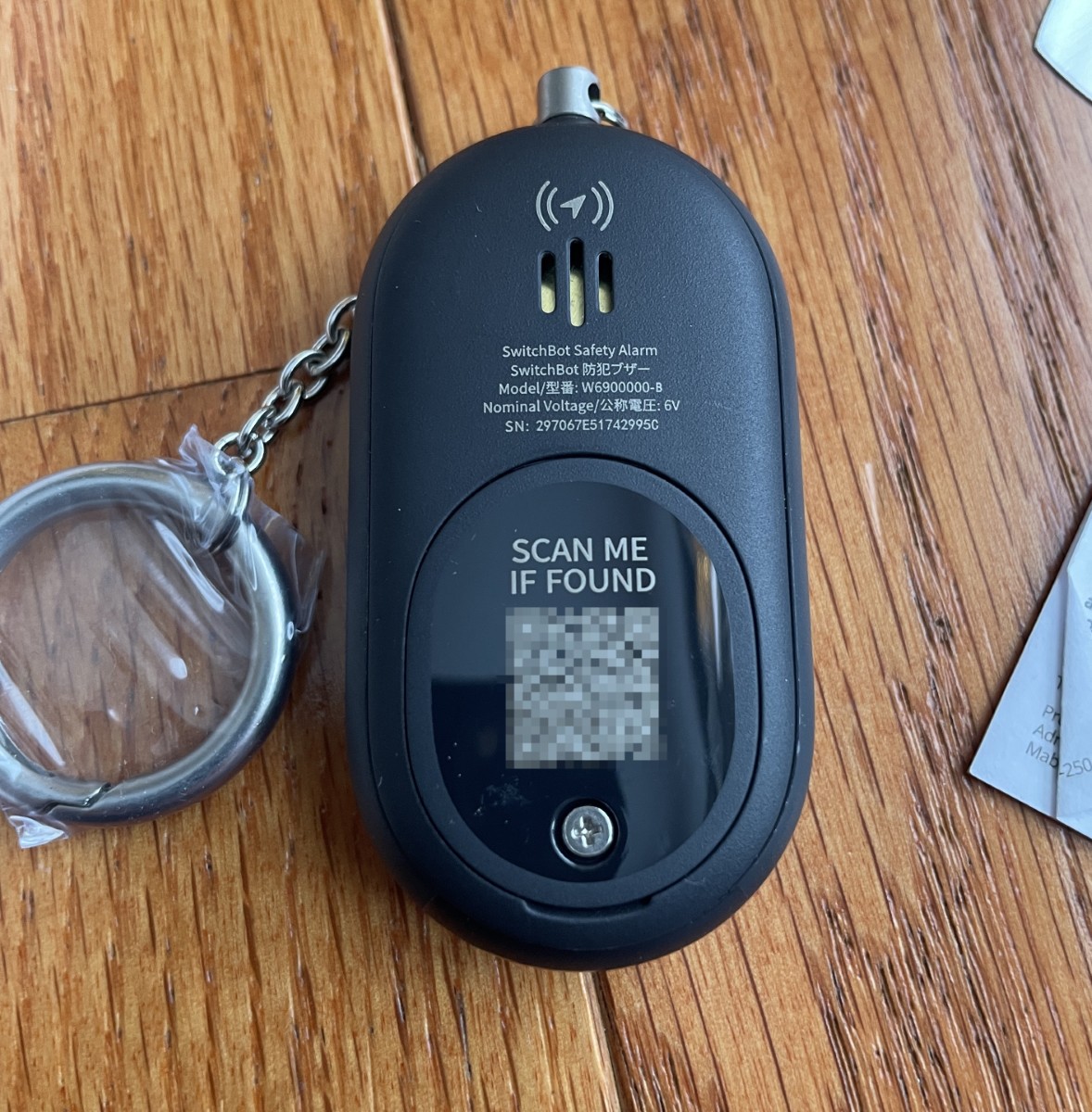
The keychain attachment sports a sturdy gate snap.

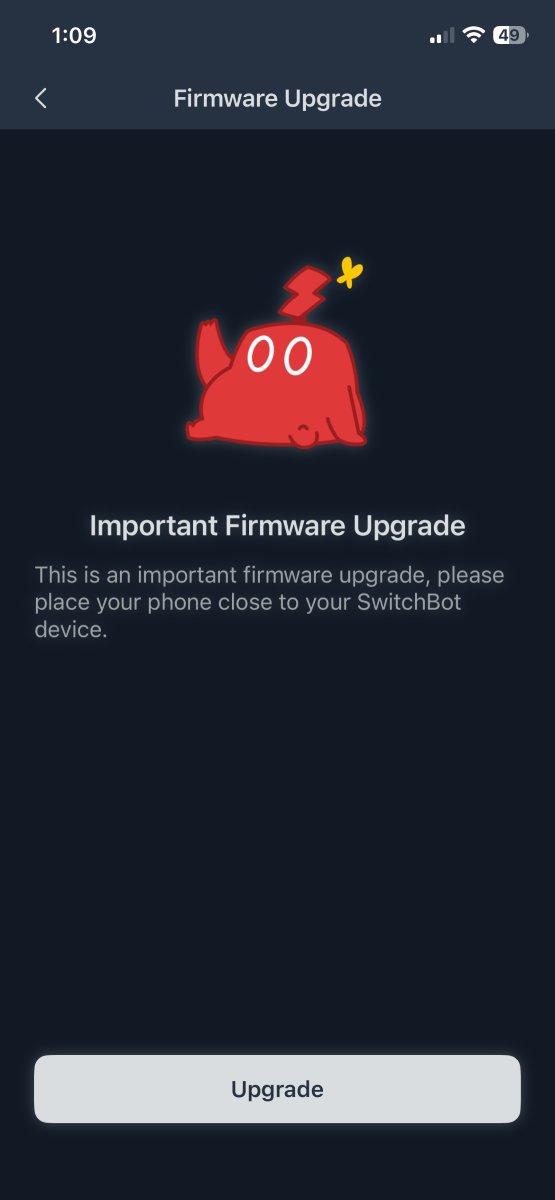
Like all of SwitchBot’s products, adding the Safety Alarm to the app is painless, including the software update.
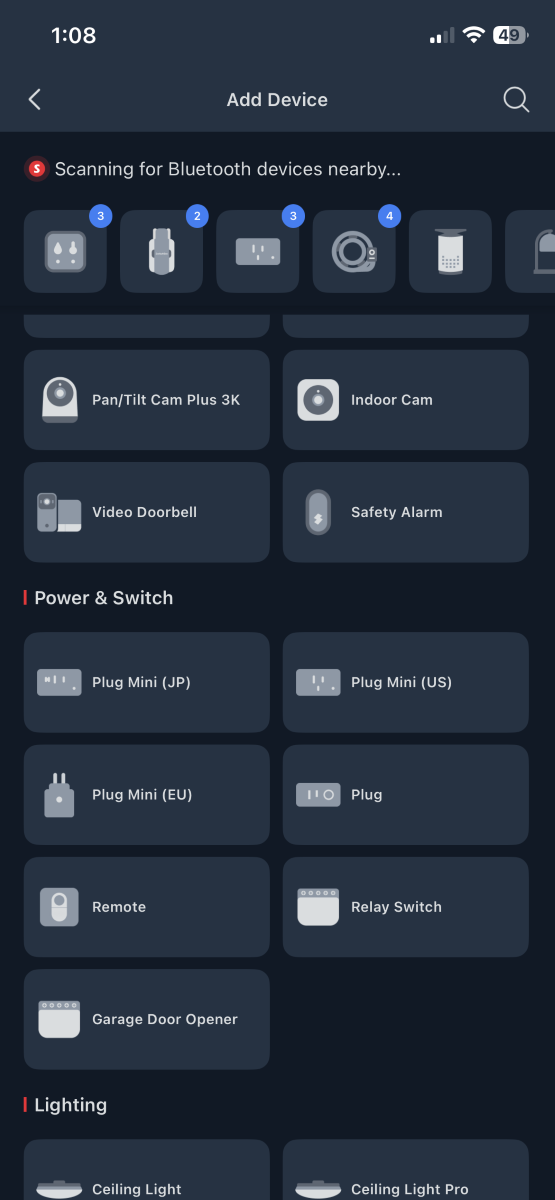
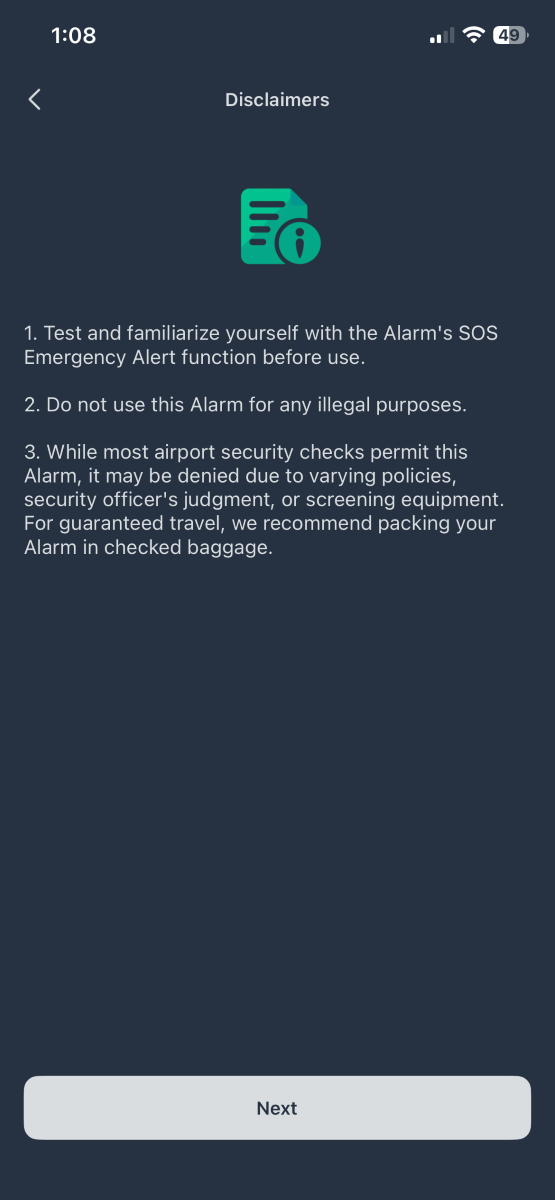
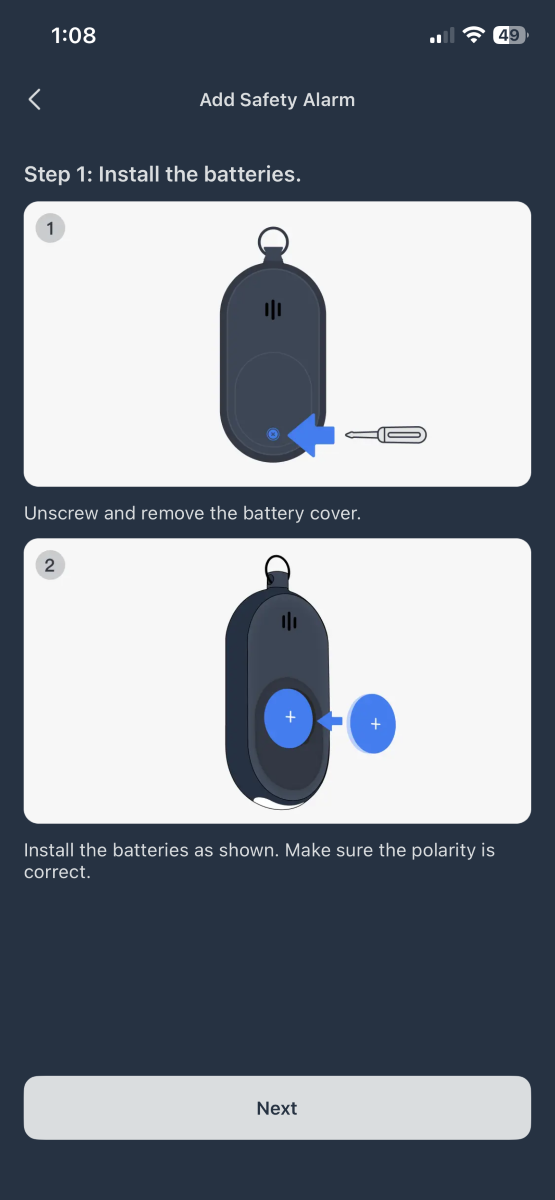
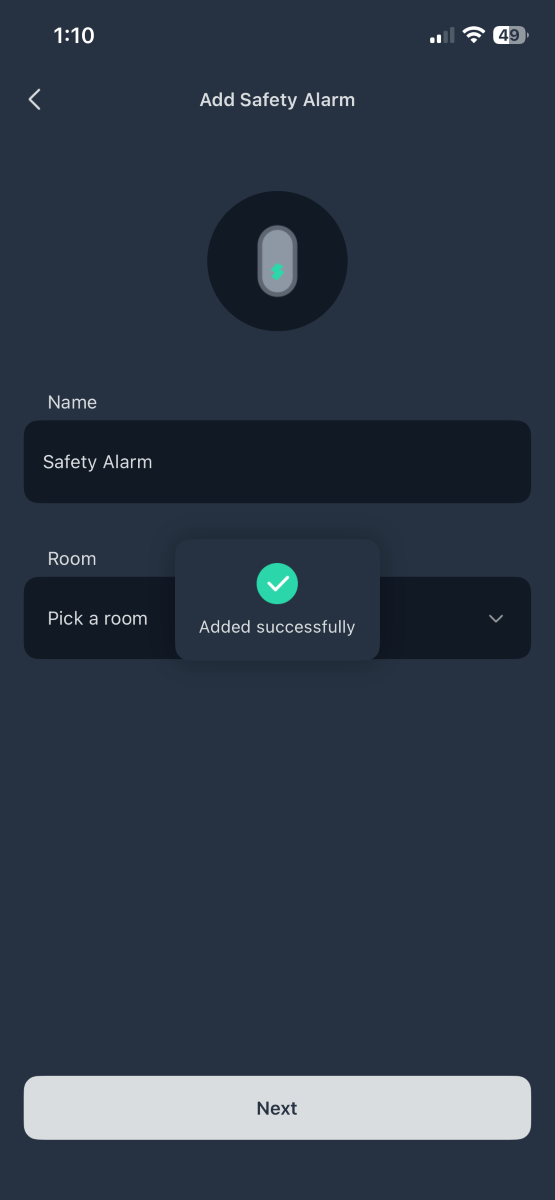
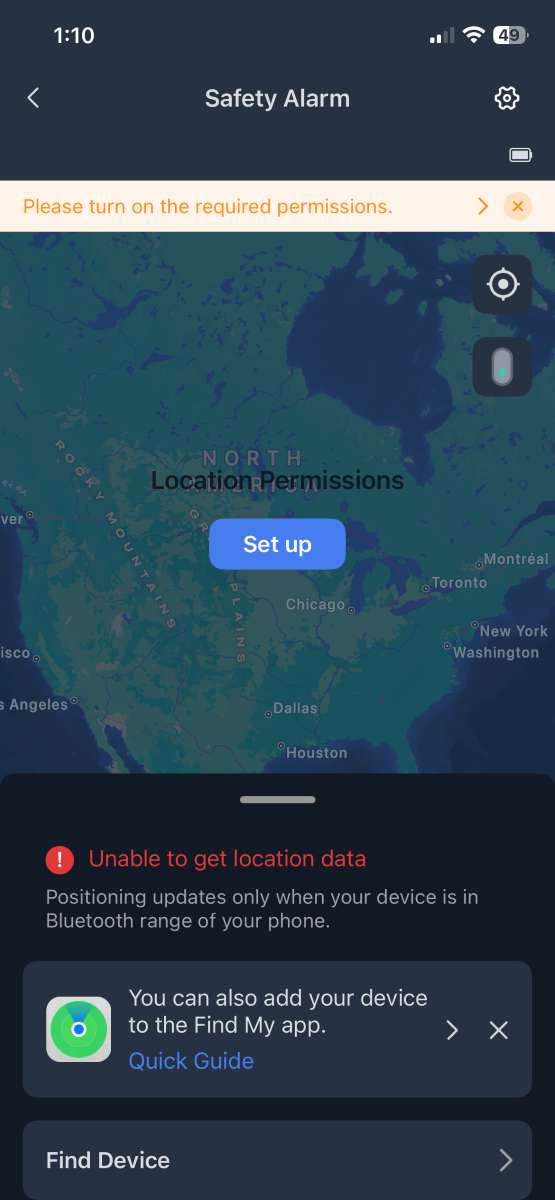
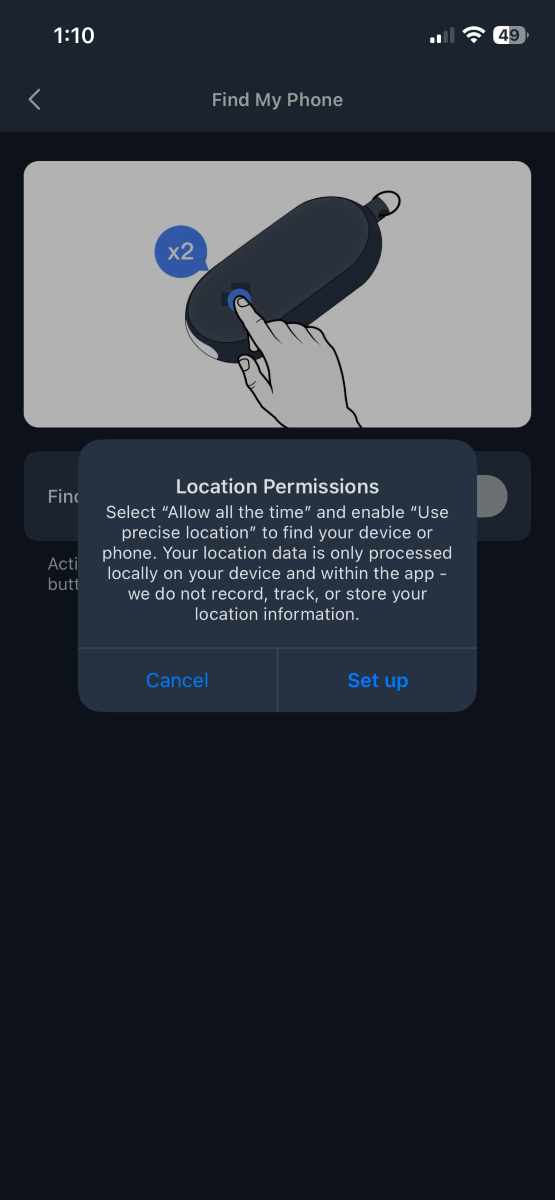
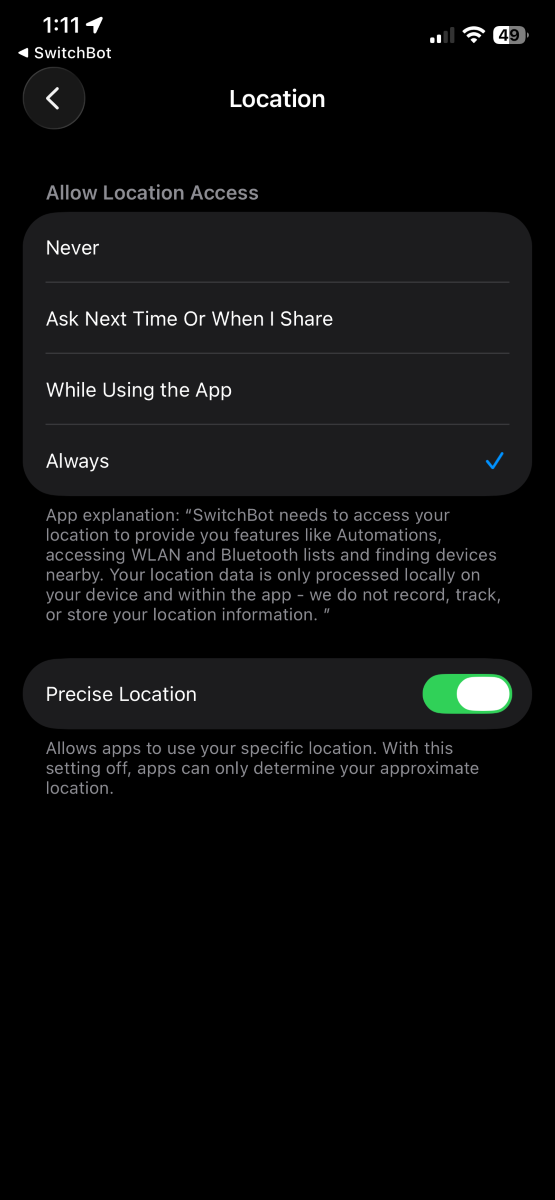
Instructions for adding the Safety Alarm to the “Find My” app are equally straightforward. To take full advantage, set location services to “Always” and turn on “Precise Location”.

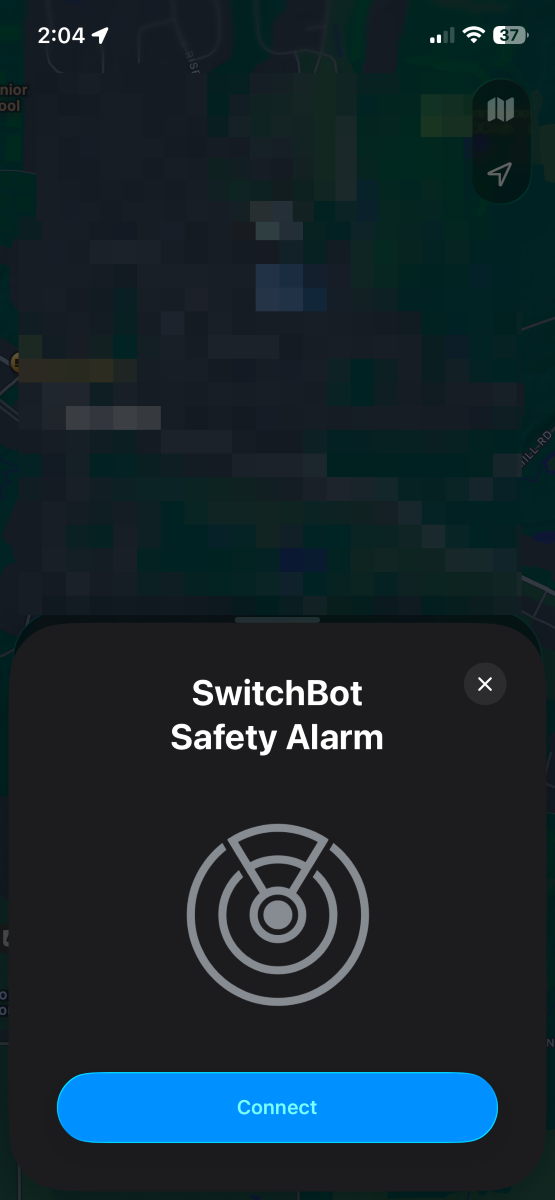
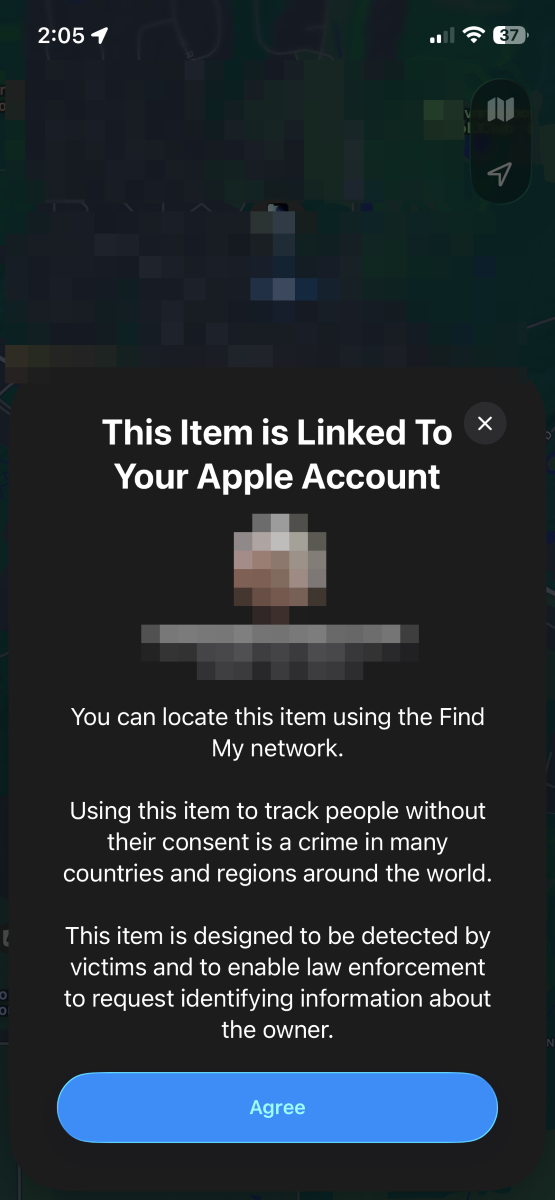
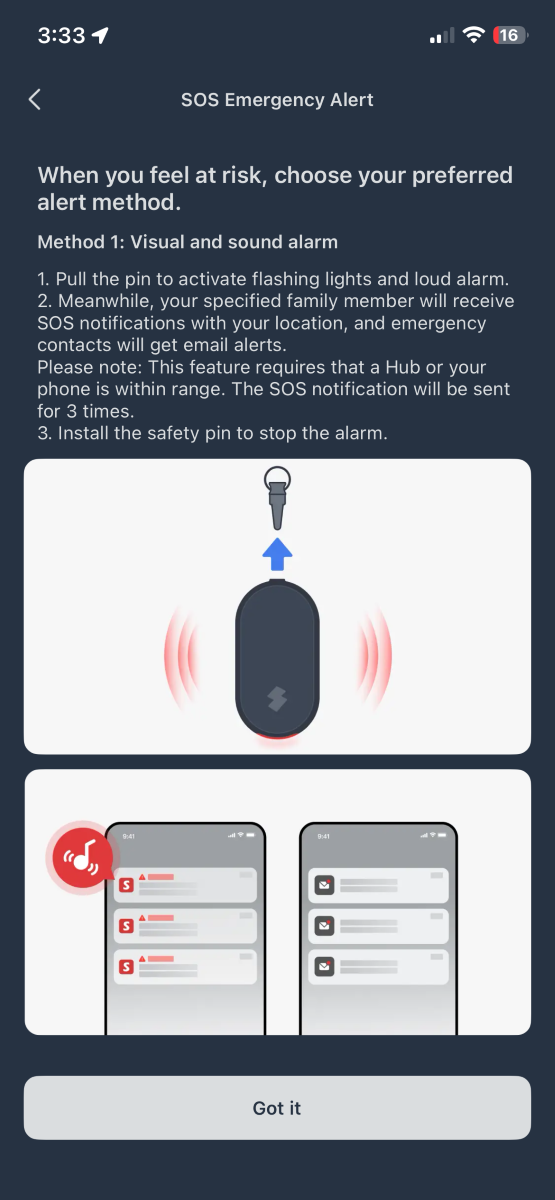
If the keychain is removed, the Safety Alarm blares a 130dB siren and sends a push alert to the phone.
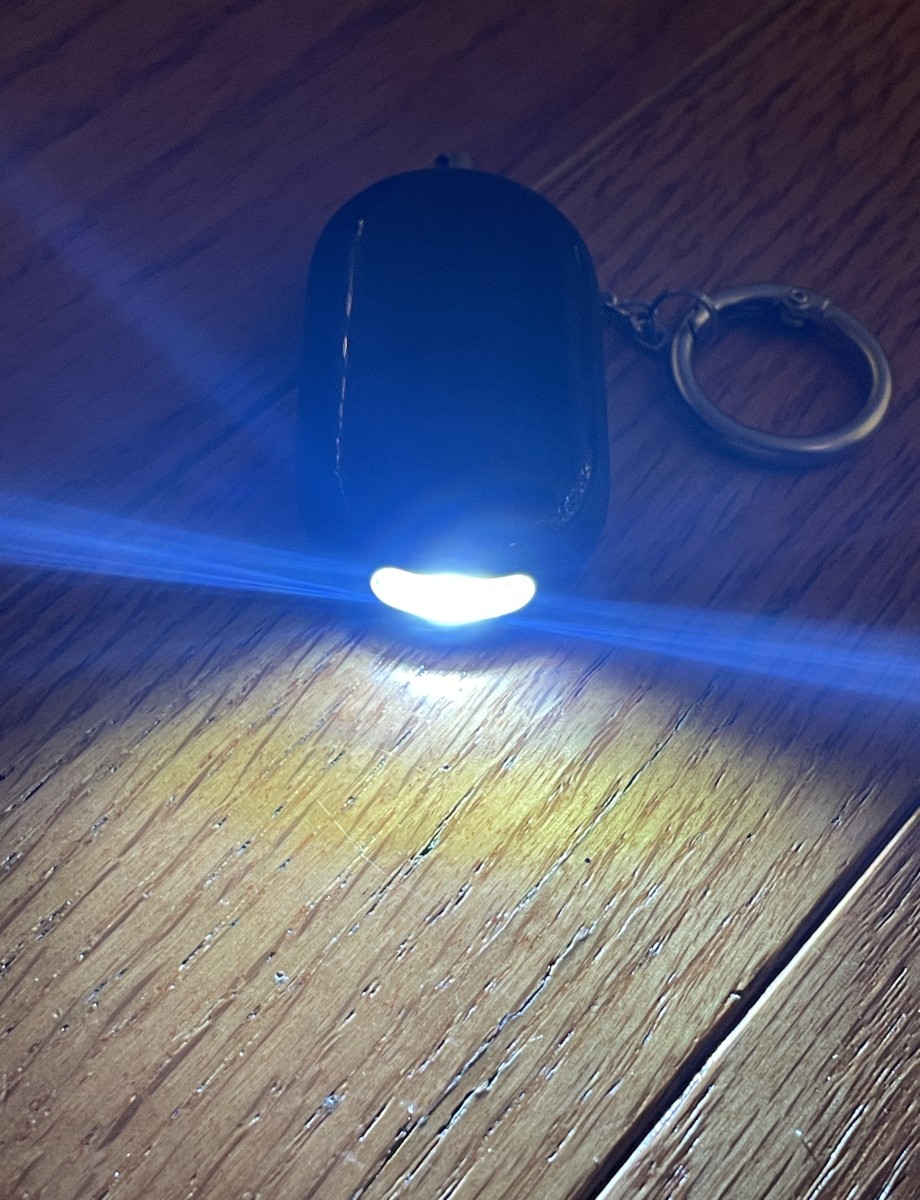
Single-tapping the tactile button under the SwitchBot logo turns on the flashlight. A second tap brightens the beam, and a third turns it off again. The flashlight is bright with a broad beam and good color rendition.
Double-tapping the button sends a signal to the attached phone and plays a groovy tune so you can find it, even if it’s in silent mode. Nice!

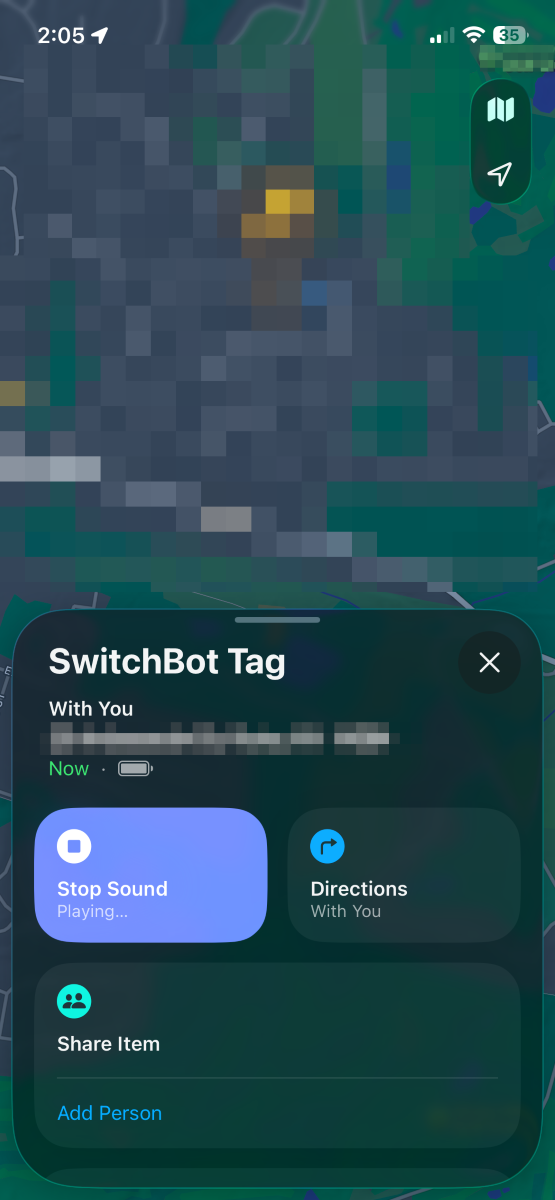
In the “Find My” app on an iPhone, tap “My Device,” and the Safety Alarm will play a high-pitched tone until you press “Found It.”
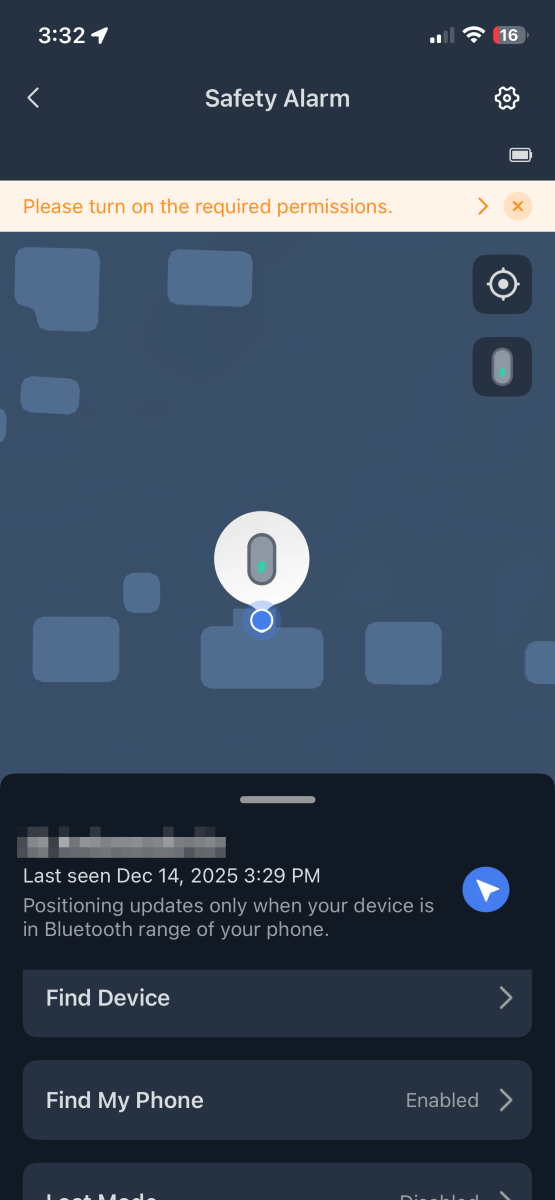
The SwitchBot app can also use the Safety Alarm’s location to trigger automations when you leave or return home. Cool!
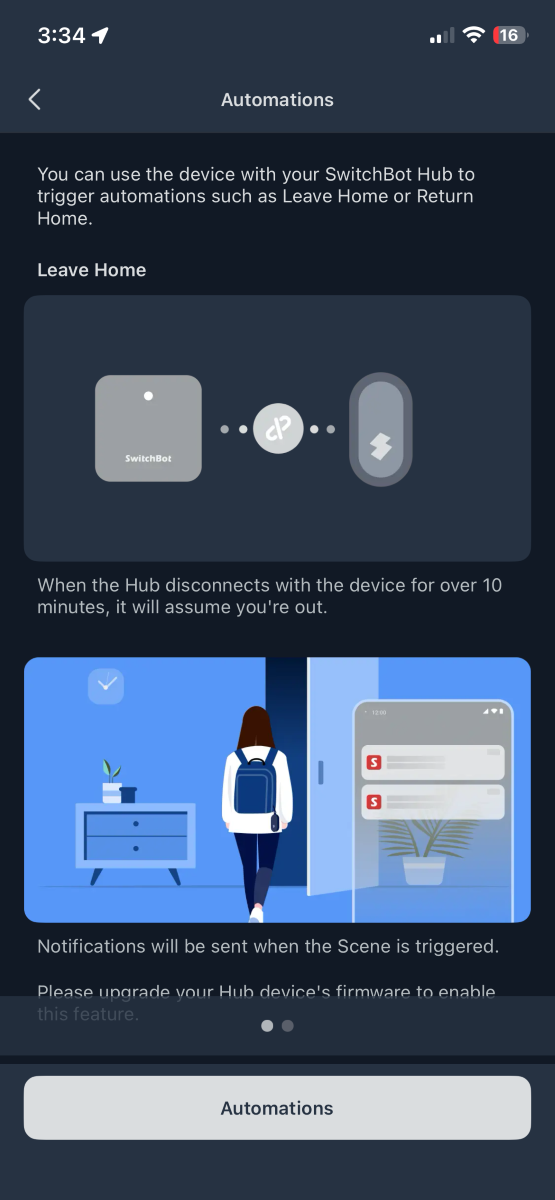
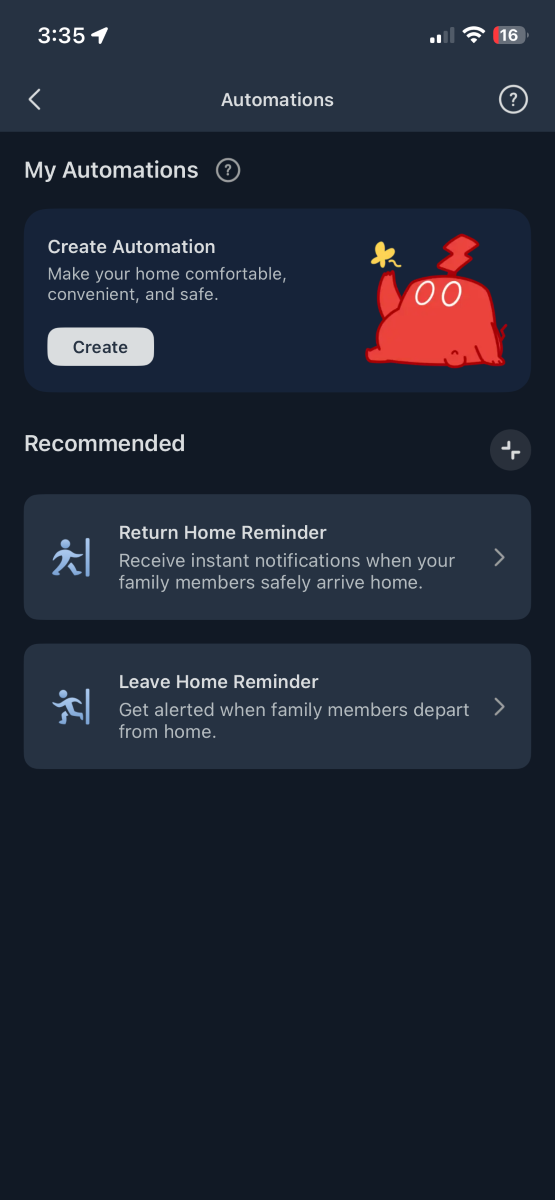
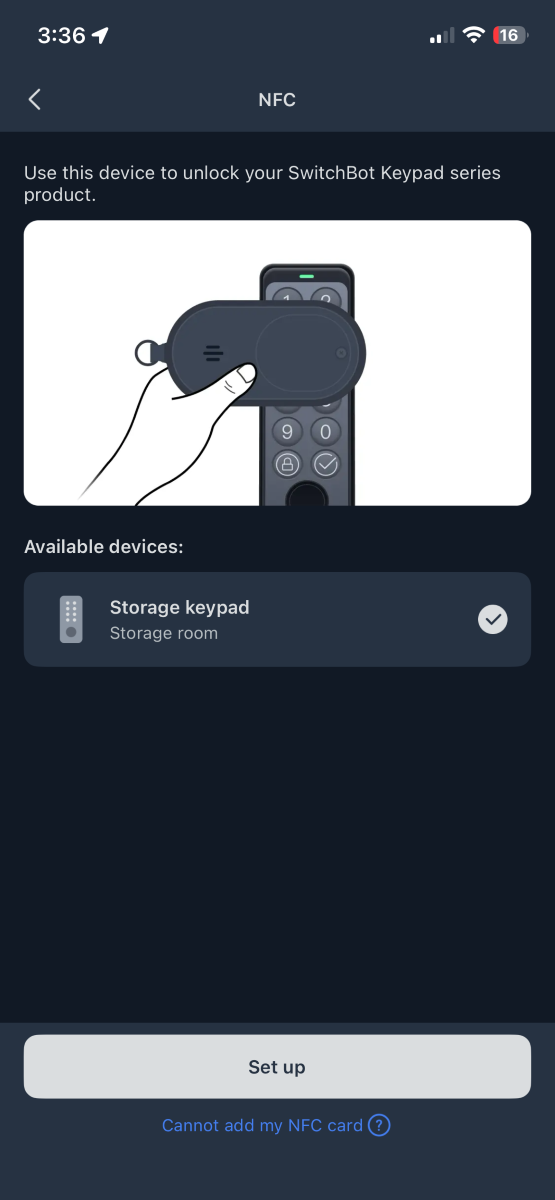
There’s also an NFC (Near Field Communications) tag built in. Use it to open a SwitchBot lock.
Final Thoughts
I’ve been using SwitchBot’s Wallet Finder since the review (read it here) and enjoy it very much. Shortly after getting it running, I dropped my wallet at the car wash and received a surprising notification when an employee scanned the QR code, alerting me that he had found it. Fantastic! SwitchBot has upped its game with a new Safety Alarm that offers similar functionality, adding a flashlight, a personal alarm, replaceable batteries, NFC, and compatibility with the “Find My” app. Well done, and thank you, SwitchBot!
What I like about the SwitchBot Safety Alarm
- Simple setup
- “Find my phone” with a button click
- “Find My” device tracking
- Replaceable batteries
- Bright flashlight
- Loud alarm
- Economically priced
What needs to be improved?
- Not so much an improvement as a caveat: leaving location services enabled will drain your phone’s battery faster.
Price: $9.99 on Amazon
Where to buy: SwitchBot, Amazon
Source: SwitchBot provided a free sample for this review, but did not provide input, guidance, or editing before publication.
Check out these other reviews!