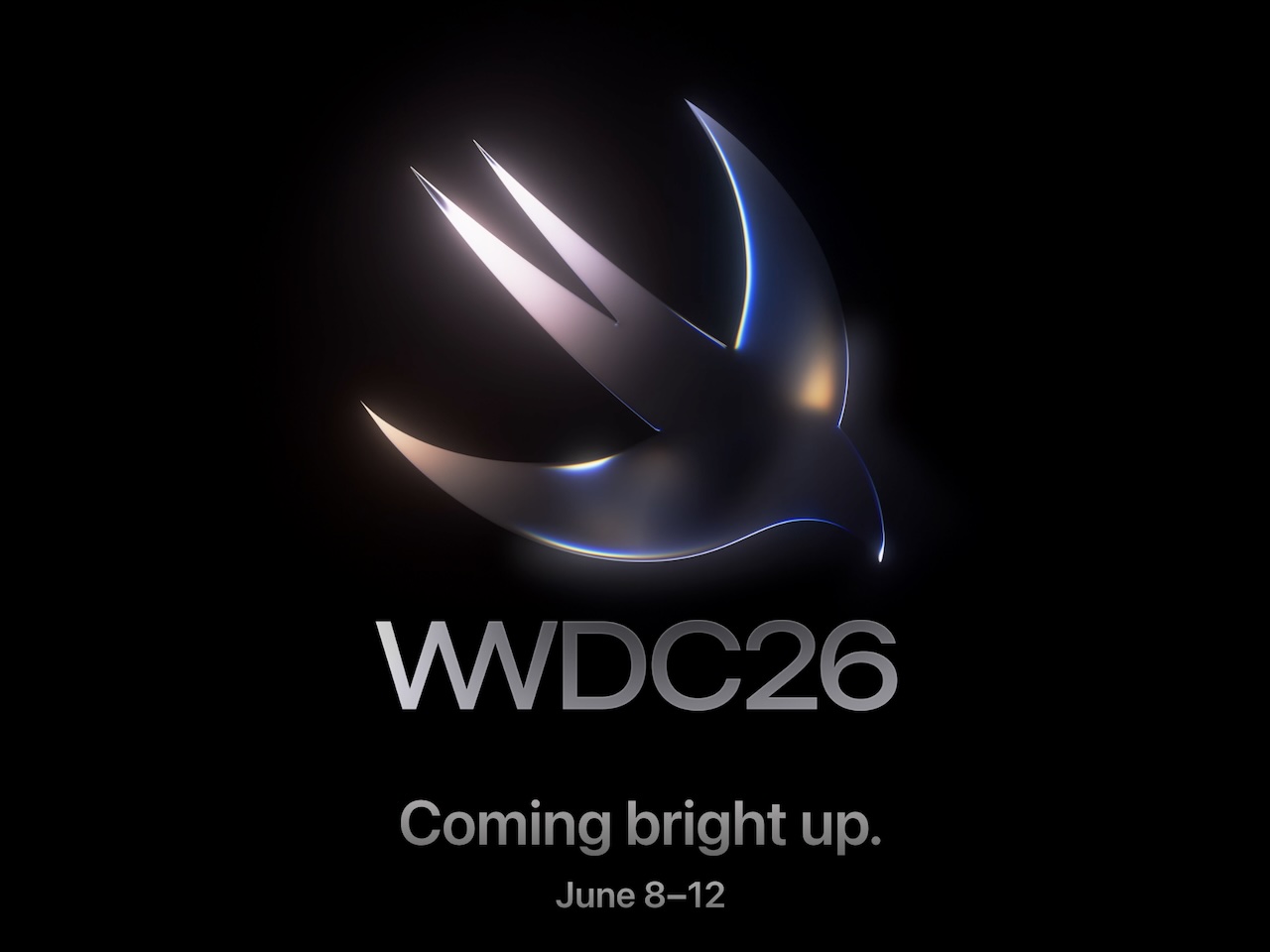
Apple has confirmed that its annual Worldwide Developers Conference will run from June 8 through June 12, 2026, with a hybrid format that combines online sessions for the global developer community and an in-person keynote viewing at Apple Park in Cupertino. The company sent media invites on May 18, and the keynote itself kicks off Monday morning at 10 a.m. PT (1 p.m. ET / 1 a.m. June 9 in Manila).
While WWDC is traditionally a software event, the next five days will introduce iOS 27, macOS 27, and the rest of Apple’s platforms, setting the tone for the entire Apple ecosystem for the year ahead, including the gadgets you already own. Here’s how the week shapes up and what to actually watch for if you’re not a developer.
1. The schedule: June 8–12, hybrid as usual
The full conference runs through Friday, June 12, with developer labs, design sessions, and group activities continuing online after Monday’s keynote. Apple Park will host a small in-person audience of developers, designers, and students on day one, with invited media attending under a separate press track; everyone else watches remotely.
This is now the fifth consecutive WWDC built around the hybrid model Apple settled into post-pandemic, and the structure is unlikely to surprise. The keynote and the developer-focused Platforms State of the Union later that afternoon are the two sessions most worth blocking off on your calendar.
2. How to watch the keynote without a developer account
You don’t need a paid Apple Developer Program membership to watch. The keynote will stream live on apple.com/apple-events, inside the Apple TV app via the Apple Events channel on iPhone, iPad, Mac, and Apple TV, and on Apple’s YouTube channel. A replay typically posts within an hour of the stream ending, and Apple’s press site publishes a recap with stills and quoted highlights the same evening.
3. The software lineup: iOS 27, macOS 27, and friends
Apple unified its OS version numbers last year by jumping the entire family to 26, so this cycle the whole lineup steps up to 27. iOS 27 is the headline reveal and the OS most of you will install on your iPhone in the fall, while iPadOS 27 should continue its slow convergence with macOS, especially around windowing and external display support. macOS 27 is likely to lean further into on-device Apple Intelligence and tighter iPhone mirroring, and watchOS 27 will almost certainly tell the perennial story of health-sensor improvements and Smart Stack refinements. tvOS 27 is usually the quietest of the bunch, but worth a look if you use Apple TV as a smart-home hub, and visionOS 27 enters its next year of Vision Pro updates with Apple under pressure to show real momentum.
The interesting question isn’t what gets announced, it’s how aggressively Apple folds generative features into core apps like Mail, Notes, Messages, and Photos, and whether Siri finally delivers on the on-device LLM overhaul that slipped last cycle.
4. Hardware watch: what could realistically appear
WWDC is a software show, but Apple uses the stage for hardware when the story fits the developer audience. The most plausible candidate this year is a refreshed Mac Pro or Mac Studio built around the latest M-series chip, which Apple would only unveil here if it wanted pro developers to start optimizing right away. A new external display slotting between the Studio Display and the Pro Display XDR has been rumored for years and never confirmed, but a developer audience is exactly the right room to debut it in. The wildest card is a Vision Pro update or lower-cost variant: the spatial-computing platform badly needs a price story, and a keynote built around visionOS would be the natural venue.
What usually stays backstage: iPhones (saved for September), Apple Watches (also September), and any consumer accessory tied to a holiday push. Don’t expect AirPods or a new HomePod here.
5. What this means for your current Apple gear
This is where WWDC gets practical, because every OS jump touches the accessories around it. iPhone owners should watch for changes to Continuity, AirDrop, and Find My, since those features affect every AirTag, set of AirPods, and CarPlay receiver you own. Mac users should pay attention to Bluetooth and USB-C peripheral handling, as macOS 27 will likely change how external SSDs, docks, and webcams are surfaced. Apple Watch wearers should listen for sensor or algorithm updates that retroactively unlock features on Series 10, Series 11, Ultra 2, and Ultra 3 hardware, while HomeKit households should track the Home app’s evolution; last year’s HomeKit architecture migration broke some third-party integrations, and developers will want to know what’s stable now. Vision Pro early adopters get the biggest practical change of all: any visionOS update is effectively a free hardware upgrade for an expensive headset.
If you’ve been holding off on a charger, dock, or stand purchase, it’s worth waiting until the dust settles, compatibility notes from accessory makers usually land within 48 hours of the keynote.
6. Public beta timeline
Apple’s pattern is predictable: developer betas typically drop the afternoon of the keynote, public betas follow in mid-July, and final releases ship alongside the new iPhones in mid- to late September. If you’re tempted to install the public beta on your daily driver, the usual advice still applies. Don’t. Use a secondary device, back up first, and remember that third-party apps often need a few weeks to catch up.
The bottom line
The headlines on June 8 will read like an incremental year. The fine print, which is where Continuity, Siri, and Apple Intelligence actually live, is what will reshape your day-to-day. Bookmark the stream, queue up a backup of your iPhone, and check back here after the keynote for the accessory-compatibility breakdown.