
I would not have bought a new mobile phone, had I not
cracked the display of my beloved Inno 90 beyond repair. Knowing I would not
find a phone with the same fun factor but always looking for something new, I
decided to buy one with more business features and the possibility to sync at
least the address book with my Mac. I was sick and tired of copying the entries
from my SIM card and reorganizing them manually all over again. As only a few
mobile phones from Nokia, Motorola, Siemens and
Sony Ericsson can sync with Mac OS X,
it was not so hard too pick my favorite one. I got the
Sony Ericcson T630 for a good price on eBay and have been using it for a few
weeks now. Here is my review:
Design
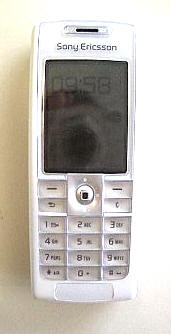
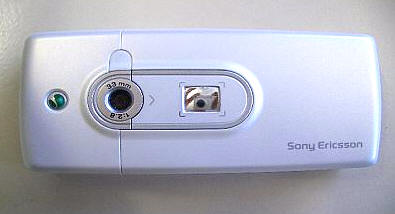
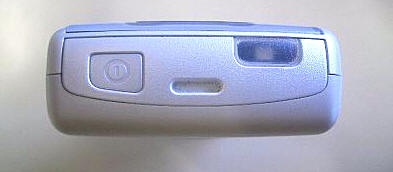
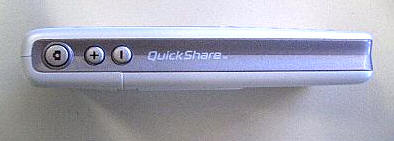
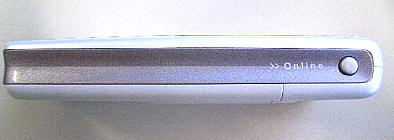
First of all I have to say that I fell in love with the
phone’s design right away simply because it comes in frosty white which makes it
look great in combination with my iPod. If you like a more business user like
design, then you can buy the SE T630 in black too. Being a flip phone user, I
still miss flipping my phone open, but this is a small sacrifice for such a
beautiful phone. Some people think the white T630 looks girlish, I don’t.
Physical appearance
The first thing you notice when looking at the phone are
the nicely designed mirror at the back of the phone, the very bright screen,
attractively designed keypad and the nice size and weight of the phone. It
should appeal to most people as it is neither to large or small, lightweight or
heavy. The first time you play with the phone you notice one thing. The keypad
cracks! This is very strange and I could not get used to it. Don’t get me
wrong. The phone itself is build very well. The battery cover is securely
attached. There is little room between the separate keys for dust and even the
navigation stick is very stable! Just when typing text messages or numbers, the
keypad makes noises. This makes you wonder, how long it will last. The tactile
feedback is very good and I have not encountered any problems while typing. In
contrast to folder phones the keypad is not very spacious. All keys are located
directly next to each other. This might be awkward for people with large hands
like myself.
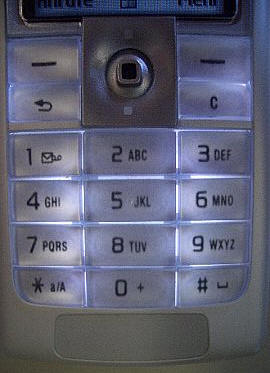
Much better than they keypad itself is the navigation stick
that allows you to browse the menu to the left/right & up/down. By pressing the
stick you can choose functions. When you are not in the menu you can open
certain functions by moving the stick into certain directions:
Left: writing text messages
Up: Wap browser
Right: Menu
Down: Address book
Pressing the left soft key will bring up the caller list
and the right one the so-called “more menu”. This is the fastest way to activate
some of the phone’s most important functions:
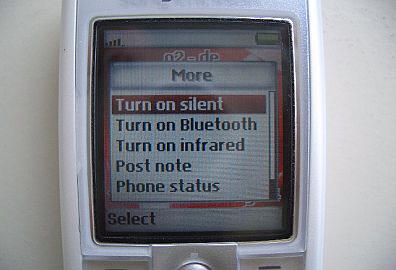
Silent mode
Bluetooth
Infrared
Notes
Phone status (pretty useless as it just states the date and your phone number)
Lock keys
Display
On the other hand, the crisp, bright and clear TFT-display
(128×160 pixel) is a big selling point. This display is on par with displays of
the same resolution from Samsung, LG or other Asian manufacturers. Compare it to
the display of the new Nokia 6230 and you will be surprised how much better it
is. The display is split in three parts. In the upper part you find several
icons for signal strength, battery indicator etc. Then there is the main display
showing a wallpaper, or the picture of the caller, Wap pages, and text input
fields etc.
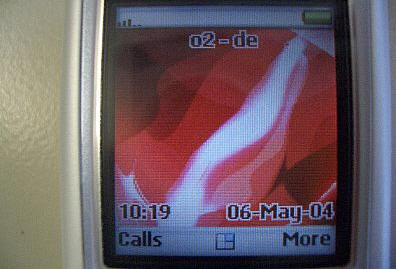
At the bottom it is displayed what functions are available
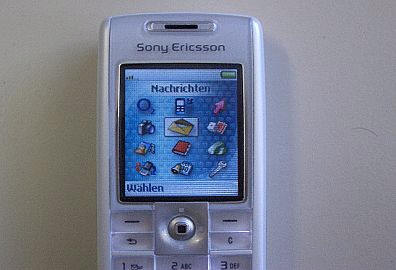
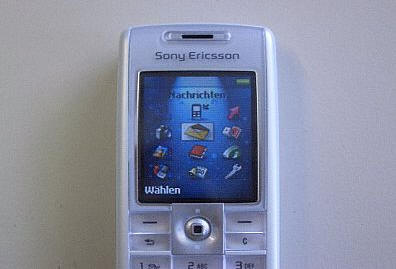
using the soft keys or the navigation stick. The main menu consists of pretty
icons, but icons can also be found using other functions like writing text
messages, converter, calculator etc. The menu structure is so easy to understand
you hardly have to look into the instructions manual.
Menu
Camera
This is one area where the T630 does not shine. The camera
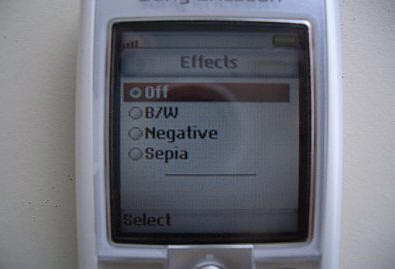
offers only two resolutions (288 x 352 and 120 x 160). The night mode modus does
not do much. You can use a few effects (b/w, negative and sepia), but I
personally never use them.
There is also a self-timer. When using the smaller
resolution, the picture gets zoomed-in, making it look worse. In CIF-resolution
you can at least look at the pics on your computer, though don’t forget that
this is half the size of a VGA picture. Pictures look good on the phone’s screen
though.
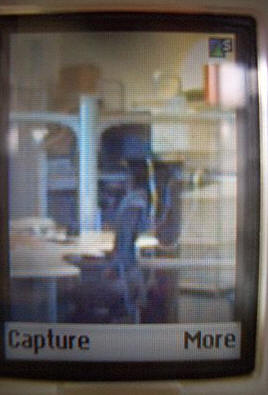
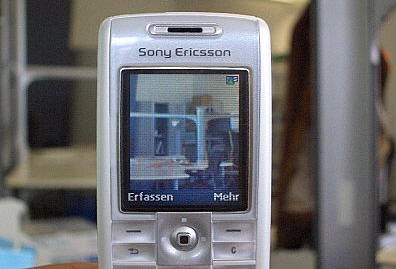
At least you can send the pictures via infrared, BT and
E-Mail to other phones or computers. When sending a picture as MMS it gets
resized.
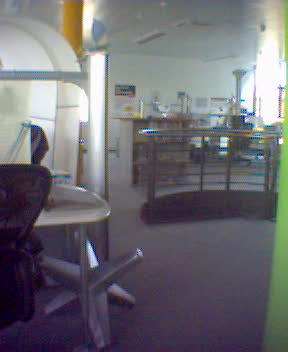
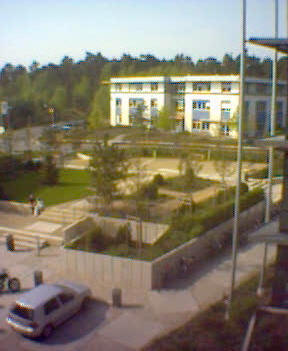
indoor and outdoor photos taken with the T630
There are a lot of functions that are not available. You
cannot add frames to your pictures. There is no zoom and no flash or assist
light. Personally I do not mind the lack of these features, as even a VGA camera
does not do photos that are good enough for good prints, so until there are
phones with good mega pixel cameras, a camera itself is not much more than a
toy.
Messages
You can write text messages, multi media messages and even
E-Mails. All functions are well implemented, especially the MMS-feature. When
you shoot a picture with the camera and want to send it as a MMS, the phone
downsizes the size to MMS-format (128×128 pixel) automatically. You can add
other images too, plus sound, a recorded message and text of course. You can
also time, what should appear first.
The E-Mail Client can connect to POP- and IMAP-servers. It
handles attachments like pictures too. You can set up different accounts. You
can also send pictures via mail, which is sometimes cheaper than MMS, depending
on you contract.
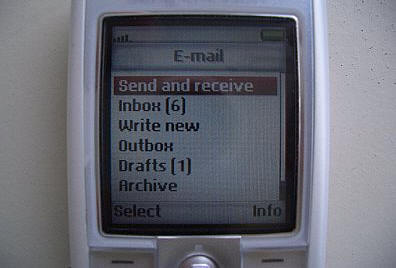
Any mobile phone carrier does not yet support the chat
function. One thing that might bother fast typers is that the software reacts
sometimes slow. This becomes apparent when you type rather quickly and have to
wait for the text to be finished before you can type in new words. I don’t think
this is a big problem but worth mentioning. You can store up to 100 SMS in the
phone.
Games & applications
Here you find the pre-installed VRally2. This racing game
looks really cool on the phone’s screen and the software reacts very quickly to
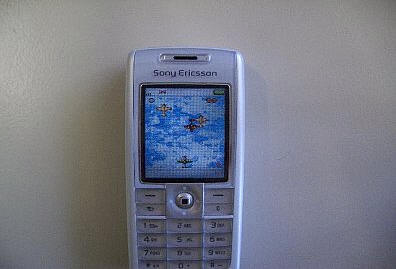
any input. You can download more games from the Sony Ericsson Website. Alien
Scum, in which you have to destroy alien starships, and HoneyCave2 (very nice
graphics) are fun too.
You can download an address book application for free. This
allows you to type in full postal address but you can’t sync it with the
internal phone book. There are lots of more games available to buy for a small
fee from various sites.
Pictures & Sounds
Here you find all media stored in your phone. The
32-polyphonic ring tones sound good though not as good as the Samsung ring tones
or the real tones of the new Innostream phones. There are only a few tones
preinstalled but you can download more from the SE Website. One cool thing is
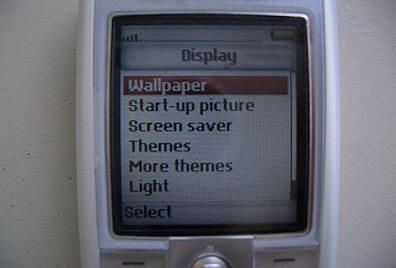
that you can download various themes. Choosing a theme changes the colors and
images of the menu. This is an easy way to personalize your phone.
It has to be said that one of the biggest disappointments
of the phone is its small storage capacity. There are 2 MB for storing games,
pictures, images, applications, ring tones and MMS. This is definitely not
enough. Sometimes mobile phone carriers preinstall pictures like wallpapers that
cannot be deleted so there is even less memory available. The lack of enough
memory was forgivable in the T610, but Se should have added more memory to the
T630, which is branded as the successor of the T610.
Phonebook
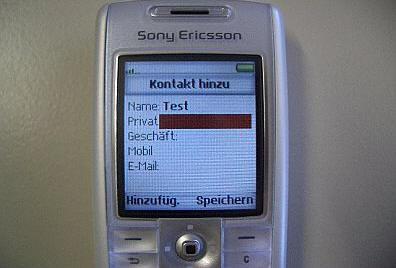
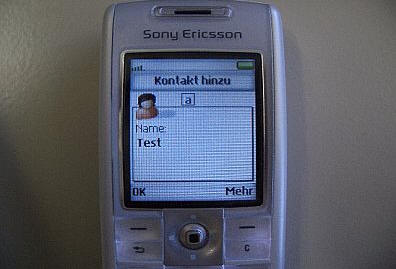
The phone book is really good, apart from the fact that you
cannot add postal addresses. Otherwise it is rather complete. You can add 4
phone numbers, E-Mail address, a ring tone and a picture (there is a picture
phone book so you can see the picture of the person calling, on the internal
screen). You can send addresses to other phones via SMS, MMS, BT and infrared.
You can sync the address book with Outlook via infrared, cable and BT and Mac OS
X via BT.
Connections
BT, infrared, SyncML and Wap 2.0, what more do you need.
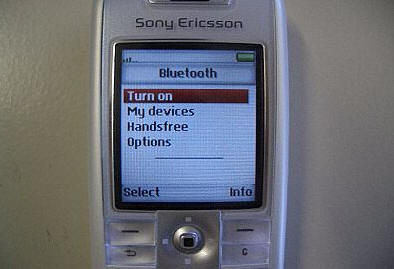
Even of the settings are not preinstalled it is very easy
to add the necessary information. Sony Ericsson offers a very convenient
service, sending you the correct settings via SMS, if your carrier is listed on
their site. You can send everything (pictures, images etc.) via BT and infrared.
Many phones have blocked these functions to please the mobile phone carriers. SE
does not. The BT feature works with Palms, Macs and PCs. Pairing devices is easy
and sending data too. The protocol works with all BT headsets I know, which is
great if you are on the road a lot. The Wap 2.0 browser allows you to see color
images, place a bid on eBay and even use i-mode services (i-mode service only
available in Japan and some European countries like NL and Germany).
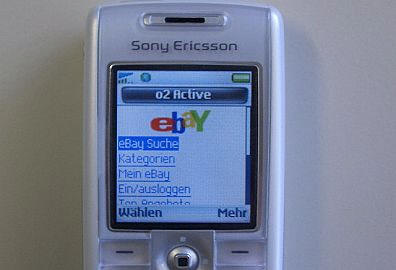
Honestly I cannot think of anything SE could do better here
apart from including a USB cable for those of us who need it.
Organizer
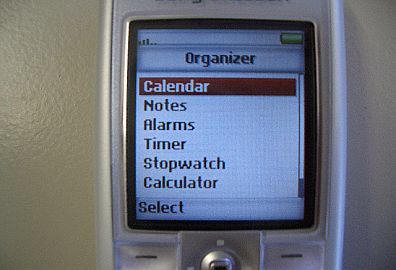
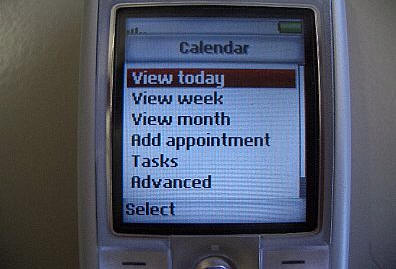
The organizer can be synchronized with iCal of Mac OS X and
of course Outlook. You can add To-Dos and Meetings and set various alarms. There
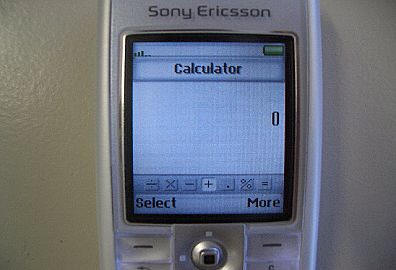
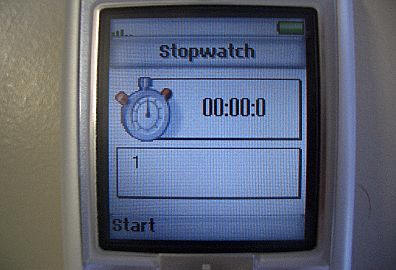
is a timer, a calculator, note feature and a stopwatch. All features are well
implemented and easy to use.
Set up
Here you can change the sound and display settings. You can
also add activate voice control and free speech. To use voice control (very
convenient if you use a headset) you have to speak the name of the contact
either in your headset or phone. You can add the name to the home, office and
mobile number. All in all you can save 50 names.
T610:
STN-display
Different design
No mirror
Very popular phone
Z600:
Folder phone design
Rather thick with internal antenna
Very small external display with blue backlight
TFD-display (larger than T610/630 but less bright)
Very good large keypad
Excellent reception quality
K700:
Larger display with higher resolution (????)
VGA-camera (640×480) with camera light and zoom
Video- & MP3-recorder
???-polyphonic ring tones
Phonebook with address field
32 MB memory (14-16 MB accessible for user)
More spacious and better keypad
This should give you an idea
why I personally would recommend waiting for the K700 that should be released
this summer. If you do not want to wait, the T630 – available in frosty white
and black – is an excellent choice. The camera is not much more than a gimmick,
but all other functions are very well implemented. The phone looks cool and the
display is much better than that of the T610.
If you are on a budget
however, the T610 is a good choice too, as it offers most features of the T630
at a lower price. I could not get used to the keypad of the T630. As I am a big
fan of folder phones, I sold it and bought a Z600. This has basically the same
features packed in a different design. An enhanced version, coming out in North
America will be the Z500. This phone has no infrared but an external color
display and uses EDGE technology. SE fans in Europe may wait for the Z1010, a
rather large and heavy /140 g) folder phone, using 3G technology.
I suggest you try the SE phone you are interested in before
buying it. In the end it is all a matter of personal taste, though Mac-Users
will love all these phones as they can transfer files via BT and sync their
address and date book with iSync!
Price: $399.99
Pros:
Bright and crisp TFT-display
Excellent navigation stick
Keypad with good tactile feedback
Well build phone
Good reception and speech quality
Very bright backlight
Different display profiles
Keypad well laid-out
Pretty and clever designed menu
Great connectivity
Well-implemented BT
Good organizer
Syncs with both Mac (sync) & PC (Outlook)
Excellent color Wap-Browser (2.0)
Full mail-client (Pop 3, Imap) that handles attachments as well
Java (MIDP 1.0)
Games look nice and are easy to play
Various profile settings
Helpful short cut buttons (more menu, Wap, camera, loudness)
Camera easy to operate with mirror for self-portraits
Very good battery life
Cons:
Keypad cracks
Only 32-polyphonic ring tones
Comes with few preloaded ringbones
No address field in phone book
Camera only CIF (358×282) resolution
Laughable VGA-function
No zoom
No flashlight
No video
Software sometimes slow
Only one game and few types of wallpaper preinstalled
Just 2 MB memory
Gerber Gear Suspension 12-in-1 EDC Multi-Plier Multitool with Pocket Knife, Needle Nose Pliers, Wire Cutters and More, Gifts for Men, Camping and Survival, Grey
(as of June 7, 2026 18:42 GMT -05:00 - More infoProduct prices and availability are accurate as of the date/time indicated and are subject to change. Any price and availability information displayed on [relevant Amazon Site(s), as applicable] at the time of purchase will apply to the purchase of this product.)
Gerber Gear Diesel Multitool Needle Nose Pliers Set, 12-in-1 EDC Multi-Tool Knife, Survival Gear and Equipment, Black
(as of June 7, 2026 18:42 GMT -05:00 - More infoProduct prices and availability are accurate as of the date/time indicated and are subject to change. Any price and availability information displayed on [relevant Amazon Site(s), as applicable] at the time of purchase will apply to the purchase of this product.)Product Information
| Price: | 399.99 |
| Manufacturer: | Sony |
| Pros: |
|
| Cons: |
|

Gadgeteer Comment Policy - Please read before commenting
Post your comments here on the Sony Ericsson T630 Frosty White.
http://www.the-gadgeteer.com/t630-sony-ericsson-review.html
Just click the POST REPLY button on this page.
Try a Sony Ericsson P900, it’s absolutely the top!
Good article, though I have to say that the SE T630 doesn’t seem like a very good value for the features at $400 US.
The Nokia 3660 is $150 with many service contracts, has many more features since it’s a symbian smart-phone, and syncs very well with the Mac. I’ve been using the slightly older (but essentially the same) 3650 for about 5 months now.
Diego
The Nokia 3660 ist a bit bigger though!
Yes, no arguing that the Nokia is larger.
The 3650 and 3660 weigh 4.59 ounces and are 5.10 inches long x 2.24 inches wide x 1.00 inch thick.
The T630 is 4 inches long x 1.69 inches wide x .67 inches thick.
That means the T630 is approximately 2/3 the size of the 3650 / 3660.
Depends on how important size versus features are to you, I suppose.
Last week, I bought the Sharp GX30, which is a flip-phone with integrated camera.
The camera is just great, it offers five different photo sizes, up to a maximum resolution of 1 megapix, there is a 3x digital zoom (except at the highest res) AND a flash.
Coming from a series of Nokia’s (and after being seriously dissappointed about the 6820’s camera, which is LOUSY), I somehow feared the change of menus. I must say that the Sharp is very intuitive, quite fast, has a splendid 65K color screen (reasonable in direct sunlight), mp3 player, video, etc., etc.
Anyone ‘in the market’ for a phone-with-camera should have a look at it.
Nice review, though.
The GX30 is HUGE, lacks a decent BT profile, can not play alarms when turned off but makes good pictures!
Hello, where find you the free software to add address, street, …
Thank you
There is a basic Java application which you should find here