
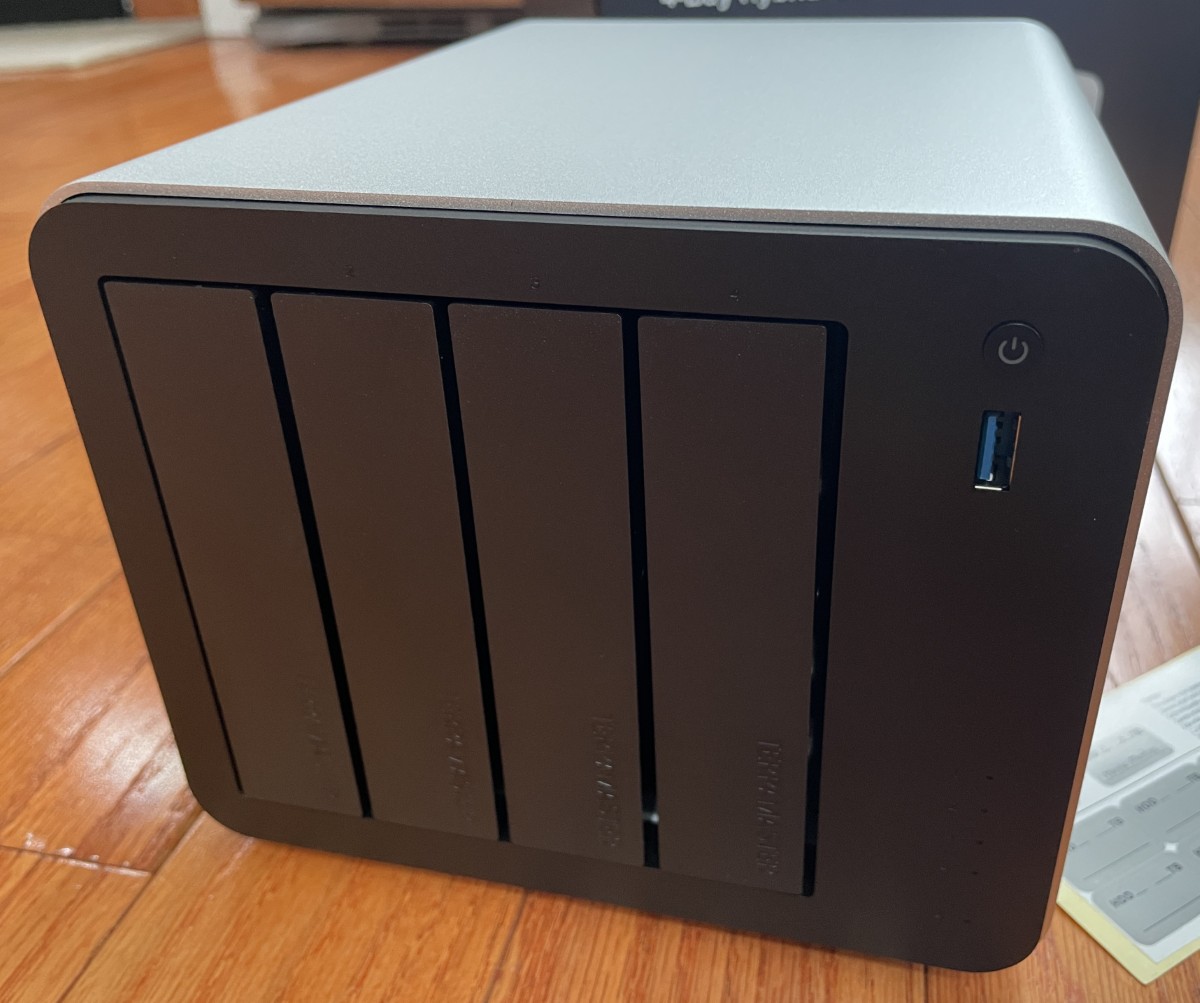
REVIEW – For years, my hard drive “collection” has been growing with an ever-changing array of trays, bays, and enclosures, fueling my thirst for a more elegant solution. I jumped into the world of NAS (Network Attached Storage) earlier this year and never looked back. I couldn’t wait to take a look at TerraMaster’s F4-425 Plus.
⬇︎ Jump to summary (pros/cons)
Price: $599.99
Where to buy: TerraMaster, Amazon
What is it?
The TerraMaster F4-425 Plus is a Network Attached Storage device with four SATA drive bays and three M.2 drive sockets for data storage.
What’s included?
- F4-425 plus NAS
- Power supply
Tech specs
- 16GB DDR5 memory non-ECC SCDIMM (supports up to 32GB)
- Twin Lake N150 4-core processor, up to 3.6GHz (single core burst), x86, 64-bit
- Integrated Intel graphics
- Hardware transcoding engine: H.264, H.265, MPEG-4, VC-1, maximum resolution of 4K (4096×2160), 60FPS max
- Dual 5GbE Ethernet ports with sequential write speeds up to 1020MB/s and 4K random read/write speeds up to 280 IOPS
- Three USB-A ports
- One USB-C port
- One HDMI port
- Up to 144TB storage (drives not included)
- AI photo management recognizes faces, pets, scenes, and relationships
- Multi-layer security with AES-NI hardware encryption
- Four SATA drive bays support 3.5 and 2.5-inch drives up to 30TB each
- No tools needed for 3.5-inch drive installation. Screws included for 2.5-inch drives
- Push-lock trays
- Three PCIe M.2 SSD sockets support drives up to 8TB each
- Supports TerraMaster DAS for seamless scalability
- Supports Docker and Portainer
- Supports VirtualBox
- Supports 4K video servers like Plex, Emby, and Jellyfin
- Supports Aria2 and Xunlei download tools
- Supports flexible access control
- Supports team shared folders
- Supports recycle bin management
- Supports permission management with Windows Active Directory/LDAP integration
- Self-developed enterprise backup with TerraSync, Centralized Backup, CloudSync, and Snapshot, Google Drive, DropBox, Baidu Cloud, and Alibaba Cloud
- Supports flexible sync strategies, data encryption, scheduled tasks, and bandwidth control
- Supports cross-platform file services: SMB, NFS, SFTP/FTP, AFP, iSCSI, and WebDAV
- Supports FTP servers, MySQL databases, CRM, Node.js, Java VM, and more
- Built-in surveillance management connecting multiple IP cameras
- Manage cameras, view live footage, recorded footage, and stored videos in designated folders through a unified interface
- Multi-layered file security: System-wide PAM authentication, Firewall and whitelist rules, Encrypted data transmission, OTP two-factor authentication, IP blocking, DoS protection, certificate services, and Security and Privacy control (SPC)
- Supports direct data drive mounting, hot-plugging hard drives with existing data for immediate access without partitioning or formatting, keeping data fully intact
- Size: 150 x 181 x 219mm
- Package size: 186 x 277 x 277mm
- Weight: 2.9Kg, gross weight 4.1Kg
- System fan: 120 x 120 x 25mm
- Fan modes: smart, high speed, middle speed, low speed
- Noise levels: 20.9dB (A) using 4 SATA HDDs/SSDs in standby mode. Test environment noise: 17.3dB(A). Test distance: 1 meter
- Power supply: 90 Watts, 100 to 240VAC, 50/60Hz
- Aluminum alloy housing
Design and features
My movie collection is what prompted me to jump into the NAS arena. Every once in a while, a title would end up in the wrong DVD box, sometimes taking weeks (or even months) to find. More than once, a Blu-ray victoriously plopped into the player, chittered and whirred with zealous anticipation of movie night, only to minutes later result in “disk error” due to a deep scratch. Rats. Double rats.
At last count, I had six different hard drive caddies, mostly USB. They work, but are clunky and slow, plus, I’m always worried that a sudden disconnection would corrupt my data. I have more than 80,000 family photos, 70 gig of music, and a movie collection with more than 700 titles and 20 different series, aching for archiving, and spent about six weeks encoding the entire 12 TB collection. I still have all the original media, but I dream of being able to access them whenever and wherever I want.
Here’s where NAS saves the day – With huge drives, RAID for redundancy in case one drive fails, and enough hardware, network, and software horsepower to make the learning curve and setup time worthwhile. For me, being able to back up my PC, laptops, and phones was icing on the cake.
TerraMaster has been in the digital storage game since 2010 and has made a mark with its custom operating system and capable hardware. I couldn’t wait to dig into their latest iteration, the F4-425 Plus.
It arrived in a well-padded box.
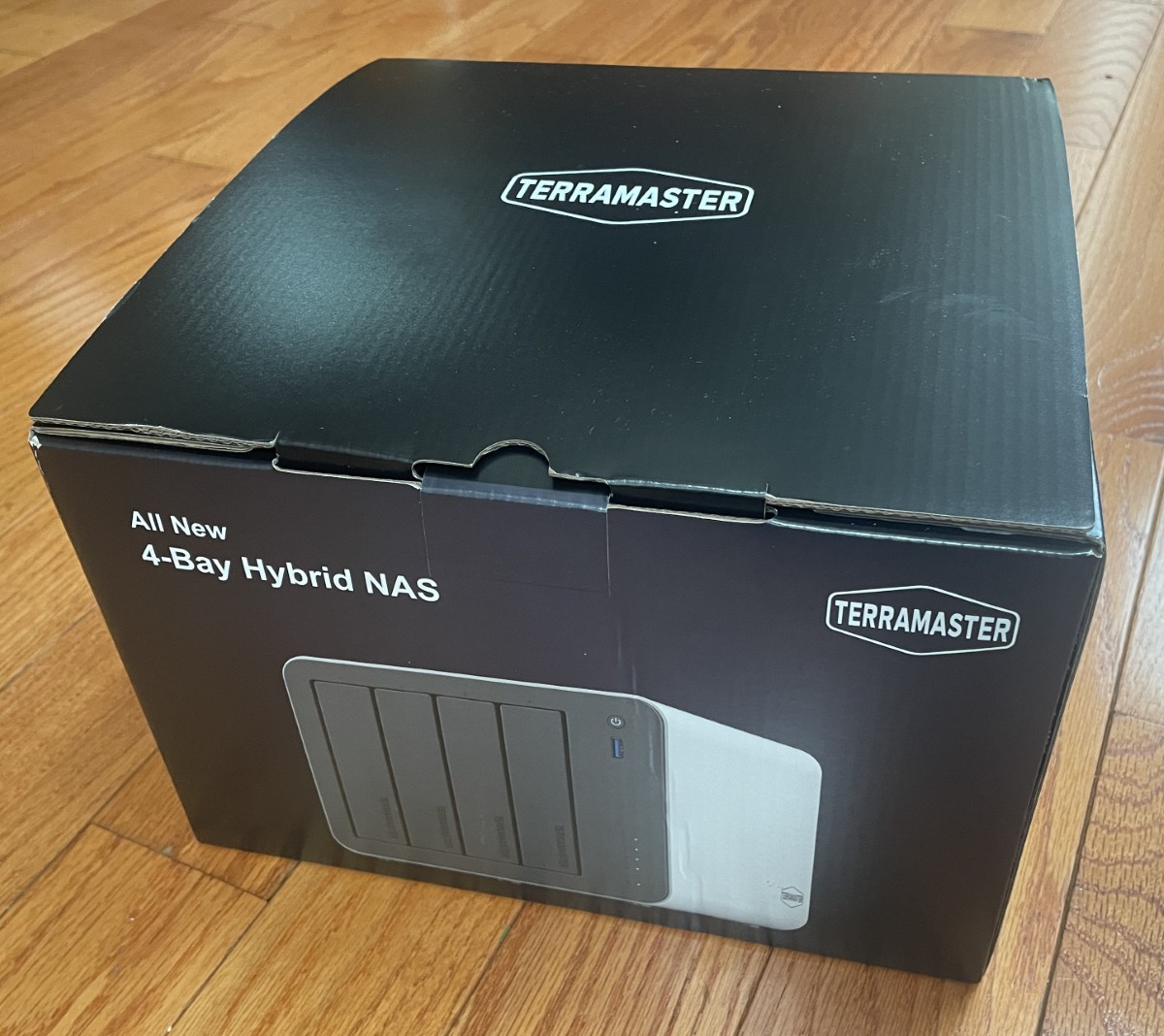
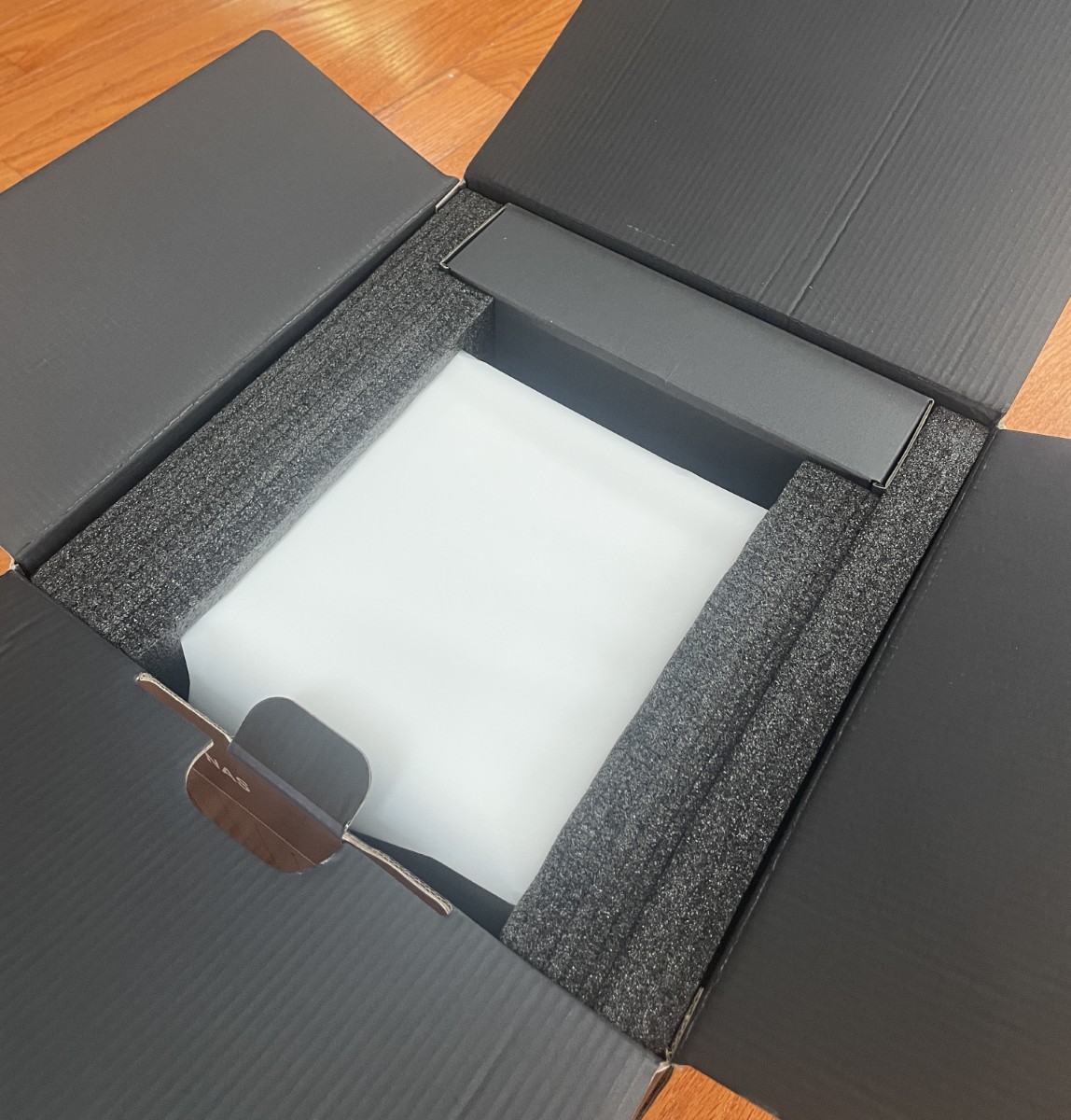
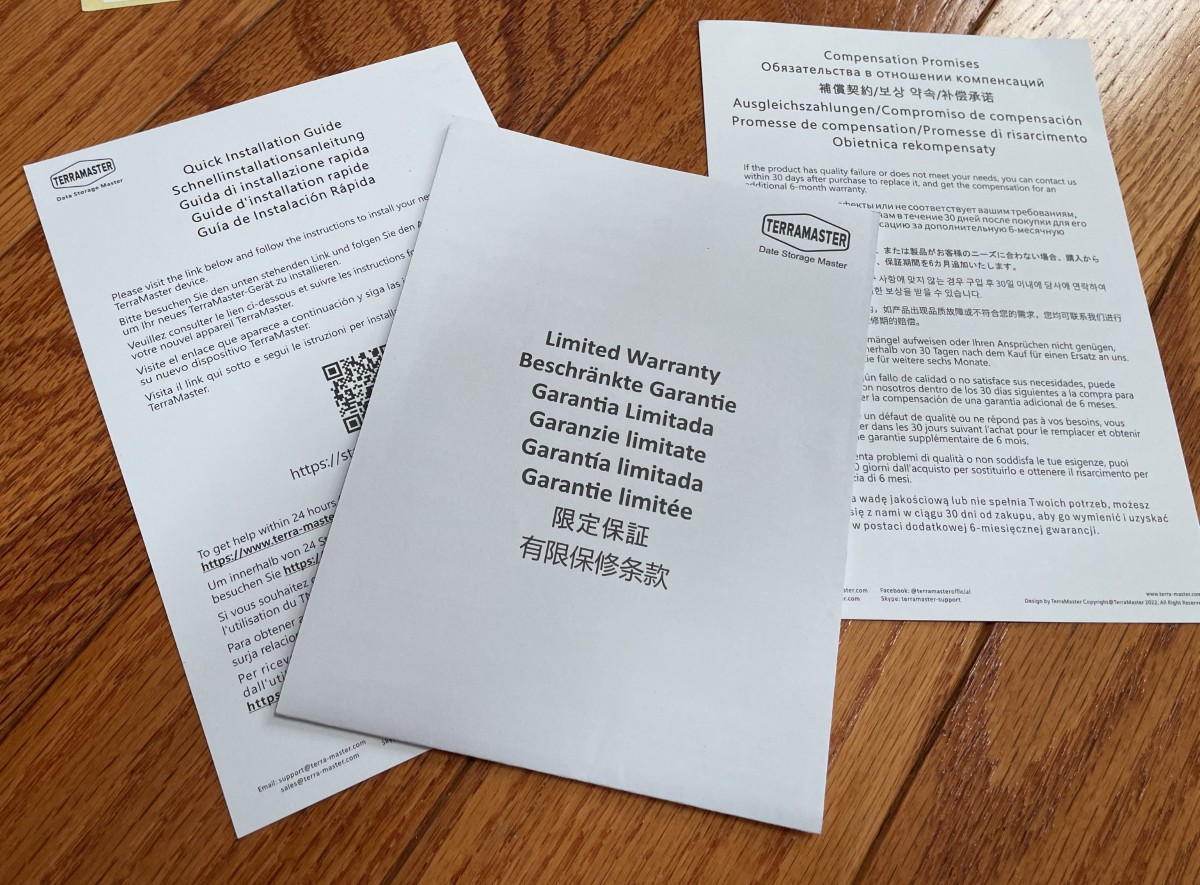
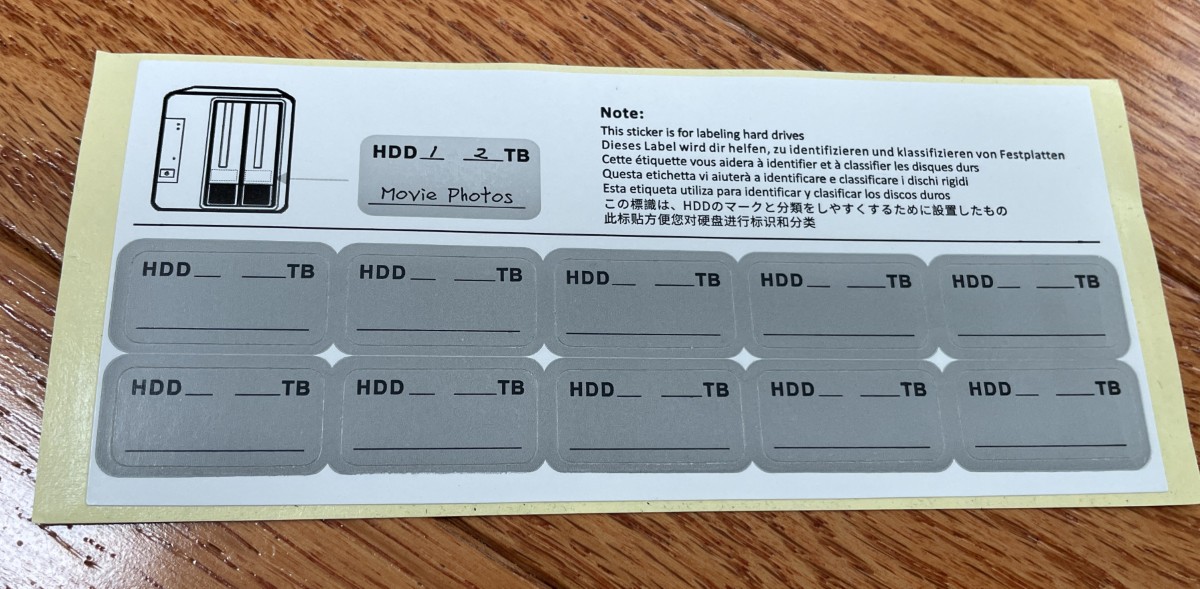
There’s not much in there – the NAS, a power supply, a few warranty cards, and drive ID stickers. The chassis is beautiful, made of aluminum.
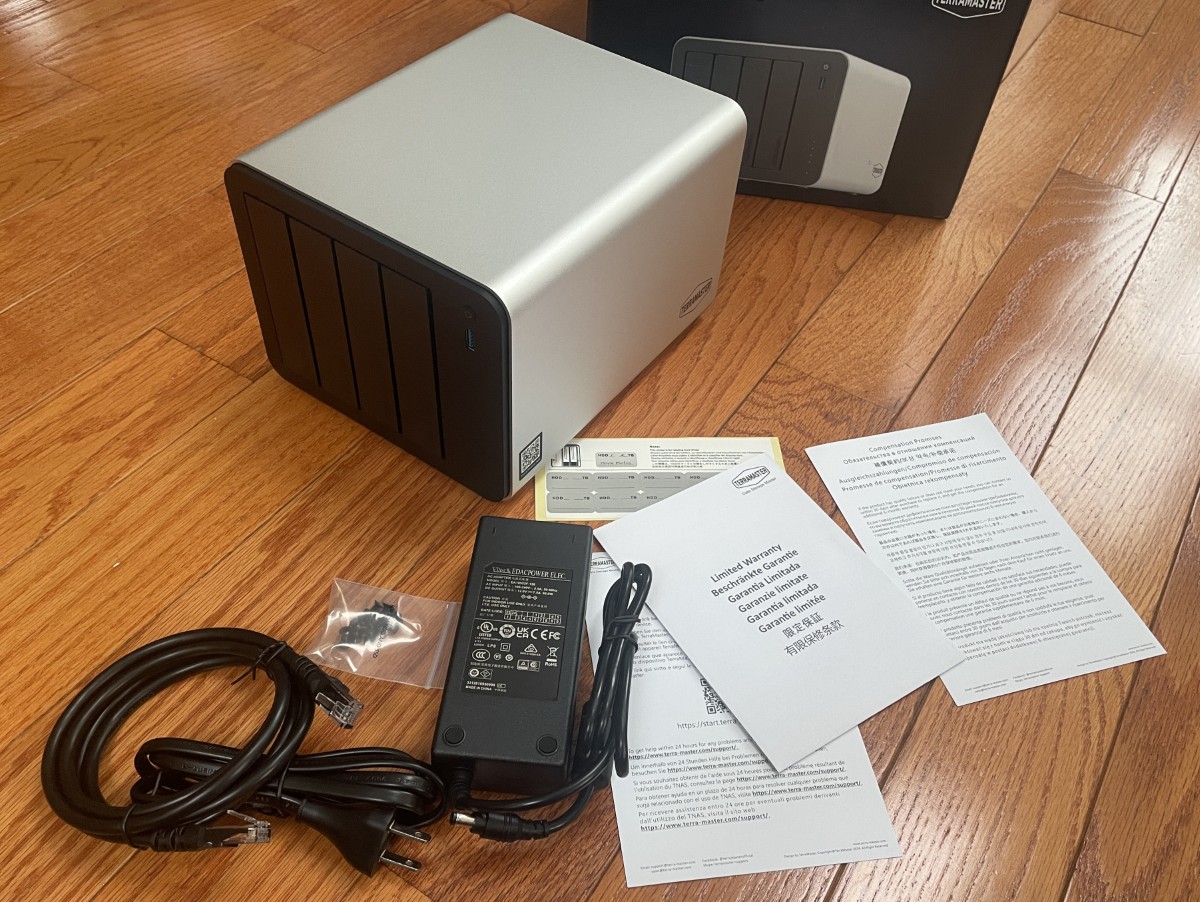
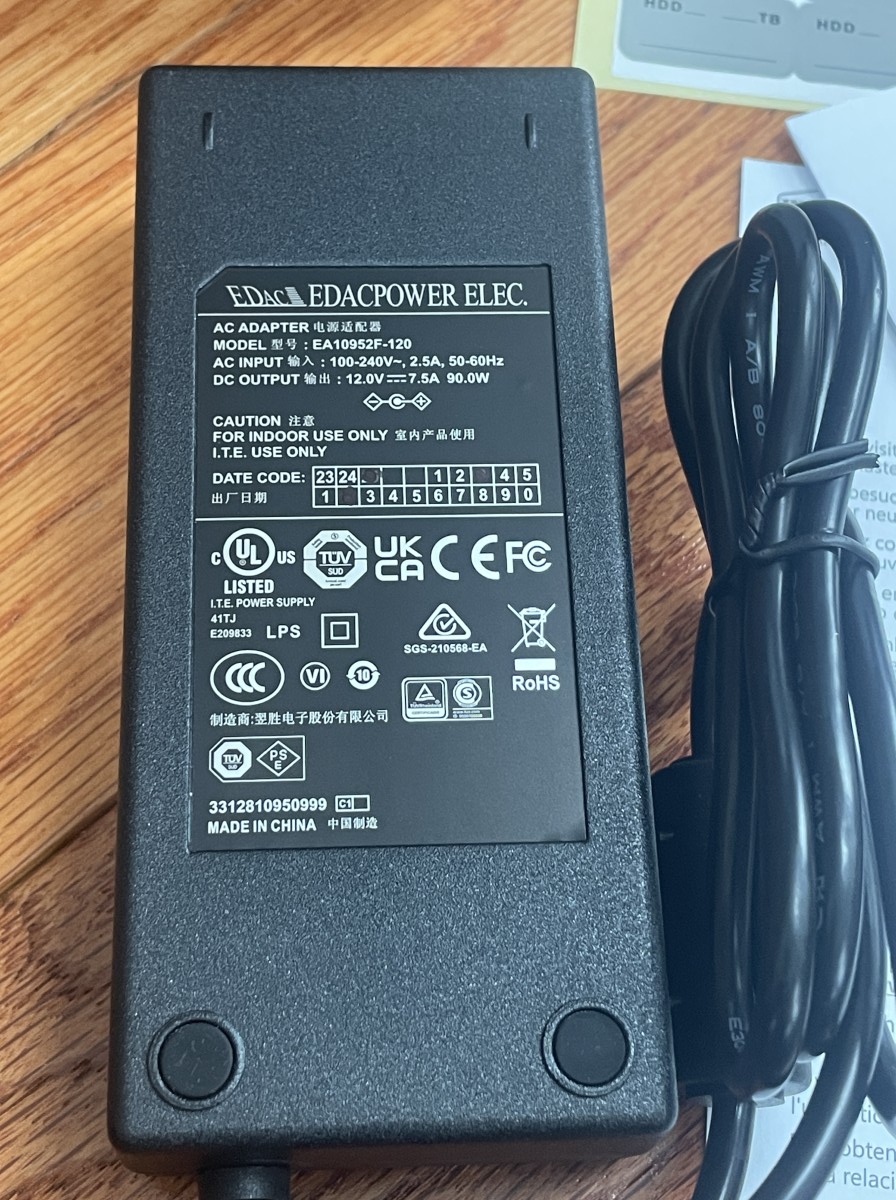
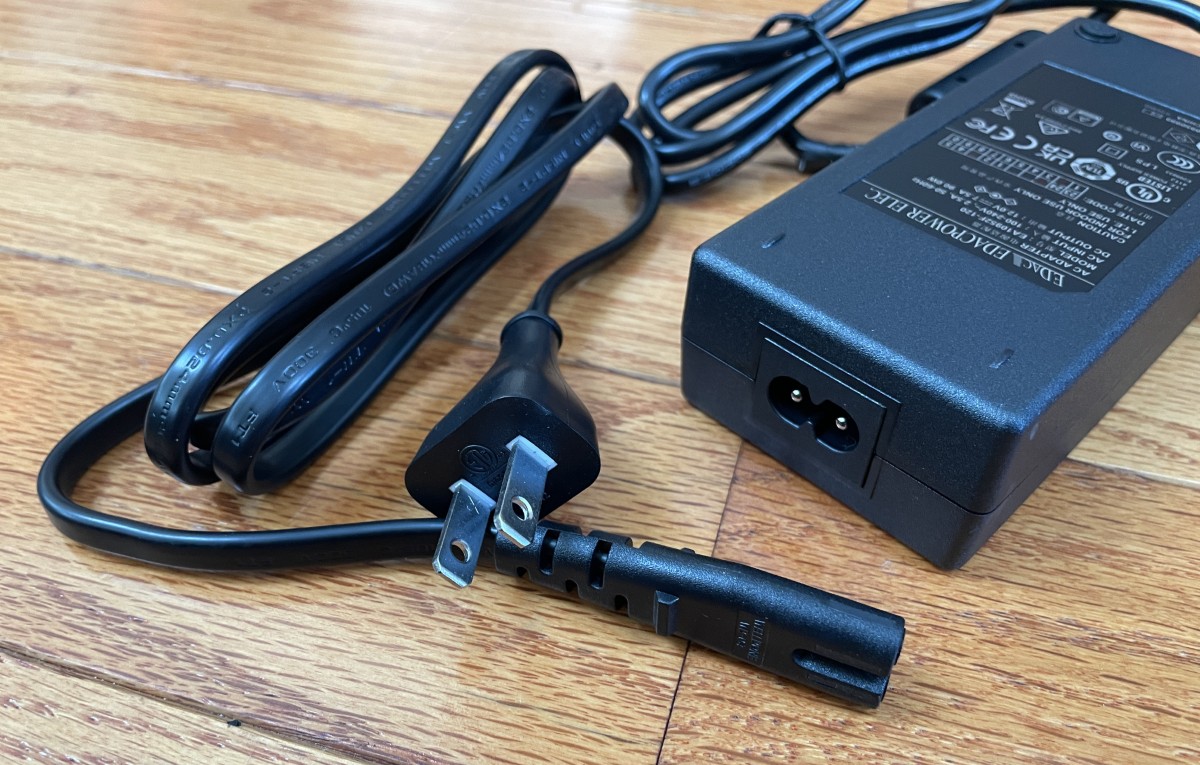
Power comes from a brick power supply delivering 12 volts at 7.5 Amps.
If you want to install NVMe M.2 drives, there are three slots inside, each capable of handling 8 TB. The cover slides off easily after removing four screws on the bottom.
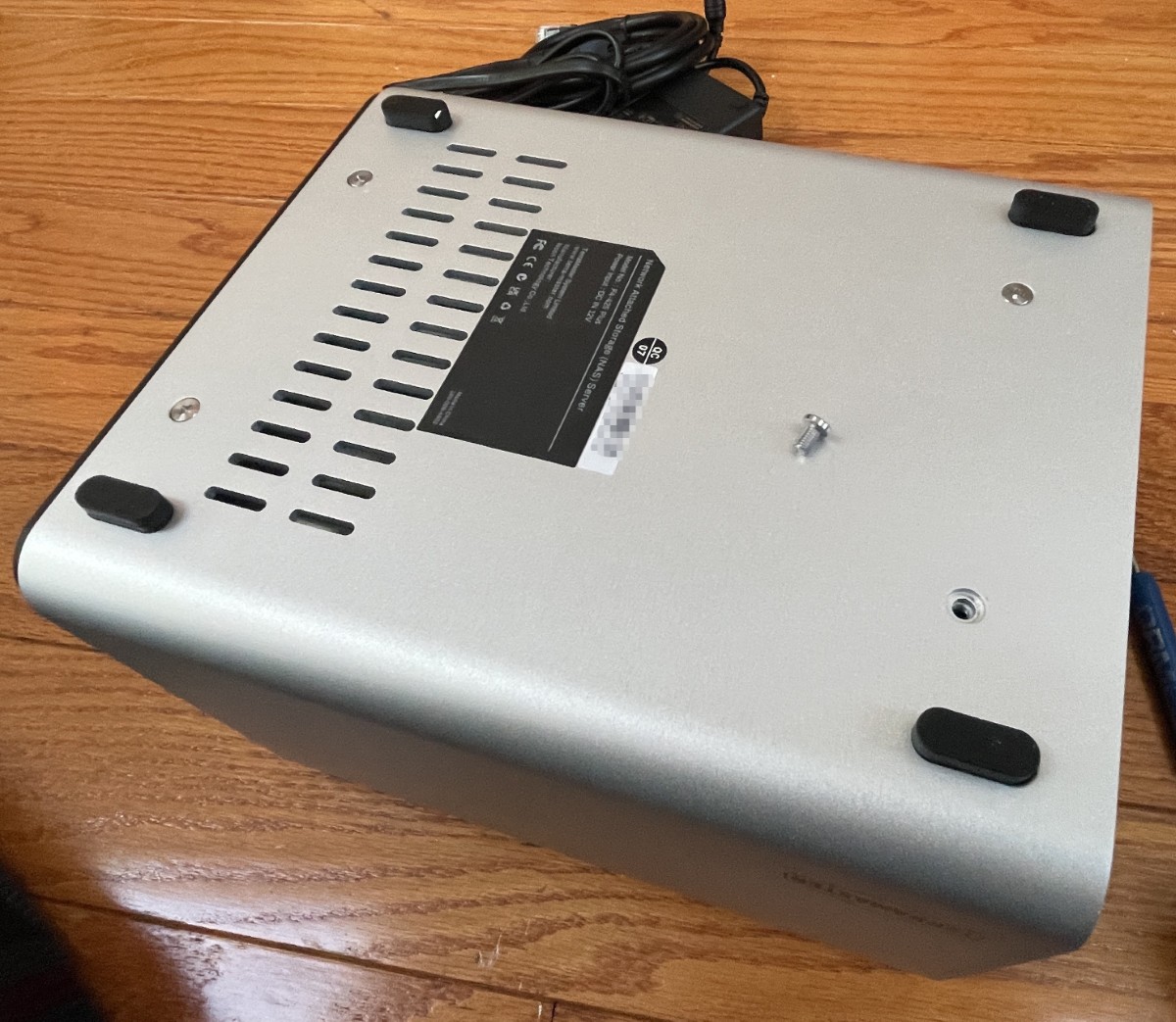
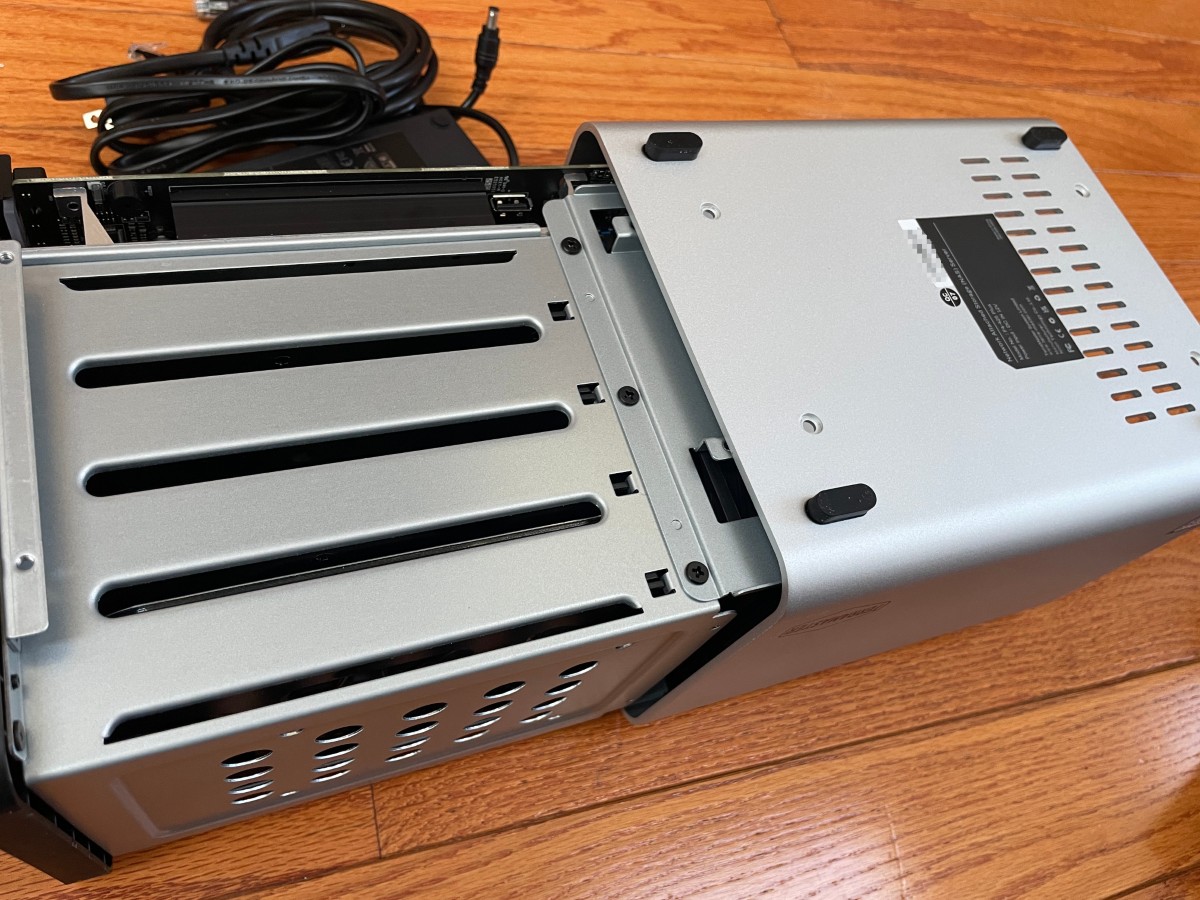
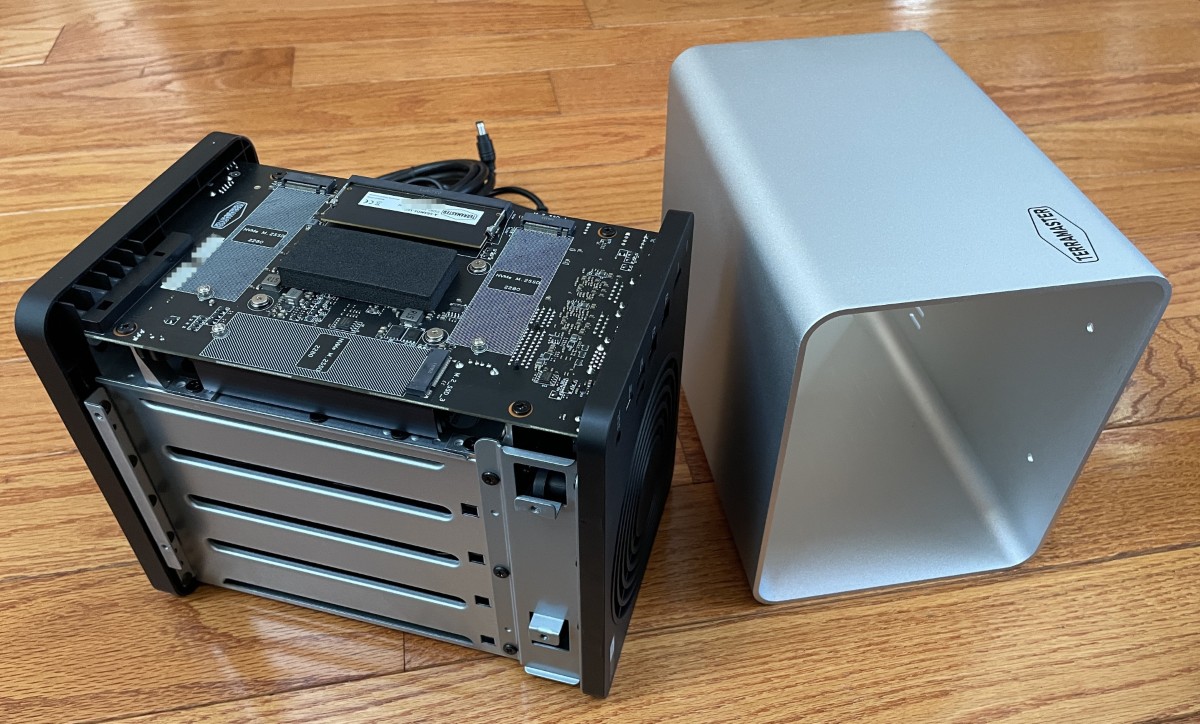
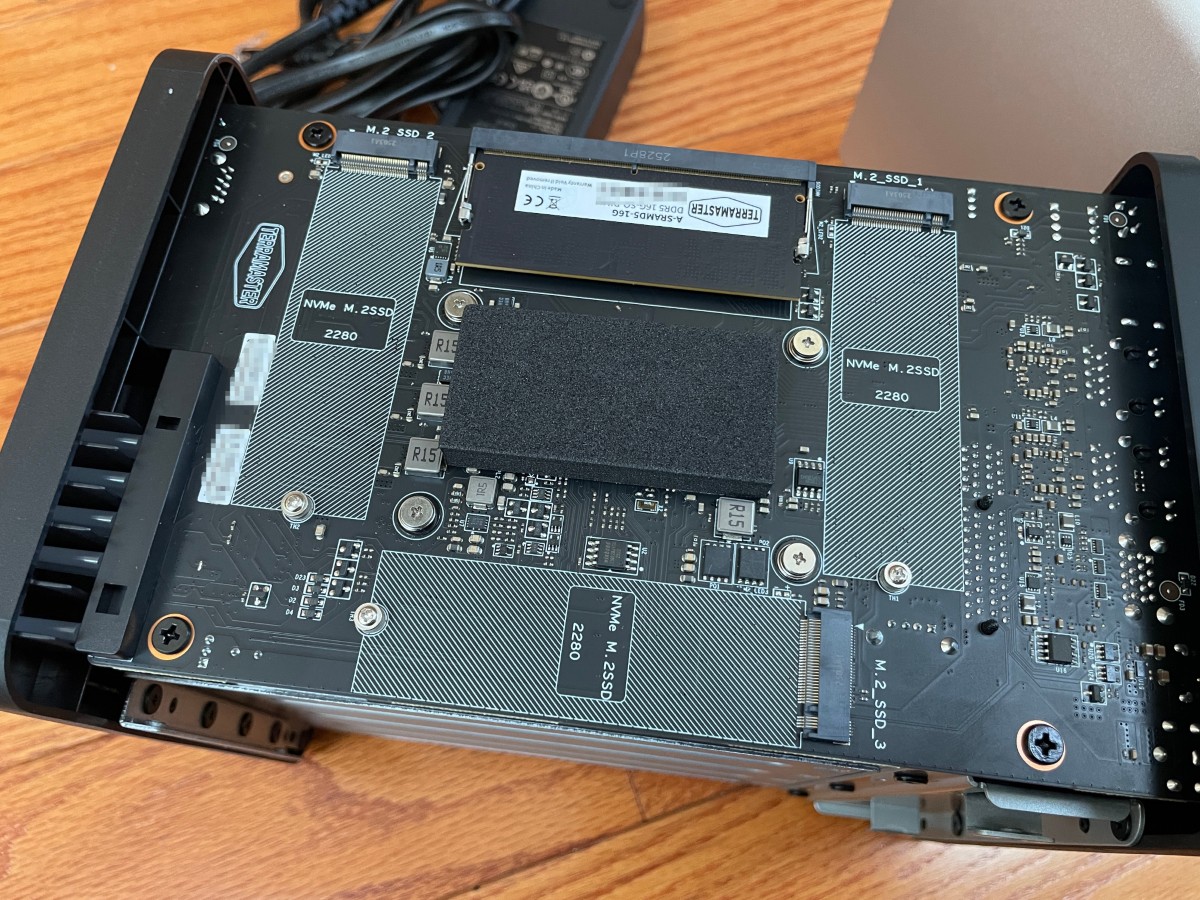
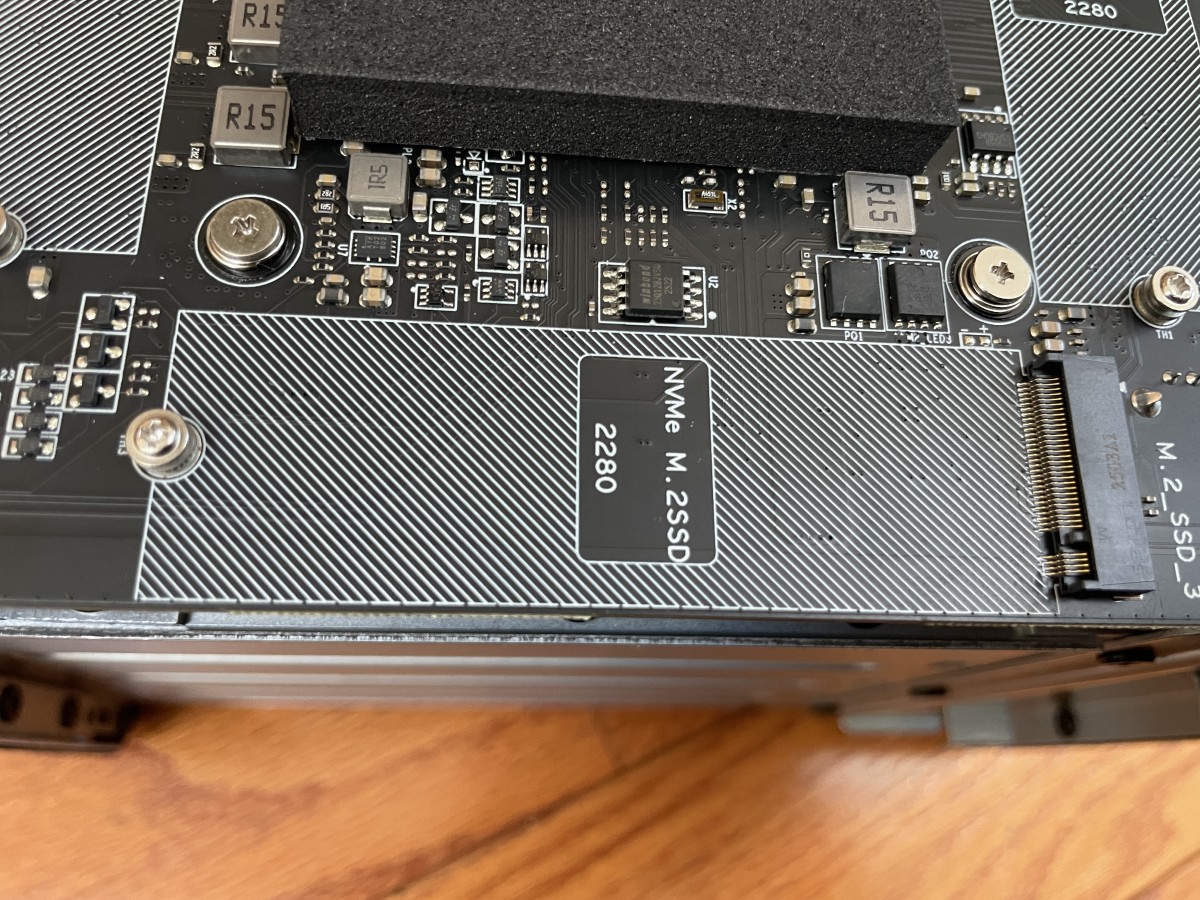
The processor board is a single-board computer. RAM is expandable up to 32TB.
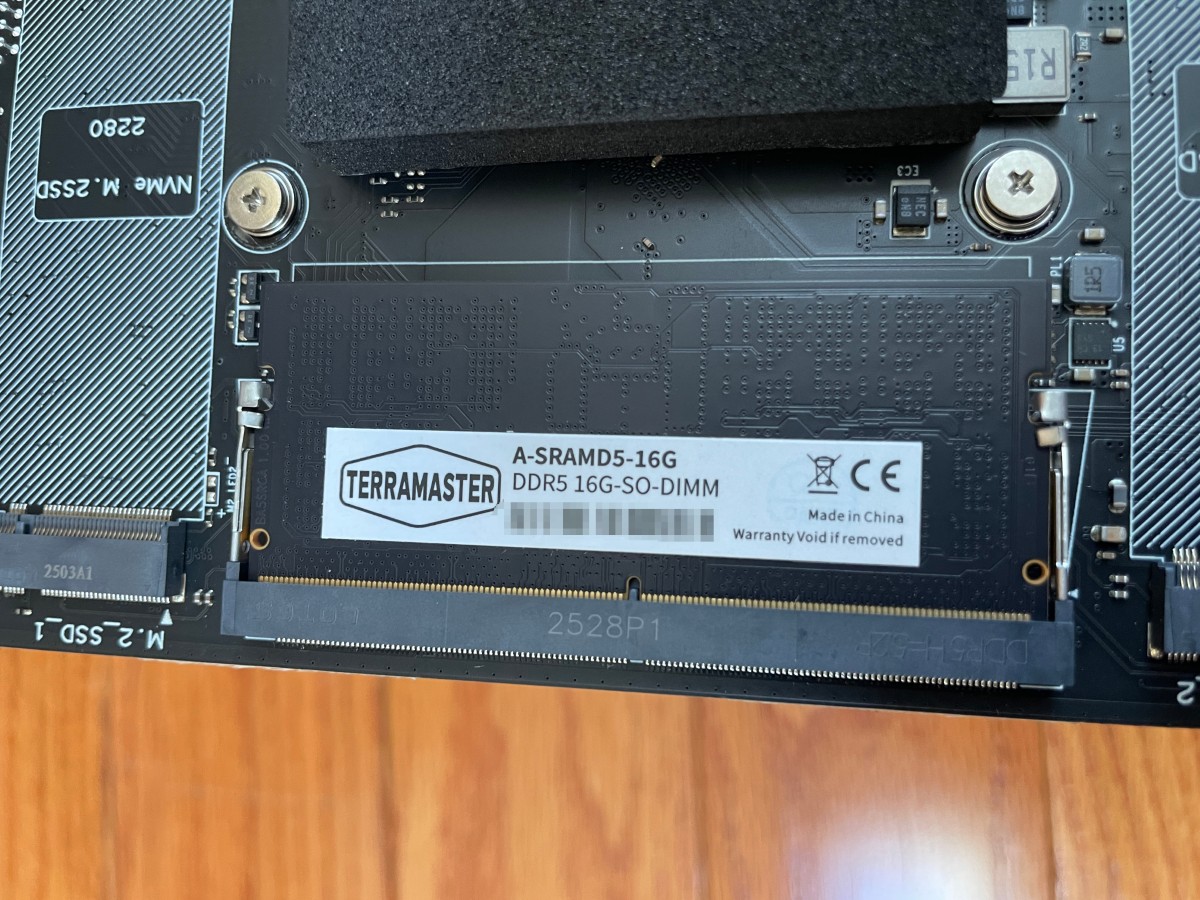
Construction is top-notch, with metal construction throughout. A hefty heat sink keeps the processor cool.
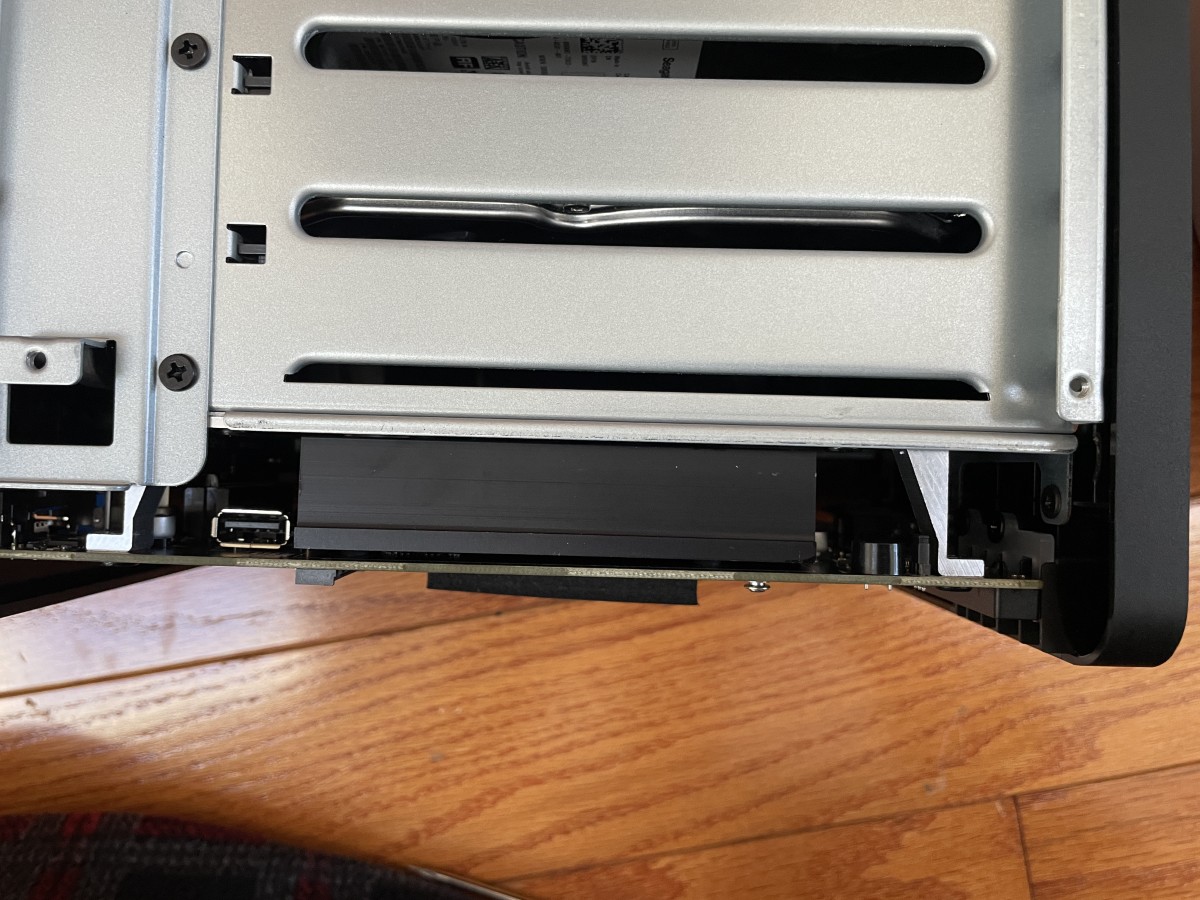
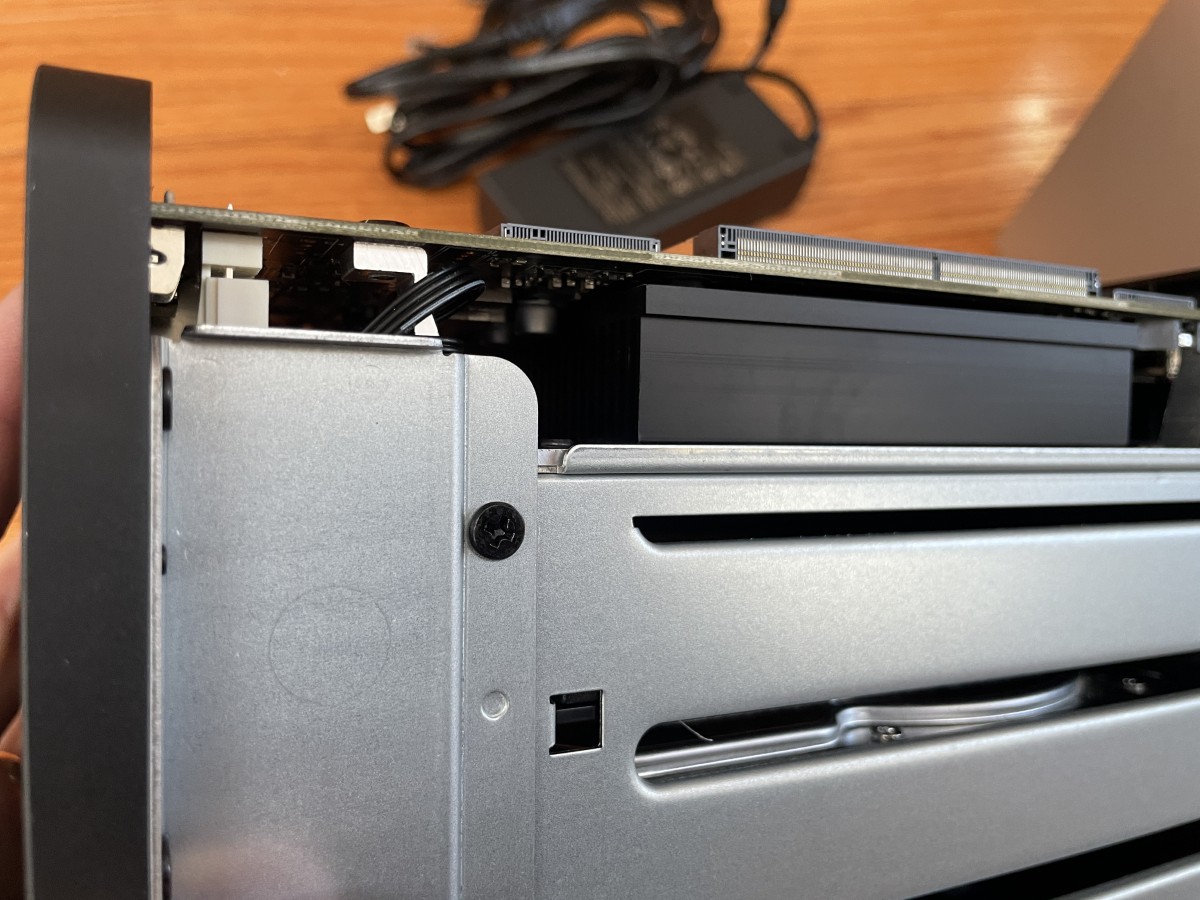
I imagine the beefy cooling fan that takes up almost the entire back of the F4-425 Plus is enough to cool the internal components. I expected the fan and drives to be somewhat loud, but I was pleasantly surprised. It’s much quieter than other NAS products I’ve used.
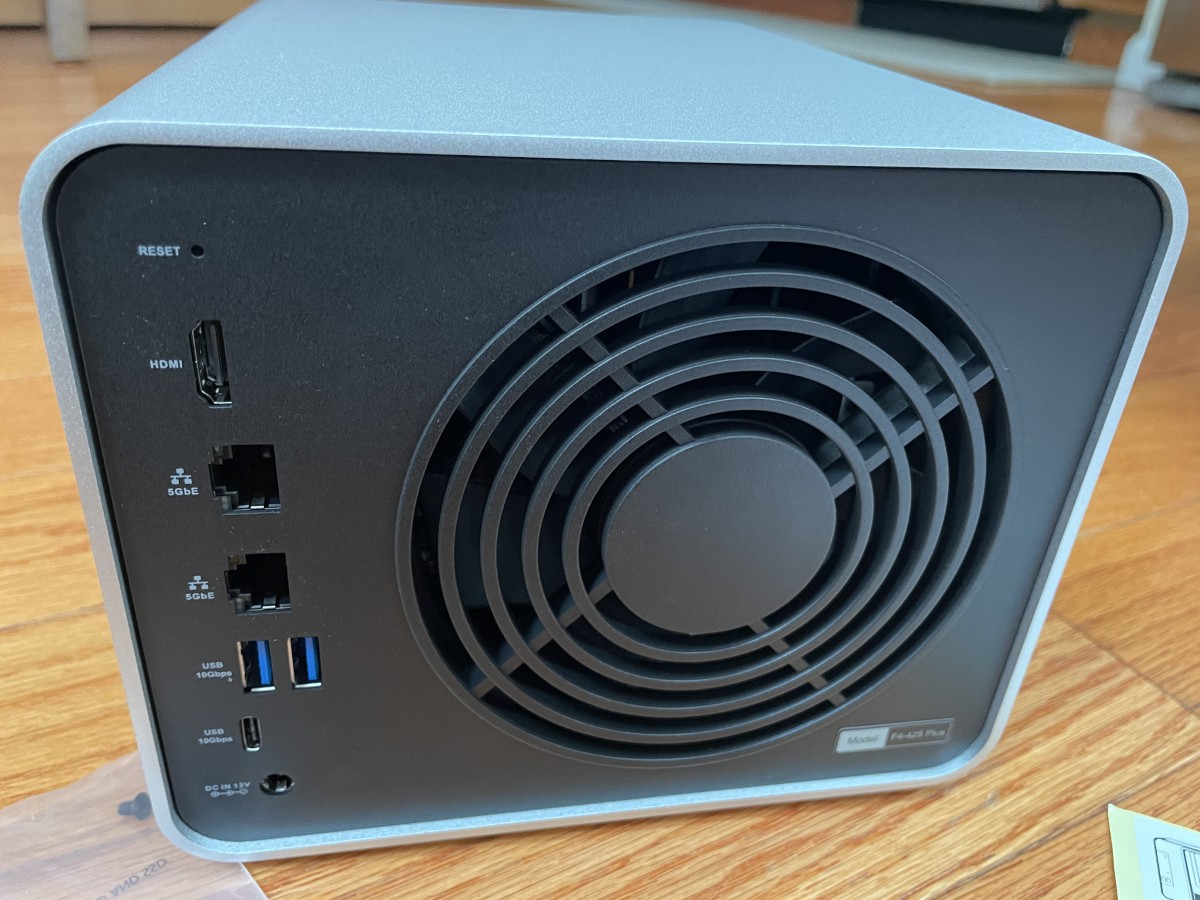
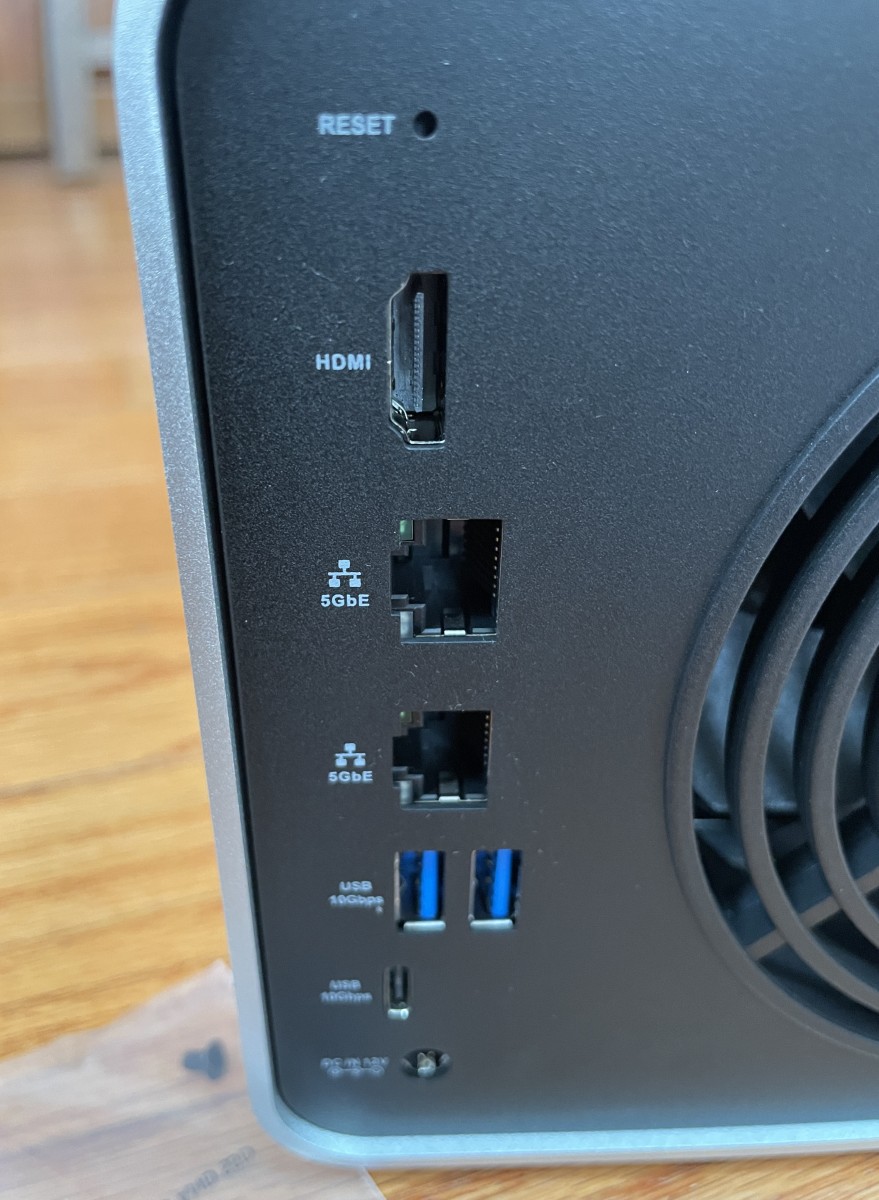
Flanking the fan are the reset button, HDMI port (mostly there if you decide to install your own OS), two 5GB Ethernet ports (YAY!), two USB-A ports, one USB-C port, and a power port.
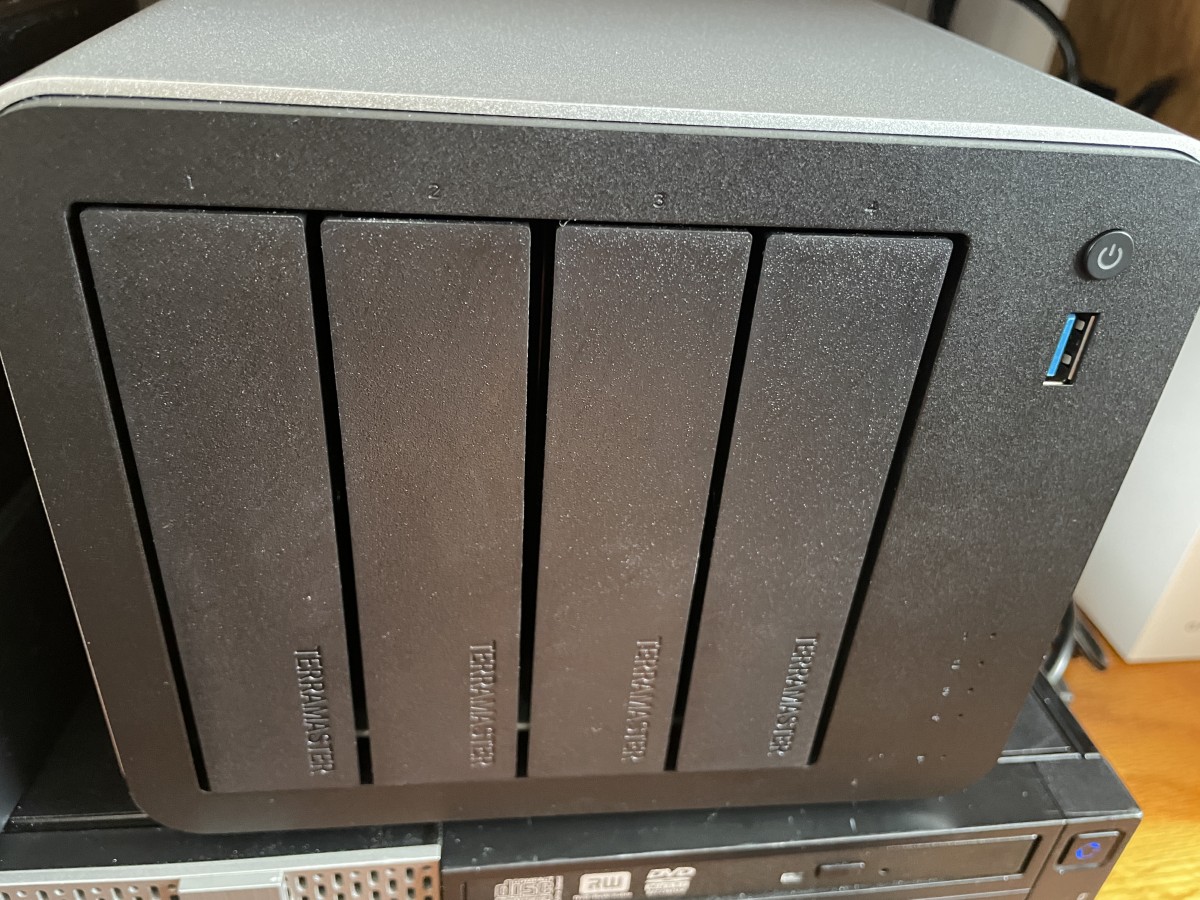
The front has four drive slots with latching caddies. No locks, though. The power button, a single USB-A port, and pinhole LEDs for drive access and power complete the F4-425 Plus’ face.
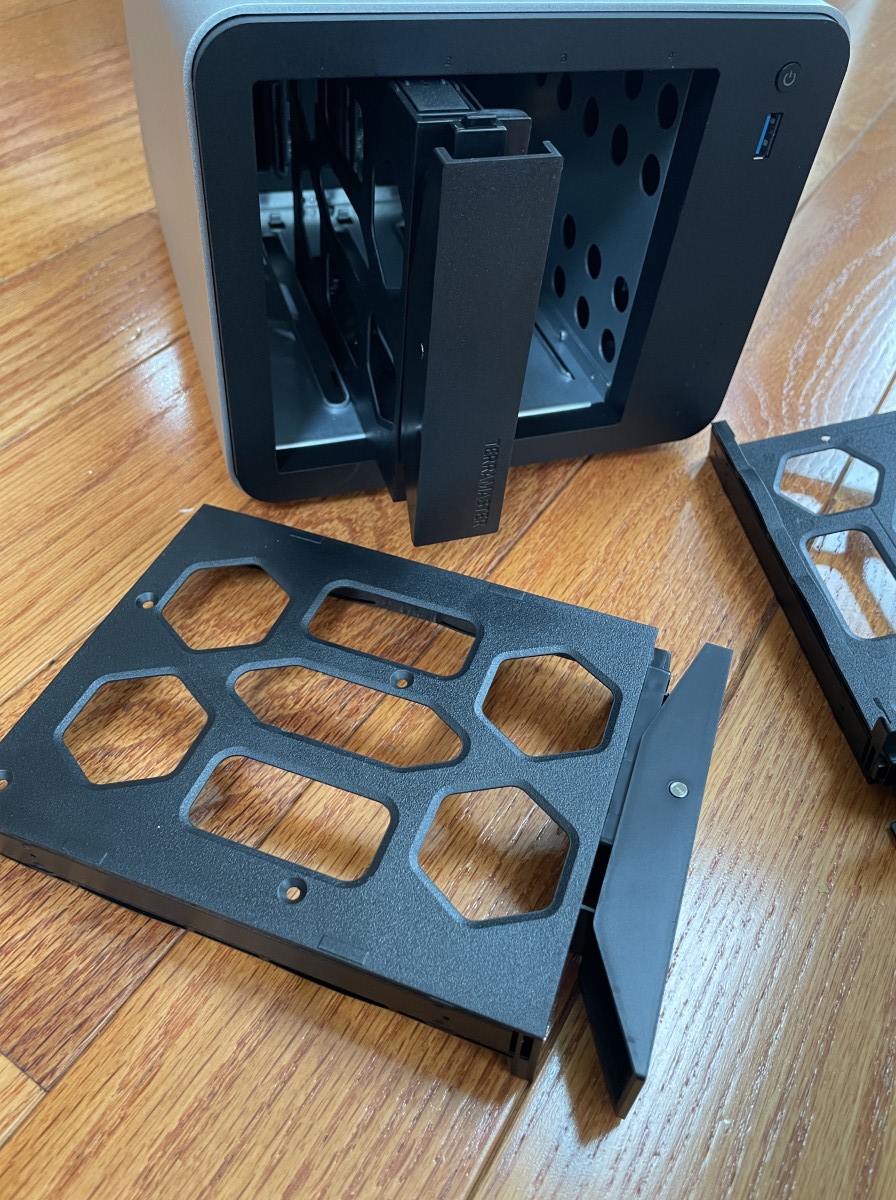
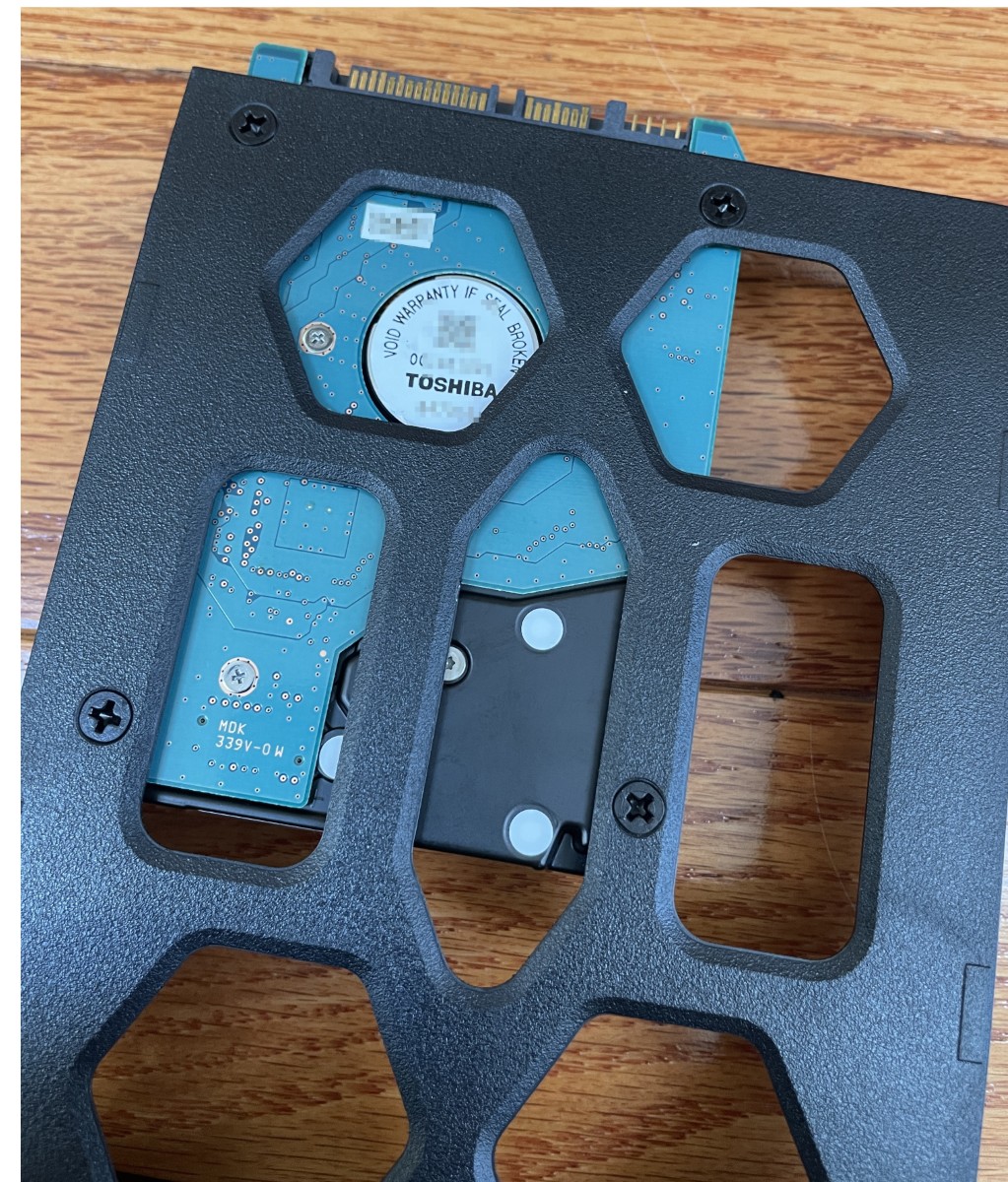
I plan to buy several high-capacity hard drives, but for testing, I used several drives I have lying around. Pop off the mounting rails, place the drive in the caddy, and snap the rails back in place. It took only seconds. Each bay can support up to 30TB drives.
The ability to read previously formatted hard drives and read their data is highly valuable. There are times I want to transfer files to the NAS without the hassle of reformatting using the manufacturer’s chosen method. Delightful!
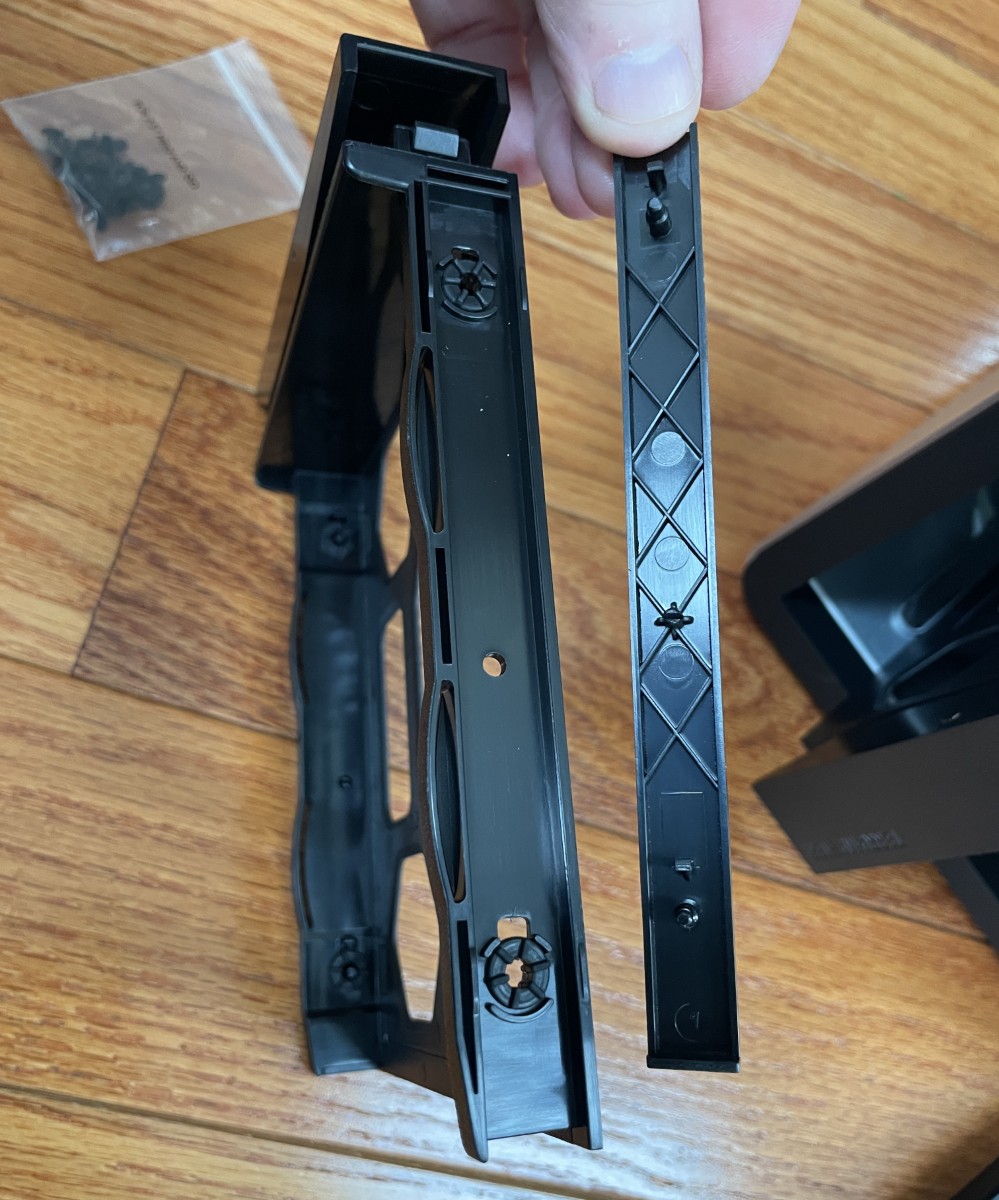
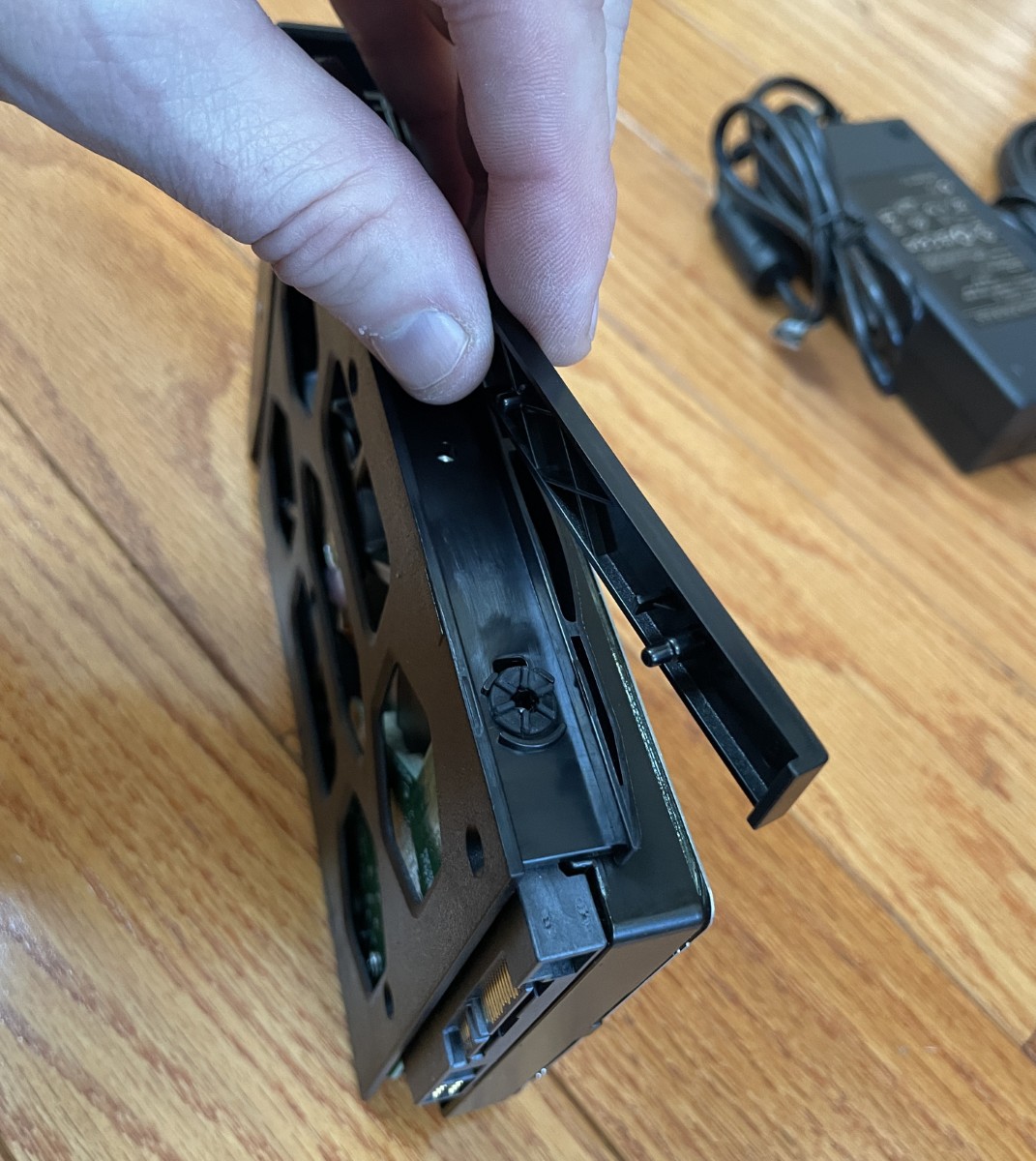
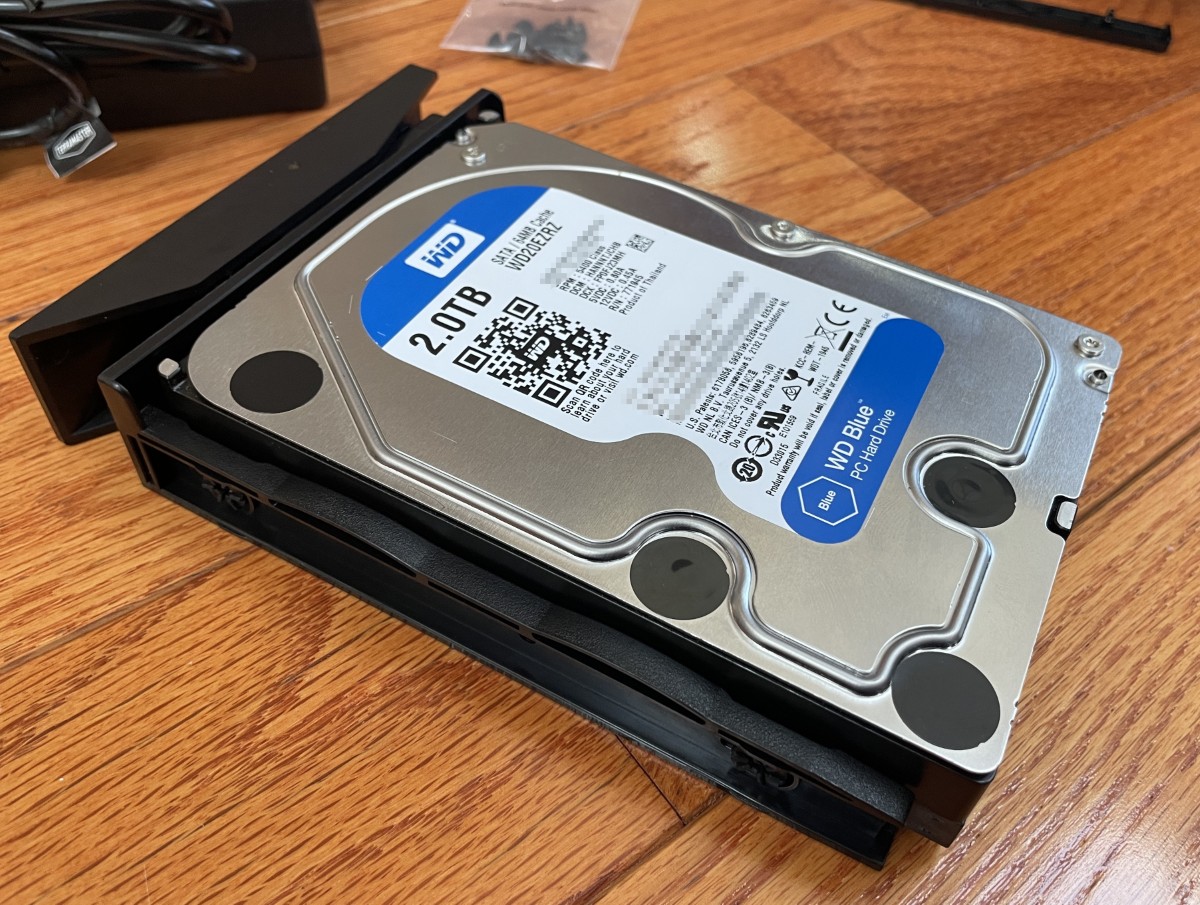
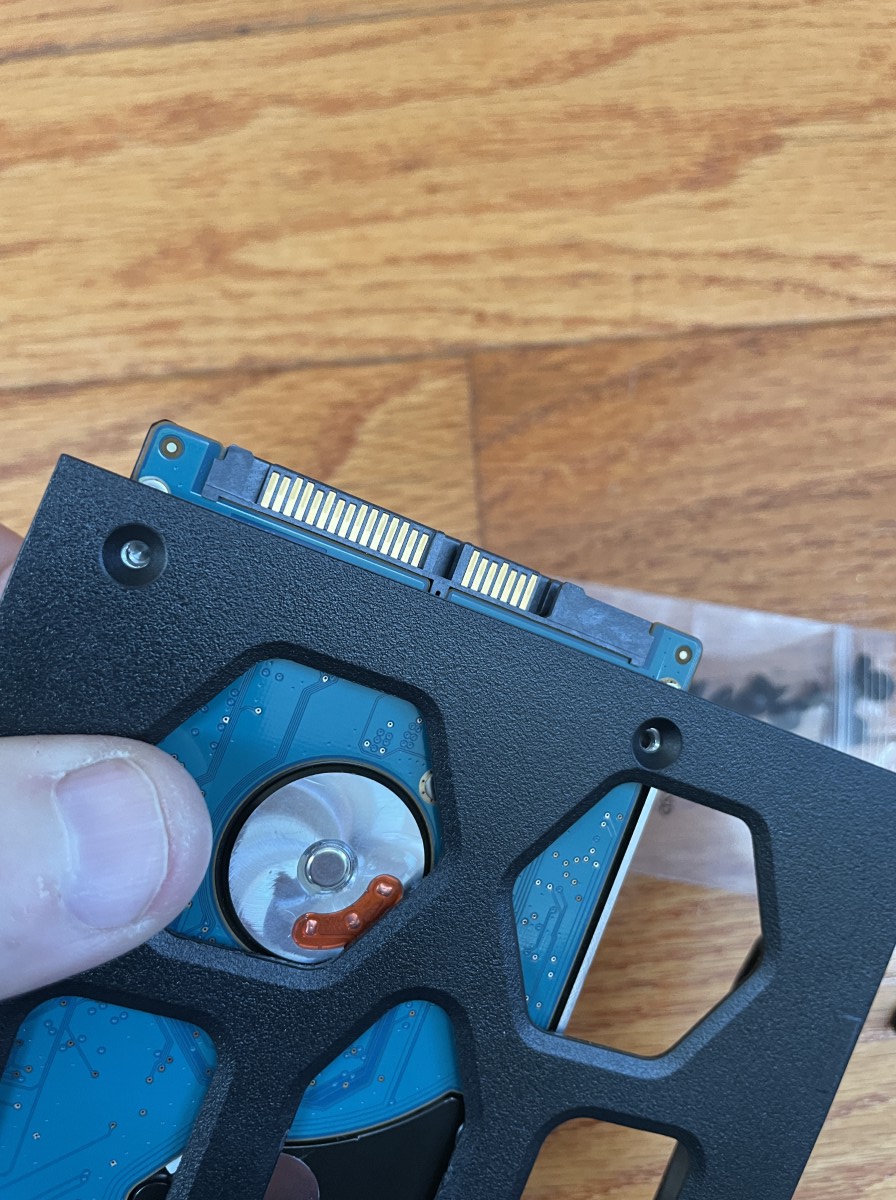
2.5-inch drives also fit, but you’ll need to secure them using the included screws. Thanks for saving me from digging through my computer parts, TerraMaster!
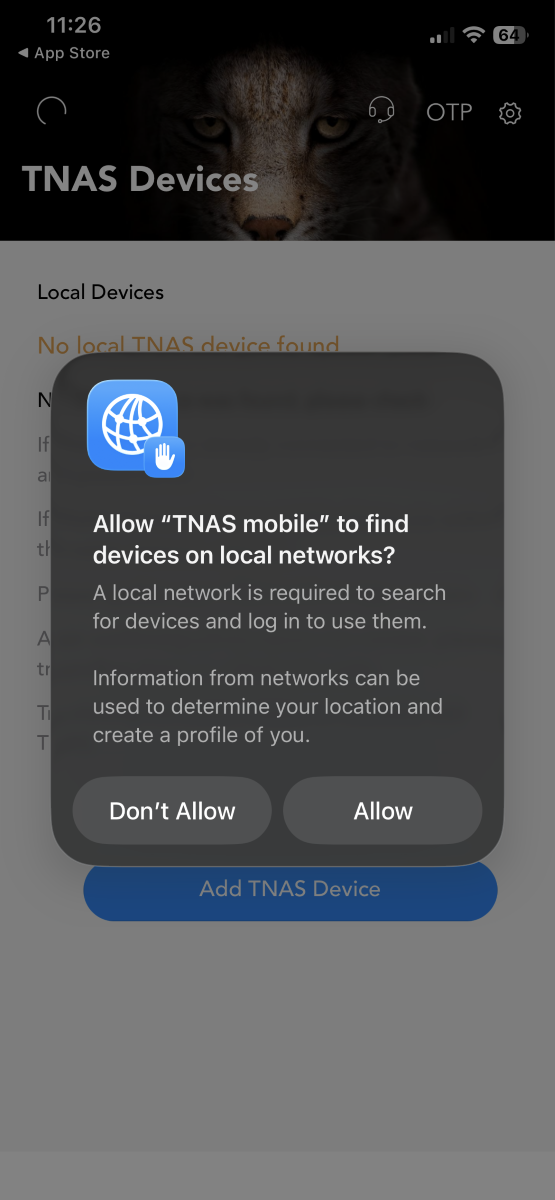
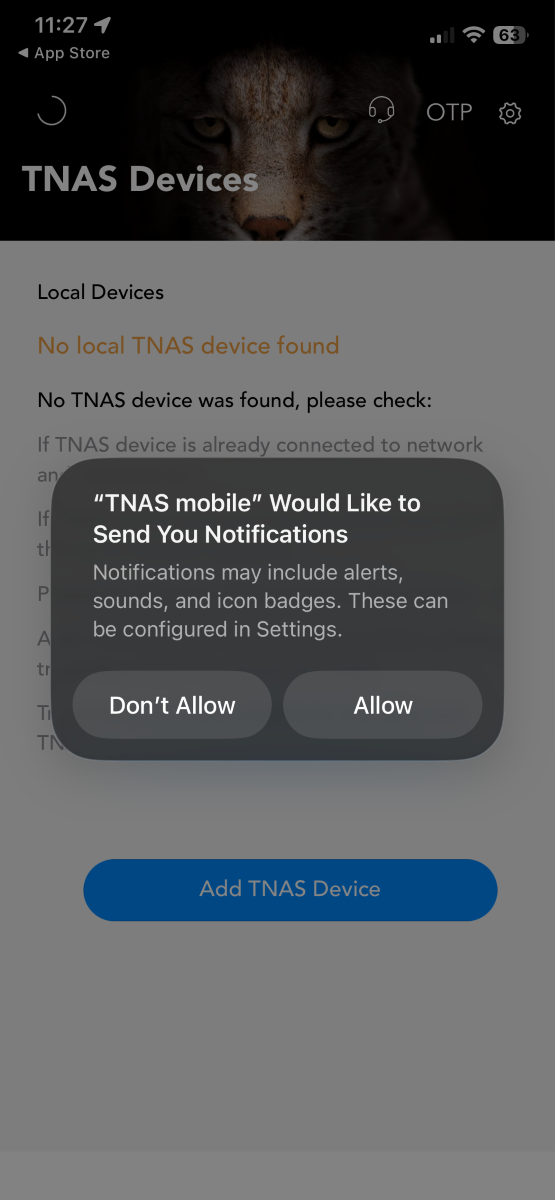
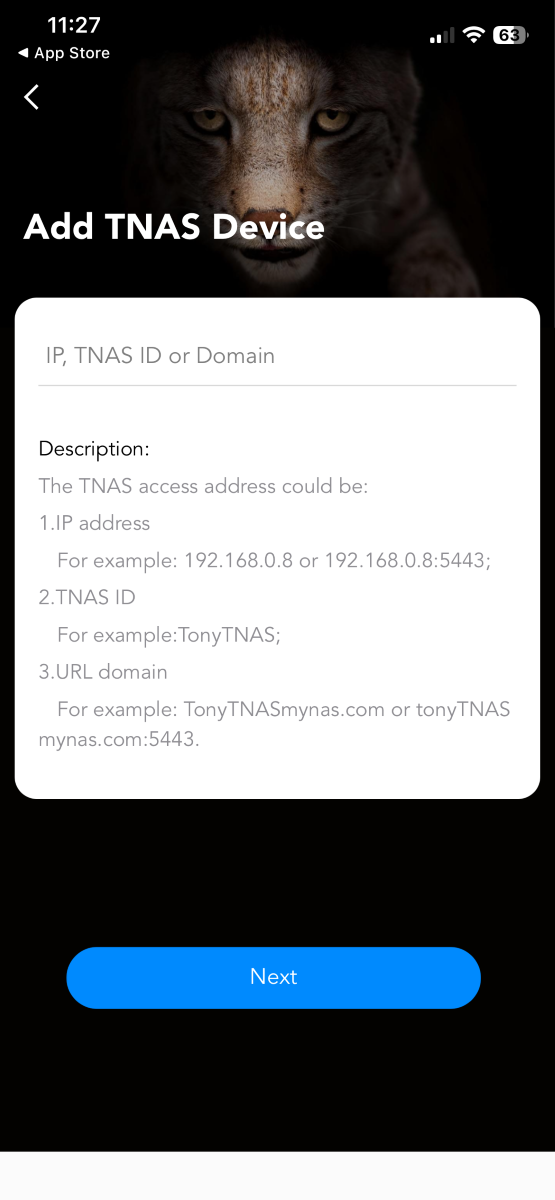
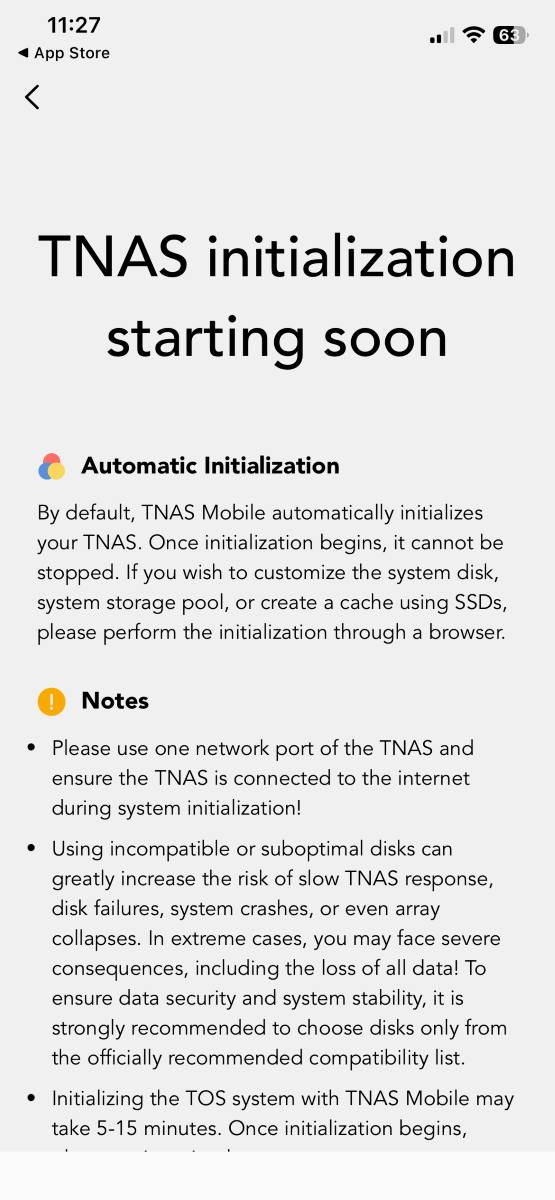
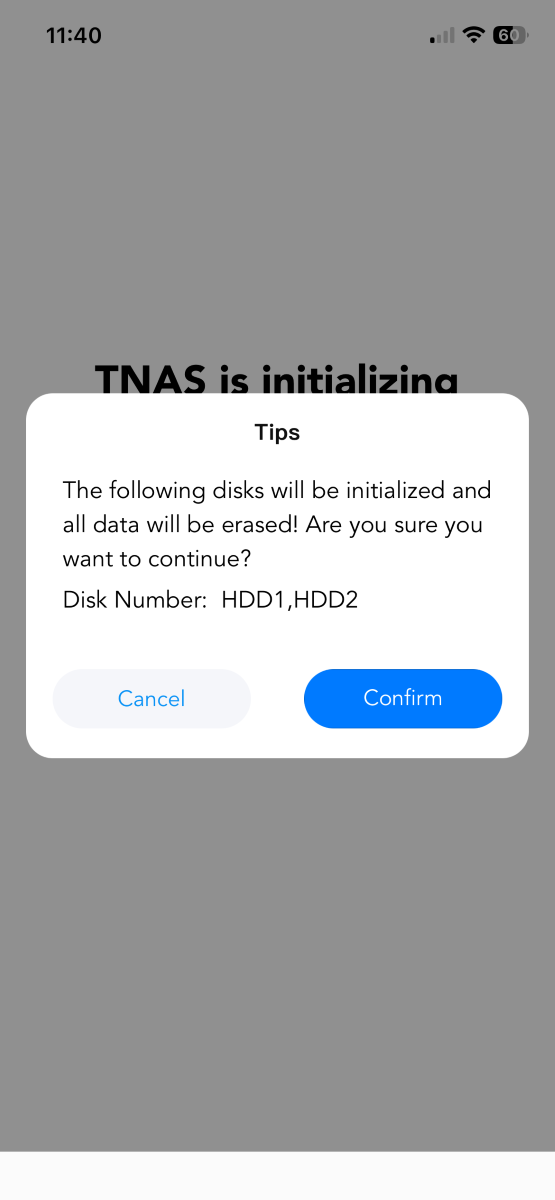
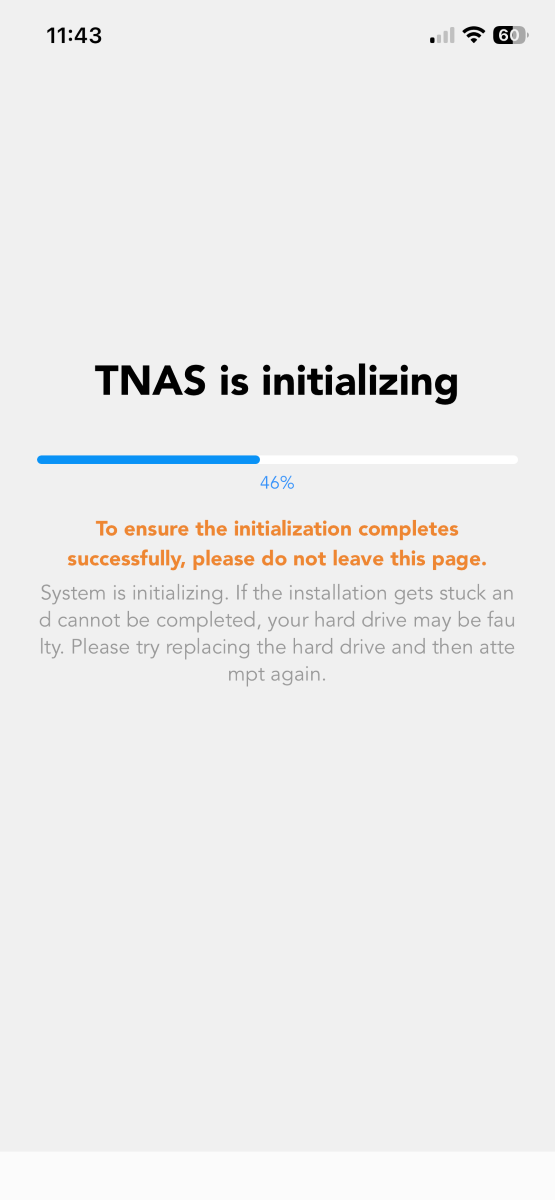
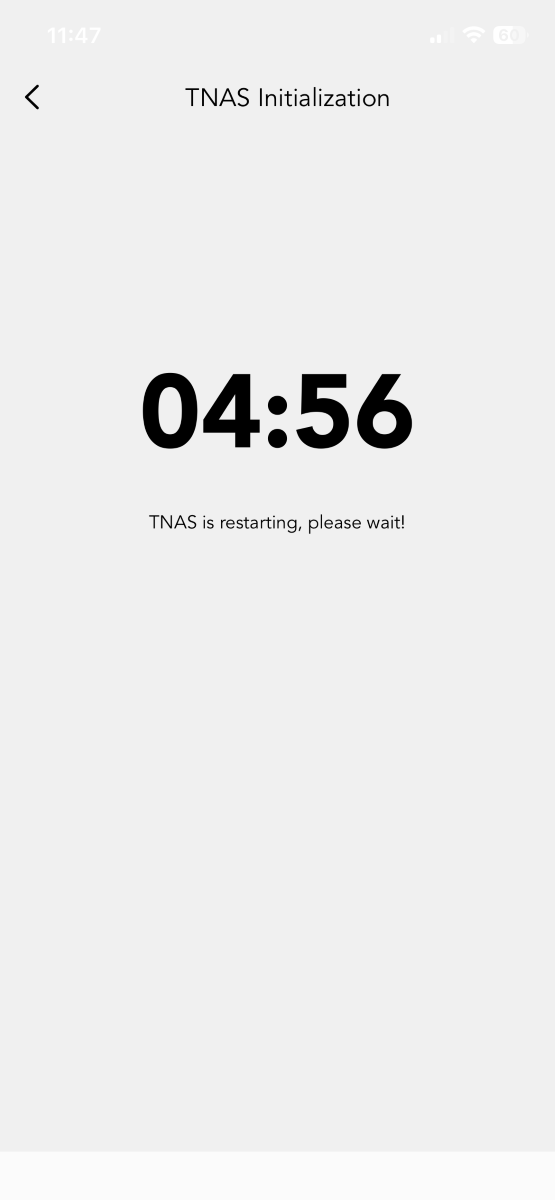
The NAS is accessible through the TerraMaster app or web interface. With the drives installed, it was time to install the TerraMaster app. After authenticating and automatic setup, it took several hours to initialize the drive and get the system up and running.
Before loading your valuable data, the F4-425 Plus performs system tests on the drives to ensure everything is in order. I installed two drives with known bad sectors that TerraMaster’s OS detected and warned me not to trust with my data. Well done! TerraMaster!
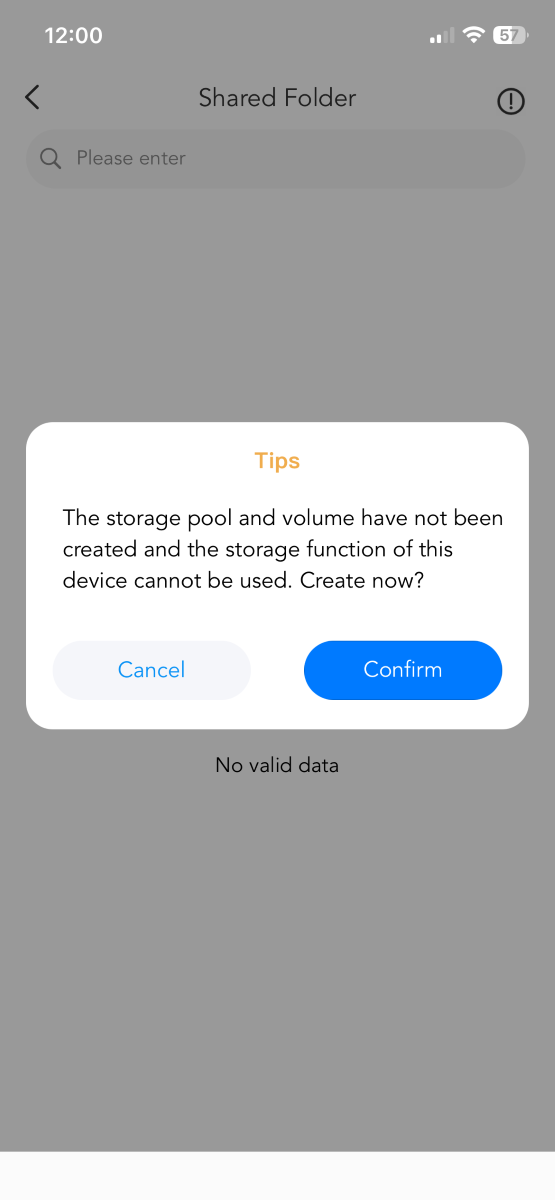
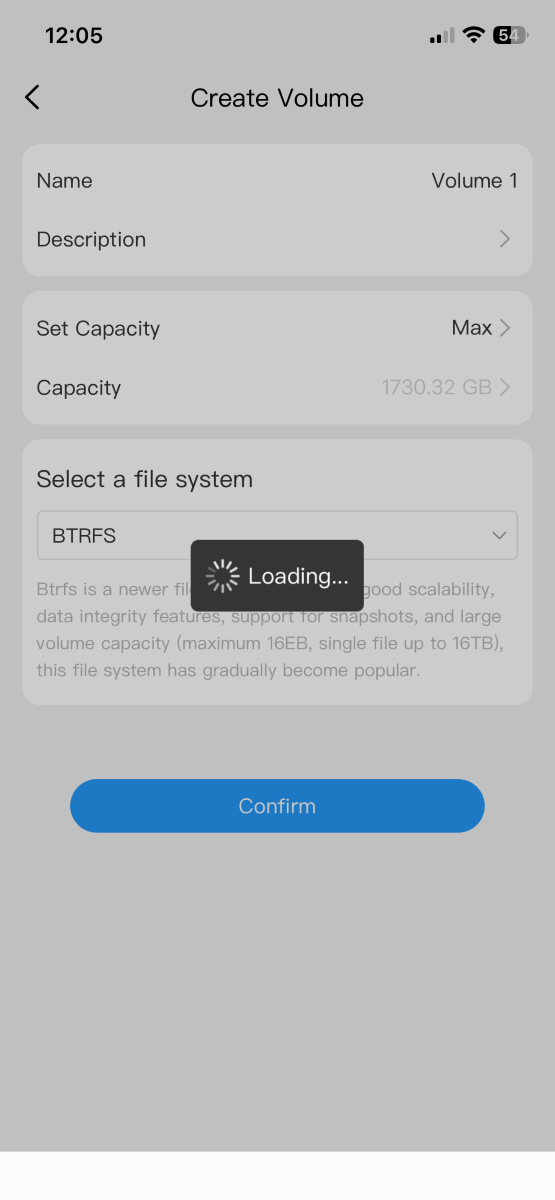
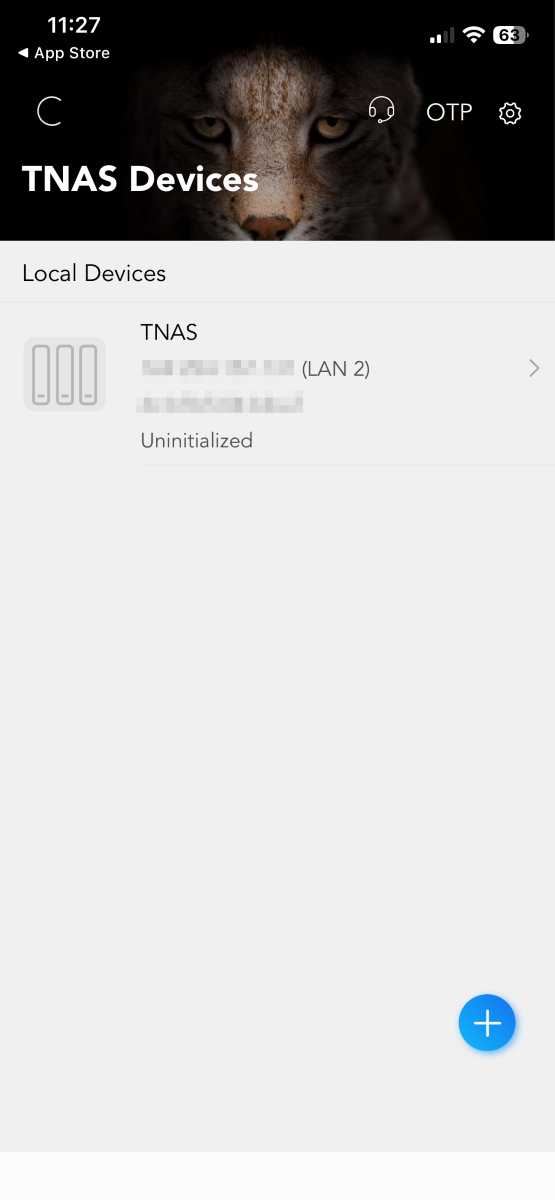
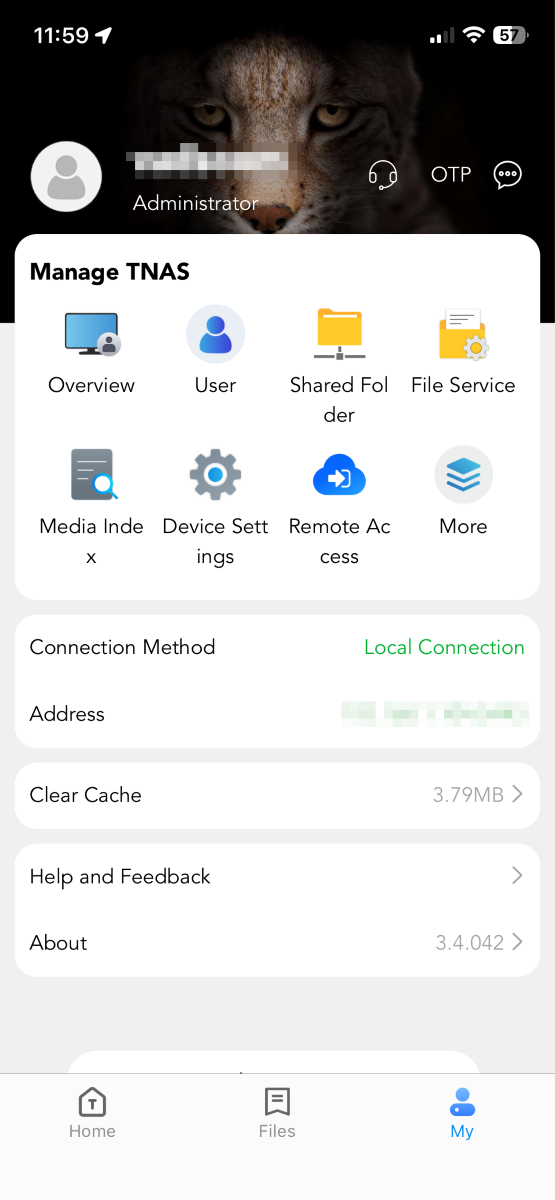
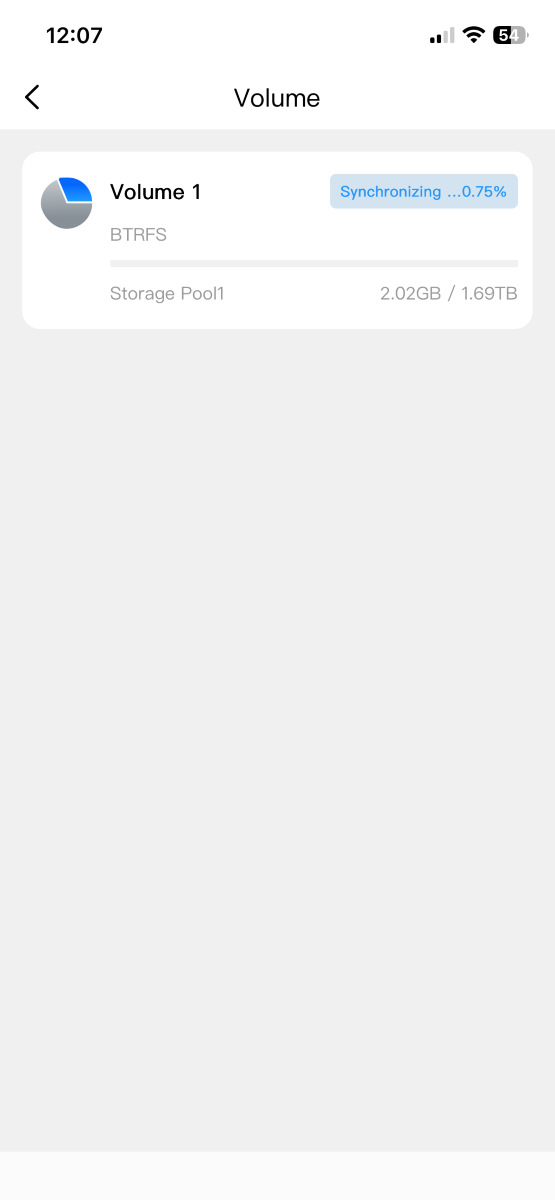
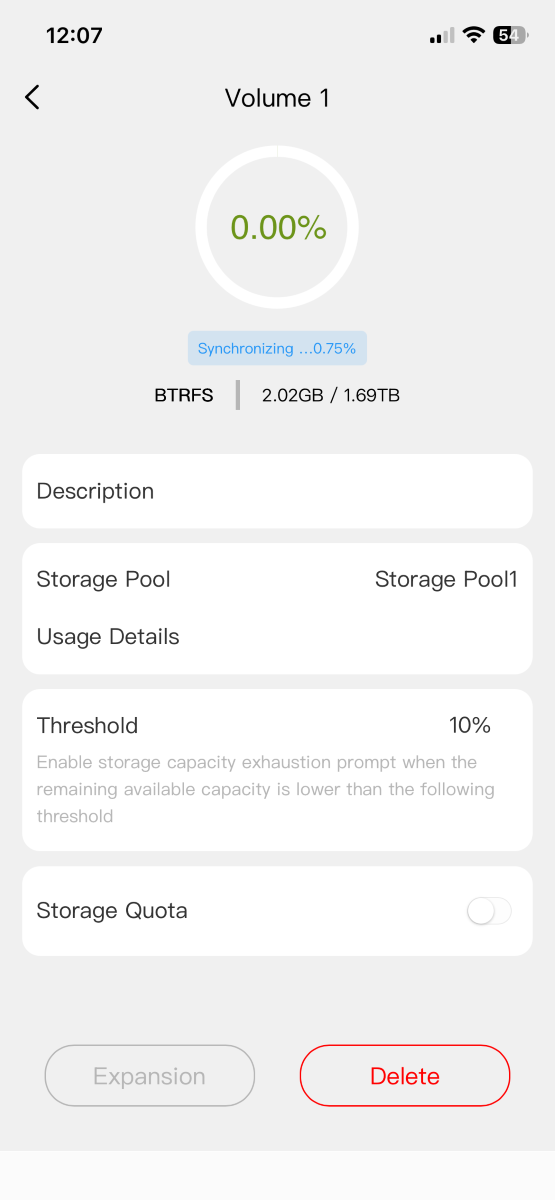
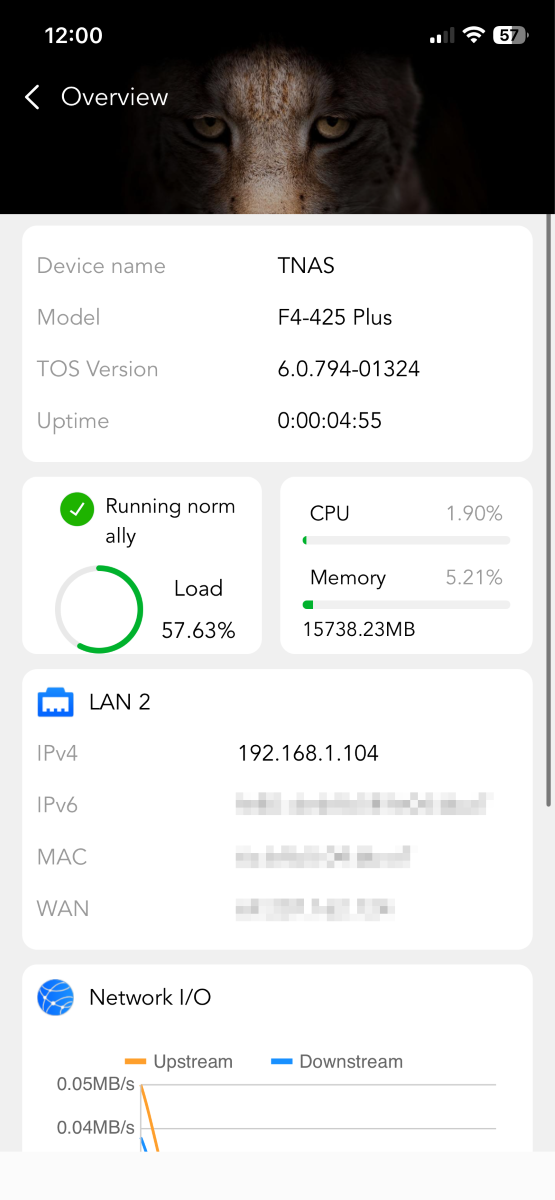
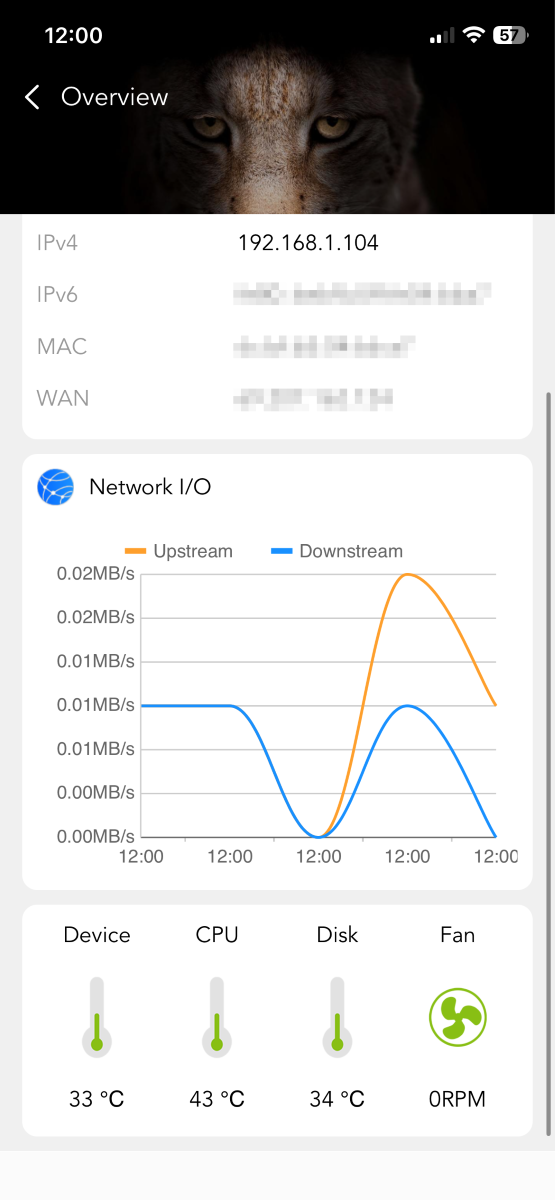
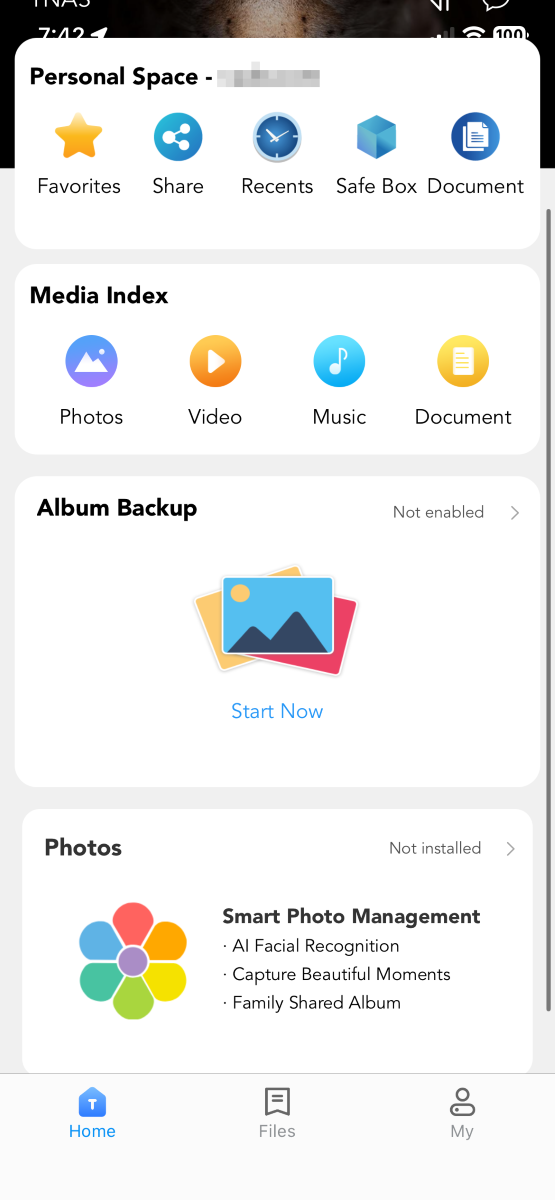
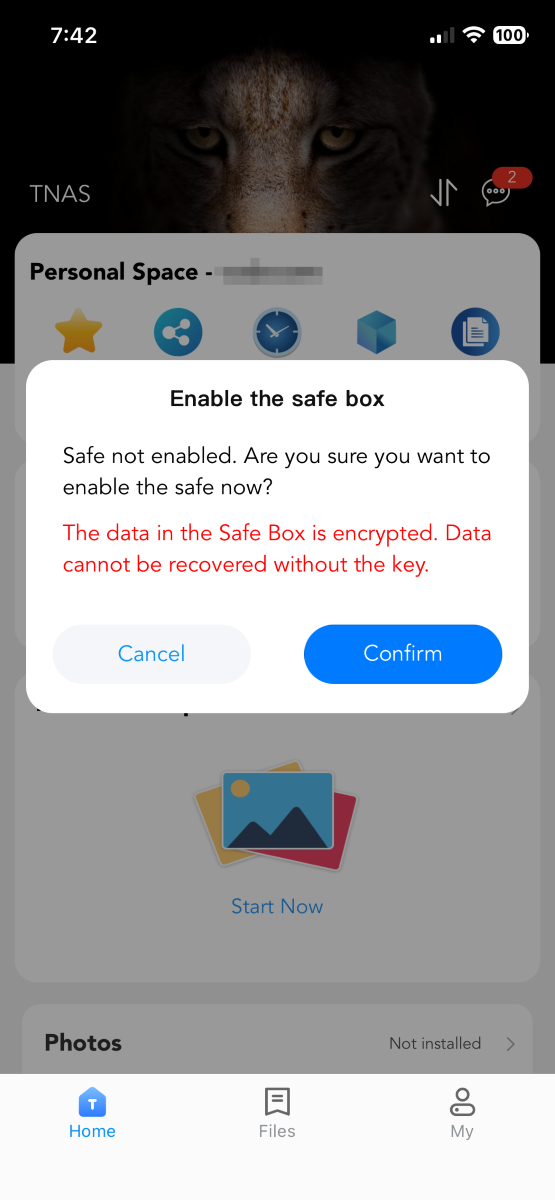
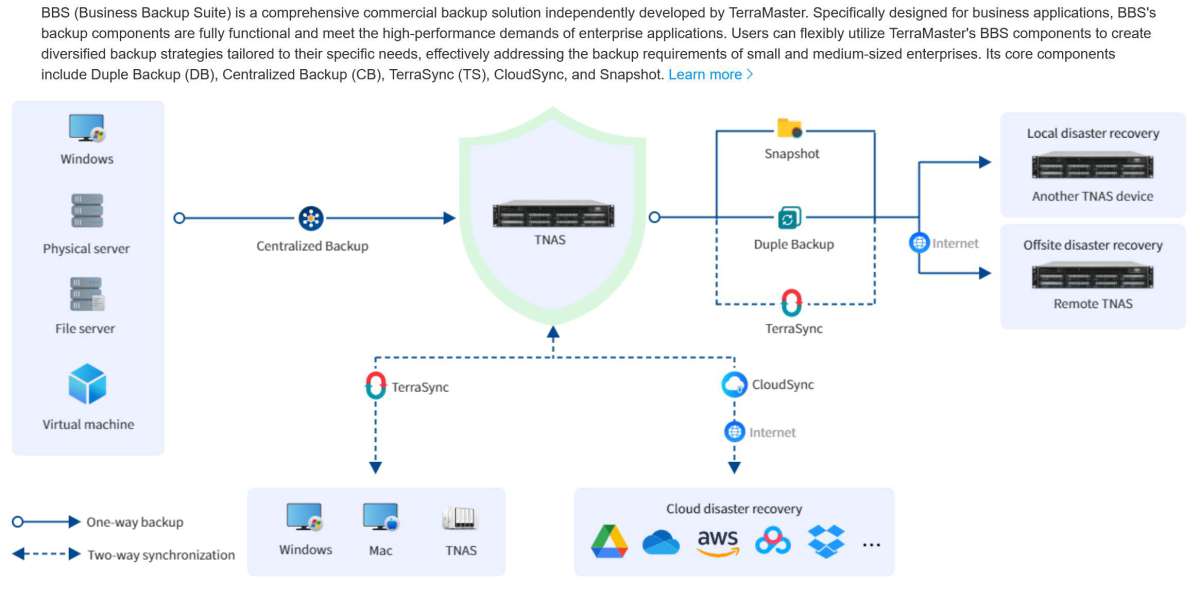
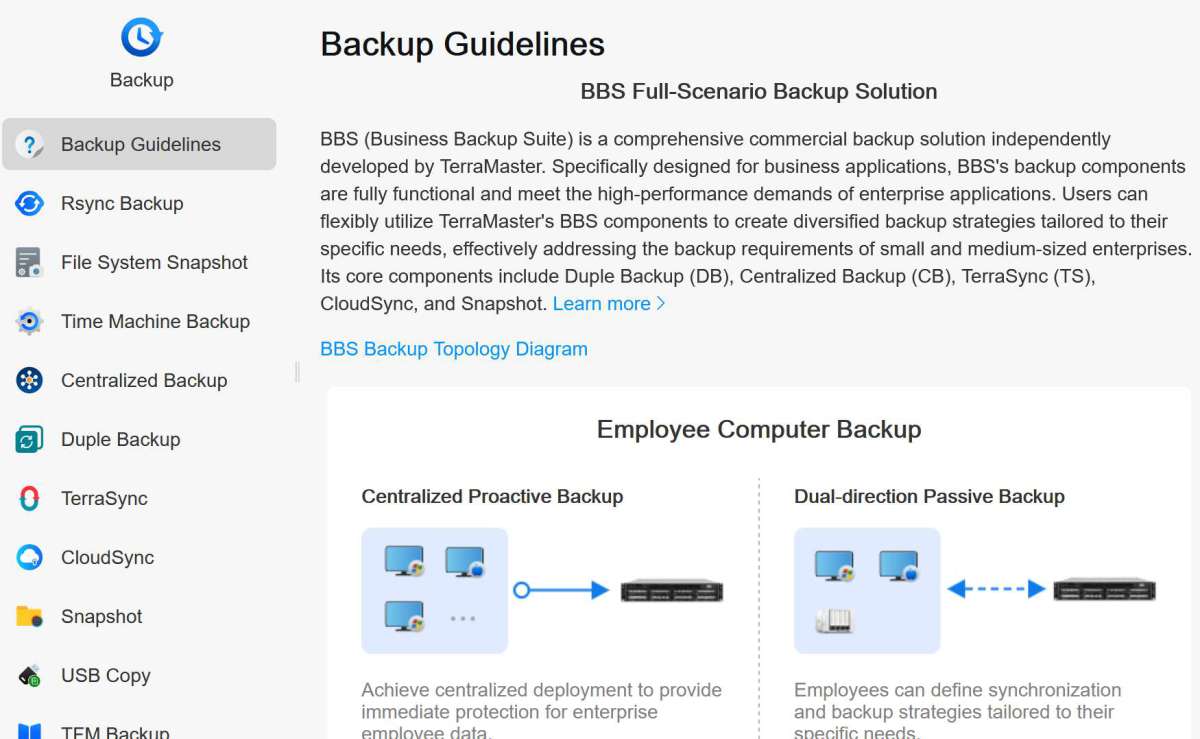
TerraMaster’s operating system is easy to navigate and allows you to add apps (with Plex and Jellyfin running natively or via Docker – YAY!). Initially, backup options seemed confusing, with several different apps available, but this graphic illustrates their philosophy nicely. Various apps for different processes make sense, especially for optimization – if you don’t need the function to consume drive space or processing power, don’t install the app. TerraMaster does a great job explaining how each scenario works. Excellent job!
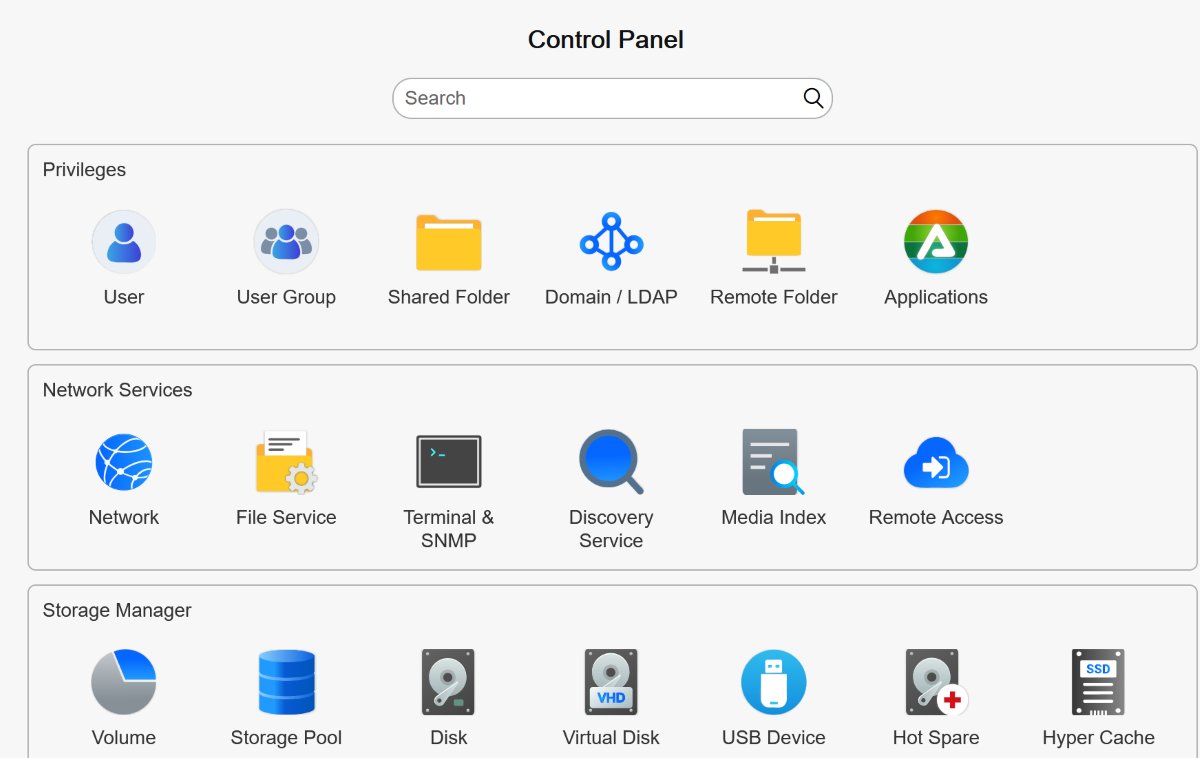
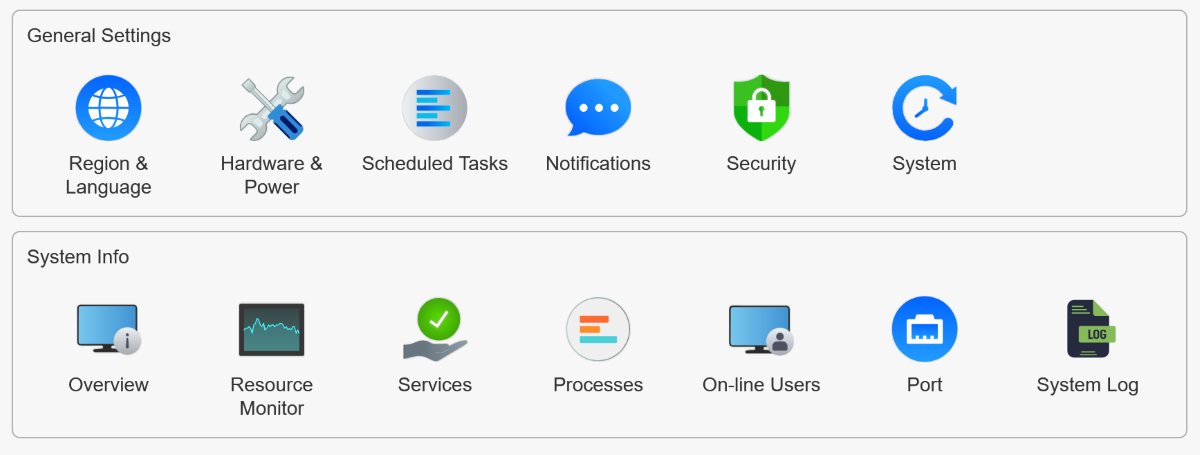
System configurations abound, allowing you to tweak the NAS to fit your preferences.
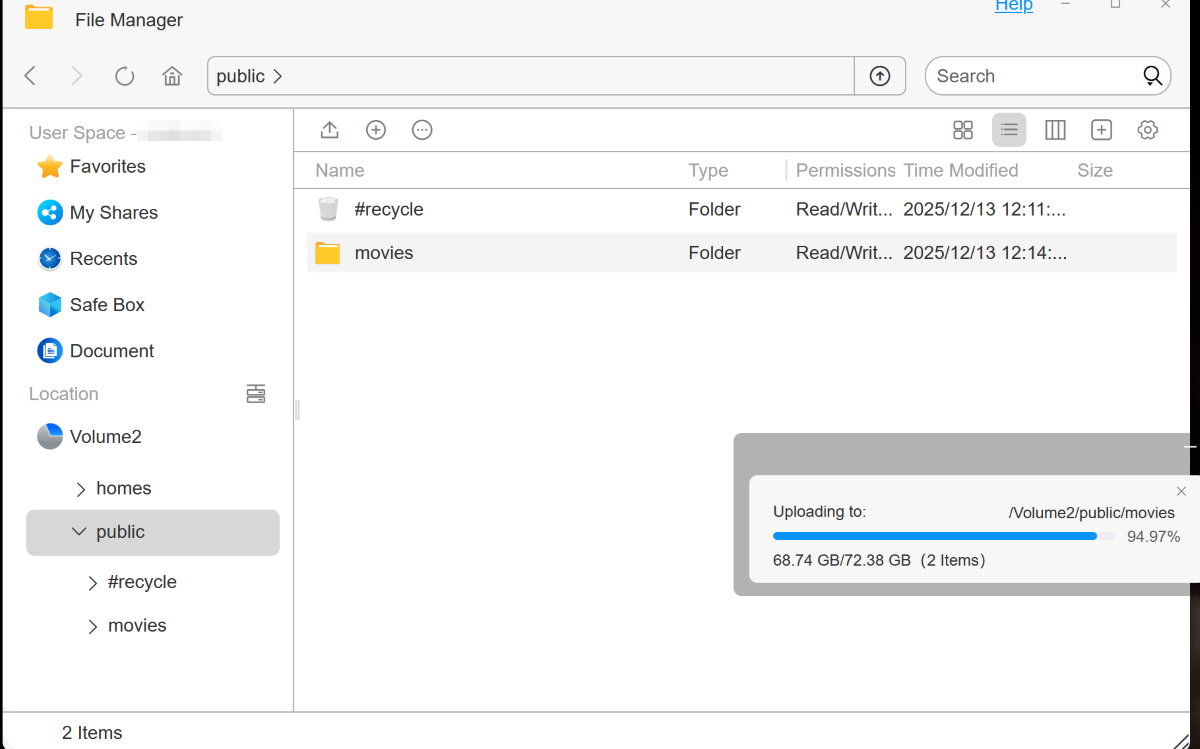
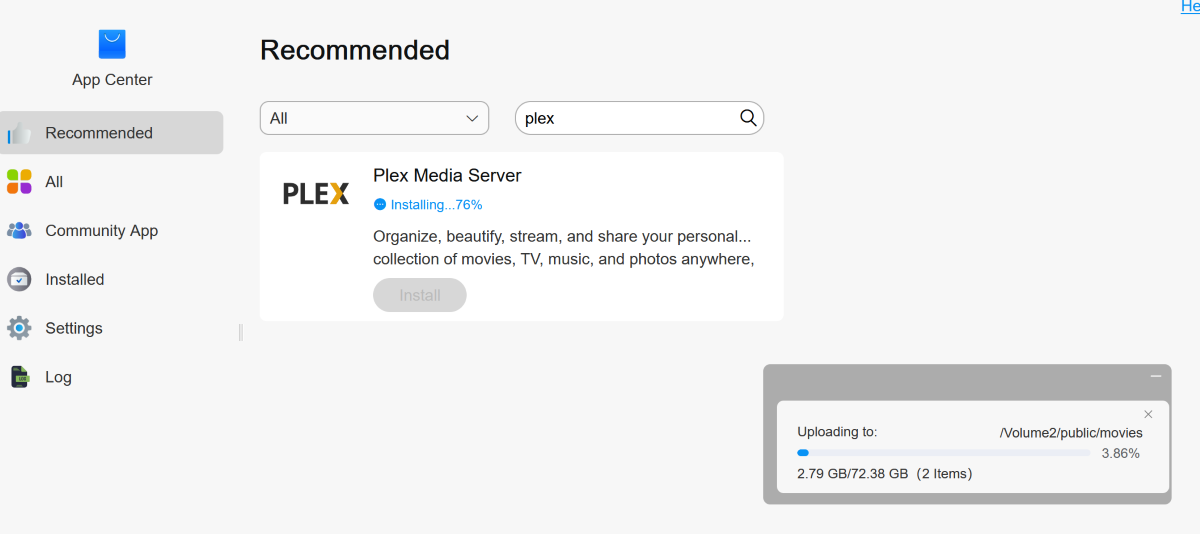
I loaded Plex (the native version is so much easier to install than Docker!) and in minutes, movies were streaming in full 4K. Thanks to the 5GB ports (my home network supports 10GB Ethernet), videos loaded lightning fast, with a few seconds of load time and zero buffering. Nice!
Final thoughts
TerraMaster’s F4-425 Plus NAS combines ample storage potential, dual 5GB Ethernet ports, 16GB of memory, snappy performance, and an easy-to-use operating system into an attractive, compact chassis. There’s a peace that comes with having backups. My movies, music, photos, and documents, which previously resided on multiple drives, are now all backed up to the NAS. Glorious. I’m impressed! Outstanding job, TerraMaster, and thank you!
What I like about the TerraMaster F4-425 Plus NAS frame
- Easy to set up
- Quiet
- Snappy performance
- Dual 5GB Ethernet ports
What needs to be improved?
- Nothing
Price: $599.99
Where to buy: TerraMaster, Amazon
Source: TerraMaster provided a free sample for this review, but did not provide input, guidance, or editing before publication.
Check out these other reviews!
- UGREEN DH4300 NAS
- UGREEN DXP2800 NAS
- UGREEN DXP8800 NAS
- UnifyDrive UT2 NAS
- UGREEN DXP6800 NAS
- UGREEN DXP4800 Plus NAS
- TerraMaster F4-424 NAS
Auto Amazon Links: No products found.

Gadgeteer Comment Policy - Please read before commenting
Thanks for the detailed review. I run a Synology 5 bay system and I love seeing other vendors bring quality NAS hardware to the market!