
PROS:
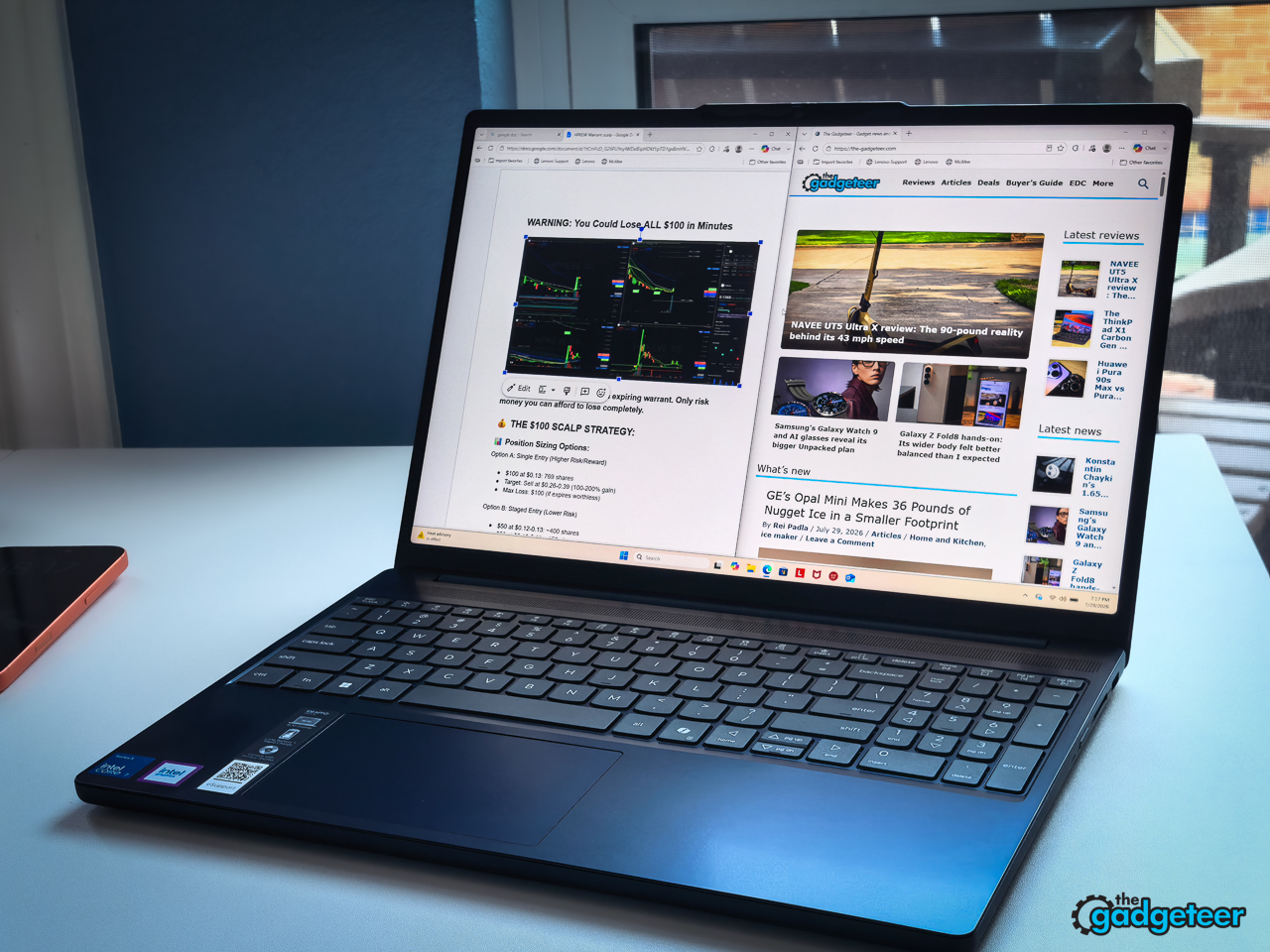
- Smooth 120Hz touchscreen makes scrolling and everyday navigation feel noticeably better.
- 16GB replaceable memory handles demanding student multitasking without frustrating slowdowns.
- Long real-world battery life covers a full school or workday.
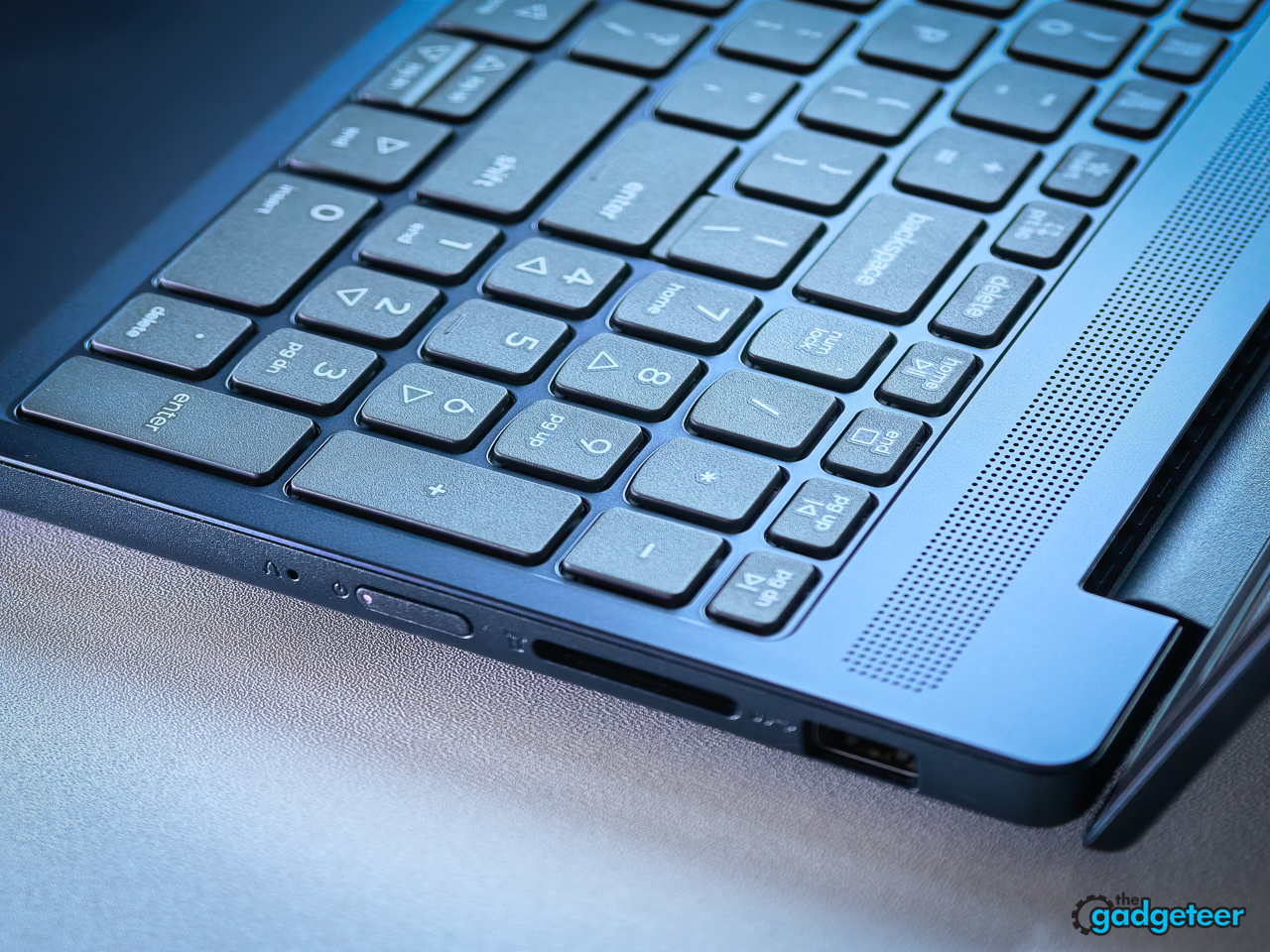
- Strong port selection includes USB-C charging, HDMI, and SD card reader.
- Comfortable, quiet keyboard supports long writing sessions without fatigue.
CONS:
- No keyboard backlight makes late-night work harder than necessary.
- Basic 720p webcam produces adequate video-call image quality.
EDITOR'S QUOTE:
A smooth, capable student laptop with smart compromises and staying power.

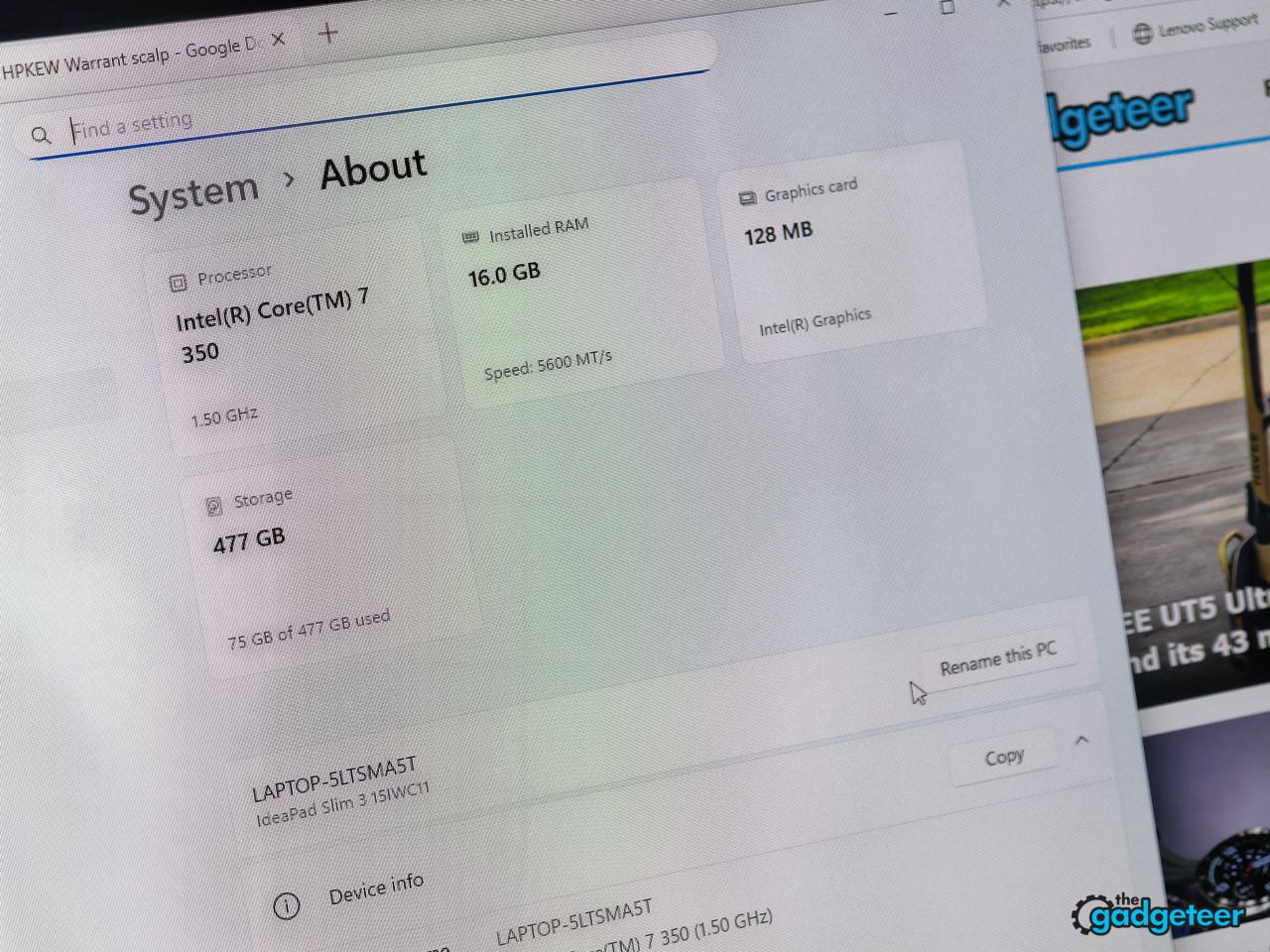
Most affordable 15-inch laptops compromise on display quality, memory, or build. This IdeaPad configuration avoids two of those tradeoffs with a 120Hz touchscreen and 16GB of RAM, while its plastic chassis and missing keyboard backlight keep expectations realistic. The exact build tested here pairs a 15.3-inch 1920×1200 panel and DDR5-5600 memory with a 512GB PCIe 4.0 SSD and an Intel Core 7 350 at a street price of $899.99.
Lenovo IdeaPad Slim 3i Gen 11 (Core 7 350, 16GB, 512GB): $899.99 at Lenovo
Spec sheets don’t finish homework. A 50Wh battery feeding a 15.3-inch 120Hz panel is a real math problem, and a PC-ABS shell has to survive a backpack, a bus seat, and a semester of one-handed pickups.
That gap between the listing and a Tuesday afternoon of classes is what this review settles, for the student who’ll carry it and the parent paying for it. And I’ll show my cards now: this one earns the backpack spot. The catch list is real but short, and I’ll walk you through every entry on it.
At a glance
- Model: IdeaPad Slim 3i Gen 11, 15IWC11 family, part 83RR0000US, Cosmic Blue
- CPU: Intel Core 7 350, six cores, with a 17-TOPS NPU; this is not a Copilot+ PC
- Memory: 16GB DDR5-5600 in one SODIMM slot, 32GB Lenovo maximum
- Storage: 512GB PCIe 4.0 SSD in one M.2 2242 slot; upgrading means replacing the drive
- Display: 15.3-inch 1920×1200 IPS touchscreen, 120Hz, 400 nits claimed
- OS: Windows 11 Home
- Ports: two USB-A 5Gbps, one USB-C 5Gbps with Power Delivery and DisplayPort, HDMI 1.4, full-size SD reader, audio jack, round-tip power
- Wireless: Wi-Fi 6, Bluetooth 5.3
- Battery: 50Wh with Rapid Charge Boost, 65W round-tip adapter included
- Weight: 3.51 pounds listed
- Audio: two 2W speakers
- Not here: keyboard backlight, fingerprint reader, IR camera, Ethernet, Thunderbolt, USB4
- Warranty: courier or carry-in base coverage per Lenovo’s family documentation; the exact term for this configuration is unconfirmed, check the listing
What $899.99 buys
The review unit is the 15IWC11 build, model 83RR0000US, in Cosmic Blue: Core 7 350, 16GB of DDR5-5600, a 512GB PCIe 4.0 SSD, and the 120Hz WUXGA touch panel, $849.99 at Best Buy as of this writing. The panel and the memory are the reason this trim exists, and they’re the two specs to confirm before checkout, because cheaper machines wearing the Slim 3i name swap in 60Hz screens and 8GB of memory, and a separate Core Ultra family sells under the same badge. Model number, not marketing name. The family stretches from cheaper 60Hz builds to OLED trims, but every claim in this review is about the exact build in front of me. The shopping fine print lives in the buying notes after the verdict.
Design and build
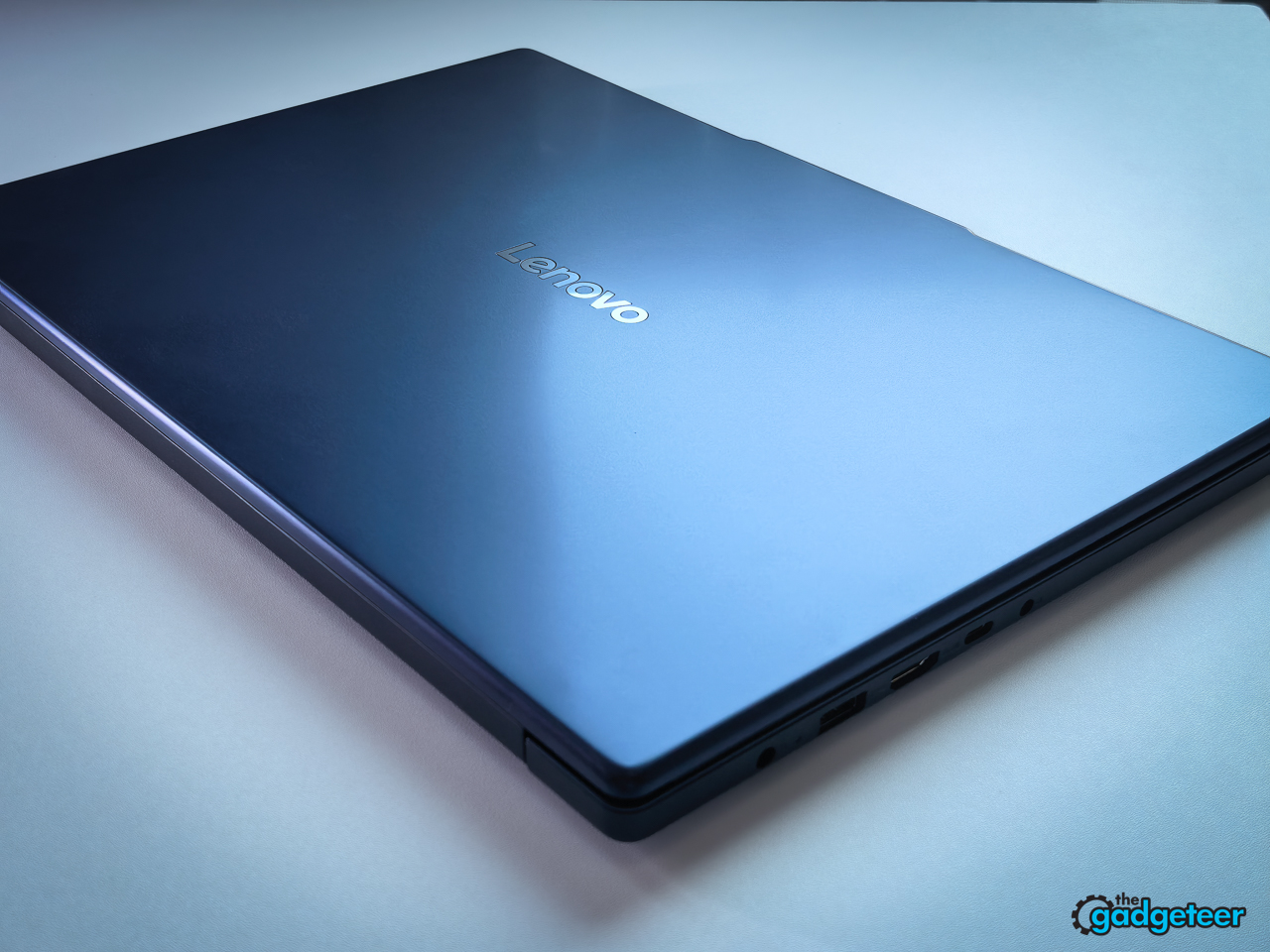
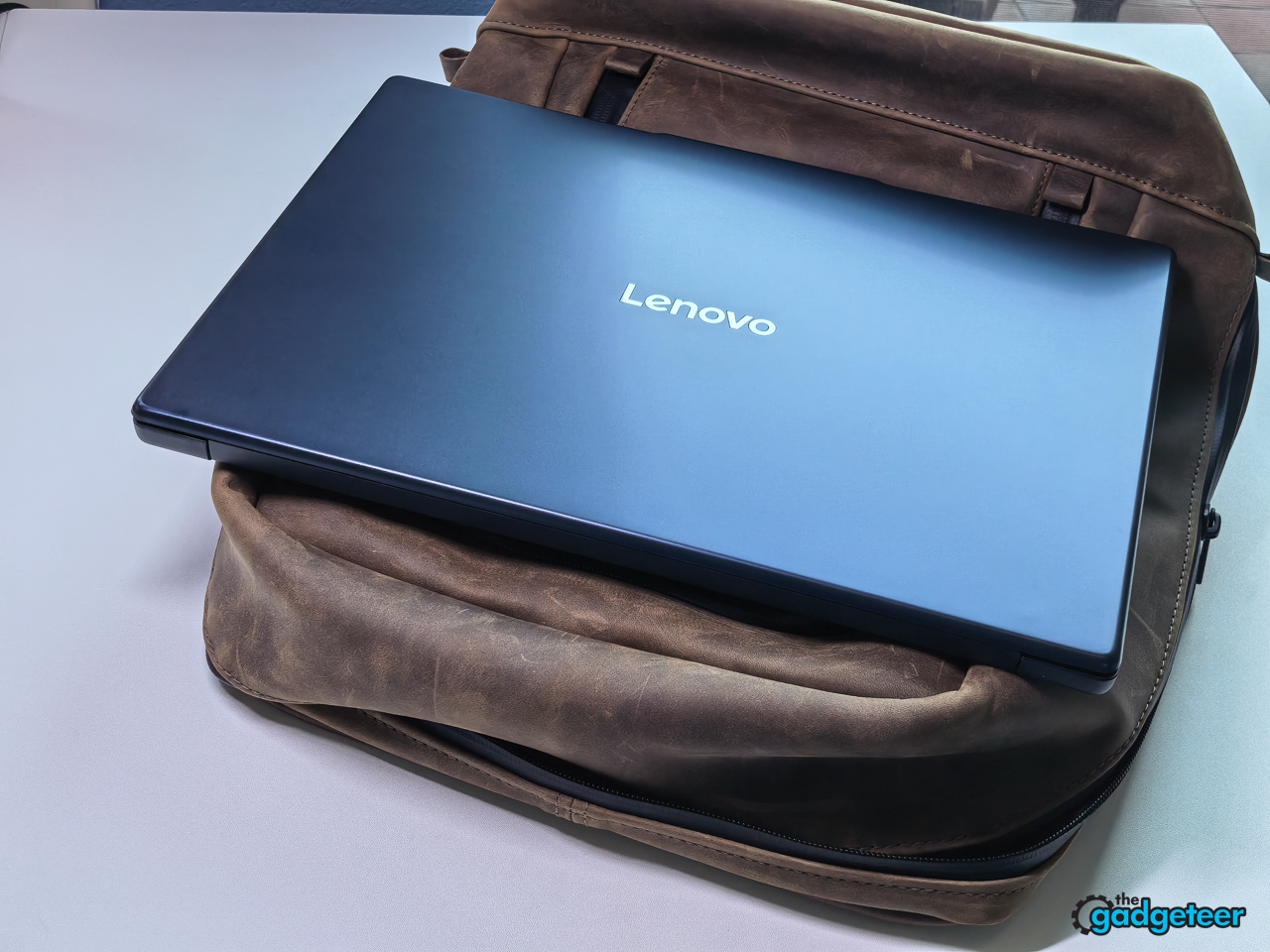
Lenovo builds the chassis from PC-ABS plastic and lists the starting weight at 3.51 pounds, with a profile that tapers to about 0.7 inches. Cosmic Blue is the shade on this unit, and it disappears into a backpack sleeve.
The spec parents should care about more than the plastic: Lenovo tests the Slim series against MIL-STD-810H, the military durability standard, and its spec reference lists 21 passed test items. That’s testing, not a certification, and not a promise it survives a drop. Treat it as engineering context, and weigh it against the two weeks of real carry described below.
Plastic isn’t a verdict by itself. At this price the question is execution, and this one mostly executes. The lid gives a little under a press to its center, but the keyboard deck stayed solid through every writing session, and the hinge held a touch input without wobble. Opening the lid is a two-hand job; the base needs steadying, which is typical at this price.
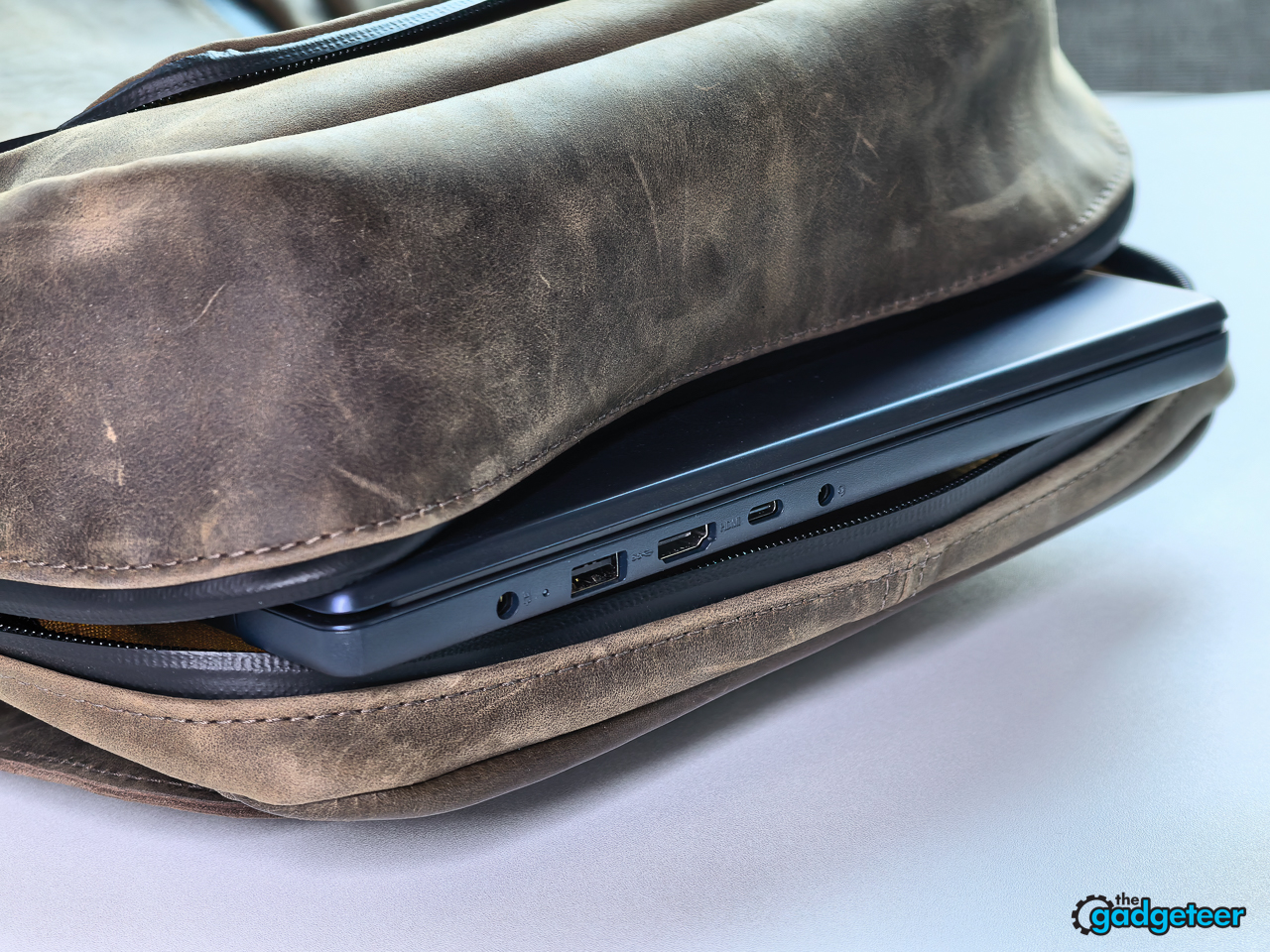
After two weeks of desk, couch, coffee-shop table, and backpack duty, the darker finish collected a few fingerprints and no scuffs. The 15.3-inch footprint slid into my everyday backpack without a fight and never felt ridiculous to carry. It’s not an ultraportable. It’s a large-screen laptop I kept choosing to bring.
Display
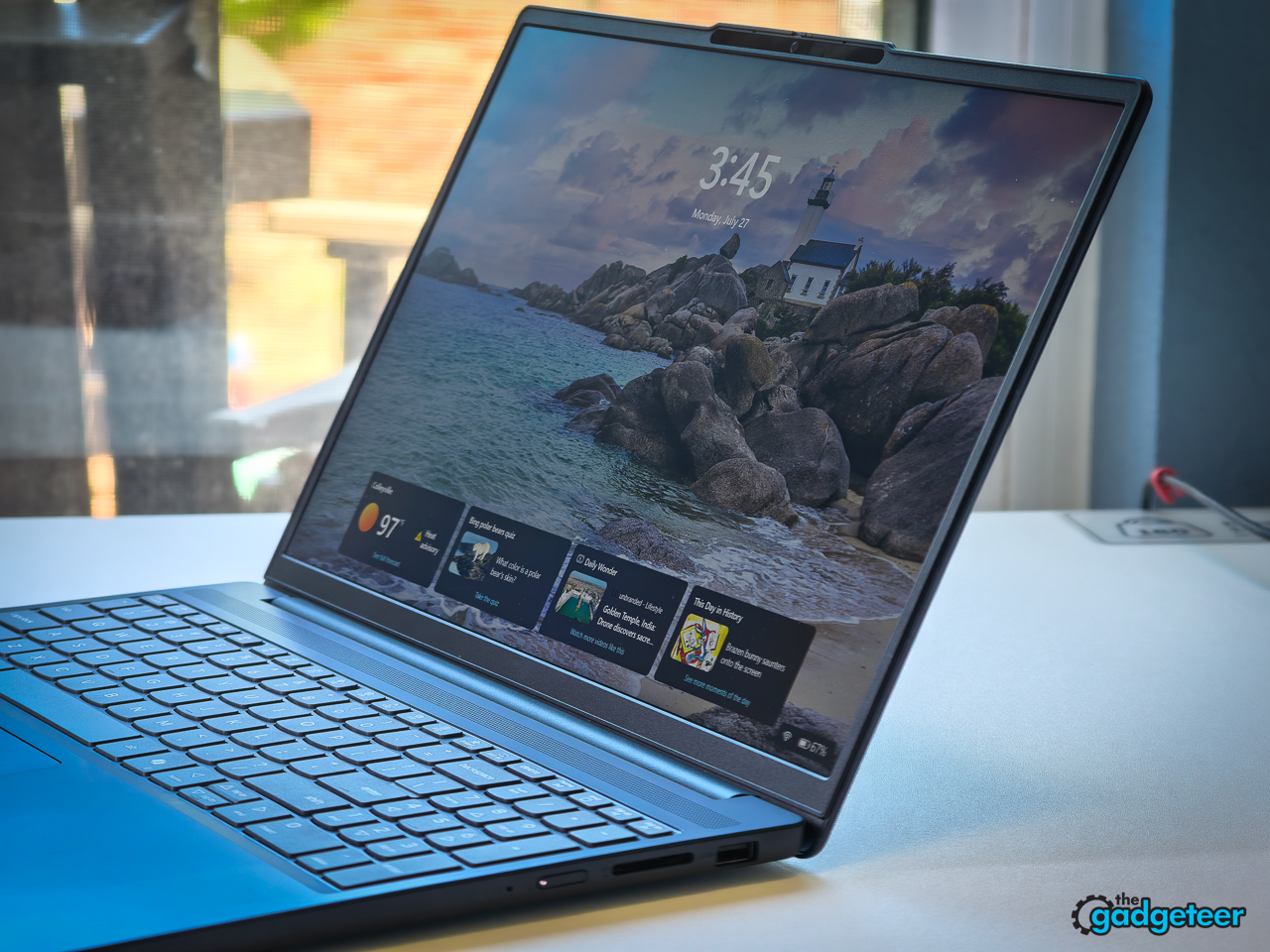
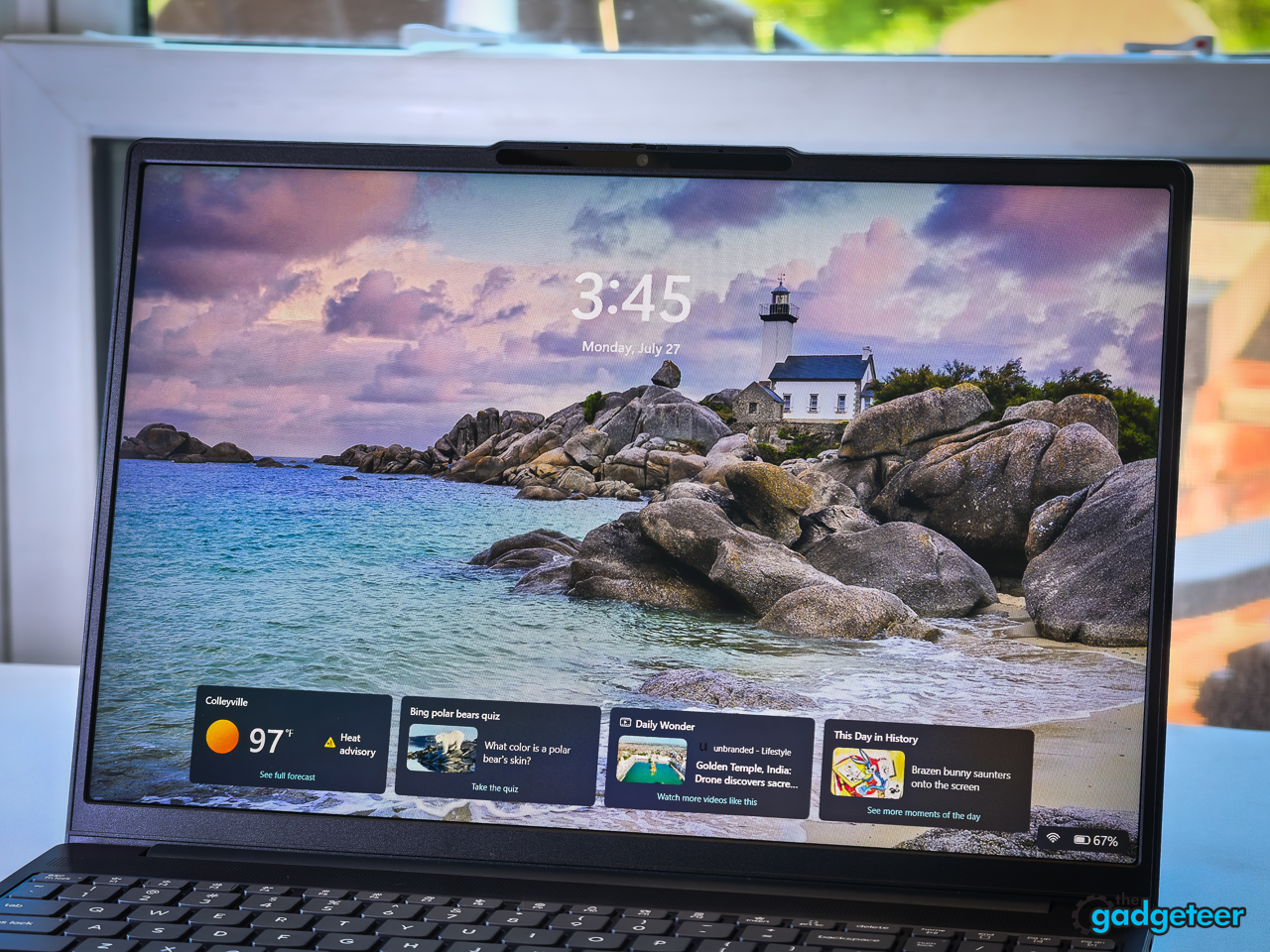
The screen is the headline act: 15.3 inches, 1920 by 1200 resolution, 16:10 aspect ratio, 120Hz refresh, and touch input, with Lenovo claiming 400 nits of brightness and 100 percent sRGB coverage. That taller 16:10 shape gives you more vertical room for documents and split-screen work than the 16:9 panels common on budget machines.
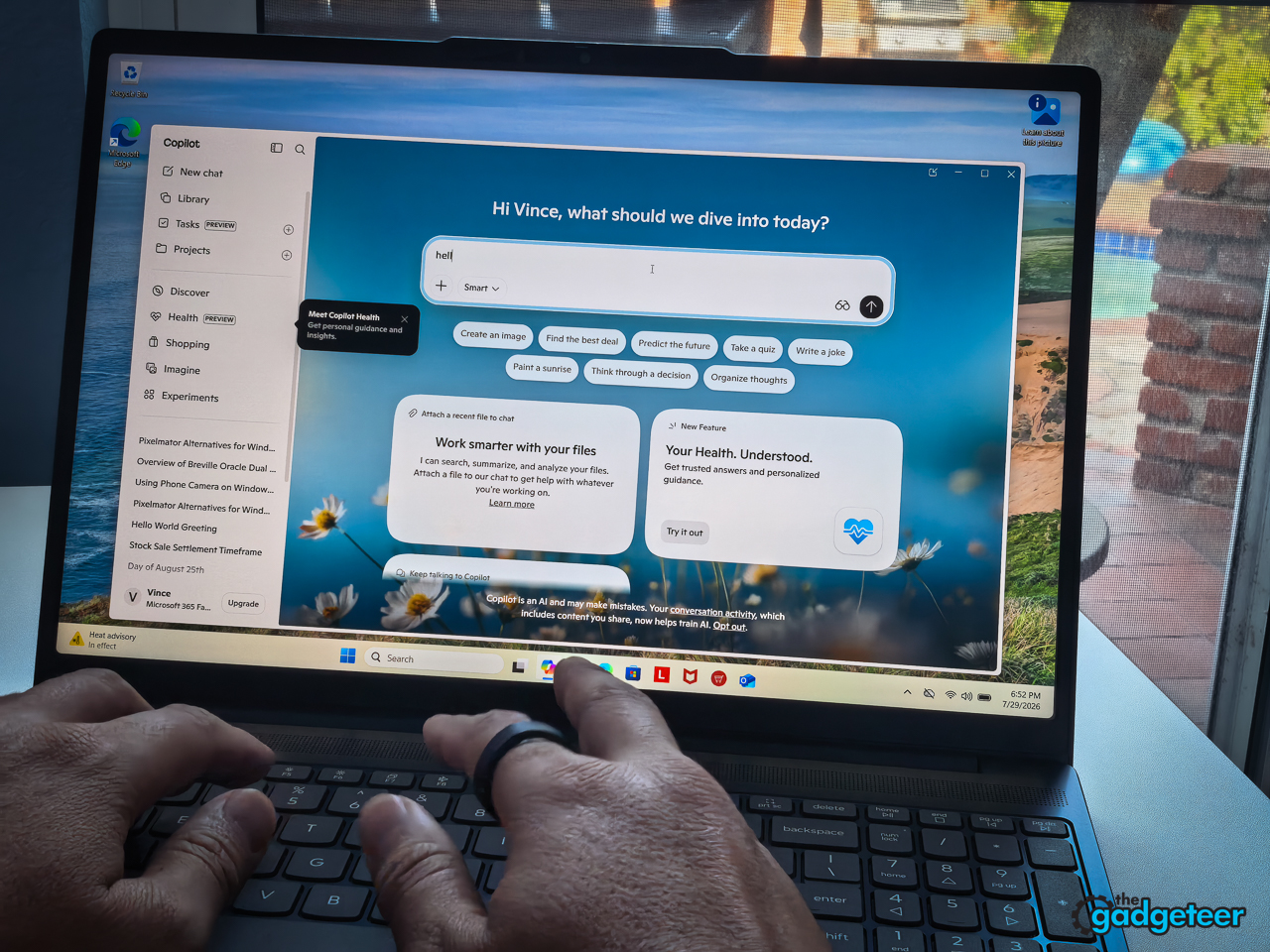
120Hz is uncommon among the similarly priced laptops I compared, and it touches everything: scrolling, touch input, everyday motion. Once enabled, long documents scroll cleaner and dragged windows look smoother.
Once enabled is the catch. Our unit shipped with Windows set to 60Hz, and most students will never find the toggle on their own. Open display settings, switch the refresh rate, and then judge the screen. That tip belongs on a sticky note in the box.
The screen gets bright enough for a sunny room and shaded outdoor work, though direct summer sun still wins. Colors look properly saturated instead of budget-laptop gray, plenty for casual photo work. Color-critical editing stays outside this review’s claims.
Keyboard, touchpad, and webcam
Lenovo fits a six-row keyboard with multimedia function keys and a buttonless Mylar touchpad running Windows Precision drivers, a roomy 3 by 4.7 inches. Above the display sits a 720p webcam with a physical privacy shutter, the detail parents tend to ask about first, plus a dual-microphone array. Higher trims in this family carry a 5MP camera; this one keeps the 720p unit to hit its price.
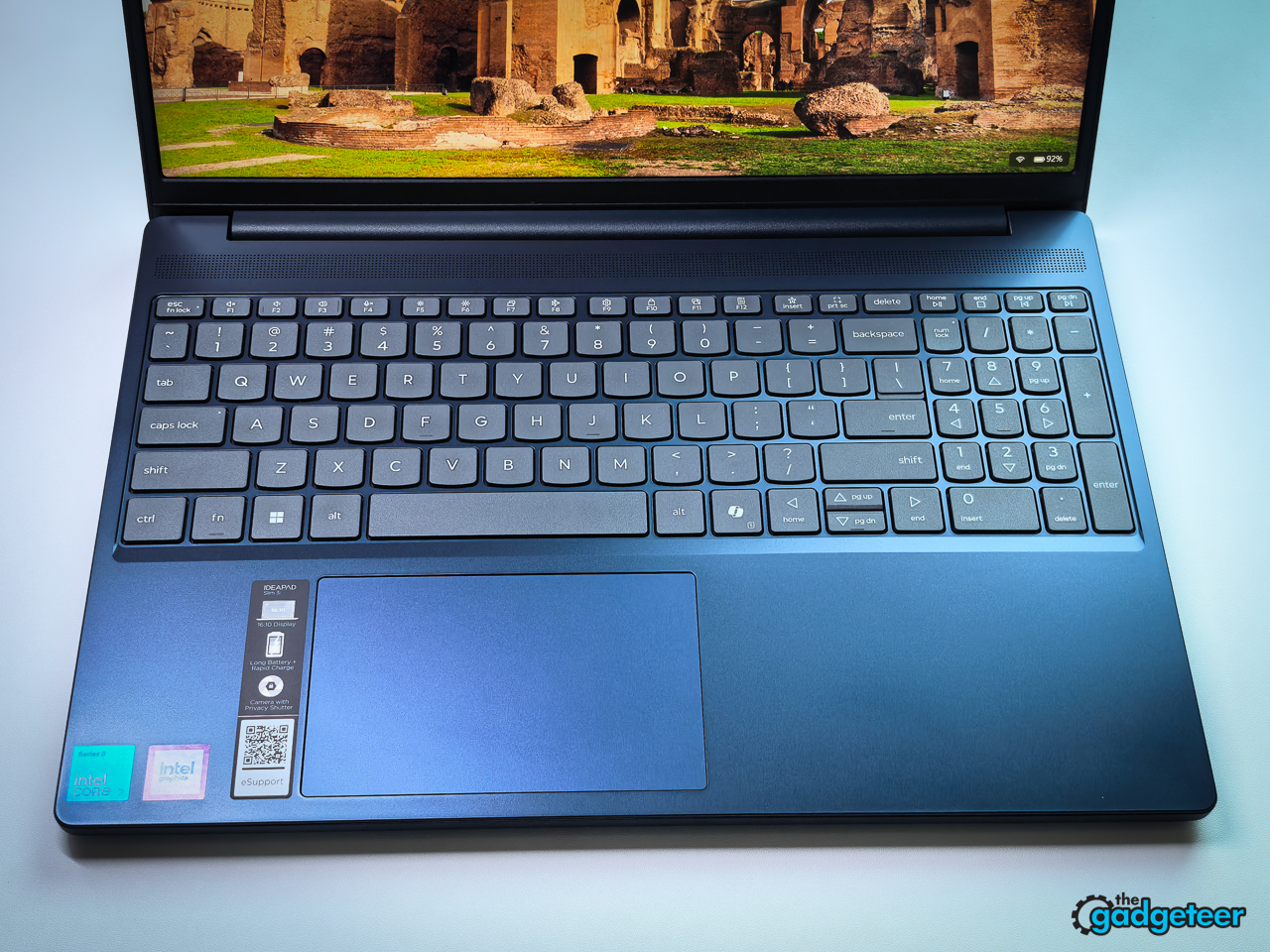
I wrote a little over 2,000 words on it in one sitting, this review included, and kept going, which is the only keyboard test that matters. It’s quiet enough for a library, and I never dropped below my normal typing pace. The touchpad is fine rather than special: palm rejection held while typing, and clicks land firm without being loud.
The miss: our unit has no keyboard backlight. On a laptop aimed at students who work after dark, that stings, and Lenovo’s configuration list isn’t consistent across the family, so check the specific listing before buying. If the backlight is non-negotiable, the Core Ultra sibling of this machine has one; see the buying notes after the verdict.
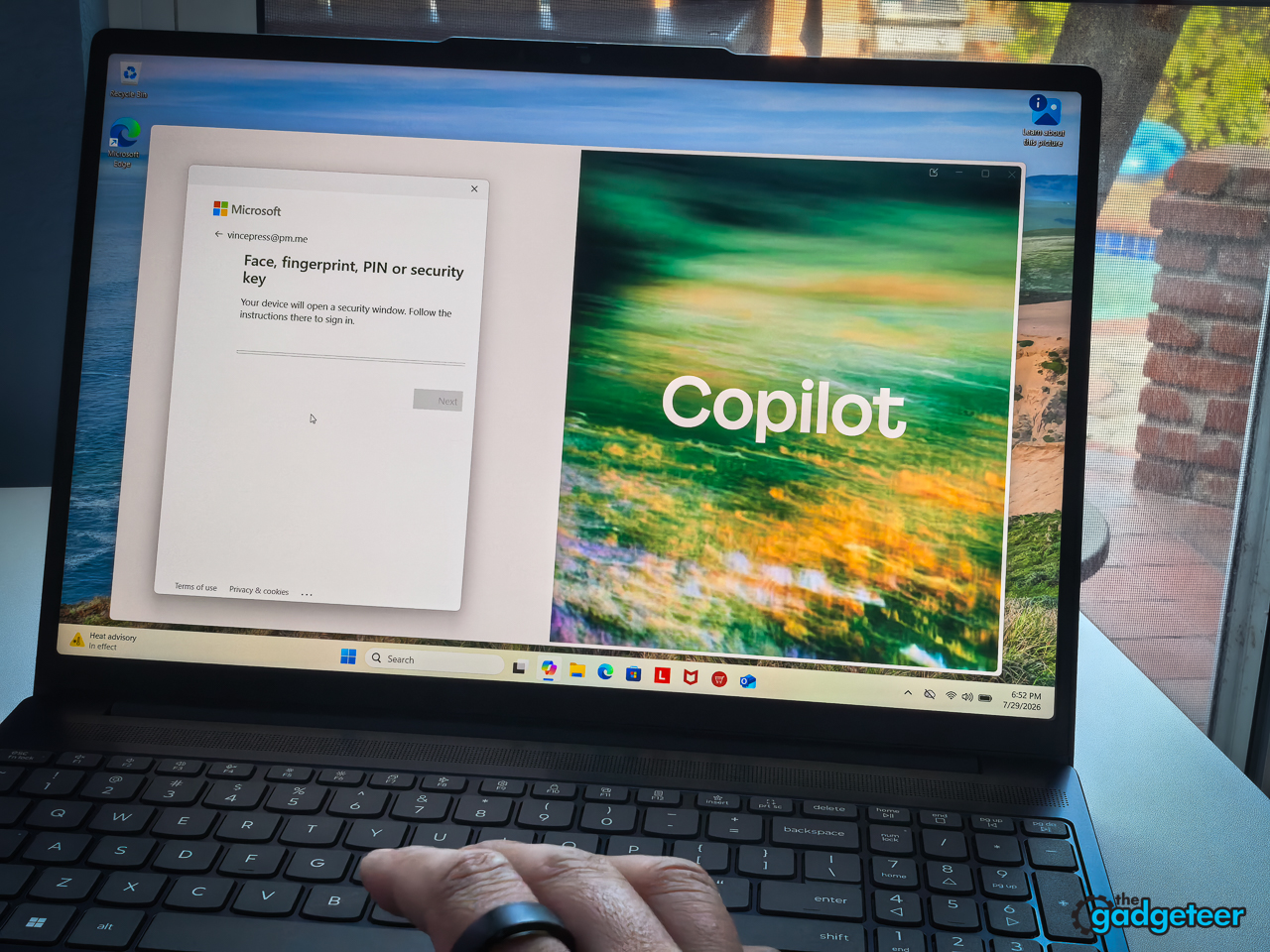
The 720p camera does the job without flattering anyone: fine for class meetings, not for anything where looking sharp matters. The physical shutter is still the right call; a slider beats another software setting nobody remembers to use. The dual mics picked up my voice cleanly at desk distance, with a desk fan and background music audible but never call-wrecking.


Schoolwork and everyday responsiveness
The Core 7 350 and 16GB of RAM handled the schoolwork I threw at it without drama. My busiest session included 26 Chrome tabs, Word, a large Google Doc, Spotify, Slack, a 1080p YouTube video, and a camera-on Google Meet call. Typing stayed responsive, tabs switched without long pauses, and the call remained stable.
The 512GB SSD felt quick in ordinary use: applications opened promptly, files copied without fuss, and nothing about storage slowed down homework. Students keeping four years of photos, videos, and project files should consider the 1TB configuration.
During that busy session, the fan became audible in a quiet room but never distracting. The keyboard remained comfortable, while the underside became warm enough that I preferred keeping it on a desk instead of bare legs.
The installed 16GB of memory can be replaced with a 32GB module later, giving students a practical upgrade path if their coursework becomes more demanding.
Battery and charging
The battery is 50Wh, which is small for a 15.3-inch machine driving a 120Hz panel, so I ran it through the kind of day that usually kills a student laptop: Chrome tabs, Google Docs, PDF textbooks, Spotify, Slack, a couple of video calls, and too much time pretending to check email. In one run at 120Hz, it lasted about 9 hours and 40 minutes. A second run at 60Hz lasted roughly 11 hours and 15 minutes, about 95 minutes longer. With one run at each setting, treat that as an observed difference, not a controlled comparison.
The useful discovery isn’t the bigger number. It’s that the 60Hz run delivered enough extra runtime to leave the charger home on a normal day. My routine by the end of testing: 120Hz parked at a desk, 60Hz before heading out the door.
Rapid Charge Boost held up too. Fifteen minutes on the included 65W round-tip adapter brought an empty battery back to roughly 28 percent, good for a little over two hours of writing, browsing, and light streaming. That doesn’t make it a battery champion. It makes a forgotten-charger morning survivable. The USB-C port also accepts 45 to 65W USB-C PD chargers, so a compatible laptop-class brick can top this up between classes. Don’t count on an ordinary phone charger; most are too weak for the job.
Ports and wireless
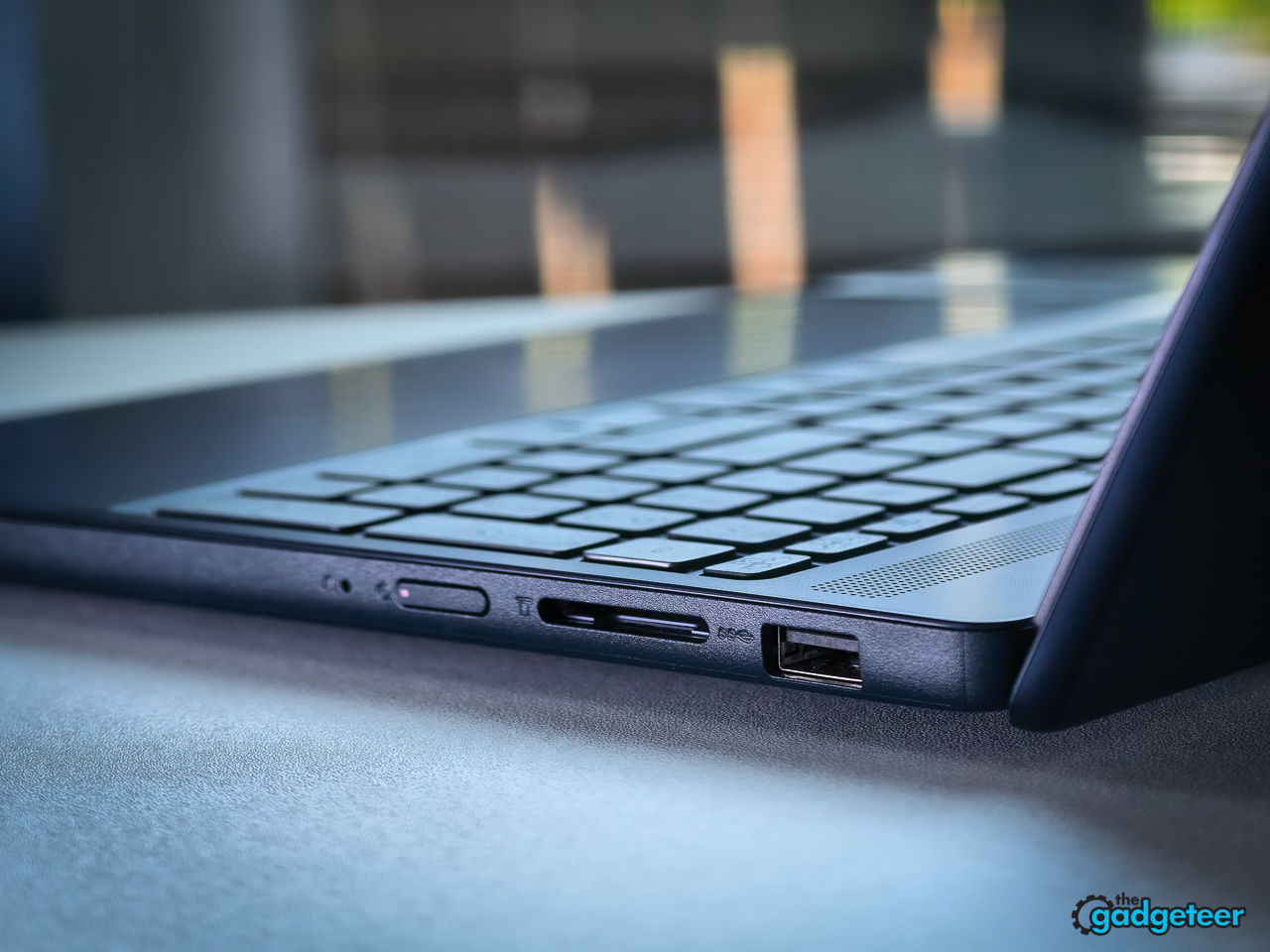
The port list beats most thin laptops in this class: two USB-A ports at USB 5Gbps, one USB-C (also 5Gbps) with 45 to 65W Power Delivery and DisplayPort 1.2, HDMI 1.4, a combo audio jack, an SD card reader, and the barrel power connector. Flash drives, a dorm monitor, wired headphones, and camera cards all connect without a dongle.
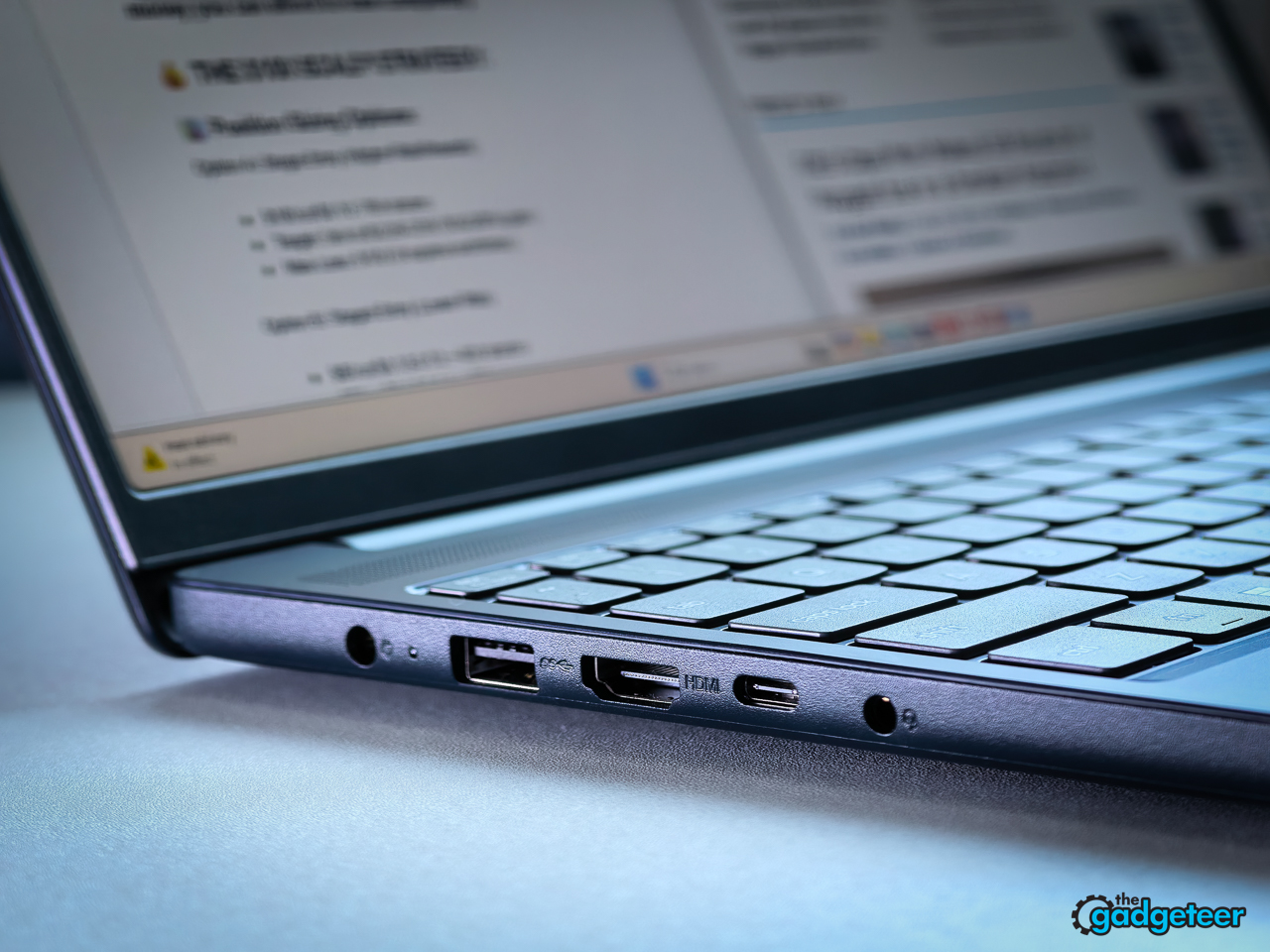
HDMI 1.4 is the one dated entry on the list: it tops out at 4K at 30Hz, no problem for the 1080p monitor most students would pair with this machine. If a 4K screen is in the dorm plan, run it from the USB-C port’s DisplayPort output at a full 60Hz instead, and the machine will drive two external displays alongside its own. The SD slot is full-size, a welcome surprise at this price, and one less dongle for anyone shooting on a real camera.
Wireless is Wi-Fi 6 with Bluetooth 5.3. Neither is the newest standard, and neither was the bottleneck. On a home network crowded with phones, TVs, and other laptops, I saw around 640Mbps down at close range and about 410Mbps from the far side of the house, with video calls staying stable while a 4K stream played in the next room. Wi-Fi wasn’t a bottleneck on my home network; campus performance will depend on congestion.
Everyday student use
I treated the IdeaPad Slim 3i as if it were a student’s only computer, not a laptop used only for short test sessions. Over two weeks, I used it for writing, research, communication, entertainment, and the constant switching between tasks that defines a normal school day.
A typical session started with waking the laptop from sleep, reconnecting to Wi-Fi, and opening Google Docs, Microsoft Word, school-style web portals, Notion, email, and PDF textbooks. I regularly worked with research tabs open beside a document, used the 16:10 screen for split-screen reading and note-taking, streamed Spotify in the background, and moved between Slack, calendar alerts, shared documents, and video calls. I also watched 1080p YouTube videos, downloaded and organized class-sized files, used the touchscreen for scrolling through readings, and tested the webcam and microphones in camera-on Google Meet calls.
I paid attention to the small things students experience repeatedly: whether the laptop woke reliably, how quickly Wi-Fi reconnected, whether typing remained responsive while other applications were active, whether tabs reloaded unexpectedly, how often the fan became noticeable, and whether the keyboard or underside became uncomfortable during a long session. I used it at a desk, on a couch, at a coffee-shop table, and carried it in my normal backpack to judge its size, weight, finish, hinge, and charger as part of an everyday carry setup.
Battery testing
For the battery tests, I charged the laptop to 100 percent, unplugged it, and used the same mixed student workload until Windows shut down. The workload included browser research, Google Docs, PDF reading, Spotify, Slack, email, video playback, and video calls rather than a looping video or synthetic battery benchmark.
I completed one mixed-use run at 120Hz and another at 60Hz. I kept screen brightness at 65% for both runs, left Wi-Fi and Bluetooth enabled, set volume at [level], and used Windows’ [actual power mode]. I kept the application mix as similar as practical. Because each setting was tested once, these results are real-world observations rather than laboratory averages. In my two runs, the 60Hz session lasted 95 minutes longer. Another student’s runtime will change with brightness, call duration, background applications, and network conditions.
A deliberately busy school day
To find the point where ordinary schoolwork started becoming demanding, I ran the deliberately busy session described in the responsiveness section, with everything open and running at once. I watched for typing delay, slow tab switching, audio interruptions, video-call problems, application reloads, fan noise, heat, and performance drops.
This was not intended to represent every minute of a normal school day. It was a practical stress scenario for the student who leaves research tabs open while writing, streaming music, and participating in a group call.
Charging and Wi-Fi
For the Rapid Charge Boost test, I ran the battery down until the laptop shut off, connected the included 65W round-tip adapter, and charged it for exactly 15 minutes with the laptop [powered off/asleep/running]. I recorded the battery percentage immediately afterward and then returned to the same mix of writing, browsing, and streaming to estimate how much usable time the charge restored.
Wi-Fi results came from [test service or application] on my busy home network. I tested near the router and again from the far side of the house; exact run counts land with the final edit. These figures describe performance on my equipment and internet connection, not a promise of what students will see on a crowded school or dorm network.
Value
At $899.99, the value rests on this exact combination: a 120Hz touchscreen, 16GB of RAM, upgradeable memory and storage, and practical ports. Compare current prices because nearby Aspire, Vivobook, and OmniBook deals change frequently.
One more note for the parents: Lenovo’s family documentation lists courier or carry-in base coverage with terms that vary by configuration, so confirm the exact warranty term for this model on the listing before buying. Paid Premium Care adds 24/7 support, and it’s the step-up Premium Care Plus tier that carries the accidental damage protection. Whether an add-on plan earns its cost depends on the student and the household, so price it against the laptop before deciding.
For readers comparing across the budget field, see our guide to budget laptops for high school students, and our upcoming ThinkPad X1 Carbon Gen 14 review shows what Lenovo does at the other end of its lineup.
Who this laptop is for
Spec tables don’t answer the question parents actually type into search, so here it is, student by student.
The high school freshman getting a first real laptop. Parents should focus on practical ownership details: Lenovo says it passed 21 MIL-STD-810H test items, the webcam has a physical shutter, and the separately sold Premium Care Plus plan can add accidental-damage coverage. Homework lives in Google Classroom or Canvas now, so day-to-day reliability matters more than any single spec. This machine is built for that reality.
The AP senior on the college runway. Essays, Common App, dual enrollment, and 30 research tabs open at once. That’s the workload where 8GB machines slow down first, and it’s why the 16GB floor matters here. The quiet bonus: the RAM slot means this laptop can take a memory bump sophomore year instead of a replacement.
General college coursework. English, business, psych, comms. The daily load is tabs, Office, music, and a group video call, and the 26-tab, camera-on test showed this configuration could handle that workload in my testing.
The commuter. A 15-minute charge restored enough power for a little over two hours of writing, browsing, and light streaming in my testing, and the USB-C port accepts 45 to 65W PD chargers, so one brick can serve the whole bag. The trade: at 3.51 pounds and 15.3 inches, this is the big-screen pick, not the featherweight one.
The touchscreen tapper. The panel answers to ten fingers, and scrolling long readings or working through lecture slides by touch feels natural, with the 16:10 shape leaving room for notes beside the reading. What it doesn’t answer to is a pen: there’s no stylus support, so a student set on handwritten notes needs a different machine or a tablet on the side.
The club photographer. The SD card reader turns camera-to-laptop into a ten-second move, and the panel’s Lenovo-rated 100 percent sRGB coverage suits casual edits and social posts. Color-critical grading wants a measured display. Light 1080p editing is possible, but sustained 4K and effects-heavy projects are outside its strengths.
And who should pause before checkout: film, architecture, and engineering students. Requirements vary by program more than the major names suggest. Some departments list 16GB and integrated graphics as their minimum, which this machine meets, while others ask for 32GB and dedicated graphics, which it doesn’t. Computer science is a maybe, not a no: basic programming coursework runs fine here, but virtual machines, local AI models, CAD, 3D work, and heavy simulation belong on stronger hardware. Check the department’s published list, like Notre Dame Engineering or Oregon State Engineering, before deciding either way.
Verdict
Recommended for general high school and college work at $849.99 or less. This exact configuration pairs 16GB of replaceable memory, a smooth 120Hz touchscreen, and practical connectivity, and if I were shopping for a student this August, this is the configuration I’d buy. The missing keyboard backlight, the basic webcam, and the integrated graphics ceiling are the reasons to check a student’s requirements before checkout.
Buy it if the daily load is a browser full of tabs, Office, streaming, and a group-project video call. The 120Hz touchscreen, the 16GB floor, and a port row that skips the dongle tax make this configuration a strong pick at its street price.
Skip it if your student cuts video or needs a webcam that flatters. That’s a different laptop and a different budget.
The testing backs the recommendation: a day of battery when the settings are used intelligently, a keyboard that invites long sessions, thermals that stay polite, and a screen that outruns its price. The flaws are real and livable: no keyboard backlight and a webcam that flatters nobody.
It’s not the laptop your student will brag about in August. It’s the one that’s still doing homework in May.
Lenovo IdeaPad Slim 3i Gen 11 (Core 7 350, 16GB, 512GB): $899.99 at Lenovo
