If you search for a Lenovo laptop under $1,000, the results look useful for about 20 seconds. Then the weirdness starts. You get new Yoga models next to old ThinkPad refurbs, gaming laptops with confusing GPU names, Windows laptops with suspicious RAM and storage upgrades, Chromebooks that cost less than a decent pair of earbuds, and store pages that are more interested in showing you every possible configuration than helping you decide.
That doesn’t mean Lenovo is a bad place to shop. It means the under-$1,000 range needs stricter filtering. A good Lenovo buy in this price band should have a clear job. It should either give you a better screen, stronger CPU, sturdier business chassis, real gaming GPU, or a much lower price than the premium machines. If it’s just a cheap Windows laptop with 8GB of RAM and a dim panel, skip it.
We checked current Amazon listings, product specs, review counts, and search results on June 29, 2026. These are the Lenovo laptops under $1,000 I’d actually look at, plus the catches I’d check before buying.
Quick picks
- Best under-$1,000 splurge: Lenovo Yoga 7 2-in-1 14AKP10
- Best big-screen work laptop: Lenovo ThinkBook 16 Gen 7
- Best gaming pick: Lenovo LOQ Gaming Laptop with RTX 4050
- Best everyday Windows value: Lenovo IdeaPad Slim 3 Ryzen 7
- Best cheap touchscreen Windows laptop: Lenovo IdeaPad 1i
- Best renewed business buy: Lenovo ThinkPad L14 Gen 4 Renewed
- Best cheap Chromebook: Lenovo IdeaPad Slim 3 Chromebook
What We looked for
Under $1,000 is where laptop shopping gets dangerous. A $1,600 laptop can still be a bad fit, but it usually has enough raw hardware to hide some mistakes. At $400 to $900, every compromise matters.
For this list, we looked for current buyable listings with at least one clear reason to exist. The Yoga earns its place because you get OLED, a pen, a modern Ryzen AI chip, and a convertible design under $1,000. The ThinkBook earns its place because it gives you a big 16-inch work machine with useful ports. The LOQ earns its place because it gets you real RTX 4050 graphics below the $1,000 line. The Chromebook earns its place because it’s cheap enough to make sense as a simple secondary machine.
We also looked for reasons not to recommend a laptop. A few Lenovo listings on Amazon are seller-upgraded, which means the seal may have been opened to add RAM or storage. That can be fine, but it changes the warranty and support picture. Some listings also mix specs in odd ways. If a title, bullet, and product information table disagree, trust the checkout configuration and return policy, not the marketing copy.
Lenovo Yoga 7 2-in-1 14AKP10
Pick: Best under-$1,000 splurge
Price: $909
Where to Buy: Amazon
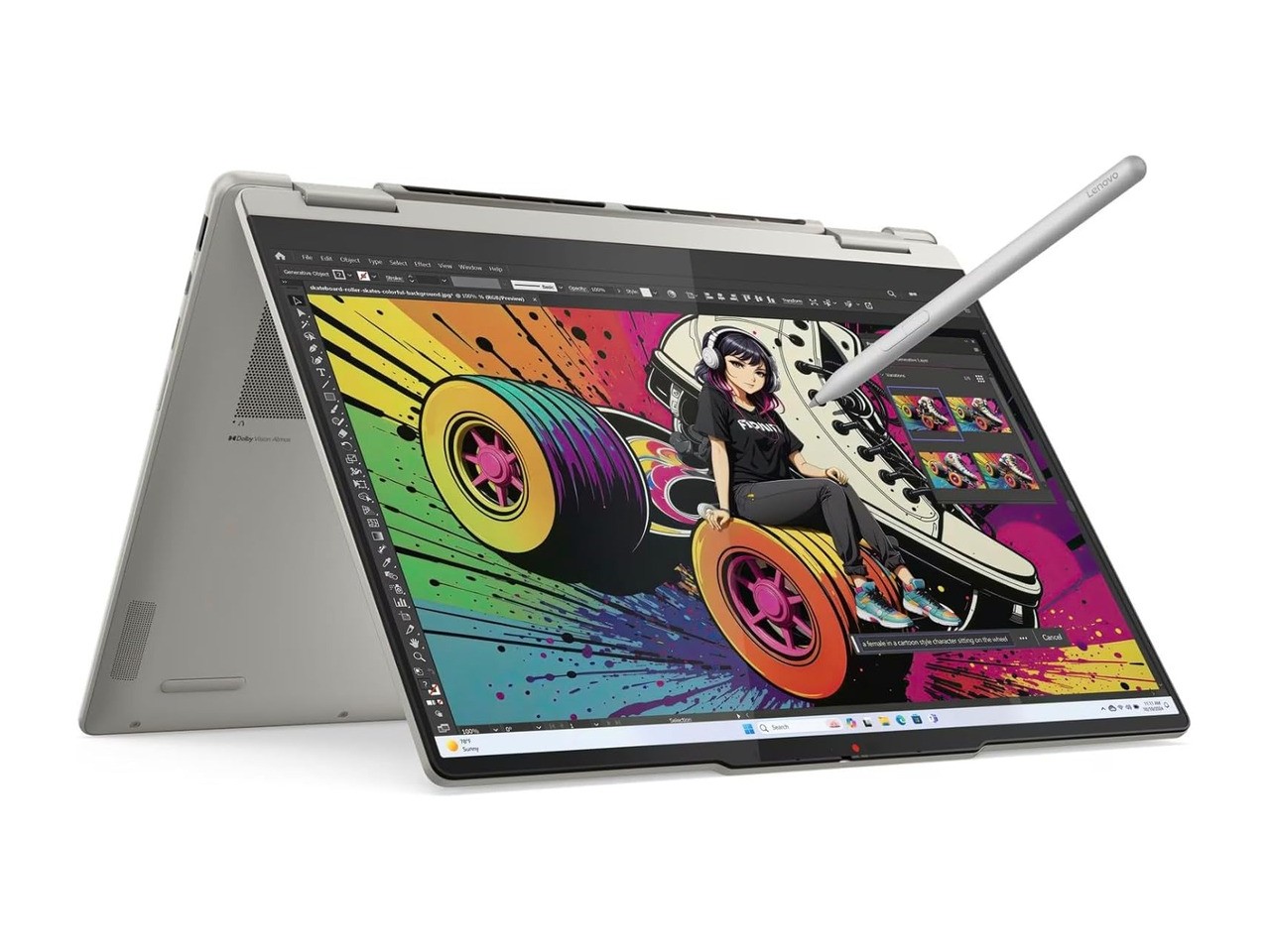
This is the one I would start with if the budget is really close to $1,000 and you want something that feels like a premium laptop instead of a bargain-bin compromise. The Yoga 7 2-in-1 14AKP10 gives you a 14-inch OLED touch display, 16GB of LPDDR5X memory, 1TB of storage, Wi-Fi 7, a 70Wh battery, and the Yoga Pen in the box.
The Ryzen AI 5 340 is also more current than the older Ryzen 5000 and Intel 12th-gen chips that still show up all over this price range. That matters if you plan to keep the laptop for several years. It is not just about the AI branding. You get a newer platform, faster memory, and a nicer overall machine.
The real reason to buy it’s the screen. Most budget Lenovo laptops settle for 250-nit IPS panels with limited color. This Yoga listing calls out a 14-inch WUXGA OLED display with 100% DCI-P3 coverage, touch, Dolby Vision, and DisplayHDR True Black 500. that’s a different class of laptop for writing, browsing, media, photo work, and general use.
There are catches. It’s a 14-inch convertible, so you don’t get a number pad. The glossy OLED panel won’t be the best choice if you work outdoors or under harsh overhead lights. A few buyer reviews mention pen or touch quirks, so I’d test the screen, pen, speakers, and touch input immediately inside the return window.
Still, if you want the most laptop under $1,000 without jumping into gaming bulk, this is the strongest pick here.
Lenovo ThinkBook 16 Gen 7
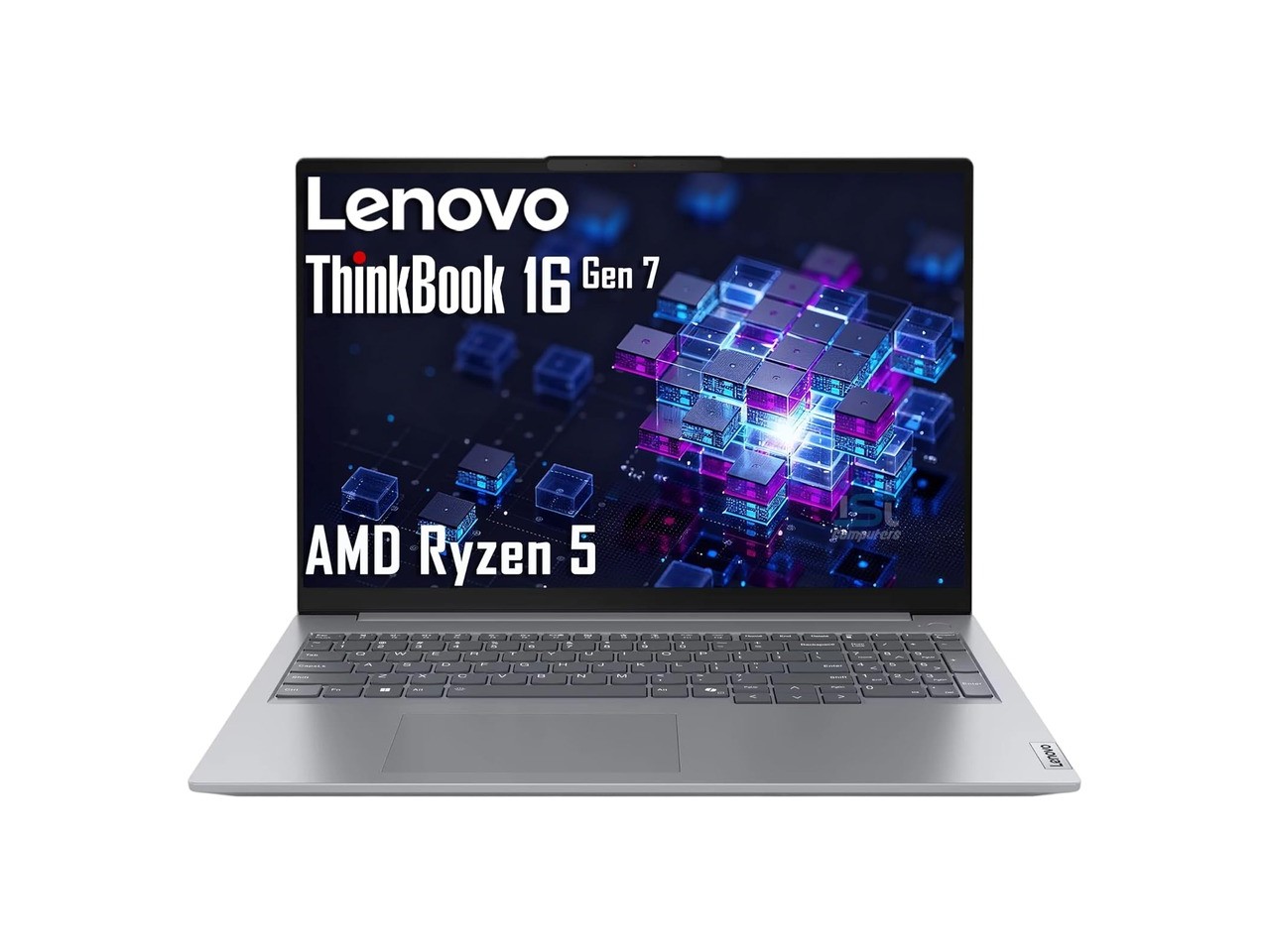
Pick: Best big-screen work pick
Price: $749.99
Where to Buy: Amazon
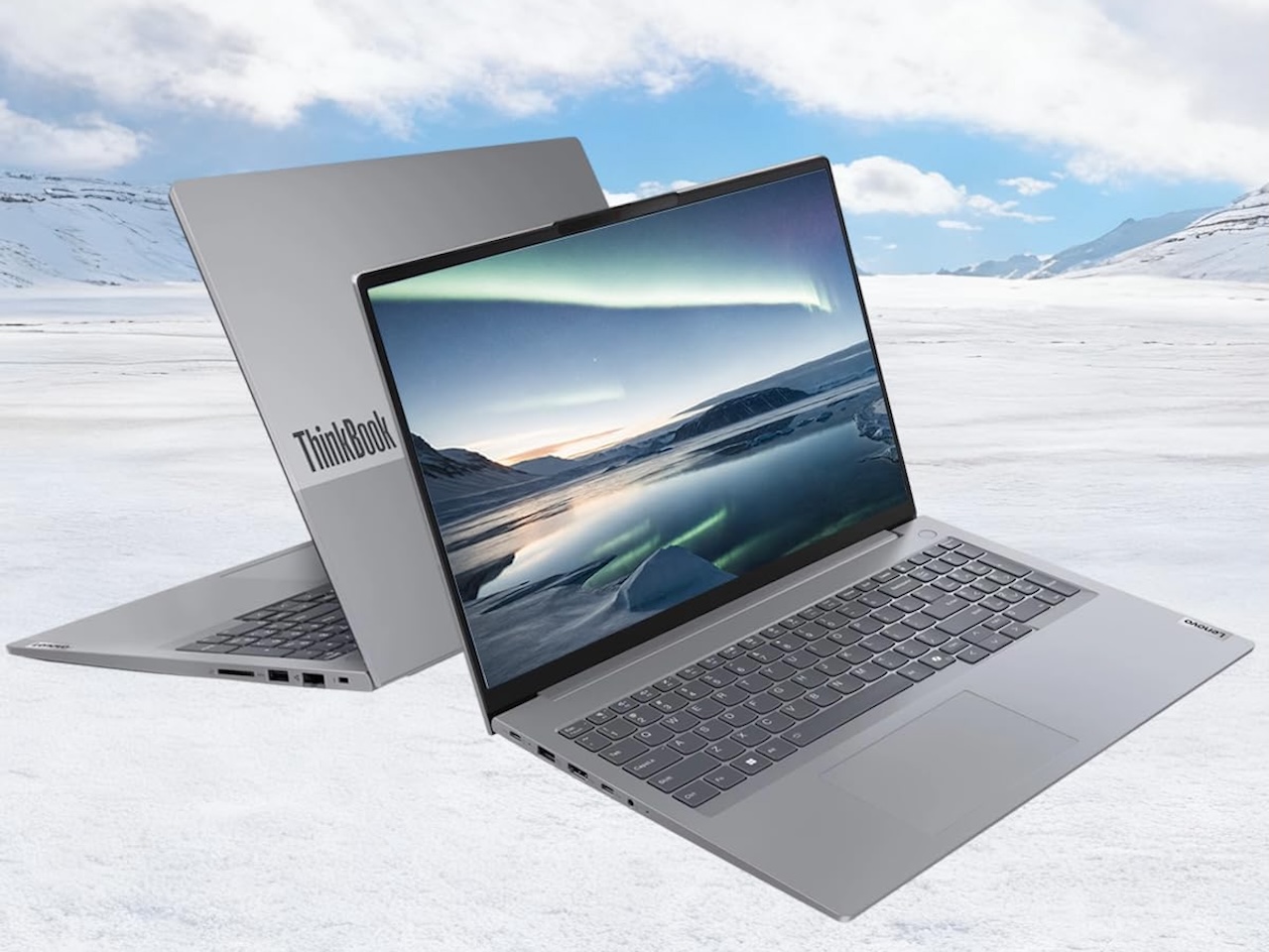
The ThinkBook 16 Gen 7 is the practical work pick. It isn’t trying to be the thinnest machine or the fanciest convertible. it’s a 16-inch Windows laptop with a Ryzen 5 7533HS, 16GB of DDR5 memory, a 512GB SSD, a 1920 x 1200 anti-glare display, a fingerprint reader, Ethernet, HDMI, USB-C, USB-A, an SD card reader, and Windows 11 Pro.
That is exactly the kind of spec sheet I like for a desk-heavy laptop. The 16-inch 16:10 display gives you more vertical room for documents, spreadsheets, browser windows, and Notion pages. The port selection means you may not need a dongle every time you sit down at a desk. The keyboard includes a number pad, which some people hate, but anyone doing invoices, spreadsheets, or admin work may appreciate.
The downside is that this listing is sold through an IST Computers configuration. The Amazon page says the computer may be resealed to upgrade memory or storage, and the brand field isn’t simply Lenovo. That doesn’t automatically make it bad, but it means you need to check warranty language, seller support, and the exact configuration before buying.
The display is also only listed at 300 nits and 45% NTSC. That’s normal in budget business laptops, but it isn’t a creator panel. If you edit photos or care about color, buy the Yoga instead. If you mostly work in documents, web apps, spreadsheets, email, and video calls, the ThinkBook is the better physical workhorse.
Lenovo LOQ Gaming Laptop RTX 4050
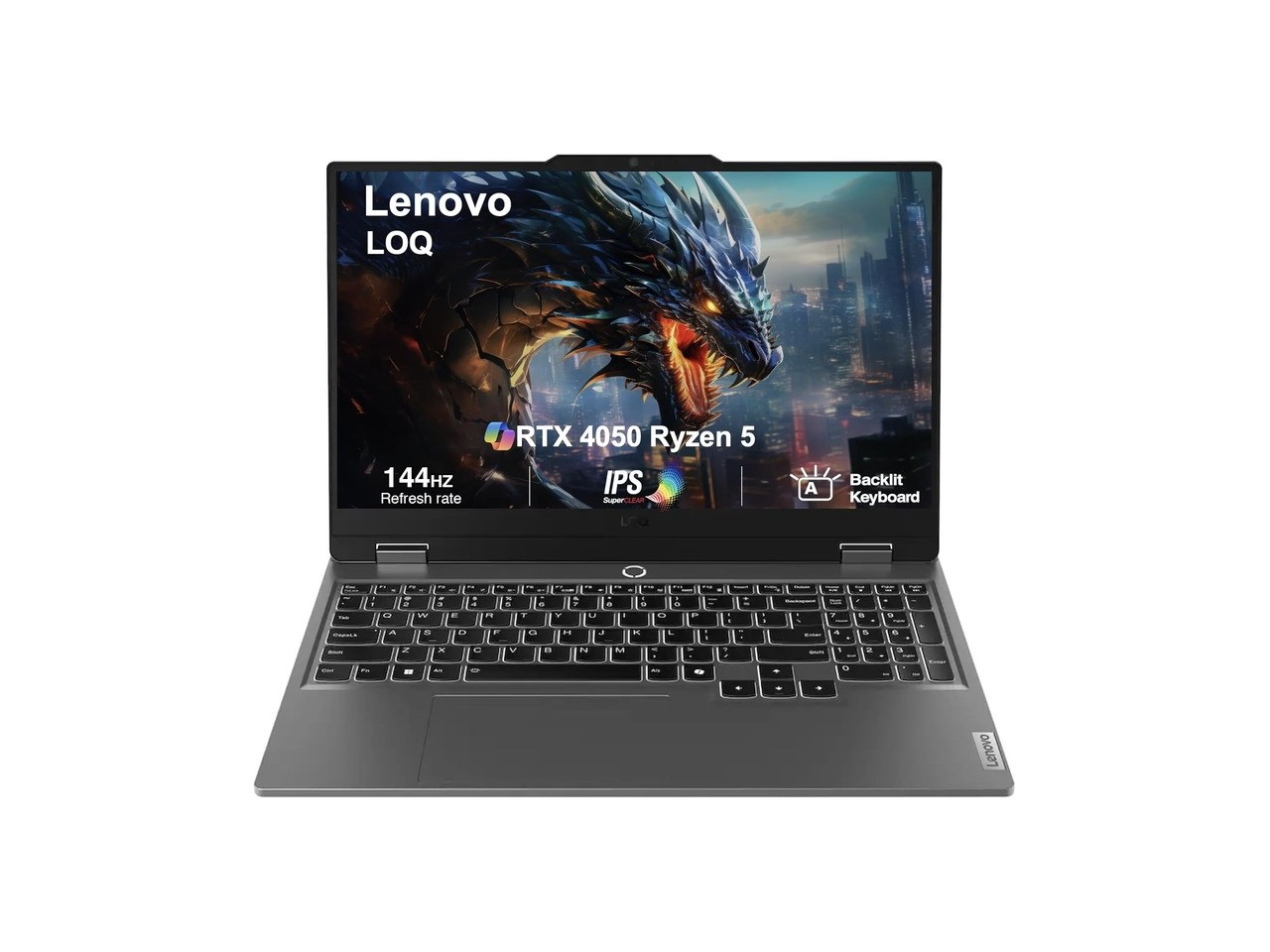
Pick: Best gaming pick under $1,000
Price: $909.99
Where to Buy: Amazon
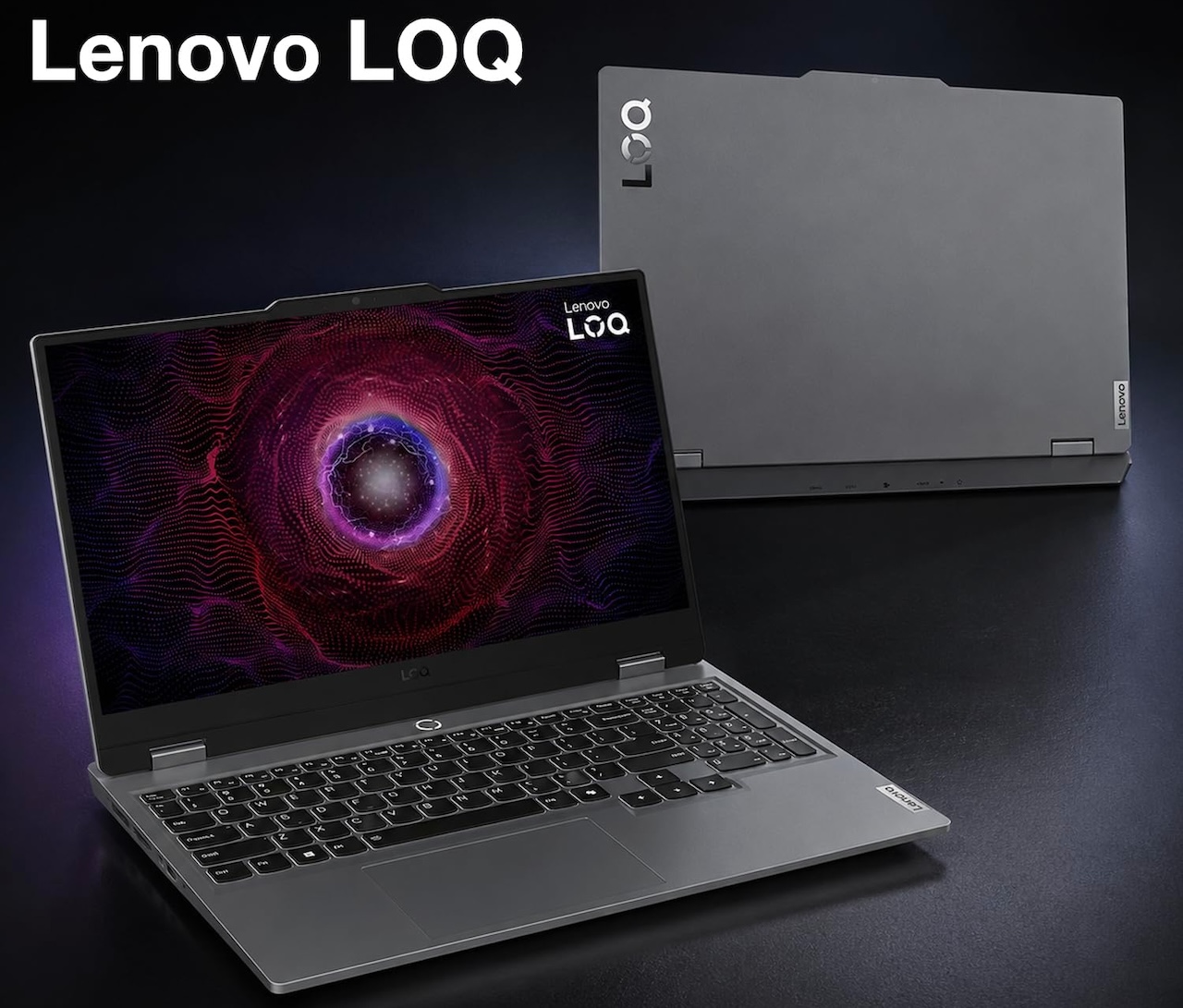
The LOQ is the pick if you need graphics power, not just a general laptop. At $909.99 when checked, this configuration brings an AMD Ryzen 5 7235HS, 16GB of DDR5 memory, a 512GB SSD, a 15.6-inch 144Hz IPS display, and an NVIDIA GeForce RTX 4050 with 6GB of GDDR6 memory.
That RTX 4050 is the reason this model belongs on the list. Integrated graphics are fine for web work, office apps, streaming, and light older games. They are not the same thing as a dedicated NVIDIA GPU. If you want to play modern games, use GPU-accelerated creative apps, or keep more options open for local AI tools, this LOQ makes more sense than a thin IdeaPad.
The tradeoff is size and battery life. The listing puts it around 5.1 pounds with a 170W power adapter. This isn’t the machine I’d carry to class all day unless gaming is the priority. it’s also not the nicest display in this list, even though the 144Hz refresh rate is useful for games.
I’d also check the seller carefully. The product data lists ME2 MichaelElectronics2 as the brand/manufacturer field, even though the product is a Lenovo LOQ configuration. That usually means a reseller listing. If the price is still under $1,000 and the return window is solid, it’s one of the few sub-$1,000 Lenovo options here that can actually game.
Lenovo IdeaPad Slim 3 Ryzen 7
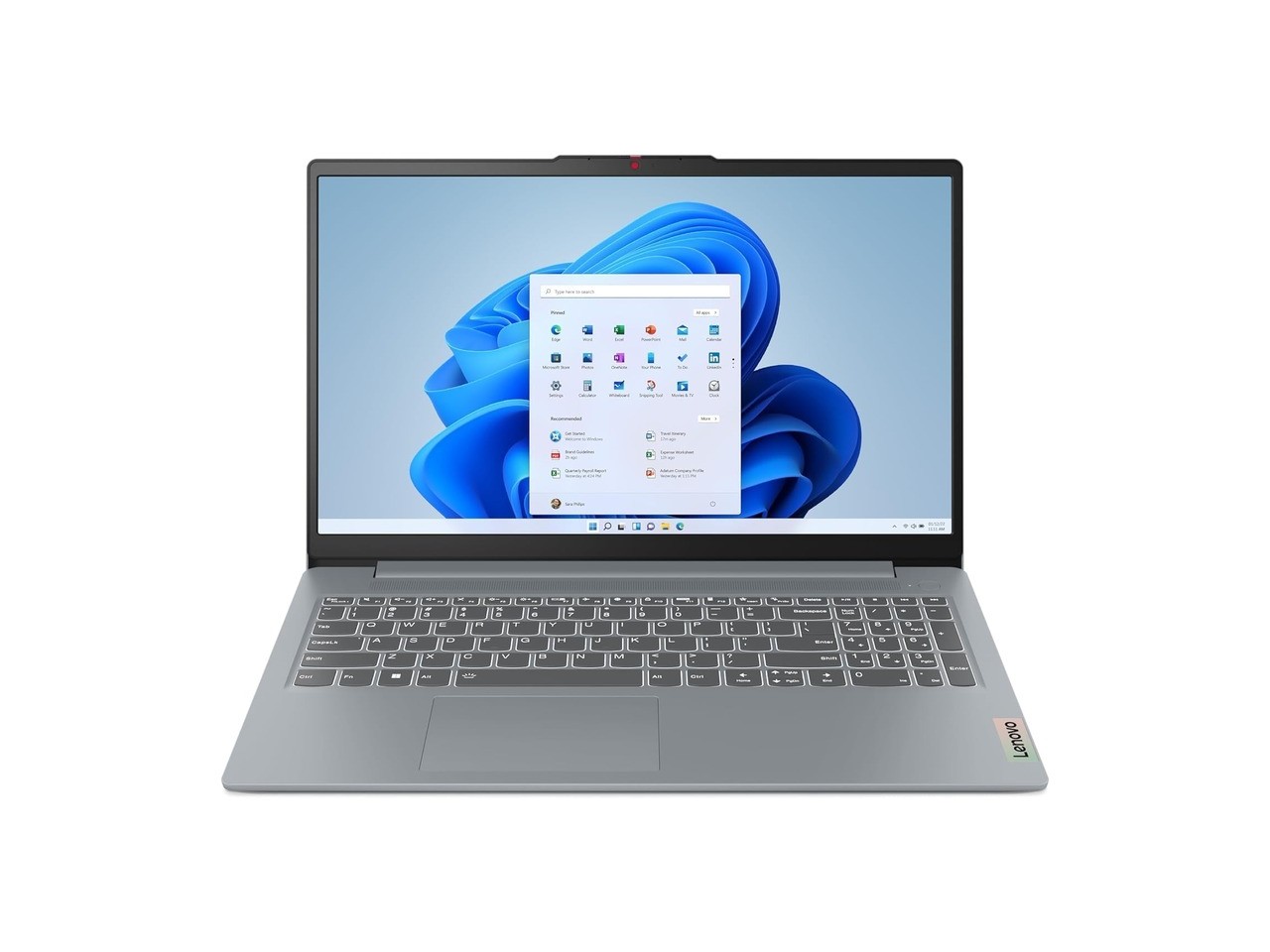
Pick: Best everyday Windows value
Price: $669.90
Where to Buy: Amazon
The IdeaPad Slim 3 is the middle-of-the-road Windows pick for someone who wants a normal laptop and does not need a convertible hinge, business chassis, or gaming GPU. The Amazon title lists a Ryzen 7 5825U, 16GB of memory, 512GB of storage, Wi-Fi 6, a 15.6-inch FHD touchscreen, and Windows 11.
That is a useful combination for daily work. You get enough memory for browser tabs and office apps, enough storage for normal use, and a CPU that should be much more comfortable than the low-end Intel N-series chips that appear in many cheaper listings.
The reason I’m not ranking it higher is the spec confusion. The live product data has the title, bullets, and product table pointing in slightly different directions, including different Ryzen references in different parts of the page. that’s a red flag with any laptop listing. Before buying, I’d verify the exact CPU, RAM, storage, touch support, Windows edition, and seller warranty on the checkout page.
If the configuration is truly the Ryzen 7, 16GB, 512GB model at about $634, it’s a strong everyday buy. If the listing shifts to an 8GB or 256GB configuration, I’d move on.
Lenovo IdeaPad 1i 15.6-inch
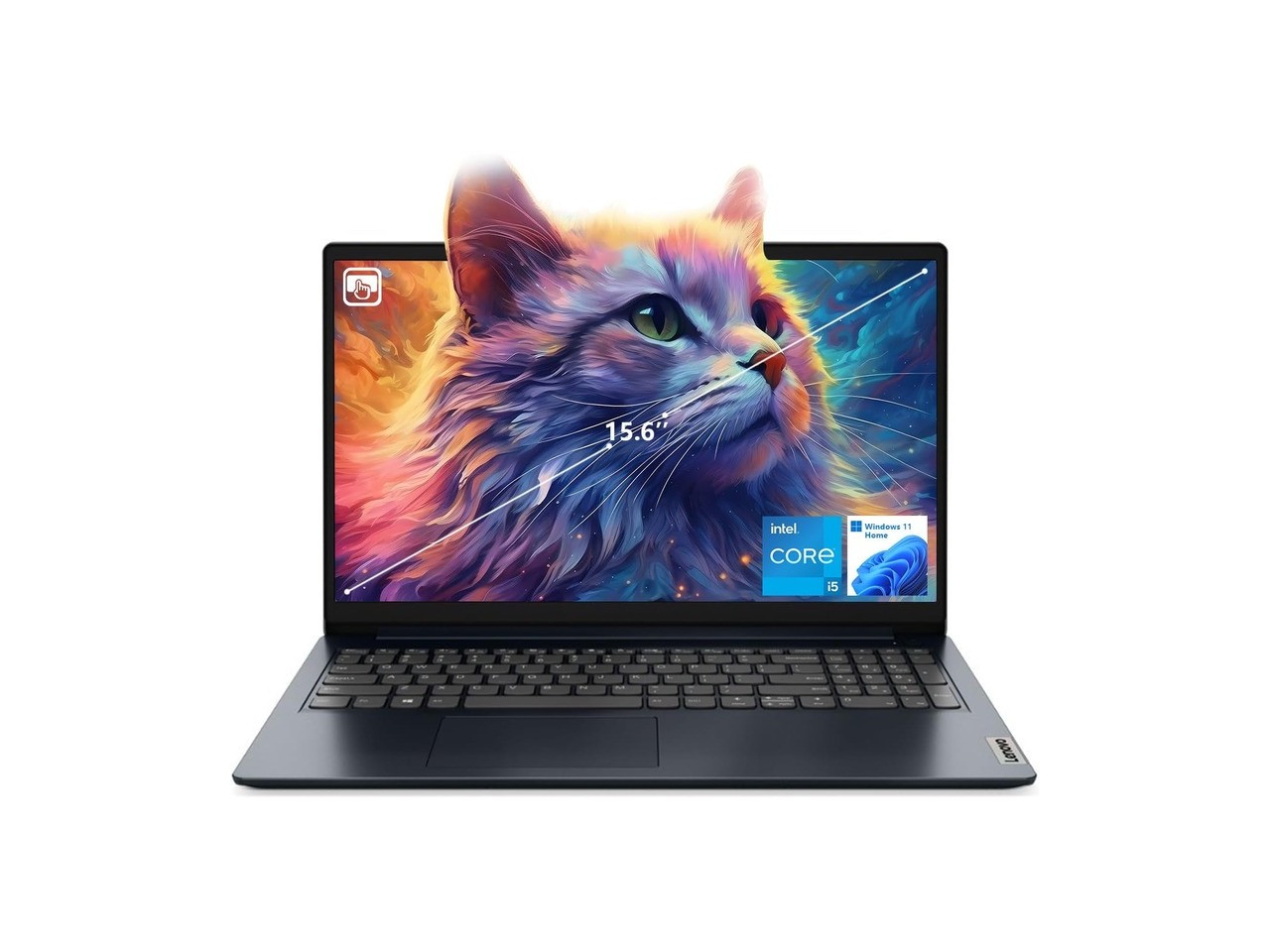
Pick: Best cheap touchscreen Windows pick
Price: $466
Where to Buy: Amazon
The IdeaPad 1i is the cheaper Windows pick I would consider before dropping down to a Chromebook. The listing I checked has an Intel Core i5-1235U, 16GB of RAM, 512GB of SSD storage, Wi-Fi 6, Windows 11 Home, and a 15.6-inch FHD touchscreen for $466.
that’s a good spec floor for a basic student or home laptop. It isn’t exciting, but it avoids the worst budget laptop mistake: buying a Windows machine with too little RAM or storage. At this price, 16GB and 512GB matter more than tiny design upgrades.
There are still compromises. The display is listed at 250 to 300 nits with limited color coverage depending on which product field you read. The chassis isn’t going to feel like a ThinkPad. The audio gets mixed feedback. One buyer review also reported RAM hardware trouble, so I’d run Lenovo diagnostics and check warranty status as soon as it arrives.
I would buy this only if the price stays clearly below the better IdeaPad Slim 3 and ThinkBook options. At $466, it makes sense. If it creeps toward $600 or more, I would rather step up.
Lenovo ThinkPad L14 Gen 4 Renewed
Pick: Best renewed business buy
Price: $453.17
Where to Buy: Amazon
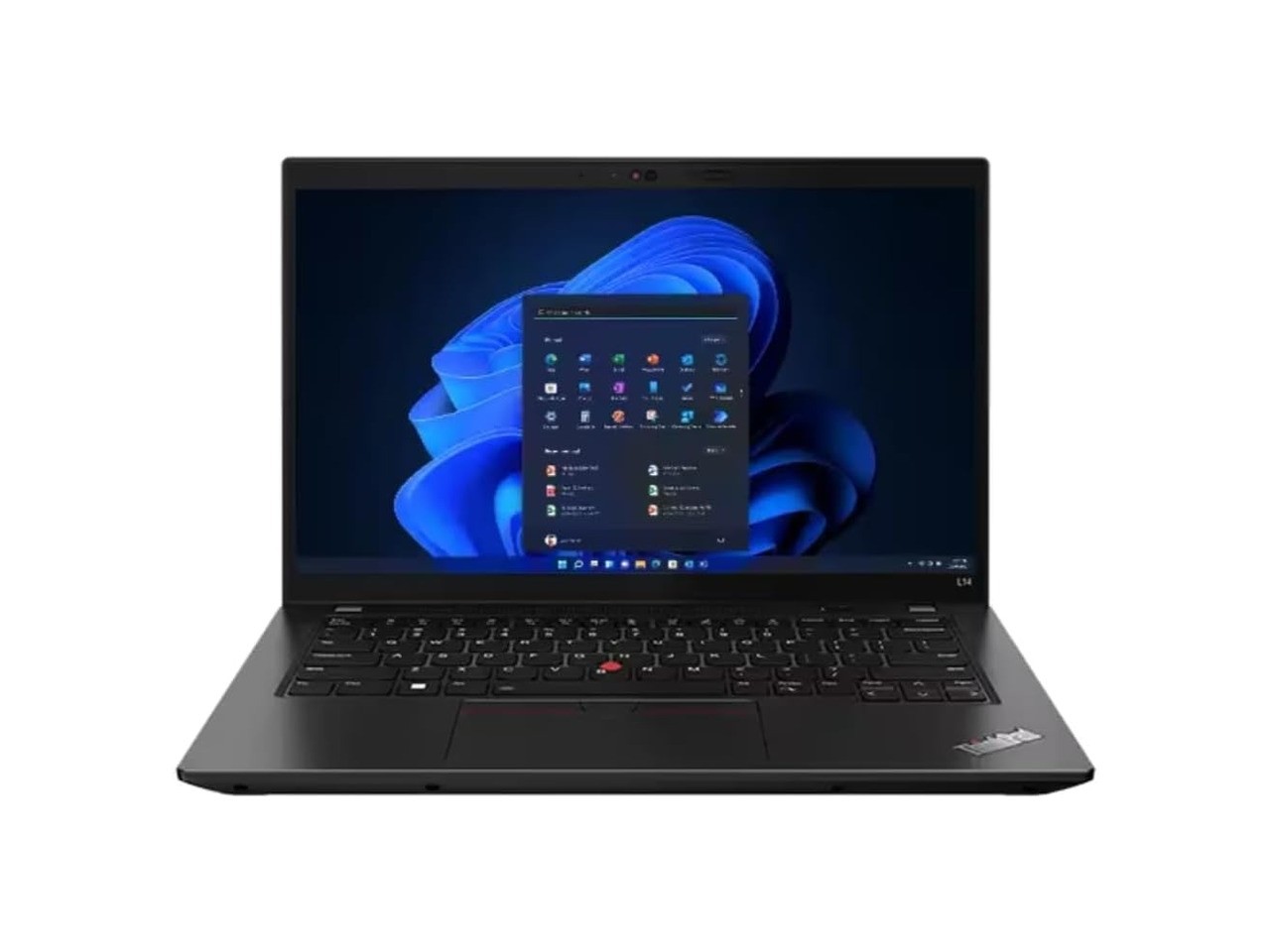
A renewed ThinkPad is not for everyone, but it can be the smartest way to buy a sturdy work laptop on a tight budget. This ThinkPad L14 Gen 4 listing includes a Ryzen 5 PRO 7530U, 16GB of RAM, a 256GB SSD, a 14-inch FHD display, Windows 11 Pro, a backlit keyboard, TrackPoint, HDMI, USB-C, USB-A, and Ethernet.
The appeal is the chassis and keyboard. A budget IdeaPad may have newer-looking marketing, but a ThinkPad is built for work. If you care about typing feel, serviceability, Linux compatibility, ports, or a laptop that feels more businesslike than flashy, this is the option to consider.
The compromise is that it’s renewed. The listing shows Amazon Renewed, a 90-day warranty description in the product data, and buyer reviews that are mostly positive but include the kind of missing-charger complaint you can get with refurbished gear. I wouldn’t buy it for someone who wants a pristine new laptop. I’d buy it for someone who understands refurbished hardware and wants more machine for the money.
The 256GB SSD is also tight. it’s fine for documents, cloud work, and web apps, but you may want external storage or a drive upgrade later. At roughly $453 when checked, that’s an acceptable tradeoff.
Lenovo IdeaPad Slim 3 Chromebook
Pick: Best cheap Chromebook
Price: $217.65
Where to Buy: Amazon
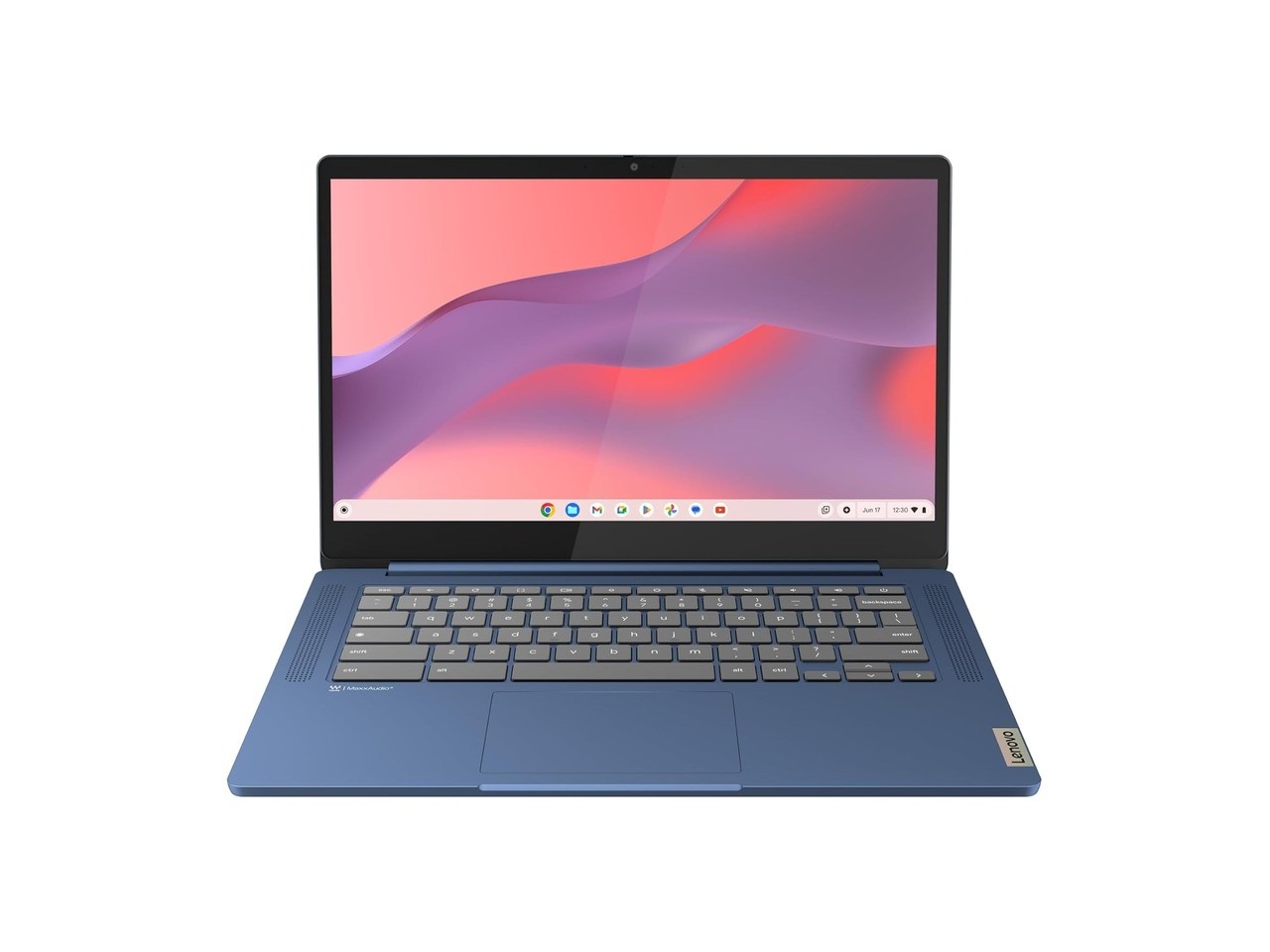
The IdeaPad Slim 3 Chromebook is the only truly cheap laptop on this list that I wouldn’t immediately dismiss. At $203 when checked, it isn’t pretending to be a full Windows workhorse. it’s a simple Chrome OS machine for browsing, email, Google Docs, streaming, school portals, web apps, and light travel use.
The listed specs are basic: MediaTek Kompanio 520, 4GB of RAM, 64GB of storage, a 14-inch display, Wi-Fi 6, Chrome OS, and up to 13.5 hours of battery life. That would be weak for Windows. For Chrome OS at this price, it can be fine if your expectations are realistic.
Do not buy this as your main productivity laptop if you need Windows apps, serious multitasking, photo editing, gaming, or lots of local storage. Some buyer reviews also complain about the screen and touch confusion, so check the exact model and do not assume every Slim 3 Chromebook configuration has the same panel.
But for a couch laptop, kid laptop, travel backup, recipe machine, school portal machine, or basic Gmail and Google Docs device, the price is the point. If it gets damaged, you are not out Yoga 7 money.
The ones I would skip
I would be careful with any Lenovo listing that leans too hard on bundled storage, external drives, lifetime Office claims, or absurd RAM numbers attached to a very weak CPU. A laptop with 40GB of RAM and a bargain-basement processor is still a slow laptop where it counts.
I would also skip most 4GB Windows laptops, 8GB Windows laptops above $400, old Windows 10 renewed machines, and anything with a 1366 x 768 display unless the price is extremely low and the use case is very narrow.
For gaming, avoid RTX 2050 models if an RTX 4050 LOQ is near the same price. The RTX 2050 can still be useful, but once you are spending $700 to $900, the 4050 models are the ones worth chasing.
For Chromebooks, don’t overpay. A Chromebook is great when it’s cheap and honest. Once it gets near $500, you should be asking whether a better Windows laptop or a nicer Chromebook with more RAM makes more sense.
What I would buy
If I had to buy one Lenovo laptop under $1,000 today, I would pick the Yoga 7 2-in-1 if I wanted the nicest overall machine. OLED, pen support, 16GB of RAM, 1TB of storage, and a modern Ryzen AI platform make it feel like the most complete laptop here.
If I needed a big work laptop, I would pick the ThinkBook 16 and accept the seller-upgraded caveat only after checking the warranty and return policy. If I wanted gaming, I would go straight to the LOQ RTX 4050 and ignore the thinner laptops. If I wanted the cheapest useful device, I would buy the Chromebook only if I could live entirely inside Chrome OS.
The main lesson is simple: do not buy the cheapest Lenovo laptop just because it says Lenovo on the lid. Under $1,000, the good buys are the ones with a clear reason to exist.