Apple’s iPad Pro and Air can replace a laptop for most workdays, except for one stubborn thing: ports. The single USB-C port is fast, but it’s one port. The moment you need an external display, an SD card, and pass-through charging at the same time, you’re shopping for a USB-C hub for your iPad.
Most hubs were designed for laptops, which is exactly why they fight your iPad the second you plug in. Cable hubs hang off the side and lever on the connector. Pass-through wattage caps at 60W and your iPad starts trickle-charging while you’re actively working. Clamp-style designs lock onto the wrong edge and crash into the keyboard case.
2026 finally gives iPad users options that don’t compromise. 100W pass-through, HDMI 2.0 at 4K@60Hz, and form factors built around tablet geometry instead of recycled laptop dongles. Below are five hubs that earn their slot in an iPad bag, sorted by how you actually work.
1. HyperDrive Tube 6-in-1 USB-C Hub
Price: $72.71
Where to Buy: Amazon
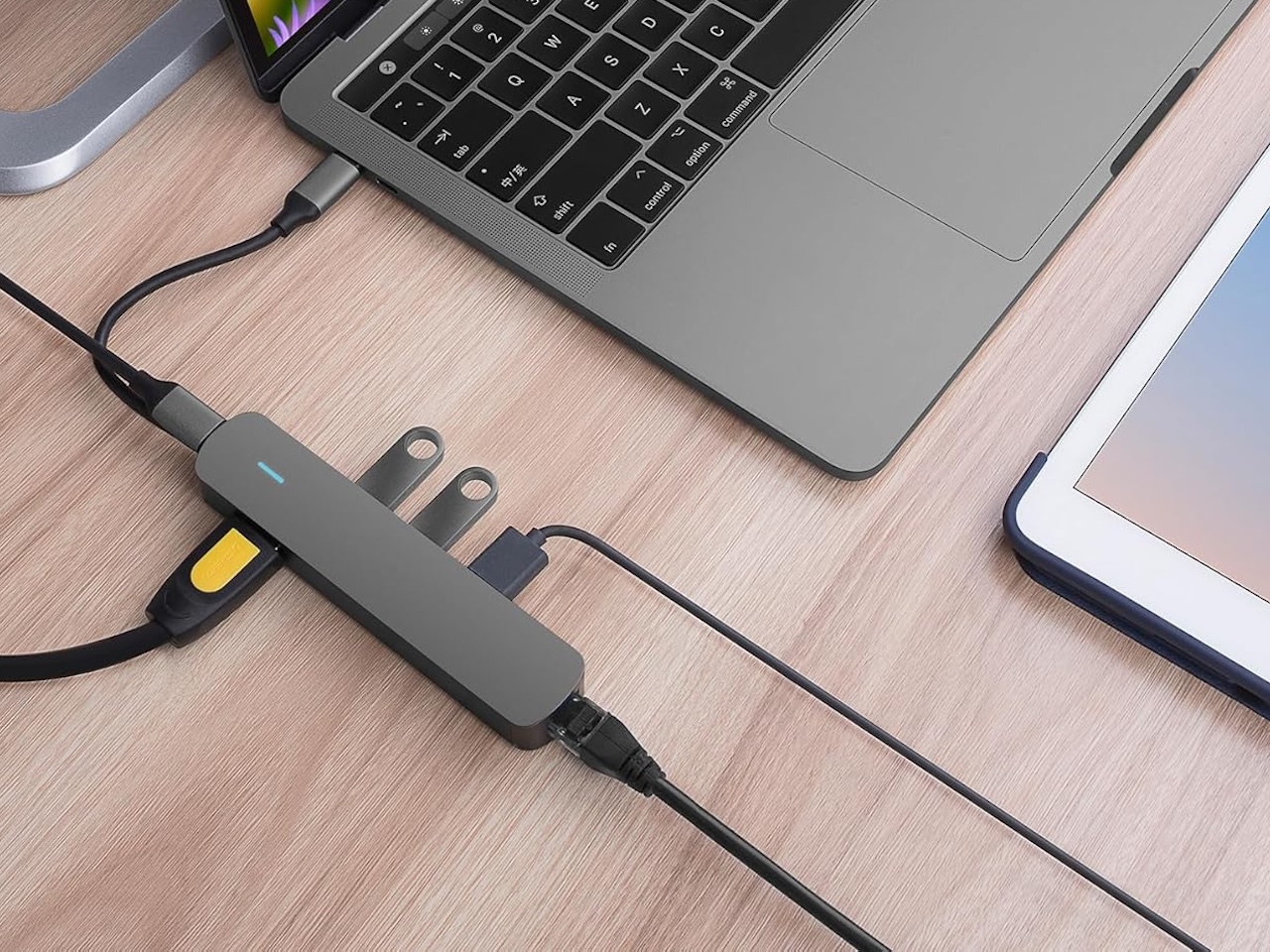
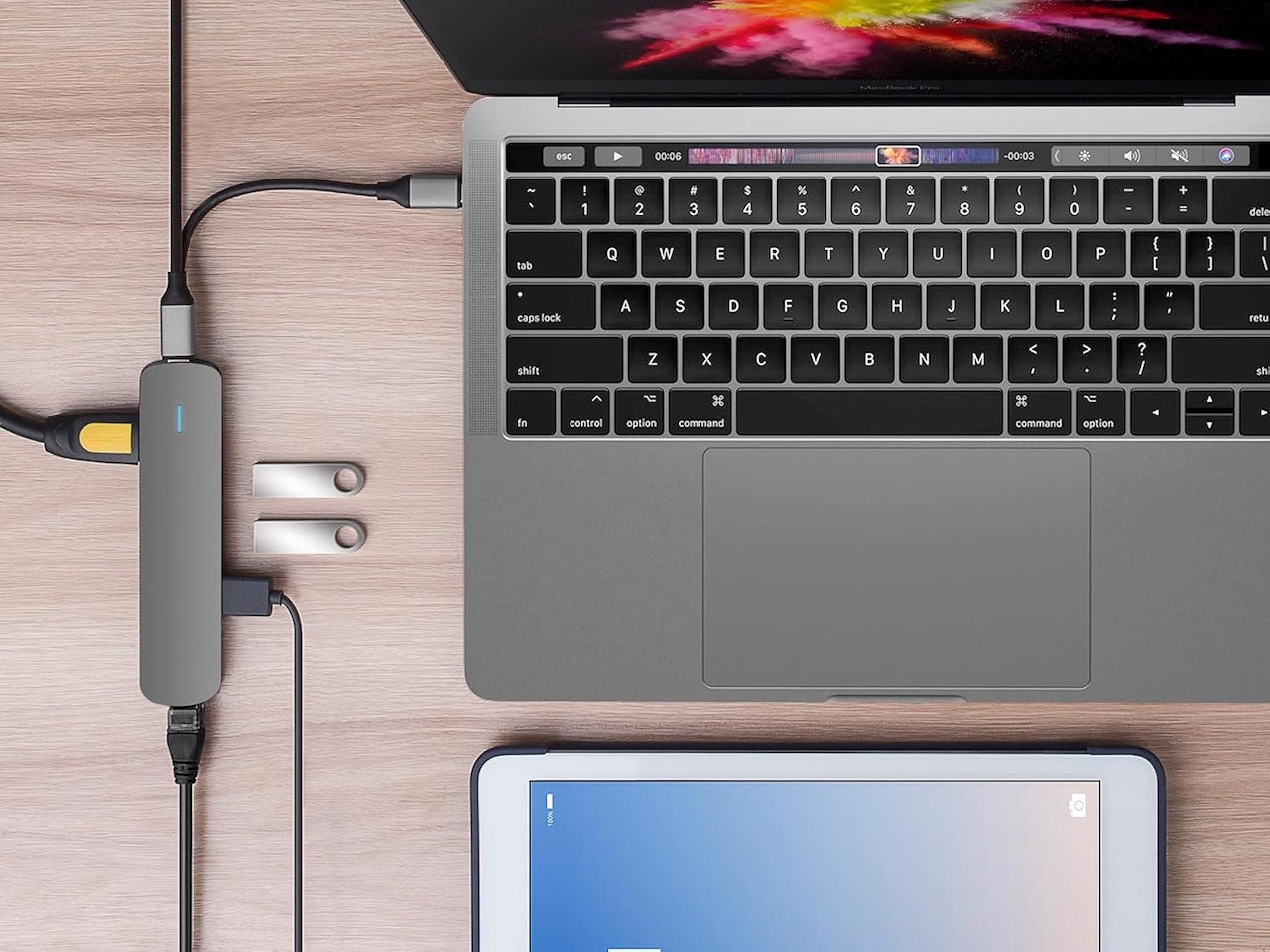
The HyperDrive Tube is the pocketable do-everything hub that quietly turns an iPad into a desk-ready setup wherever you land. Six ports cover 4K@30Hz HDMI, gigabit Ethernet, three USB-A 3.0 data ports, and a USB-C pass-through for charging, all wrapped in an aluminum cylinder that disappears into a coat pocket between meetings. The 4K@30Hz HDMI ceiling is fine for productivity monitors and slide decks but anyone editing 60Hz video should look elsewhere. One caveat worth flagging: the USB-A ports do not charge iPads, so plan accessories accordingly. Compatible with iPad Pro 2018 and later and iPad Air 2020 and later.
2. Satechi USB-C Mobile Hub (4-in-1)

Price: $44.99
Where to Buy: Amazon
Satechi’s 4-in-1 Mobile Hub is the minimalist pick that doesn’t ask you to carry ports you’ll never use. Four ports cover a 10Gbps USB-C data port that doubles as 4K@60Hz video out via DP Alt mode, a 100W USB-C pass-through that delivers 35W to the iPad, a microSD card slot, and a 3.5mm audio jack. The transparent tempered-glass body adds a design flourish without adding bulk, and the extended USB-C connector clears most cases without forcing you to pop the iPad out of its folio. For travelers who already pack a USB-C to HDMI cable, this is the kind of hub that quietly earns its slot in a sleeve pocket.
3. UGREEN Revodok 5-in-1 Slim Portable USB-C Hub
The Revodok 5-in-1 Slim is the travel hub that doesn’t ask you to pick between portability and power. It packs a 100W USB-C PD pass-through that delivers 85W to the iPad, a 4K@60Hz HDMI output, and two 10Gbps USB 3.2 data ports into a slab thin enough to slot beside a 13-inch iPad Pro in a sleeve. The integrated cable clip keeps the tether tidy in a bag, and the dedicated lock-screen button is the kind of detail that quietly earns its keep on a shared-screen day at a client site. Solid pick for one-bag travelers who still need real display and data speed.
Price: $13.99 (On Sale)
Where to Buy: Amazon
4. Anker USB-C Hub 8-in-1 with Ethernet
Price: $35.99 (On Sale)
Where to Buy: Amazon
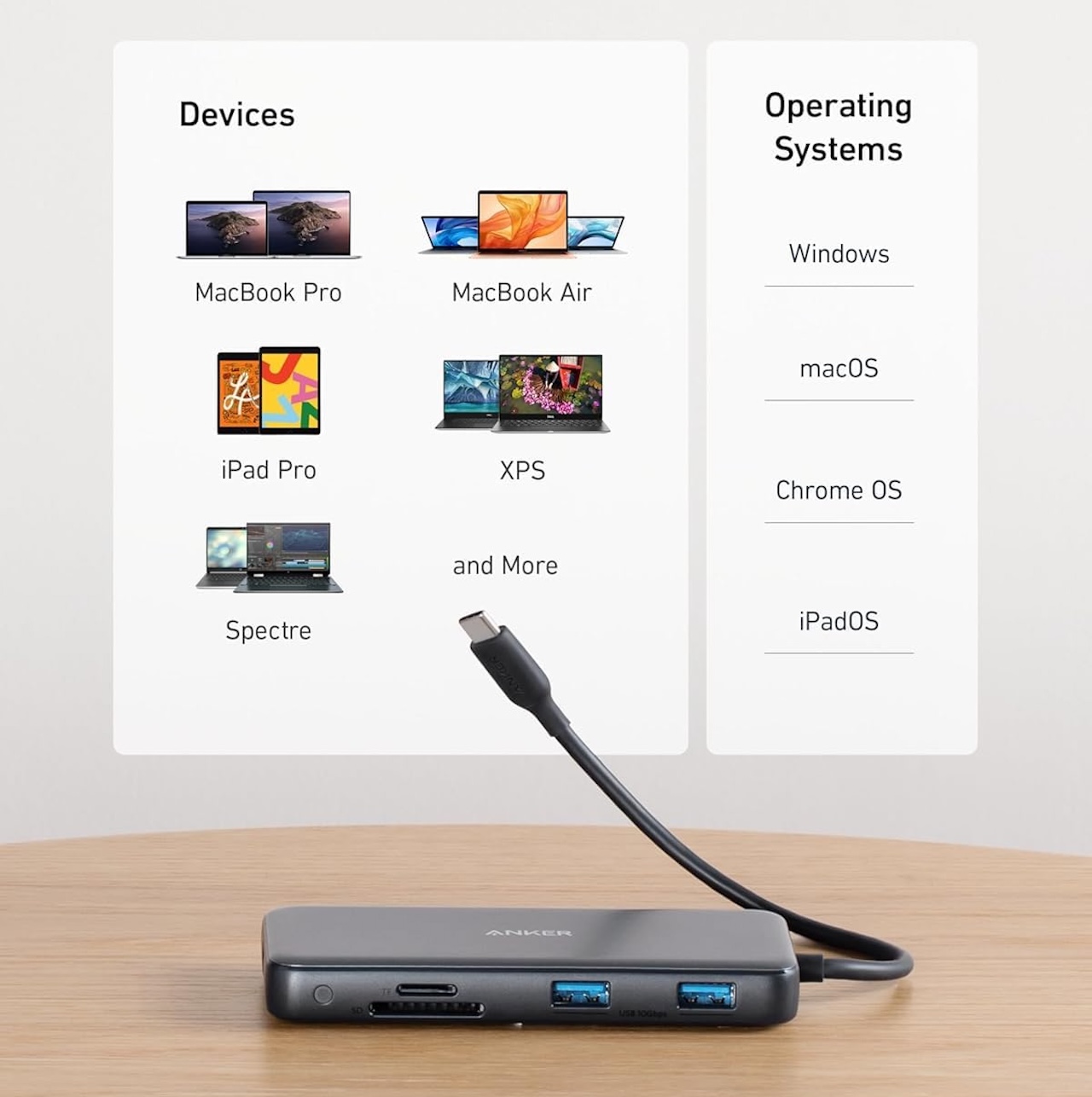
The Anker 8-in-1 is the desk hub for iPad users who plug into a real monitor and a wired network. You get 4K@60Hz HDMI, gigabit Ethernet, a 10Gbps USB-C data port, two 10Gbps USB-A ports, an 85W PD-in pass-through, plus SD and microSD slots. One quirk worth flagging: the USB-C data port is data-only with no video out, so HDMI is your only display path. For an iPad-as-workstation setup that needs a stable wired connection and real port density, it’s the kind of hub that quietly turns a tablet into the closest thing to a docked machine without paying Thunderbolt money.
5. UGREEN Revodok 105 (5-in-1)
Price: $27.34 (Bundled with a Vertical Mouse)
Where to Buy: Amazon
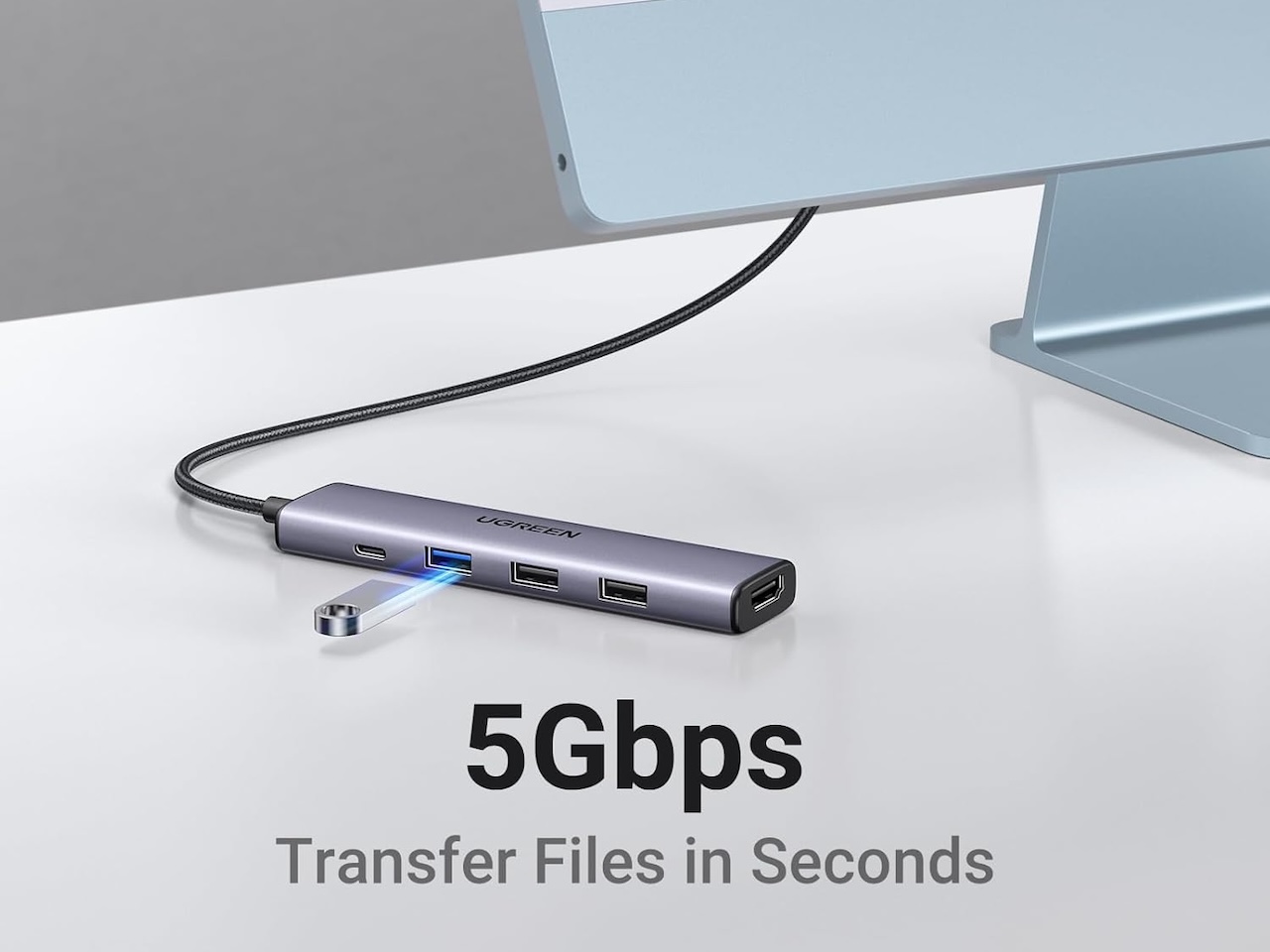
The Revodok 105 earns its slot as the budget pick that doesn’t feel like a budget pick. Five ports cover 4K HDMI, a 100W USB-C input that delivers 95W to the iPad, one 5Gbps USB-A 3.0 port, and two USB-A 2.0 ports in an aluminum chassis that runs cool under load. It’s the hub to grab when you still want USB-A access for older accessories like wired keyboards, mice, and flash drives without paying for ports you won’t use. Often hovering around $12 on Amazon, it’s the kind of hub that disappears into a backpack and just works the second you plug it into an iPad.
The Bottom Line
The iPad hub decision really comes down to whether you’re docking or traveling. For a permanent desk setup with an external monitor and a wired connection, the Anker 8-in-1 with Ethernet is the most port for the dollar. For a tablet-first workflow with minimal bulk, the Satechi 4-in-1 Mobile Hub sits flush against the iPad’s edge and keeps your kit light. For a pocketable all-rounder that quietly adds Ethernet and three USB-A ports between meetings, the HyperDrive Tube 6-in-1 punches above its tier. For travel, the UGREEN Revodok 5-in-1 Slim covers nine workflows out of ten, and the Revodok 105 handles the budget-conscious tenth without skipping real ports.
The spec that matters most across all five is pass-through wattage. The iPad Pro draws around 30W at the wall, so any hub delivering roughly 45W or more after overhead charges it at full speed while you’re actively using it. The 85W to 100W tier matters less for raw charging speed and more for headroom when you’re also driving an external display, an SD read, and a wired connection at the same time. If you do anything heavier than email on your iPad, that’s the number to watch.
Frequently Asked Questions
Does any USB-C hub work with the iPad?
Most USB-C hubs work with the iPad Pro, iPad Air (4th gen and later), and iPad Mini (6th gen and later), but performance varies. iPads only output video through USB-C, so a hub with HDMI is essential for external displays. The iPad also draws power through the hub’s USB-C pass-through port, so 45W or higher pass-through is the floor for full-speed charging while in use.
What pass-through wattage does the iPad Pro need?
The iPad Pro M4 draws around 30W at the wall, so any hub delivering roughly 45W or more after overhead charges it at full speed while you’re actively using it. Hubs in the 85W to 100W tier add headroom for running an external display, SD card transfers, and a wired Ethernet connection at the same time.
Do iPads support 4K@60Hz over USB-C?
Yes. The iPad Pro (M1 and later) and iPad Air (M2 and later) output 4K@60Hz HDMI, but the hub itself must support HDMI 2.0 or higher. Older or budget hubs with HDMI 1.4 cap at 4K@30Hz, which looks choppy for video playback and mouse tracking on external displays.
Will a USB-C hub fit with the Magic Keyboard or a folio case?
Direct-plug hubs like the Satechi 4-in-1 Mobile Hub have extended USB-C connectors that clear most folio cases, including the Magic Keyboard. Cabled hubs like the HyperDrive Tube 6-in-1 and UGREEN Revodok 5-in-1 Slim are case-agnostic by design, trading tidiness for guaranteed fit. Form-fitting clamp hubs (less common in 2026) are designed around the iPad’s bare edge and may not fit thicker cases.