
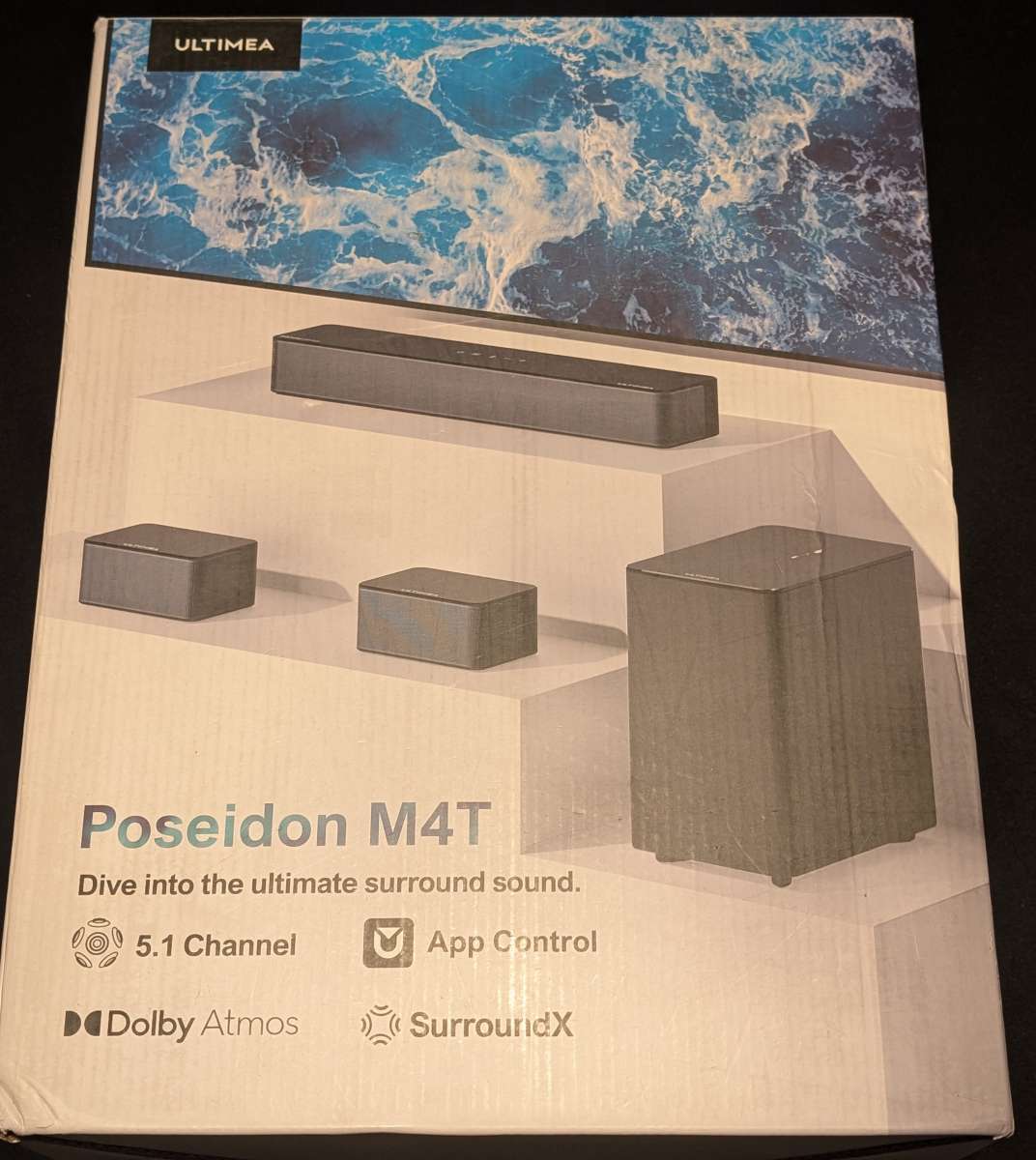
REVIEW – A good sound bar can really elevate the movie-watching experience, especially with flatscreen televisions that are pretty much ubiquitous at this point. One brand that I’ve seen around but haven’t had the opportunity to experience yet is ULTIMEA, so when the ULTIMEA 5.1 Dolby Atmos Sound Bar came up for review, I had to take a stab at it and see how it stands up to the other soundbars I’ve used. Read on to see how it holds up!
⬇︎ Jump to summary (pros/cons)
Price: $135.99
Where to buy: Amazon
What is it?
The ULTIMEA 5.1 Dolby Atmos Sound Bar has a smallish center sound bar, two satellite speakers, and a wireless subwoofer.
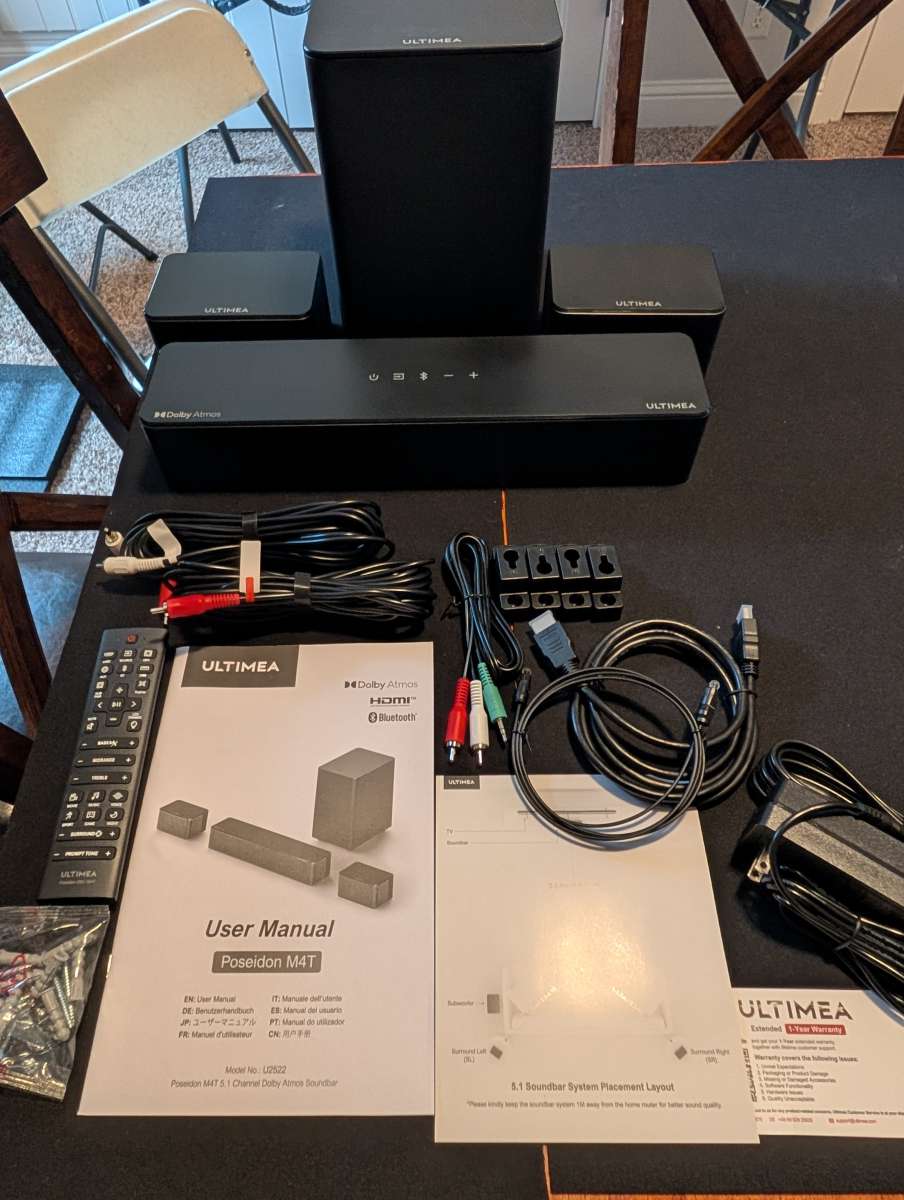
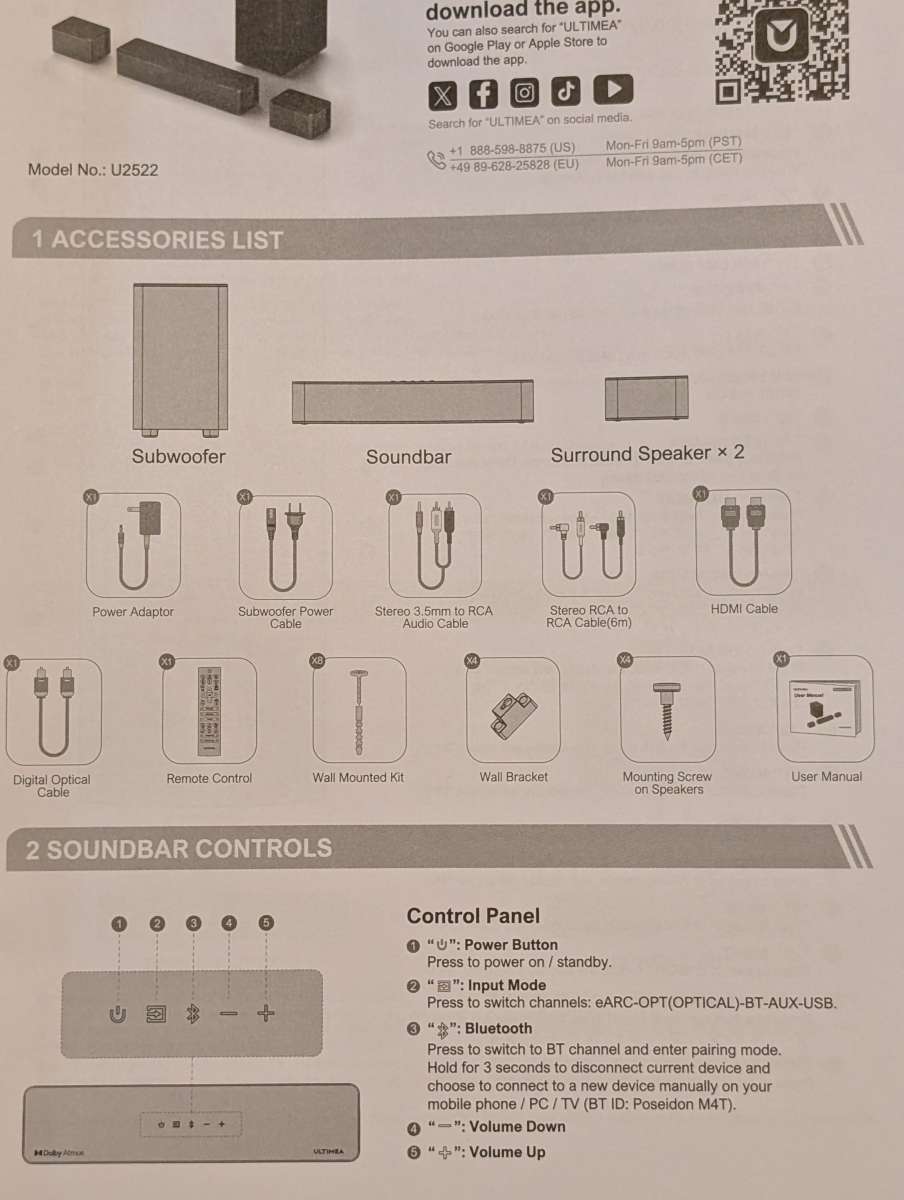
What’s included?
- 1 Center Sound Bar Speaker with controls
- 2 Surround Speakers
- Power Adaptor
- Wireless Subwoofer
- Subwoofer Power Cable
- Stereo 3.5 mm to RCA Audio Cable
- Stereo RCA to RCA Cable(20 feet)
- HDMI Cable
- Digital Optical Cable
- Mounting kit
- Wall Brackets
- Mounting Screws
- Remote Control
- User Manual
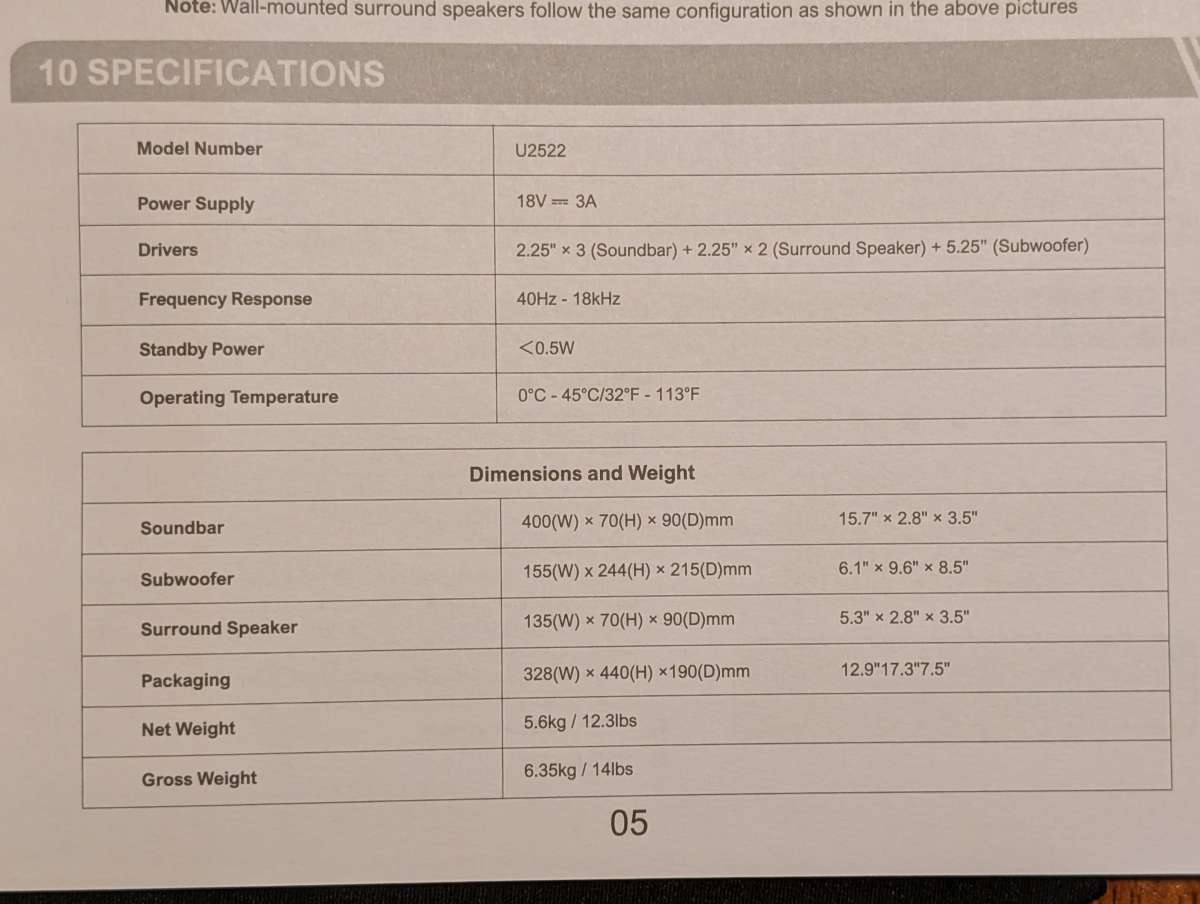
Tech specs
- Sound technology: Dolby Atmos
- Configuration: 5.1
- Wireless: Bluetooth
- Rms power rating: 120 W
- Inputs/Outputs: HDMI
- Features: Surround Sound
- Speaker configuration: 5.1
- Output mode: Surround
- Model: Poseidon M4T
- Power type: Corded Electric
- Assembled product weight: 11.68 lb
- Length: 15.75 in
- Width: 3.54 in
Design and features
The ULTIMEA 5.1 Dolby Atmos Sound Bar design is similar to most sound bars. It consists of a center channel with all of the “brains”, that is, the main connectors and the button interfaces.
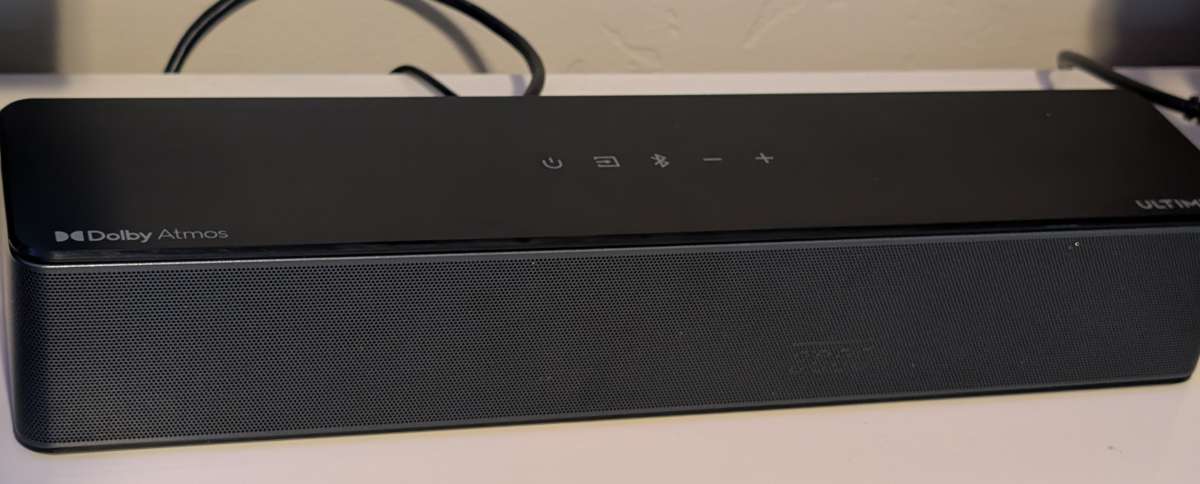
The main soundbar has touch controls to turn it on, change input channels, turn on Bluetooth, and adjust the volume. There’s also a fairly robust remote control that’s not tiny, one complaint I’ve had with other soundbars.
The system comes with mounting hardware included for all of the speakers if you’re looking to attach them to the walls, which is a nice addition out of the box. I’m using bookcases and don’t need to attach anything in this configuration, so it’s pretty straightforward.
Installation and Setup
Installation and setup of the sound bar is pretty straightforward. The main channel just requires power and whatever input fits your situation.
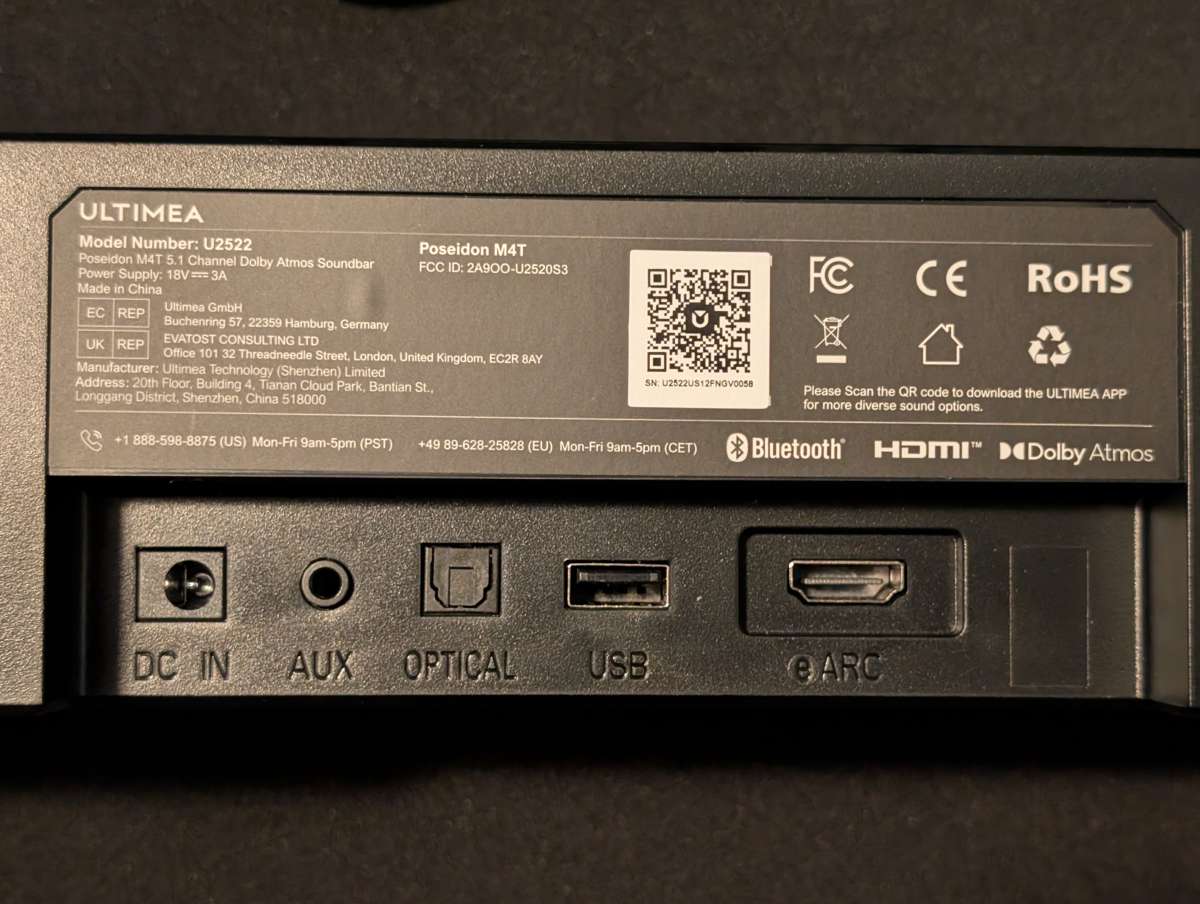
The subwoofer connects wirelessly with the center channel and the two satellite speakers (SL and SR) connect to the subwoofer. Out of the box, the subwoofer is already synced, so it didn’t require any adjustment.
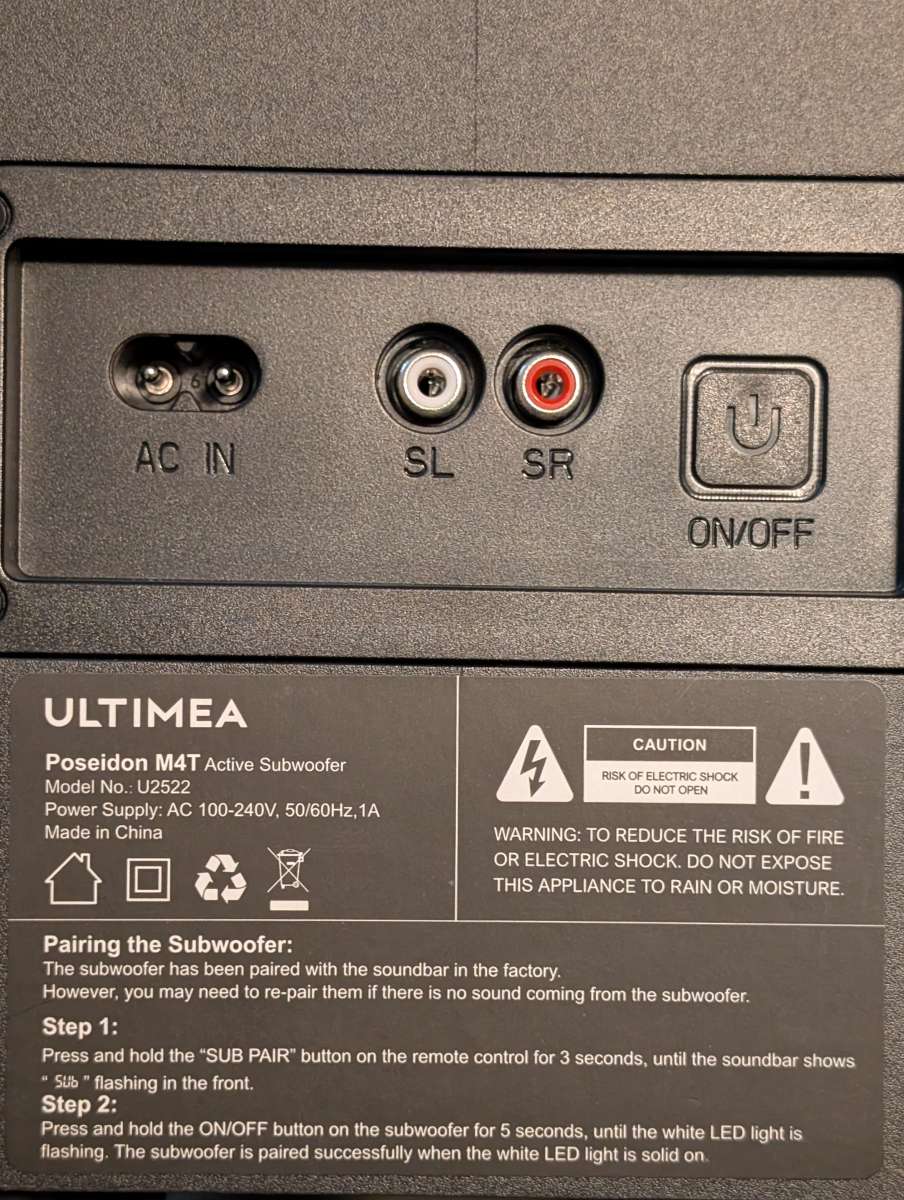
From there you just need to place the satellite speakers. The included cable is very long, so it worked very well to situate both of the speakers on book shelves in the room.
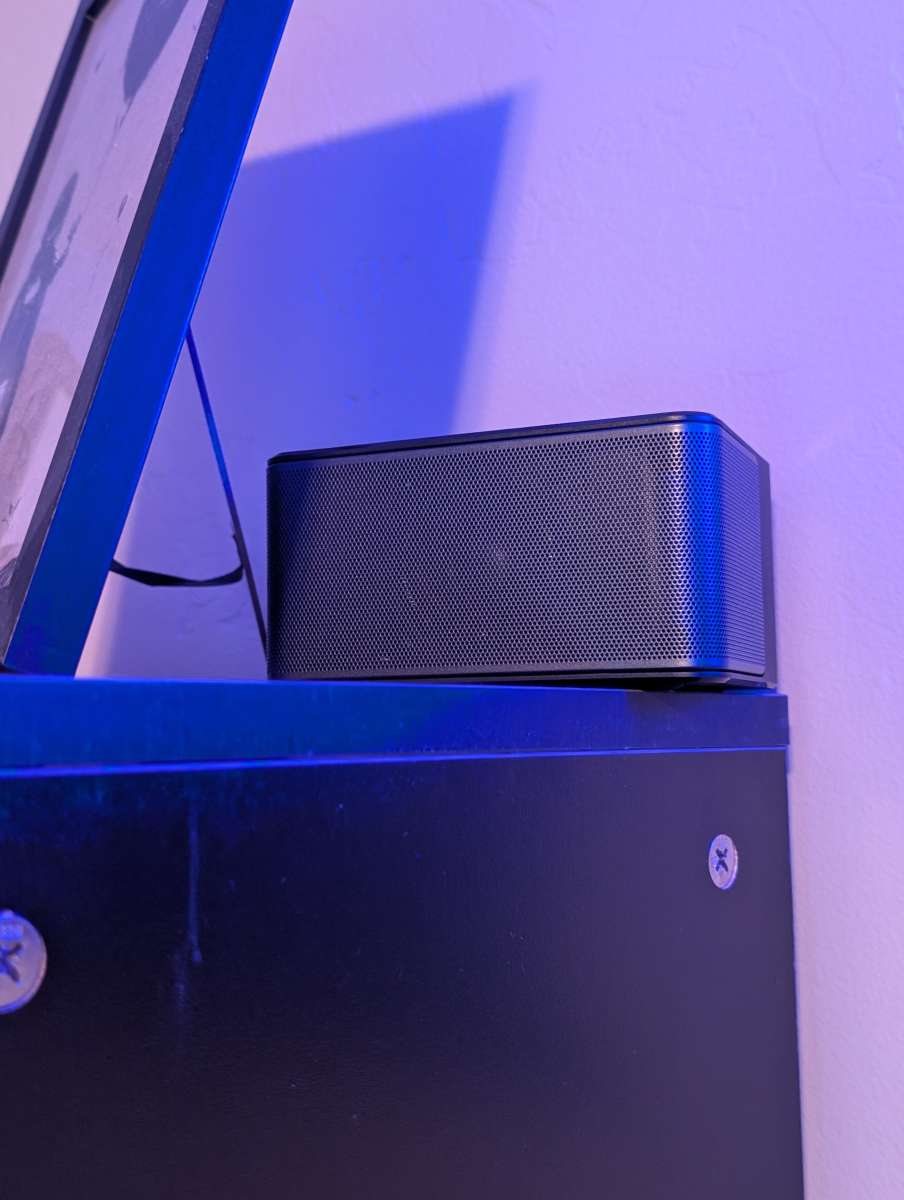
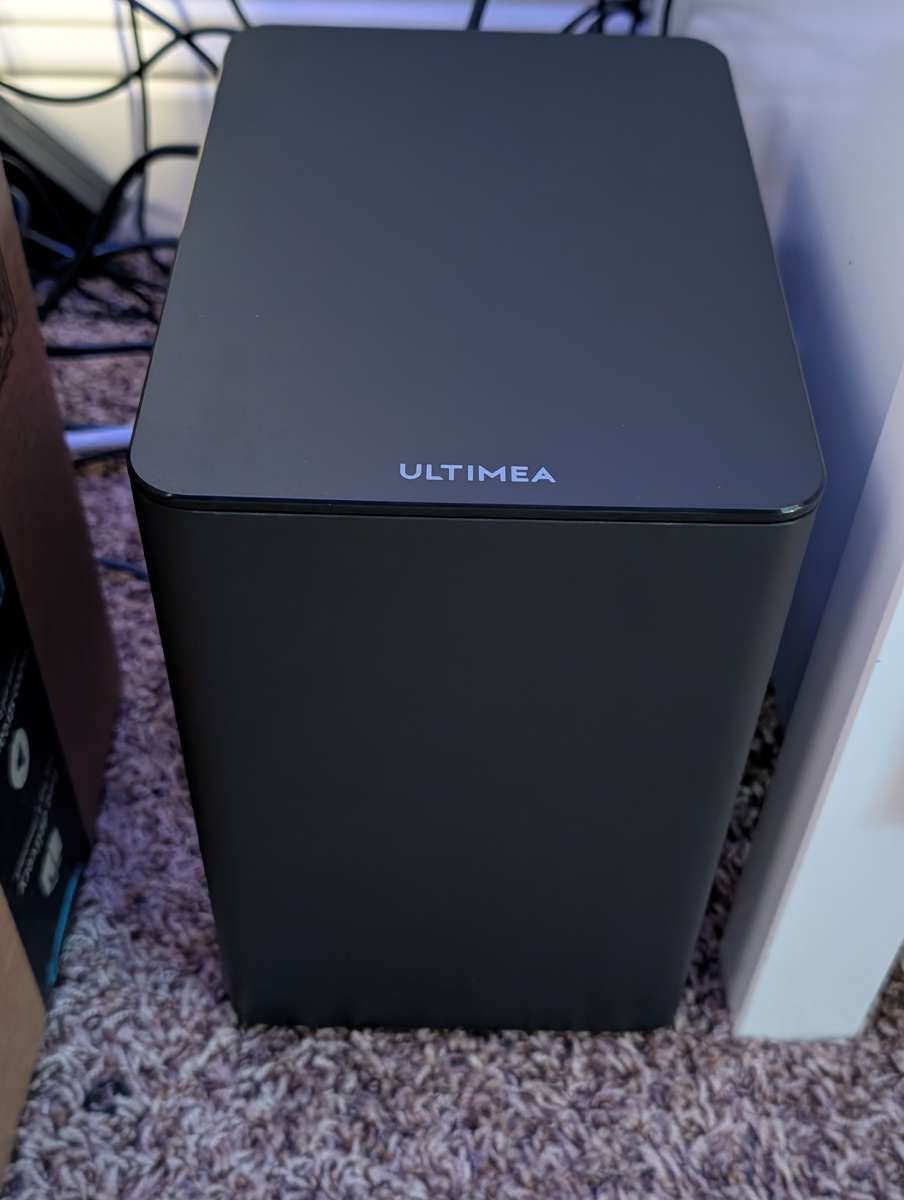
The subwoofer itself. (The cable mess got sorted out post-picture. No judging 🙂 )
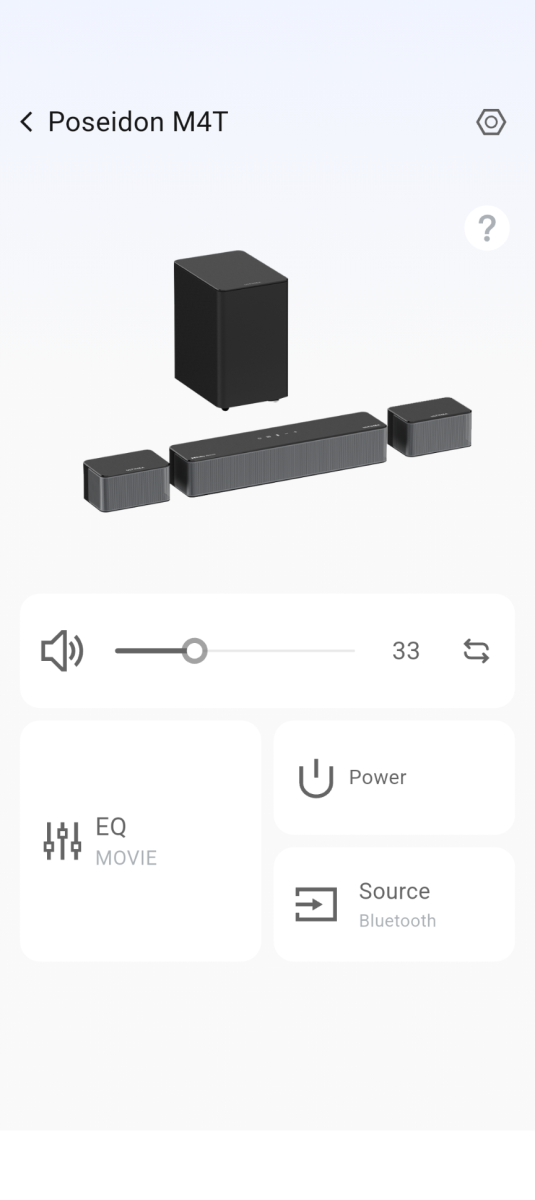
There is an ULTIMEA soundbar app you can install that isn’t required, but it does have a few nice features.
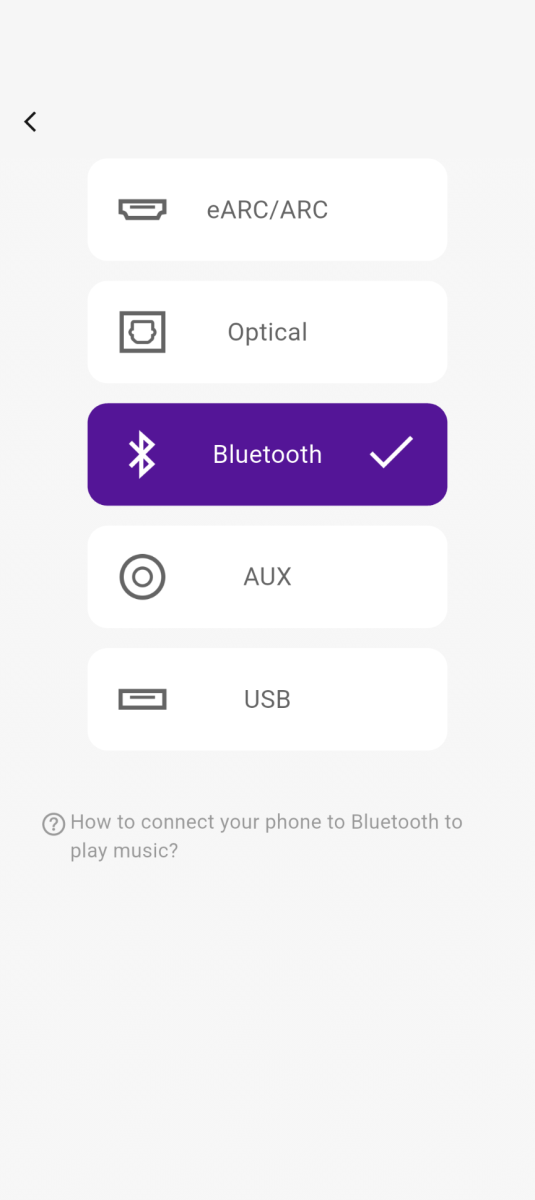
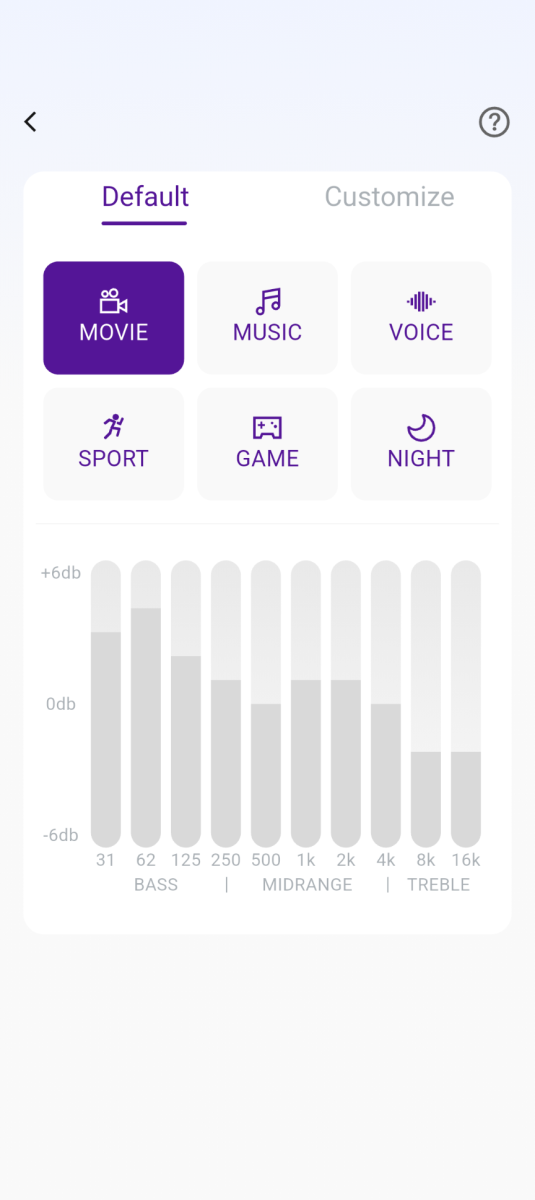
You can also select between the different input channels and also select between different EQ configurations.
Performance
Sound-wise, I’m very impressed by the quality, depth, and coverage of the sound with two satellite stations and a subwoofer. Between classical music, rock, movies and Youtube clips, it performed great and really filled the room.
Final thoughts
Great soundbar and it’s a pretty great price point. I like the quality of the sound and the ease of setup. I definitely recommend.
What I like about the ULTIMEA 5.1 Dolby Atmos Sound Bar
- Installation is simple and the cables provided are very long, which helped a lot
- Sound is great
- Multiple connectivity options
What needs to be improved?
- Nothing
Price: $135.99
Where to buy: Amazon
Source: The sample of this product was provided for free by Ultimea. Ultimea did not have a final say on the review and did not preview the review before it was published.
Check out these other reviews!
- Creative Stage Pro 2.1 Soundbar review – Simple setup, surprisingly powerful performance
- Ultimea Skywave X70 7.1.4 Dolby Atmos soundbar review – Premium sound you can hear and feel

HP Business Laptop with Microsoft Office 365, 1TB OneDrive and 128GB SSD, 8GB RAM, 4-Core Intel 13th Gen Processor | No Mouse, Fast Response, Long Battery Life, Good Value
(as of March 15, 2026 11:38 GMT -05:00 - More infoProduct prices and availability are accurate as of the date/time indicated and are subject to change. Any price and availability information displayed on [relevant Amazon Site(s), as applicable] at the time of purchase will apply to the purchase of this product.)
