
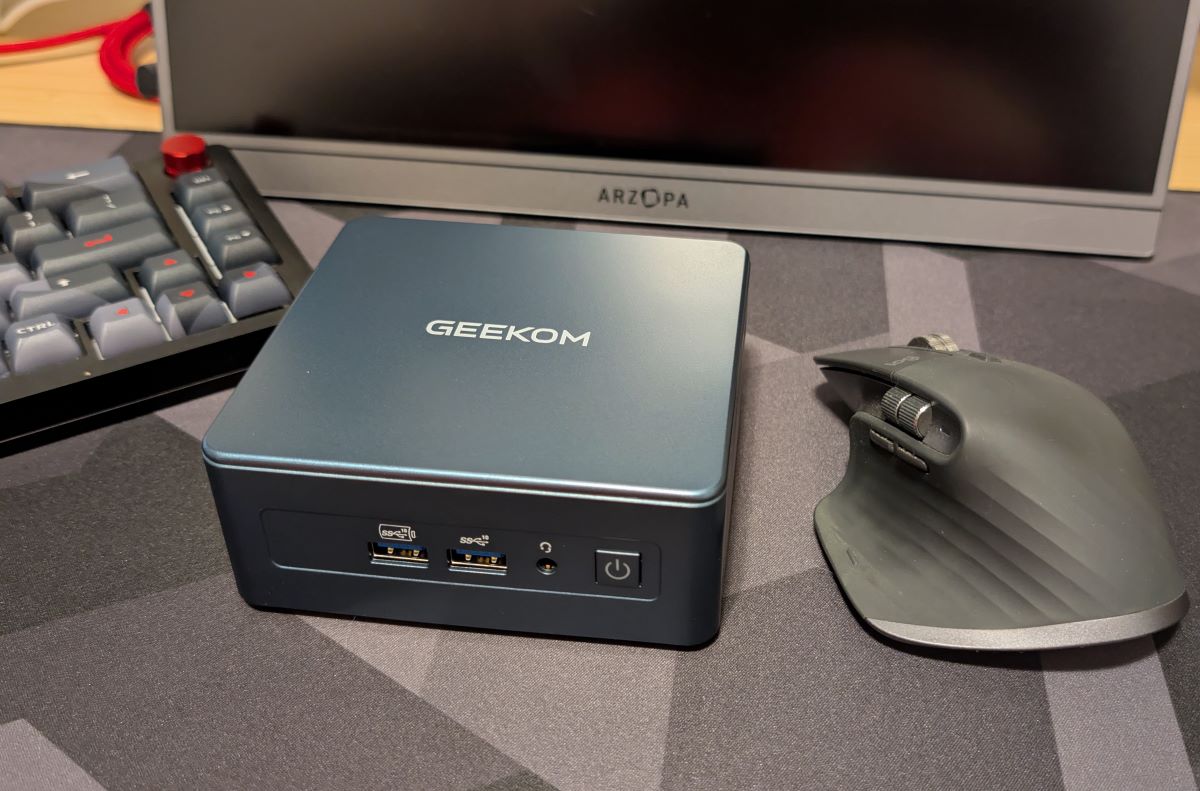
REVIEW – I have a laptop that I use for work every day. Saying I don’t like it is putting it mildly. It’s a fine laptop for what it is, but it’s woefully underpowered for what I need to do. So, when Geekom offered up their IT13 2025 edition mini PC. I wanted it in hopes I could put away the laptop for good, or at least until I have to travel again. The IT13’s specs looked great, supposedly with more than enough horsepower to get me through the workday without the cursing I gave the laptop. So how did it work out? You probably can tell a bit from the title of the review, but read on anyway. Please. Don’t make me beg. It’s not pretty.
⬇︎ Jump to summary (pros/cons)
Price: $659
Where to buy: Geekom and Amazon
What is it?
The Geekom IT13 2025 Edition is an upgraded version of the IT13 with an Intel i9-13900HK CPU, up to 64GB of RAM, and up to 5 TB SSD for storage. It comes equipped with tons of ports for such a small form factor and supports 4K and 8K video.
What’s included?
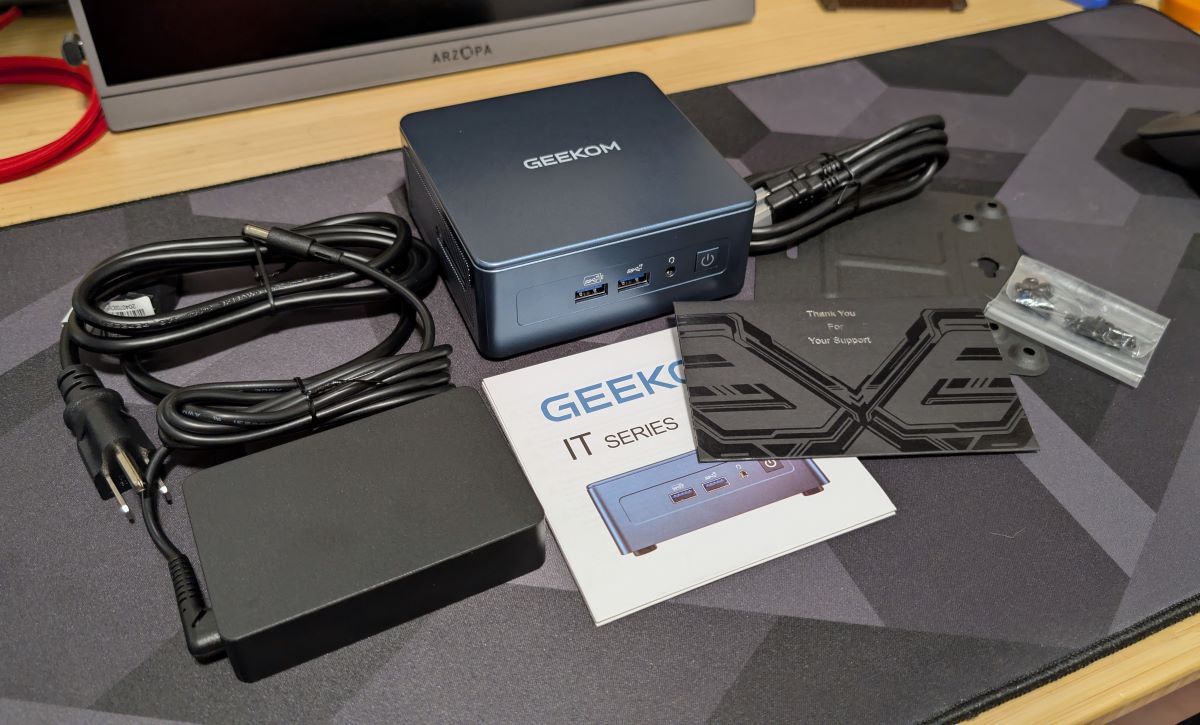
- IT13 2025 mini PC
- Power supply
- HDMI cable
- VESA mounting plate with hardware
- User Guide
- Thank you card
Tech specs
- Dimensions 117 mm × 112 mm × 49.2 mm
- Weight 652 g
- CPU 13th Gen Intel® Core™ i9-13900HK (14 Cores, 20 Threads, 24MB Cache, up to 5.40 GHz)
- Graphics Intel® Iris® Xe Graphics eligible for i9-13900HK
- Memory Dual-channel DDR4-3200 SODIMM, supports up to 64GB
- Storage 1 × M.2 2280 PCIe Gen 4 ×4 SSD, supports up to 2TB
- 1 × M.2 2242 SATA SSD slot, expandable up to 1TB
- 1 × 2.5″ SATA HDD (7mm) slot, expandable up to 2TB
- I/O Ports 3 × USB 3.2 Gen 2 ports
- 1 × USB 2.0 port
- 2 × USB4 ports
- 1 × SD card reader
- 1 × 3.5 mm headphone jack
- 1 × 2.5GbE LAN port
- 2 × HDMI 2.0 ports
- 1 × DC jack
- 1 × Power button
- Operating System Windows 11 Pro
- Bluetooth® Wireless Technology Bluetooth® 5.2
- Ethernet Intel® 10/100/1000/2500 Mbps RJ45
- Wireless LAN Wi-Fi 6E AX211
- Kensington Lock Yes
- Power Adapter 19V, 6.32A
Design and features
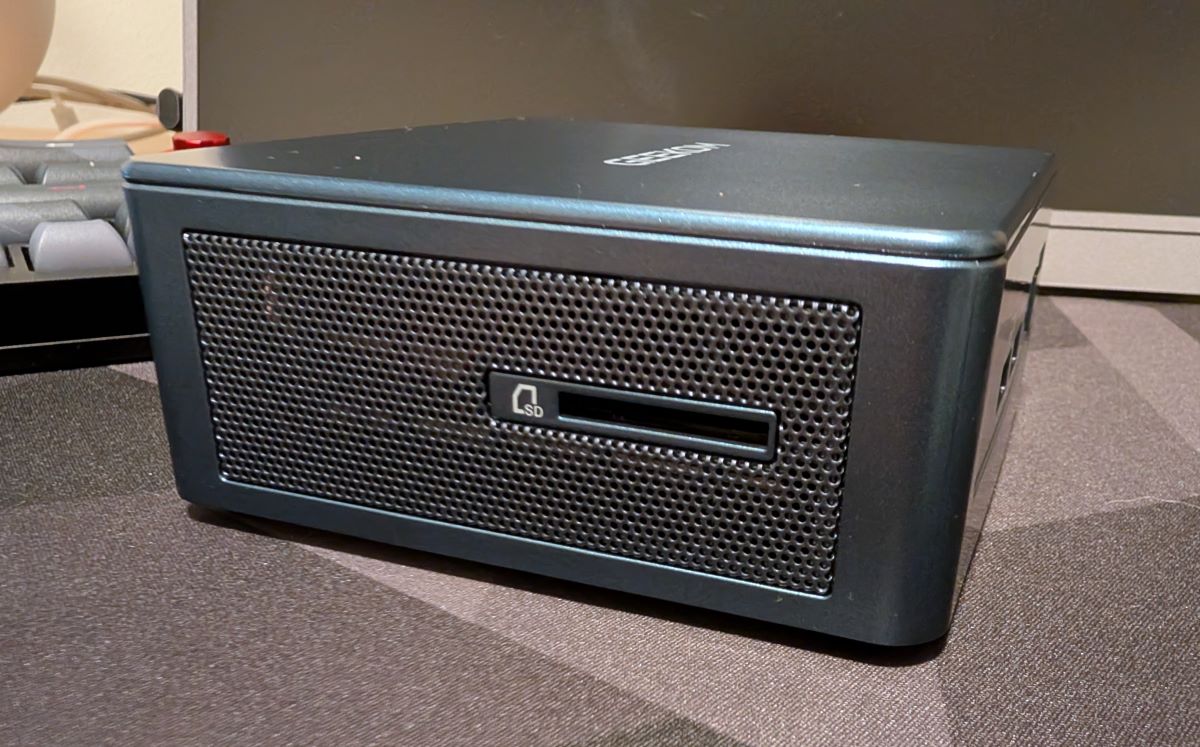
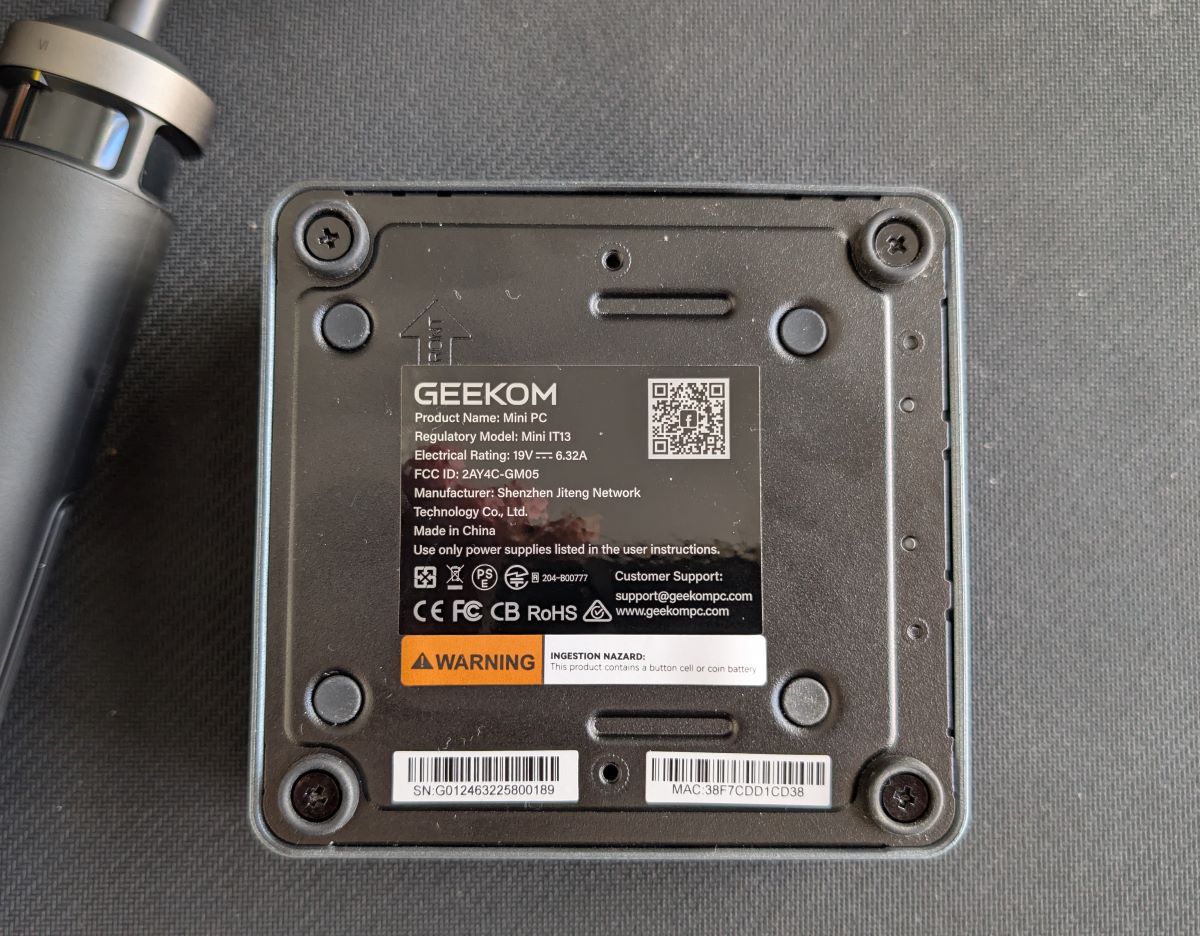
Of course, one of the standout design features of a mini PC is the mini part. The IT13 is roughly 4.5″ square and a little shy of 2″ thick. So, it’s not taking up a lot of space on the desktop. The build quality of the case is nice as well since it’s all metal. I’ve reviewed others that were plastic, and they felt cheap. Part of the reason Geekom does this is for longevity. They expect their machines to last for between 5 to 8 years, which is why the IT13 2025 does not come with a 90-day warranty, not even a year warranty, but a 3-year warranty.
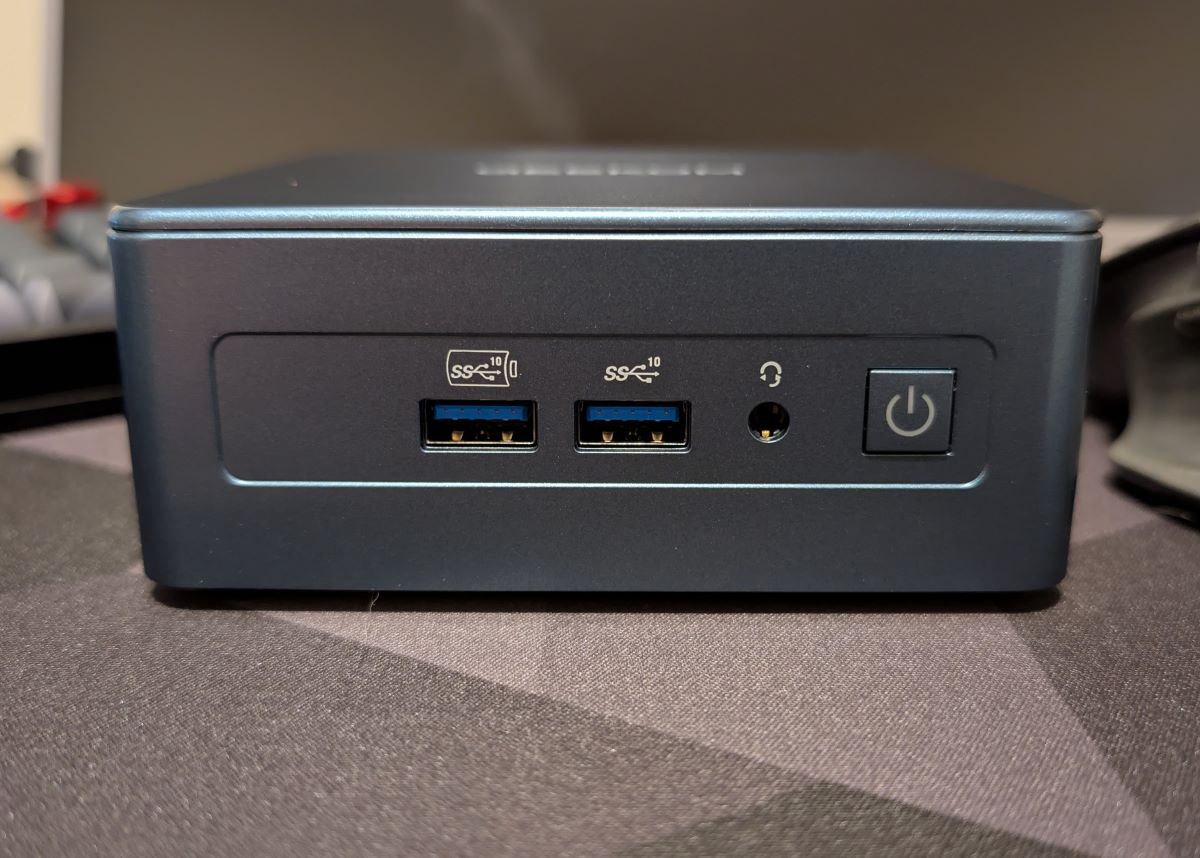
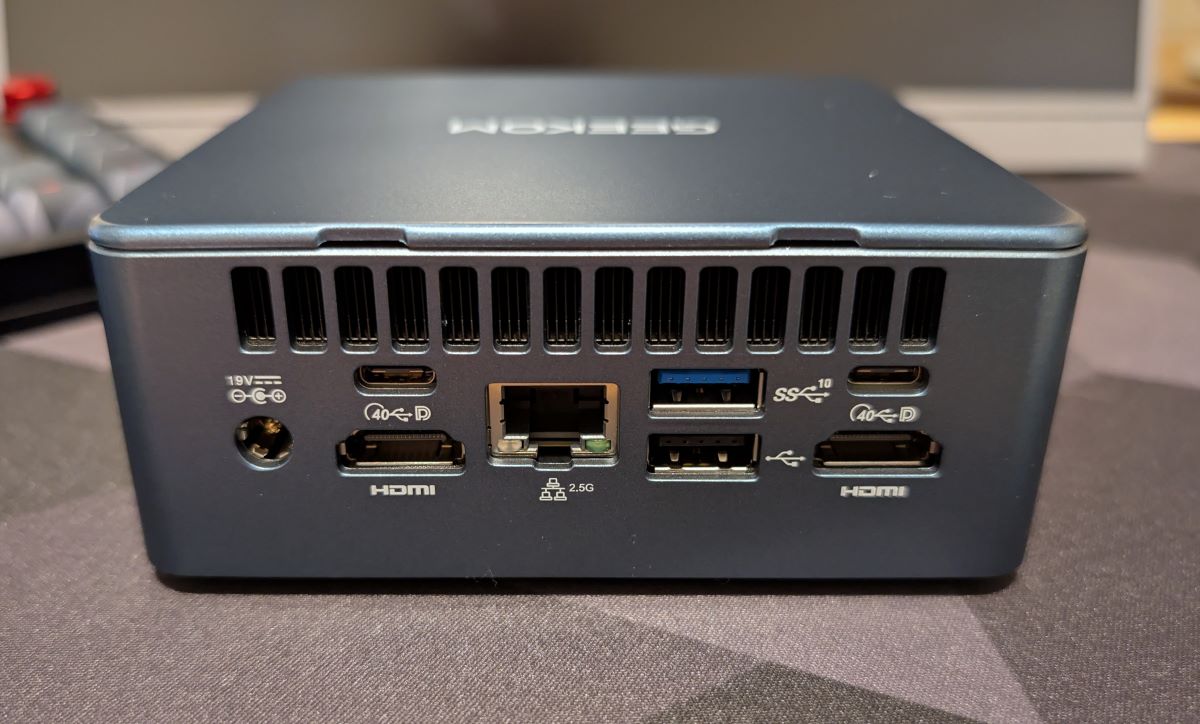
Let’s talk ports. The Geekom IT13 has a plethora of them. It has 2 HDMI ports for your multi-monitor setup, 2 USB 4 ports, which can also pass video. There are 1 USB 2 and 3 USB 3.2 ports for all your peripherals. It has a 2.5 GB LAN port if you’re lucky enough to be next to your router or have your house wired for a network.
 They’ve even squeezed an SD card reader and headphone jack in there. My only gripe is that there are not enough USB-C ports for my liking. I would gladly give up the USB 2 and a USB 3.2 port for more.
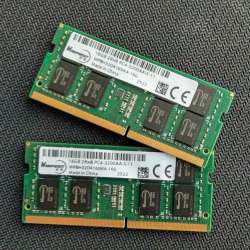
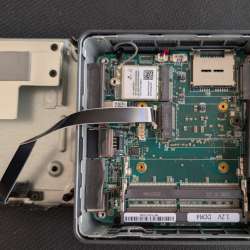
Now, what about the guts? Well, the IT13 supports up to 64GB of DDR4 RAM with 2 SODIMM slots. My review unit came with 32GB and works just fine. It has an M2 port supporting up to 2 TB of storage; mine came with one. There’s even a SATA adapter in there for support of 2.5″ drives. This little guy even offers Bluetooth 5.2 and Wi-Fi 6E.



Assembly, Installation, Setup
There’s not a lot to talk about here. The Geekom IT13 2025 edition comes with Windows 11 Pro preinstalled. You’ll just need to finish the normal setup process to personalize it and get it on your network. If you aren’t particularly fond of Windows, Geekom promises the IT13 is compatible with many flavors of Linux, so you should be able to load your favorite distro with little to no issues. I can’t speak to that, though.
Performance
Now let’s talk about how well the IT13 2025 edition does its job. I don’t run benchmarks on systems anymore. Most of the time, they just gave me a bunch of stats I couldn’t relate to real life usage. I was pretty sure that the PC’s i9 CPU would be better than my laptop’s i7, but both have 32 GB of DDR4 RAM. The IT13 has Intel Iris graphics, which have never impressed me, while my laptop uses an Nvidia T500, also not impressive. I was expecting much, but boy, was I wrong.
I typically have Teams, Outlook, and around 8 tabs of Chrome open all the time. On top of that, depending on the task at hand, I can have Word, PowerPoint, Photoshop, and Visio running. Then I create training videos where I run Camtasia, still with other programs open. Needless to say, my laptop didn’t like it. Resources ran low, and the system would drag, hang, and just be generally frustrating to use. Just opening PDFs in Adobe Acrobat could be a pain. I hate using it. The Geekom IT13 2025 mini PC has been a breath of fresh air. Since using it, I haven’t had the performance issues. I can run all the programs I have open all the time and still open some of the more demanding programs with no issues. And, it can do the job of editing photos and rendering videos with no problems. When using Camtasia on my laptop, I would close everything out so rendering my final video wouldn’t crap out, which it has done on numerous occasions. I did not have that problem with the Geekom mini PC. The videos were rendered without fail and faster than on my work-owned system.
Finally, if it’s important to you, you can do some gaming on this little guy as well. I’m more of a console guy, so I don’t have the latest games to try out on it. I installed Borderlands 3, Death Stranding, and Fortnite on it just to try it out. Of the three, Fortnite was the worst, but not unplayable. Set to the lowest settings, it’s fine. The other 2 played very well, although I do admit they’re pretty old games at this point. But they played smoothly with middle-of-the-road settings.
Final thoughts
What’s left to say? I’ve kicked the laptop to the curb. The Geekom IT13 2025 edition mini PC has become my daily driver. Now I’m not frustrated with my hardware while I’m trying to get my job done. I do notice the fan at times, but usually only when it’s quiet in my home office, which doesn’t happen often. It’s not loud at all, though, so not an issue for me.
What I like about X
- Build quality
- Great specs
- Licensed copy of Windows 11
- Still has room for some expansion
- Good price for what you’re getting
What needs to be improved?
- I just want more USB-C ports
Price: $659
Where to buy: Geekom and Amazon
Source: The sample of this product was provided for free by Geekom. Geekom did not have a final say on the review and did not preview the review before it was published.


Gadgeteer Comment Policy - Please read before commenting
Which device is the reviewer testing as a potential replacement?
My laptop is a Lenovo P14S. It has an i7, 32 GB RAM, and NVIDIA Quadro P520 2GB. Not a powerhouse, but it should be better than it is, in my opinion. Not saying anything bad Lenovo. I’m a long-time fan of their products, just not this one.