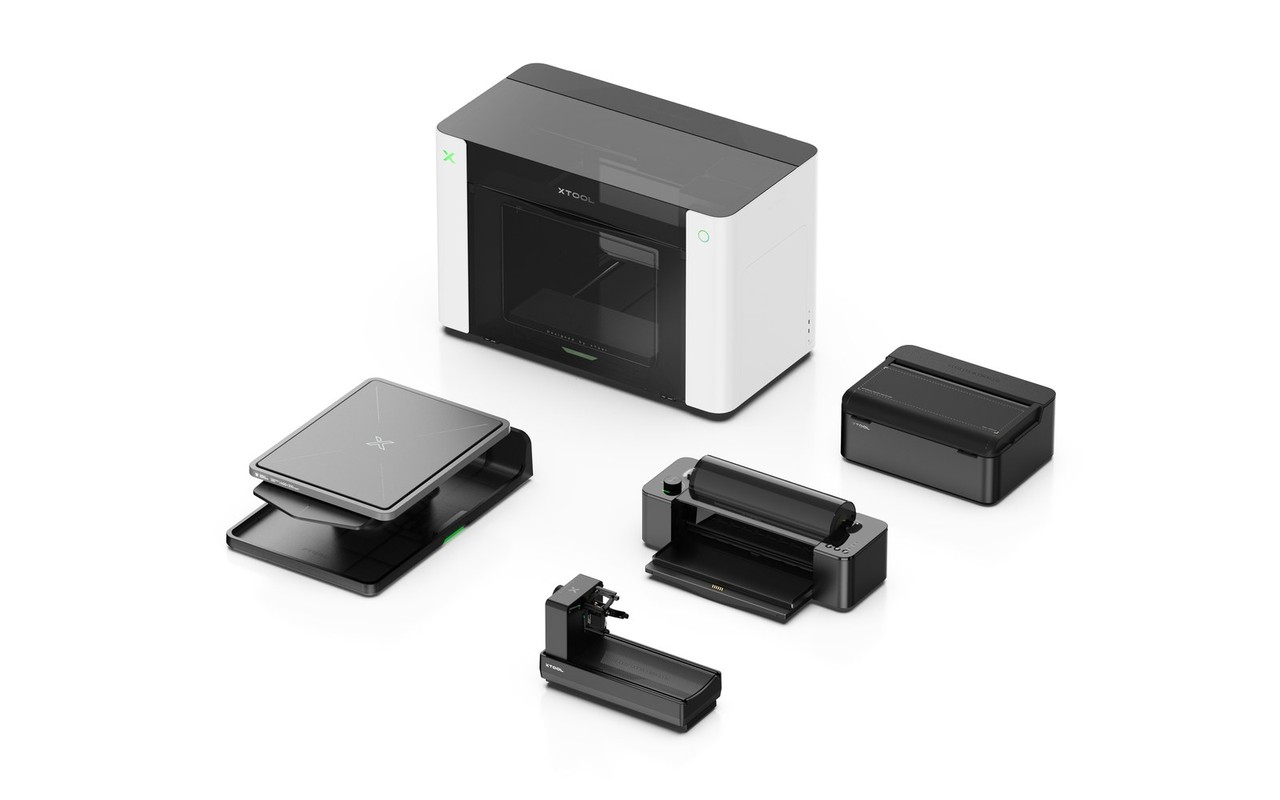
Small creator shops run into the same problem over and over: the product idea changes faster than the equipment can keep up. A tumbler points you toward one workflow, a hoodie another, a phone case another, and a transfer decal another. At some point, the cost stops being one printer and starts being the pile of printers around it.
That’s the problem xTool is aiming at with the O1 Omni. The company says its new desktop printer can cover UV, DTG, DTF, and UV DTF workflows in one system, with preorders open June 29 and configurations starting at $1,699. The useful promise isn’t a new effect. It’s less machine sprawl for people selling custom goods.
Price: from $1,699 preorder | Where to buy: xTool
The customer problem is machine sprawl
The Gadgeteer has covered xTool mostly as a laser company. The xTool P2S 55W Desktop CO2 Laser Cutter review looked at a machine built around cutting and engraving, while the xTool M1 Laser and Blade Cutting Machine review showed how the company has already blended tool categories.
The O1 Omni moves into the work that happens after the cut or engraving. It’s about putting full-color graphics, texture, and transfers onto the objects a maker may already be selling.
That changes the buyer. This isn’t for someone who wants to engrave a coaster once and call it a weekend project. It’s for the person looking at signs, tumblers, packaging, apparel, decals, and small-batch gifts, then wondering how many separate machines that business can justify.
The useful part is the range, not the acronym list
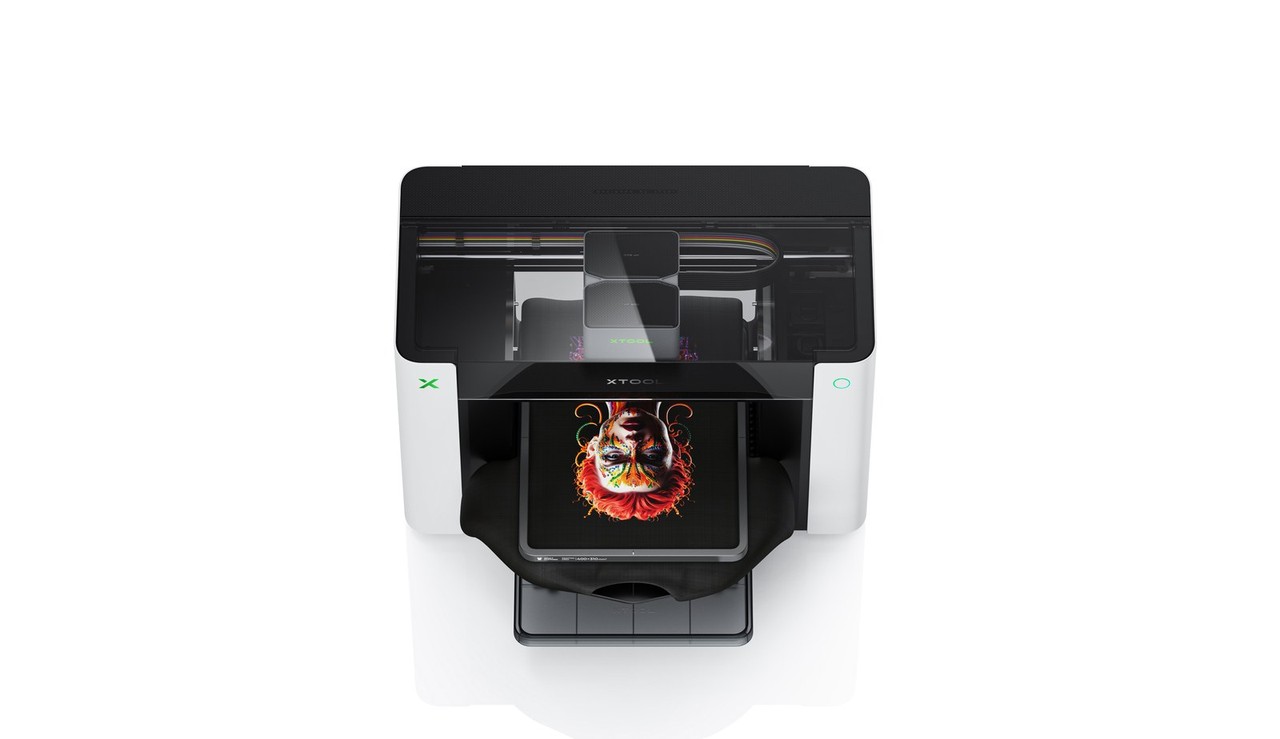
xTool says the O1 Omni merges UV, DTG, DTF, and UV DTF workflows in one desktop ecosystem. In plain terms, the company is positioning it for hard materials such as wood, acrylic, glass, and metal, plus apparel and transfer decals.
What matters: optionality. A desktop UV printer can make sense for rigid products. A DTF printer can make sense for apparel transfers. xTool’s argument is that a small shop shouldn’t have to choose one product lane before it knows which custom items will sell.
The machine uses an upgradable dual-printhead architecture. Buyers can choose a dual-UV setup for layered effects and faster UV production, or a hybrid UV plus fabric setup for hard goods and garment work from one system.
The configuration details matter. For the Dual-Head UV Edition, xTool mentions flexible inks, soft and hard white inks, and Fluorescent or Neon inks for blacklight effects. For the UV plus Fabric Edition, the company says the system supports DTG and DTF work and that garment output survives more than 50 washes without fading. Those are manufacturer claims until the machine spends real time in a shop.
Pixel-Scan attacks the hidden labor
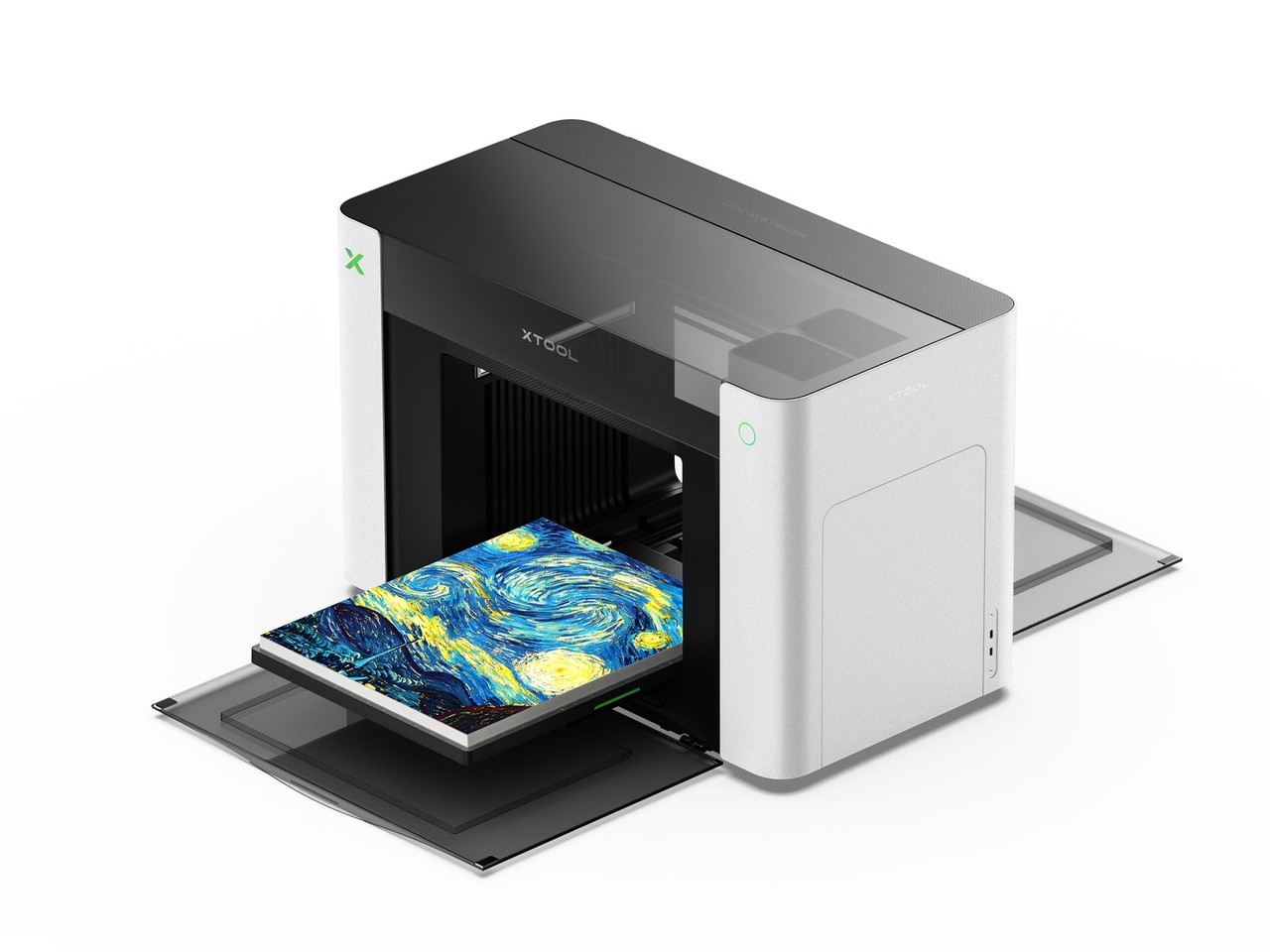
The bigger story isn’t the ink list. It’s placement. Custom printing gets expensive when the machine can technically do the job but the operator spends too much time aligning the object, checking height, setting up jigs, and fixing mistakes.
xTool calls its answer Pixel-Scan Vision. The system combines Line Laser Altimetry with CIS scanning. The laser side detects the highest point of an object so the machine can set print height and reduce the chance of a printhead collision. The CIS scanning side gives xTool the basis for a 1:1 close-range scan, which is meant to support jigless Drop & Print placement.
That’s the part worth watching. A flat phone case is easy compared with a tumbler, an irregular cutout, a small batch of uneven objects, or a laser-cut piece that needs color after cutting. If the O1 Omni can reduce that setup work, the value isn’t only in what it prints. It’s in the time it gives back.
With the optional Rotary Attachment, xTool says the O1 can perform automated 3D modeling for 90% of mainstream tumblers and show a 1:1 design preview. That’s a practical claim, not a decorative one. Tumblers are exactly the kind of product where alignment can turn a simple order into a time sink.
Software decides whether the promise holds
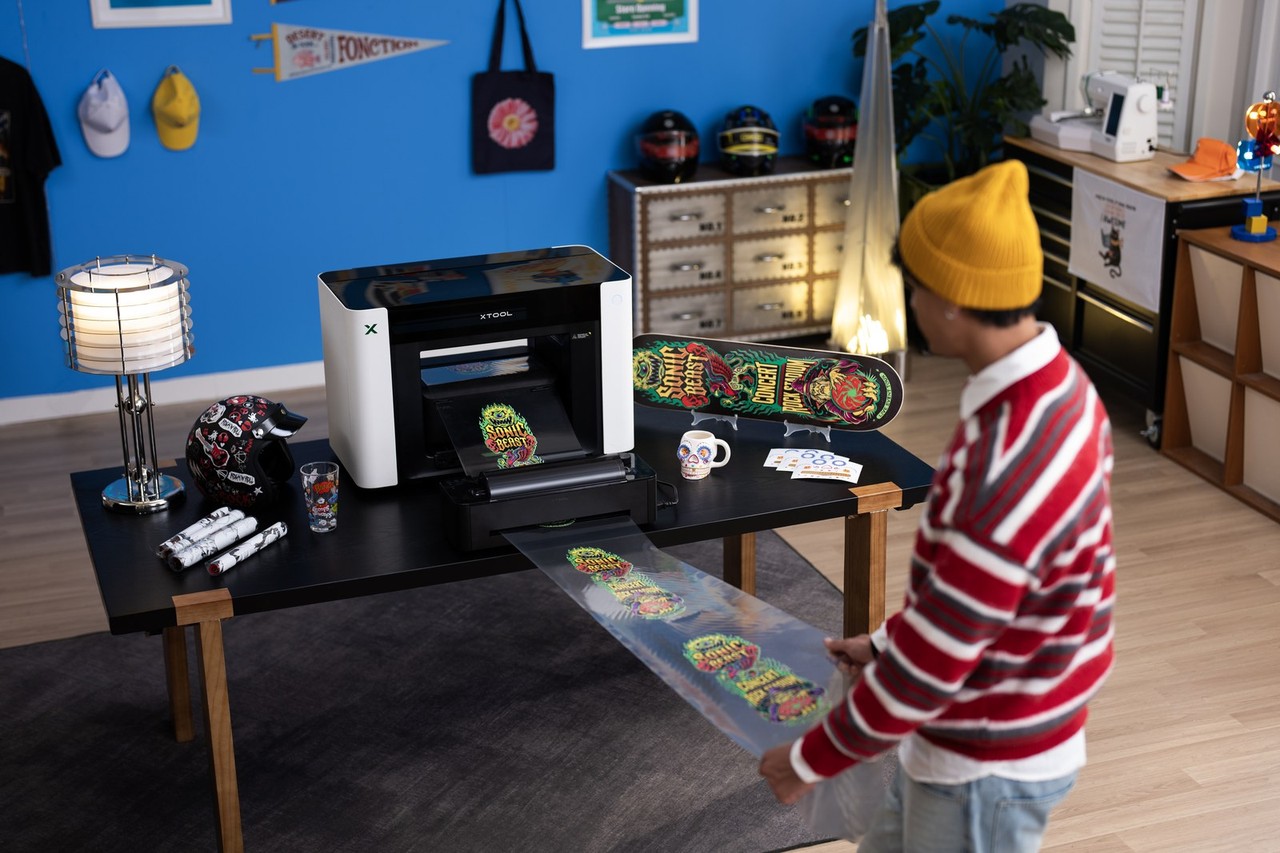
The hardware only matters if the workflow holds together. xTool Studio is carrying a large part of that burden, especially for shops that already use xTool laser machines.
The company says its Laser plus UV workflow can recognize and align laser-cut workpieces after they’re moved to the O1, with no manual recalibration. If that works as described, the O1 becomes more than a printer added beside a laser. It becomes the finishing step in the same small production flow.
The software also includes AI Contour Recognition, which is meant to identify irregular shapes, fill designs into those shapes, and avoid holes such as camera cutouts. xTool also lists a 2000+ Texture Library for 7mm 3D relief effects and a Lenticular 3D Generator for naked-eye 3D output. The practical takeaway is simple: the effects will get the demo attention, but alignment and repeatability will decide whether owners keep using it after the preorder excitement fades.
The price makes buyers choose their lane
The entry UV Edition is $1,699 during preorder and $2,499 at MSRP. The Dual-Head UV Edition is $2,699 during preorder and $3,299 at MSRP. The UV plus Fabric Edition is $2,799 during preorder and $3,499 at MSRP.
That spread matters because the lowest price doesn’t buy the full cross-category pitch. The UV Edition gets buyers into hard goods and UV work. The Dual-Head UV Edition targets faster UV output and specialty effects. The UV plus Fabric Edition is the version for people who want apparel workflows in the same system.
xTool says a $50 deposit locks early-bird savings and a bonus package valued at $459. The final payment phase and broader launch are scheduled for July 15. The right comparison isn’t only the preorder price. It’s the cost of buying, placing, maintaining, and learning separate tools for UV printing, fabric printing, transfers, and specialty effects.
Price: from $1,699 preorder | Where to buy: xTool
Who should consider it, wait, or skip it
The O1 Omni makes the most sense for small shops that already sell customized physical products or have enough order variety to justify one flexible machine. If a business is testing tumblers, signage, custom packaging, apparel, decals, and short-run gifts, the O1 Omni could reduce the number of tools needed to test those categories.
The buyer who should wait needs proven production speed, known ink costs, and predictable maintenance before placing money down. This remains a press-release news piece, not a hands-on review. Printhead maintenance, consumable life, ventilation needs, repair path, and real throughput still need to be tested outside xTool’s launch materials.
The buyer who should skip it already has a narrow, working workflow. If you only print shirts, only make rigid signs, or already have a tuned production setup, an all-in-one machine can create new complexity instead of saving money. The wider the promise, the more important daily reliability becomes.
The bottom line for small shops
xTool says the O1 uses GREENGUARD-certified, non-reprotoxic inks, built-in air filtration, and SmartCycle 2.0 for routine care and support for 14 days away from the machine. Those are useful claims, but the real test is whether the O1 can make mixed-product production feel manageable instead of fragile.
The O1 Omni is interesting because it treats the small creator shop’s space, money, and setup time as the problem to solve. If xTool’s alignment, maintenance, and garment claims hold up in real use, this could be a serious creator-shop tool. If they don’t, the price advantage disappears into setup time. That’s the question waiting after July 15.