
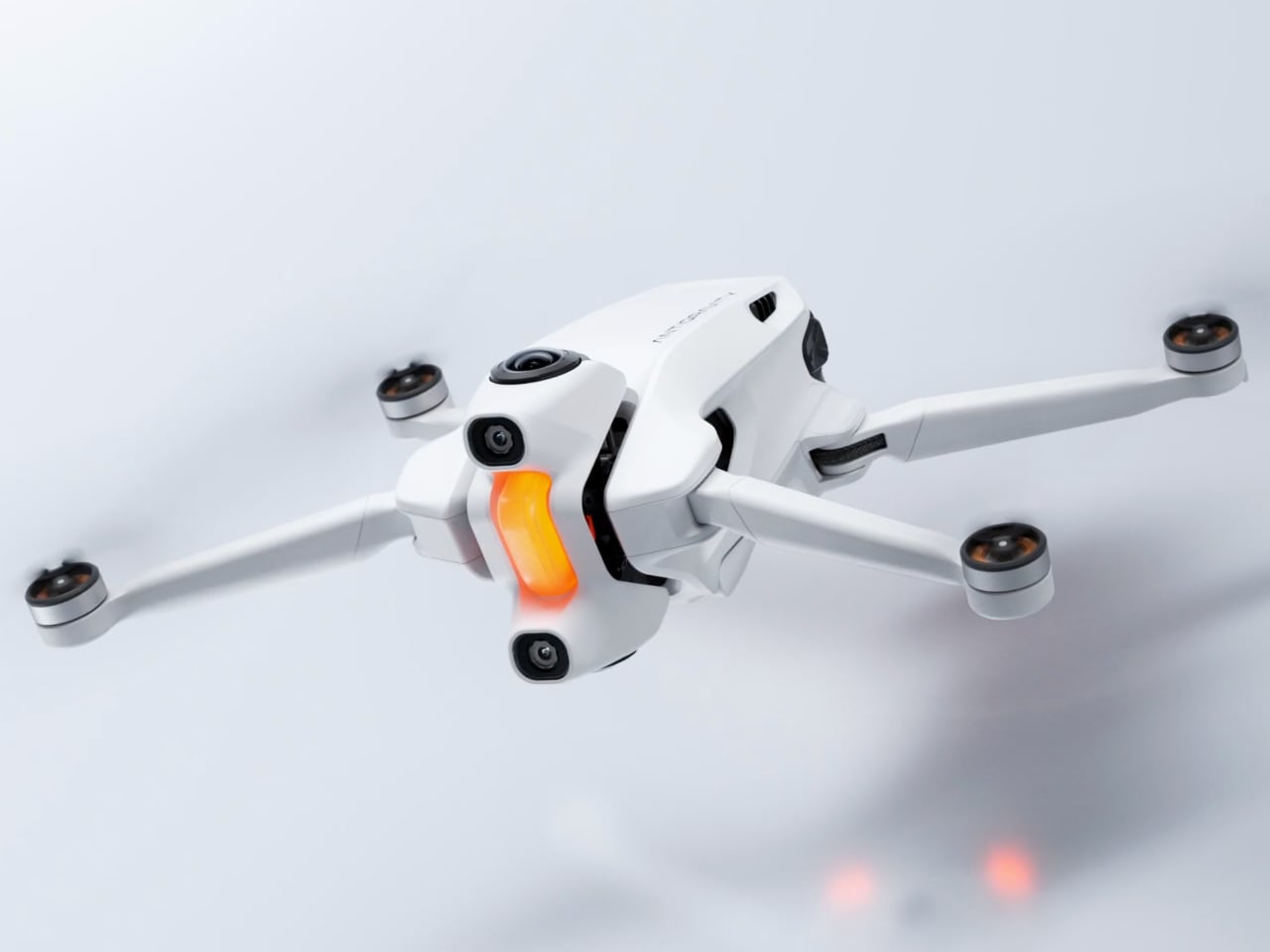
The Antigravity A1 update adds full 360 obstacle avoidance, voice control, and new creative flight tools to its 8K 360 drone platform. The April release fixes the biggest limitation of the original launch while expanding how the drone is used in real-world shooting scenarios.
When the Antigravity A1 launched in late 2025, it did something no other drone had done. It captured 8K 360 video with a built-in camera, no external rig required. The tradeoff was a major blindspot in obstacle detection. It could only see forward and downward, leaving the sides and overhead completely unprotected.
Promotion: 20% off all A1 bundles (North America only)
Ends: April 16, 2026
Where to buy: Antigravity | Amazon
The April update fixes that gap. Omnidirectional sensing, voice commands, Virtual Cockpit mode, timelapse, and new creative tools are all rolling out next month. For buyers on the fence, a 20 percent Spring Sale is also running across all bundles in the United States and Canada.
Obstacle avoidance that actually covers every direction
The original A1 could detect objects in front of and below the drone. That’s fine for open-sky flying, but the moment you’re near trees, buildings, or any kind of structure, two-axis detection isn’t enough. The April update brings full omnidirectional sensing, so the A1 can now detect obstacles in every direction around itself.
There’s also a new bypass mode. Instead of just stopping when something’s in the way, the drone will actively maneuver around obstacles on its own. This matters especially as Antigravity prepares to roll out joystick control in a future update, where manual piloting at speed will demand faster, smarter obstacle response.
For anyone who’s flown a 360 drone through tight spaces and held their breath, this is the update that changes the math on risk.
Timelapse and smarter Sky Path controls
Timelapse photography is coming to both Normal Recording and Sky Path modes. You’ll be able to set the A1 on a flight path and let it compress time into fast-moving sequences, turning a sunset flight or a slow coastal pass into something cinematic without any post-production speed ramping.
Sky Path itself is getting a meaningful upgrade too. Pilots can now assign a specific camera angle to each node along a path, and the A1 will smoothly transition between those angles as it flies. That means you can frame a building from one perspective at the start of a route and shift to a completely different composition by the end, all hands-free.
These two additions together give the A1 a creative toolkit that starts to feel less like a drone and more like an autonomous camera operator.
Voice commands bring hands-free control to shooting modes
The A1 already uses Antigravity’s FreeMotion control system, which replaced traditional joystick inputs with gesture-like phone controls. Now voice commands are layering on top of that. Say the word, and the drone will launch into Sky Genie, Sky Path, Deep Track, or Return to Home.
It’s a smart addition for solo pilots especially. If you’re holding a phone in one hand and trying to frame a shot with the other, being able to trigger a tracking mode or recall the drone by voice eliminates a step that always felt a little clumsy. Whether it works reliably in wind or noisy environments is something we’ll have to test, but the concept fills a real gap in the workflow.
Virtual Cockpit turns flying into something closer to a game
This one’s the wildcard. Virtual Cockpit mode lets you fly the A1 through the eyes of a virtual avatar. You can ride a dragon, sit in an airplane cockpit, or pick from other avatars that overlay your live flight feed with a fantasy-style first-person perspective.
It doesn’t change the drone’s actual flight behavior or capture capabilities. What it does is turn a flight session into something that feels more like a game, which could be the hook that gets a younger audience interested in 360 drones. For experienced pilots, it’s a novelty. For someone who’s never flown before, it might be the reason they try.
Path Styles and Path Markers round out the creative additions. Path Styles add dynamic visual effects to Sky Path routes, making each programmed flight look distinct. Path Markers drop items along routes for a gamified feel, almost like collecting coins on a flight path. Both lean into the playful side of drone flying, which is clearly where Antigravity wants to carve out space in a market dominated by utilitarian DJI alternatives.
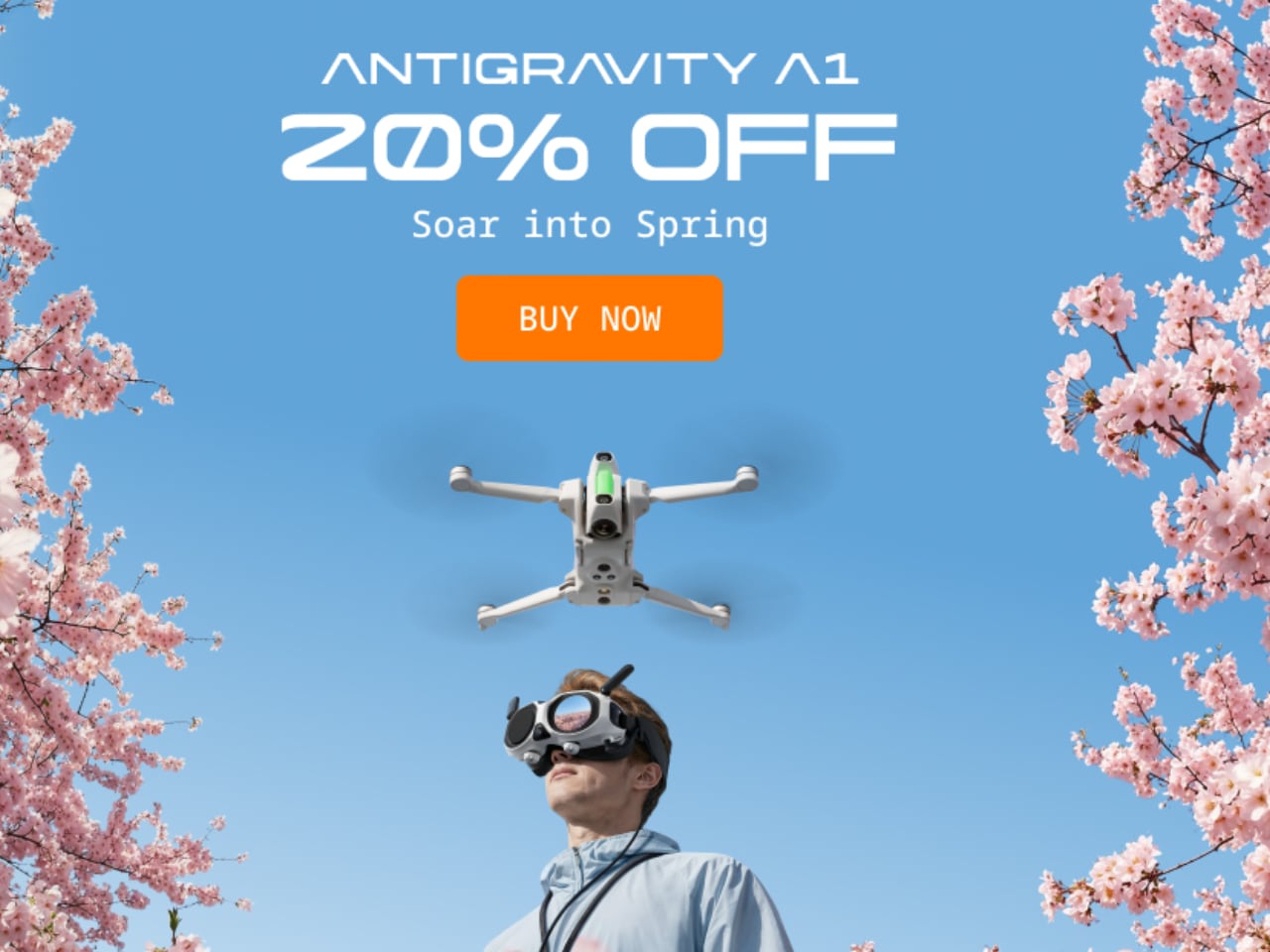
Spring Sale: 20% off all A1 bundles in the US and Canada
From March 16 through April 16, all three Antigravity A1 bundles are 20% off for buyers in the United States and Canada. That includes the Standard, Explorer, and Infinity packages. You can find pricing and bundle details at antigravity.tech.
Regular Price: $1,599
Deal Price: $1,279
You Save: $320
Where to buy: Antigravity| Amazon
Regular Price: $1,899
Deal Price: $1,519
You Save: $380
Where to buy: Antigravity| Amazon
Regular Price: $1,999
Deal Price: $1,599
You Save: $400
Where to buy: Antigravity | Amazon
The timing isn’t accidental. Dropping a sale right before a major feature update is a smart play. Buyers who pick up the A1 now will get every new feature from the April update at no additional cost, which makes the value proposition stronger than it was at launch. If omnidirectional obstacle avoidance and voice commands were on your wish list, the price just got easier to justify.
