
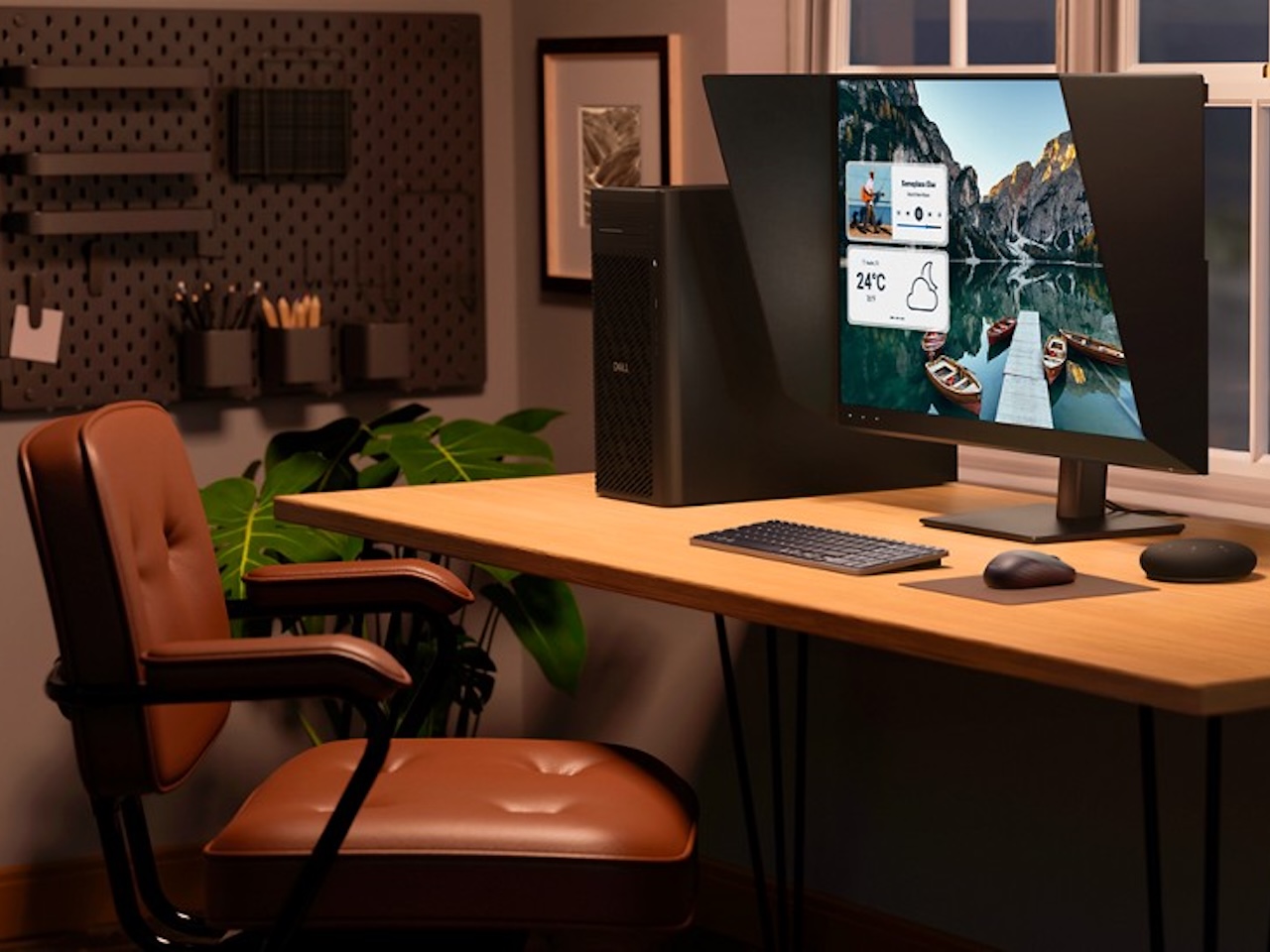
ARTICLE – Pro monitors promise calm color. They also hand you a calibration puck and a recurring reminder. That tradeoff gets old fast.
Price: $2,599.99
Where to Buy: Dell
You export a batch of portraits on a Tuesday afternoon. The skin tones look warm on your screen. They look muddy on the client’s laptop. That gap stings. Back in the file, the reds haven’t changed. Your profile checks out. The doubt doesn’t leave.
Dell’s UltraSharp U3226Q tries to close that gap with hardware. It puts a colorimeter inside the bezel. That’s a clean swing at an old problem. It’s also a $2,600 bet.
What Dell Announced
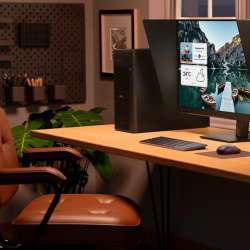
Dell earlier introduced the UltraSharp 32 4K QD OLED monitor, model U3226Q, at CES 2026. The screen’s 31.5 inches, which feels generous for detail work without crowding a standard desk. Resolution’s 3840 x 2160. Refresh rate’s 120 Hz. Those numbers won’t surprise anyone who’s tracked the QD OLED wave over the past two years. What changes here isn’t the panel class. It’s the calibration story baked into the chassis. Dell’s pitching a monitor that checks its own color accuracy, and that pitch landed louder than the specs at CES.
Factory calibration’s rated under DeltaE 1. That number reads like reassurance for anyone doing color-critical work. It’s also the kind of claim that invites stress testing the moment retail units hit real desks. Small errors in gradients and skin tones show up fast on a QD OLED panel. Reviewers will push this one hard.
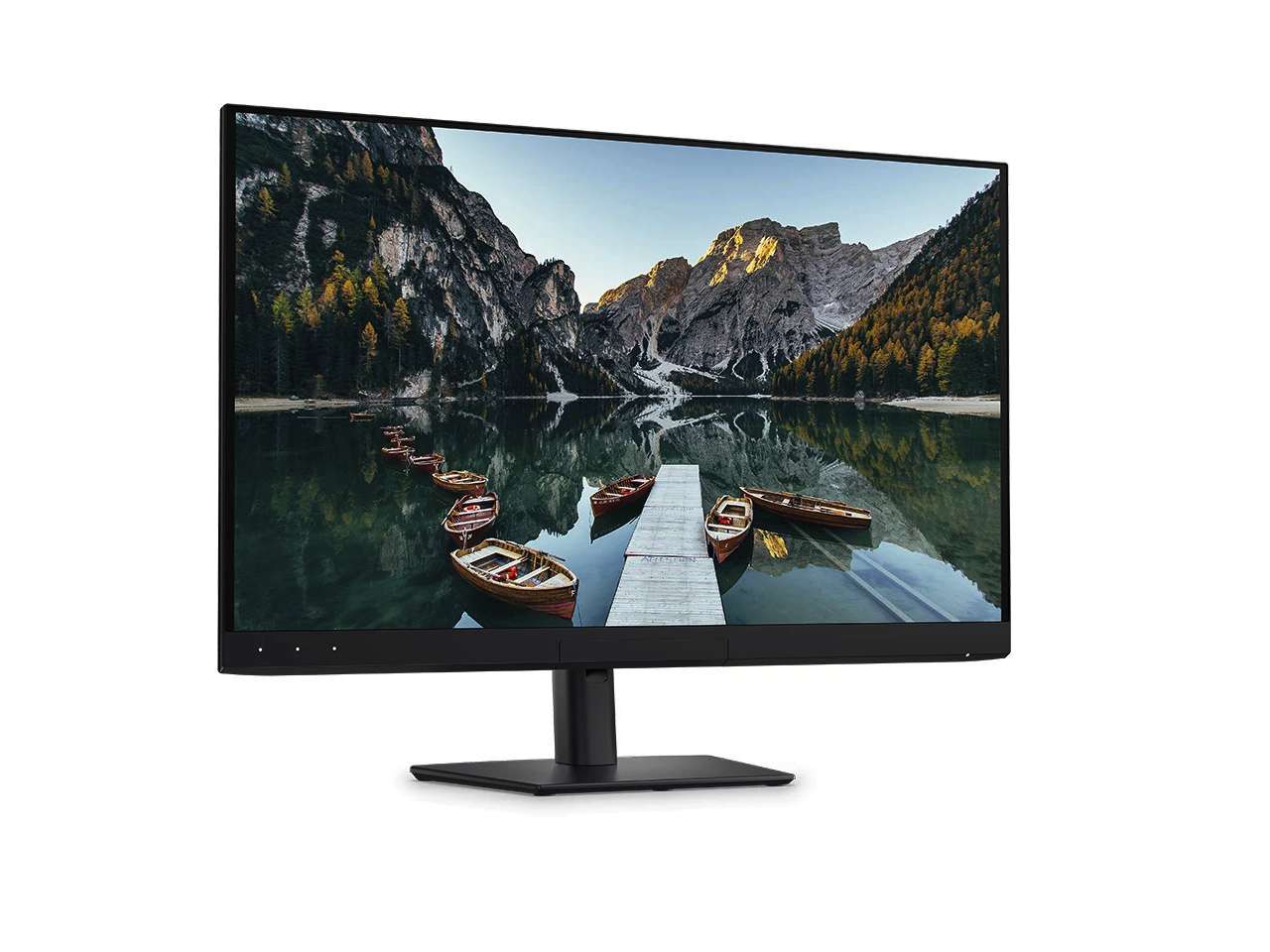
Pricing’s set at $2,599.99, and Dell says global availability starts February 24, 2026. At that number, the monitor can’t just look good on a spec sheet. It has to feel effortless in a real workflow. That means the built-in calibration needs clean menus, clear profile names, and zero reliance on a clunky companion app. If you’ve wrestled with laggy calibration software before, you already know how fast convenience turns into frustration. A $2,600 monitor that adds steps isn’t a pro tool.
Nobody’s seen the calibration scheduling yet. That gap matters more than half the specs on the data sheet.
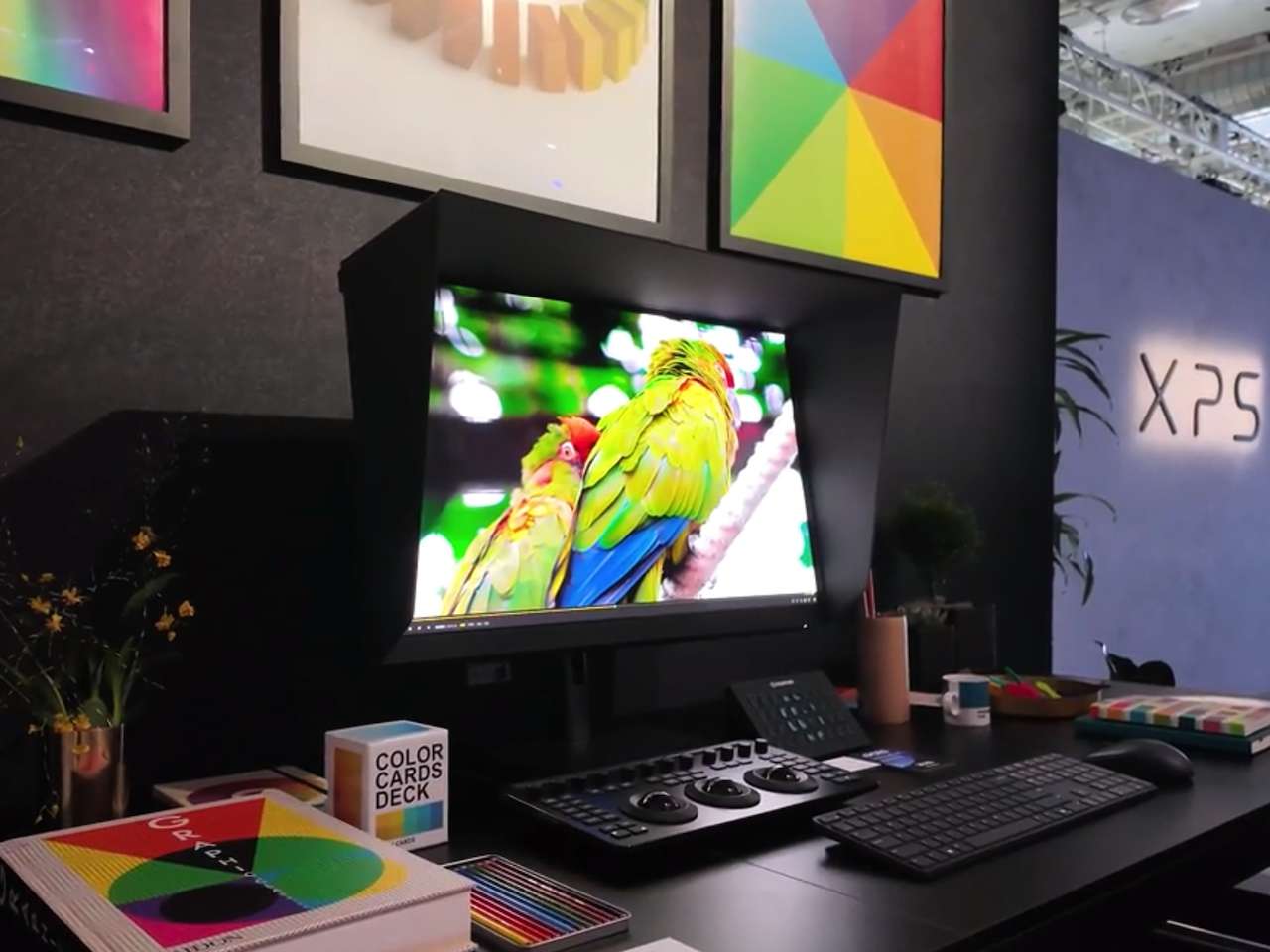
The colorimeter sits inside the top bezel, tucked out of sight. Dell says it can run checks without input once configured. That’s the right idea. Most calibration tools fail because they pile on steps at the worst times. Dell’s version needs to run quietly and stay accurate to solve a real daily irritation. Otherwise, it’s one more feature that looked great on a stage.
So the real question isn’t whether the U3226Q hits its color targets on day one. It’s whether the screen still looks right six months in with zero fuss. That gap separates a spec sheet win from a workflow win. Early adopters will find out first.
What The Panel Specs Change When You’re Staring At It All Day
Dell says the U3226Q uses Samsung’s fourth generation QD OLED panel. Color coverage hits 99 percent of DCI P3. That’s a wide gamut, and it tends to show most in the reds. Skin tones hold steadier across a session. Warm hues stop drifting toward orange under extended use. Those shifts matter most in portrait and product work, where a slight color push can erode client trust. Dell also rates the display for DisplayHDR True Black 500 and lists Dolby Vision support. HDR badges can stack up fast on any spec sheet. OLED contrast still pays off when the room’s dim and black actually reads as black.
Brightness lands at 300 nits. That won’t win a sun-blasted room with open blinds. It can look balanced in a typical home office, though, where overhead light’s controlled. White backgrounds won’t turn into glare traps at that level. It’s a fair number for the intended workflow.
Dell’s also promoting an anti-glare low-reflectance coating it calls a first for QD OLED. That claim’s worth tracking. Anti-glare coatings can cut reflections, but they sometimes soften the image in return. The texture of the coating changes how sharp fine text looks at arm’s length. Colors can also shift under harsh fluorescent light. If Dell’s version blocks glare without adding haze, that’s a meaningful comfort win for long sessions. Trading one distraction for another would strip this spec of its appeal fast.
If you’re editing for eight hours straight, these panel details add up quietly. Brightness, coating, and contrast aren’t headline features. They’re the ones that decide whether the screen still feels comfortable at 6 PM.
Ports, Who It’s For, And What Still Needs Proof
Thunderbolt 4 handles the upstream connection and delivers up to 140W of power. That’s enough to keep most larger laptops charged through one cable. One cable is the point. The desk cleanup alone makes this worth noting. Other ports include HDMI 2.1 and DisplayPort 1.4. There’s a second USB C port at 27W, handy for a phone or tablet sitting nearby. USB A’s still here for older accessories that haven’t gone wireless yet. Wired networking through 2.5 gigabit Ethernet can quietly save a tight deadline.
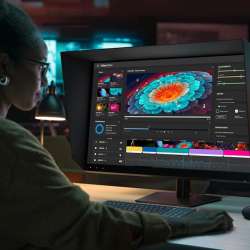
The target audience stays clear. Photographers, video editors, colorists, and designers will feel the difference most in daily color work. Calibration speed and repeatability matter when projects bounce between sRGB, Adobe RGB, and DCI P3. If you never calibrate, or only edit casually, you’re paying for a feature that won’t change your day.
Two big details still need real-world answers before anyone can call this monitor complete. The anti-glare coating hasn’t been tested outside of controlled demo conditions. Nobody knows whether it softens text after a full workday or holds up under mixed lighting. The built-in calibration hasn’t been shown in a repeatable daily workflow either. Dell demonstrated the concept, but a concept isn’t a routine. Recalibration needs to feel like one clean action, not a mini project. If it takes three attempts to trust, most users won’t bother. These aren’t minor gaps. They’re the difference between a monitor that keeps itself honest and one that just looks the part at launch.
Early reviews will focus on color accuracy and contrast first. The calibration story will take longer to prove. That’s the real test. Everything else is table stakes at this price.
Price: $2,599.99
Where to Buy: Dell
Dell’s betting that pulling calibration inside the bezel changes how pro monitors feel to own. It’s a smart bet if the execution lands. The spec sheet’s competitive. QD OLED’s a proven panel technology. The port selection covers the bases without clutter. What hasn’t been proven is the one feature that makes this monitor different from everything else at its price. That’s where the $2,600 either makes sense or doesn’t.

CORFOTO Fabric 7x5ft News Broadcast Backdrop TV Show Newscaster Studio Photography Breaking Media Monitor Equipment Microphone Reporter Interview Stage Video Recording Photocall Background Props…
(as of March 30, 2026 18:36 GMT -05:00 - More infoProduct prices and availability are accurate as of the date/time indicated and are subject to change. Any price and availability information displayed on [relevant Amazon Site(s), as applicable] at the time of purchase will apply to the purchase of this product.)
