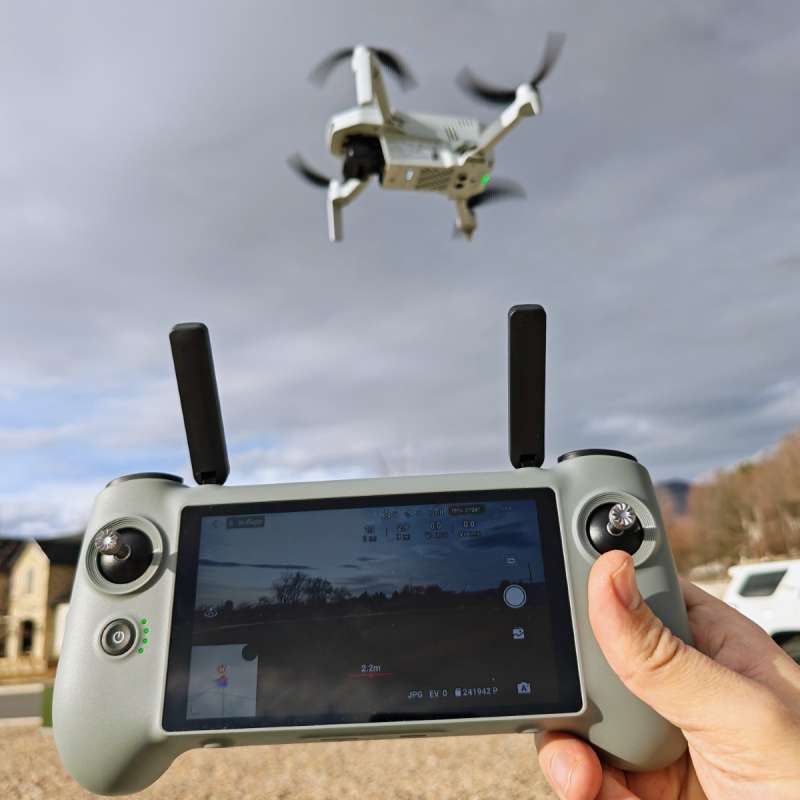
REVIEW – The Potensic ATOM 2 drew strong interest when it was showcased at CES 2026, reinforcing its position as one of the more compelling sub-250g drones currently on the market. I reviewed the Potensic ATOM 2 drone last year, and it remains my go-to drone for both review videos and just to fly for fun. When I launch my compact drones like the ATOM 2, I often hand-launch and land the drone, sometimes while hiking or multitasking. Connecting my phone and inserting it into the original ATOM 2 controller can be a bit tricky in this situation, so the offer to review the new Potensic ATOM 2 Screen Remote Controller was one I jumped on quickly.
⬇︎ Jump to summary (pros/cons)
Price: $279.99 (remote only) – $519.99 (fly more combo with ATOM 2 drone)
Where to buy: Potensic | Amazon
What is it?
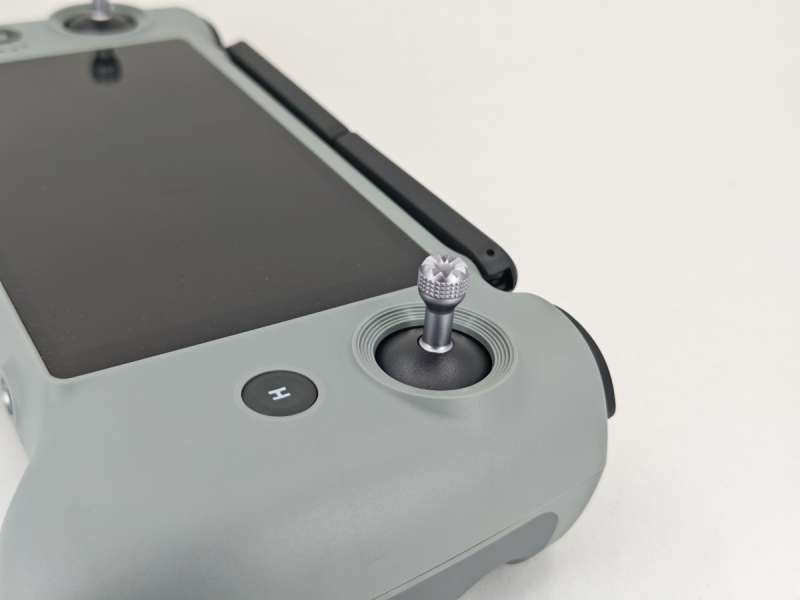
The Potensic ATOM 2 Screen Remote Controller is offered as both a standalone controller for ATOM 2 drone owners, as well as being included in a new Fly More combo kit along with the drone itself and other accessories.
What’s included?
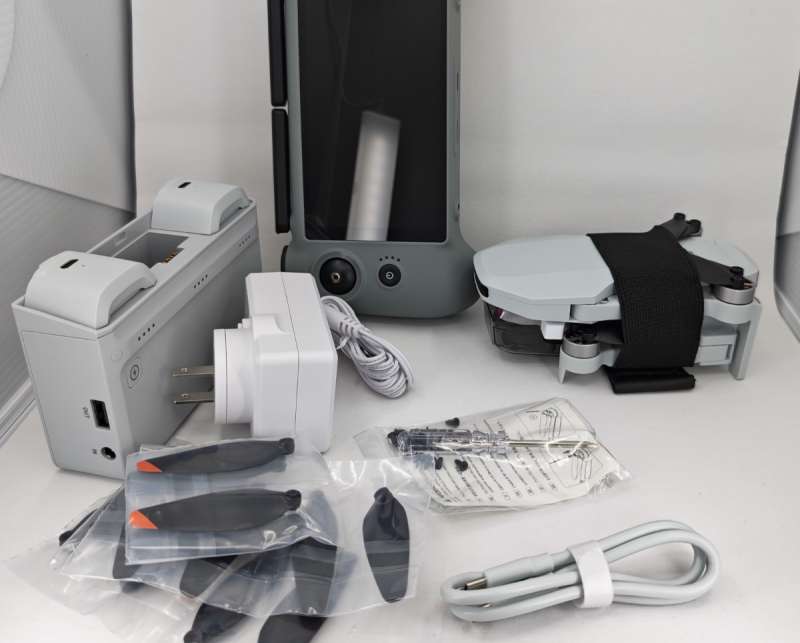
- Potensic ATOM 2 Screen Remote Controller
- USB-C to USB-C charging cable
- Quick start guide
Tech specs
- Display: 5.5″ Full HD display (1920 x 1080)
- Display Brightness: 700 nits continuous brightness
- Max transmission range: 10 KM
- Battery life on controller: up to 3 hours
- Charging time: 0-90% capacity in 85 minutes (with compatible 27 watt charger)
- Onboard storage: 32 GB
- Expansion storage: Micro SD
- Drone compatibility: Potensic ATOM 2 drone only
Design and features
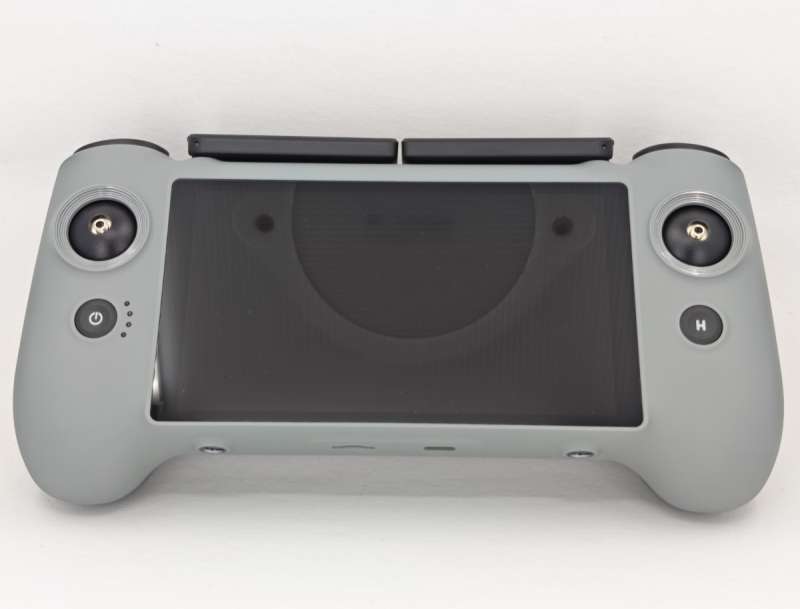
The Potensic ATOM 2 Screen Remote Controller is roughly the same size and shape as the original non-screen ATOM 2 drone controller. The exterior shell is a nicely textured plastic that is easy to grip. Two joysticks are stored on the rear of the controller for transport and screw in quickly when you’re ready to fly. The build quality is good with no flex and the plastic feels sturdy.
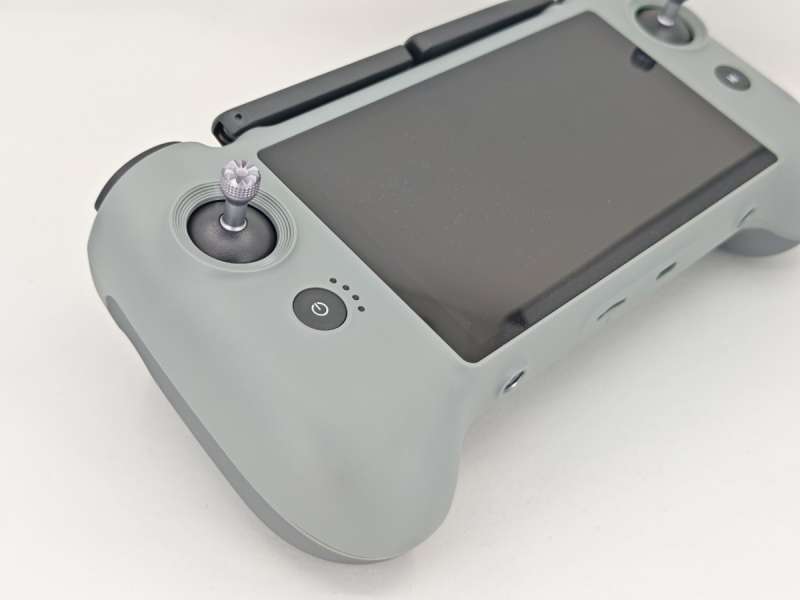
On the face of the controller there are also two buttons: a power button on the left with four LED lights for power level status while in use, and a Home button to the right of the screen. The screen itself is a 5.5″ LCD display running at FHD resolution. It’s large enough to see easily while flying, and bright enough in all but direct sunlight.
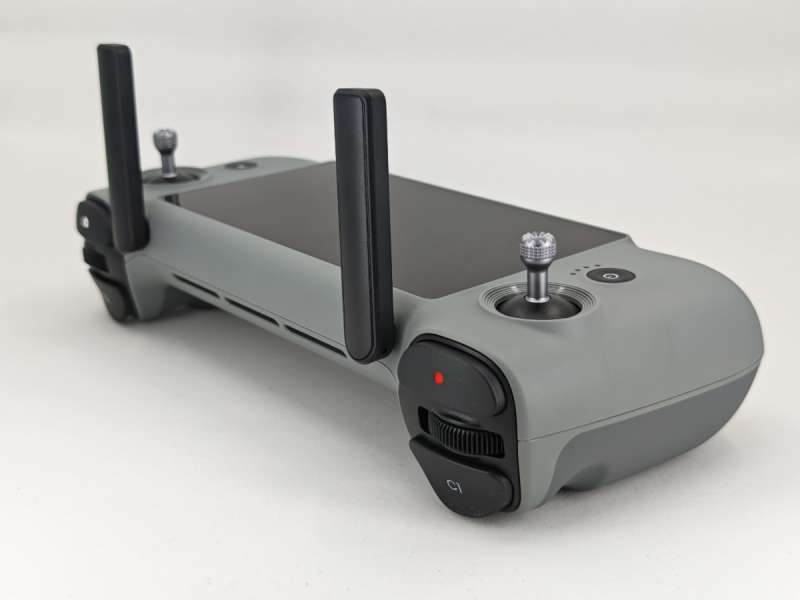
On the top of the controller there are two antennae stalks that should be pointed up during use. For best reception/transmission, you’ll also want to keep the top of the remote pointed roughly towards the drone while flying.
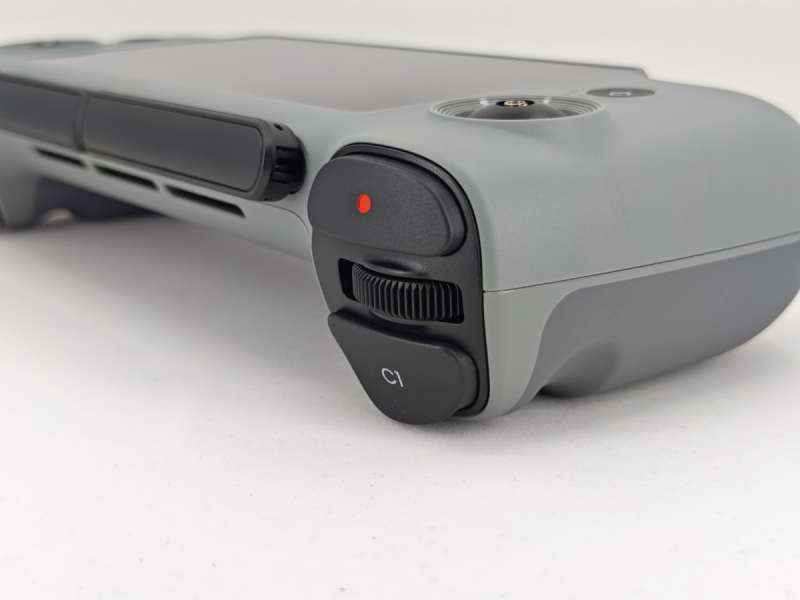
On the top left shoulder there are two buttons and a rocker wheel (which controls the camera pitch angle). The button with the red circle starts and stops video recording when pressed. The C1 button can be mapped to a variety of functions in the software.
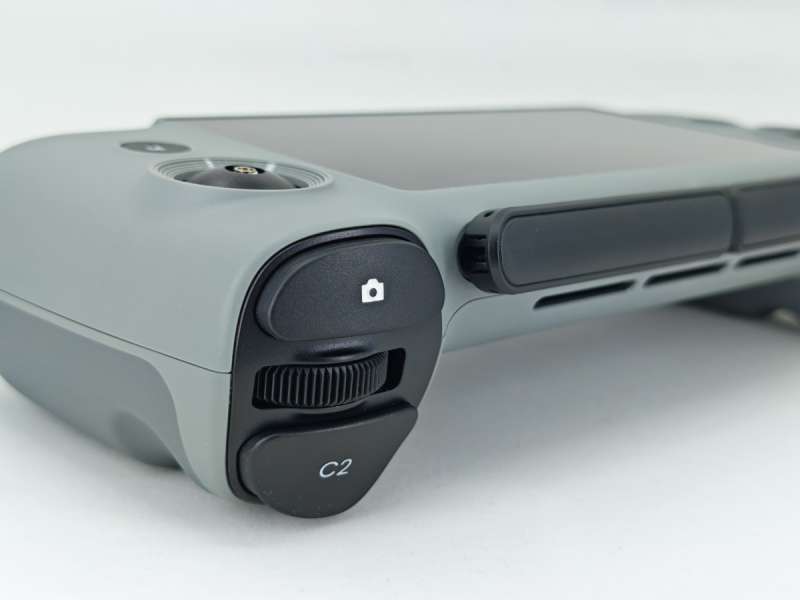
On the top right we have the camera shutter button, another rocker wheel (this one controls digital zoom), and the C2 button that can also be mapped to many functions.
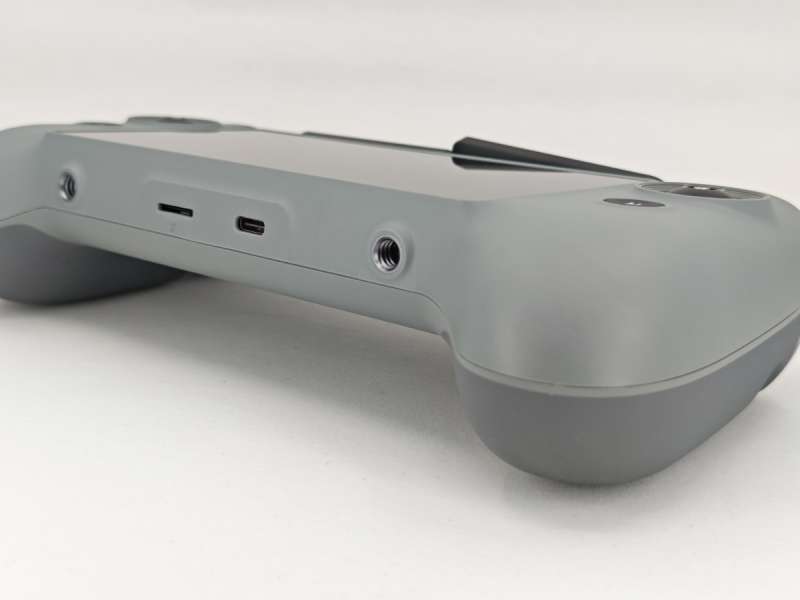
On the bottom there are two attachment points for the sold-separately Neck Strap for ATOM 2 Drone’s controller ($16.99). The USB-C charging port and Micro-SD slot are also visible on the bottom.
https://amzn.to/3NRIy2g
Around back you can see the storage spot for the two joystick stalks, as well as some ventilation.
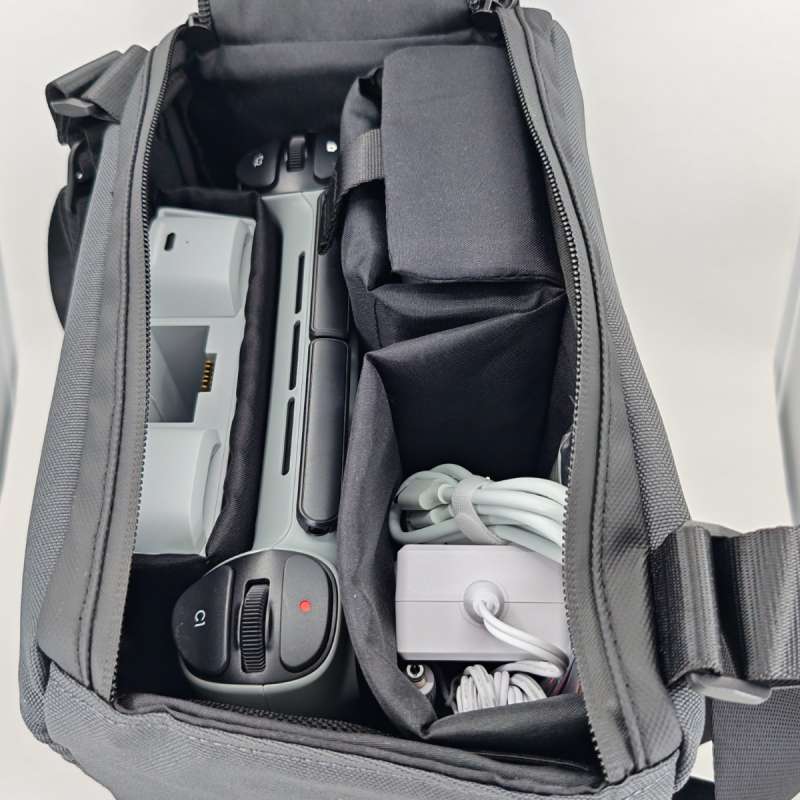
If you get the Potensic ATOM 2 Screen Remote Controller to add to your existing ATOM 2 drone kit, it will fit in the original Fly More bag in place of the non-screen controller. The Fly More combo kit that comes with the Screen Remote Controller is nearly identical except for the bag – this has been upgraded to a quick-access double zipper and is a bit roomier (and larger) than the original bag.
Assembly, Installation, Setup
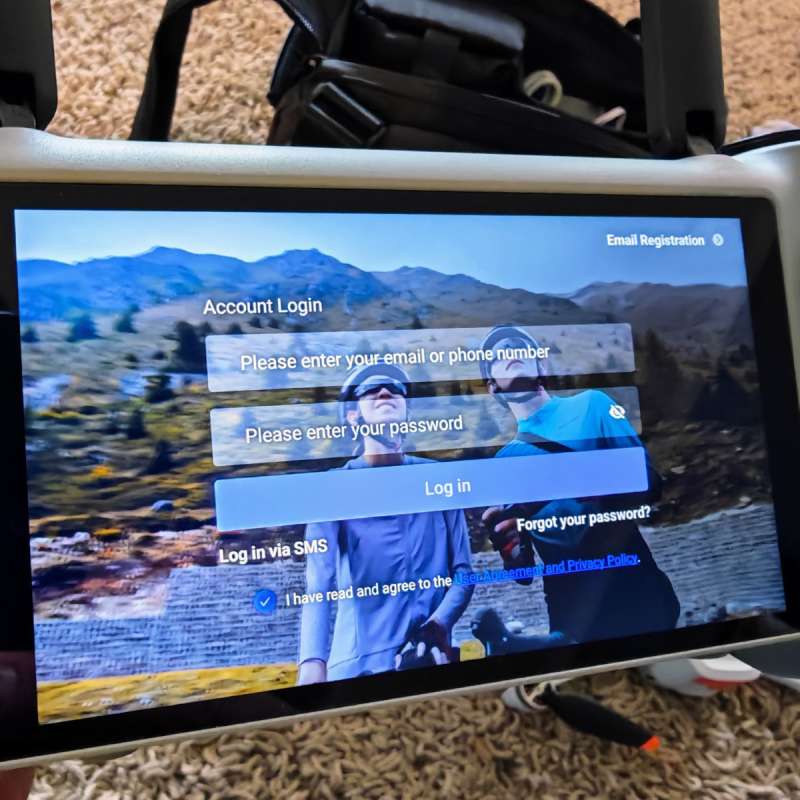
When you first boot up the Potensic ATOM 2 Screen Remote Controller, you’re required to create or login to a Potensic account. I do wish companies would stop requiring this for everything, but it’s par for the course so I can’t fault Potensic for doing what they all do.
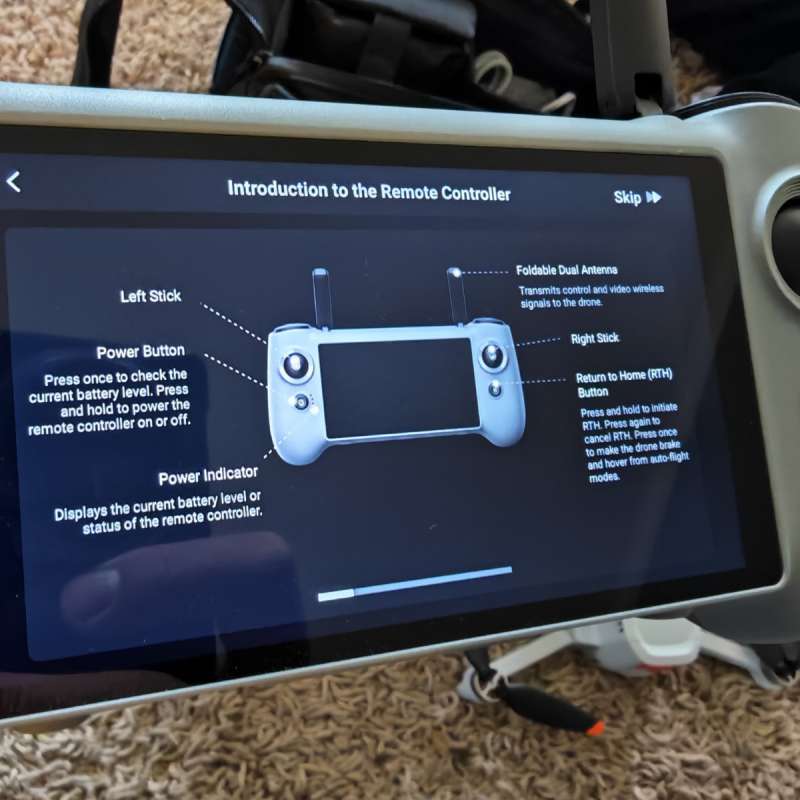
After a quick tutorial you’re dropped into the Potensic Eve app. The software interface is centered around this app, though you can access quick controls like volume and brightness by swiping down from the top.
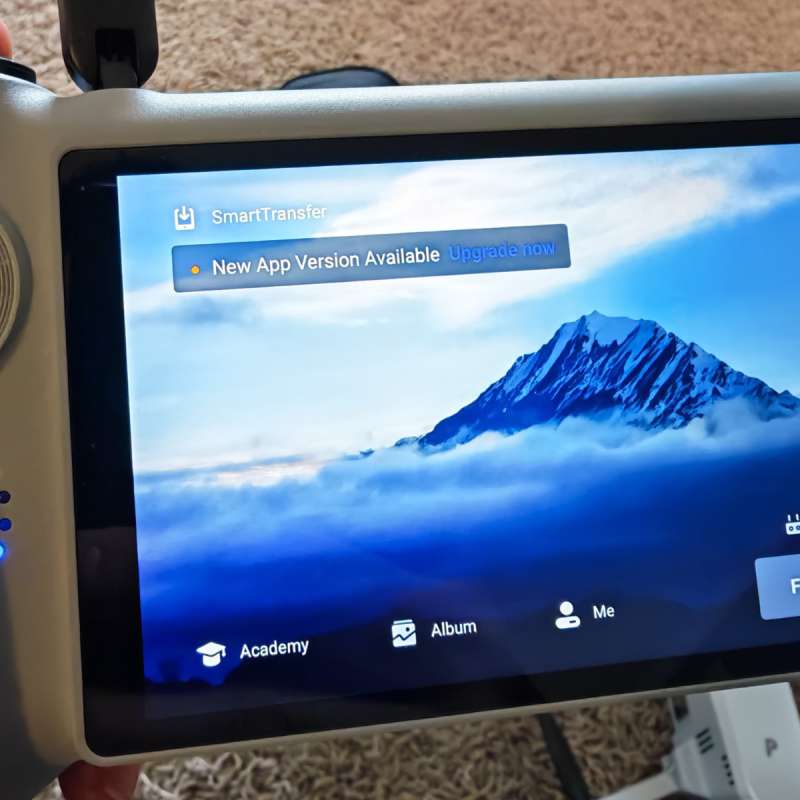
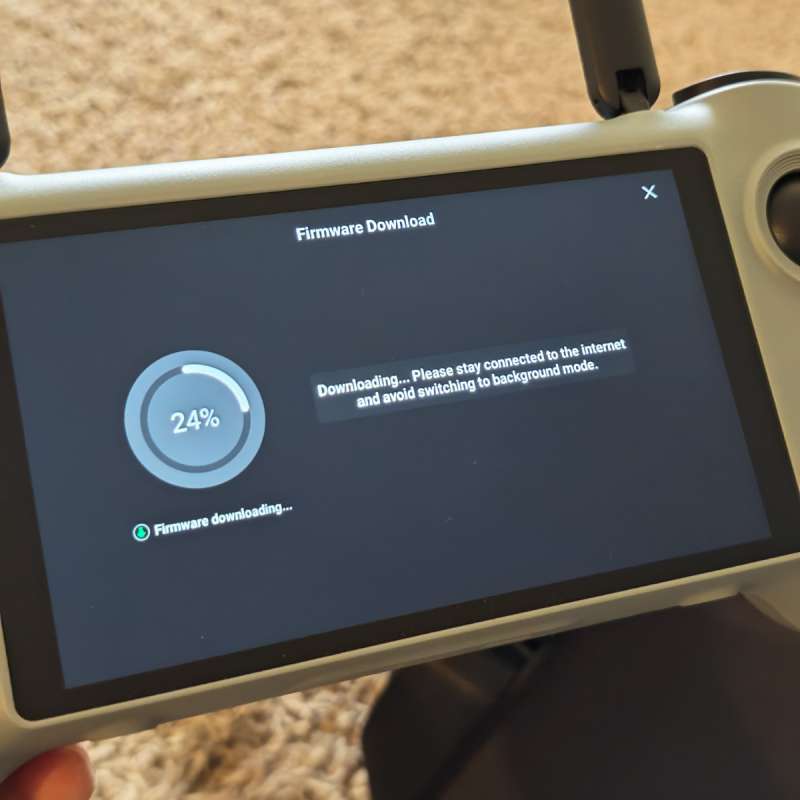
The app seems to be identical to the one I reviewed previously for the ATOM 2 drone, so I won’t go into detail on that here. I was prompted to get updates and update the drone’s firmware after setup. All of this was easy to follow and had no issues at all.
Performance
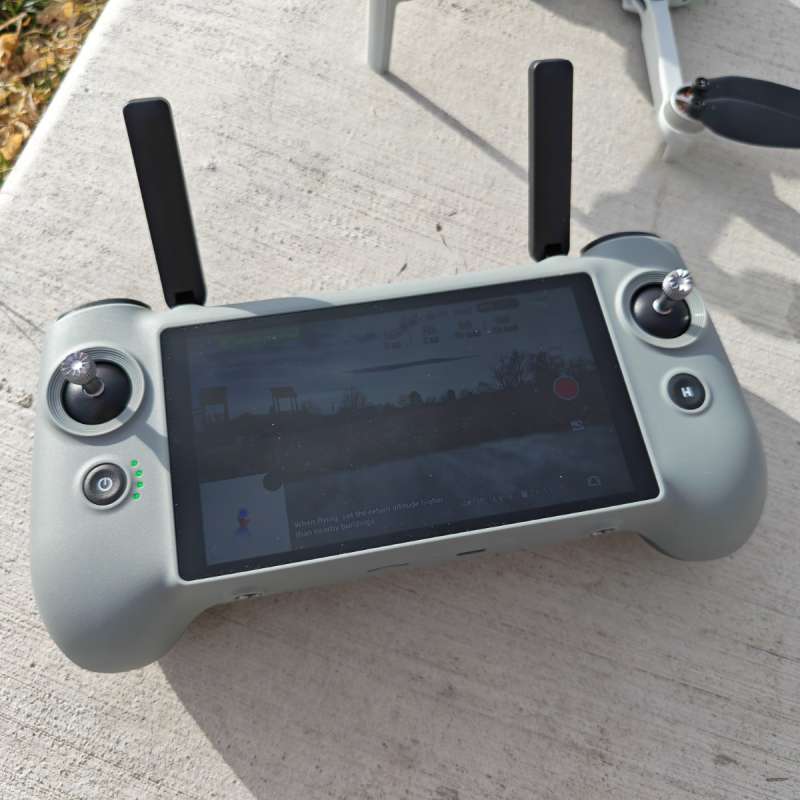
The first time I used the Potensic ATOM 2 Screen Remote Controller, I was a bit underwhelmed by the screen readability in sunlight.
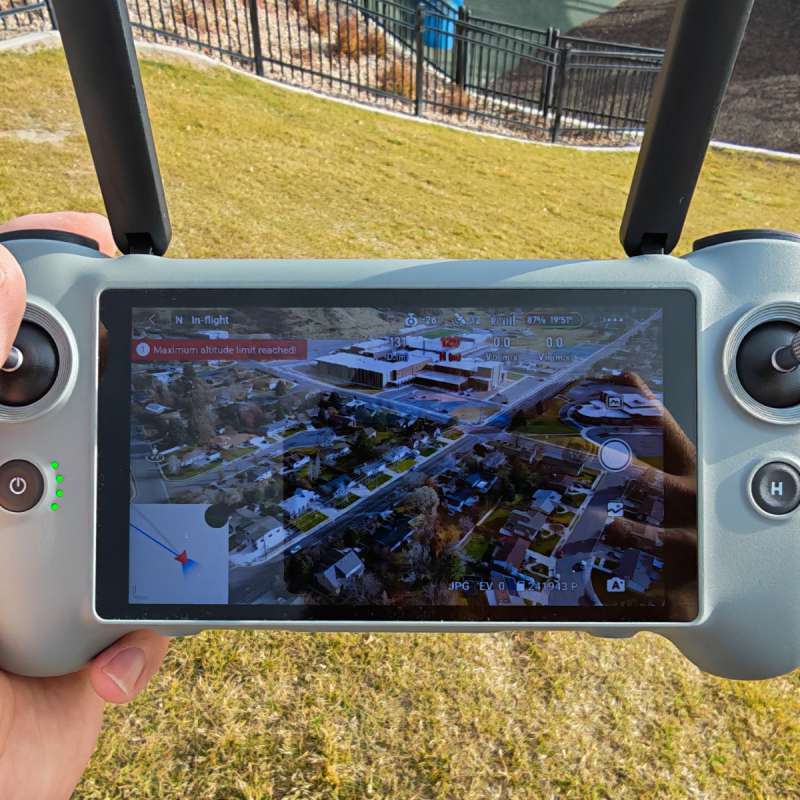
However, a quick override of the automatic brightness settings quickly fixed that, and I was able to fly without any further hiccups. Several long flights were uneventful (in a good way). The screen is bright and colorful, and is a perfect size – any larger and the controller would probably become unwieldy. They might be able to squeeze a slightly larger screen in with less bezel, but I didn’t feel hindered by the 5.5″ screen as opposed to my ~6″ phone screen that I had been using previously.
The interface and controls work great once you learn them, as good as any other drone platform I’ve tried out. Video and photos can be recorded to the 32 gigabytes of internal storage or to an SD card if you add one (in addition to any recording on the drone itself). This can be really handy in the event you lose your drone – something which has happened to me several thousand feet up on a mountainside during a search-and-rescue operation. In that case, the local recording feature in the software had geotagged location information as well as video of the last few seconds of the flight before I hit a tree that I hadn’t spotted and crashed the drone. The local recording on the remote is a lower quality than what is stored on the drone itself (it’s just recording what’s being transmitted wirelessly to the controller, where the video on the drone is directly encoded from the camera sensor).
Final thoughts
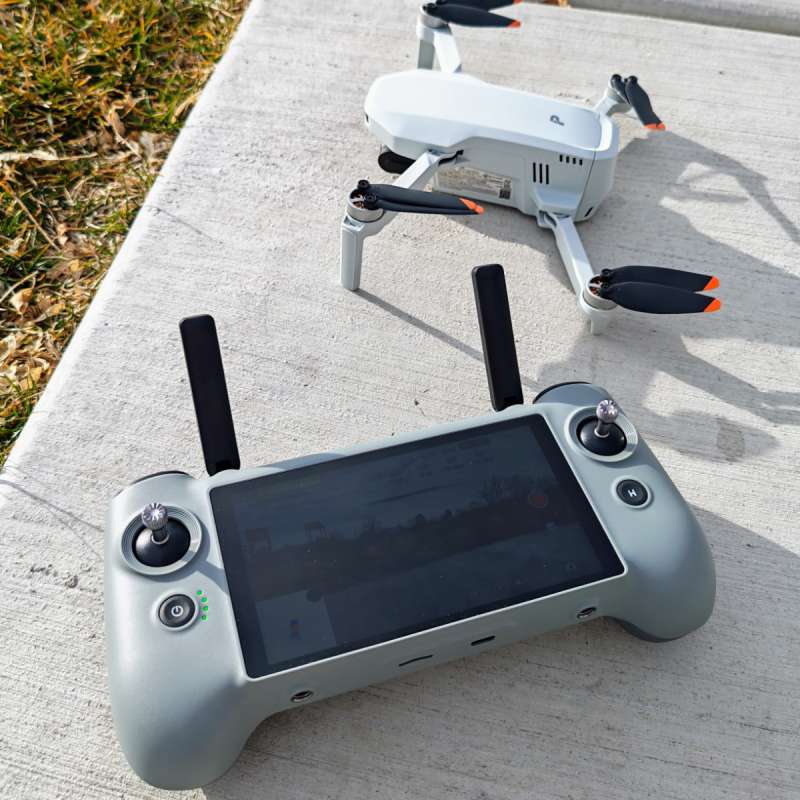
The Potensic ATOM 2 Screen Remote Controller is a great addition to my existing ATOM 2 drone kit. If I were to guide a friend or family member to a decent sub-250g drone right now, the ATOM 2 with the Screen Remote Controller would probably be my top recommendation today. The battery life is more than long enough to go through all the included batteries in the Fly More combo kits, and I like the ergonomics and software as well. Potensic did a great job with this one, and I look forward to seeing their new stuff in the future!
What I like about the Potensic ATOM 2 Screen Remote Controller
- Easy to use software
- Easier to get up and flying compared to the original phone-connected controller
- Ergonomics feel good, comfortable to hold and fly for up to ~30 minute sessions
What needs to be improved?
- A brighter screen and/or anti-glare coating would be nice – on sunny days you might need to find shade or get the right angle to be able to see well
- A neck lanyard would have been nice
Price: $279.99 (remote only) – $519.99 (fly more combo with ATOM 2 drone)
Where to buy: Potensic| Amazon
Source: The sample of this product was provided for free by Potensic. Potensic did not have a final say on the review and did not preview the review before it was published.

DJI Air 3S Fly More Combo (RC 2 Screen Remote Controller), Drone with 1" CMOS Wide-Angle & Medium Tele Camera for Adults, 4K/60fps, Omnidirectional Sensing & 3 Batteries for Extended Flight Time
(as of March 14, 2026 19:04 GMT -05:00 - More infoProduct prices and availability are accurate as of the date/time indicated and are subject to change. Any price and availability information displayed on [relevant Amazon Site(s), as applicable] at the time of purchase will apply to the purchase of this product.)