
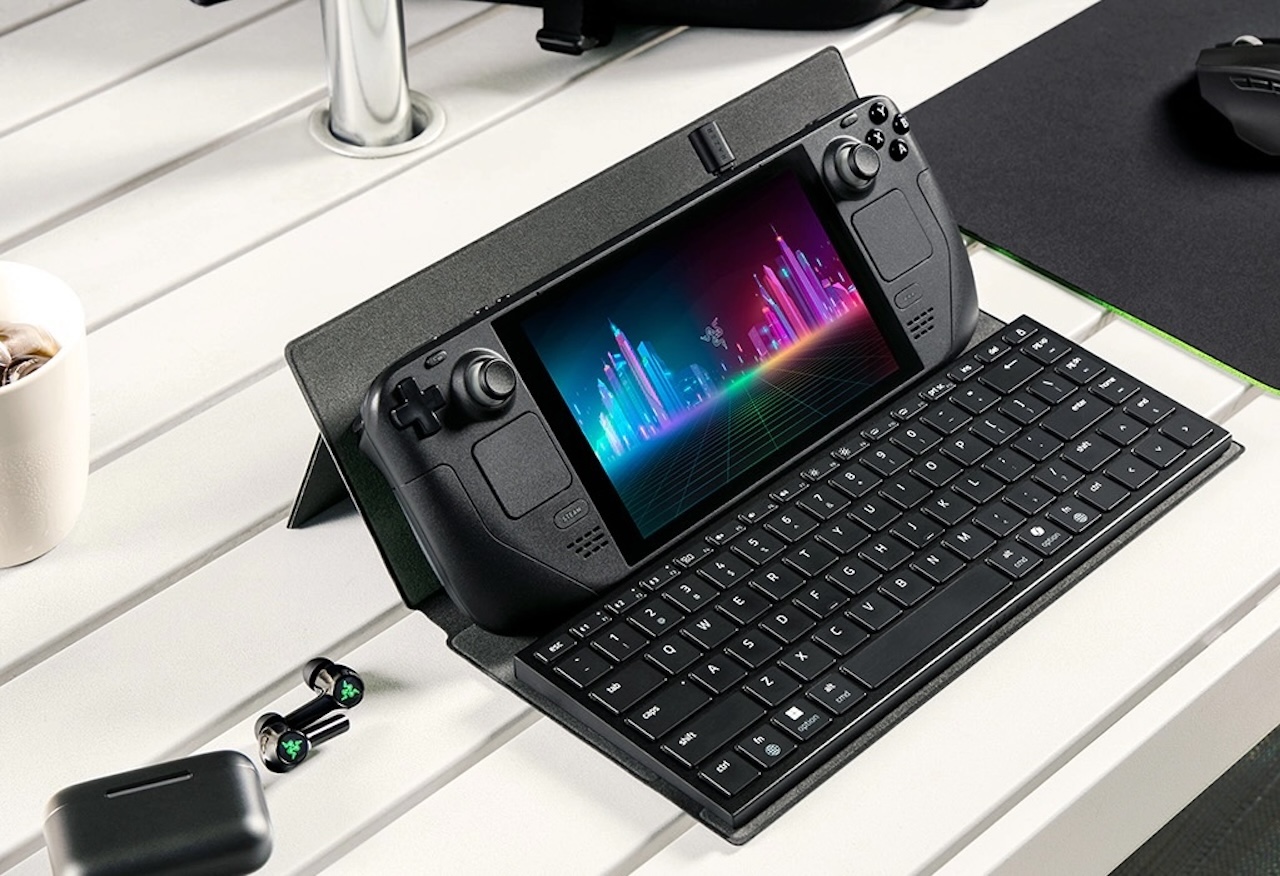
A compact keyboard can turn a tablet or handheld into a more useful travel workstation, but carrying a keyboard, a stand, and a protective sleeve usually means packing three separate accessories. That’s a familiar hassle for anyone who works from a tablet on the road. Razer’s new Travel Case Folio tries to collapse that stack into one slim piece of gear.
❗Razer Travel Case Folio
Price: $55.99
Where to Buy: Razer
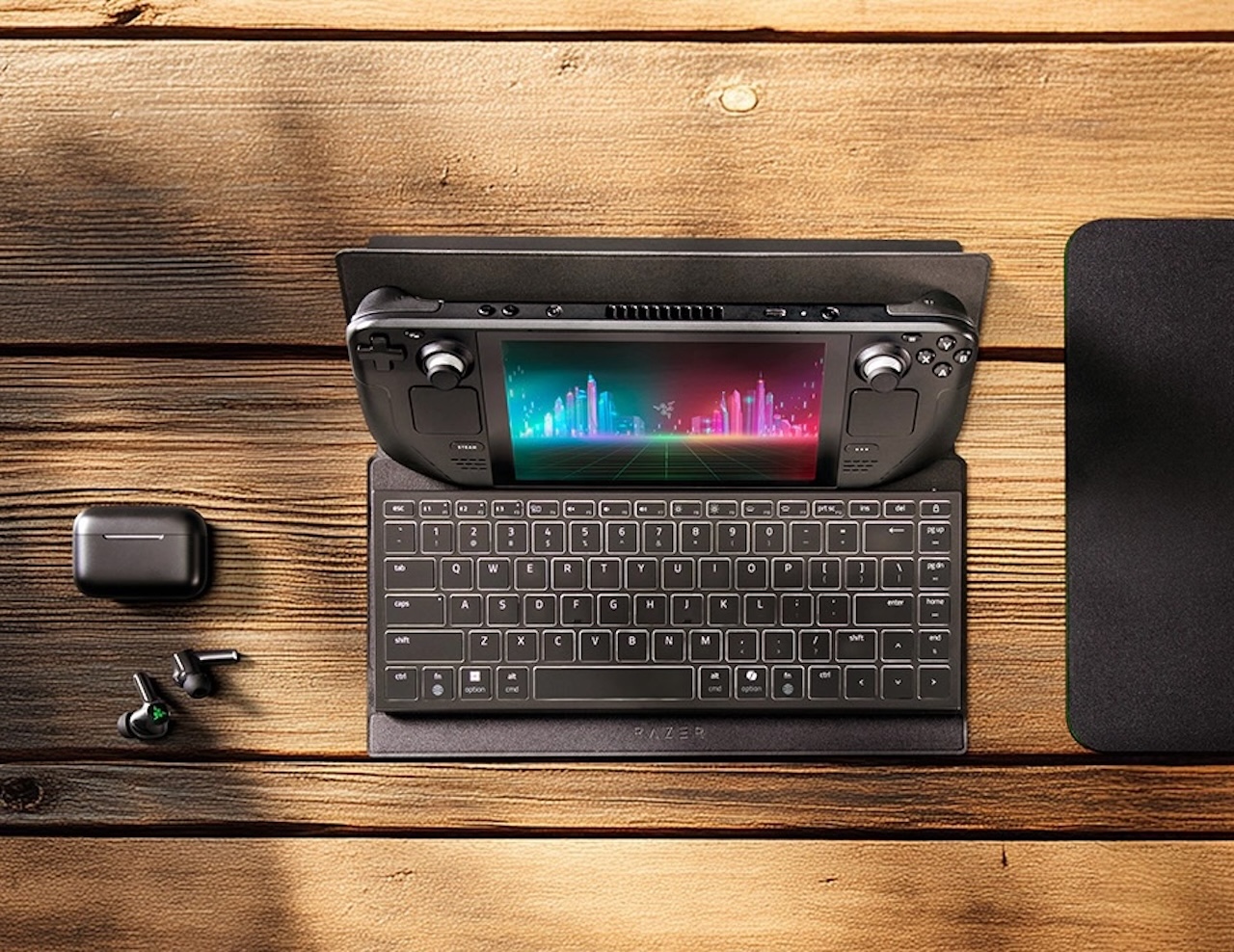
The $55.99 accessory is built for Razer’s Joro and Apple’s Magic Keyboard, then folds into a multi-angle stand for tablets, handhelds, and phones. Razer’s pitch is narrow on purpose. It isn’t selling another sleeve. It’s selling a sleeve that unfolds into the thing most people pack separately.
A keyboard sleeve that takes on stand duty
Razer describes the Travel Case Folio as an ultra-slim PU leather case with a microfiber interior, a magnetic closure, and cutouts that leave a compatible keyboard’s charging port accessible. The outside is stain-resistant, according to the company. Razer says the lining grips the keyboard firmly enough to hold it in place, the high-strength magnets close the case in one motion, and the cutouts let you charge the keyboard with the folio shut.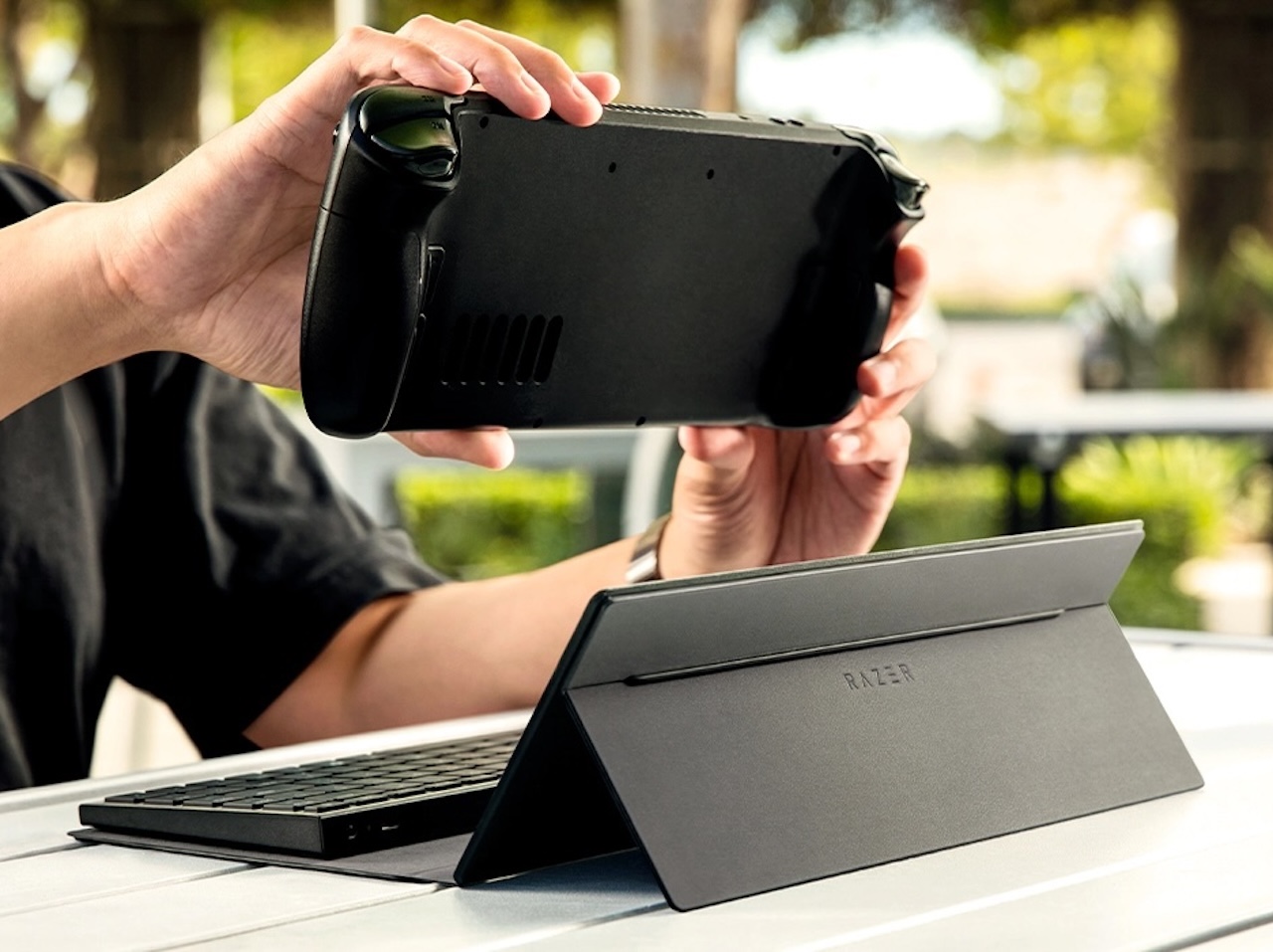
Open it up and the folio becomes a stand. Razer says it supports tablets up to 13 inches, most popular gaming handhelds, and standard smartphones, though the company ties real-world compatibility to each device’s dimensions and weight.
The multi-angle part matters more than it sounds. A tablet lying flat on a hotel desk forces a neck-down posture, and a propped screen at eye level fixes most of that without extra hardware. Razer doesn’t list the stand’s angle range on the product page or in its FAQ, so the usable range is something buyers will want to check in person.
Who can use it
The cleanest fit is the Razer Joro or Apple’s Magic Keyboard. For other compact keyboards, Razer lists a maximum supported size of about 310 by 115 by 22 mm. Fit and stability with third-party models isn’t guaranteed.
That caveat keeps the accessory from being a universal answer, but it also gives travel setups a clear use case. A tablet, a small handheld, and a keyboard can travel as a compact typing station instead of becoming a loose collection of accessories.
Measure first, because the limit bites in more than one direction. A 60 percent board runs around 292 mm wide so width is rarely the issue, while 65 percent designs sit closer to 305 to 320 mm and can cross Razer’s number outright. The tighter constraints are the 115 mm depth and the 22 mm height, which rule out most standard-height mechanical boards no matter how narrow they look. Razer’s warning about third-party stability reads like a fit disclaimer rather than a hard block, so the risk is a loose hold, not a keyboard that won’t go in.
The limits are as important as the pitch
Razer’s own FAQ says the Travel Case Folio isn’t waterproof. The shell repels minor spills and light moisture, but Razer tells owners not to submerge it or carry it through heavy rain, and to clean it with a soft dry or slightly damp cloth instead of solvents. It also isn’t a case for every full-size keyboard, and a bulky tablet or handheld can fall outside the stand’s support range. Buyers should check dimensions before ordering.
For travelers who already use a Joro or Magic Keyboard, the appeal is simpler: protect the keyboard, then use the same accessory to prop up the screen. That’s a practical extra job for a case that would otherwise stay closed in a bag.
How it compares to packing separates
A folding tablet stand and a padded keyboard sleeve can run less than the folio’s price when sourced separately. One flat panel slides into a laptop sleeve pocket, while a sleeve plus a hinged stand eats real space in a personal-item backpack.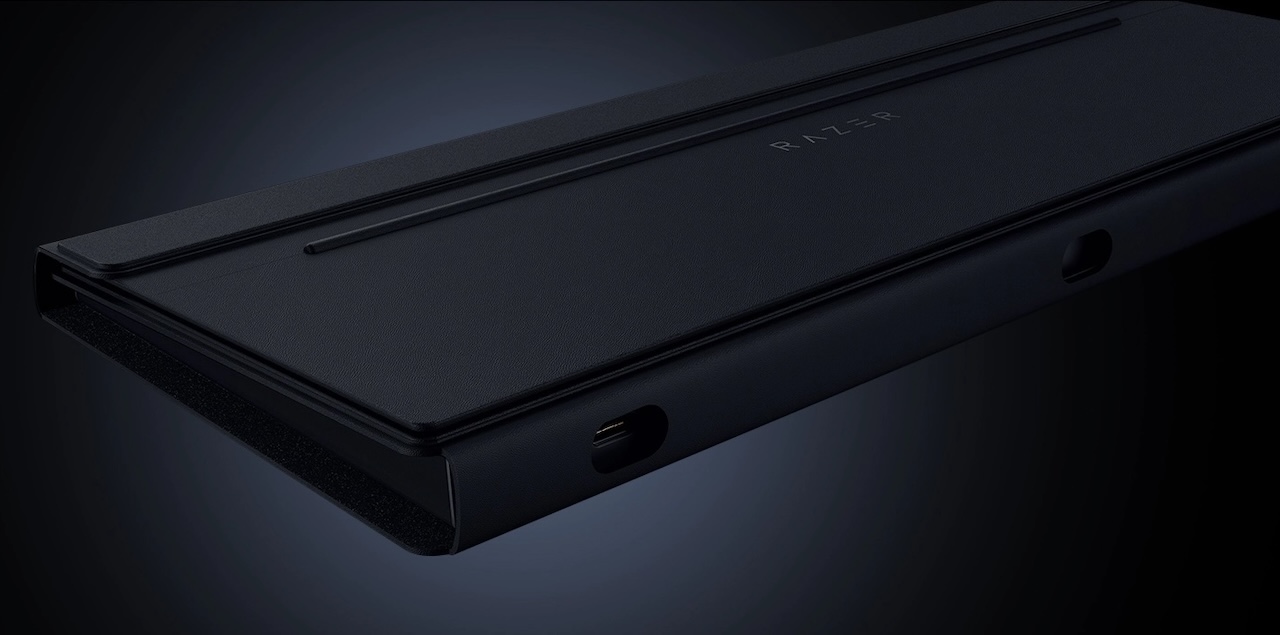
The folio’s argument is volume rather than price. The trade-off is flexibility. A standalone stand can handle heavier devices and larger cases more readily, so anyone carrying a 13-inch tablet in a thick protective case may still want the separate piece. Readers who travel with a bare tablet and a small board are the ones who come out ahead.
Price and availability
Razer announced the Travel Case Folio on July 28, 2026. Its U.S. store lists the accessory starting at $55.99 with a live purchase path at publication time. Razer also sells it through select retail partners and points buyers to the store locator on its site.
Razer covers the folio for up to a year, and orders placed directly through its store come with a two-week return window, though stock availability can vary by region. Razer hasn’t announced a bundle that pairs the folio with the Joro, so the case and the keyboard are separate purchases right now.



❗Razer Travel Case Folio
Price: $55.99
Where to Buy: Razer
The practical takeaway
This isn’t a keyboard replacement, a tablet case, or a waterproof travel shell. It’s an accessory for people who already travel with a compact keyboard and want that case to earn its keep twice: once protecting the keyboard, once propping up the screen.
At $55.99 it sits in accessory territory where the decision comes down to bag space. If you already carry a Joro or a Magic Keyboard and you’ve been packing a stand alongside it, this consolidates two items into one. If your keyboard is a third-party model near the size limit, check the measurements before you spend the money. Everyone else is buying a nice sleeve at a sleeve-plus-stand price.