
Buying a Windows laptop used to be mostly an Intel versus AMD decision. In 2026, it’s also a timing decision. Qualcomm, Intel, and AMD have all already launched next-generation chips this year: Snapdragon X2 Elite, Intel Core Ultra Series 3 (“Panther Lake”), and AMD Ryzen AI 400 (“Gorgon Point”) are shipping in new laptops right now. That timing lines up with why the previous-generation platforms below (Intel Core Ultra 200V, AMD Ryzen AI 300, and the original Snapdragon X Elite) are turning up at lower prices.
That leaves a real decision, not just a platform pick: buy last-gen now while it’s discounted and proven, or wait (or pay more) for the newest chip. Here’s who should buy now, who should skip it, and what the cheaper-looking deal actually misses.
Intel example: HP OmniBook 7 Flip 16, $1,399.99 Amazon
AMD example: ASUS Vivobook S 16 with Ryzen AI 9 365, $1,259.99 Amazon
Snapdragon example: Lenovo Yoga Slim 7x, From $1,089.99 Amazon
Quick answer
Buy now if you want a proven, discounted platform and don’t need the newest NPU. Intel Core Ultra 200V, AMD Ryzen AI 300, and the original Snapdragon X Elite are all mature, well-supported chips, and their lower prices reflect that a newer generation already exists, not that anything is wrong with them.
Wait, or spend more, if you specifically want the newest silicon. Snapdragon X2 Elite, Intel Panther Lake, and AMD Gorgon Point bring real NPU and platform upgrades, but usually cost more and have had less time in the market to shake out driver and app quirks.
Buy a Snapdragon X Elite laptop if battery life, standby behavior, silence, and portability are the main reasons you’re upgrading. Just don’t buy one assuming every older device driver, game, VPN tool, printer utility, or niche work app will behave like it does on Intel or AMD.
Skip the whole AI laptop conversation if the laptop you’re replacing still does everything you need. The NPU spec sheet isn’t a reason by itself to spend $1,000 or more.
Why now: the previous generation just got a price cut
All three chipmakers have already launched their next platform in 2026. Qualcomm’s Snapdragon X2 Elite (including the X2 Elite Extreme) started arriving in laptops in the first half of 2026 with a redesigned Adreno GPU and an NPU rated at 80 TOPS, nearly double the original X Elite’s 45 TOPS. Intel launched Core Ultra Series 3 (“Panther Lake”) at CES 2026, built on its new 18A manufacturing process with Arc Xe3 graphics, with laptops shipping globally from late January 2026. AMD launched the Ryzen AI 400 series (“Gorgon Point”) the same quarter, adding higher clocks, more memory support, and an upgraded XDNA 2 NPU on top of the same Zen 5 foundation as Ryzen AI 300.
That timing lines up with why the HP OmniBook 7 Flip 16 (Core Ultra 200V), ASUS Vivobook S 16 (Ryzen AI 300), and Lenovo Yoga Slim 7x (original Snapdragon X Elite) in this guide are priced the way they are. They’re not leftovers nobody wants. They’re mature, well-reviewed platforms getting discounted because something newer just replaced them at the top of each lineup.
Who should buy now
Buy one of these previous-generation laptops now if you want a lower price on a chip that’s already had a year or more of driver updates, app compatibility fixes, and real-world reviews behind it. Software support for Intel Core Ultra 200V, Ryzen AI 300, and the original Snapdragon X Elite is about as settled as it gets, and none of that resets just because a newer chip shipped.
Who should skip buying right now
Skip these specific laptops if raw AI performance headroom is the reason you’re buying, or if you plan to keep the laptop four or more years and want the newest platform on day one. Snapdragon X2 Elite’s 80 TOPS NPU, Panther Lake’s Arc Xe3 graphics and 18A process, and Gorgon Point’s higher clocks are real upgrades if you’re willing to pay more and accept a newer, less field-tested platform.
What the cheaper-looking alternatives miss
A lower price on a previous-generation laptop can hide two things. First, next-gen NPUs meaningfully expand local AI headroom: Snapdragon X2 Elite’s NPU rating (80 TOPS) is nearly double the original’s (45 TOPS), for example. Second, newer platforms bring architecture-level improvements, like Intel’s 18A process and Arc Xe3 graphics or AMD’s higher-clocked Gorgon Point cores, that don’t show up in a simple TOPS number but affect everyday performance and efficiency. If neither of those matters for how you’ll actually use the laptop, the previous-generation price cut is a legitimate deal, not a compromise.
The platform comparison
| Platform | Best for | Strength | Compromise | NPU | Software risk |
|---|---|---|---|---|---|
| Intel Core Ultra 200V | Mainstream Windows buyers, business users, frequent travelers | Familiar x86 compatibility with much better battery life than older Intel thin laptops | Confusing chip names; some models throttle more on battery | Copilot+ capable; 200V parts commonly cited around 47–48 TOPS | Low |
| AMD Ryzen AI 300 (and newer) | Performance buyers, light creators, integrated-graphics fans | Strong CPU and GPU performance, plus Copilot+ class NPU support | Battery life depends heavily on the laptop design and power profile | Ryzen AI 300 class chips marketed around 50 TOPS | Low |
| Qualcomm Snapdragon X Elite | Battery-first productivity users, travelers, quiet-laptop fans | Excellent efficiency, long standby, cool operation, strong everyday performance | Windows on Arm still has app, driver, peripheral, and game limits | Marketed with a 45 TOPS NPU | Medium |
The NPU number matters less than laptop makers want you to think
The NPU is the neural processing unit. It handles some local AI tasks more efficiently than the CPU or GPU. Microsoft set the Copilot+ PC bar at 40 TOPS, which is why Intel, AMD, and Qualcomm all push numbers around 45 to 50 TOPS.
That is the useful part for a few Windows features and some local AI apps. It doesn’t mean a 50 TOPS laptop automatically feels faster than a 45 TOPS laptop when you’re opening Chrome, writing in Word, editing photos, or watching YouTube.
The bigger decision is still platform fit:
- Do your apps and accessories need x86 Windows compatibility?
- Do you care more about battery life or performance?
- Are you doing graphics-heavy work?
- Are you buying for a workplace with VPN, endpoint security, printers, docks, and legacy utilities?
- Are you comfortable checking compatibility before buying?
If those questions sound boring, that’s the point. They matter more than the AI sticker.
Intel Core Ultra: the safest Windows laptop choice
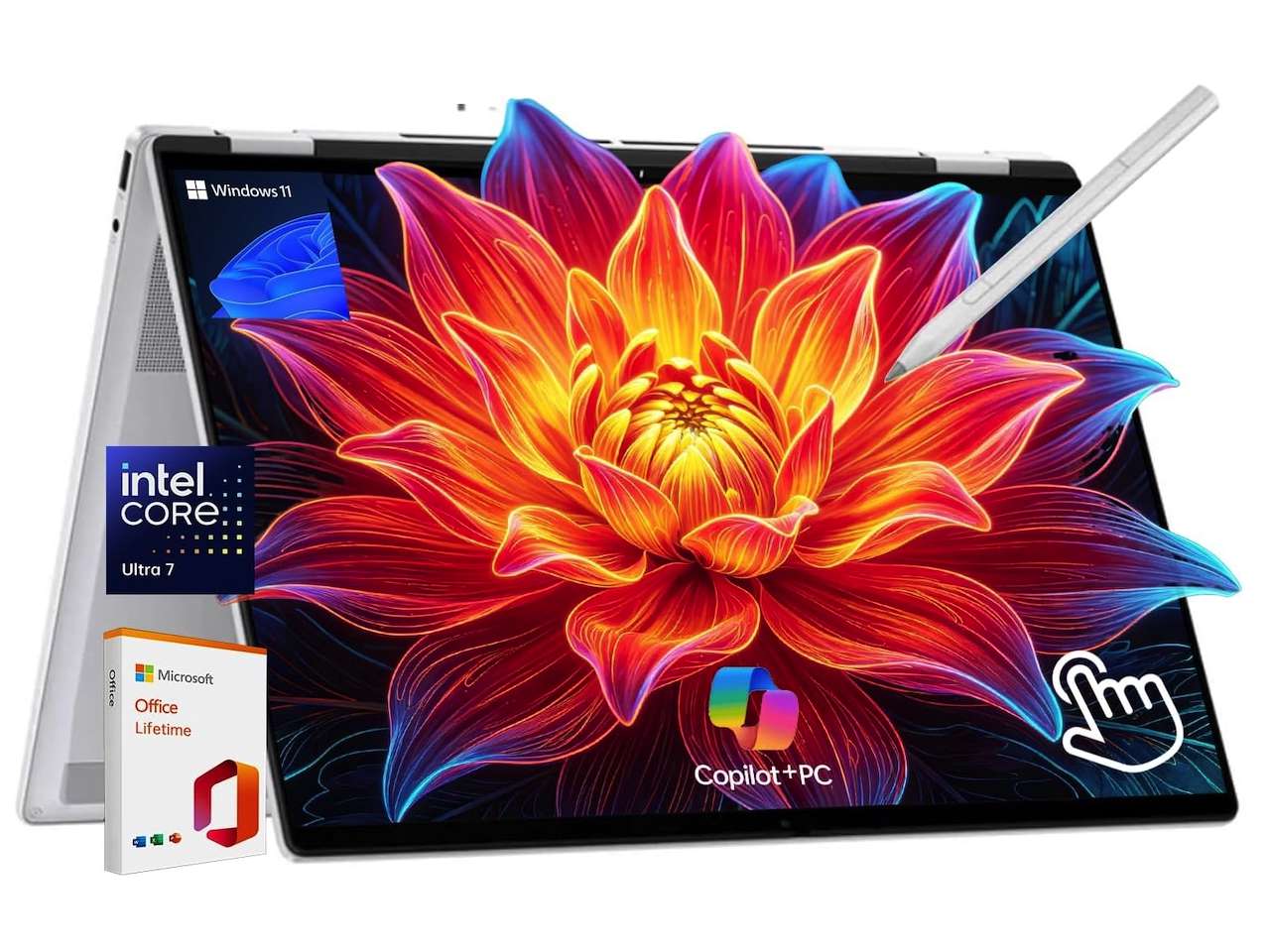
🛒HP OmniBook 7 Flip 16 (Intel Core Ultra 7 258V): $1,399.99
Where to Buy: Amazon
Intel is still the easiest recommendation for most buyers because Windows software is built around x86 first. You don’t have to think about whether your old printer utility has an Arm64 driver, whether a game uses unsupported anti-cheat, or whether your workplace security tool behaves properly on Windows on Arm.
The specific Intel chips to look for are the Core Ultra 200V parts, often called Lunar Lake. That V matters. Older Core Ultra Series 1 chips and some other Core Ultra 200 chips aren’t the same thing, and the naming is confusing enough that I’d check the exact processor model before buying.
Independent reviews, including PCWorld’s own laptop battery testing, commonly describe Intel Core Ultra 200V as a strong all-around option: broad software compatibility, solid battery life, and enough graphics performance for light gaming. There’s a real compromise, though. Intel can preserve battery life by reducing performance when unplugged, depending on the laptop and power profile.
That makes Intel a very normal kind of good. It isn’t the most exciting option. It isn’t the boldest option. It’s just the one least likely to surprise you in a bad way.
A representative current listing is the HP OmniBook 7 Flip 16 with Intel Core Ultra 7 258V, 32GB RAM, 1TB SSD, a 3K OLED touchscreen, Wi-Fi 7, and Windows 11 Pro. Amazon showed it at $1,399.99 when checked. That isn’t cheap, but it shows where Intel Core Ultra 200V fits: premium thin laptop, good screen, full Windows compatibility, and less platform risk.
Buy Intel if you want a work laptop, school laptop, travel laptop, or family laptop that just behaves like a Windows laptop.
Skip Intel if you’re chasing the longest standby time or the best integrated graphics value. If you specifically want Intel’s newest silicon, Panther Lake (Core Ultra Series 3) is already shipping. Expect a higher price and less-mature driver support than 200V.
AMD Ryzen AI: the performance pick

🛒ASUS Vivobook S 16 AI Copilot+ PC Laptop: $$1,259.99
Where to Buy: Amazon
AMD is the platform I’d look at first if performance matters and you’re still shopping for a thin Windows laptop. Ryzen AI 300 class chips bring Copilot+ level NPU support while keeping the normal x86 software base. That means you get the compatibility advantage of Intel with a stronger lean toward CPU and integrated graphics performance.
AMD’s own Ryzen AI material describes Ryzen AI 300 series processors with up to 50 TOPS from the NPU. Reviewers generally rate Ryzen AI 300 higher on raw productivity performance than on battery efficiency compared to the most efficient competitors. Laptop Mag’s battery-power testing also shows the obvious truth: every platform can shift behavior when unplugged, and power mode matters.
The result is simple. AMD is the most appealing choice if you don’t want to think about Arm compatibility and you want more headroom than a battery-first laptop gives you.
That could mean photo editing, heavier browser workloads, light video work, big spreadsheets, casual gaming, or a laptop you expect to keep for several years. The integrated Radeon graphics in many Ryzen AI laptops are a real reason to choose AMD over Snapdragon, especially if gaming or GPU-accelerated creative apps are part of the plan.
A representative current listing is the ASUS Vivobook S 16 with Ryzen AI 9 365, 32GB RAM, 1TB SSD, Radeon 880M graphics, and a 16-inch OLED display. Amazon showed it at $1,259.99 when checked. The rating count was low, so I’d treat that exact listing as a price reference rather than a universal recommendation.
Buy AMD if you want performance first and still want regular Windows compatibility.
Skip AMD if your main goal is maximum battery life with the least heat and fan noise. AMD’s newer Gorgon Point chips (Ryzen AI 400 series) are also on shelves now if you want the latest clocks and NPU, again for a price premium.
Snapdragon X Elite: the battery-first choice with strings attached
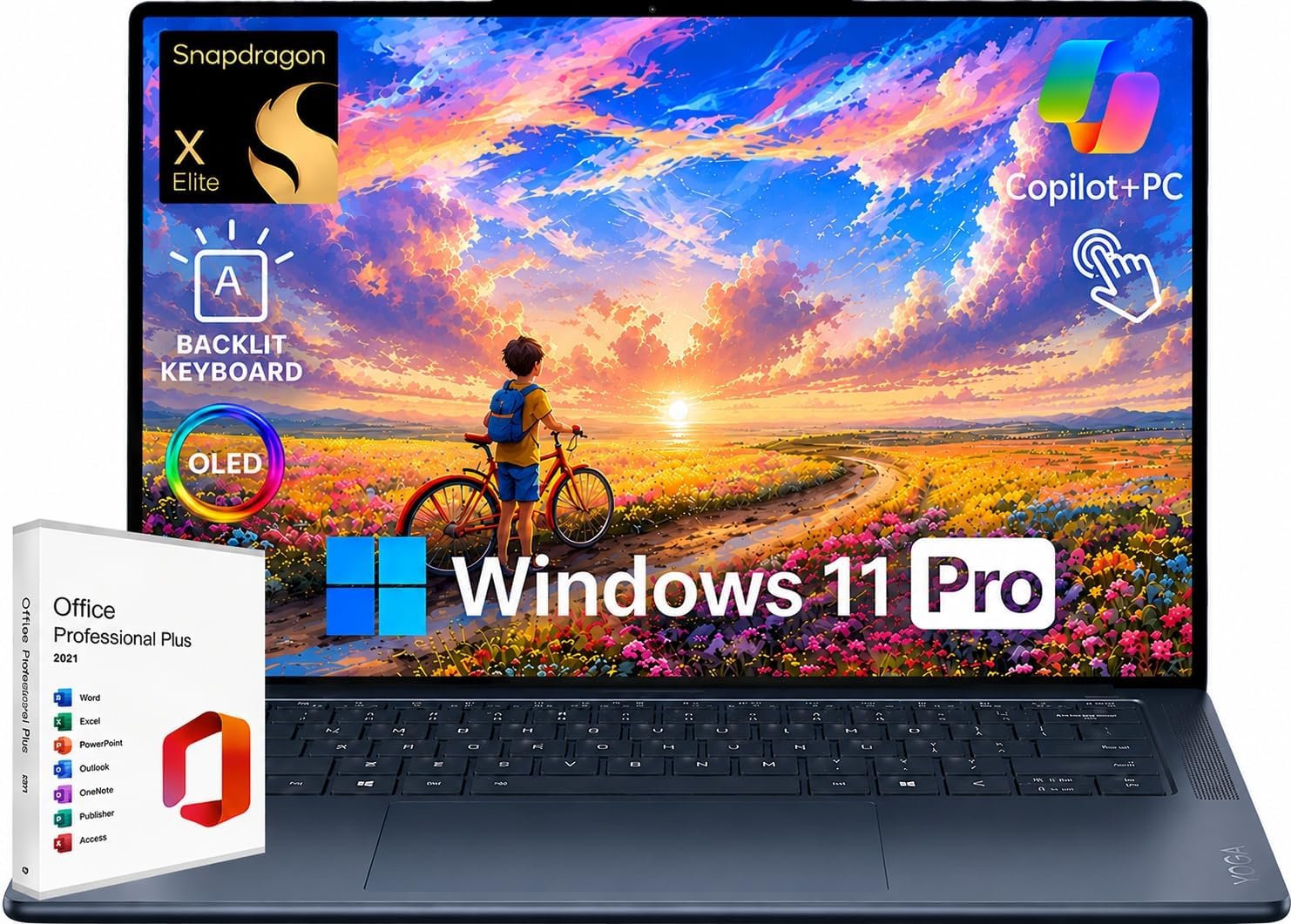
🛒Lenovo Yoga Slim 7x Snapdragon X Elite laptop with OLED display: $1,089.99
Where to Buy: Amazon
Snapdragon X Elite laptops are the most different of the three because they run Windows on Arm. That’s the whole appeal and the whole caution.
The upside is real. Snapdragon laptops can be cool, quiet, fast enough for everyday work, and excellent on battery. PCWorld’s own battery testing has repeatedly shown Snapdragon X Elite laptops delivering some of the best real-world battery efficiency of any current Windows platform.
The catch is also real. Microsoft says most Windows apps run on Windows 11 Arm-based PCs, and Windows 11 version 24H2 includes the Prism emulator for improved emulated app performance. Microsoft also lists native versions of many major apps, including Microsoft 365 apps, Chrome, Slack, Spotify, Zoom, WhatsApp, Blender, Affinity Suite, and DaVinci Resolve.
That’s much better than Windows on Arm used to be. It still doesn’t make Snapdragon the no-thought option.
Microsoft’s own FAQ says drivers for hardware, games, and apps only work if they’re designed for Windows 11 Arm-based PCs. It also warns that certain games may not work if they rely on anti-cheat drivers that aren’t made for Windows 11 Arm-based PCs. Apps that customize the Windows experience, some assistive technologies, some cloud storage tools, and some third-party antivirus software can still be a problem.
That’s why I wouldn’t buy Snapdragon for a corporate laptop unless IT has already approved it. I wouldn’t buy it for gaming. I wouldn’t buy it for someone who has a stack of older USB gear, specialty software, or random printer utilities they refuse to replace.
Buy Snapdragon X Elite if you live in a modern app set and want battery life, portability, and quiet operation.
Skip Snapdragon X Elite if one incompatible app would ruin your week. Qualcomm has already moved on too: Snapdragon X2 Elite laptops with a much stronger 80 TOPS NPU started shipping in the first half of 2026, though at a higher price and with less real-world mileage than the original X Elite.
Real-world differences that matter more than benchmarks
The processor choice shows up in boring daily situations.
If you travel a lot, Snapdragon has the easiest story: less battery drain after a weekend than older Windows laptops, and still the platform I’d trust first for standby and light unplugged work.
In a normal Windows office, Intel or AMD are the safer defaults. Snapdragon can work, but check VPN software, endpoint security, printer drivers, dock firmware, and legacy apps first.
For light gaming, stick with AMD or Intel. Snapdragon’s Windows on Arm and anti-cheat issues make it a poor gaming bet.
For creative work, AMD is the most interesting, with the strongest CPU and integrated graphics. Intel handles mainstream creative tasks fine, and Snapdragon performs better than skeptics expect.
For browser tabs, email, Microsoft 365, Zoom, Slack, streaming, and cloud apps, all three work, so price, screen quality, keyboard feel, ports, weight, and battery life should decide.
Intel example: HP OmniBook 7 Flip 16, $1,399.99 Amazon
AMD example: ASUS Vivobook S 16 with Ryzen AI 9 365, $1,259.99 Amazon
Snapdragon example: Lenovo Yoga Slim 7x, price currently unavailable Amazon
Which platform should you buy?
Buy Intel Core Ultra 200V for the lowest-risk pick: a modern Windows laptop with better battery life, Copilot+ support, and normal software compatibility.
Buy AMD Ryzen AI for more performance headroom without Arm compatibility concerns: best for editing, creating, heavy multitasking, or stronger integrated graphics without a gaming laptop.
Buy Snapdragon X Elite for a quiet, efficient travel laptop, if your apps are modern enough for Windows on Arm: best for writers, students, executives, and browser-heavy users who value battery life over edge-case compatibility.
For a workplace: Intel first, AMD second, Snapdragon only after IT signs off.
For a student: Snapdragon works if school apps are web-based or Arm-compatible; Intel is safer otherwise.
For gaming: skip Snapdragon. Start with AMD or Intel and check the GPU too.
For a parent or nontechnical family member: pick Intel unless you’ll personally support the laptop.
That’s the whole decision: Intel for the least friction, AMD for more muscle, Snapdragon for the lightest, quietest travel-friendly option if you’re willing to check compatibility.
What I would buy
For my own general-purpose Windows laptop, I’d start with Intel Core Ultra 200V because I don’t want to think about compatibility every time I plug in hardware or install something old.
For a performance-first laptop without a discrete GPU, I’d shop AMD Ryzen AI models hard. That’s where the most interesting thin laptop performance lives right now.
For a pure travel machine, I would buy Snapdragon X Elite, but only after checking my must-have apps and accessories. The Lenovo Yoga Slim 7x is still one of the clearest examples of what makes Snapdragon appealing: light body, OLED screen, fast everyday feel, and strong battery-first design.
FAQ
Is Snapdragon X Elite better than Intel Core Ultra?
For battery-first travel, yes. For everyday Windows compatibility, Intel Core Ultra 200V is safer. It comes down to which one matters more to you.
Is AMD Ryzen AI better than Snapdragon X Elite?
AMD wins on performance, graphics, and compatibility. Snapdragon wins on battery life, standby behavior, and quiet everyday use.
Do I need a Copilot+ PC?
Not necessarily. Copilot+ is useful if you want Microsoft’s local AI features, but it shouldn’t be your main reason to buy. Screen, keyboard, ports, weight, battery life, compatibility, and price still matter more.
What does TOPS mean on a laptop?
TOPS stands for trillion operations per second, a measure of NPU AI performance. It’s useful for checking Copilot+ eligibility, not as a general speed rating for the whole computer.
Are Windows on Arm laptops safe to buy now?
For most buyers, yes. If your work is mostly browser-based, Microsoft 365, Zoom, Slack, and streaming, Snapdragon can work well. If you rely on niche software, older drivers, anti-cheat games, or corporate security tools, check compatibility first.
Should I wait for Panther Lake, Gorgon Point, or Snapdragon X2 Elite instead?
Only if you want the newest NPU performance or plan to keep the laptop for years. All three next-gen platforms shipped in the first half of 2026, but cost more and have had less time to mature software support. The previous-generation options here are a reasonable buy today, not a compromise.