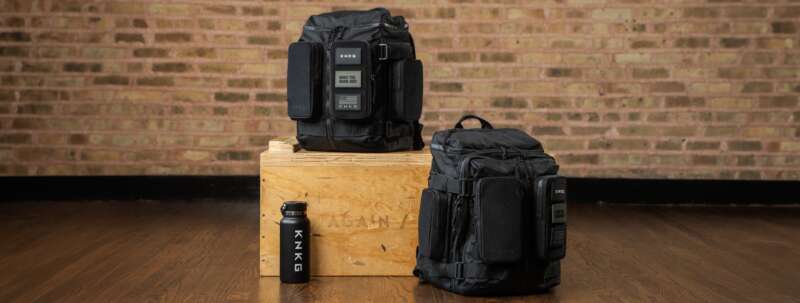
Your iPad does not need a 100W power bank to charge, but a higher-output pack can still earn its keep when the same battery also has to run a laptop, phone, and headphones. The real buying decision is a three-way trade among usable energy, bag weight, and how many devices you expect to connect at once.
For this guide, I narrowed the field to current US configurations with at least 20,000mAh of advertised capacity and USB-C Power Delivery. The five picks below solve meaningfully different carrying problems. Two also have related Gadgeteer hands-on coverage, so you can go deeper than a specification sheet before buying.
The quick answer
| Pick | Best fit | Main tradeoff |
|---|---|---|
| Anker Laptop Power Bank 25K | iPad, laptop, and phone on one travel day | Heavy at 595g |
| UGREEN Nexode 20K 130W | Best balance of capacity, ports, and size | Output drops when ports are shared |
| Baseus Blade H1 20K 100W | A flat pack for a tablet or laptop sleeve | Slim, but not light |
| Belkin BoostCharge 20K 30W | Straightforward iPad and phone charging | Not the pick for a demanding laptop |
| INIU P62-E1 20K 65W | A compact 20K pack with a removable cable | Lower maximum output than the Anker and UGREEN |
1. Anker Laptop Power Bank 25K: the multi-device travel pick
25,000mAh / 90Wh | 165W max with two USB-C connections; 130W max with three or four devices | Model A1695
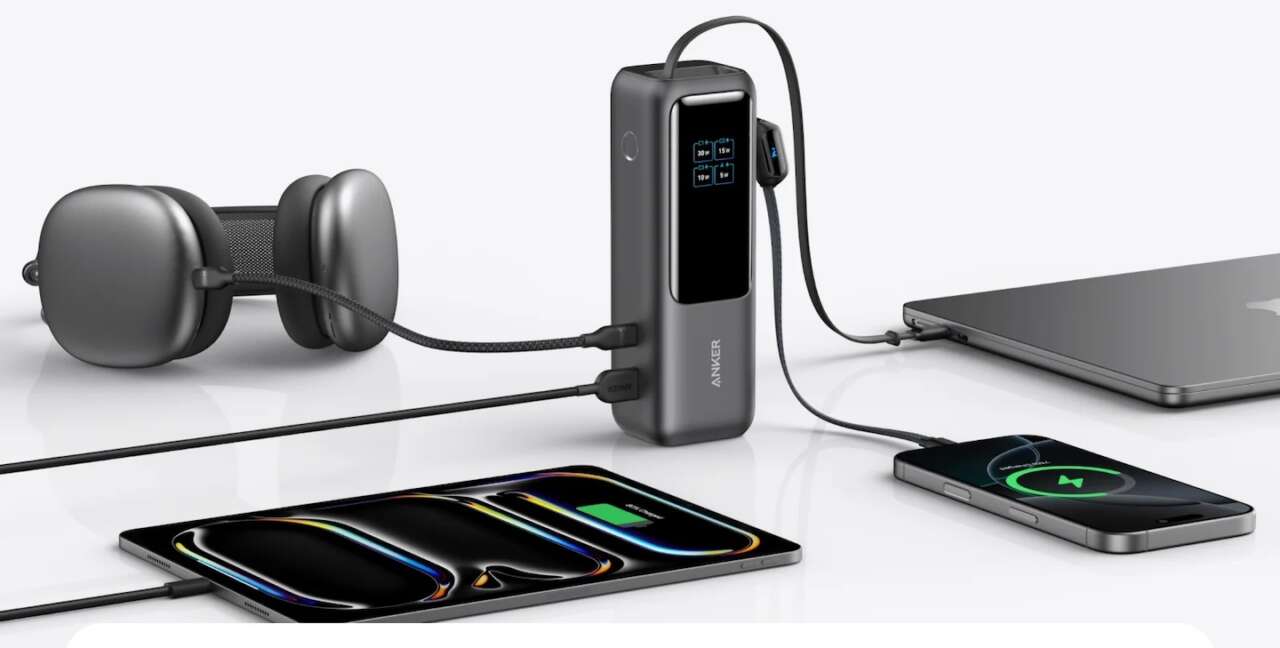
Anker’s A1695 is the one to buy when an iPad is only part of the load. It has two built-in USB-C cables, one retractable and one that doubles as a carrying strap, plus a separate USB-C port and USB-A port. Each USB-C connection can provide up to 100W by itself, while two USB-C connections can share up to 165W.
Price: $89.99
Where to Buy: Amazon, Anker
That headroom will not force an iPad to charge at 100W. USB-C devices negotiate the power they accept. The benefit is that the same pack can charge a compatible laptop without making the iPad wait, and the display shows remaining energy, input, output, and estimated time.
The cost is easy to feel: Anker lists the pack at 595g, or 21 ounces. It belongs in a backpack, not a small sling. If you only need one iPad top-up, this is more battery and hardware than necessary. If you travel with a laptop and hate loose cables, the weight has a purpose.
2. UGREEN Nexode 20K 130W: the best balance for most bags
20,000mAh / 72Wh | 100W maximum from USB-C1 | Three output ports
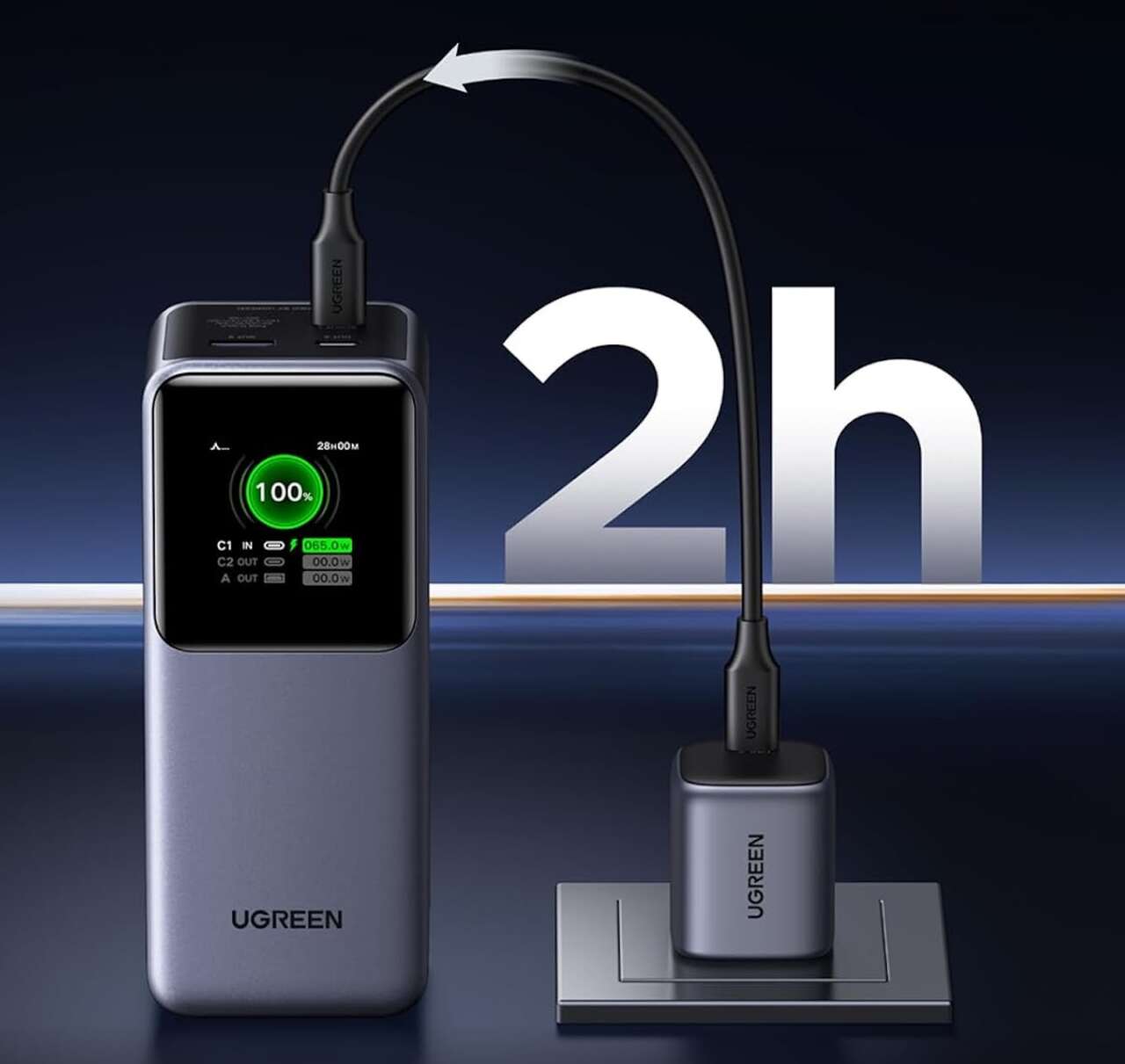
The UGREEN Nexode gives up some capacity and weight versus the Anker while keeping a laptop-capable 100W USB-C port. Its second USB-C port is rated for up to 30W, and the USB-A port for up to 22.5W. A color TFT screen shows the remaining charge and live power information.
This is the useful middle ground for an iPad, phone, and occasional USB-C laptop. The upright shape occupies less desk or tray-table area than a flat pack, although it is chunkier inside a sleeve.
Price: $89.99
Where to Buy: Amazon, UGREEN
Pay attention to port sharing. The 130W figure describes a supported multiport configuration, not 130W from every port. UGREEN’s own diagrams show lower totals for several two-device and three-device combinations. Put the hungriest device on USB-C1 and check the manual before assuming a particular split.
The Gadgeteer reviewed this 20,000mAh, 130W Nexode model in 2024. That hands-on report is the better place to evaluate its display, size, and real charging behavior.
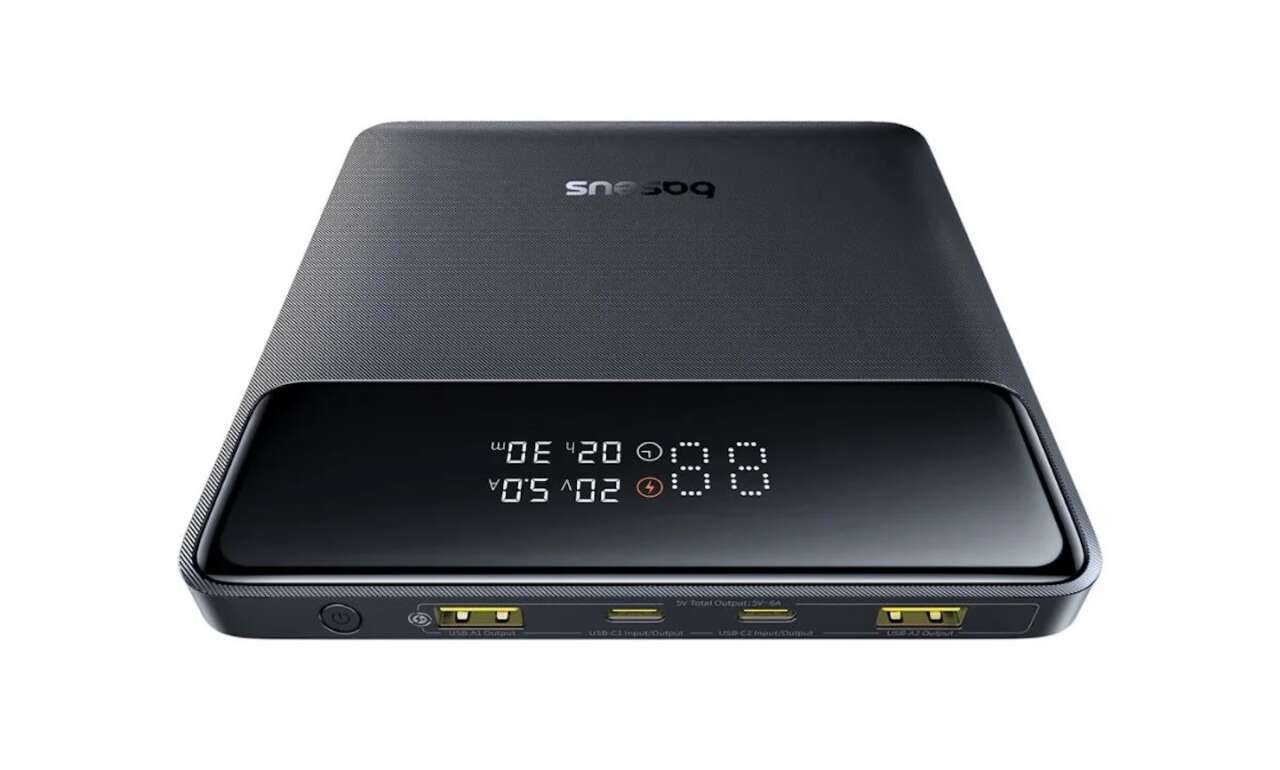
3. Baseus Blade H1 20K 100W: the flat option for a tablet sleeve
20,000mAh | 100W maximum output | Four ports
The Baseus Blade H1 is built around a simple packing advantage. Instead of a thick brick, it is a flat square measuring 13.4 by 13.4cm and 1.8cm thick. That shape can sit beside an iPad or laptop in a sleeve without creating one hard lump at the bottom of the bag.
Baseus lists two USB-C ports, two USB-A ports, a 100W maximum output, and a display. The listed item weight is approximately 451g, so “slim” should not be confused with “light.” This is a fit-and-organization choice more than an ultralight one.
Price: $89.99
Where to Buy: Baseus
A previous Gadgeteer review of the earlier Baseus Blade explains why the format works in a travel bag and includes measured use with laptops and handheld hardware.
Choose the H1 when flat storage matters. Pick the Anker if you want built-in cables, or the UGREEN if you prefer a narrower body.
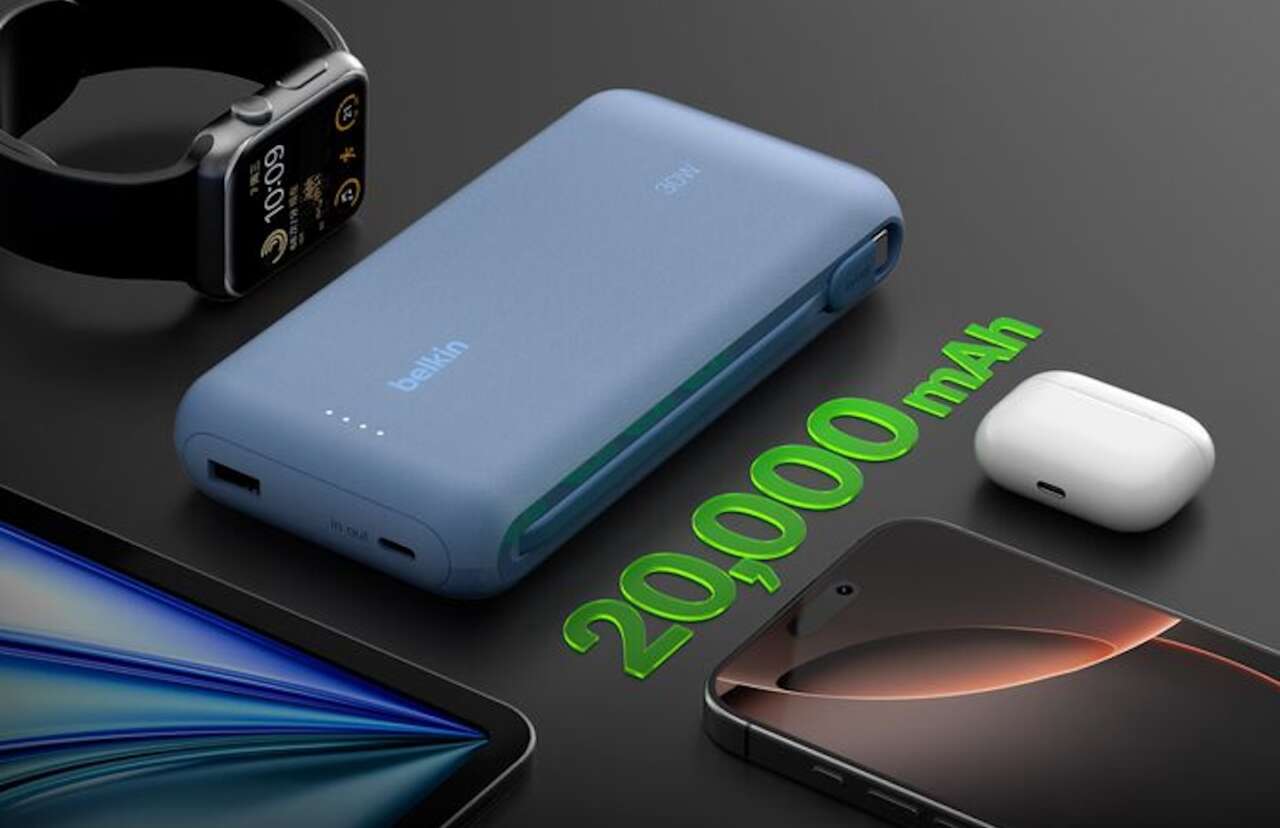
4. Belkin BoostCharge 20K 30W: the simple iPad-first choice
20,000mAh | 30W total output | Model BPB024
Belkin’s current US 20K pack takes a calmer approach. It has an integrated USB-C cable, another USB-C port, USB-A, and up to 30W total output. Belkin says it can charge three devices at once, but that 30W is shared across the connected hardware.
Price: $49.99
Where to Buy: Belkin
It can charge an iPad and a phone together, but the shared 30W budget means charging speeds depend on the connected devices. It is also easier to understand than a 100W-plus pack with a complicated power-sharing chart. The LED indicator is less informative than the numerical screens on the Anker, UGREEN, Baseus, and INIU.
The BPB024 is the Belkin model selected for this guide. Buy it for straightforward iPad and phone charging with an integrated USB-C cable, rather than maximum output.
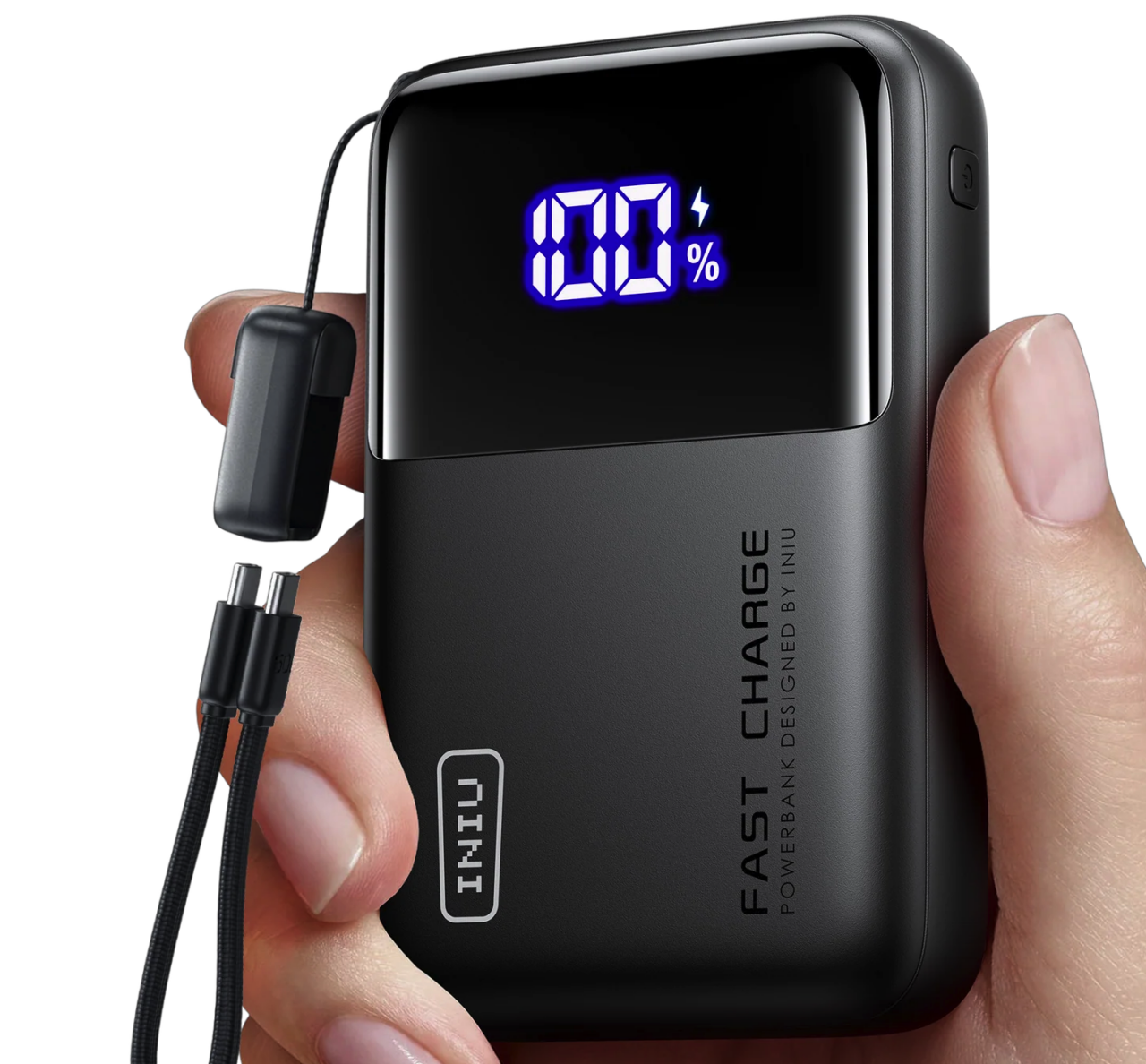
5. INIU P62-E1 20K 65W: the compact 20K alternative
20,000mAh / 73Wh | 65W maximum single-port output | Model P62-E1
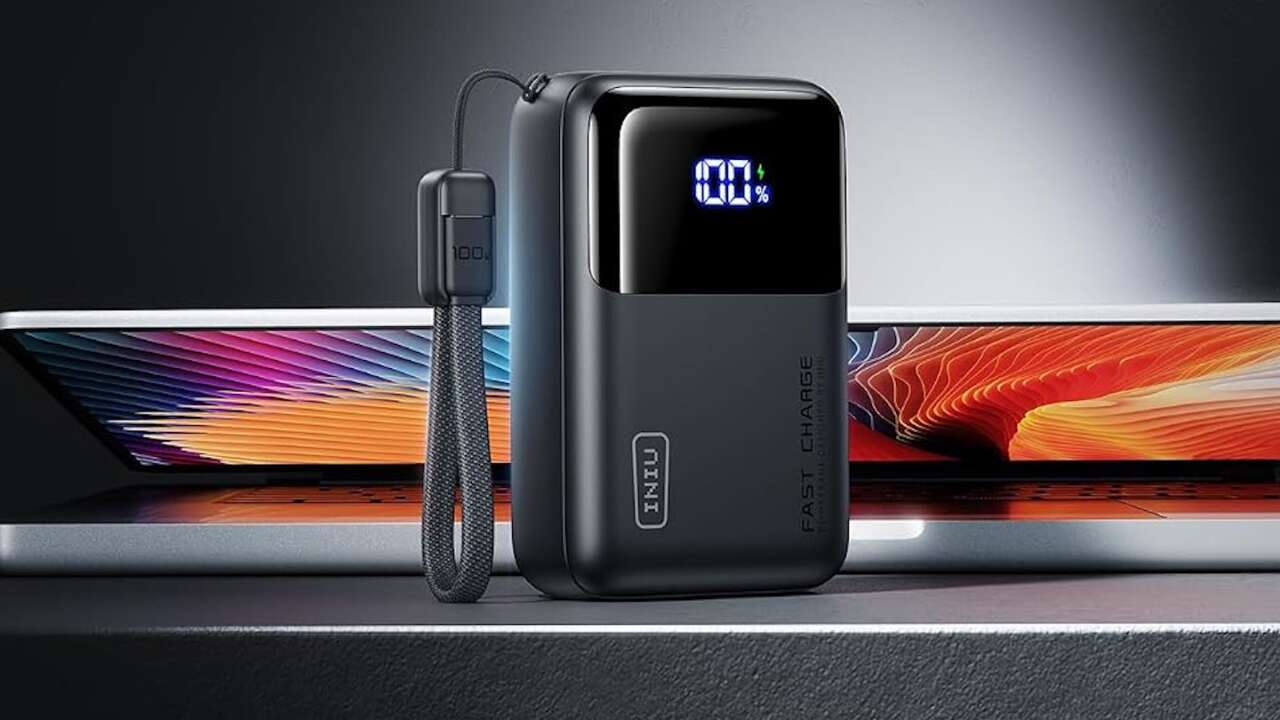
The INIU P62-E1 squeezes a 20,000mAh battery into a body listed at about 4.3 by 2.8 by 1.1 inches. Its short, detachable USB-C cable doubles as a carrying loop, and the cable can be replaced instead of condemning the whole power bank when it wears out.
Price: $46.99
Where to Buy: INUI
A 65W maximum single-port output gives it more flexibility than the Belkin for compatible laptops, while three ports cover an iPad, phone, and small accessory. The display shows remaining battery rather than making you decode a row of lights.
Its 73Wh rating is below the FAA’s 100Wh threshold for spare lithium-ion batteries, although individual airlines may be stricter.
This is the choice for someone who wants 20,000mAh capacity without the wide Baseus shape or the heavier 25K Anker. It still is not a pocket battery in the everyday sense. Twenty thousand milliamp-hours takes up real space regardless of the packaging.
What actually matters for an iPad power bank
Match the cable to the iPad
Apple’s current USB-C iPad list includes recent iPad Pro, Air, mini, and standard iPad generations. Older Lightning-equipped models need a USB-C-to-Lightning cable. A built-in USB-C cable is only convenient if it fits the iPad you own.
Read watt-hours, not just milliamp-hours
Milliamp-hours are easy to compare when the battery voltage is the same, but watt-hours are the more useful travel and energy figure. Conversion losses also mean a 20,000mAh pack will not deliver 20,000mAh to the iPad. Do not turn the number on the box into a promised count of full recharges.
Higher output is mainly about flexibility
Apple says a higher-wattage USB-C adapter can charge supported iPads faster, but the iPad controls what it draws. A 100W power bank is valuable because it can also serve a laptop or share power across devices. It does not make every iPad charge five times faster than a 20W source.
Use a USB-C cable rated for the charging power you need, especially when connecting a laptop. Check the cable’s power rating rather than assuming every USB-C cable supports the power bank’s maximum output.
Plan for airline rules before the airport
The FAA requires power banks and other spare lithium batteries to stay in carry-on baggage, with terminals protected from short circuits. Lithium-ion batteries are normally limited to 100Wh each. Batteries from 101Wh through 160Wh need airline approval and are limited to two spares. Airlines can impose stricter rules, so check the carrier and the watt-hour label on the exact unit before packing.
Which one should you buy?
The UGREEN Nexode 20K 130W is the most balanced choice here for an iPad, phone, and occasional laptop. The Anker 25K earns its extra weight when several USB-C devices and built-in cables matter more than portability. The Baseus Blade H1 is easier to organize beside flat hardware, while the Belkin BoostCharge 20K is the uncomplicated iPad-first option. Choose the INIU P62-E1 when you want a smaller 20K body and a replaceable short cable.
Do not buy from the wattage headline alone. Buy the pack whose shape, cable setup, and shared-port behavior match what is actually in your bag.