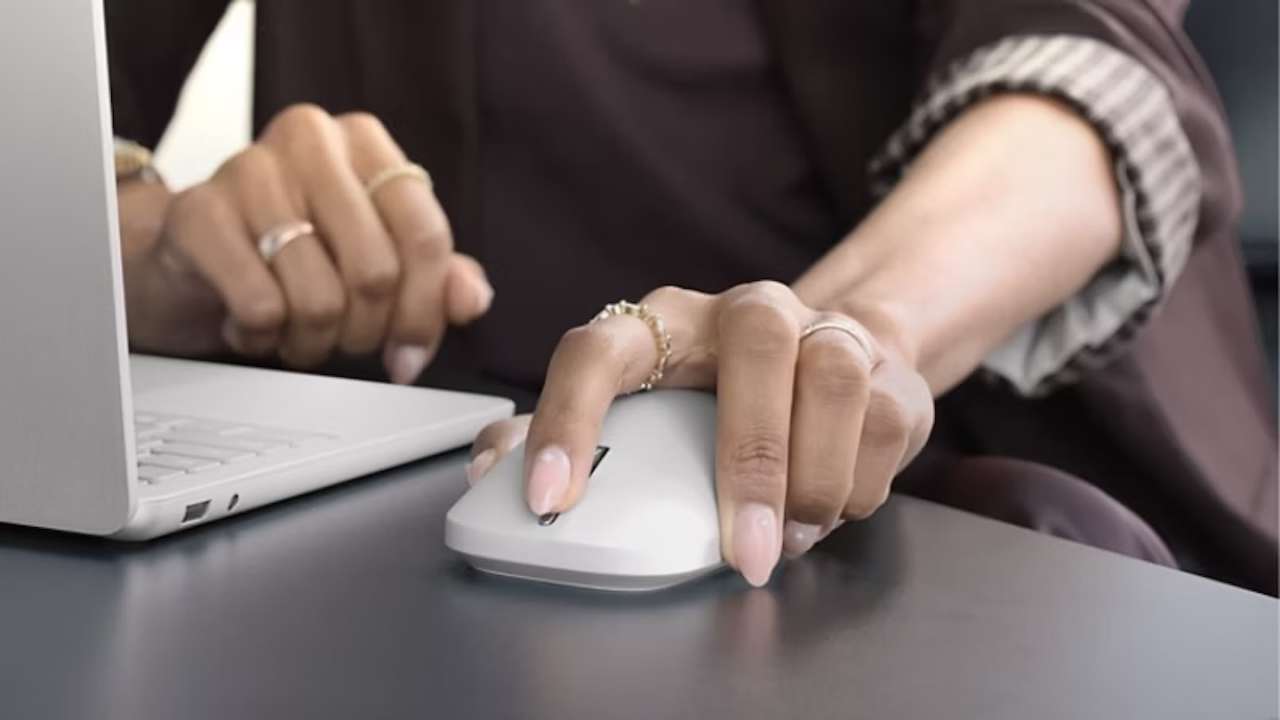
Most people do not think much about a mouse until small annoyances pile up. You may switch between a laptop and desktop, spend hours aligning slides or resizing windows, or work in a shared space where loud clicks are distracting. A basic wireless mouse handles the essentials, but it offers little help beyond moving a cursor.
Microsoft Surface Mouse (2nd Edition)
Price: $79.99
Where to Buy: Microsoft Store
Microsoft’s Surface Mouse (2nd Edition) is meant to make routine interactions more deliberate. Announced on September 23, 2026, it adds haptic feedback, a customizable action button, support for up to three devices, and Bluetooth 6.0. Microsoft lists an October 13, 2026 release date at $79.99 in the United States.
Haptic Feedback Is the Headline Feature
Microsoft says the mouse can provide tactile feedback for clicks, scrolling, window snapping and resizing, drag-and-drop actions, and adjustments in PowerPoint. Rather than relying entirely on a visual cue, the mouse is designed to give your hand a small vibration when an action lands.
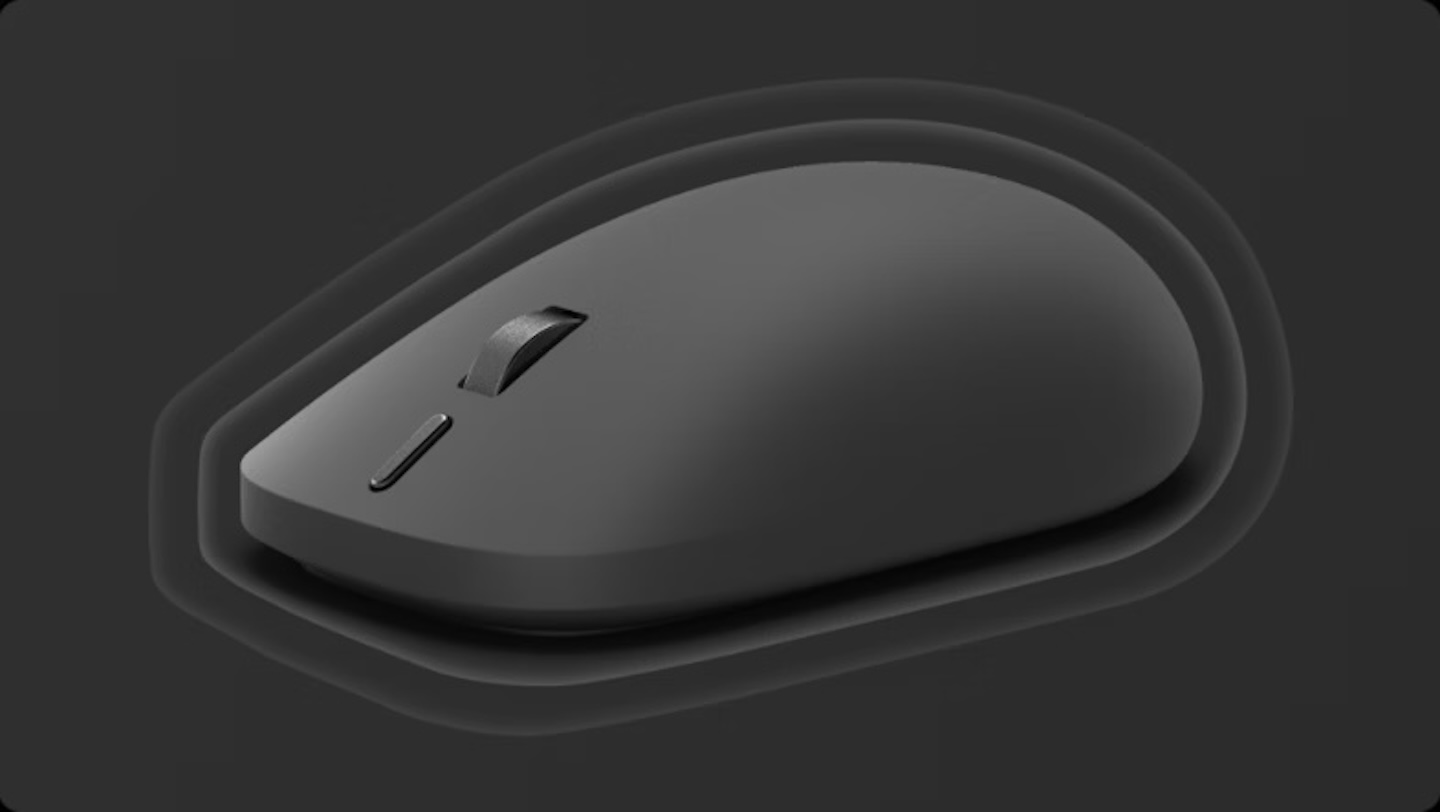 That could matter during repetitive desk work. Resizing browser windows, organizing a desktop, moving files, and aligning objects in a presentation often require visual confirmation. Microsoft says the mouse supports haptic feedback in Snap Assist, window resizing, drag and drop, and PowerPoint. Its product page also says vibration strength and sensitivity can be adjusted.
The limitation is important: advanced haptics require Windows 11 and supported apps. Microsoft notes that third-party app support varies. Haptic feedback can be useful, but it will not automatically make every application more precise. Independent hands-on testing will determine whether it is genuinely helpful over a long workday.
The Action Button Could Save a Few Steps
The mouse has four buttons: left, right, middle click, and a customizable action button. Microsoft says the extra control can open Copilot or Copilot Voice, along with personalized shortcuts.
The practical benefit is not limited to AI. You could assign the button to a frequently used tool or task and avoid reaching for the keyboard or hunting through menus. That can be meaningful for someone who repeats the same workflow throughout the day.
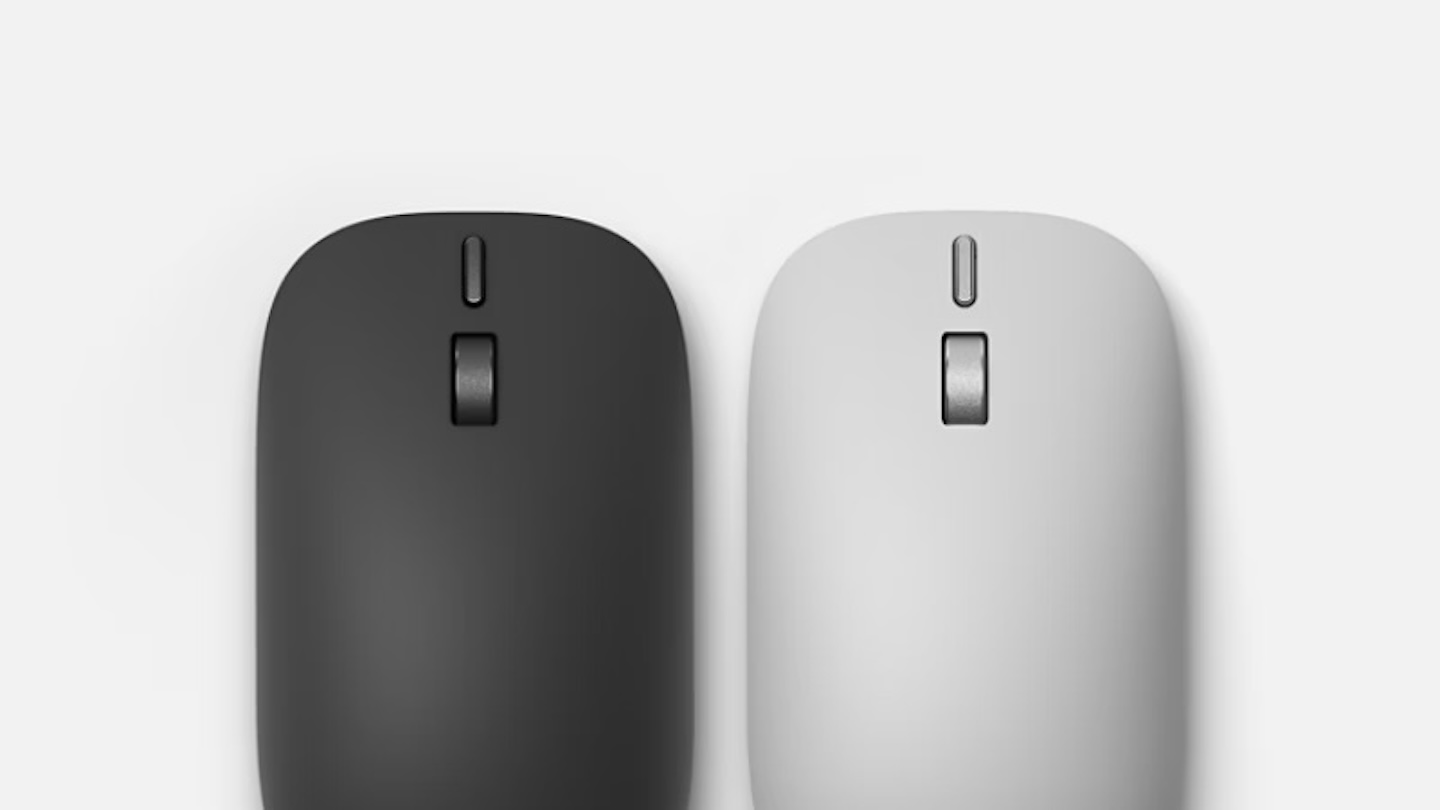 However, buyers should separate the headline claim from the platform limitations. Microsoft says basic mouse functions work across compatible operating systems, while advanced features, including the action button and AI experiences, require Windows 11. Customization also requires the Surface app for Windows. The button is therefore much more useful in a Windows-first setup than as a generic Bluetooth accessory.
Three-Device Support Solves a Real Desk Problem
The Surface Mouse (2nd Edition) can connect to and switch between up to three devices. That is useful for people who work across a company laptop, a personal computer, and perhaps a second Windows machine.
 Without device switching, moving between computers can mean re-pairing a mouse, changing hardware, or keeping several mice on the desk. Microsoft says the mouse uses Bluetooth 6.0 and Swift Pair for multi-device support. A host device needs Bluetooth 4.0 or later for compatibility.
Bluetooth 6.0 is a modern connectivity specification, but it is not by itself a promise of better performance on every older computer. The real value is fewer pairing interruptions—assuming the switching experience works as Microsoft describes.
A Conventional Shape, With Some New Materials
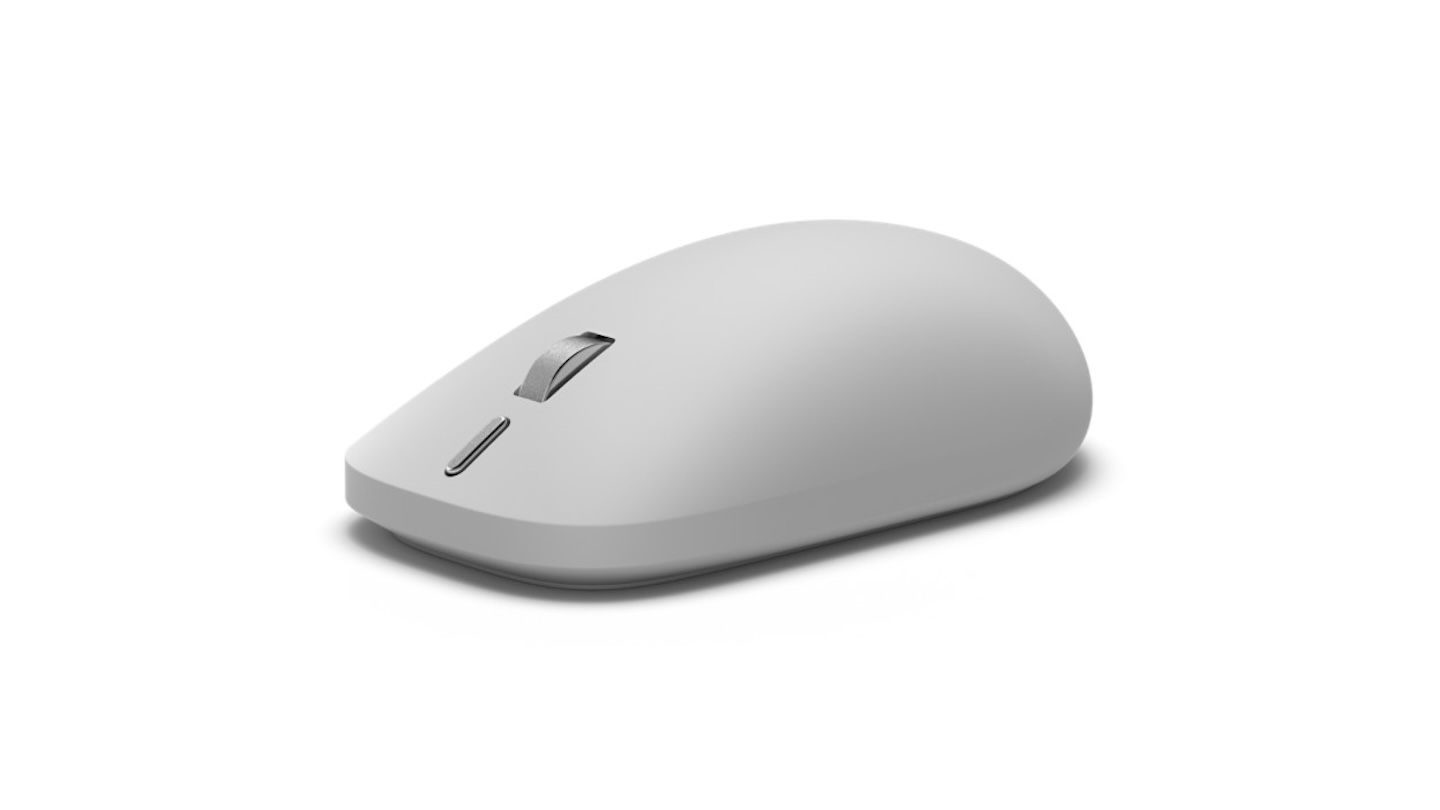
Microsoft describes the new shape as contoured and ambidextrous, with a soft-touch silicone top intended to reduce hand fatigue and improve grip. It also says the mouse is designed to minimize click noise, which could be welcome in shared spaces and during late-night study sessions.
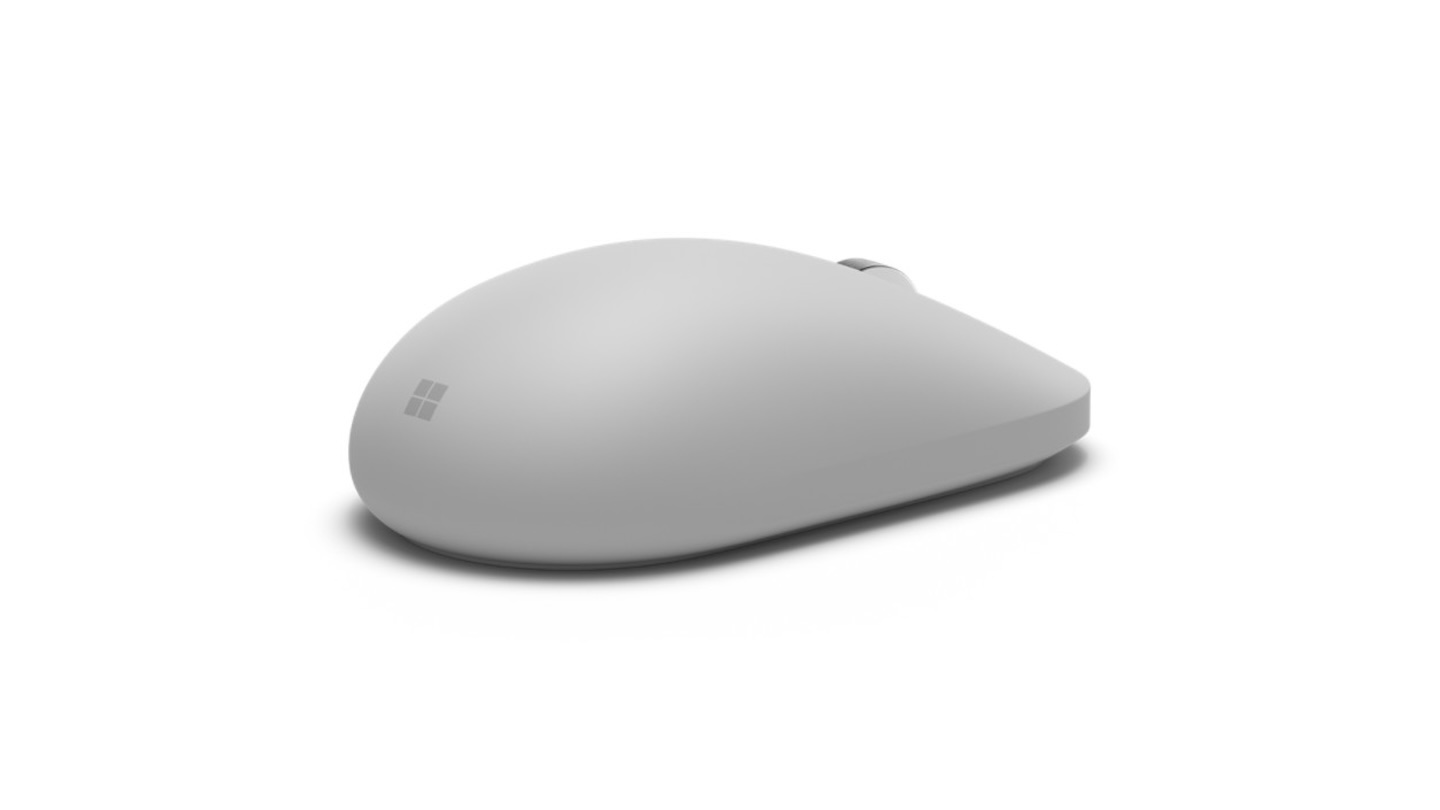 The mouse measures 4.3 inches long, 2.48 inches wide, and 1.43 inches high. It weighs 4 ounces including batteries, and Microsoft rates its two included AAA batteries for up to six months. That makes it better suited to a desk bag than an ultralight travel kit.
Microsoft says the mouse contains 30.8% recycled content overall, while some components use up to 50% post-consumer recycled plastic. Those figures describe material content rather than the product’s total environmental impact.
Buyer Fit
The Surface Mouse (2nd Edition) is best suited to Windows 11 users who want a straightforward Bluetooth mouse with tactile cues, a useful shortcut button, and multi-device support. It makes the most sense for Surface owners, office workers, students, and hybrid workers who regularly use more than one computer.
Microsoft Surface Mouse (2nd Edition)
Price: $79.99
Where to Buy: Microsoft Store
Skip it if you need many programmable buttons, a highly adjustable ergonomic shape, a rechargeable battery, or complete advanced-feature support outside Windows 11. At $79.99, it is not a budget pick, but its haptics, customizable action button, and three-device switching target the small frictions that can add up across a workday.