Qualcomm covered my trip to Maui for Snapdragon Summit.
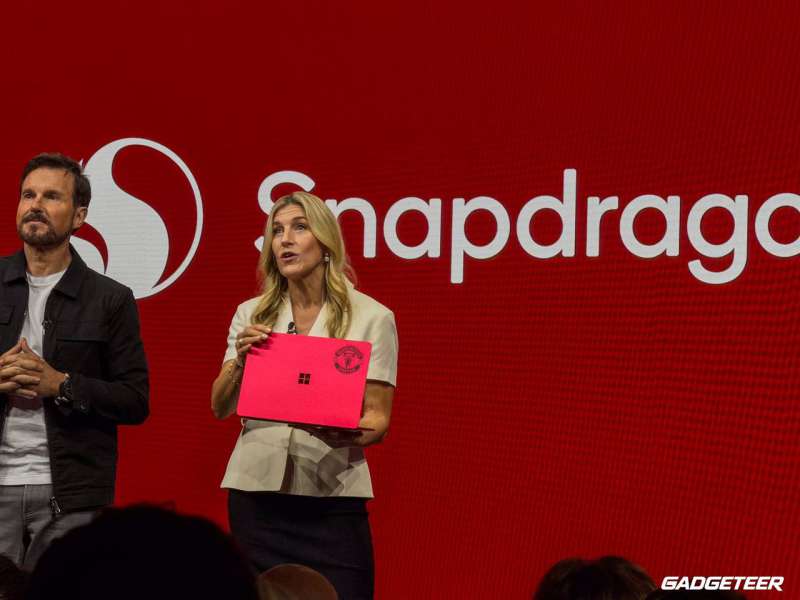
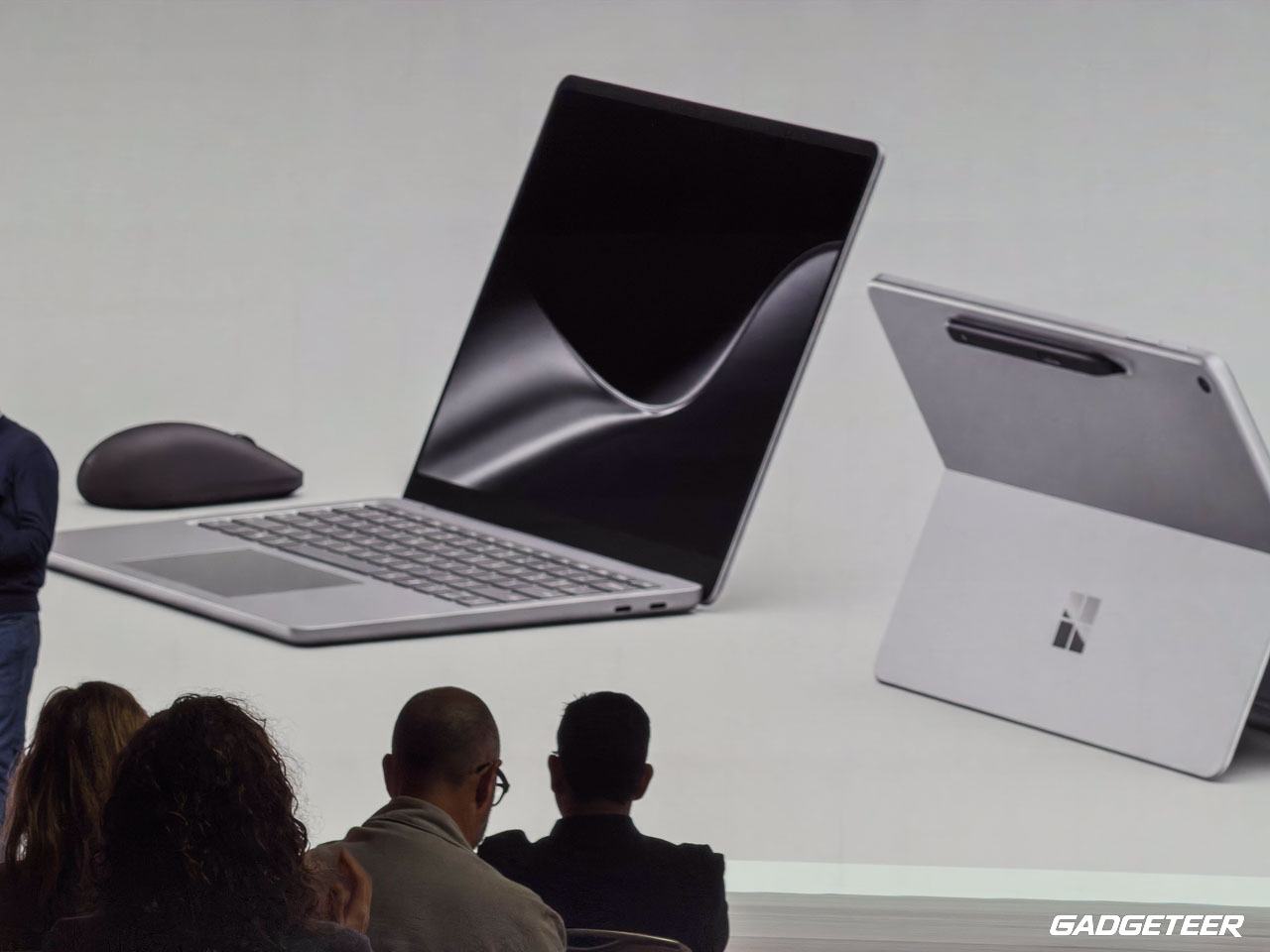
Microsoft used the stage to introduce second editions of its two smallest Surface PCs, both built around Snapdragon X2 Plus. The Surface Pro 12-inch is still a tablet you can turn into a laptop. The Surface Laptop 13-inch is the one you can open and start typing on. That familiar choice is more useful than treating every new chip name as a reason to upgrade.
Both models are available to preorder now and are due October 13 in select markets. Microsoft lists the Pro from $1,149.99 and the Laptop from $1,199.99. The new $79.99 Surface Mouse arrives the same day. Those are starting prices, so check the exact configuration and any accessories before deciding what either setup will cost you.
These sizes aren’t new. Microsoft launched the first 12-inch Pro and 13-inch Laptop in 2025 with Snapdragon X Plus. Larger Surface PCs with X2 chips followed in June. This refresh brings the newer processor family to the compact models. If you already have last year’s machine, the useful question is what changed in the device you actually carry, draw on or type with.
Price: Surface Pro 12-inch from $1,149.99; Surface Laptop 13-inch from $1,199.99 (preorder; October 13 availability)
Where to buy: Microsoft Surface Pro | Microsoft Surface Laptop
The 12-inch Pro puts the pen first
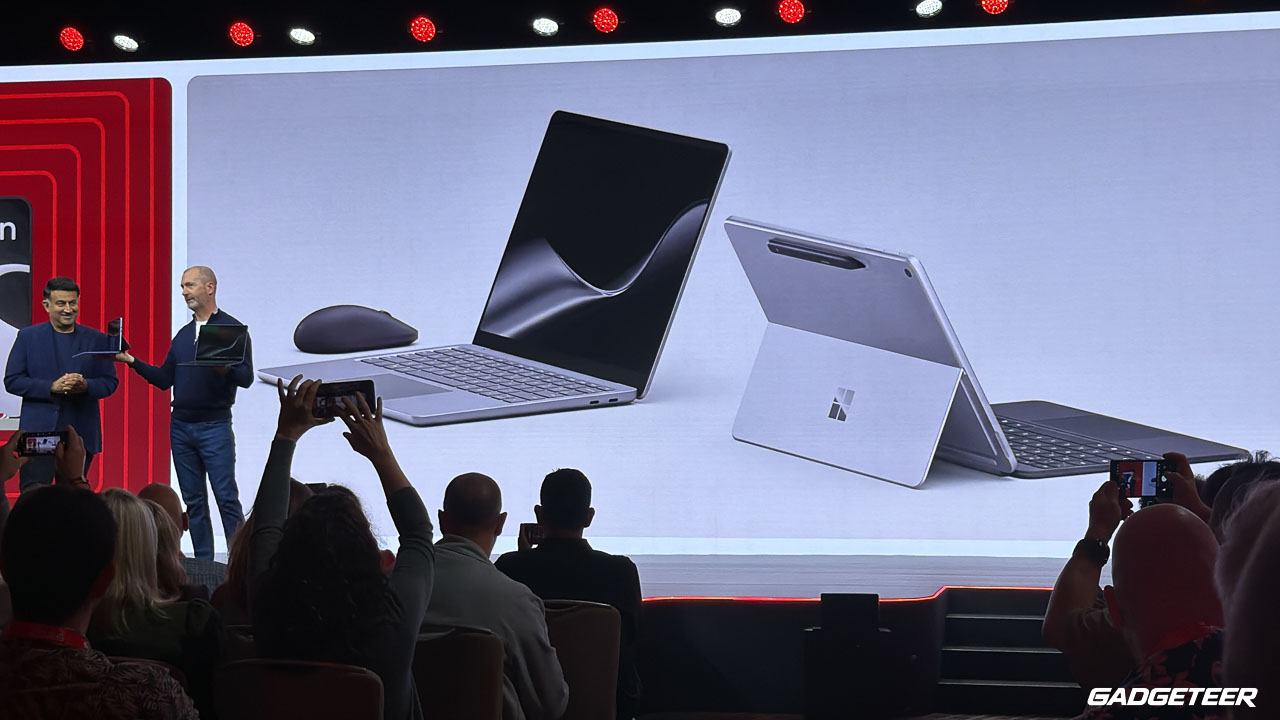
The second-edition Pro keeps its kickstand, touchscreen and detachable keyboard. The keyboard and Surface Slim Pen are sold separately, and the tablet weighs about 1.5 pounds without them. It has a 12-inch, 2196 x 1464 LCD with a 90Hz refresh rate. Microsoft says the screen is now 25% brighter, reaching 500 nits. Black joins the color choices.
The two USB-C ports are USB 3.2. Buyers who count on USB4 or Surface Connect should check the larger 13-inch Pro instead. That’s worth knowing before you plug in a USB4 dock and wonder where some of its features went.
Microsoft claims more than 60% faster graphics and up to 95% faster local AI inference compared with the first 12-inch Pro. Those figures come from its testing, not mine. I want to see how a finished machine feels with a long day of browsing, calls and pen work before turning a benchmark gain into a buying recommendation.
The addition I’d most want to try is Ink Canvas. It comes preinstalled on the new Pro and gives you a place to sketch, write, add images and mark them up. Microsoft says a Slim Pen shortcut can open a new canvas, and Copilot features can work with part of what you’ve drawn or written. The basic drawing tools work offline, but the AI features require an eligible Microsoft 365 subscription and have usage limits. Ink Canvas is also coming to other supported touch-enabled Surface and Windows PCs on October 13. It’s a reason to try the software, not automatically a reason to replace a working Pro.
There is an optional 5G version of the 12-inch Pro for commercial customers, subject to market and carrier availability. If I worked on the move and couldn’t count on Wi-Fi, that could mean more to me than a performance chart. It isn’t a cellular option on every consumer Pro.
The 13-inch Laptop is the simpler carry
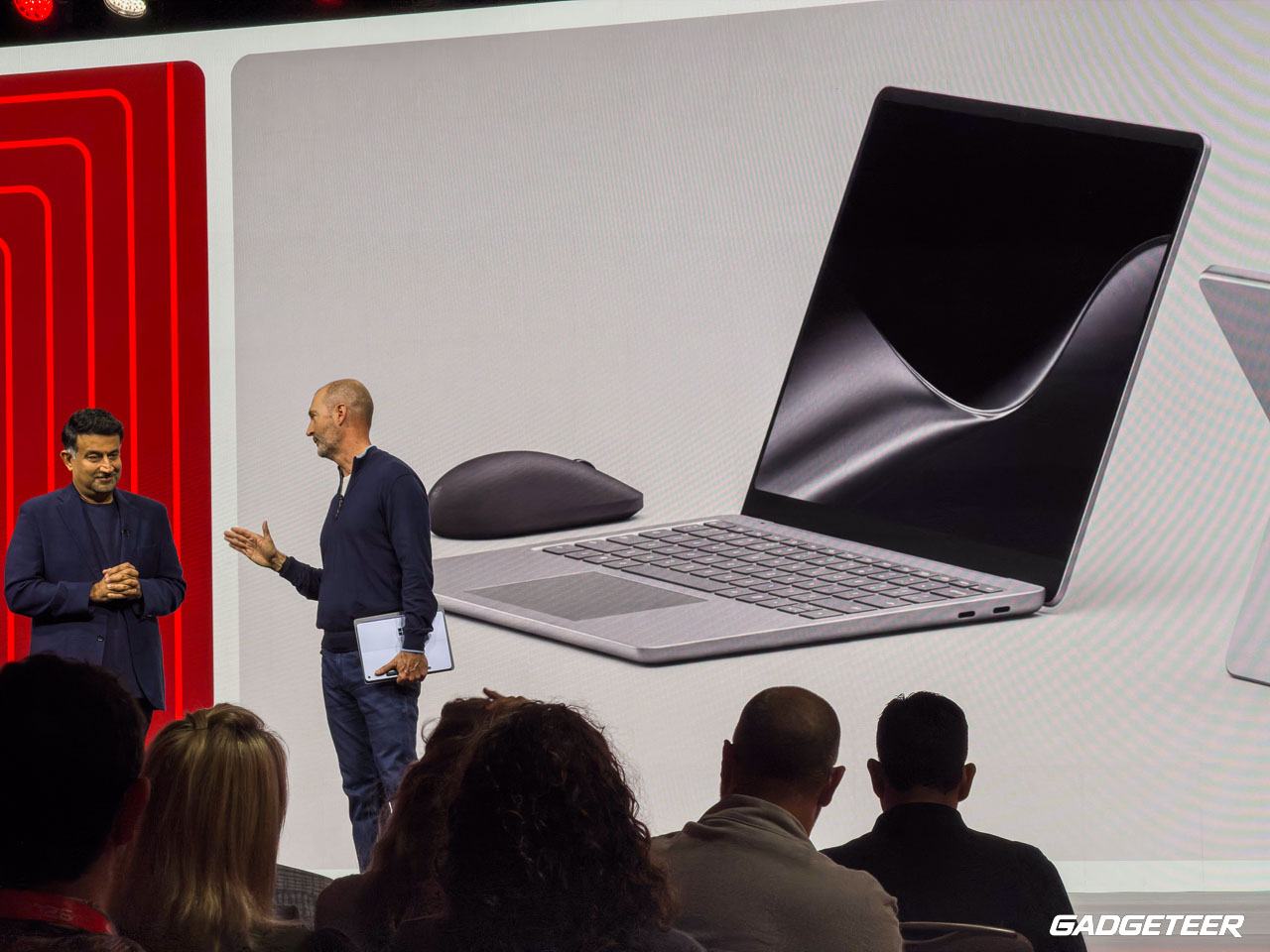
The second-edition Laptop keeps a conventional keyboard-first design and a 13-inch, 1920 x 1280 touchscreen with a 60Hz refresh rate. Microsoft says the display is 25% brighter at 500 nits, and Black is a new color here too. Its six-core X2 Plus chip makes it a different machine from the larger 13.8-inch and 15-inch Surface Laptops that can be configured with higher-tier X2 processors.
There’s a USB-A port alongside USB-C, which is still handy when an older mouse, drive or accessory hasn’t followed the rest of your bag into the USB-C era. The Laptop weighs about 2.7 pounds. It doesn’t ask you to add a keyboard before it feels like a laptop, which may settle the Pro-versus-Laptop choice for anyone who spends most of the day writing.
Microsoft rates the new Laptop for up to 22.5 hours of local video playback or 18 hours of active web use. The first 13-inch Laptop was rated for 23 hours of video or 16 hours of web use. The web estimate is higher while the video estimate is slightly lower. Those are Microsoft’s estimates from separate preproduction tests, not a controlled head-to-head comparison between generations. Neither number tells me how long my own mix of browser tabs, calls and local AI work would last.
For the Pro, Microsoft estimates up to 15.5 hours of local video or 13 hours of active web use, versus 16 hours and 12 hours for the first edition. The web-test protocols differ here too. I’d look at the active web estimate for context, then wait for independent testing. If a particular Windows app or device driver is essential to you, check its Windows on Arm support before ordering either PC.
A mouse with a little feedback
Microsoft also announced a new Surface Mouse with haptics. It can give a physical response when you click or an item snaps into place. The shape works for either hand, and Microsoft says it offers Bluetooth 6.0 pairing and a button you can customize for Copilot or another action. It costs $79.99 and is due October 13. I’m curious whether that feedback becomes something I notice in a good way after hours at a desk, rather than a novelty that lasts five minutes.
Price: Surface Pro 12-inch from $1,149.99; Surface Laptop 13-inch from $1,199.99 (preorder; October 13 availability)
Where to buy: Microsoft Surface Pro | Microsoft Surface Laptop
The compact Laptop looks like the easy choice if most of your day happens at a keyboard. The Pro makes more sense if drawing, handwritten notes and working without a keyboard are things you already do. X2 Plus and a brighter screen give both a clearer refresh story, but I’d hold off on calling either an all-day AI workhorse until we’ve used the finished hardware.