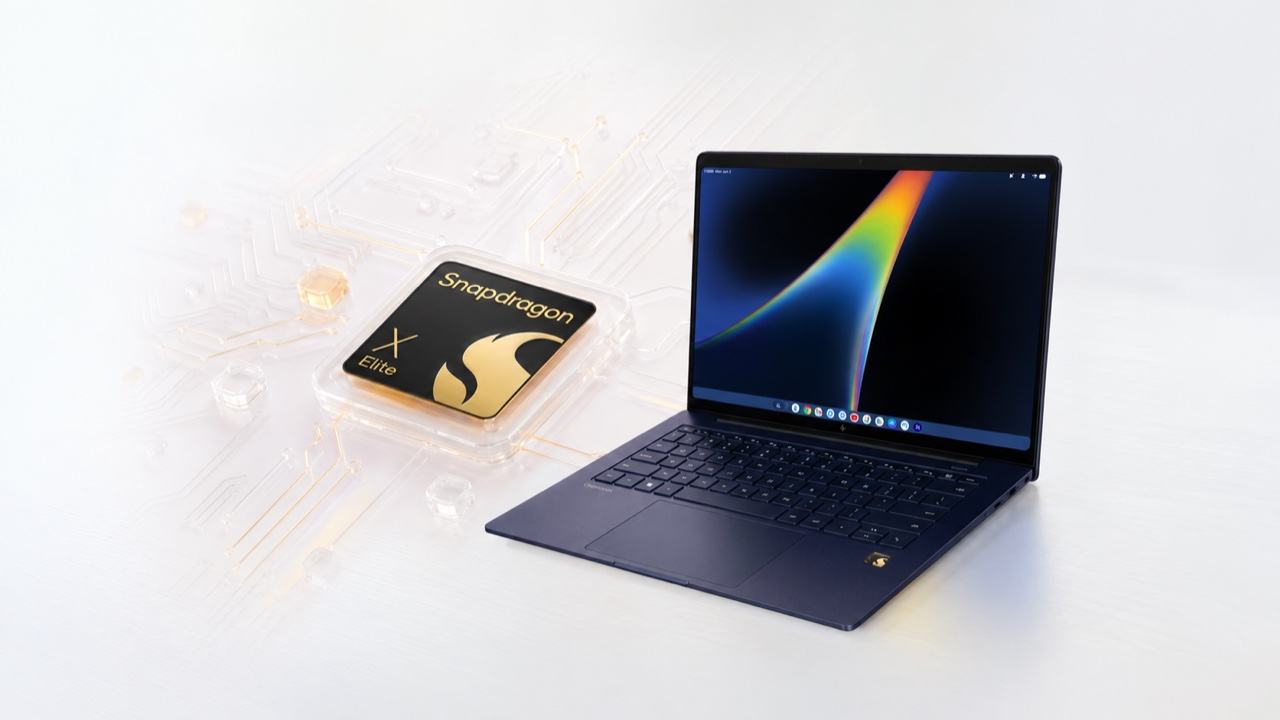
Qualcomm covered my trip to Maui for Snapdragon Summit.
If you’ve ever emailed yourself a photo because finding it on your laptop felt like more work, Googlebook is aimed at that little annoyance. I got hands-on with HP’s Googlebook 14 at Summit, and the Summit keynote put the reason for this new category into focus: Google wants your phone and laptop to stop behaving like strangers. Quick Access, Continue On and Cast My Apps are meant to carry files, a task or a supported phone app across the gap. I haven’t yet verified that whole handoff in daily use.
Googlebook uses Android technology with a desktop Chrome foundation. Android apps run natively, and the full Chrome browser keeps its extensions. Snapdragon X Elite powers the HP and Dell models I’m looking at here. Google has other Googlebook configurations with Intel chips too. Google says it remains committed to Chromebooks too, so this is a new premium option for someone living in Android, not a declaration that their Chromebook is obsolete.
Price: HP Googlebook 14 from $1,299; Dell XPS Googlebook from $999 on Google’s current preorder listings.
Where to buy: HP Googlebook 14 | Dell XPS Googlebook
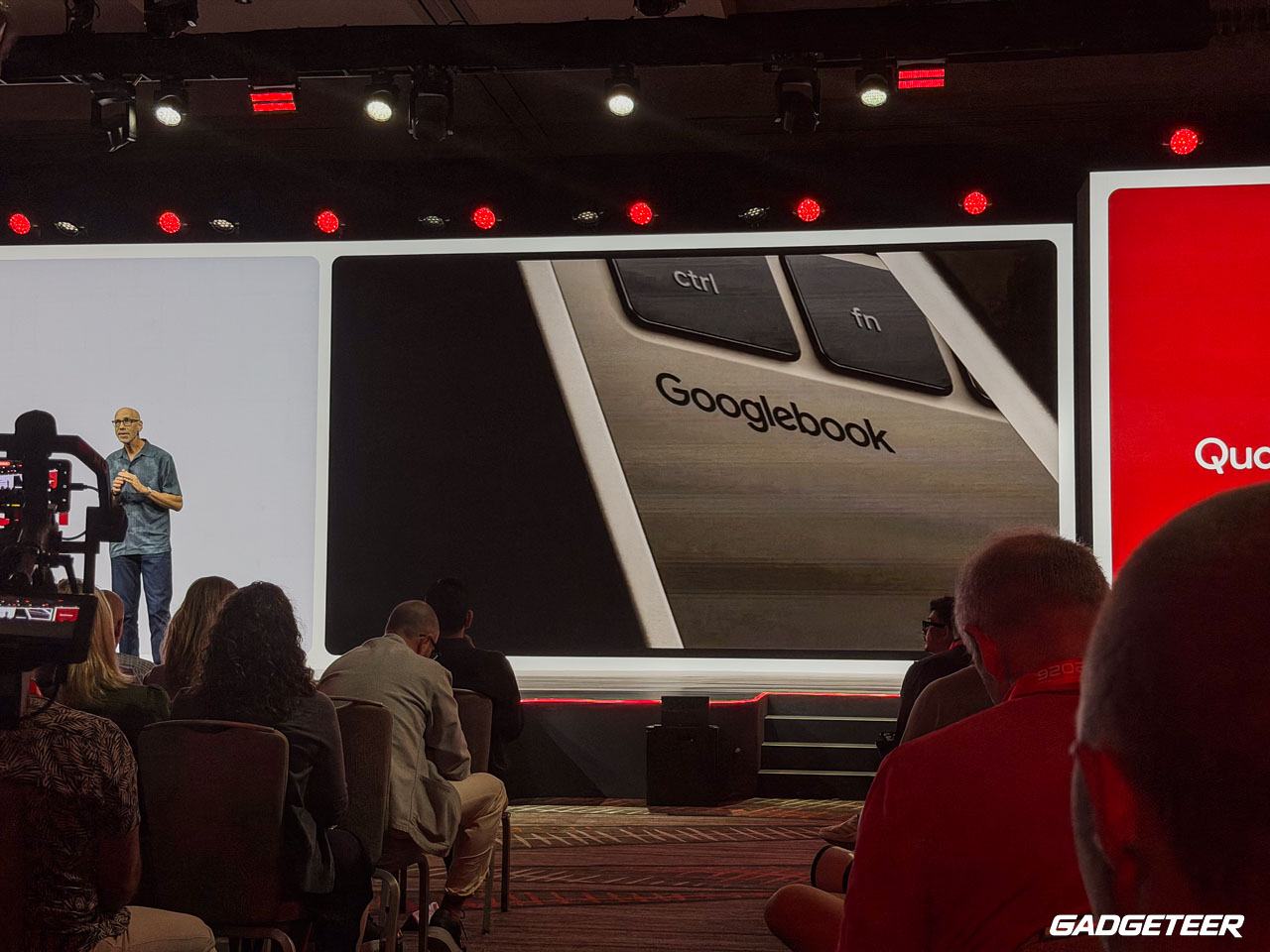
The phone handoff is the point
Google calls its phone-file feature Quick Access. After setup with a supported phone, the Files app can view, search and open photos and files on that phone. Continue On is designed to resume a phone task from the Googlebook taskbar. Cast My Apps streams supported phone apps into windows you can use on the laptop. That’s much more interesting than making me send myself the same attachment and guess which copy is current.
Google also says initial setup can bring over Android settings, saved passwords, Wi-Fi networks and messages through an encrypted transfer. HP specifies a compatible phone running Android 17 or newer. The word “supported” is doing real work here: Google hasn’t provided a complete compatibility list for every phone, app and task. My hands-on time with the HP machine doesn’t prove every handoff will feel instant. A real test with a compatible phone will show how many apps cooperate, how quickly the transfer happens and what breaks when the connection doesn’t.
Gemini gets some recognizable jobs
Google and HP give the broader AI pitch some specific jobs on Googlebook. Wiggle the pointer and Magic Pointer can bring up Gemini for something you select on screen. Press the dictation key and Rambler is designed to turn spoken thoughts into formatted text while removing filler words. Proactive Suggestions aims to offer help based on what’s on the screen. Google also describes Gemini Spark as a tool designed to keep working through an assigned task after you close the laptop. Create My Widget is another option: describe a small tool you want, such as a countdown to a trip, and Google says it can build a widget without you writing code. Those are distinct jobs, not one blanket promise that the computer will understand everything you do.
What you can use will depend on where you live and the feature’s requirements. HP lists language and age restrictions for some Gemini functions, and Magic Pointer needs an internet connection. We also shouldn’t confuse a Gemini-branded feature with a guarantee that every AI task runs locally on Snapdragon. The useful test will be whether these tools save steps in everyday work, not how many AI labels appear in a feature list.
HP’s first Googlebook has real laptop hardware
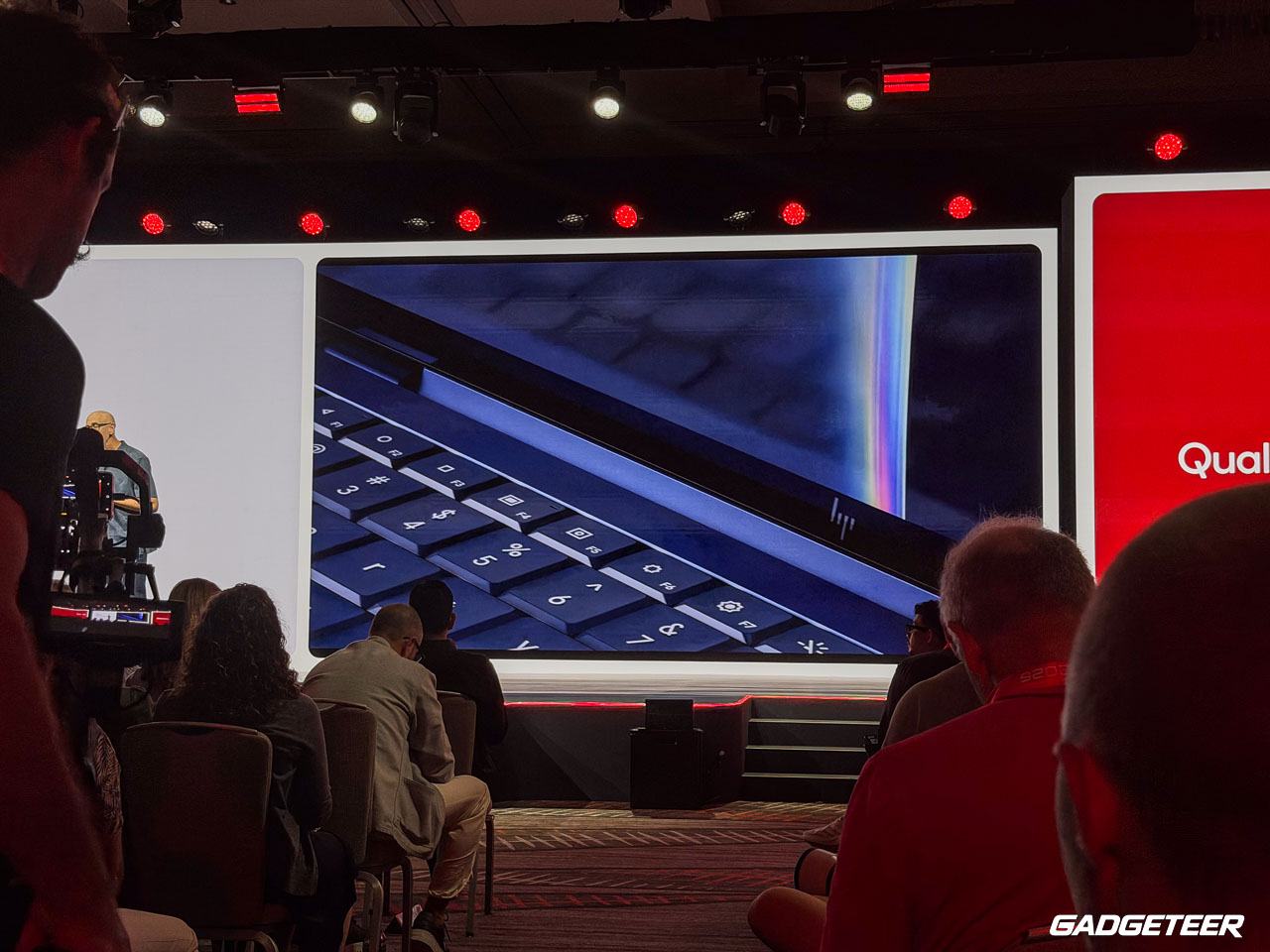
The HP Googlebook 14 isn’t just a concept device. HP says its 14-inch body is 10.91 mm thin and pairs Snapdragon X Elite with a vapor chamber for cooling. The OLED display has a variable refresh rate up to 120 Hz; touch support depends on the configuration. There’s a 5 MP infrared camera for face recognition, four speakers with HP Audio Boost 2.0, and support for two external UHD monitors. A small detail I like: the Glowbar shows battery and charging status even when the lid is closed.
HP also includes a compact USB-C GaN charger. Its product page lists configurations with up to 32 GB of memory and 1 TB of storage; Google’s current base preorder listing is 16 GB and 512 GB. That difference is worth checking before comparing prices. The OLED screen and external-monitor support could make it more than a phone companion, though we’d want to test the screen, thermals, speakers, and app behavior before judging the experience.
HP quotes up to 19 hours of video playback. That’s its lab figure for a particular video test, not a promise of 19 hours with a browser, calls, Android apps, and Gemini running through a normal day. Battery life will vary by settings and use. Google currently lists the Dell XPS Googlebook from $999 with a 13.4-inch LCD touchscreen, while the HP starts at $1,299 with a 14-inch OLED touchscreen. Both base listings show 16 GB of memory and 512 GB of storage. That’s an early comparison, not a verdict on build quality or performance.
Price, timing, and the first buying question
Google says the first Googlebooks reach U.S. shelves October 4, with preorders open now. Google’s current listing puts the HP Googlebook 14 at $1,299 for 16 GB of memory and 512 GB of storage, and the Dell XPS Googlebook at $999 for the same memory and storage. HP separately announced a $1,199.99 starting price through HP and Best Buy. The pages don’t explain the roughly $100 gap, so I’d check the exact configuration and checkout price before ordering.
Eligible buyers get 12 months of Google AI Pro, which renews at $19.99 a month or the then-current price unless canceled. Google promises Googlebook OS feature drops and updates for up to 10 years. That’s valuable on a laptop, though the bigger day-one question is whether your phone and laptop actually stay in step.
Price: HP Googlebook 14 from $1,299; Dell XPS Googlebook from $999 on Google’s current preorder listings.
Where to buy: HP Googlebook 14 | Dell XPS Googlebook
At these prices, Googlebook has to be more than an Android phone with a keyboard attached. The early appeal is clear for someone who already lives in Android: phone files, phone apps, a larger OLED screen, and Gemini features in one machine. Whether that combination earns a place next to an established Windows laptop, MacBook, or Chromebook comes down to the handoff, app compatibility, and battery life we can verify when the HP and Dell models ship.