
Most four-bay NAS boxes make you pick a lane: fast networking or serious storage, spinning drives or solid-state, simple backups or real server duties. The ASUSTOR LOCKERSTOR 4 Gen2+ (AS6704T v2) doesn’t bother picking. It packs four SATA bays and four M.2 NVMe slots into one chassis, adds dual 5GbE ports for good measure, and still feels approachable enough to set up on a random Tuesday night.
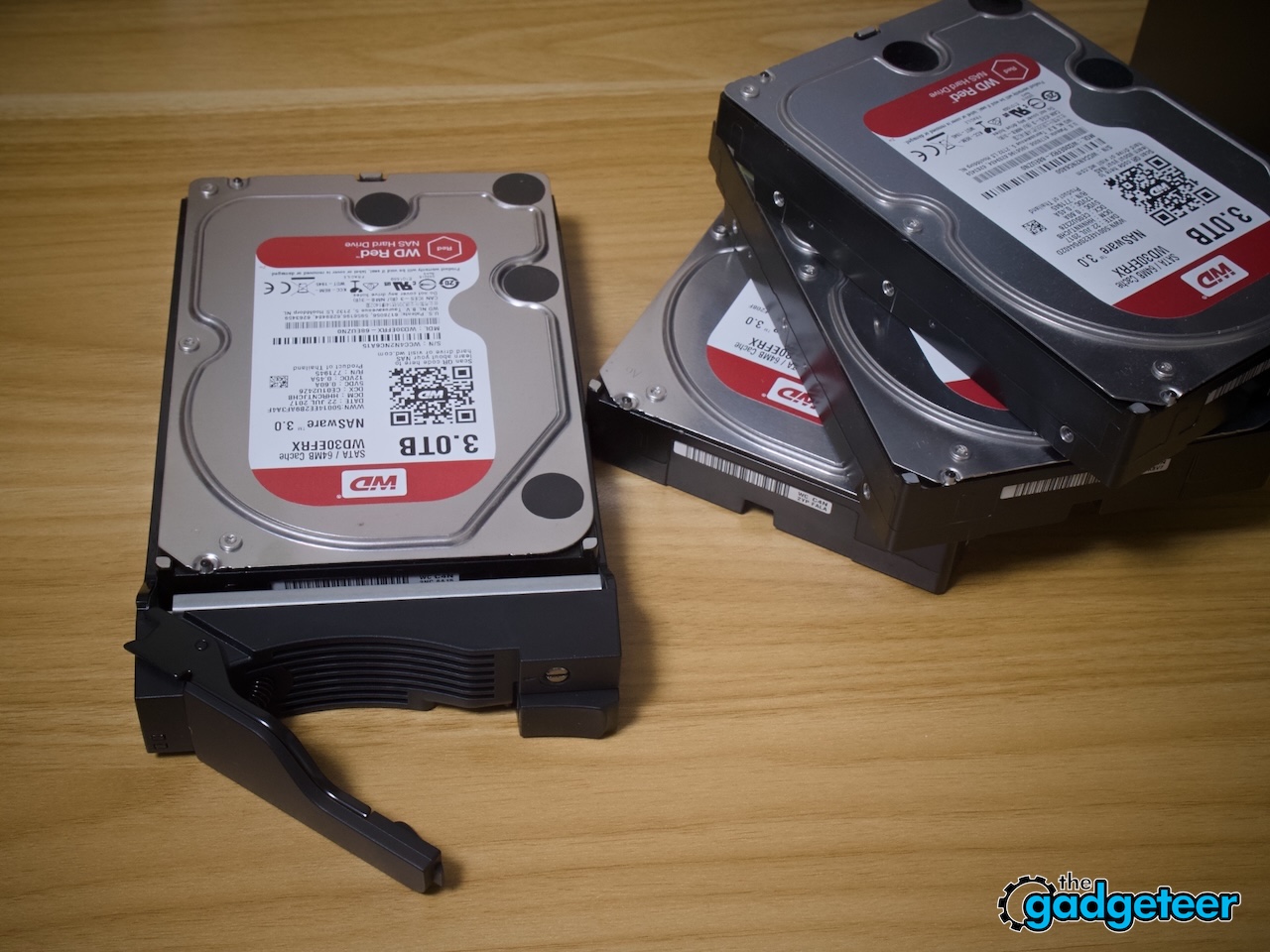
For this review, we loaded it up with four Western Digital WD30EFRX drives, 3 TB NASware-class hard drives built for exactly this kind of job, and ran everything through a RAID 5 setup for a week of actual daily use. No spec sheet skimming here. Just plugging in drives, moving files, and seeing how the thing behaves once it’s doing real work in a real room.
Looks the Part Without Trying Too Hard
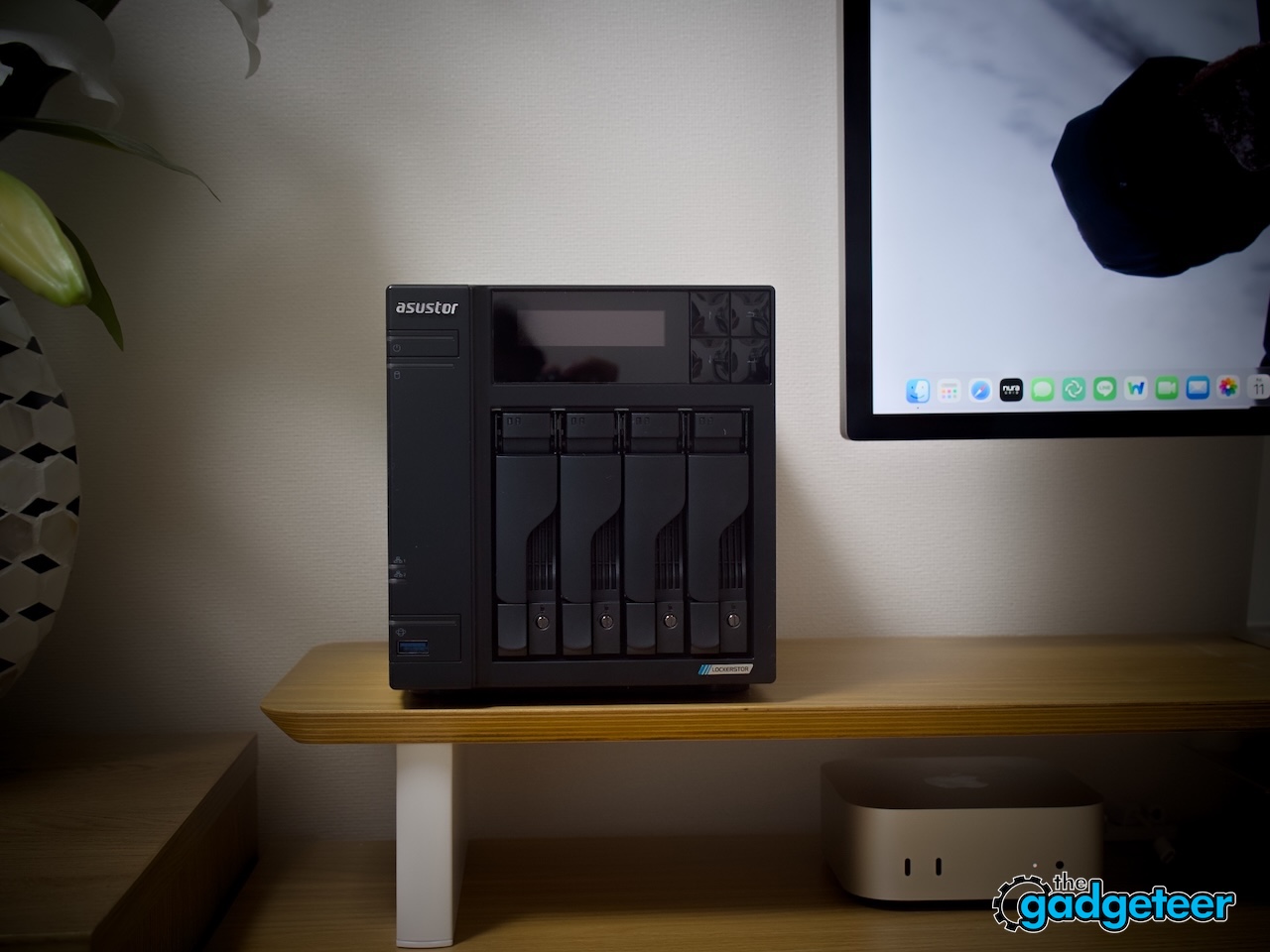
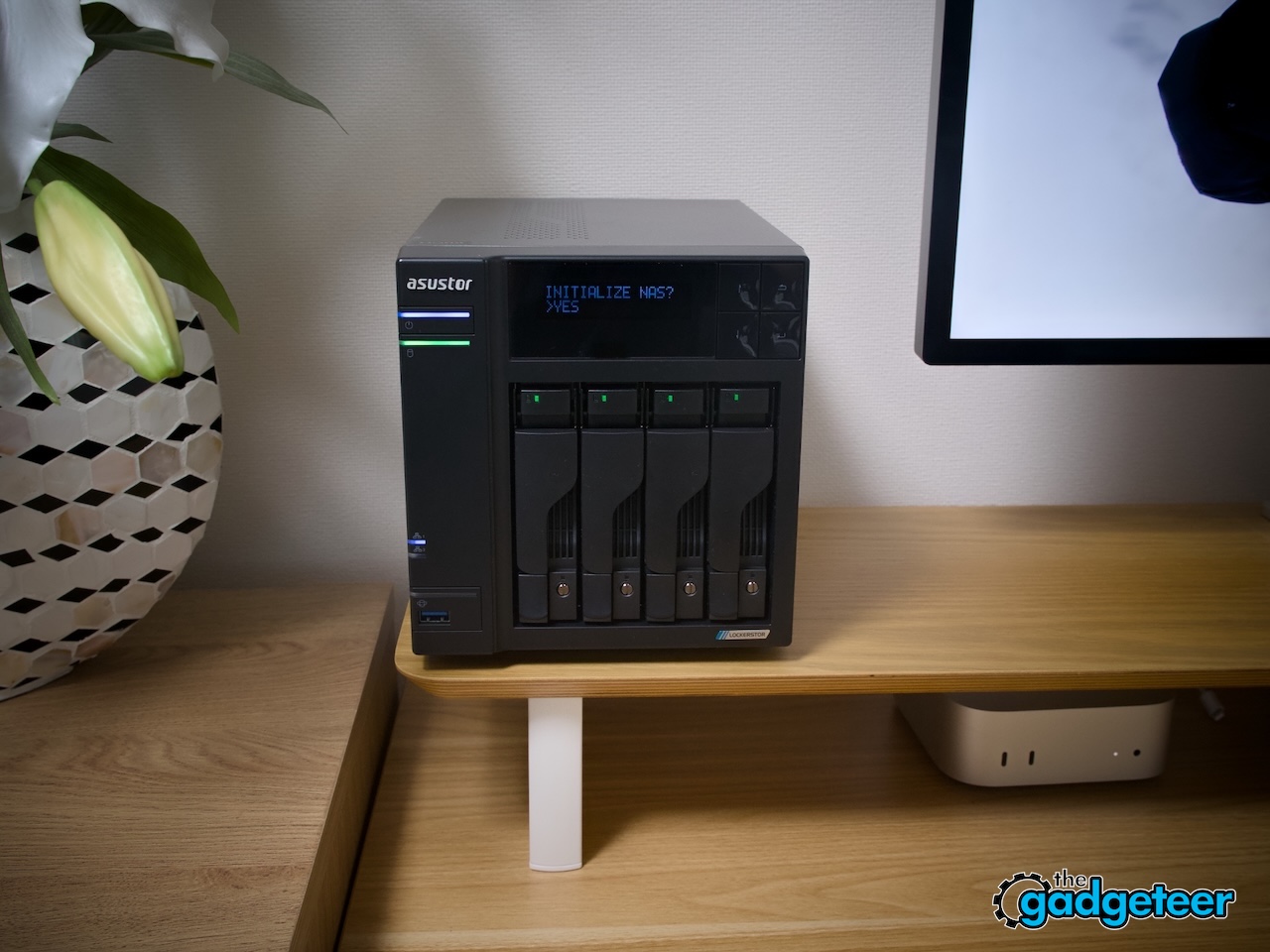
The chassis wears a matte black finish that disappears into a shelf or a desk instead of demanding attention, which is exactly what a device running 24 hours a day should do. It’s compact for something housing four drives, closer in footprint to a large router than a tower PC, and the front panel keeps the drive trays visible without turning the whole unit into an eyesore.
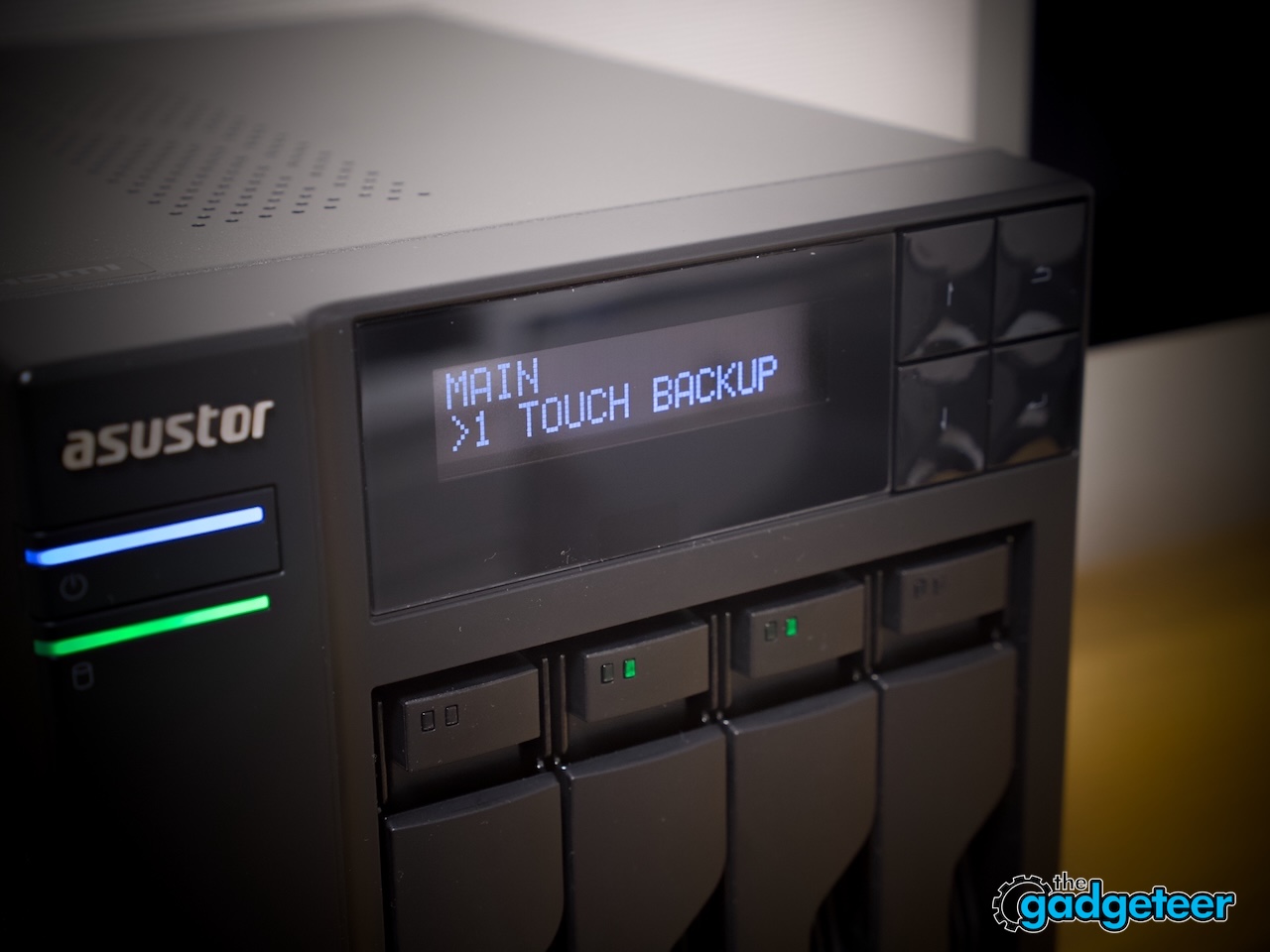
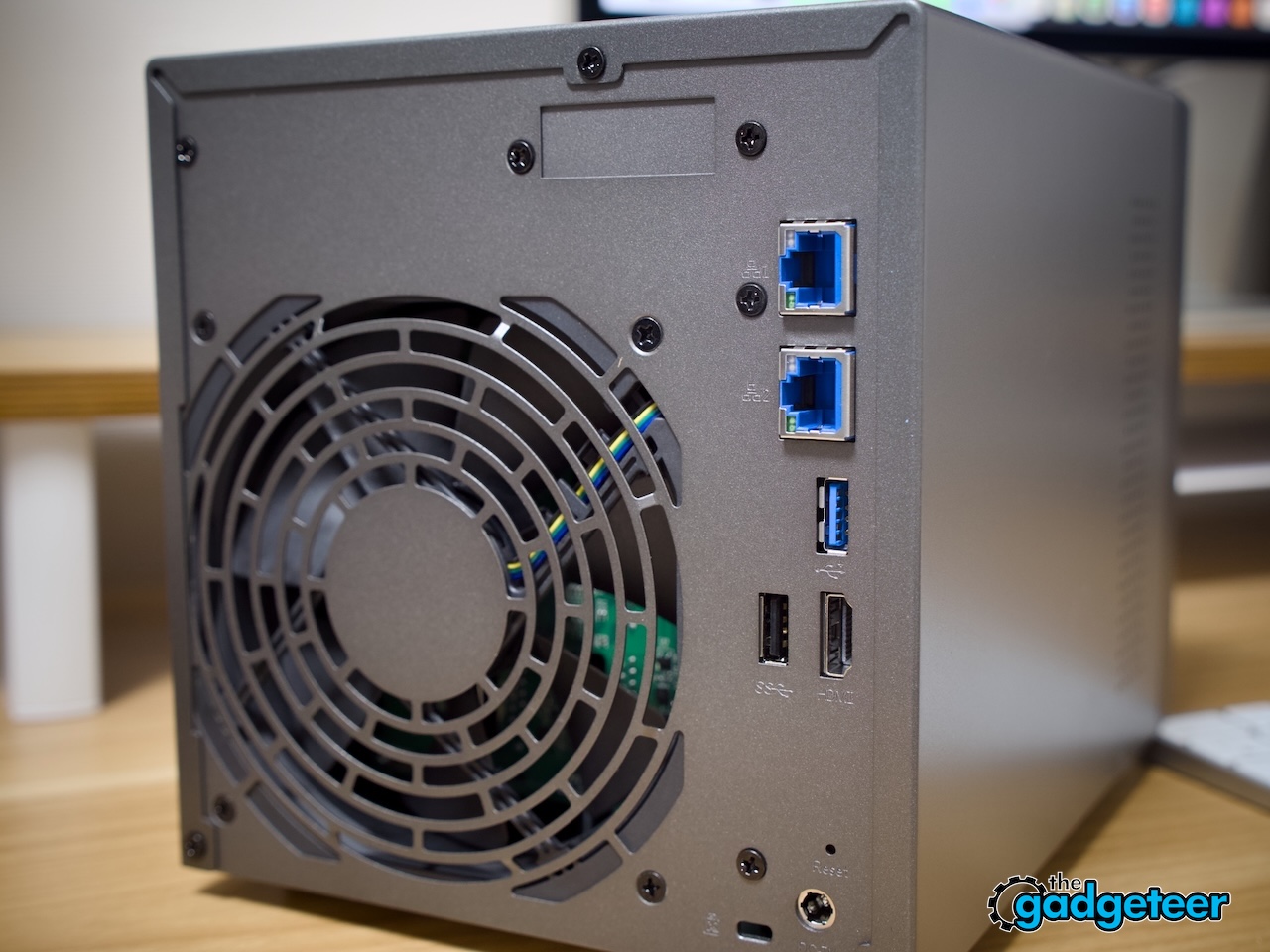
A small display sits above the drive bays, flanked by four physical buttons, and a row of status LEDs runs quietly along the front edge. Around back, you’ll find dual 5GbE jacks, USB 3.2 Gen 2 ports, and an HDMI output tucked in neatly. None of it looks like it’s trying to be flashy. It just looks like hardware that knows its job and wants to get on with it.
Runs the Show Without a Command Line in Sight
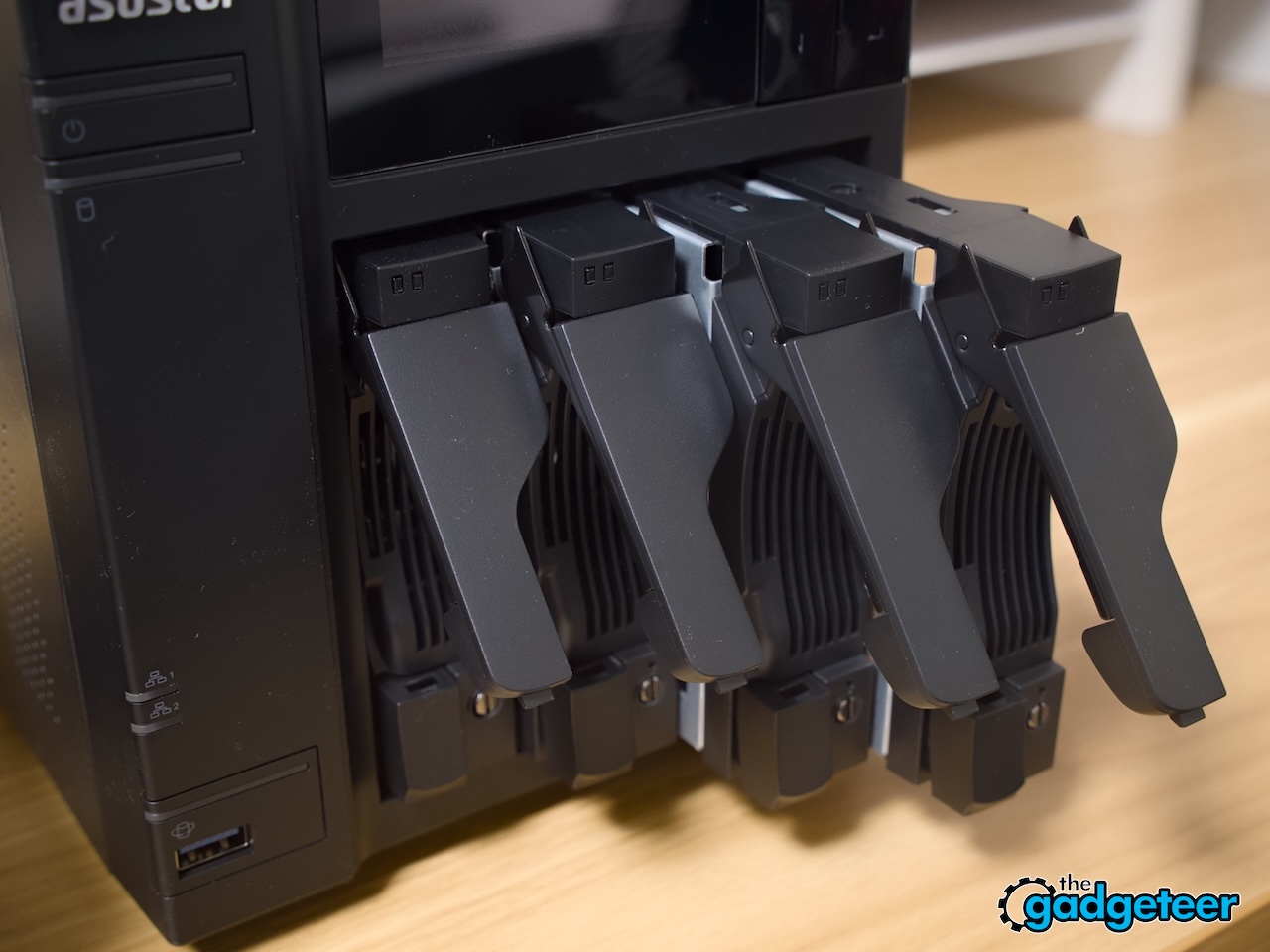
Installing drives took only a few minutes each. The trays slide out tool-free, snap the WD30EFRX drives into place, and slide back in with a satisfying click. Because the bays support hot-swapping, a failed drive down the road means popping it out and sliding in a replacement, no shutdown required.
The real usability winner is the four-button panel paired with that little screen. You can check storage status, restart services, or trigger backups without ever opening a browser tab. The one-touch backup button in particular is the kind of feature you don’t appreciate until you need it, letting you back up a drive or device on the spot with a single press.
Getting ADM running took less time than making coffee, and the RAID 5 build was the only part that asked for patience. Syncing four 3 TB drives took a little over two hours, which sounds long until you realize the NAS stayed fully usable the entire time. That said, it’s possible to start moving files and browsing shares while it’s still syncing other drives at around 20% sync, no lag, no drama.
The Numbers That Actually Matter
Powering all this is an Intel Celeron N5105, a quad-core chip paired with 4 GB of DDR4 RAM in the base configuration. It’s not going to win any benchmark wars against a gaming PC, but that’s not the job here. It handled file transfers, a couple of background apps, and multiple connected devices without ever feeling like it was straining to keep up.
Both Ethernet ports run at 5GbE, more than double what standard gigabit gear offers, and they can be combined for even more bandwidth when the network on the other end supports it. That extra headway matters once you start pulling large video files or backing up multiple computers at once, since the bottleneck stops being the cable and starts being the drives themselves.
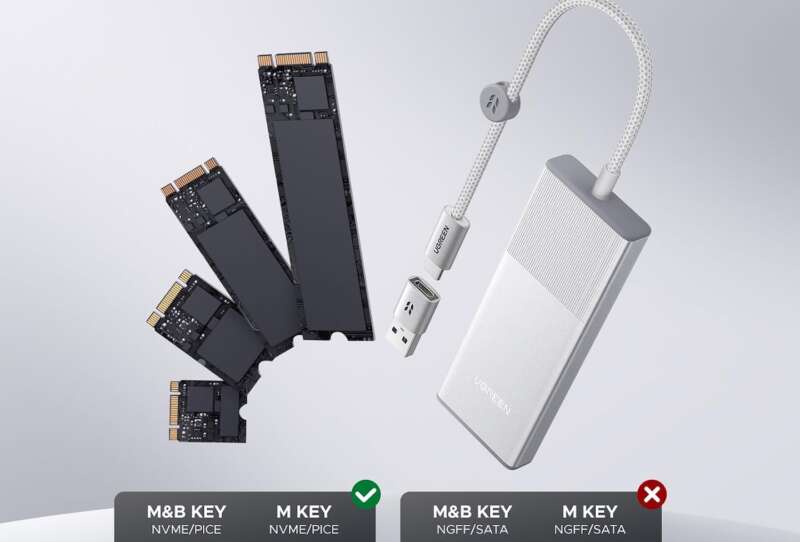
The four SATA bays and four M.2 NVMe slots are really the headline feature here. Four 3TB drives in RAID 5 landed at roughly 9TB of usable, fault-tolerant space, with an entire drive’s worth of capacity sacrificed for redundancy. The NVMe slots sit untouched in that setup, but they’re there for anyone who wants to add a cache layer or a dedicated fast volume later.
ADM, the software running the show, covers everything from file sharing and scheduled snapshots to remote backup and container support for anyone who wants to tinker further. The app store adds media servers, download tools, and surveillance options on top of that. It took a bit of poking around to find your footing at first, but daily use settles that into a routine fast.
Built to Keep Running Long After You’ve Forgotten It’s There
A metal chassis and hot-swappable bays mean this thing is built for years, not months. If a drive fails after three years of nonstop spinning, you’re not shipping the whole unit off for repair; you’re just swapping a tray. That kind of serviceability matters a lot more once you consider this box is meant to stay powered on around the clock.
Running 24 hours a day adds up on the power bill, so the efficiency of the platform actually matters here. Drive hibernation kicks in during idle stretches, spinning down disks that aren’t being used instead of leaving everything active around the clock. Between that and the modest power draw of the Celeron platform, this isn’t a device you’ll dread leaving on.
The Price Tag Actually Makes Sense
This sits toward the premium end of four-bay NAS pricing, and it’s fair to ask whether that’s justified. Once you count four SATA bays, four NVMe slots, dual 5GbE, and an actual Intel processor under the hood, matching that spec sheet elsewhere usually means paying more or giving something up. Anyone who plans to actually use those extras will be amenable to that cost.
Plenty of four-bay boxes skip NVMe entirely or bolt on a single slot as an afterthought reserved for caching only. Having four full NVMe slots changes what’s possible down the line, whether that means adding a fast dedicated volume later or expanding storage as your library grows. You’re paying for room to grow, not just for what’s in the box on day one.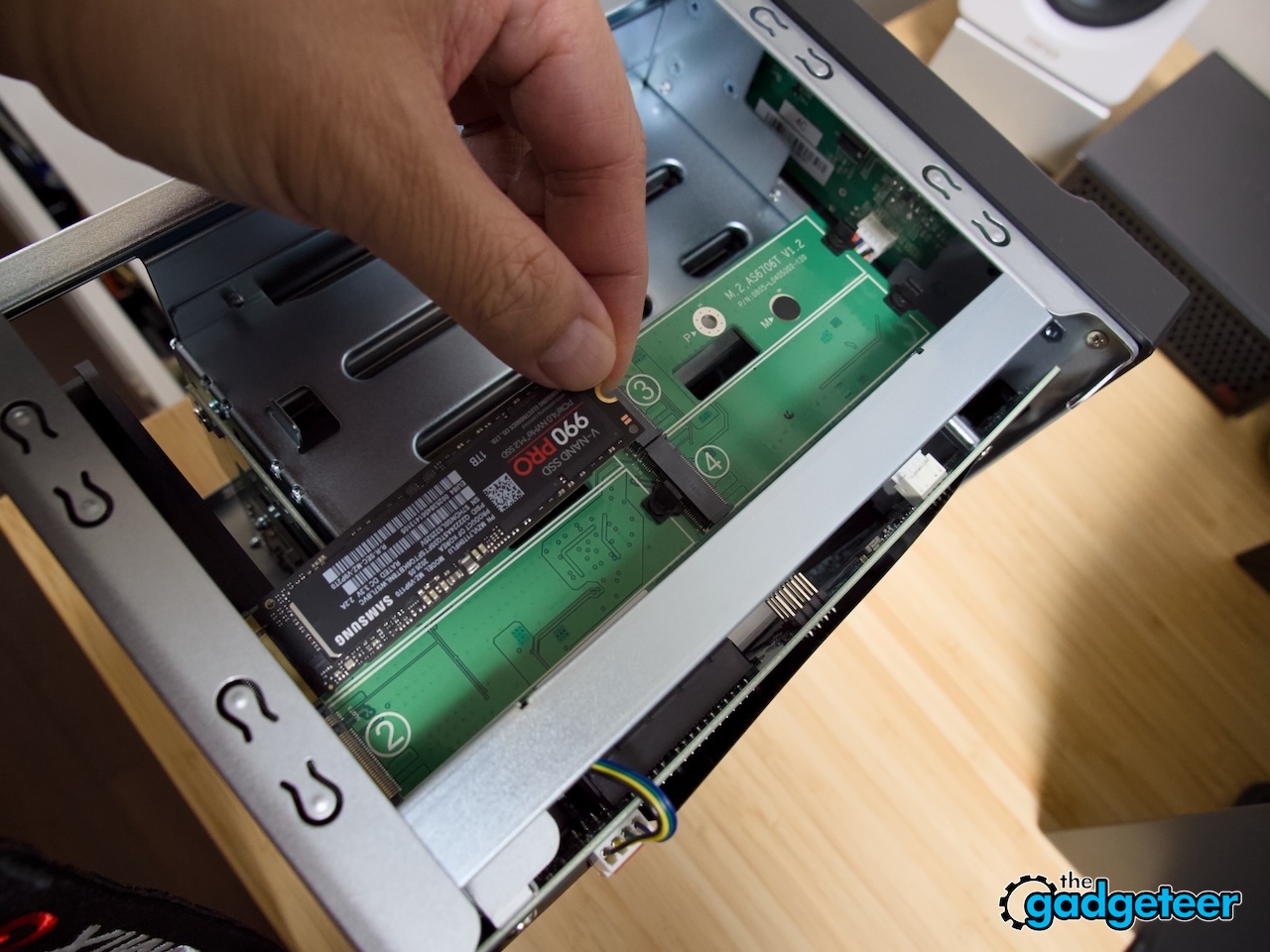
A NAS like this isn’t something you replace next year but something you grow into over several. Add more drives as your storage needs expand, drop in NVMe volumes when you’re ready, bump up the RAM if your workload calls for it. Every dollar spent up front stretches across years of actual use instead of getting outdated the moment something newer ships.
The Kind of NAS You Stop Thinking About
Add it all up, and the LOCKERSTOR 4 Gen2+ comes across as a NAS built for people who actually want to use every bay and slot it offers, not just admire them on a spec sheet. The RAID 5 sync took a couple of hours, sure, but staying fully usable through that whole process says more about the hardware than any number on a box ever could.
The biggest, long-lasting impression wasn’t a single spec, though. It was how little you had to think about the thing once it was running. Four bays, four NVMe slots, quick networking, and buttons that actually do something on the front panel add up to a box that just quietly gets on with the job it was bought for.