Choosing a tablet for school or lecture prep comes down to one question: are you buying a digital notebook or a laptop replacement? Most slates claim to do both, but the gap between writing notes and grading thirty essays shows up fast once classes begin.
The right pick depends on keyboard ergonomics, stylus precision, and battery life away from an outlet. We ranked the top options across seven distinct brands.
At a Glance
- Apple iPad (11th Gen): Best overall balance for classroom apps and coursework
- Samsung Galaxy Tab S9 FE: Best for handwritten notes with the included S Pen
- Microsoft Surface Pro (11th Edition): Best Windows laptop replacement for grading and desktop software
- Lenovo Tab P12: Best large display for split-screen research on a budget
- Amazon Fire Max 11: Best low-cost option for reading and basic assignments
- OnePlus Pad 2: Best performance and fast charging for heavy lecture days
- ASUS Chromebook CM30 Detachable: Best all-in-one ChromeOS bundle with included keyboard and stylus
1. Apple iPad (11th Gen): Best Overall
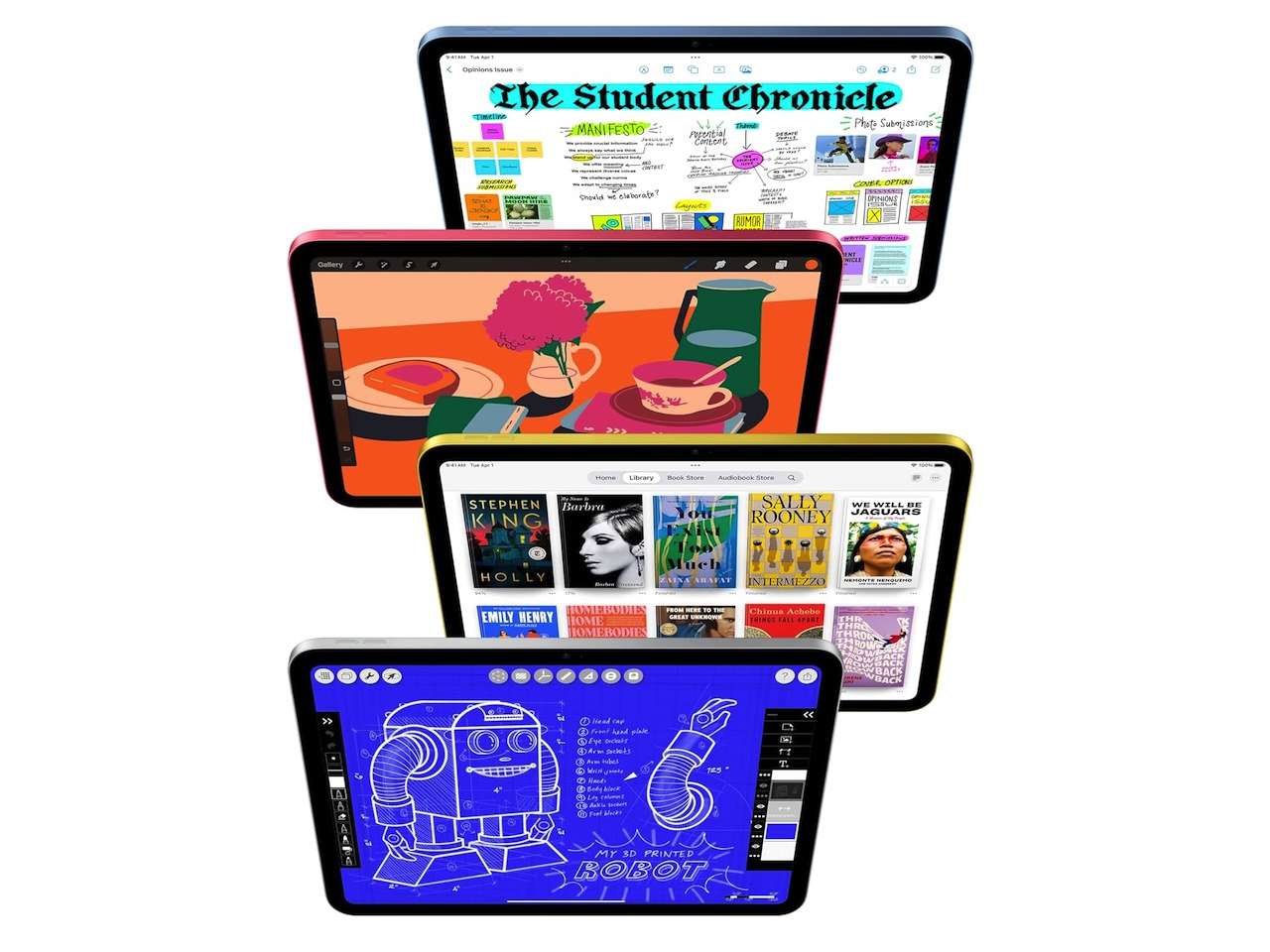
Apple’s 11th-generation iPad remains the default choice for most classrooms. The 11-inch Liquid Retina display delivers crisp text, the A16 Bionic chip handles multitasking without stutter, and base storage starts at 128GB. It runs Canvas and Google Classroom without compatibility hiccups.
Battery life hits 10 hours of schoolwork, and the centered front camera keeps you in frame during remote lectures. The keyboard and pencil are sold separately, raising the total setup cost.
Apple iPad (11th Gen)
Price: From $549.00
Where to Buy: Amazon
2. Samsung Galaxy Tab S9 FE: Best for S Pen Notes
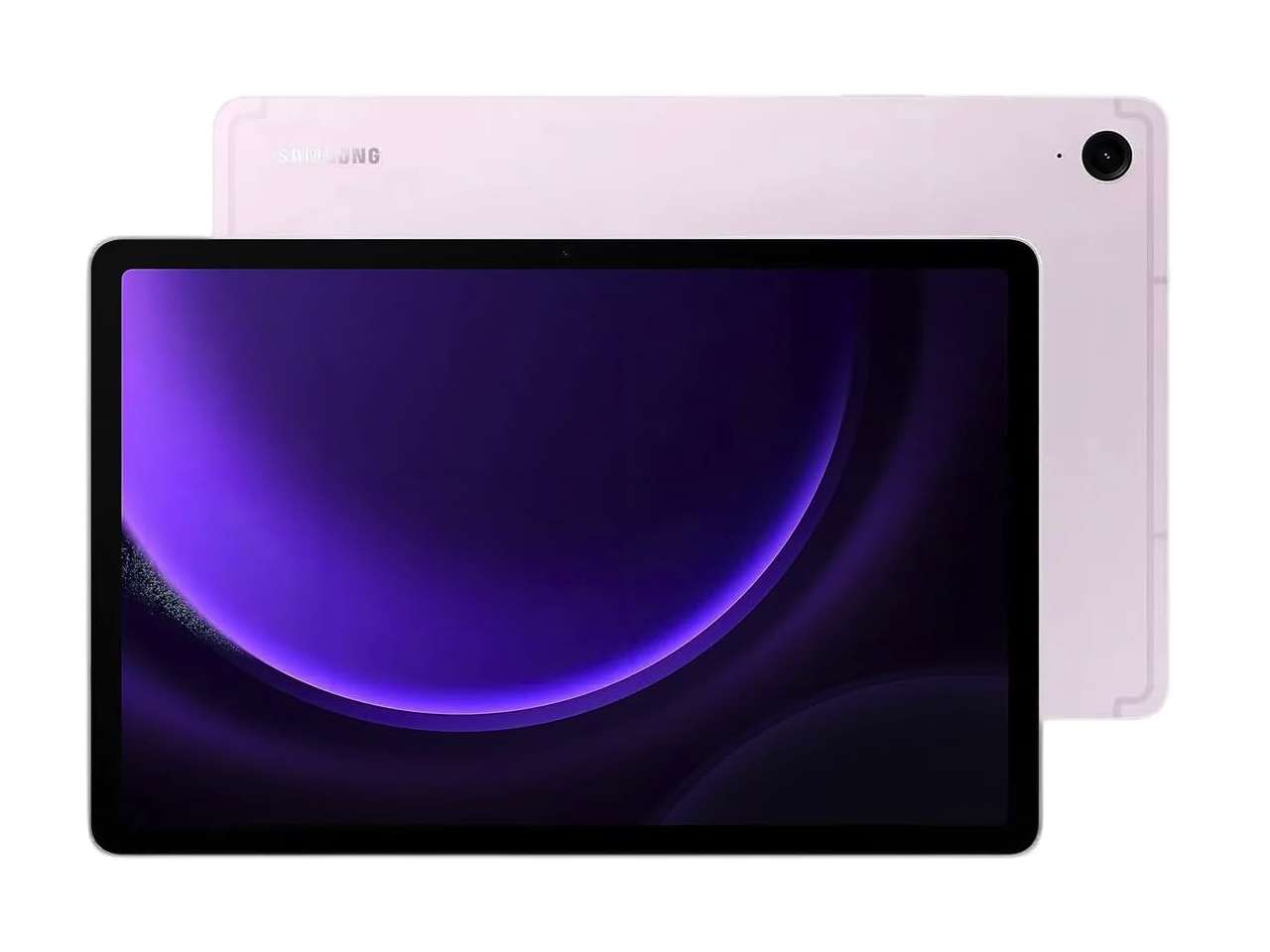
Samsung includes the S Pen in the box, saving students and educators roughly $100 over Apple’s setup. The 10.9-inch 90Hz LCD feels smooth when handwriting notes in Samsung Notes, and the IP68 rating protects against cafeteria spills and rainy commutes.
Samsung DeX mode turns the interface into a multi-window workspace for lesson planning with an external keyboard. The Exynos 1380 processor manages academic workflows cleanly. We compared more pen-first slates in our best tablets for note taking guide.
Samsung Galaxy Tab S9 FE
Price: $449.99
Where to Buy: Amazon
3. Microsoft Surface Pro (11th Edition): Best Windows Laptop Replacement
If your coursework relies on full desktop Excel macros, specialized grading tools, or full Windows software, the Surface Pro 11th Edition is the strongest fit on this list. Its 13-inch 120Hz PixelSense Flow display pairs with a 10-core Snapdragon X Plus chip and 16GB of RAM for laptop-grade speed.
The built-in kickstand adjusts to any angle for grading essays with the Surface Slim Pen. It’s the priciest pick here and accessories are extra, but it replaces a laptop outright.
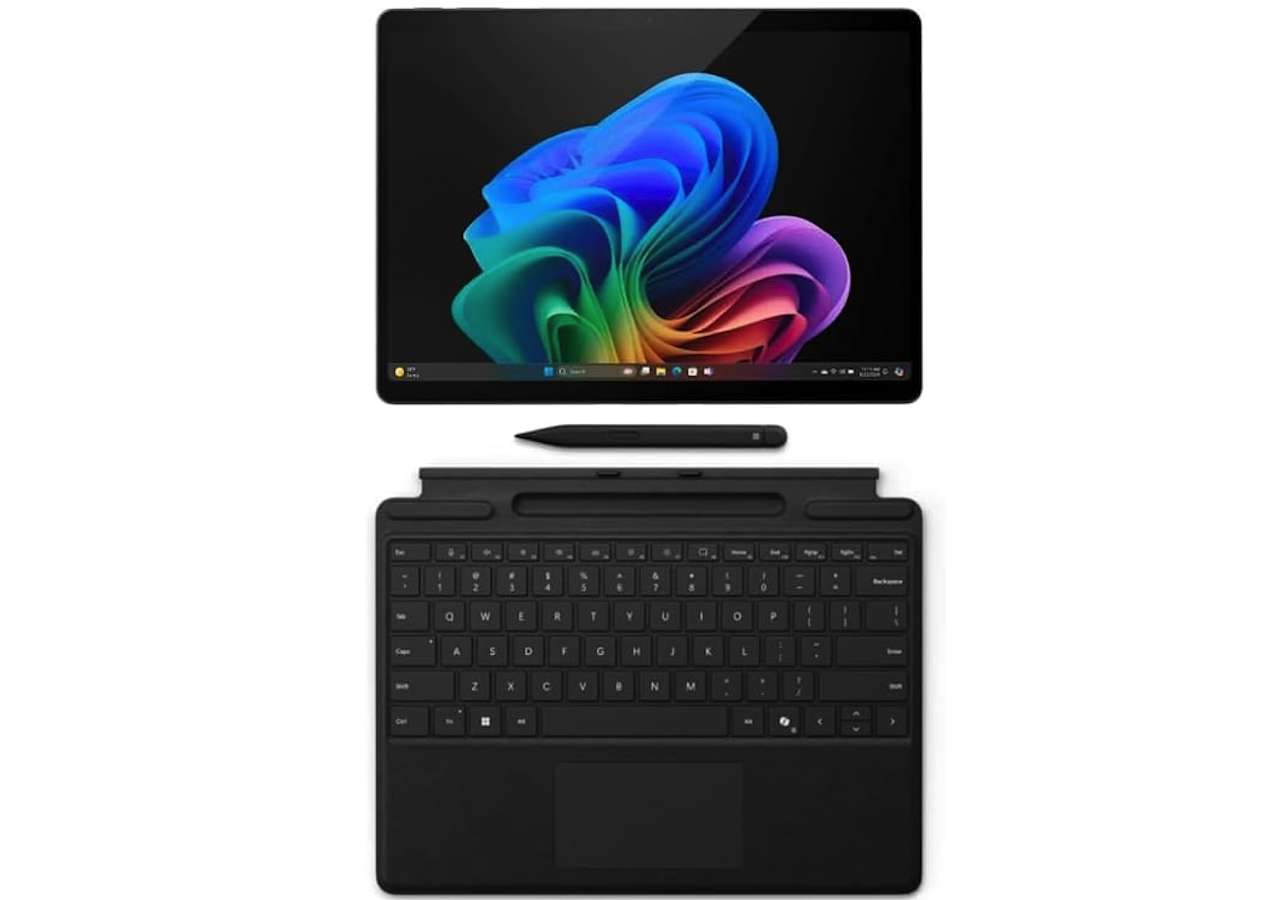
Microsoft Surface Pro (11th Edition)
Price: $999.99
Where to Buy: Amazon
4. Lenovo Tab P12: Best Large-Screen Workspace
The Lenovo Tab P12 brings a 12.7-inch 3K screen down to a mid-range price, giving students room to view textbooks and notes side by side. Lenovo’s Tab Pen Plus stylus is included for immediate PDF markup.
Quad JBL speakers deliver clear audio for recorded lectures and calls. The MediaTek Dimensity 7050 processor handles three open windows without choking. We rounded up 4 Lenovo tablets under $300 earlier this month.
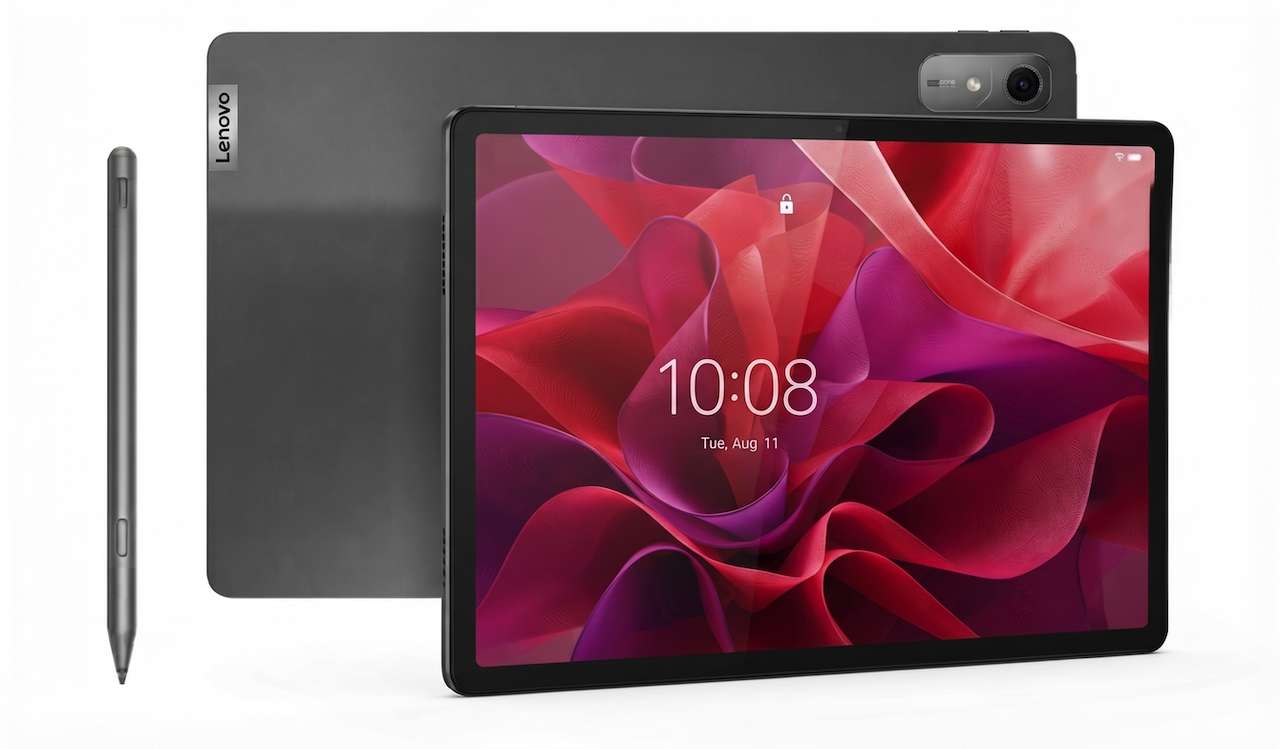
Lenovo Tab P12
Price: $349.99
Where to Buy: Lenovo
5. Amazon Fire Max 11: Best Low-Cost Option
Amazon’s Fire Max 11 pairs an aluminum chassis with an 11-inch 2K display that punches above its sub-$230 price tag. Its octa-core processor and 14-hour battery life make it a dependable pick for all-day reading and quiz taking.
Fire OS natively supports Microsoft Office, Zoom, and Kindle, while the optional magnetic keyboard cover handles typed assignments. It covers essential coursework without requiring a large investment.

Amazon Fire Max 11
Price: $229.99
Where to Buy: Amazon
6. OnePlus Pad 2: Best Performance and Fast Charging
The OnePlus Pad 2 features a 7:5 aspect ratio display that mimics a textbook page and adds vertical reading room. Its Snapdragon 8 Gen 3 processor breezes through multi-app research and classroom presentations.
The 67W fast-charging refills the 9,510 mAh battery in under an hour, eliminating outlet anxiety between classes. The 144Hz refresh rate keeps scrolling smooth during long study sessions.

OnePlus Pad 2
Price: From $399
Where to Buy: Amazon
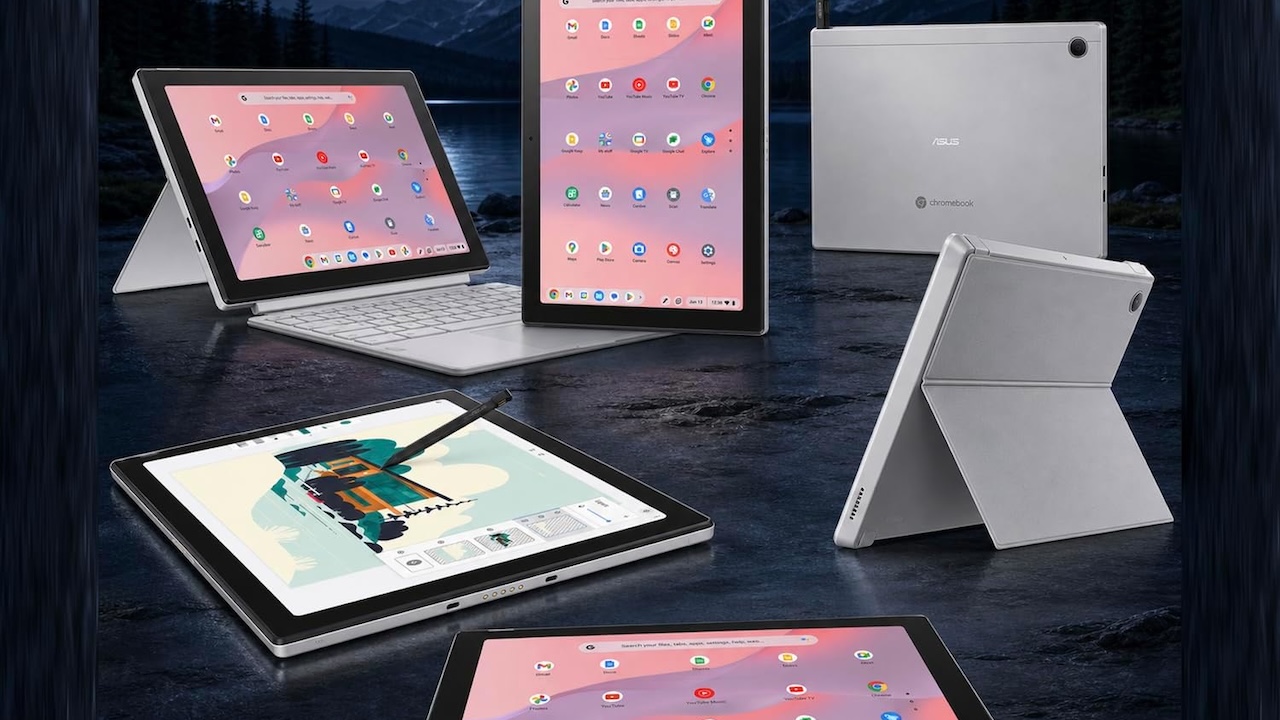
7. ASUS Chromebook CM30 Detachable: Best All-in-One Bundle
The ASUS Chromebook CM30 Detachable bundles more in the box than any rival, making it ideal for Google Classroom workflows. ASUS includes the magnetic kickstand cover, detachable keyboard, and a garaged USI stylus on day one.
The 10.5-inch screen fits small lecture hall desks, while the MediaTek Kompanio 520 chip handles web apps and cloud docs. ASUS rates it for up to 12 hours of battery life and MIL-STD-810 durability.
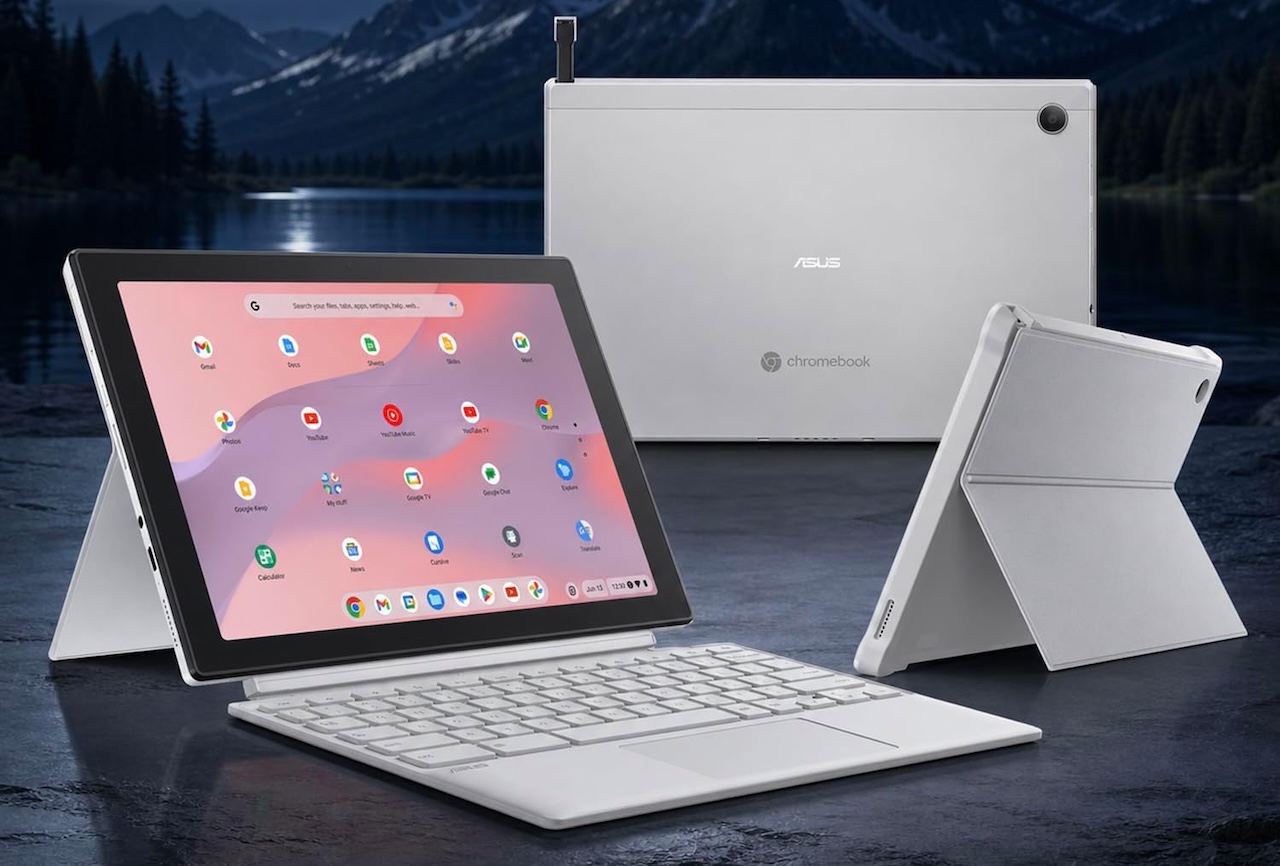
ASUS Chromebook CM30 Detachable
Price: $329.99
Where to Buy: Amazon
What Separates These Tablets
Operating system choice defines your workflow. iPadOS offers the most polished classroom apps, Android provides flexible split-screen multitasking with included styluses on select models, ChromeOS integrates directly with web tools, and Windows 11 gives educators full desktop file management.
Accessories shape the final price. The Galaxy Tab S9 FE, Lenovo Tab P12, and ASUS CM30 include a pen in the box, while Apple and Microsoft require add-on purchases that raise total costs by $100 to $200. If a clamshell fits your coursework better, check our best Chromebooks under $400 guide.
Which Tablet Fits Your Classroom Workflow
If you want the most reliable all-rounder with deep educational app support, the Apple iPad 11th Gen is the safest choice. Students who prioritize handwritten notes should pick the Samsung Galaxy Tab S9 FE, and anyone who wants the keyboard and stylus included should look at the ASUS Chromebook CM30 Detachable. Teachers who need real desktop software should choose the Microsoft Surface Pro 11th Edition, while tight budgets are best served by the Amazon Fire Max 11 under $230.
Frequently Asked Questions
How much storage do students and teachers need on a tablet?
64GB to 128GB is plenty if you keep documents in Google Drive or OneDrive. For offline lecture videos or large PDF textbooks, target 128GB or a model with microSD expansion.
Can a tablet completely replace a student laptop?
A tablet handles most daily academic tasks like note-taking, reading, research, and video meetings. Students in technical majors that require specialized desktop software will still need a laptop alongside it.