A back-to-school tablet is most useful when it removes friction from a student’s day: opening a reading assignment between classes, watching a lecture without crowding around a phone, marking up a PDF, or joining a video call away from a desk. It does not need to replace a laptop for every student, and a low price does not automatically make a tablet a smart purchase.
These four Lenovo tablets cover different priorities, from a compact media-and-reading device to a larger Android tablet intended for more serious note-taking. The prices below and product pages can change. Accessories, memory capacity, and bundle contents can also vary by listing.
1. Lenovo Tab One: The Compact Choice for Reading and Everyday School Use
The Lenovo Tab One is a compact, affordable pick for students who need a secondary screen for digital textbooks, school portals, streaming, music, and web browsing. Its 8.7-inch IPS display has a 1,340-by-800 resolution and 60Hz refresh rate. While smaller and less sharp than the other models here, the roughly 320-gram tablet is easy to hold one-handed and slip into a small bag.
It pairs a MediaTek Helio G85 chip with 4GB of RAM and 64GB of storage, plus microSD expansion for offline reading, video, or files. Other practical features include USB-C, a 3.5mm headphone jack, and dual Dolby Atmos-branded speakers.
Lenovo says it ships with Android 14, can upgrade to Android 15, and will receive security patches during its stated support period. Buyers who prioritize long-term updates should confirm the current support policy before purchasing.
The Helio G85 is adequate for reading, streaming, email, school sites, and everyday apps, but it is not intended for demanding games, heavy multitasking, or frequent split-screen work. Choose the Tab One if you want the lowest-cost option for basic school and media use.
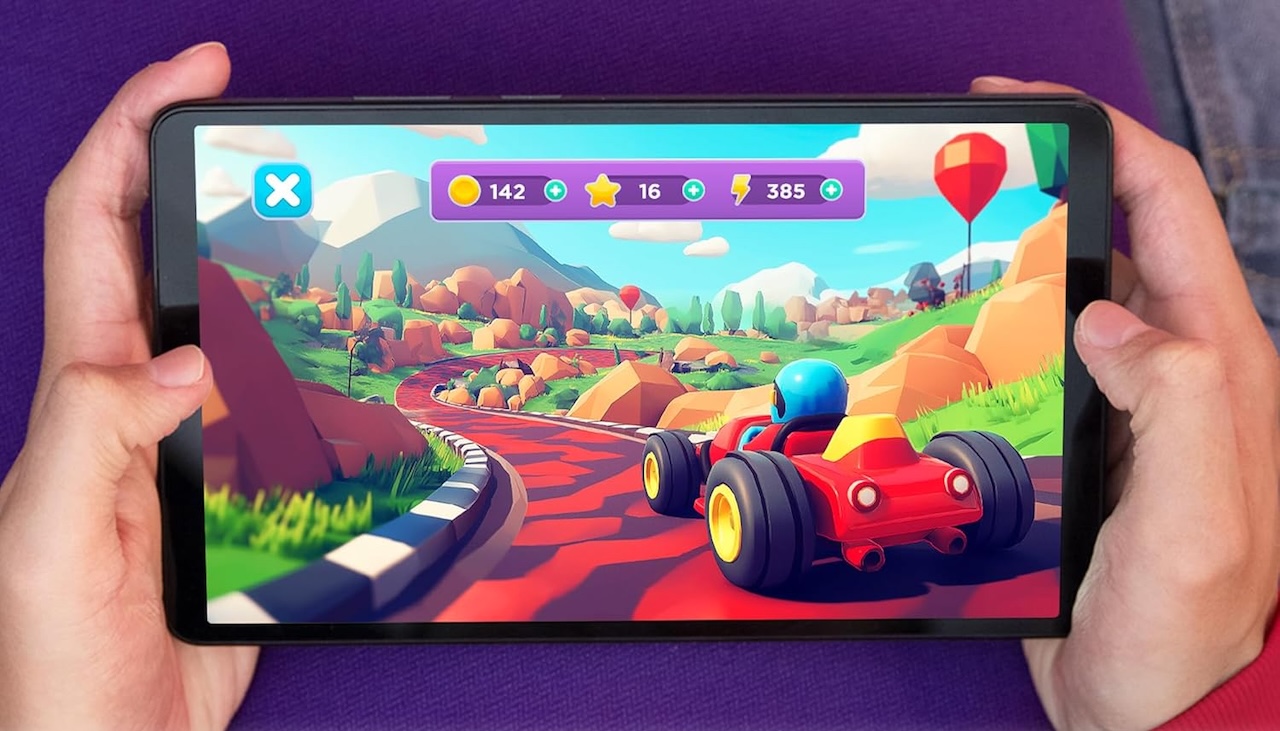
Buyer fit: Choose the Tab One for the lowest-cost option for reading, streaming, school portals, and everyday Android tasks. It suits younger students, commuters, or families sharing a simple device.
Lenovo Tab One
Price: $109.99
Where to Buy: Amazon
2. Lenovo Idea Tab: A Better Everyday Study Screen
The Lenovo Idea Tab is a more comfortable option for schoolwork, with an 11-inch display that gives students more room for textbooks, assignments, and video lectures without laptop-like bulk. Its 2,560-by-1,600 screen, 90Hz refresh rate, and up to 500 nits of brightness should make text, PDFs, charts, and web pages look sharper than on the Tab One.
It runs Android 15 on a MediaTek Dimensity 6300 processor. Configurations vary, but Lenovo lists versions with up to 8GB of RAM, 128GB of storage, and microSD expansion up to 1TB. It also includes four Dolby Atmos-branded speakers, USB-C, a headphone jack, microSD support, and a pogo-pin connector for compatible accessories.
Lenovo supports the Tab Pen on select configurations, but the Tab Pen Plus and keyboard may be sold separately or included only with certain bundles. Confirm exactly what is included rather than relying on product images.
The larger display and Dimensity 6300 should make the Idea Tab more capable than the Tab One for research, video classes, and light multitasking. Students who need desktop software, specialized school apps, or intensive spreadsheet work should still consider a laptop.
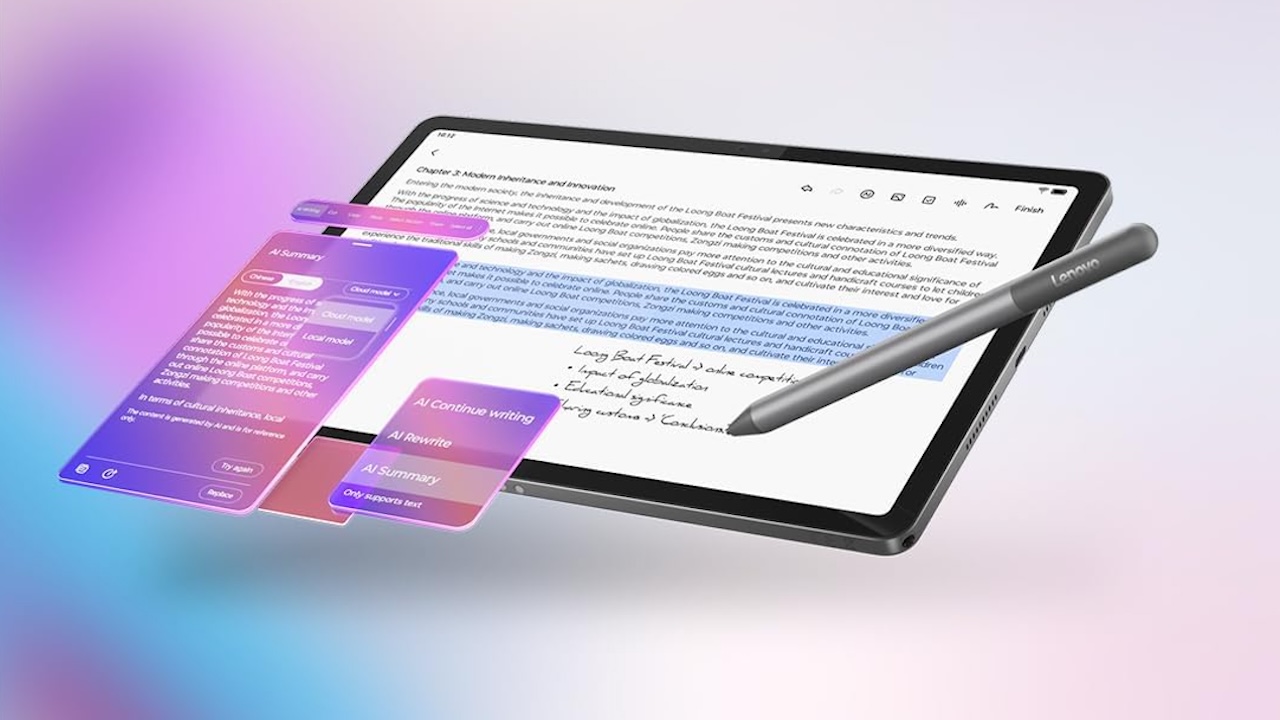
Buyer fit: The Idea Tab is the balanced choice for students who want a larger, sharper display for reading, video classes, research, and light multitasking while staying near the $200 mark.
Lenovo Idea Tab
Price: $199.99
Where to Buy: Amazon
3. Lenovo Idea Tab Plus: More Room for Notes and Split-Screen Work
The Idea Tab Plus is a good fit for students who want more workspace than an 11-inch tablet provides without exceeding $300. Its 12.1-inch, 2,560-by-1,600 display has a 90Hz refresh rate, 600 nits of typical brightness, and up to 800 nits peak brightness, giving documents, slides, and split-screen apps more room.
Lenovo’s U.S. configuration lists a MediaTek Dimensity 6400 processor, 8GB of RAM, 128GB of storage, and a 10,200mAh battery. At about 530 grams, it remains portable but is less comfortable for one-handed reading than the Tab One.
Lenovo says it runs Android 15, with planned upgrades through Android 17 and security support through 2029. Confirm the current policy and the bundle contents, since pen and keyboard availability varies.
This is primarily a screen-space upgrade, not necessarily a major performance leap. It makes the most sense for students who regularly read PDFs, take notes, research, or work with two apps side by side.
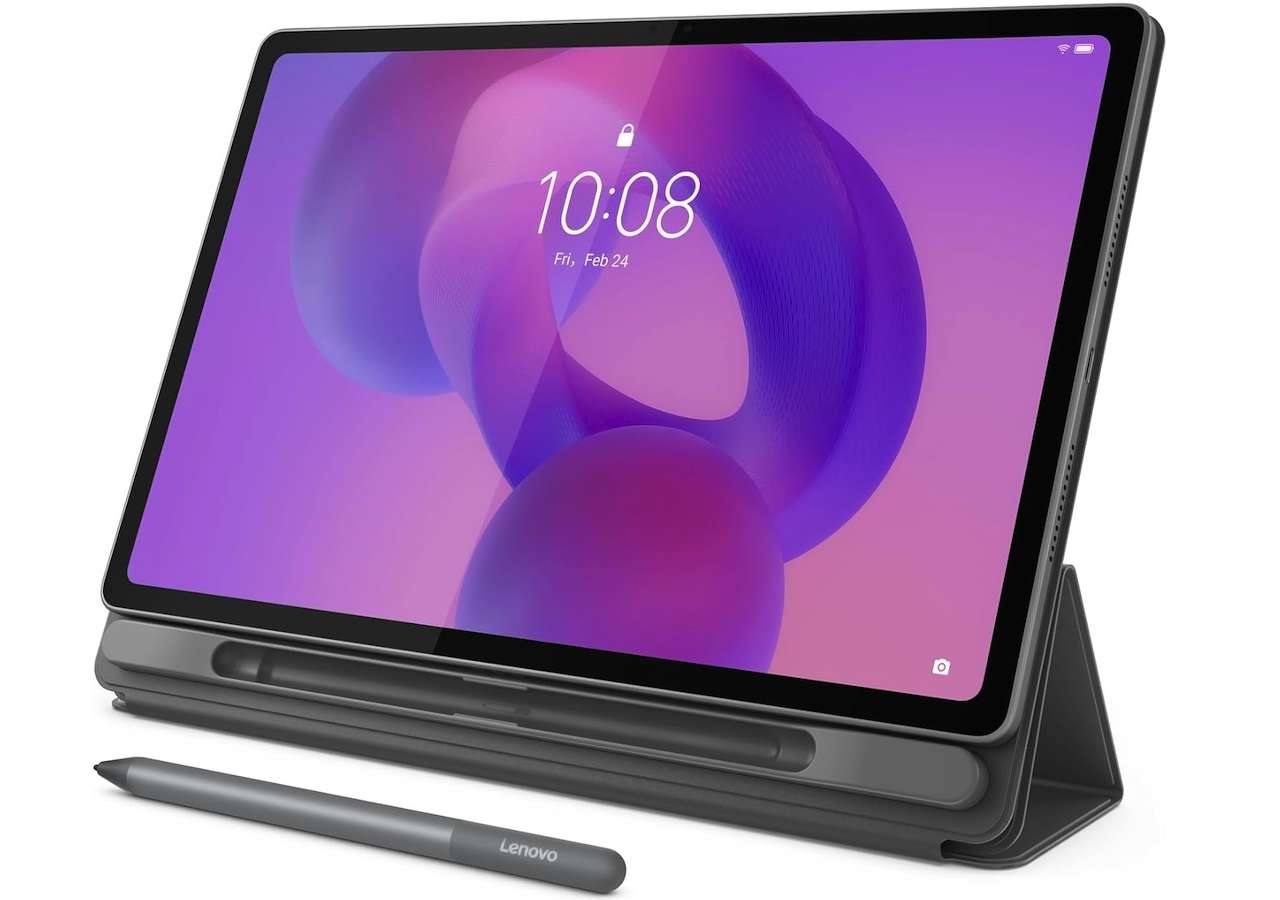
Buyer fit: Pick the Idea Tab Plus if you want the most workspace possible under $250 and expect to use the tablet for PDFs, class videos, digital notes, and split-screen reference work.
Lenovo Idea Tab Plus
Price: $249.99
Where to Buy: Amazon
4. Lenovo Idea Tab Pro With Google Gemini: The Most Capable Under-$300 Option
The Idea Tab Pro is the most capable option here for students staying under $300. Lenovo lists a 12.7-inch, 2,944-by-1,840 display, a MediaTek Dimensity 8300 processor, 8GB RAM, Wi‑Fi 6E, and four JBL speakers with Dolby Atmos support. The stronger chip should better handle multitasking and demanding Android apps.
Lenovo’s U.S. configuration includes the Tab Pen Plus, but buyers should confirm the exact Amazon bundle; keyboard availability also varies. Gemini and Circle to Search can help with research, but students should verify AI-generated information with reliable sources.
Lenovo lists multi-year Android and security support, though schedules can change.
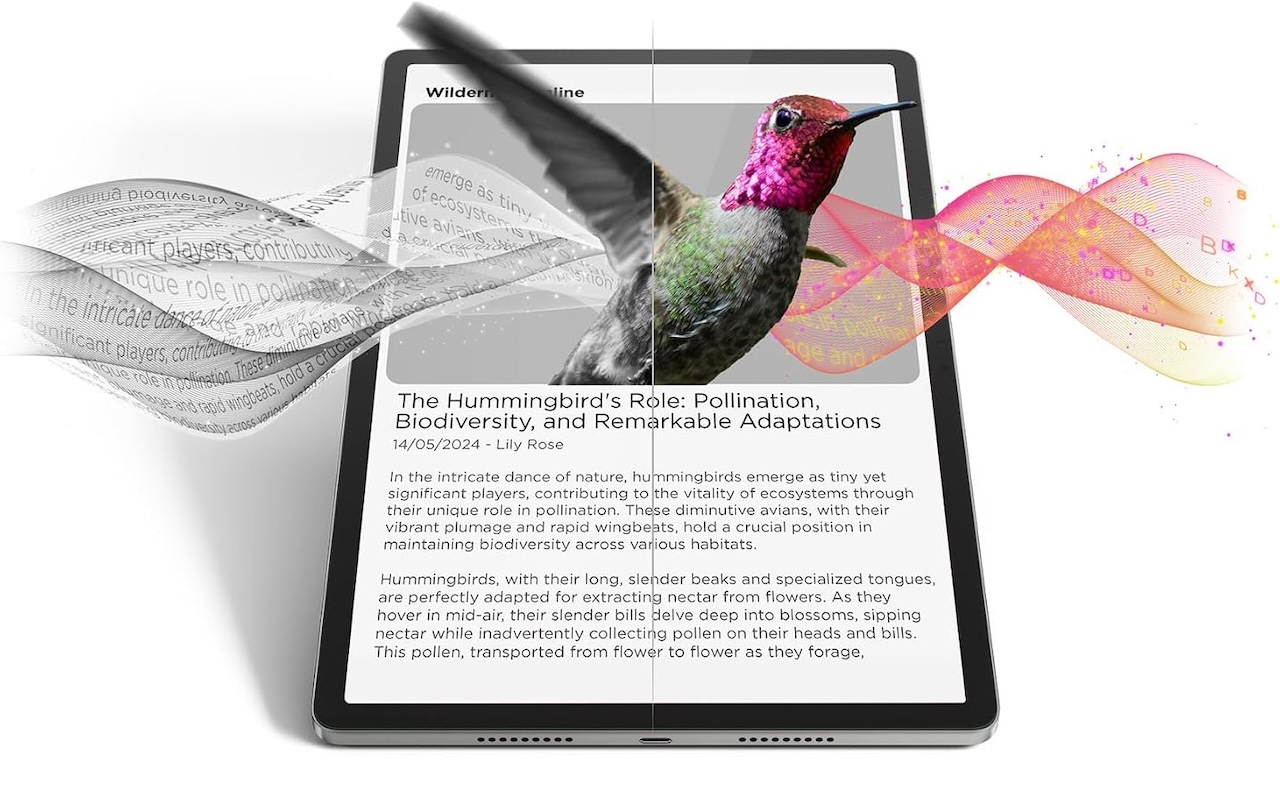
Buyer fit: Choose the Idea Tab Pro if it remains $299.99 and you want the best option for note-taking, demanding Android apps, media, and pen use. It is the strongest pick for students who need one tablet for the full school year.
Lenovo Idea Tab Pro With Google Gemini
Price: $299.99
Where to Buy: Amazon
The Bottom Line
These prices place all four Lenovo tablets under $300 only. The Tab One is the budget-first pick; the Idea Tab is the balanced everyday model; the Idea Tab Plus prioritizes workspace; and the Idea Tab Pro offers the most capability if its price holds.
Before buying, verify three things on the exact listing: the current price, the RAM, storage, and included accessories, and whether a pen or keyboard is included. Those details have a larger effect on day-to-day value than a marketing label alone.