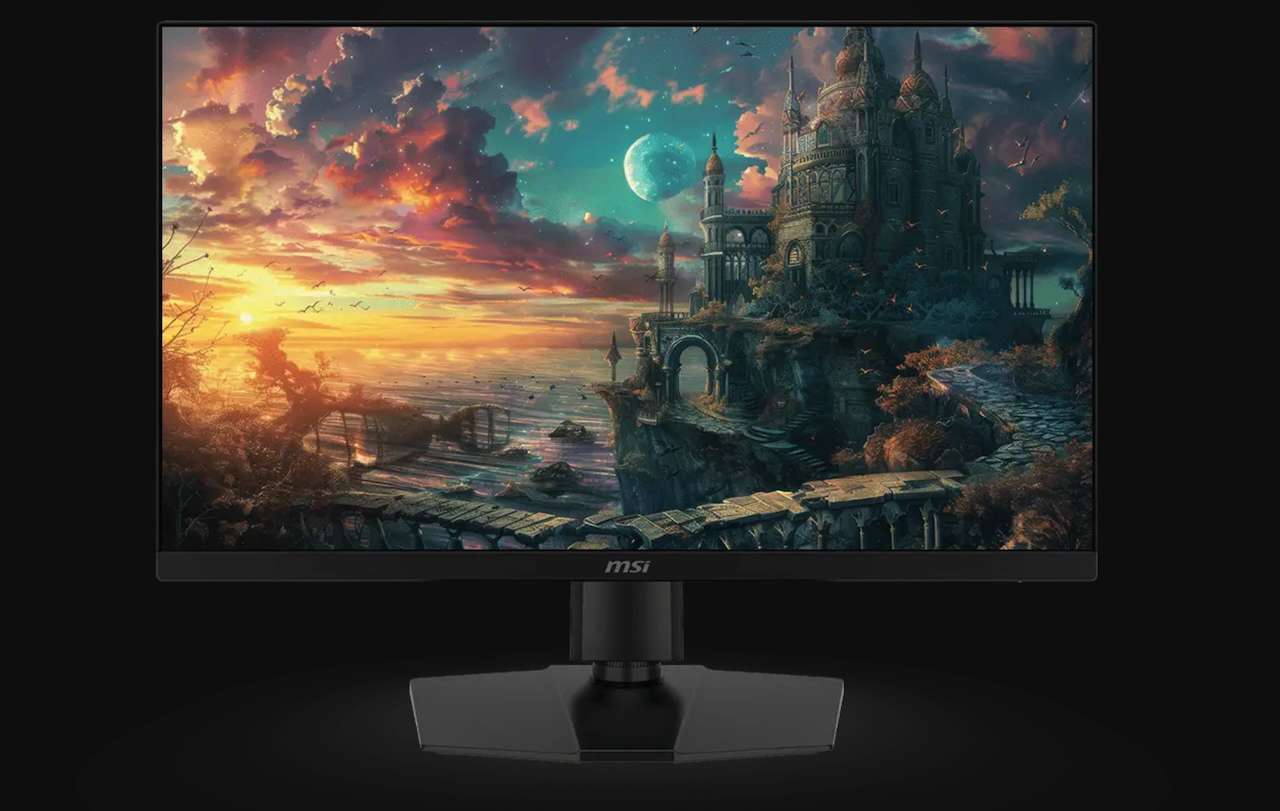
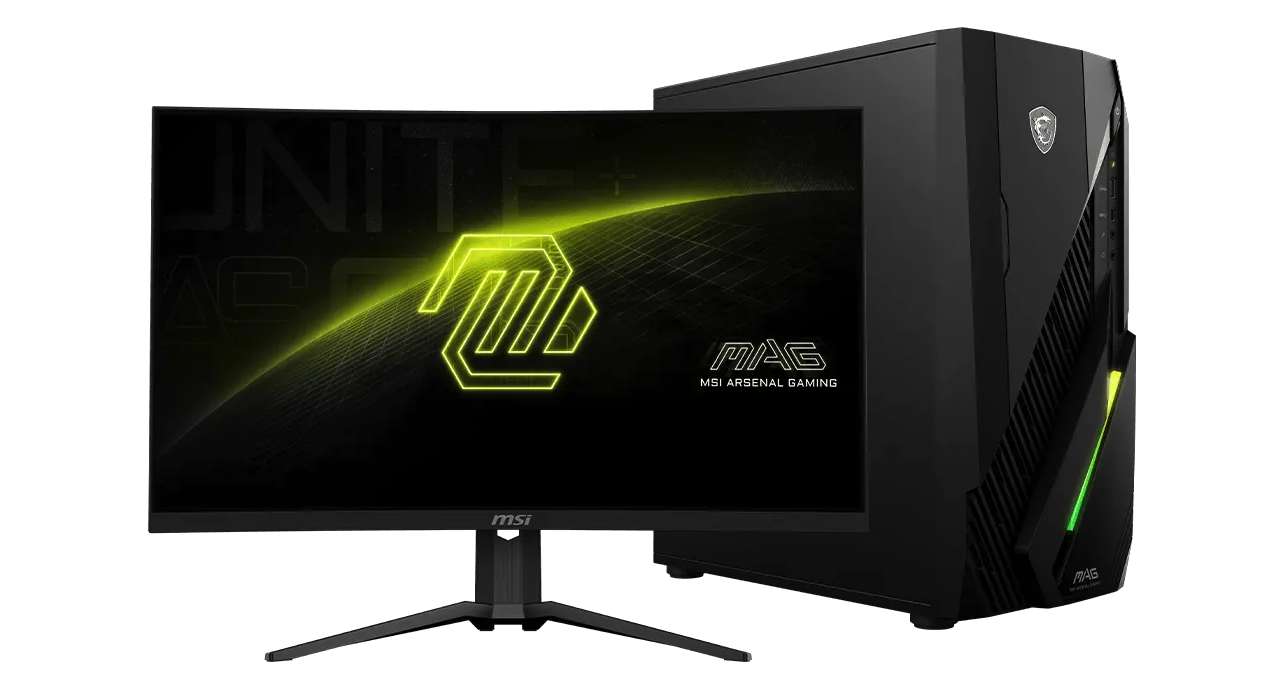
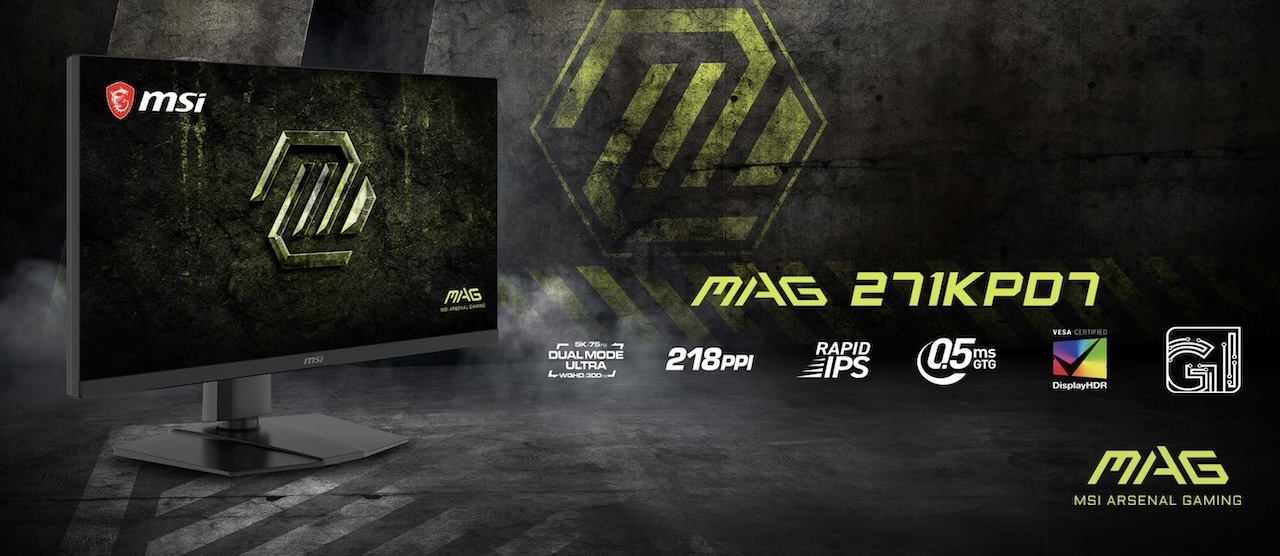
Most monitor upgrades force the same annoying choice: sharper pixels or faster motion. The MSI MAG 271KPD7 tries to dodge that choice by splitting itself into two modes. MSI calls it the world’s first 26.9 inch 5K Dual Mode gaming monitor with a 4x refresh rate boost, but the interesting part is not the marketing label. It is the practical swap from 5120 x 2880 at 75Hz to 2560 x 1440 at 300Hz.
MSI MAG 271KPD7
Price: NT$16,900 (Around $520)
Where to Buy: MSI
That makes the MAG 271KPD7 less like a normal monitor upgrade and more like a desk compromise with a switch.
One Screen, Two Very Different Jobs
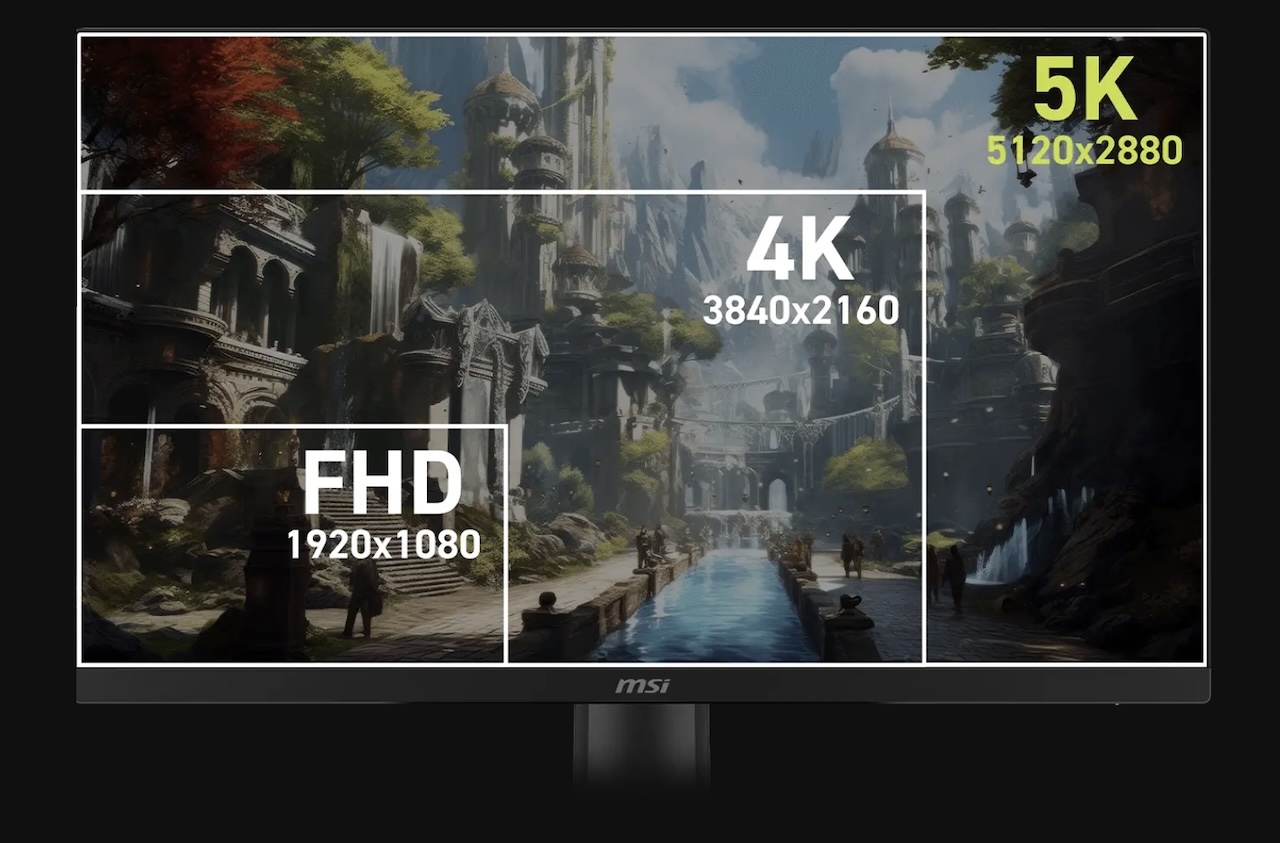
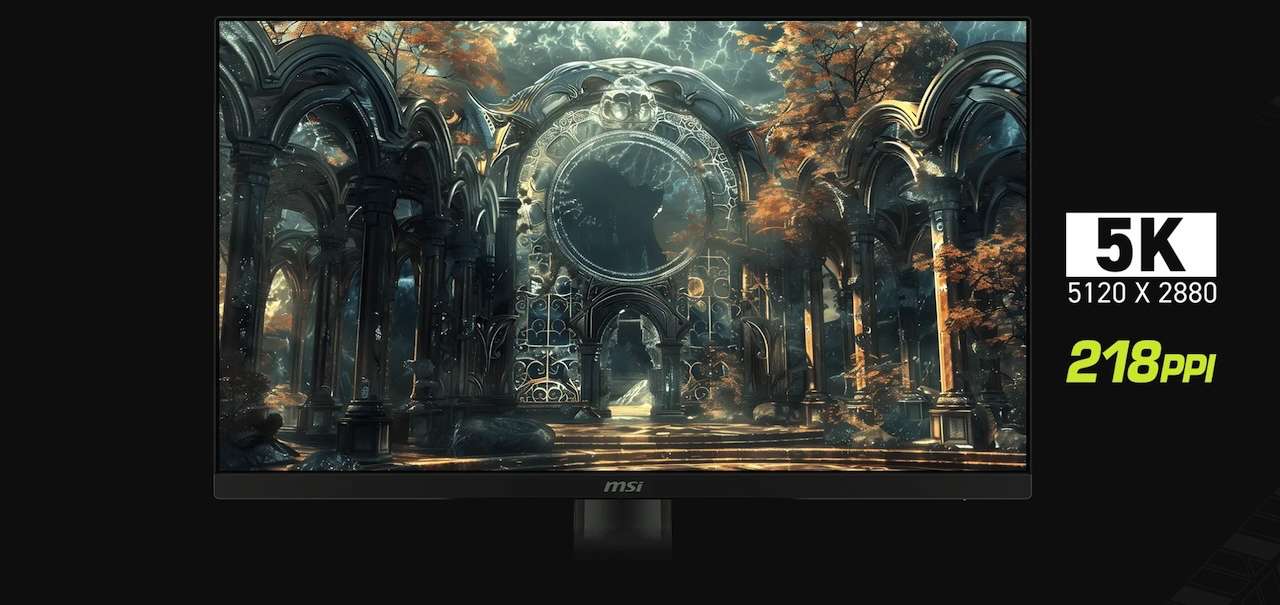
The MAG 271KPD7 uses a 26.9 inch Rapid IPS panel with native 5K resolution, 218 pixels per inch, and a 16:9 aspect ratio. In its sharpest mode, it runs at 5120 x 2880 at 75Hz, which gives it the pixel density needed for dense desktop layouts, small UI elements, and detailed work.
Switch to the faster mode and the monitor drops to WQHD at 2560 x 1440 while jumping to 300Hz. MSI calls this Dual Mode Ultra and says the switch delivers a 4x refresh rate boost.
That split is the whole pitch. The MAG 271KPD7 is not trying to be the fastest 5K gaming monitor. It is trying to be a high-density desktop monitor when you are working and a fast QHD screen when you are playing.
The 5K Mode Is About Workspace, Not Esports
A 27 inch 4K monitor already looks sharp to most people, but MSI says the MAG 271KPD7’s 5K mode gives it 77 percent more viewing space than a standard 27 inch 4K display. That matters if your screen usually holds browser tabs, chat windows, editing tools, timelines, spreadsheets, and reference material at the same time.
The 218 PPI figure also puts the MAG 271KPD7 closer to the high-density look many Mac users expect. MSI includes an M-Color Mode that it says matches the monitor to a MacBook’s native colors, which makes sense for people who split time between a Mac laptop and a gaming PC. TG readers who obsess over desk layouts may also appreciate the same kind of one-screen setup thinking in the Gadgeteer team’s work from home setup series.
The tradeoff is clear. Full-resolution mode stops at 75Hz. If your dream spec is 5K with ultra-high refresh at the same time, this is not that monitor.
The Fast Mode Is the Gaming Hook
At WQHD, the MAG 271KPD7 runs at 300Hz. That is the mode competitive players will care about, especially if they already prefer 1440p because it is easier to drive than 4K or 5K.
MSI lists a 0.5ms GtG minimum response time and Super Low Motion Blur Sync, which the company says can reduce ghosting and motion blur while variable refresh rate stays enabled. MSI also lists G-SYNC Compatible and AMD FreeSync Premium support, though the product page notes that certifications may still be in progress and recommends checking official compatibility lists.
The appeal is not that this replaces every specialized esports monitor. It is that the same panel can move from a sharp work mode to a much faster gaming mode without changing your desk setup.
The KVM Feature Fits the Whole Idea
The built-in KVM switch may be the feature that makes the dual-mode pitch feel practical. MSI says the monitor can control two devices with one keyboard and mouse, which fits a desk shared by a gaming PC and a laptop.
The port list also supports that mixed setup. MSI lists DisplayPort 1.4a, HDMI 2.1, and USB-C with 15W power delivery. The HDMI 2.1 section mentions full 48Gbps bandwidth, VRR, ALLM, and CEC support for console setups.
The 15W USB-C power delivery spec is worth reading carefully. It is useful for reducing cable clutter and handling lighter device needs, but it is not enough to replace a proper laptop charger for a power-hungry notebook. If your desk is already a nest of docks, monitors, and laptops, TG’s WFH setup coverage is a useful reminder that monitor convenience features can matter as much as raw specs.
The Stand and Desk Setup Are Not Afterthoughts
The MAG 271KPD7 has height, tilt, swivel, and pivot adjustment. MSI lists 0 to 130 mm of height range, 30 degrees of swivel in either direction, 5 degrees down tilt, 20 degrees up tilt, and 90 degrees of pivot.
It also supports VESA mounting. That matters more than usual here because this monitor is aimed at people who might use one screen for work, gaming, console play, and laptop docking. A flexible arm could be the difference between a clever setup and a crowded desk.
Color and HDR Need the Right Expectations
MSI lists DCI-P3 95 percent coverage and VESA DisplayHDR 400 certification. Those are useful specs for a gaming monitor that also wants creator appeal, but they do not automatically make the MAG 271KPD7 a reference display.
DisplayHDR 400 is still the entry point in VESA’s HDR certification stack. It can indicate a baseline level of HDR support, but it does not guarantee the kind of local dimming or contrast control people expect from premium HDR monitors.
The safe read is that this looks like a versatile high-density gaming monitor with creator-friendly features. Color-critical buyers should still wait for independent testing or calibration results before treating it as a proofing display.

The AI Features Are Secondary
MSI bundles the MAG 271KPD7 with its Gaming Intelligence app on PC and Remote Display app on Android. The company says these tools can adjust display settings, manage AI functions, and create application profiles without using the monitor’s physical buttons.
The most relevant software feature is AI Dual Mode, which MSI says can automatically detect and optimize the refresh rate when you switch resolutions. MSI also lists AI Menu profiles, AI Crosshair, and AI Vision, which can brighten dark areas and enhance brightness and color saturation.
Those features may matter if you like monitor-side gaming assists. For everyone else, the core story is still the panel: 5K at 75Hz when detail matters, WQHD at 300Hz when speed matters.
Who Should Skip This
Skip the MAG 271KPD7 if you want high refresh at full 5K resolution. MSI’s own product page puts the full-resolution mode at 75Hz, so the monitor’s speed story only happens after dropping to WQHD.
It is also not the obvious pick if you only use one gaming PC and never need a sharp desktop mode. A dedicated 1440p high-refresh monitor may be simpler and easier to drive.
Pricing is still the biggest missing piece. MSI’s product page lists a Where to Buy button, but US street price and retailer availability need confirmation before this can be judged as a value play.
The Bottom Line
The MSI MAG 271KPD7 is interesting because it treats resolution and refresh rate as modes instead of fixed identities. You get 5K at 75Hz when clarity and desktop space matter, then WQHD at 300Hz when motion and input feel take over.
That does not make it perfect for everyone. It does make it one of the more unusual 27 inch gaming monitors to watch in 2026, especially for people who use one desk for work, Mac workflows, PC gaming, and console play.