
A college laptop has one hard job: make the next four years less annoying. That means it needs enough memory to keep a research paper, a video call, a dozen browser tabs, and whatever campus portal your school insists on using from turning into a small emergency.
Most of the useful choices this year sit between $600 and $1,200, with the higher-performance Acer stretching the guide to $1,599.99. Spend less and you start negotiating with tiny storage, weak screens, or a processor that may feel limiting before graduation. Spend more and you can buy a gorgeous machine with power most students won’t use. If your budget stops below this range, start with our budget laptops for high school seniors. The five picks below are for distinct student lives, not a spec-sheet beauty contest.
How I chose these laptops: This is a specifications-and-value buyer’s guide, not a hands-on comparison. I checked the current US configurations, manufacturer specifications, software fit, portability, and prices on July 27, 2026. Retail prices can change, so confirm the configuration and price before buying.
Top picks for back-to-school
Lenovo IdeaPad Slim 3i Gen 11, $899.99 | MacBook Neo 512GB, $799 | ASUS Zenbook 14 UX3480, from $799 | Acer Swift Go 16 AI, $1,599.99 | Lenovo Chromebook Plus 14, $719.99
Quick picks
| Pick | Price checked July 27, 2026 | Core configuration | Best for | Skip if |
|---|---|---|---|---|
| Lenovo IdeaPad Slim 3i Gen 11 | $899.99 | Core Ultra 7 355, 16GB RAM, 512GB SSD, 15.3-inch 120Hz touch display | Most Windows students | You need a very light 13-inch machine |
| MacBook Neo | $799 | A18 Pro, 8GB unified memory, 512GB SSD, 13-inch Liquid Retina display | Apple-first students | Your coursework requires Windows-only software |
| ASUS Zenbook 14 UX3480 | From $799 | 14-inch OLED, Windows, 1.1 kg starting weight | Students who care about a great screen and low carry weight | You prefer a matte display or need dedicated graphics |
| Acer Swift Go 16 AI | $1,599.99 | Ryzen AI 9 465, 32GB RAM, 1TB SSD, 16-inch WUXGA touch display | Creators and heavy multitaskers | You carry your laptop all day |
| Lenovo Chromebook Plus 14 | $699 | Kompanio Ultra, 16GB RAM, 256GB storage, 14-inch 2K OLED | ChromeOS and Google Workspace campuses | You need desktop Windows apps |
The Lenovo IdeaPad Slim 3i Gen 11 is the best all-around Windows pick
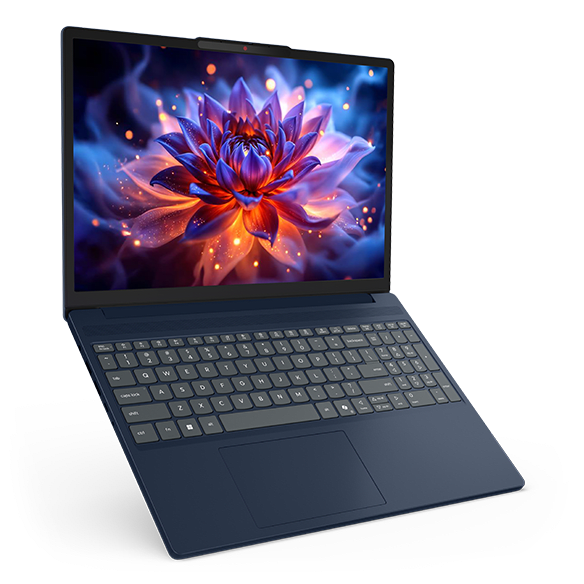
Most student laptops ask you to accept one ugly compromise: weak memory, a dim screen, or a storage number that will look silly after one semester. The $899.99 IdeaPad Slim 3i Gen 11 avoids the first two. Its exact 83UR0014US configuration pairs an Intel Core Ultra 7 355 with 16GB of DDR5 memory, a 512GB SSD, and a 15.3-inch 1920 by 1200 touchscreen that runs at 120Hz. The taller 16:10 panel gives you more room for a document and source material side by side, while 400 nits and a claimed 100% sRGB panel make the laptop less punishing in a bright library.
It also has the ports students still use: USB-C with DisplayPort and charging, two USB-A ports, HDMI, an SD card reader, and a headphone jack. You can plug in a projector or a flash drive without turning your backpack into an adapter museum. The fit is clear: it’s a useful campus workhorse, not a luxury ultraportable. The roughly 3.59-pound starting weight and 60Wh battery are its main portability tradeoffs. Skip it only when every ounce in your bag counts more than screen size and connectivity.
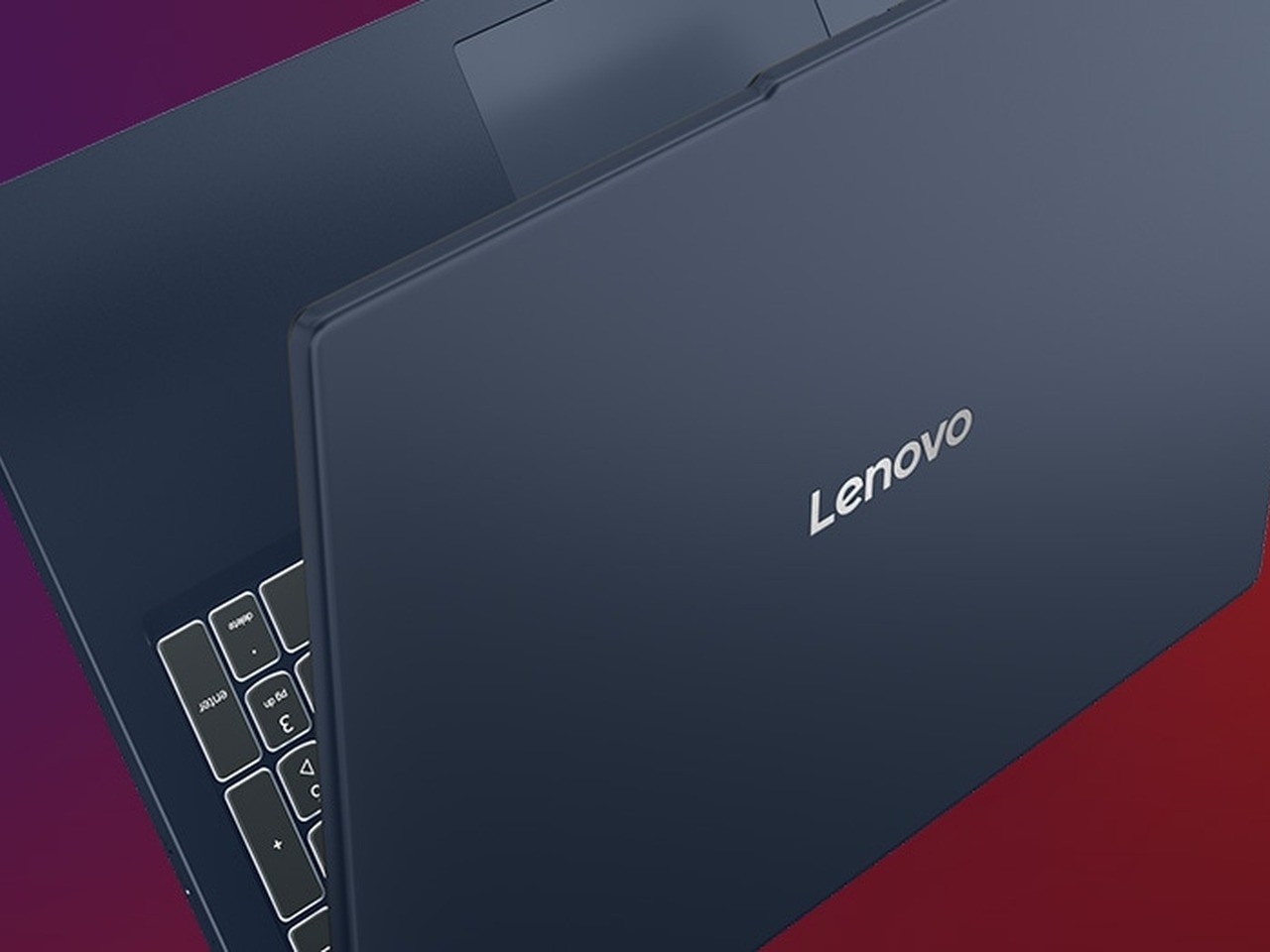
Lenovo IdeaPad Slim 3i Gen 11
Price: $899.99
Configuration: Intel Core Ultra 7 355, 16GB RAM, 512GB SSD, 15.3-inch 120Hz touchscreen
Good for: a full Windows class load and everyday campus ports
Where to Buy: Lenovo
MacBook Neo makes the strongest case for a simple campus machine
Want a light Mac that doesn’t turn the budget conversation into a fight? The MacBook Neo earns its place because Apple finally put a current, portable Mac at a price that doesn’t instantly end the conversation. The $799 512GB version uses Apple’s A18 Pro chip, has a 13-inch 2408 by 1506 Liquid Retina display, and weighs 2.7 pounds. It’s the laptop for the student who wants to open it, get through a day, and stop thinking about the computer.
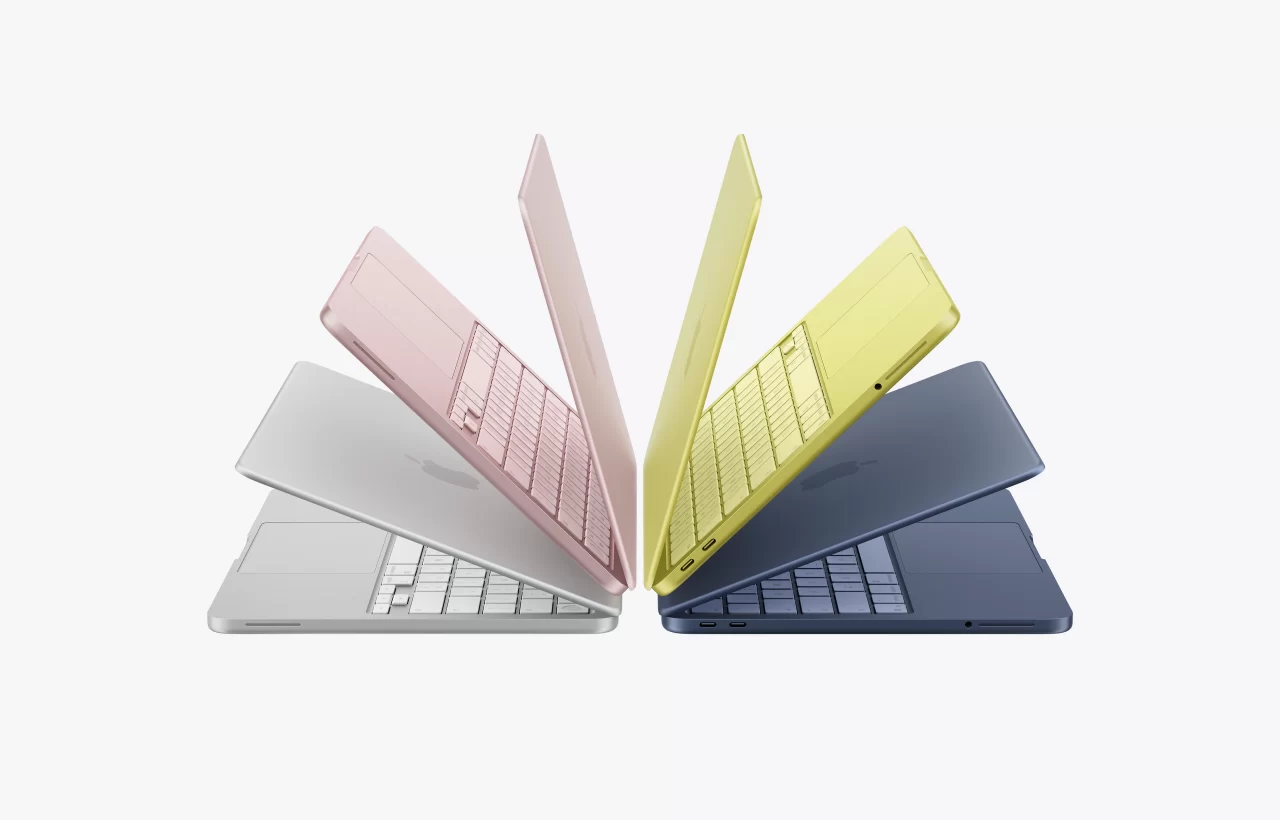
Apple rates it for up to 16 hours of video streaming and up to 11 hours of wireless web use. Those are manufacturer figures, not a promise for every workload, but the small chassis and efficient chip still make the Neo appealing for lectures, writing, web research, and general coursework. The 512GB model is the sensible choice here. A base 256GB SSD disappears fast once local class files, photos, and a few larger apps move in.
The catch isn’t subtle. It has two USB-C ports, one of which runs at USB 2 speed, and only 8GB of unified memory. More important, macOS is the wrong operating system when your program requires a Windows-only engineering, accounting, or specialist lab app. Buy the Neo when your school supports macOS and your work lives in browsers, Office, creative apps, and the Apple ecosystem. Otherwise, the Lenovo above is the safer campus tool.
MacBook Neo 512GB
Price: $799
Configuration: A18 Pro, 8GB unified memory, 512GB SSD, 13-inch Liquid Retina display
Good for: macOS compatible coursework and a lighter daily carry
Where to Buy: Apple
ASUS Zenbook 14 gives screen-first students a lighter option
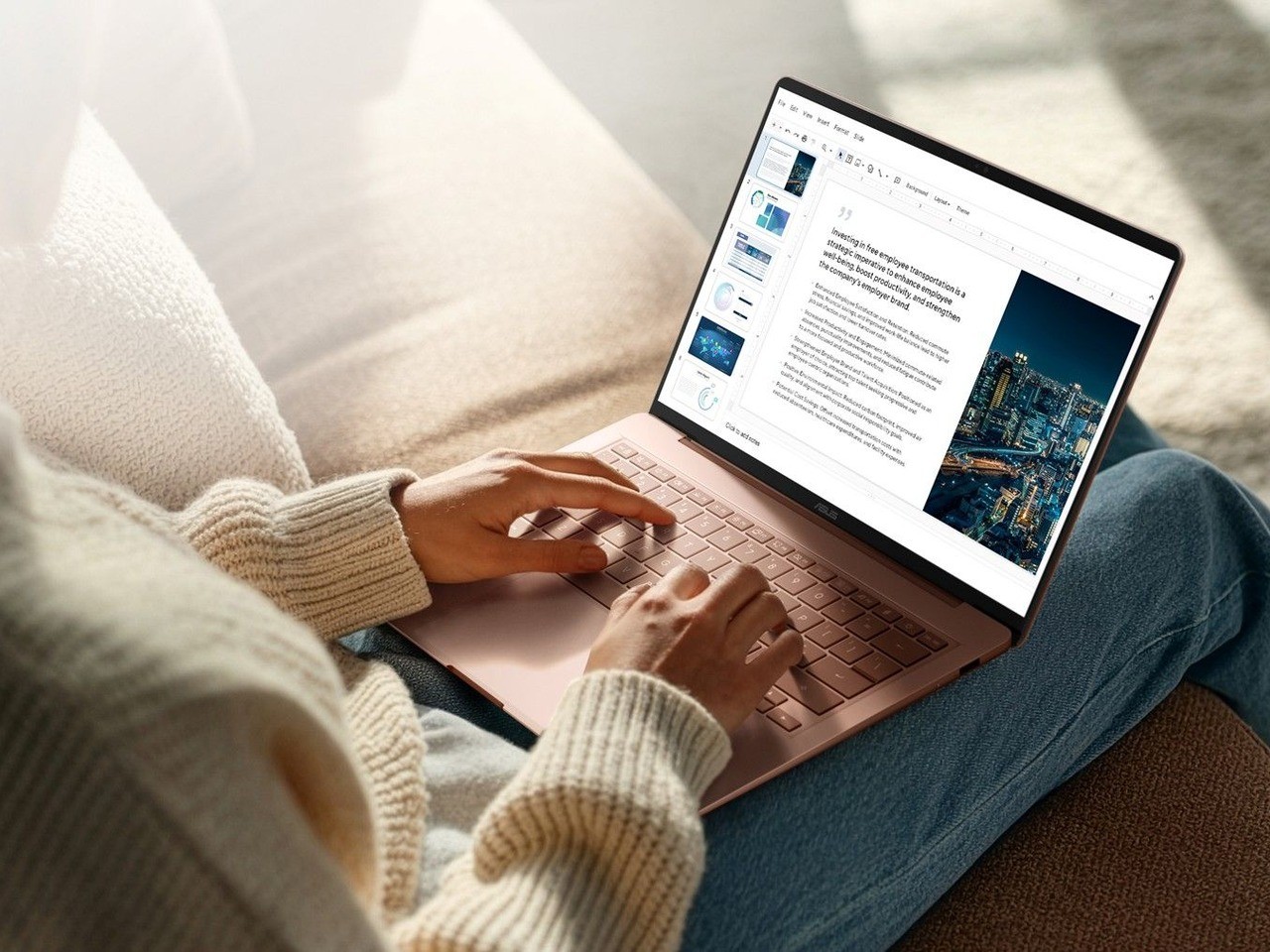
Starting at $799, the Zenbook 14 UX3480 buys something budget laptops often cut first: a 14-inch OLED panel with 100% DCI-P3 color coverage in a chassis that starts at 1.1 kg. A strong OLED panel makes photo work, presentations, video, and long reading sessions more pleasant, while the 14-inch 16:10 layout preserves working room without dragging a 16-inch slab between classes. ASUS also lists full I/O, Windows Hello, and up to 21 hours of video playback for the line. Treat that battery figure as an upper limit from the manufacturer, especially if brightness stays high or you’re running demanding applications. One caveat: glare can be distracting under harsh overhead lighting. This is the compact Windows pick for screen-first students, not the one for someone who needs dedicated graphics.

ASUS Zenbook 14 UX3480
Price: from $799
Configuration: 14-inch OLED, 100% DCI-P3, Windows, 1.1 kg starting weight
Good for: students who put display quality and portability first
Product information: ASUS
Acer Swift Go 16 AI brings desktop habits into a backpack
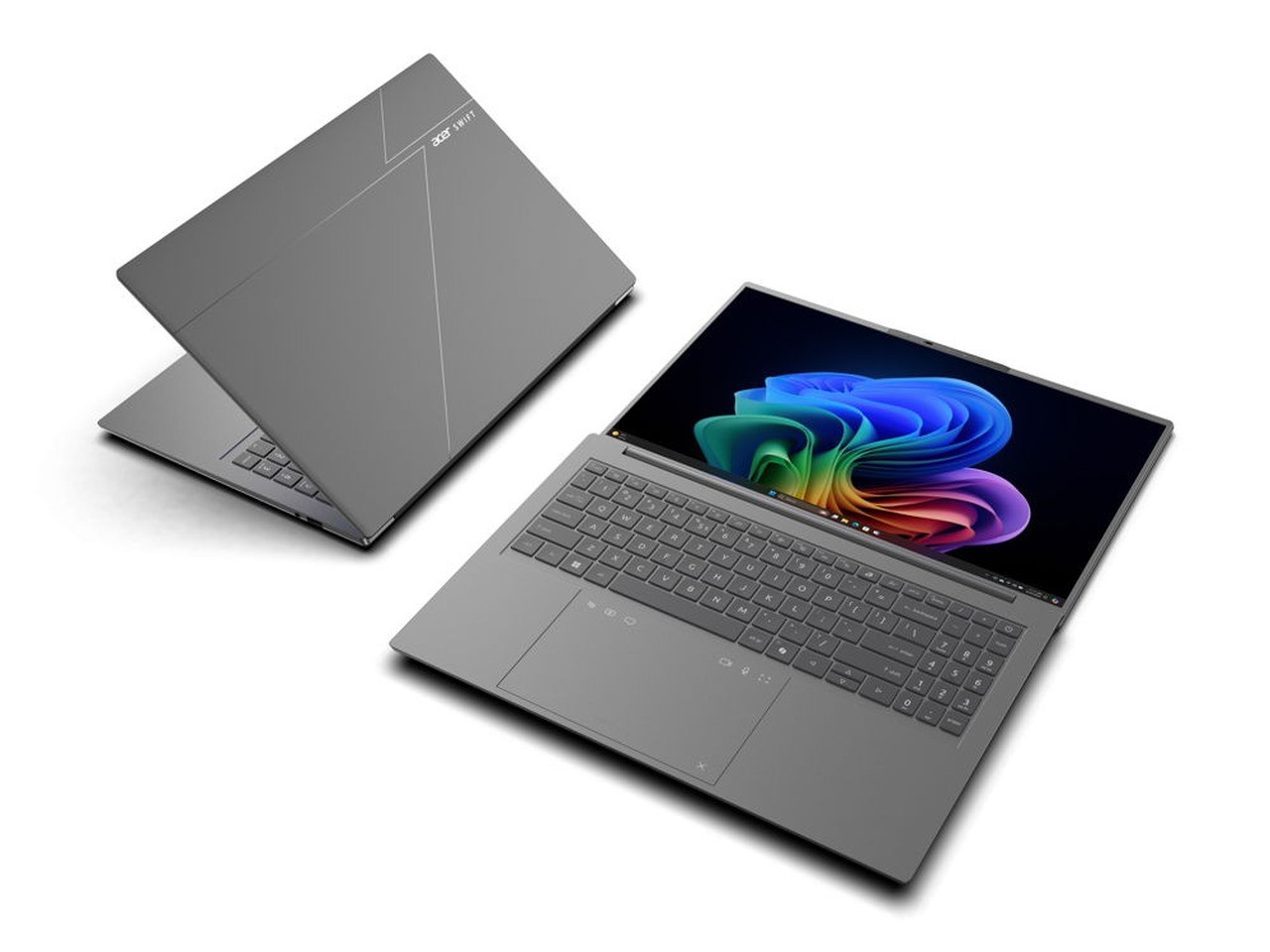
Bring the desktop habit to campus. Some students have wide spreadsheets, coding environments, video timelines, or simply too many documents open at once. The exact Acer Store configuration of the Acer Swift Go 16 AI lands at $1,599.99 with a Ryzen AI 9 465, 32GB of memory, 1TB of storage, and a 16-inch WUXGA touchscreen.
The premium price buys substantial working room, but it does not make this the value pick. The 32GB and 1TB combination is the part to focus on, not the AI badge. It lets a design, computer science, communications, or business student keep demanding apps and large files local without constantly shuffling data to make room. Acer’s 2026 Swift Go family also brings 16:10 display options, 5MP IR cameras, Wi-Fi 7, HDMI, USB-A, and USB4 ports to the series.
There’s a cost to a bigger canvas. A 16-inch laptop asks for more bag space, and this isn’t the machine for someone who studies in three buildings before lunch. But for students who treat their laptop as a desktop replacement and need room to work, it’s the most complete high-performance pick in this guide. It also fits nicely beside our best AI laptops guide if your course load actually benefits from more local horsepower.
Acer Swift Go 16 AI
Price: $1,599.99
Configuration: Ryzen AI 9 465, 32GB RAM, 1TB SSD, 16-inch WUXGA touchscreen
Good for: creators, coding, and large-file multitasking
Where to Buy: Acer
Lenovo Chromebook Plus 14 is the ChromeOS choice that doesn’t feel cheap
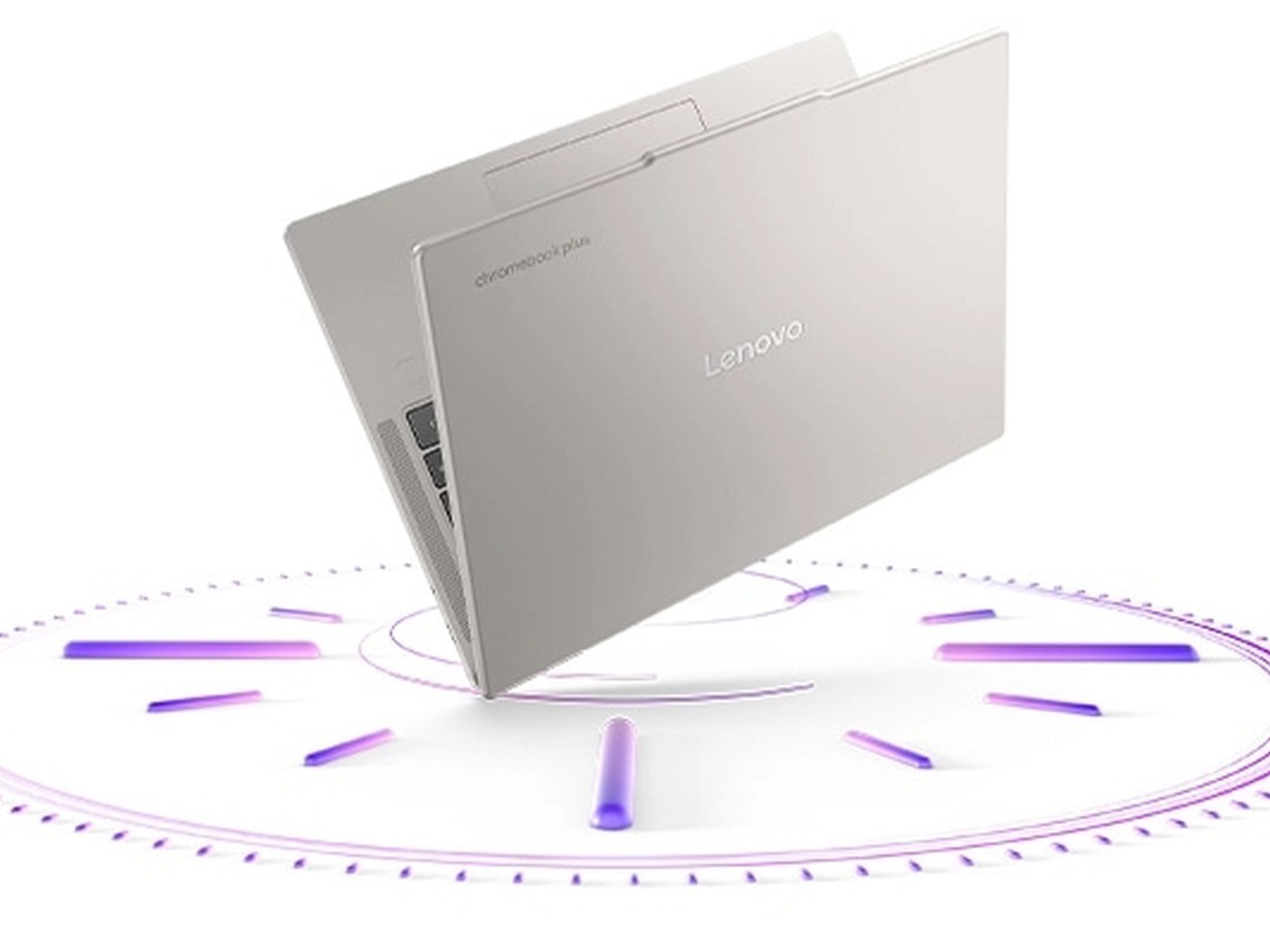
For a campus built around Google Workspace, the $699 Chromebook Plus 14 is the Chromebook that doesn’t feel like a compromise. It uses MediaTek’s Kompanio Ultra chip with a 50-TOPS NPU, 16GB of memory, 256GB of storage, a 14-inch 2K OLED display, quad speakers with Dolby Atmos, and a 5MP webcam with a physical shutter. It weighs less than 2.6 pounds, while Lenovo claims up to 17 hours of battery life. ChromeOS stays unusually good at stretching a charge through writing, Docs, video calls, and browser-based coursework, and the fanless design stays quiet in a library. But this isn’t an inexpensive Windows laptop with a different logo. If you need full desktop Adobe tools, CAD, a proprietary Windows exam client, or specialist engineering software, don’t talk yourself into it.

Lenovo Chromebook Plus 14
Price: $719.99
Configuration: Kompanio Ultra, 16GB RAM, 256GB storage, 14-inch 2K OLED
Good for: Google Workspace, web apps, and all-day campus use
Where to Buy: Lenovo
How to pick without getting trapped by a sale sticker
Start with your coursework, then your operating system. A Windows laptop remains the safe answer for broad software compatibility. MacBook Neo is a strong fit for Apple-first students whose programs support macOS. Chromebook Plus makes sense only when your school has genuinely embraced browser-based work.
Next, protect memory and storage. Sixteen gigabytes of RAM and 512GB of storage are a safer target for a Windows laptop you expect to keep through graduation. The Acer shows why more can help. The MacBook Neo makes its tradeoff in the open with 8GB of unified memory, which works for its intended everyday use but leaves less room for demanding creative or technical work.
Don’t buy on screen size alone. A 13-inch laptop is easy to carry. A 14-inch 16:10 design is often the balanced choice. A 15 or 16-inch machine can feel much better for work, then feel much worse on the fourth walk across campus. Choose based on where you actually study.
College laptop questions, answered
Should I choose a 14-inch or 16-inch laptop?
A 14-inch laptop is the safest all-purpose size for students who carry it every day. Choose 16 inches only when your work benefits from a larger canvas for code, spreadsheets, timelines, or split-screen research and you don’t mind the extra bulk. The ASUS is the light screen-first middle ground, while the Acer is the better desk-first choice.
Is 8GB of memory enough for school?
It’s enough for browser-based coursework, documents, video calls, and light creative work on the MacBook Neo. It isn’t a comfortable long-term ceiling for students who expect to run technical software, keep several demanding apps open, or work with large local files. That’s why the 16GB Lenovo and 32GB Acer serve wider course loads.
Do I need Windows for college?
Windows is the lower-risk choice when you haven’t confirmed every program your department requires. MacBook Neo is a strong choice when macOS works with your school software and you value a lighter machine. ChromeOS is the right answer only for a genuinely browser-first campus.
Where to Buy the five picks
Lenovo IdeaPad Slim 3i Gen 11, $899.99 | MacBook Neo 512GB, $799 | ASUS Zenbook 14 UX3480, from $799 | Acer Swift Go 16 AI, $1,599.99 | Lenovo Chromebook Plus 14, $719.99
Buying order
Buy the Lenovo IdeaPad Slim 3i Gen 11 first if you need the safest Windows answer and want a screen, memory, storage, and port mix that won’t punish you later. Choose MacBook Neo when macOS is compatible with your degree and you want the simplest light laptop. Take the ASUS when screen quality and mobility lead your list. Move to the Acer when larger files and serious multitasking are part of your day. Get the Lenovo Chromebook Plus 14 only when ChromeOS fits your campus software.
A student laptop should fade into the background. These five do that in five different ways.