
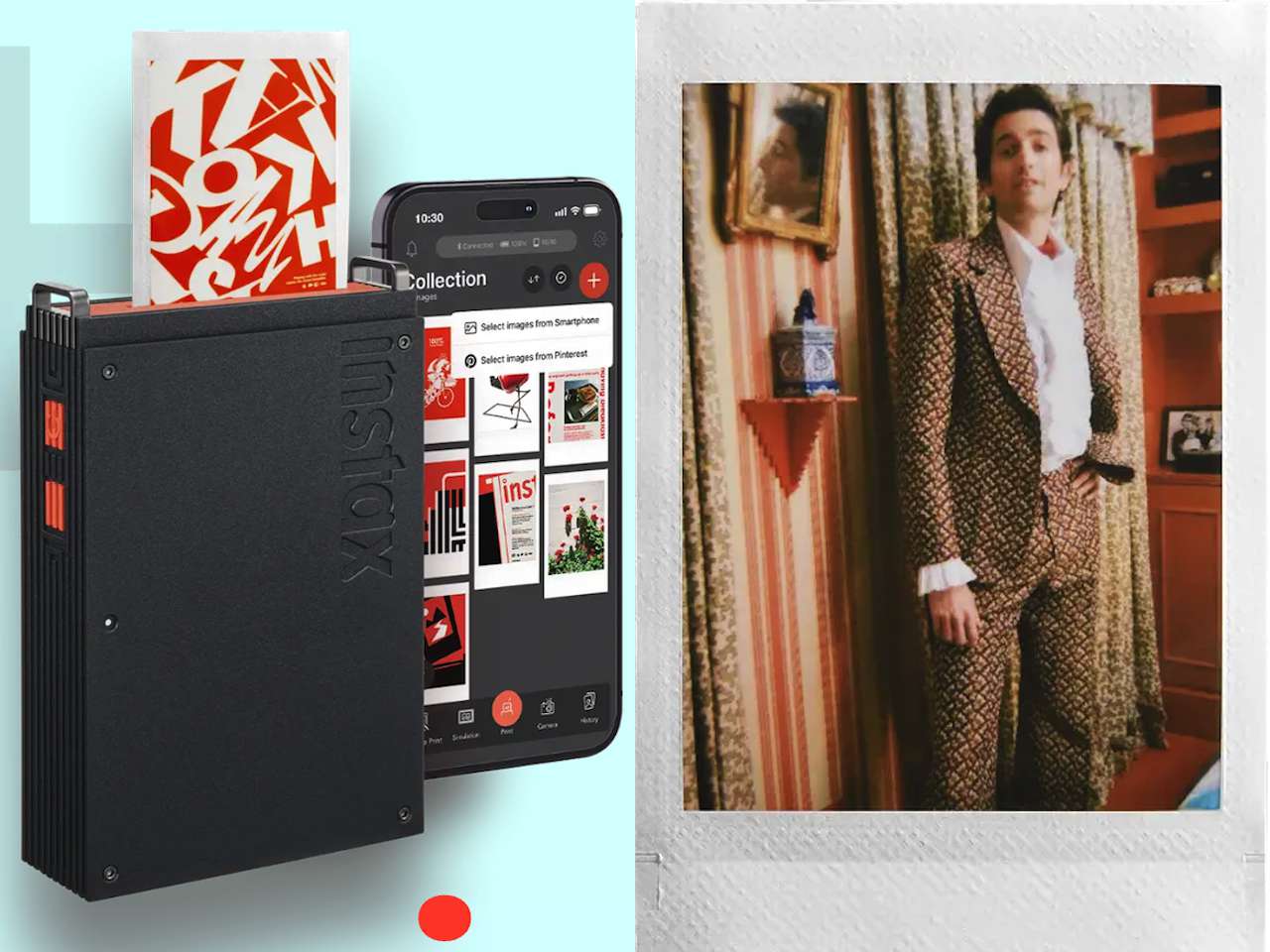
ARTICLE – Most smartphone printers feel like expensive impulse purchases. You use them twice, they sit in a drawer, and eventually you forget they exist. The appeal is obvious: turn digital photos into something you can hold, pin up, or hand to someone. The execution is usually disappointing. Colors wash out, the paper feels cheap, and the whole experience reinforces the idea that physical prints are relics.
Price: $169.95
Where to Buy: Fujifilm, Amazon
Fujifilm has been making instant film longer than most companies have existed, and the instax mini Link+ suggests they’re not interested in just shrinking the problem. The real question is whether printing can become part of your creative process instead of an afterthought you try once and abandon. Whether that shift actually happens depends on execution.
What Changed and Why It Matters
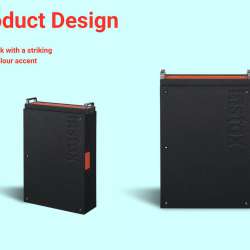
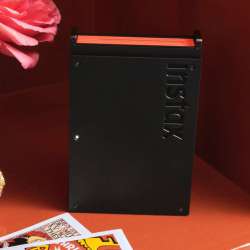
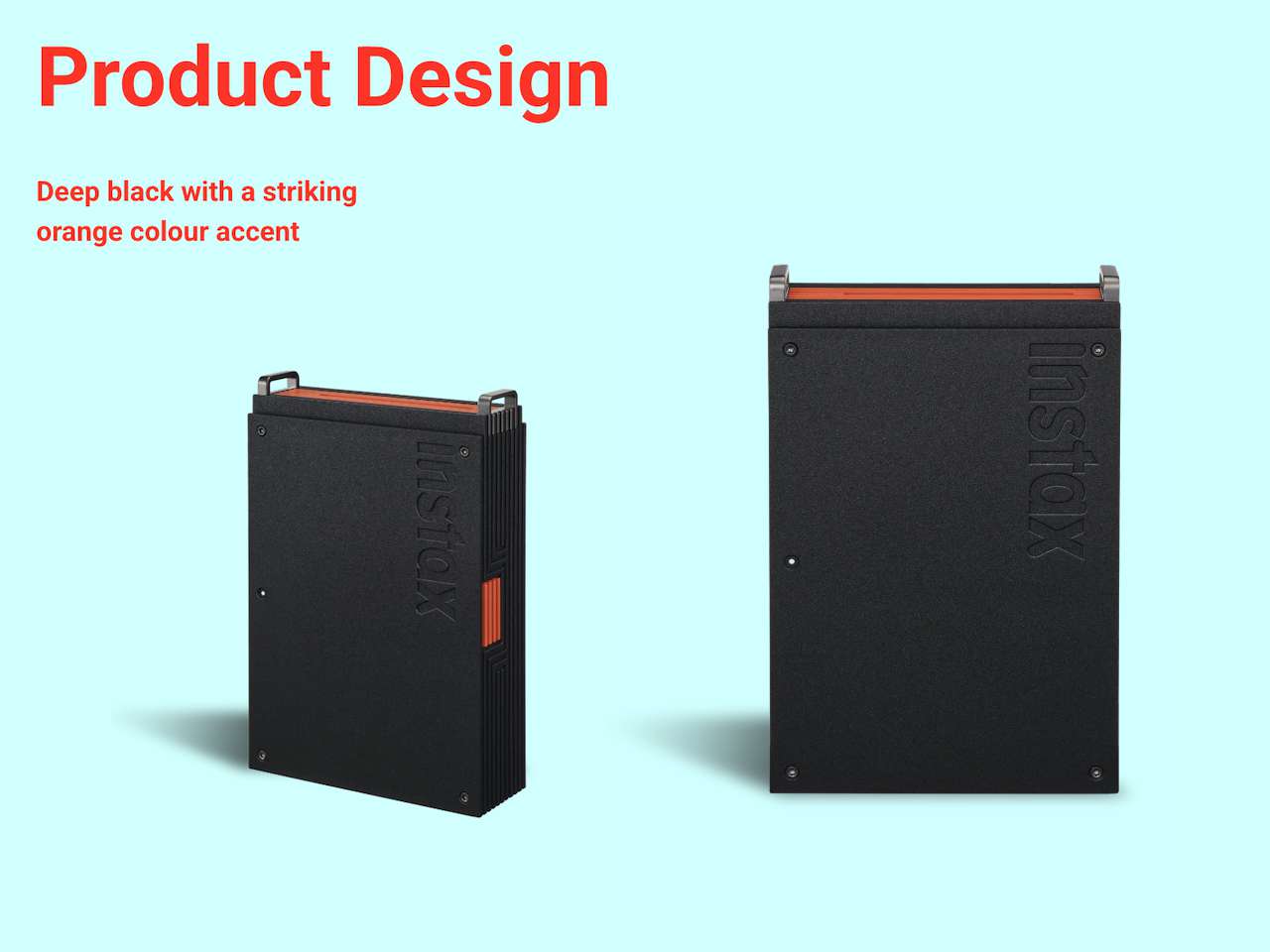
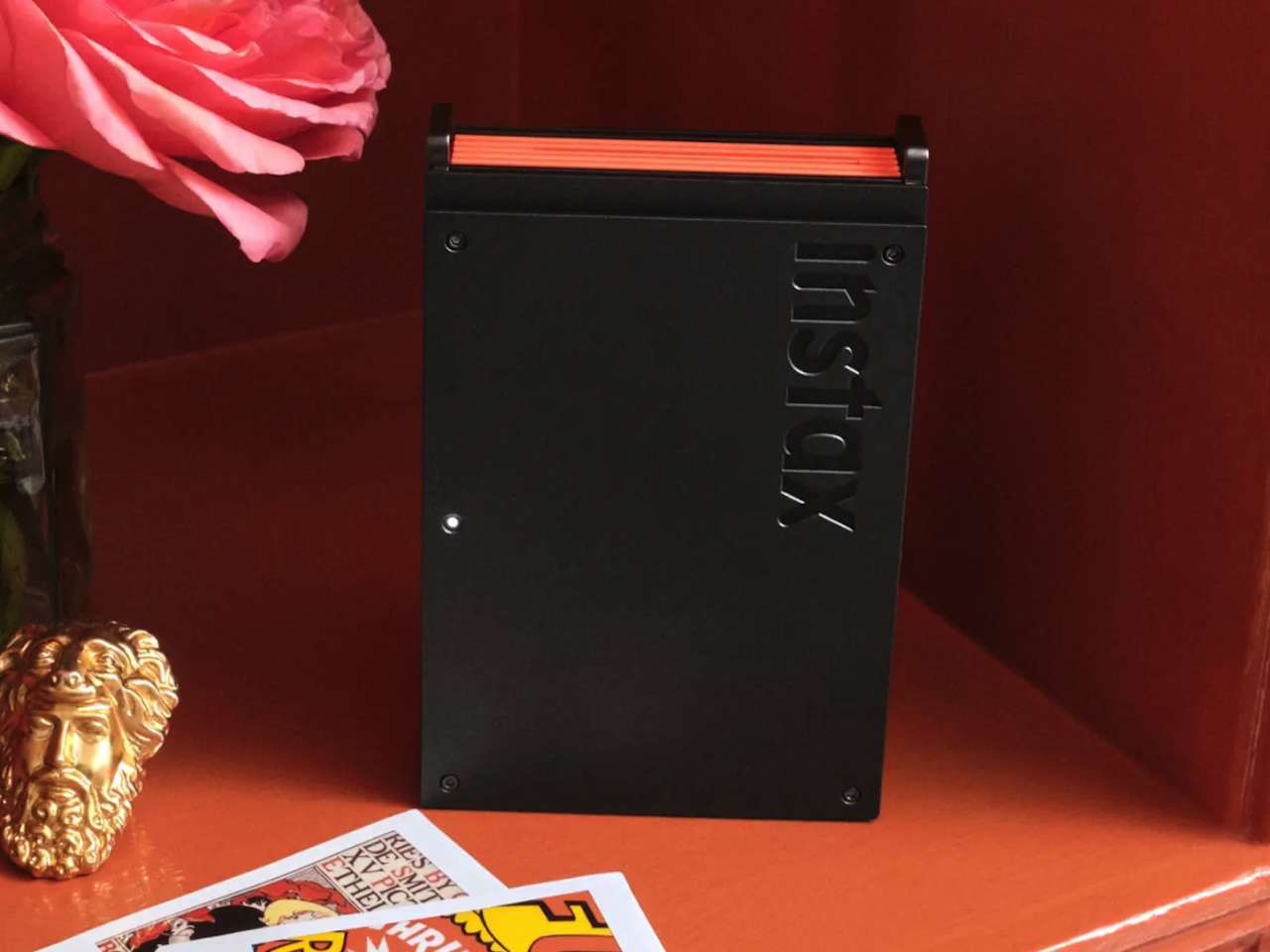
The hardware is a slim black box with an orange accent, portable enough to throw in a bag. The instax mini Link+ doesn’t reinvent the printer itself. What changed is the app, and specifically how Fujifilm thinks you should use it.
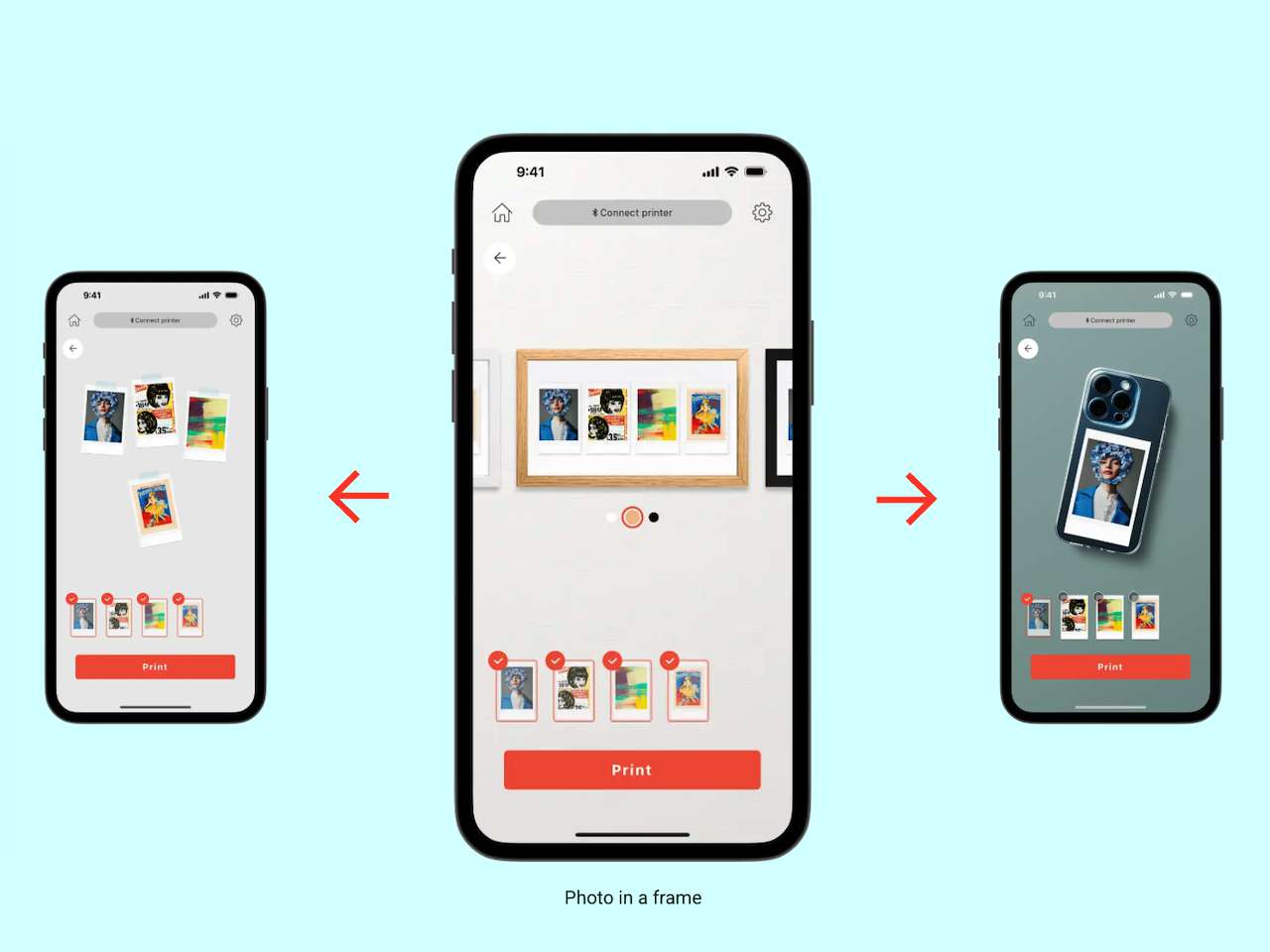
Simple Print Mode does what every smartphone printer does: grab a photo from your camera roll and print it. The addition that matters is Pinterest integration. You can print pins directly from the app. If you’ve spent time building mood boards and wish you could hold those images instead of just scrolling past them, this closes that gap. It’s not a gimmick. It’s practical.
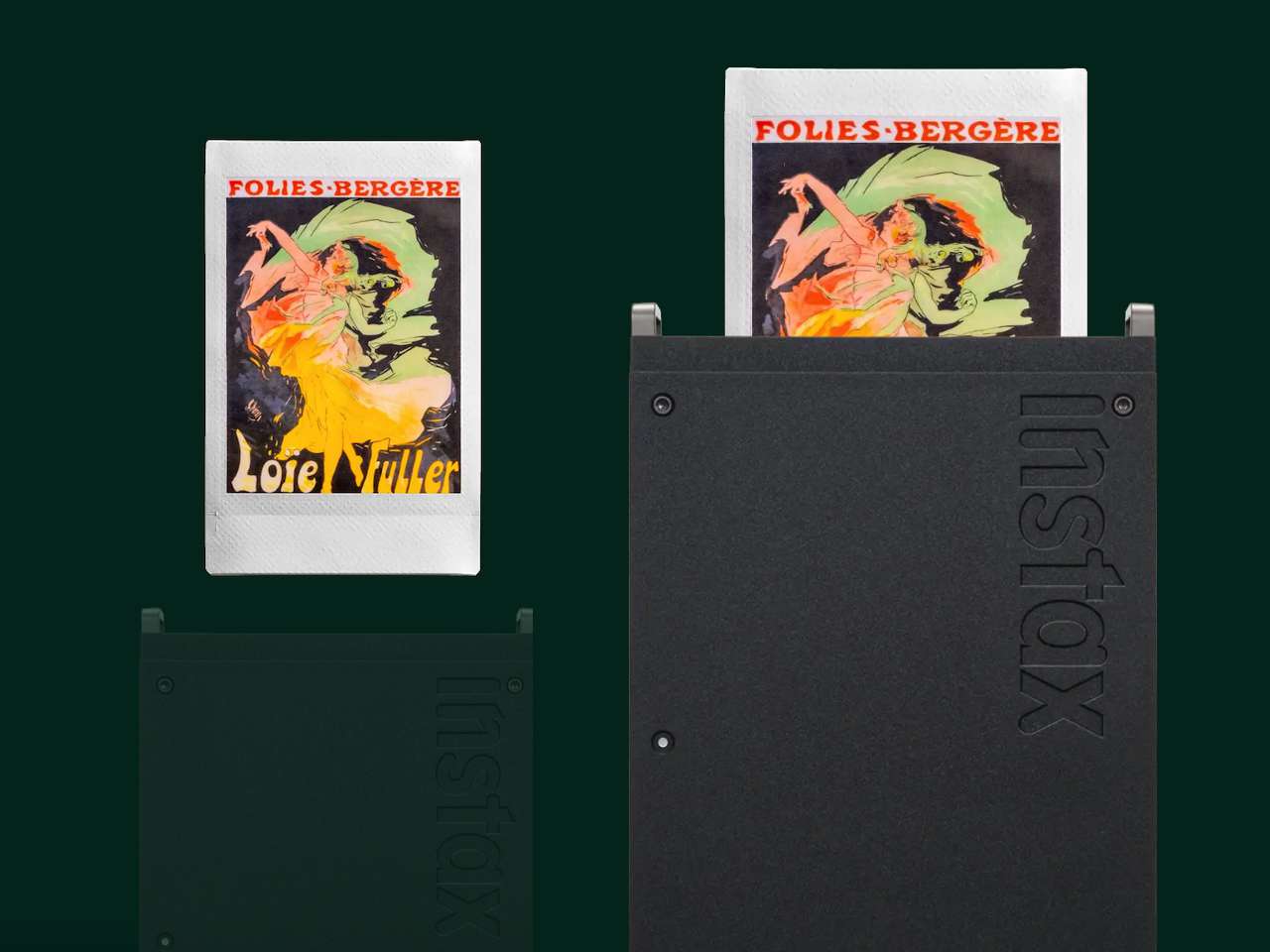
Design Print Mode addresses something that frustrates anyone who has tried printing text or detailed graphics on instant film. Fine lines go soft, small type becomes illegible, and illustrations lose their sharpness. Fujifilm built a mode that claims to preserve those details with precision. Whether it actually works depends on testing, but the problem it targets is real. That matters if you’re printing QR codes, custom artwork, or anything with typography.
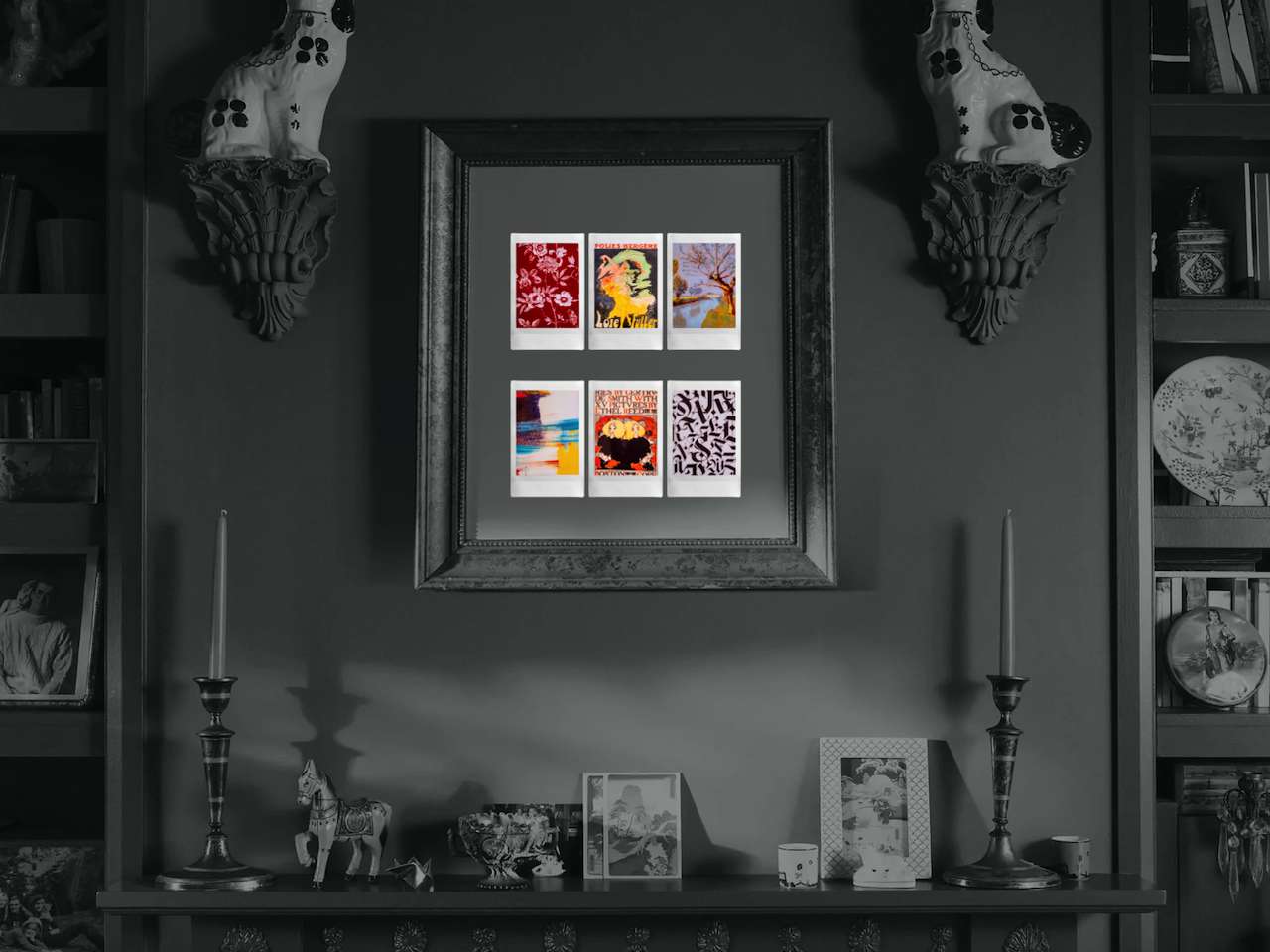
Simulation Mode lets you preview what a print will look like on a wall, shelf, or table before you commit film to it. It’s augmented reality applied to a simple question: will this fit my space?
Multiple Print Mode removes a friction point anyone who prints in batches understands. You queue up to 10 images in the sequence you want, then print them all without pausing. No re-selecting between shots. The printer just runs.
Frame Print and Video Print round out the toolset. Add frames, stickers, or captions before printing. Or pull a single frame from a video and turn that moment into something you can hold. The feature set tilts toward people who see printing as part of making something, not just reproducing what already exists. Instant photography becomes less impulsive, more intentional when you can plan your sequence ahead.
The Choices That Separate This From Competitors
Fujifilm built remote shooting into the app. Frame a shot on your phone screen and capture it without touching the camera. That matters when you’re trying to set up a group photo or position yourself in the frame.

Collage Print combines multiple images onto a single instax mini print. You’re not printing one image per sheet of film when you want to capture variety. You’re maximizing what each print can hold. For anyone who burns through film quickly, that adds up. It’s a small thing that removes awkwardness in practice.
The instaxAiR Studio feature layers 3D augmented reality effects into photos before you take them. Whether you use it depends on how you feel about AR filters in general. Some people want that. Most probably don’t. The option exists.
Light and dark interface modes sound trivial until you’re fumbling with a bright white screen at a party or in a dim room. The app adjusts. Small quality-of-life detail, but it matters in the moment.



What This Costs and What You’re Paying For
The instax mini Link+ costs $169.95 USD, $189.99 CAD. It launches in early February 2026. The app is free, but the film isn’t.
That’s the ongoing cost that matters more than the printer itself. Fujifilm sells instax mini film separately, and if you print regularly, that adds up faster than the initial hardware price. At $170, this sits at the higher end of smartphone printers.
You’re not paying for hardware innovation. The printer itself is straightforward. You’re paying for software features, app refinement, and access to Fujifilm’s film ecosystem. Whether that’s worth it depends on how much you value the creative tools versus just having a basic print function. Competitors cost less but offer fewer modes. The mini Link+ assumes you want control over the process, not just a button that spits out a photo.
Who This Isn’t For
If you print photos once or twice a year, this is expensive overkill. A drugstore kiosk will print what you need at a fraction of the per-image cost, and you won’t have to think about it again until next time. The mini Link+ is built for people who print regularly and see the process as part of making something, not just preserving a memory.
Anyone who’s perfectly happy keeping everything digital should skip this. The mini Link+ doesn’t try to convince you that physical prints matter. It assumes you already believe that and want better tools to work with them.
What This Actually Solves
The instax mini Link+ targets a specific frustration: smartphone printers that feel like novelties instead of tools. If you’ve bought one before and stopped using it because it felt gimmicky or limiting, Fujifilm is betting the updated app changes that. The features lean toward intentional use rather than impulse printing. You preview before you commit film, queue prints in batches, and pull inspiration from Pinterest instead of just your camera roll.
At $170, this asks you to commit to printing as part of your creative workflow, not just as a fun thing you try once. Whether the app features justify the price depends on how much you value that control.
Price: $169.95
Where to Buy: Fujifilm, Amazon
If you want a printer that disappears into the background and just works when you occasionally need it, this is too much. If you want printing to be a deliberate part of how you work with images, this makes more sense. The real test is whether people keep using it six months after buying it.

HP Business Laptop with Microsoft Office 365, 1TB OneDrive and 128GB SSD, 8GB RAM, 4-Core Intel 13th Gen Processor | No Mouse, Fast Response, Long Battery Life, Good Value
(as of March 22, 2026 15:28 GMT -05:00 - More infoProduct prices and availability are accurate as of the date/time indicated and are subject to change. Any price and availability information displayed on [relevant Amazon Site(s), as applicable] at the time of purchase will apply to the purchase of this product.)
