Creative PCs are becoming remarkably capable at running AI. The harder question is what creators are actually supposed to do with all that computing power.
A faster image generator is useful, but creative work rarely ends after generating a single image. Photographers organize sprawling libraries. Video editors move assets between apps. Designers iterate constantly. Developers may want to run models locally without paying for each request or sending sensitive work to a cloud service.
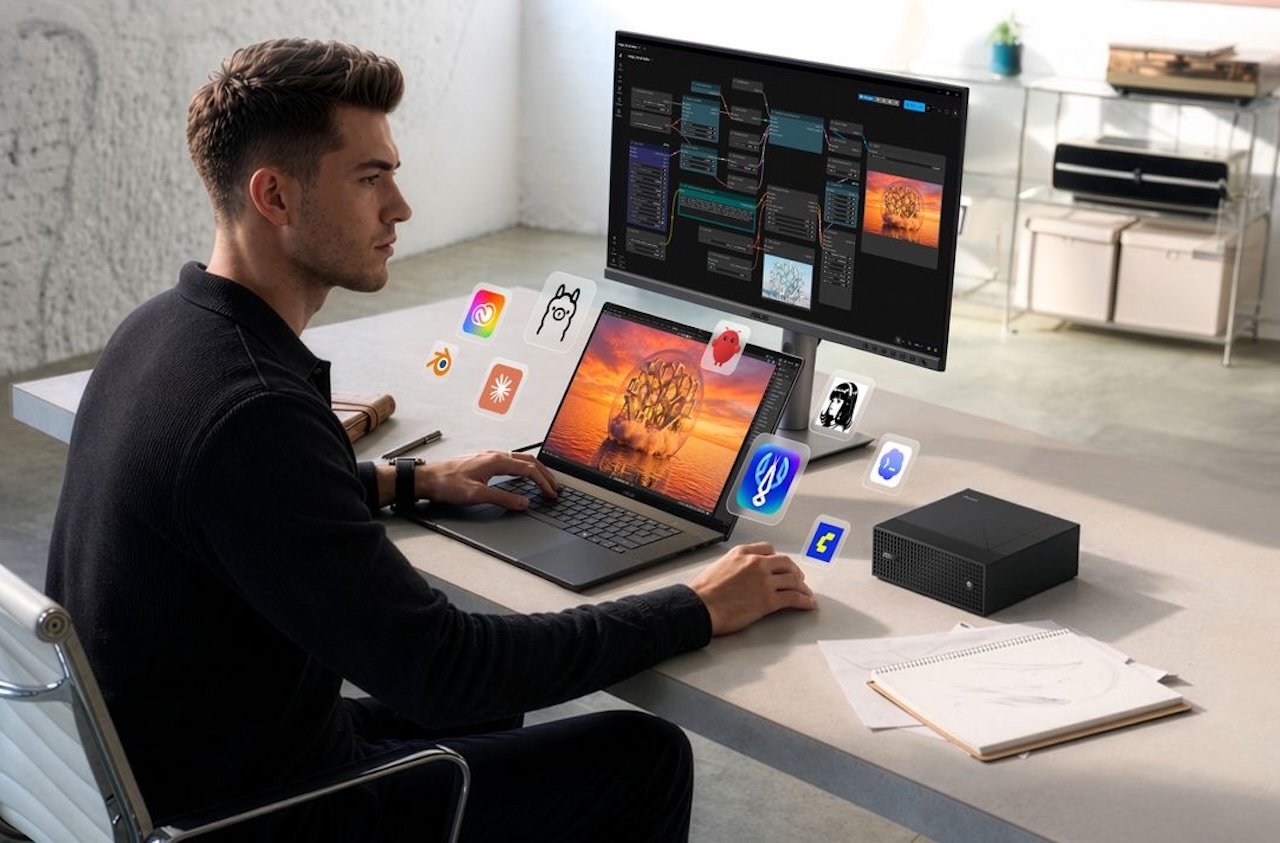
At ASUS’s IFA 2026 media showroom in Berlin, the company tried to connect those pieces. Its ProArt showcase centered on NVIDIA RTX Spark, P16 and P14 creator laptops, the compact GR1X desktop, local generative-AI tools, and experimental AI agents designed to work across creative software. ASUS held the event ahead of the official IFA exhibition.
NVIDIA introduced RTX Spark at GTC Taipei earlier this year, and ASUS used its Berlin media showroom to announce the ProArt P16, P14, and GR1X. The more interesting question is how ASUS thinks creators might actually use them.
Here are five parts of the showcase worth watching.
1. RTX Spark gives local AI more memory
The technology tying ASUS’s new ProArt machines together is NVIDIA RTX Spark.
The platform combines an NVIDIA Blackwell RTX GPU with 6,144 CUDA cores, a Grace CPU with up to 20 cores, fifth-generation Tensor Cores, and up to 128GB of unified memory. That last specification could matter more to creators than the headline performance figure.
Large AI models consume substantial memory. A unified-memory architecture allows the CPU and GPU to share the same memory pool, potentially avoiding the fixed dedicated-VRAM limit that constrains many conventional discrete-GPU laptops.
NVIDIA and ASUS say RTX Spark can deliver up to one petaflop of AI performance and run models with as many as 120 billion parameters. They also promote workloads including 90GB-plus 3D scenes and local 4K AI video generation.
Those are platform capabilities and manufacturer claims, not independent performance results. Real-world speed will depend on the model, software, memory configuration, cooling, and specific workload.
Still, up to 128GB of unified memory gives creators room to attempt local workloads that would be difficult to fit into the dedicated graphics memory available on many conventional laptops. Buyers should not assume that every P14, P16, or GR1X configuration will include the platform’s maximum memory capacity.
2. ProArt P16 pairs RTX Spark with a 4K OLED
The ProArt P16 is ASUS’s larger mobile implementation of RTX Spark.
For visual creators, its key feature is an ASUS Lumina Pro OLED display available with up to 4K resolution, a 120Hz refresh rate, Variable Refresh Rate, and NVIDIA G-SYNC. ASUS specifies Delta E below 1 color accuracy and brightness of up to 1,600 nits.
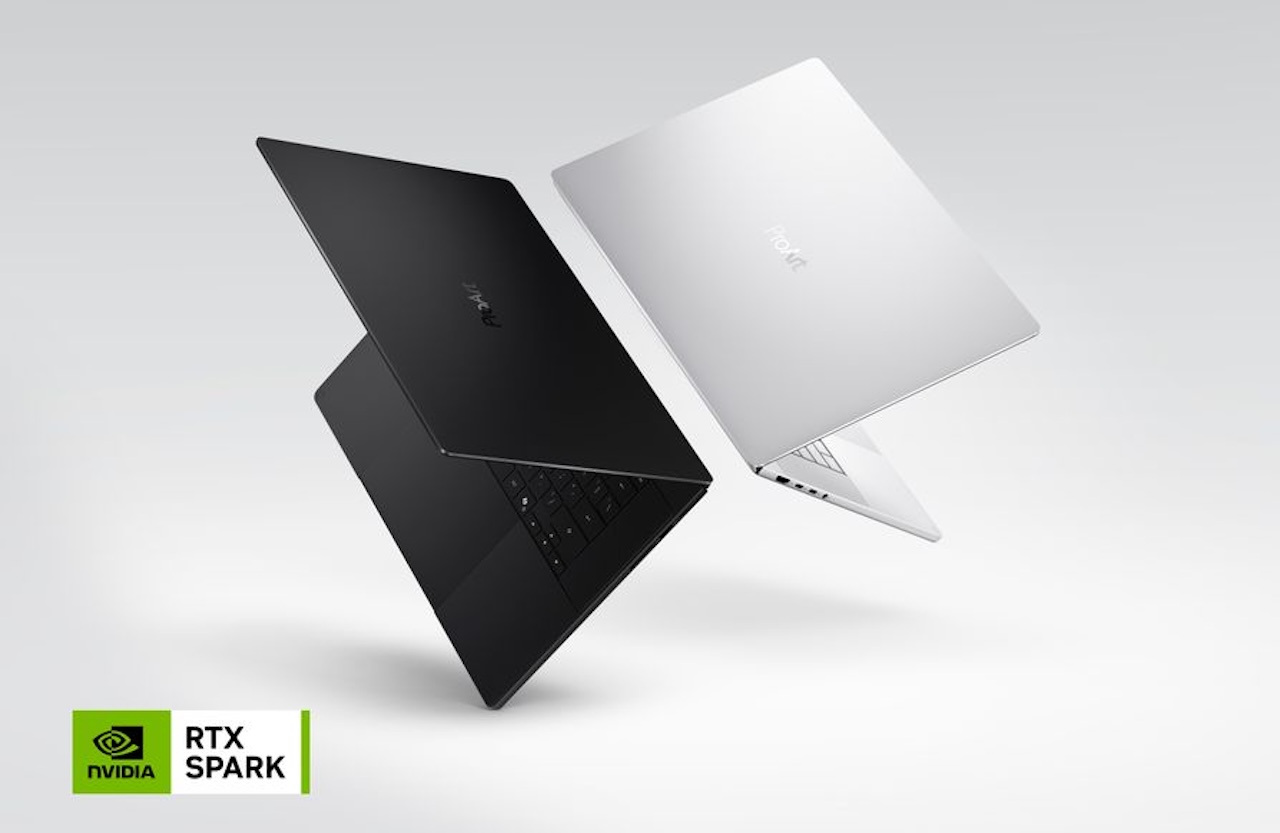 ASUS also gives the P16 a 99Wh battery. The appeal is not simply another high-resolution OLED laptop. It is a creator-focused display combined with enough unified memory to tackle unusually large local AI workloads on the same machine.
That could appeal to video editors, 3D artists, photographers generating images locally, or creators experimenting with large language models without relying entirely on a desktop workstation or cloud service.
The unanswered question is sustained performance. Powerful components in a portable creator laptop do not reveal how quickly it completes lengthy renders, how loud its fans become, or how much performance changes as temperatures rise. Those answers require independent testing.
3. ProArt P14 makes the concept portable
The ProArt P14 brings the RTX Spark approach to a smaller creator laptop.
It uses an ASUS Lumina Pro OLED display with resolution reaching 3K and carries a 90Wh battery, while retaining RTX Spark at the center of ASUS’s new ProArt generation.
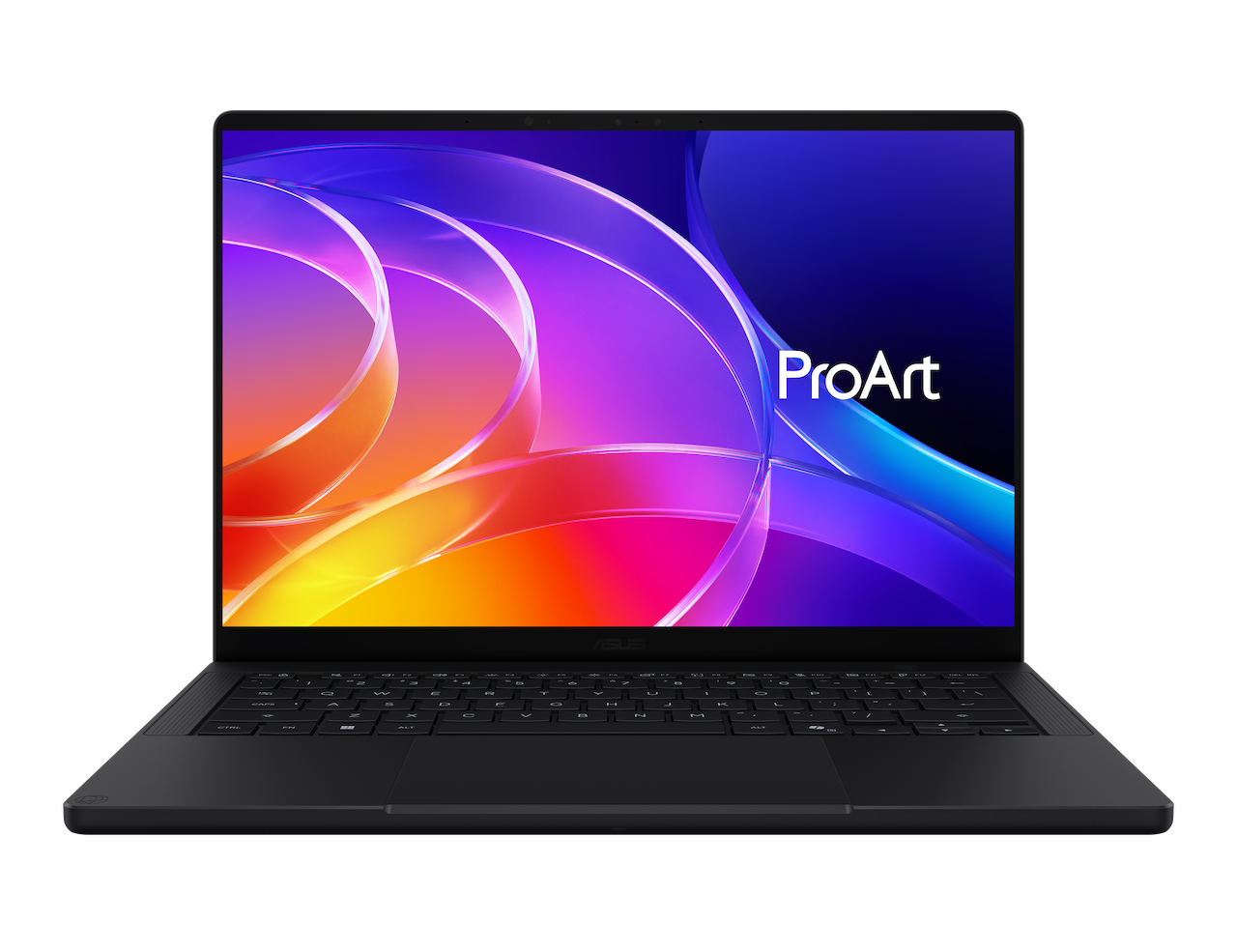 That combination could make the P14 particularly appealing to photographers, designers, and other creators who regularly work away from a permanent desk. A smaller laptop is easier to take on location or while traveling, while local AI processing could reduce dependence on fast internet for compatible workflows.
There is an important caveat. Smaller laptops have less physical room for cooling, so sharing the same platform does not mean the P14 and P16 will deliver identical sustained performance.
The P14 should not simply be seen as a smaller P16. Its value will depend on how much performance ASUS can preserve while reducing the system’s footprint. For creators who spend more time carrying a laptop than pushing it through lengthy renders, that trade-off could be worthwhile.
4. GR1X makes a case for desktop AI
The most interesting computer in the lineup may be the one without a screen.
The ProArt GR1X is a compact RTX Spark desktop measuring 150 x 150 x 51mm. Instead of balancing processing power against battery life and portability, it gives creators another option: leave the AI hardware on the desk.
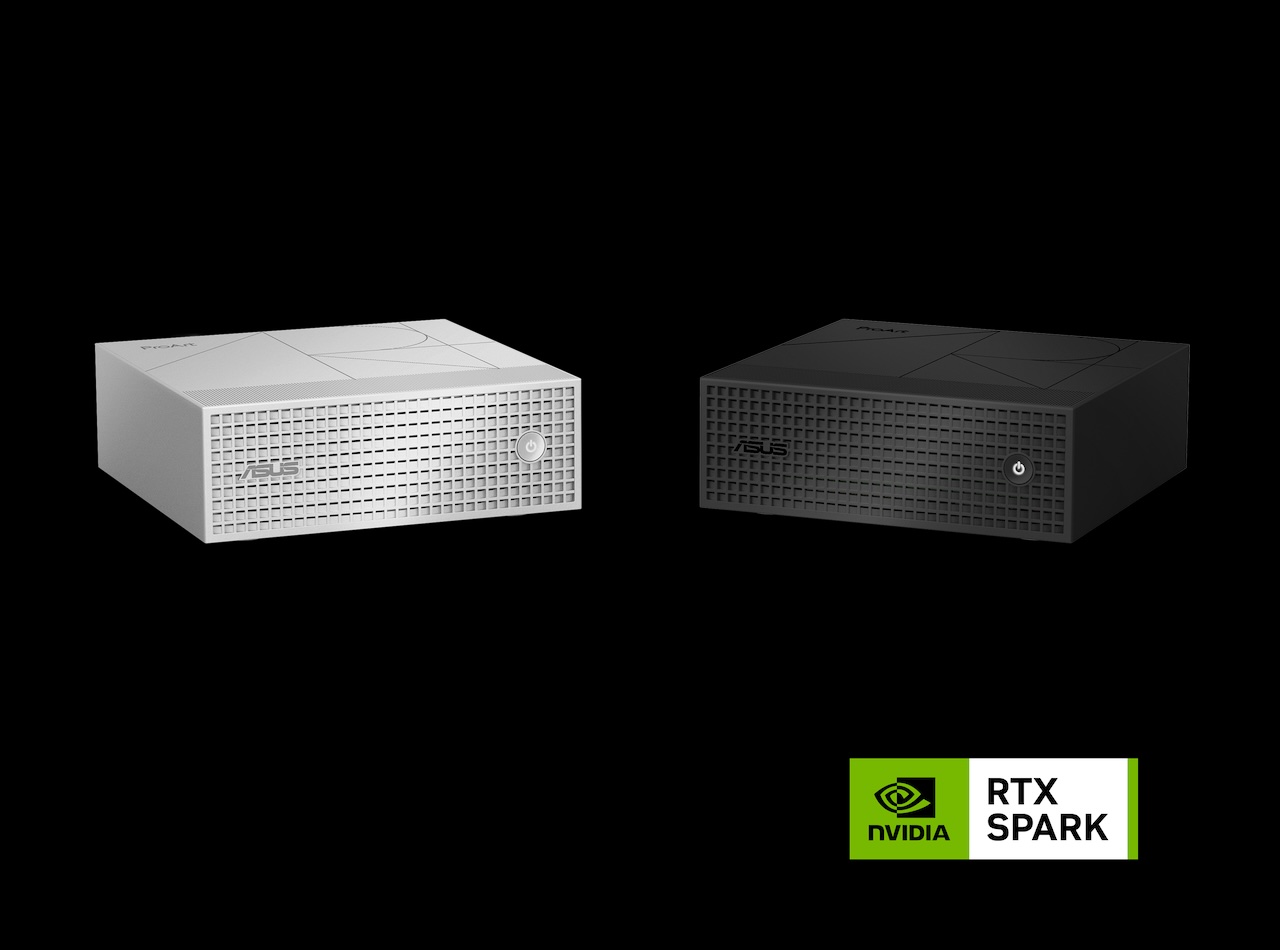 That could make sense for workflows where local models, rendering jobs, or AI agents need to remain available for extended periods. A small dedicated machine can stay connected to storage, networking, displays, and peripherals without tying up the laptop you carry elsewhere.
Connectivity includes 10Gb Ethernet, Wi-Fi 7, Bluetooth 5.4, and support for up to four 4K displays.
ASUS also uses a dual-fan cooling system with a total of 218 fan blades and seven levels of fan control. The company claims the design delivers up to 1.6 times greater thermal coverage and promotes the GR1X for sustained 24/7 operation.
Those claims still need independent verification. Fan count and cooling hardware are specifications; noise, temperatures, reliability, and sustained performance are outcomes that cannot be established from a launch announcement.
The concept behind the GR1X is nevertheless compelling. Not every creator who wants local AI compute needs that power permanently attached to the keyboard and display they carry around.
5. Software must justify the hardware
ASUS still needs to prove that local AI can improve real creative workflows, not just power impressive demonstrations. MuseTree, StoryCube, ComfyUI integration, and the Zenni Claw agent are central to that argument.
MuseTree supports local generation with models including FLUX and WAN, while StoryCube uses AI to recognize, organize, and manage media. ASUS calls compatible on-device generation “token-free” because it does not consume cloud-service tokens.
That could benefit creators who generate many variations or prefer to keep source files on their own machines. But token-free does not mean cost-free: local processing uses electricity, and software, model licenses, or optional cloud features can still involve fees. ASUS says some advanced cloud-model features in Zenni Claw may require users to provide their own API setup or tokens.
asus
ASUS also demonstrated Zenni Claw coordinating tasks across MuseTree and ComfyUI. The concept is promising, but a demo cannot establish day-to-day reliability.
For creative professionals, the real test is predictable file handling, repeatable output, broad app compatibility, and enough control to correct errors. If managing the automation takes longer than doing the task manually, the hardware’s raw AI performance matters far less.
The real test
ASUS’s ProArt showcase points to where high-end creator PCs may be headed: more local AI compute in both laptops and compact desktops.
The P16 targets creators who want a larger 4K OLED workspace, while the more portable P14 brings RTX Spark to a smaller chassis. The compact GR1X is the desk-bound alternative for creators who want dedicated local AI compute.
RTX Spark’s up-to-128GB unified memory is the key specification, potentially allowing larger AI workloads to remain local. Final configurations, pricing, availability, and independent testing will determine how compelling these systems are in practice.
The bigger test is software. MuseTree, StoryCube, ComfyUI, and Zenni Claw will matter only if they save creators more time than they require to configure and supervise.