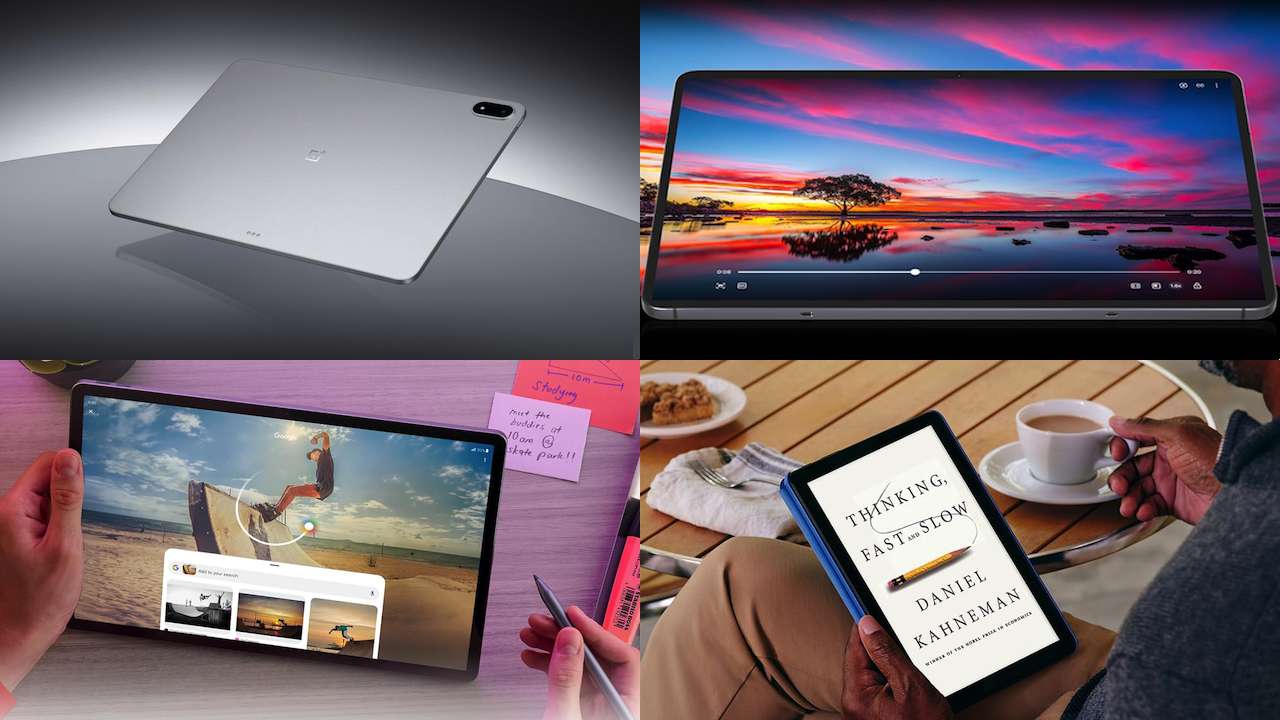
Buying a tablet in 2026 is harder than it should be, and not because the hardware is bad. Cheap tablets are better than they used to be. Premium models can handle workloads that once demanded a laptop. Apple, Samsung, OnePlus, Lenovo, Amazon, and others sell devices that can look remarkably similar until you start asking what you’ll actually do with them.
That’s the real buying problem: most people don’t need the best tablet. They need the right kind of tablet.
A $1,000 tablet can be a poor purchase if you’re mainly watching Netflix. A $200 tablet can become frustrating if you’re trying to replace a laptop. And a powerful tablet without the right keyboard, stylus, apps, or software support may still fail at the job you bought it for.
So forget the benchmark charts for a moment. Here are the decisions that actually matter, plus one tablet worth considering for each priority.
1. Start with screen size, not processor speed
Tablet shopping often begins with chips and benchmark scores. For most buyers, that’s backwards.
The first question should be: where will you use it? That answer narrows the field faster than any spec sheet does. An 8- or 9-inch tablet is easier to hold, carry, or hand to a child. Around 11 inches is where a tablet can still feel comfortable on the couch without becoming cramped when you open a document beside a browser.
Move toward 13 inches and beyond, and the experience changes. You gain space for multitasking, drawing, and keyboard work, but you also get something heavier and less comfortable to hold for long periods.
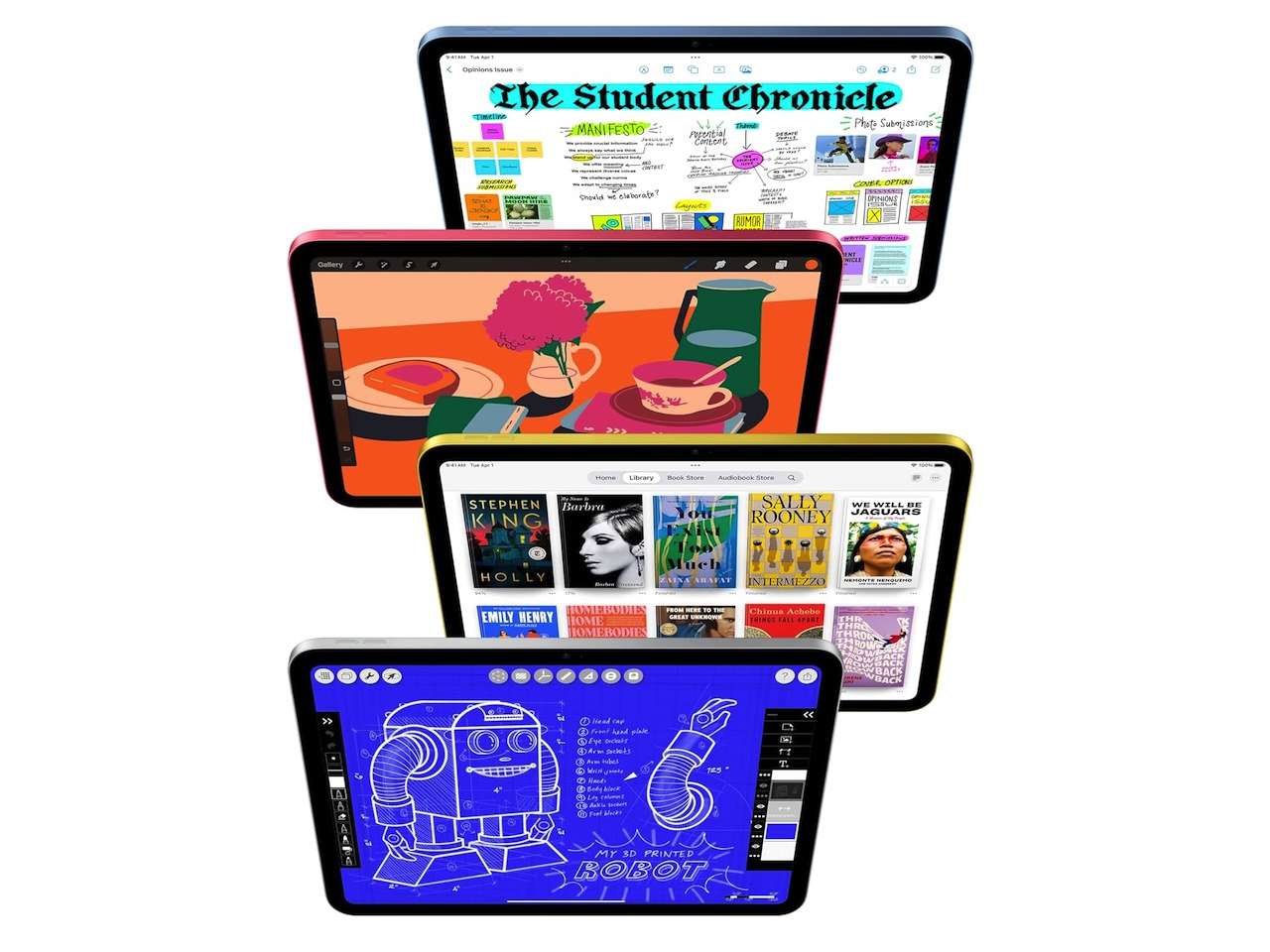
Apple’s iPad (A16) illustrates the middle ground. Apple’s US technical specifications list an 11-inch Liquid Retina display that measures 10.86 inches diagonally when treated as a rectangle, and put the Wi-Fi model at 477 grams. Adding cellular takes it to 481 grams. That’s enough screen for movies, reading, documents, games, and light productivity without turning the tablet into something that practically demands a desk.
Price: $595
Where to Buy: Amazon
Tablet to buy: Apple iPad (A16). If you don’t yet know exactly how you’ll use a tablet, this is a sensible size to start with. It’s portable enough for casual use but large enough for most everyday tablet jobs.
2. Pick the operating system before obsessing over hardware
By 2026, both iPadOS and Android tablets offer plenty of performance, so raw speed rarely decides this one. The bigger difference is what happens around the hardware. An iPad makes particular sense if you already use an iPhone, Mac, AirPods, or Apple services. Android gives you more hardware variety and features that may not be available on an equivalently priced iPad, stretching all the way out to specialized machines like the RedMagic Astra 2 gaming tablet.
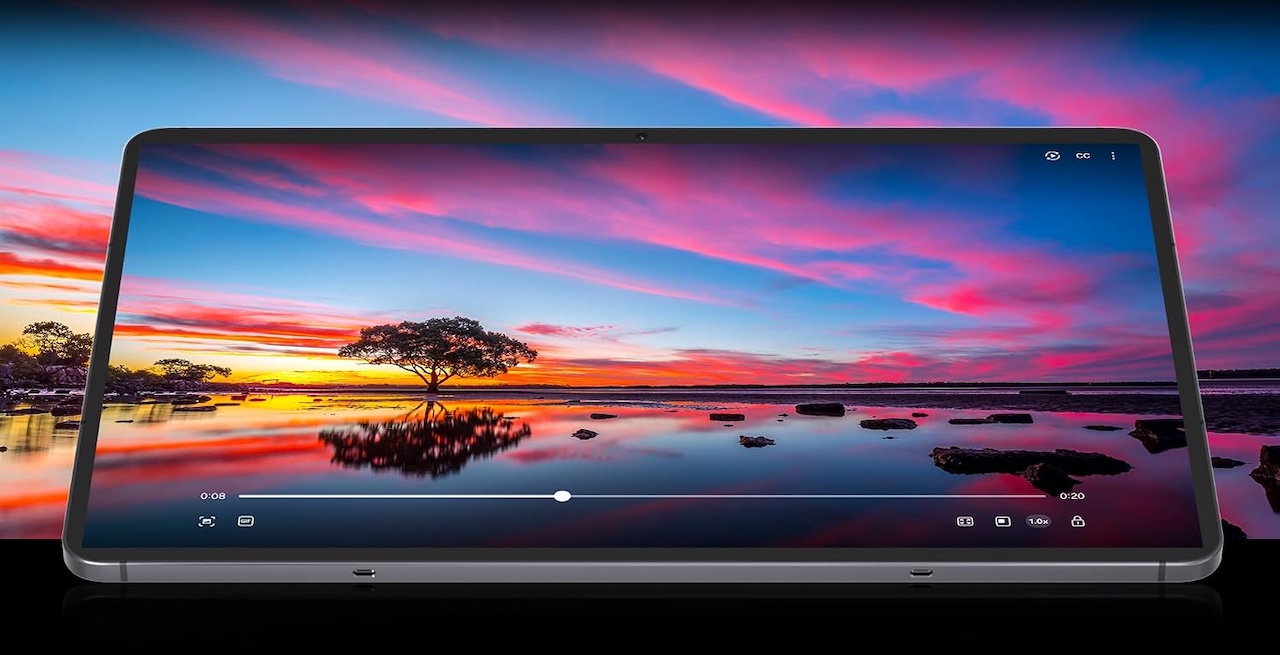
Samsung’s Galaxy Tab S11, for example, has an 11-inch Dynamic AMOLED 2X display, S Pen support, 12GB of memory in its 256GB configuration, and microSD expansion up to 2TB. Those aren’t reasons Android is universally better. They’re reasons to choose Android when its particular advantages match your needs. Switching platforms because another tablet wins a benchmark can create more inconvenience than the extra performance solves.
Price: $799.99
Where to Buy: Amazon
Tablet to buy: Samsung Galaxy Tab S11. Pick it because you specifically want Android, S Pen functionality, expandable storage, and Samsung’s tablet software, not because you’re simply looking for an iPad substitute.
3. Don’t call it a laptop replacement until you’ve priced the laptop version of it
This is one of the easiest ways to overspend. A tablet may start at an attractive price, but the version shown in promotional images often has a keyboard and stylus attached. Add the keyboard, add the pen, add enough storage, and add cellular connectivity if you need it. Suddenly you’re comparing a much more expensive package with a proper laptop.
There’s a software question underneath the price too, and it decides more than the processor does. If your work consists mainly of email, writing, video meetings, presentations, web apps, and light creative work, a tablet with a keyboard can be surprisingly capable. If you depend on desktop development tools, complicated spreadsheets, specialized peripherals, niche applications, or desktop-only software, processor performance won’t magically make those limitations disappear.
Price: $699.99
Where to Buy: OnePlus
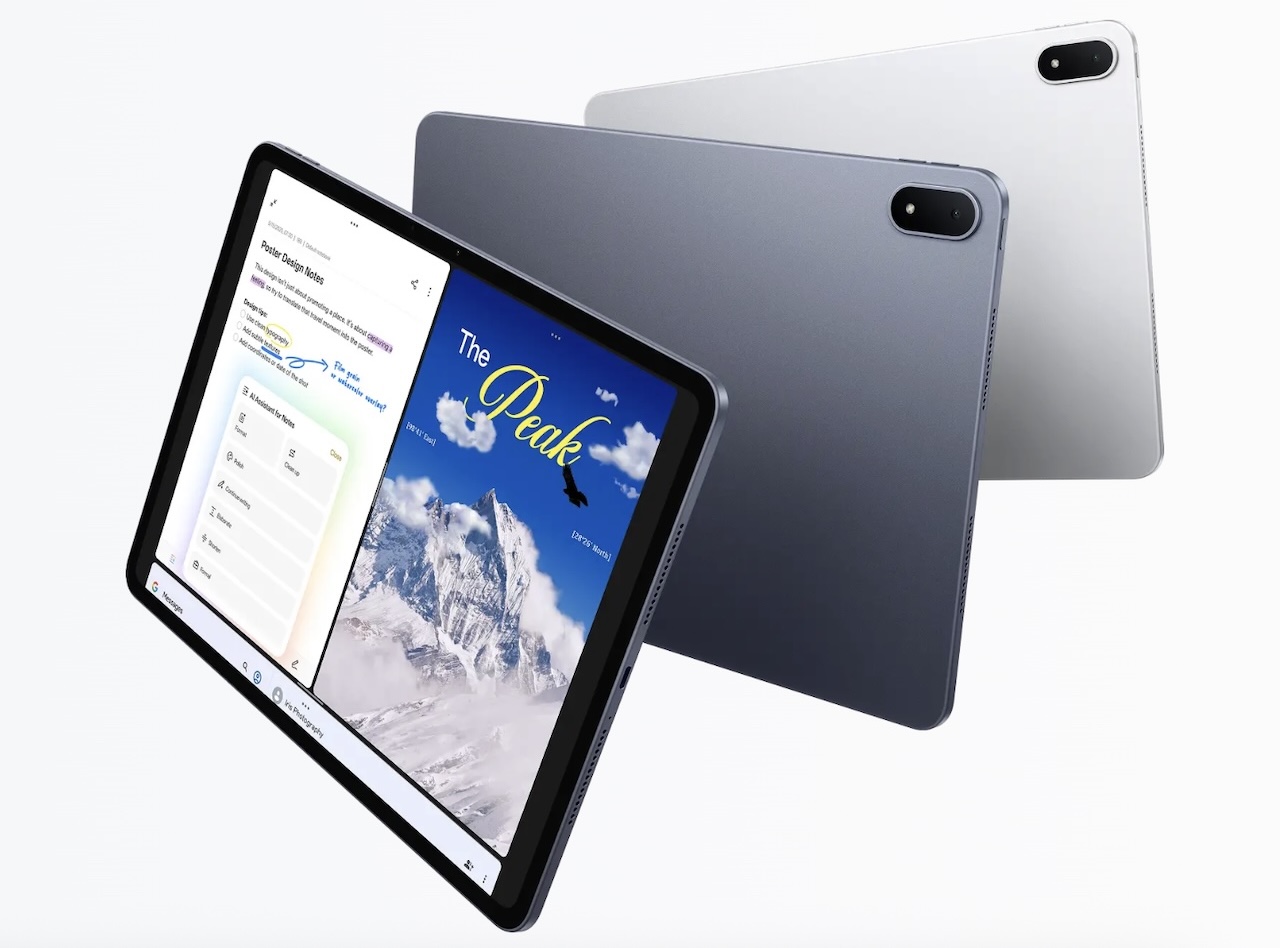
Tablet to buy: OnePlus Pad 3. Its 13.2-inch 3392 x 2400 display provides considerably more working space than a typical 11-inch tablet, while the US configuration combines 12GB of RAM with 256GB of UFS 4.0 storage. The big screen makes it an interesting productivity candidate. Just price the keyboard and other accessories before deciding it’s a better deal than a laptop.
4. Buy enough storage that you can stop thinking about storage
Storage is easy to underestimate because a new tablet is nearly empty. Then come games, downloaded movies, photos, videos, documents, and years of app updates. If you’re planning to keep the tablet for several years, 128GB buys something more valuable than an impressive number on the box: room to stop thinking about storage every time you download a game or movie.
Heavy gamers and creative users should seriously consider 256GB or more, and expandable storage changes that equation entirely. The Galaxy Tab S11 supports microSD cards up to 2TB, giving buyers a relatively inexpensive way to add substantial capacity for compatible files and media. Don’t assume a microSD card behaves exactly like internal storage, though. How applications and data use external storage can vary.
Tablet to buy: Samsung Galaxy Tab S11. It’s particularly appealing if you carry a large offline media library because you don’t have to predict your lifetime storage requirements when ordering the tablet.
5. Stylus support only matters if you’ll actually use it
Tablet advertising can make it look as though everyone spends their evenings illustrating graphic novels, and most people don’t. A stylus becomes genuinely useful for handwritten notes, PDF annotation, illustration, photo editing, diagrams, and schoolwork. If you don’t do those things, stylus compatibility should barely influence your decision.
Samsung makes the proposition particularly straightforward with the Galaxy Tab S11, which is designed around S Pen support. But the useful question isn’t “Does this tablet support a pen?” It’s “Will I use the pen enough for it to influence which tablet I buy?” If the answer is no, spend your money on something you’ll notice every day, such as storage or the display.
Tablet to buy: Samsung Galaxy Tab S11. If handwriting, annotation, or drawing is one of your main reasons for buying a tablet, its S Pen support makes it a natural candidate.
6. A big battery is only half the battery story
Manufacturer battery-life numbers come from specific testing conditions, so your results will change with display brightness, games, video calls, cellular connectivity, refresh rate, background apps, and plenty of other variables. That’s why charging deserves as much attention as capacity. The OnePlus Pad 3 has a 12,140mAh battery and supports up to 80W SUPERVOOC charging with a compatible official OnePlus adapter, and that pairing matters because even a giant battery eventually reaches zero. Fast charging becomes practical when you discover the tablet is nearly empty shortly before leaving home. Charging performance and bundled accessories can vary by market, so check what your regional listing actually includes before counting on either.
None of this proves that the Pad 3 has the best real-world battery life. It tells us something more specific: it combines a large stated battery capacity with relatively fast wired charging.
Tablet to buy: OnePlus Pad 3. Put it on your shortlist if a large battery and fast charging matter more to you than chasing manufacturer endurance claims.
7. A cheap tablet can be the right tablet
Not everyone needs premium hardware. If the job is streaming video, reading, browsing, displaying recipes, controlling smart-home devices, or keeping a child entertained, flagship performance may accomplish very little that matters. Budget tablets usually compromise on some combination of processor performance, display quality, cameras, storage speed, accessories, multitasking, and software support. That doesn’t make them bad purchases. It makes them purpose-specific purchases.
A kitchen tablet doesn’t need flagship silicon. A child’s tablet doesn’t need a professional display. A couch tablet doesn’t need to replace your workstation. The mistake isn’t buying cheaply. It’s buying cheaply for an ambitious workload.
Price: From $119
Where to Buy: Amazon
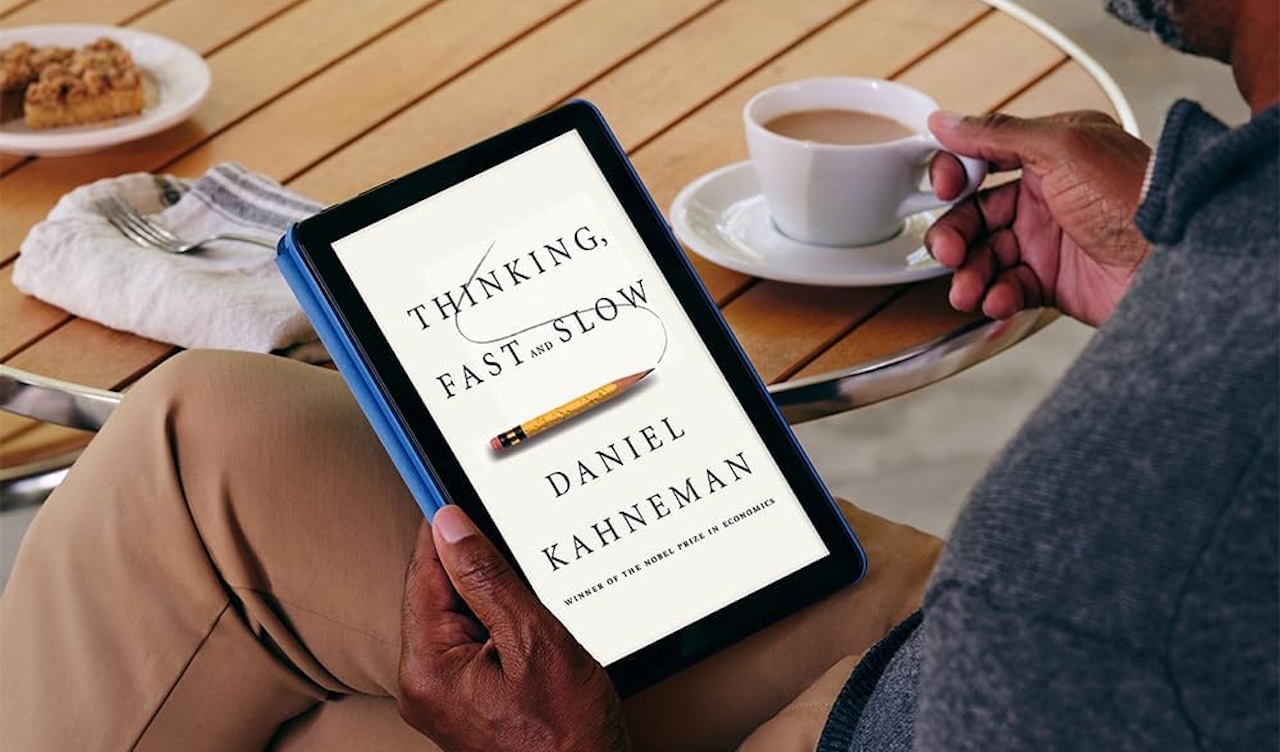
Tablet to buy: Amazon Fire HD 10 (2023). Amazon’s 13th-generation model retains its 10.1-inch 1920 x 1200 display and 32GB or 64GB storage options, but check the exact listing before buying: Amazon has updated the 32GB configuration to 4GB of RAM, while the 64GB model remains at 3GB. That 4GB version has so far turned up in only one specific variant, so the memory you end up with depends on exactly which listing you add to your cart.
The date matters. This is 2023 hardware in a 2026 buying guide, so price should play a major role in the decision. It becomes much more interesting when discounted.
Fire OS also revolves around Amazon’s ecosystem rather than the conventional Google Play Android experience. Check that the apps and services you need are available before buying.
8. Ask how long the software will last, not just how fast the processor is today
Software support may be the least exciting specification in the store and one of the most important. Tablets can remain physically useful for years because they often live gentler lives than phones. That means software support can become the limiting factor before the hardware actually stops working. This matters especially for family tablets, school devices, and anything you expect to hand down.
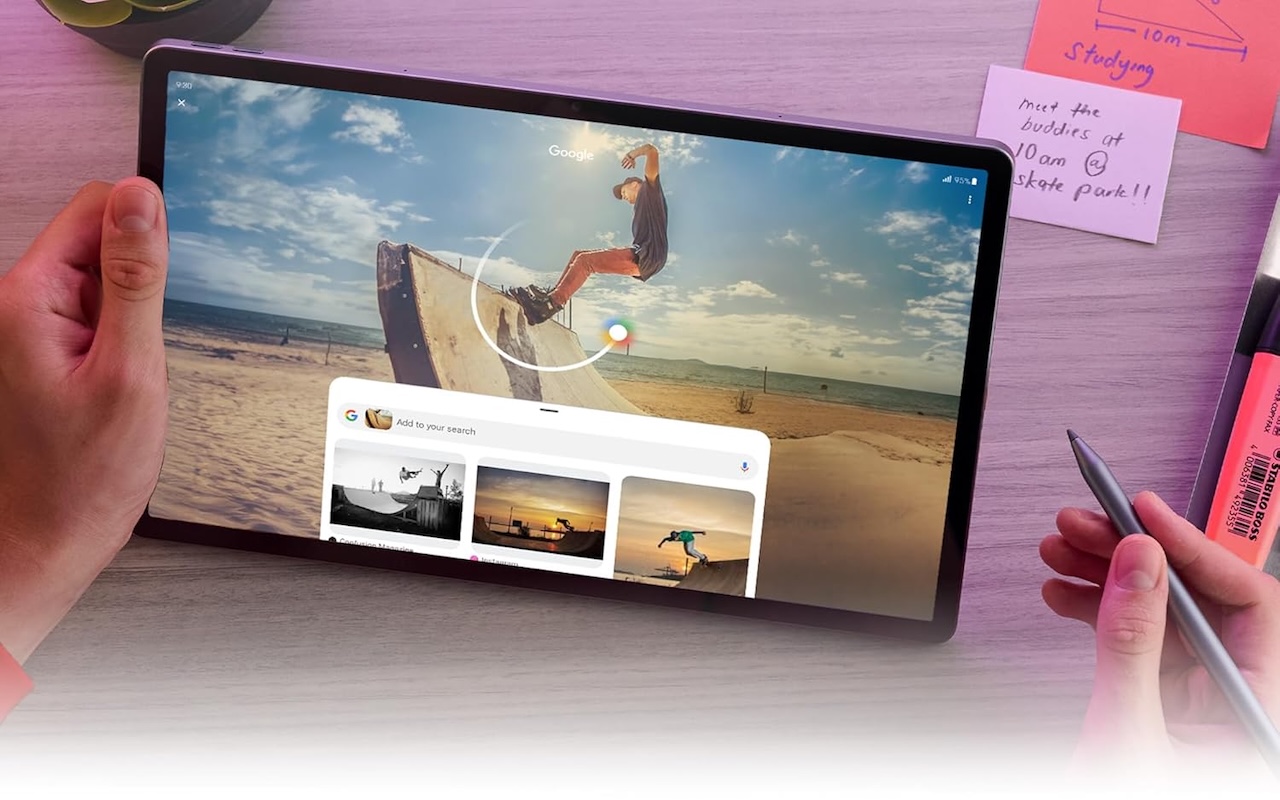
Lenovo’s support matrix lists the Idea Tab Pro as launching with Android 14, with Android 16 as its final planned OS version and security updates through January 31, 2029. That gives buyers a concrete support horizon rather than a vague reassurance. Lenovo has since added an Idea Tab Pro Gen 2 that starts on Android 16 with further upgrades planned, so check which generation a listing is actually selling before you buy for longevity.
Price: $344.99
Where to Buy: Amazon
Tablet to buy: Lenovo Idea Tab Pro. Consider it if a documented update commitment matters to you. You know what Lenovo says it intends to provide, and you can weigh that promise against whatever competing manufacturers offer when you buy.
So what tablet should you actually buy in 2026?
Don’t start by asking which tablet is “best.” Start with the problem you’re trying to solve, then work outward to the hardware that fits it.
| Your actual problem | Start with |
|---|---|
| “I just want a good tablet and don’t know where to start.” | Apple iPad (A16) |
| “I want Android and don’t want fixed storage.” | Samsung Galaxy Tab S11 |
| “I want to work on this thing.” | OnePlus Pad 3 |
| “I download everything.” | Samsung Galaxy Tab S11 |
| “I actually use a stylus.” | Samsung Galaxy Tab S11 |
| “I hate waiting for batteries to charge.” | OnePlus Pad 3 |
| “This is mostly for streaming and the couch.” | Amazon Fire HD 10 (2023) |
| “Tell me what software support you’re promising.” | Lenovo Idea Tab Pro |
There’s nothing wrong with the same tablet appearing more than once. The Galaxy Tab S11 legitimately fits buyers who care about expandable storage and stylus use. The OnePlus Pad 3’s large display and fast charging naturally put it into two different conversations. That’s more useful than forcing eight different tablets into the guide just so every row has a different logo.
More importantly, don’t let specifications convince you to buy capabilities you won’t use. Go cheaper when the workload is simple. Go bigger when you know you’ll use the workspace. Buy a stylus because you actually write or draw. Pay for storage because you need it. And if you’re planning to replace a laptop, calculate the price of the entire setup before deciding a tablet is the cheaper machine.
The best tablet in 2026 isn’t the one with the fastest chip, biggest screen, or longest feature list. It’s the one that solves your particular problem without making you pay for somebody else’s.