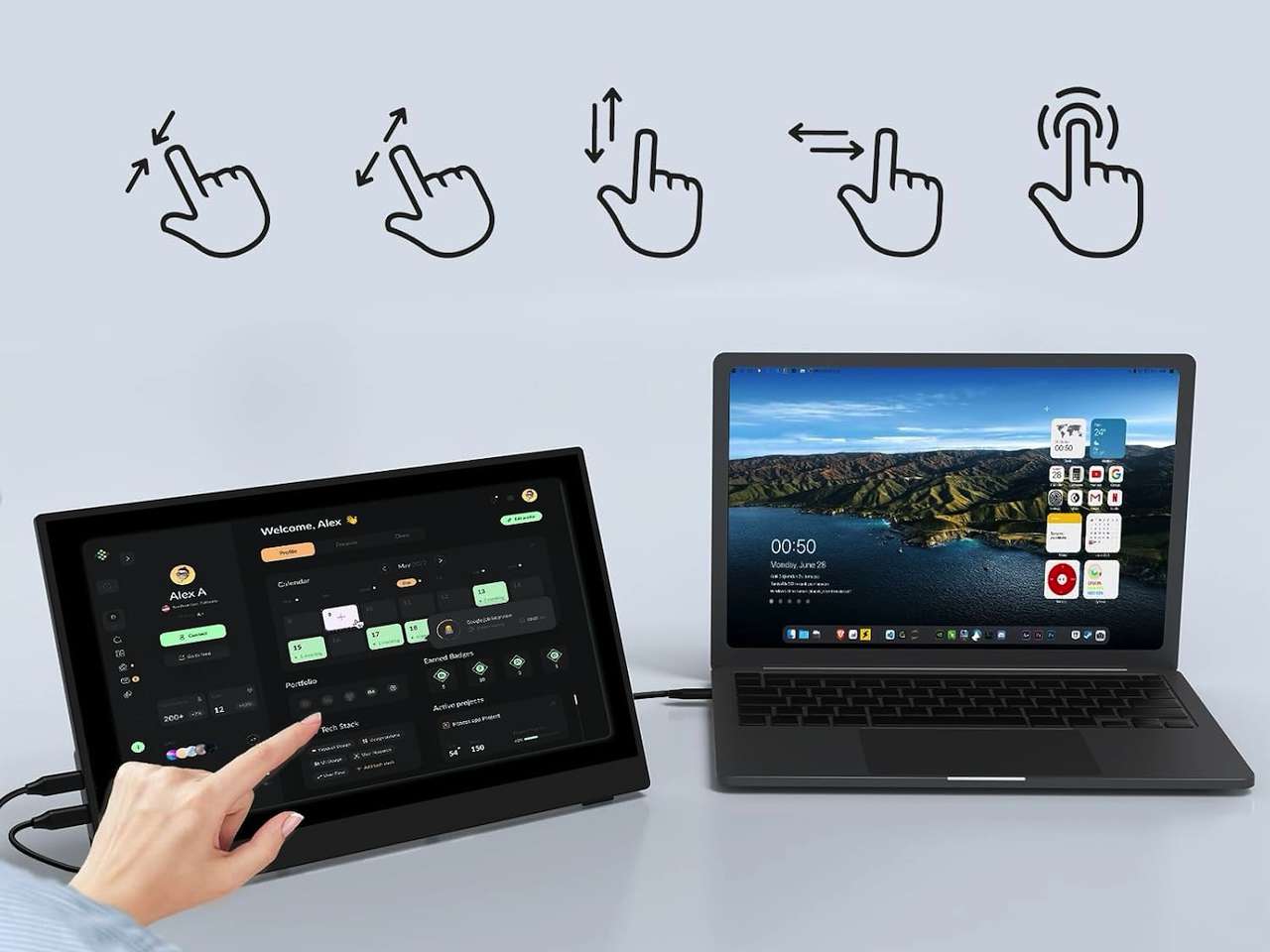
A portable monitor sounds like an easy laptop upgrade until the cable mess starts, which is where the InnoView 15.6-inch portable touchscreen monitor tries to make things simple. Some screens need separate power, some only work with the right USB-C port, and others add touch that disappears the moment you plug into the wrong device. This one is worth a look because it puts the right shopping question up front: do you want a simple second screen, or do you actually need touch?
Price: $109.99 (was $159.99)
Where to Buy: Amazon
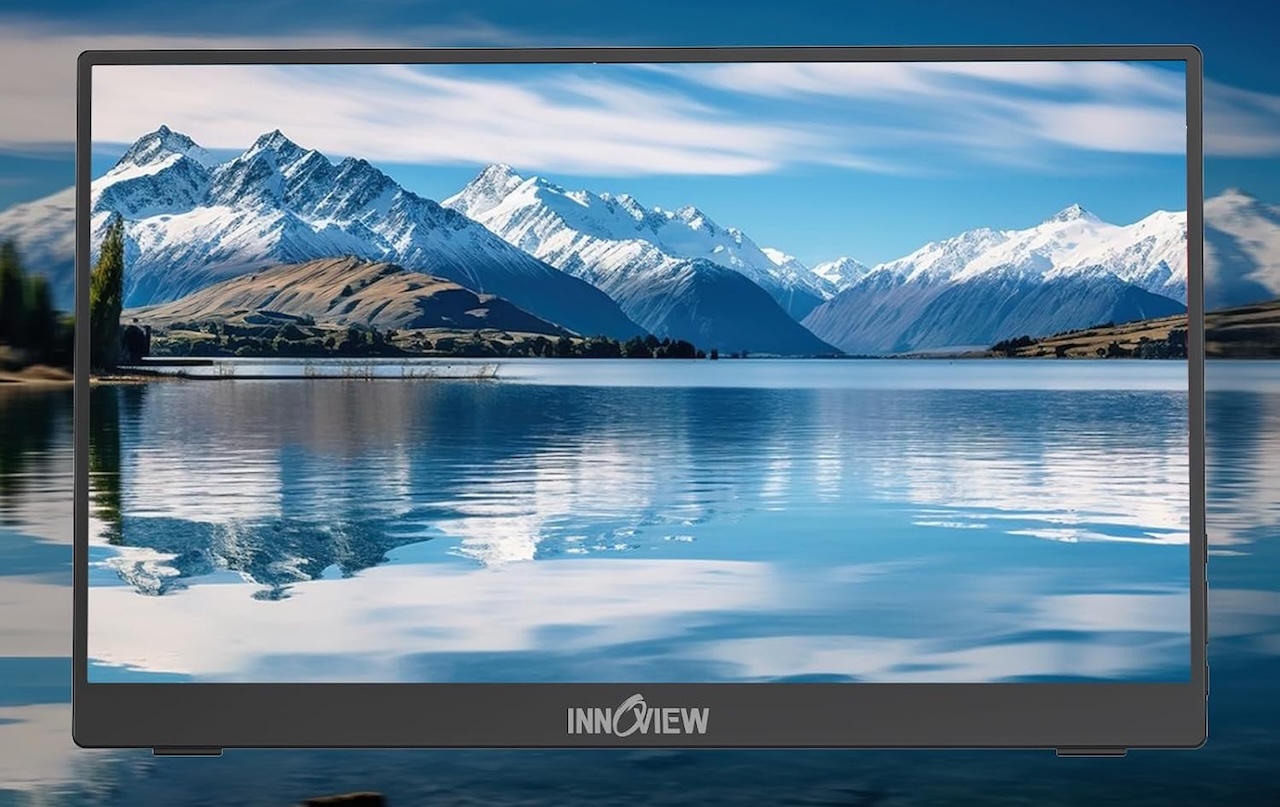
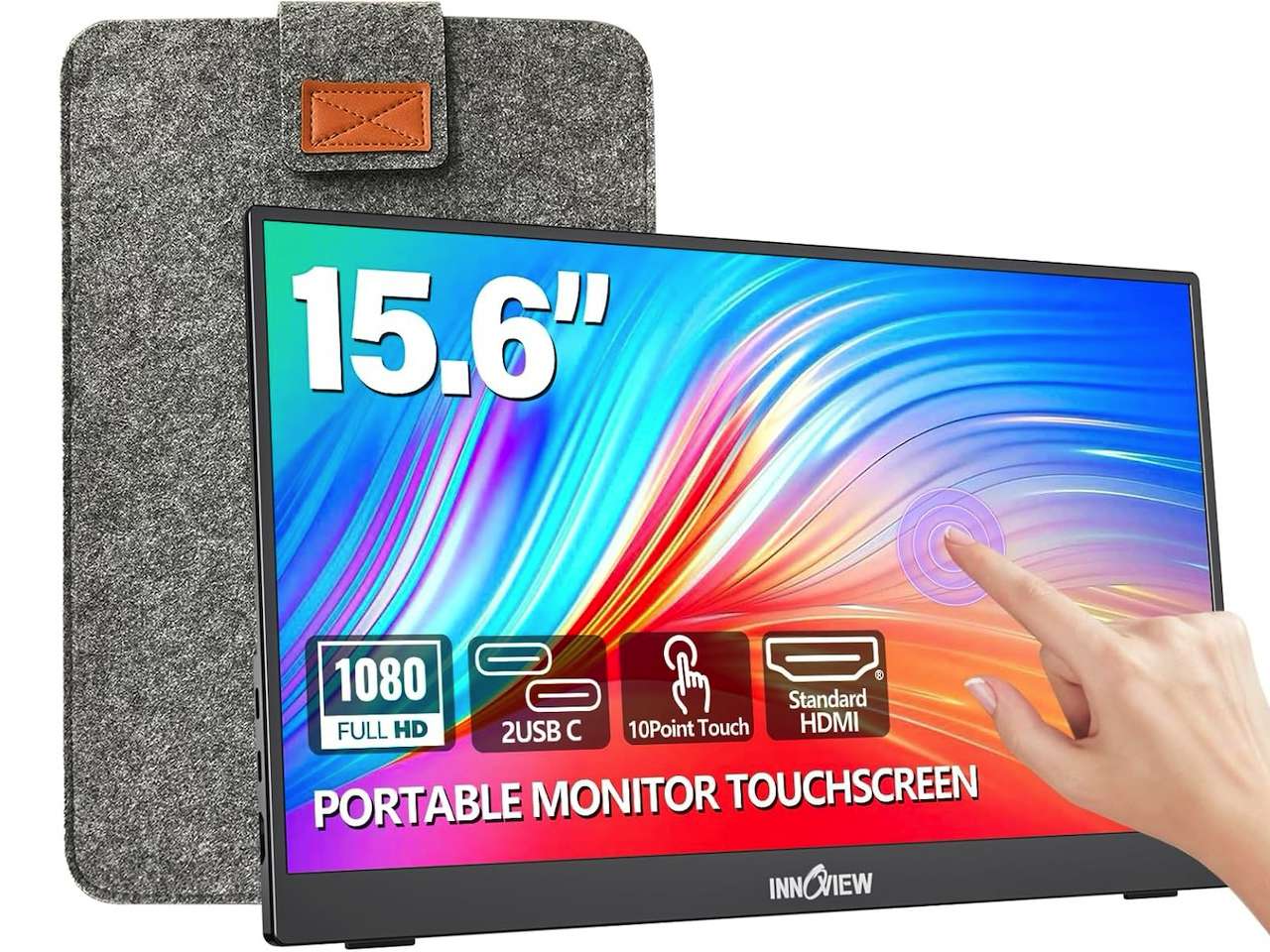
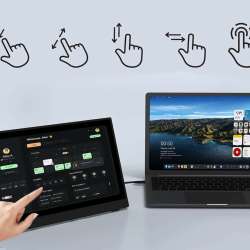
The InnoView 15.6″ Portable Monitor features a 1080p IPS panel, a 60Hz refresh rate, 300 nits of brightness, a 1200:1 contrast ratio, 10-point touch support, dual USB-C plus HDMI connectivity, a protective sleeve, and a built-in stand. It also ships with an 18-month warranty.
It isn’t a premium creator display or a do-everything touch panel. Think of it as a budget touchscreen for Windows and Mac laptops: not a stylus display, not a battery-powered untethered screen, and not an Android-phone or console monitor. Framed that way, it’s a practical travel screen for people who want more room than a laptop gives them. That’s the kind of everyday upgrade The Gadgeteer’s home office archive favors: gear that solves a daily annoyance without a whole desk remodel.
The touch feature is useful only if your setup supports it
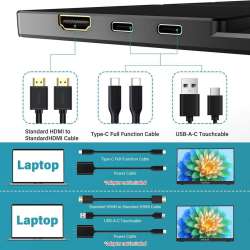
The touchscreen is the headline. InnoView says touch works through a full-featured Type-C interface, and not every USB-C port carries display, data, and power the way buyers expect. If your laptop supports Thunderbolt 3 or 4, USB4, or USB-C DisplayPort Alt Mode, you’re in better shape. Check whether your device sends power, video, and touch data over the same connection, because that detail decides whether this feels clean or fussy.
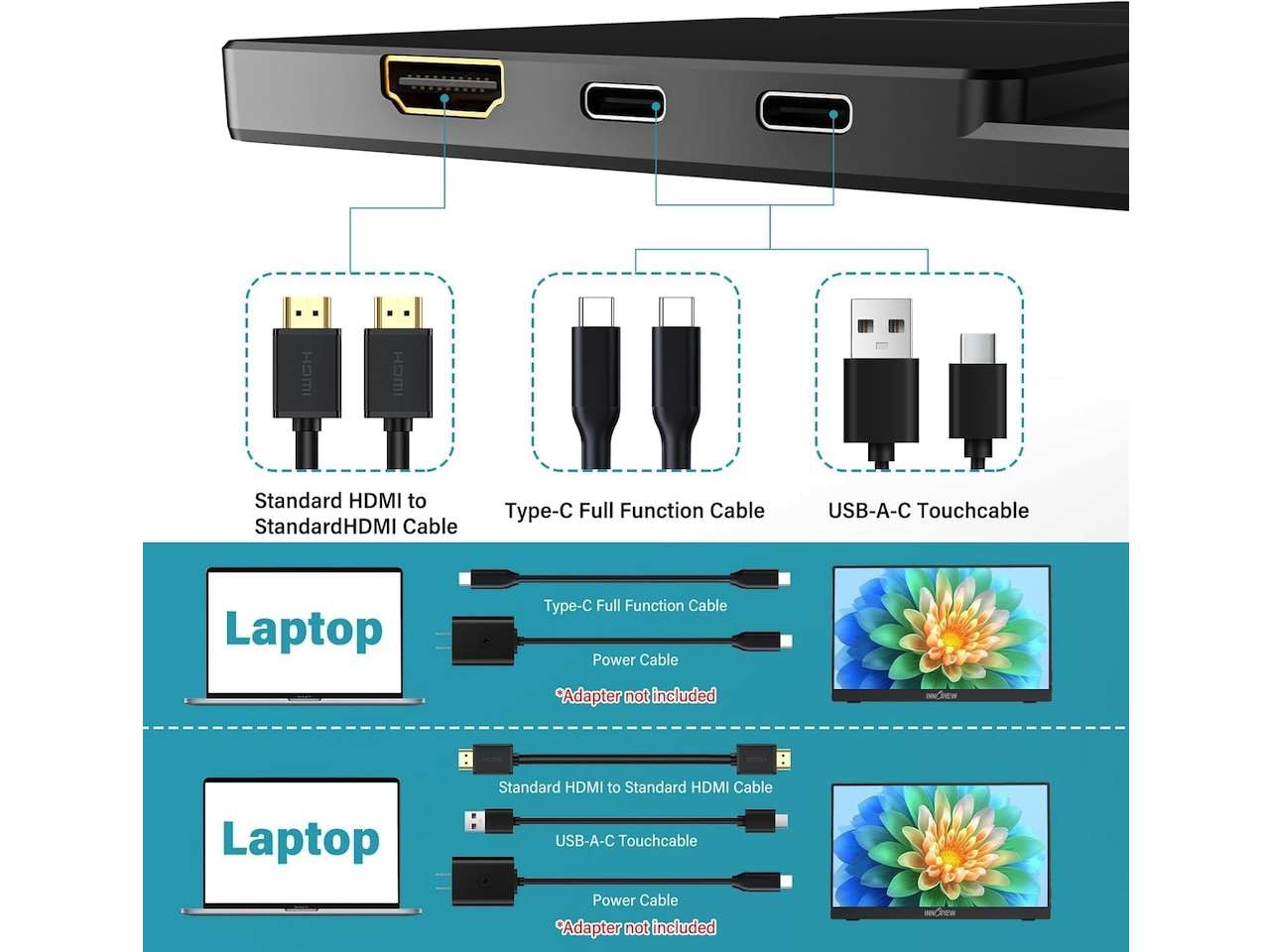
Don’t assume HDMI carries touch. HDMI sends video, not touch data, so you may need USB connected too, and some devices stay display-only. InnoView notes touch won’t work on iPhone, iPad, PS3/PS4/PS5, Nintendo Switch, Xbox, Steam Deck, or Fire TV. That’s not a deal breaker; it just means the smart buyer checks the laptop ports before hitting buy.
The size works because it stays familiar
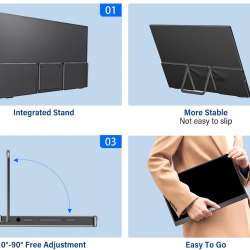
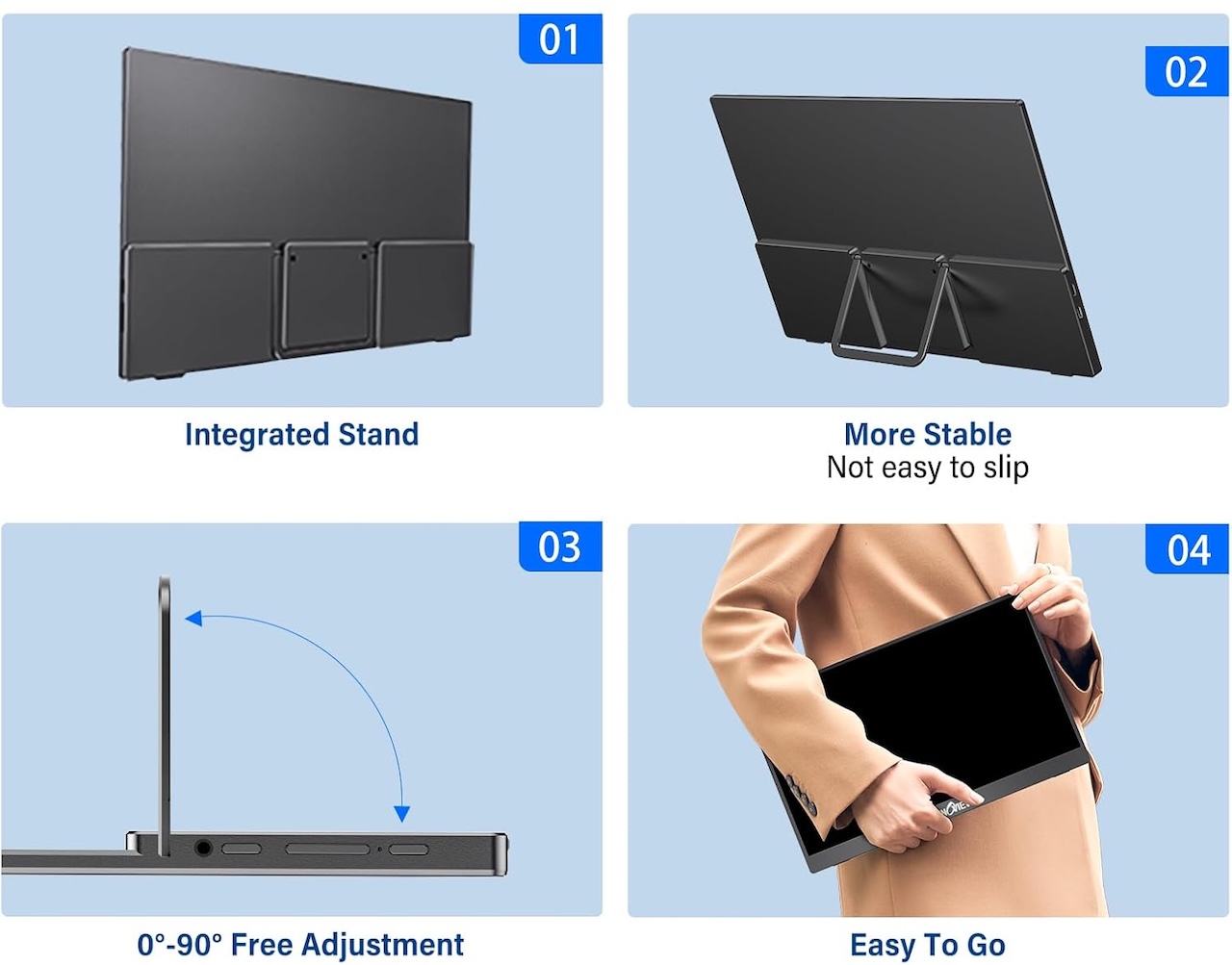 A 15.6-inch 1080p screen isn’t exotic, and that’s the appeal. It roughly matches a normal laptop display, so it feels natural beside a notebook for email and document editing, notes beside a browser, Slack beside a spreadsheet, or a handheld console on a larger hotel-room screen. The built-in stand and protective sleeve also count more than they sound: portable monitors fail the daily-use test when they need a flimsy case, an extra tablet stand, and three cables to stay upright.
Who should buy the InnoView portable touchscreen monitor
Buy it if you work from a Windows or Mac laptop and regularly wish you had one more window open. It also suits students, consultants, light-traveling creators, and anyone who works from shared spaces and wants a temporary second screen without giving up desk space. It’s a popular ask on Reddit, too, where portable touchscreen threads regularly steer people toward compact 15.6-inch models for laptop and Samsung DeX setups.
It can handle casual console or handheld gaming at 60Hz 1080p, but it isn’t for competitive high-refresh play, HDR, or color-critical editing. Skip it if you only want the cheapest screen (non-touch models cost less), if you need a pen/stylus or battery-powered display, or if you want touch on an Android phone or console. And if Mac touch is your main reason to buy, check first, since macOS touch behavior differs from Windows.
The Gadgeteer angle
Portable monitors work because they add work surface without adding furniture, which is why they keep showing up in travel, laptop, and home-office setups. The real story here is price: most name-brand touch monitors cost far more. The ASUS ZenScreen Touch runs around $328 and Lenovo’s ThinkVision M14t sits around $310, so a $109.99 touchscreen lands near the bottom of the category, matched mainly by budget rivals like UPERFECT’s 15.6-inch model at roughly $78 and Acer’s lower-rated PM161QT around $130 or less. Touch isn’t magic, so don’t buy for the novelty. Buy it because your laptop supports the connection path and you have a real use for tapping, dragging, signing, or annotating on a second display.
Price: $109.99 (was $159.99)
Where to Buy: Amazon
Final recommendation
The recommendation is narrow. The InnoView 15.6-inch Portable Touchscreen Monitor is a sensible travel-screen deal at $109.99 (down from $159.99) if your device supports the right USB-C features and you have a real use for touch; the port check decides whether it feels useful or annoying. If you just need more space, a cheaper non-touch monitor may be enough. For more compact workstation ideas, The Gadgeteer’s home office archive keeps comparing gear that has to earn space in a bag.
Frequently Asked Questions
Is a portable touchscreen monitor worth it?
If you work from a laptop and want a second window without hauling a full monitor, yes. The InnoView adds a familiar 15.6-inch 1080p work surface for $109.99 and folds into a sleeve for travel. If you only need the cheapest extra screen, a non-touch model costs less.
Does the InnoView work with an iPhone, iPad, Android phone, or game console?
It works as a display where the connection allows, but not for touch on those devices. InnoView says touch is unsupported on iPhone, iPad, PS3/PS4/PS5, Nintendo Switch, Xbox, Steam Deck, and Fire TV. Touch is supported on Windows and macOS through a full-featured USB-C connection.
Does it have a battery, and is it wireless?
No battery, and no wireless video. It connects by cable over USB-C or HDMI and draws power from your device, though InnoView recommends a 15W or higher adapter (not included) if brightness or volume runs low.