
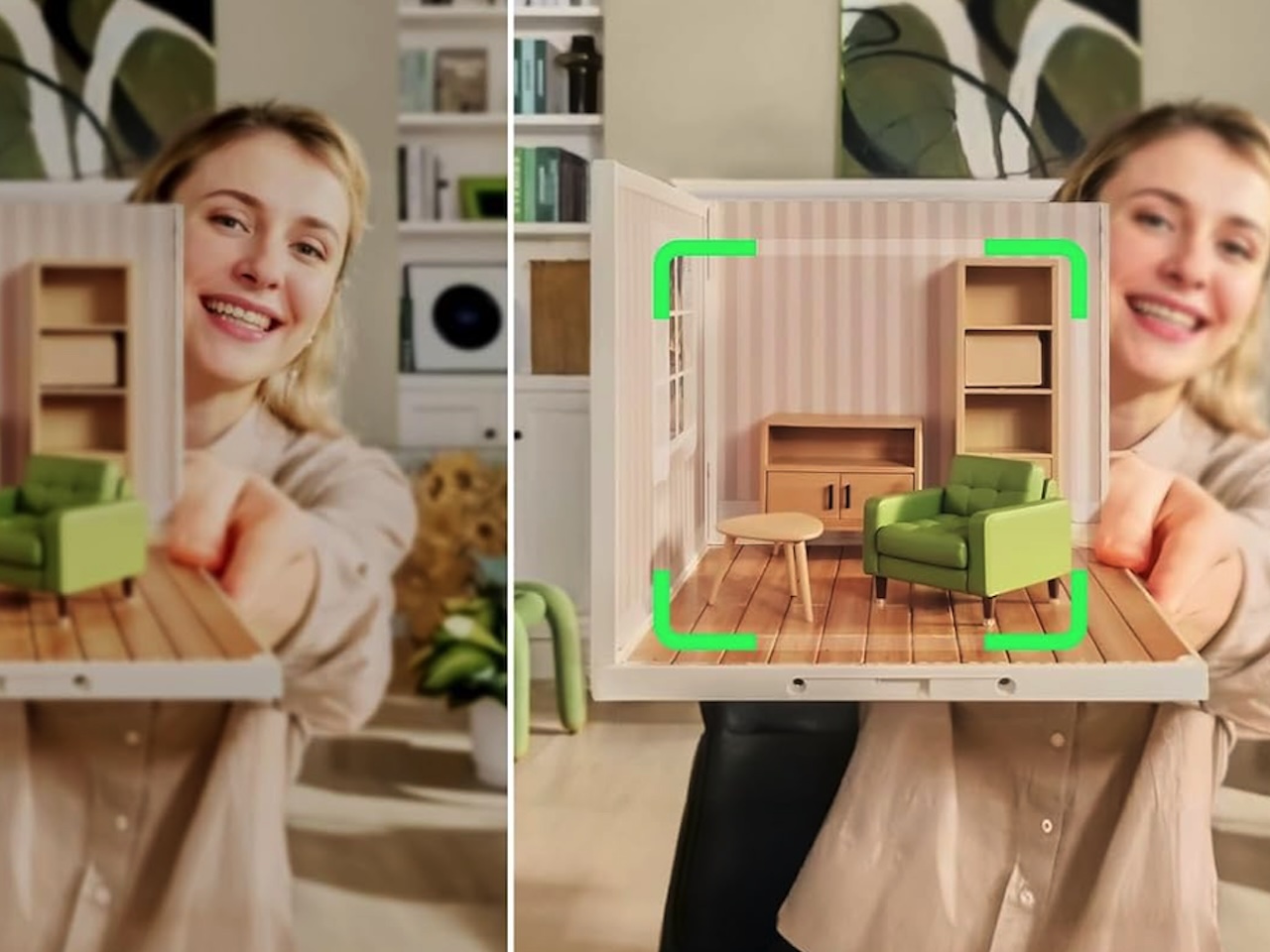
You’ve burned through enough 720p laptop cameras to know that “good enough” is the difference between a 90-minute client call and a 90-minute apology. The 2026 market has reshuffled. Logitech’s MX Brio took the premium 4K slot at $199. Insta360’s Link 2 made AI tracking usable at $200. Elgato’s Facecam 4K undercut its own Pro sibling by $100 on launch. These are six of the most-talked-about models worth considering in 2026, and one clear winner for most people. As of June 2026, this is the field.
How we picked
This guide focuses on webcams built for full-time remote and hybrid workers, not streamers. The four things that mattered most when sorting the field: picture quality at 1080p and 4K, AI tracking when you stand or turn, mic clarity on Zoom and Teams calls, and the polish of the companion software. Pricing reflects what OEMs and major retailers were charging at the time of writing and can shift by the time you click through.
At a glance: the six picks
- Logitech MX Brio 705 for Business: Best overall for working from home. $199 at Logitech and major retailers. 4K, three field-of-view presets, AI face-based image tuning.
- Insta360 Link 2: Best AI tracking under $250. $199 to $233 at Best Buy. 4K, gimbal-mounted, follows you when you stand up.
- Elgato Facecam 4K: Best 4K image quality for the price. $199.99 at Elgato. 4K/60fps, Sony STARVIS 2 sensor, manual control.
- Logitech Brio 300: Best on a tight budget. $59.99 at Logitech. 1080p, USB-C, auto light correction, and a privacy shutter.
- OBSBOT Tiny 2 Lite: Best for hybrid presenters who walk and talk. $159 to $179 at OBSBOT. 4K PTZ with on-device AI tracking.
- Razer Kiyo Pro Ultra: Best for low-light home offices. $299 to $400 at major retailers. Sony STARVIS 2 IMX585, 2.9μm pixel pitch, f/1.7 lens.
1. Logitech MX Brio 705 for Business: Best overall for working from home
Price: $199.99
Where to Buy: Amazon
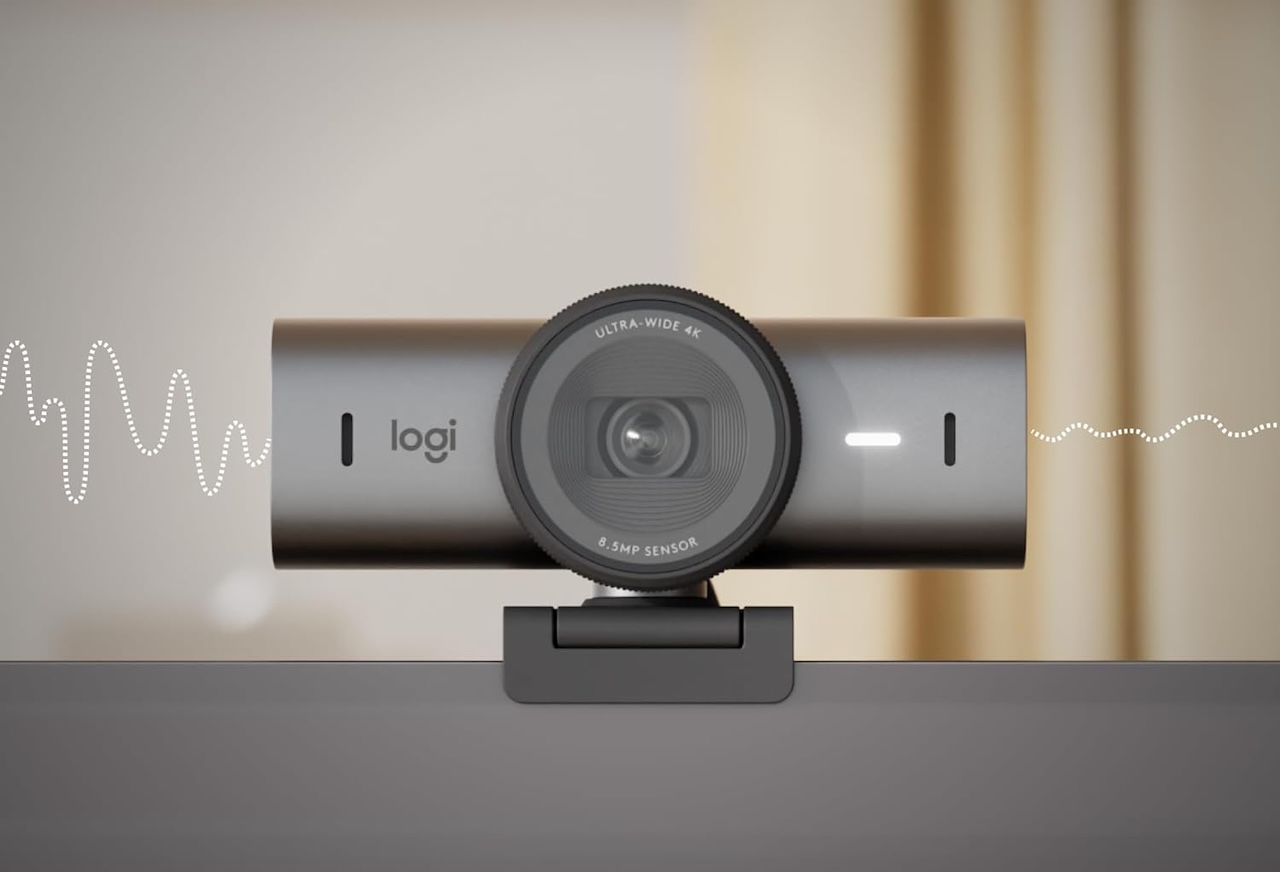
You open the laptop at 8:55 a.m., join the standup, and the picture still looks like a 2014 FaceTime call. That’s the problem the MX Brio 705 solves. The webcam shoots 4K at 30fps and 1080p at 60fps, lets you pick from 90°, 78°, or 65° fields of view, and uses AI face-based adjustments to keep you exposed properly when the morning sun moves across the room.
In real-world use, the MX Brio 705 is the rare premium webcam that does not feel precious. RightLight 5 handles the backlit scenario that sinks most built-in laptop cameras. Show Mode tilts the camera down to your desk with a one-finger flip. The dual beamforming mics are not going to win audio awards, but for a one-on-one with a manager they are more than acceptable. Physical privacy shutter is a small touch that matters more than it sounds on a $199 webcam.
2. Insta360 Link 2: Best AI tracking under $250
Price: $199.99
Where to Buy: Amazon
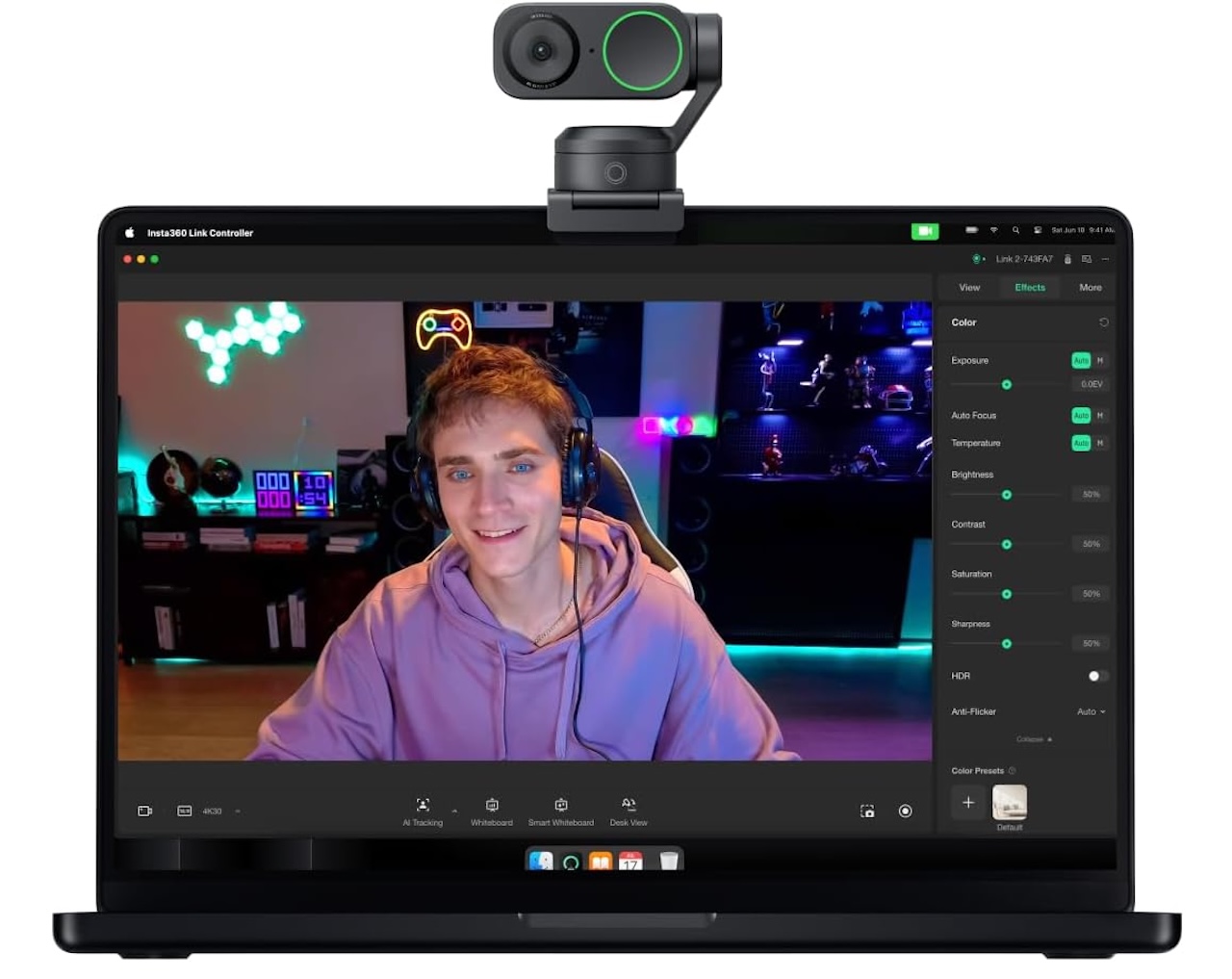
The Insta360 Link 2 looks like a small desk robot, which is the point. The 2-axis gimbal pans and tilts to follow you when you stand up to grab a marker, when you turn to a whiteboard, or when you shift in your chair. The AI tracking is smooth enough that it does not feel like a head-locked follow-cam. It feels like a camera operator.
The sensor is a 1/2-inch type that pulls in a surprising amount of light. Resolution tops out at 4K, with HDR support. Gesture control works once you learn the small set of hand signals. The built-in mic uses AI noise canceling that helps if you take calls from a coffee shop. If your day involves more than sitting still in a fixed chair, this is the webcam that finally makes “walk-and-talk” feel natural on a video call. Insta360 also launched the Link 2 Pro in January 2026 at $249.99 with a larger 1/1.3″ sensor (the Link 2C Pro is the gimbal-free $199.99 sibling); it’s the upgrade pick if your budget stretches.
3. Elgato Facecam 4K: Best 4K image for the price
Price: $199.99
Where to Buy: Amazon
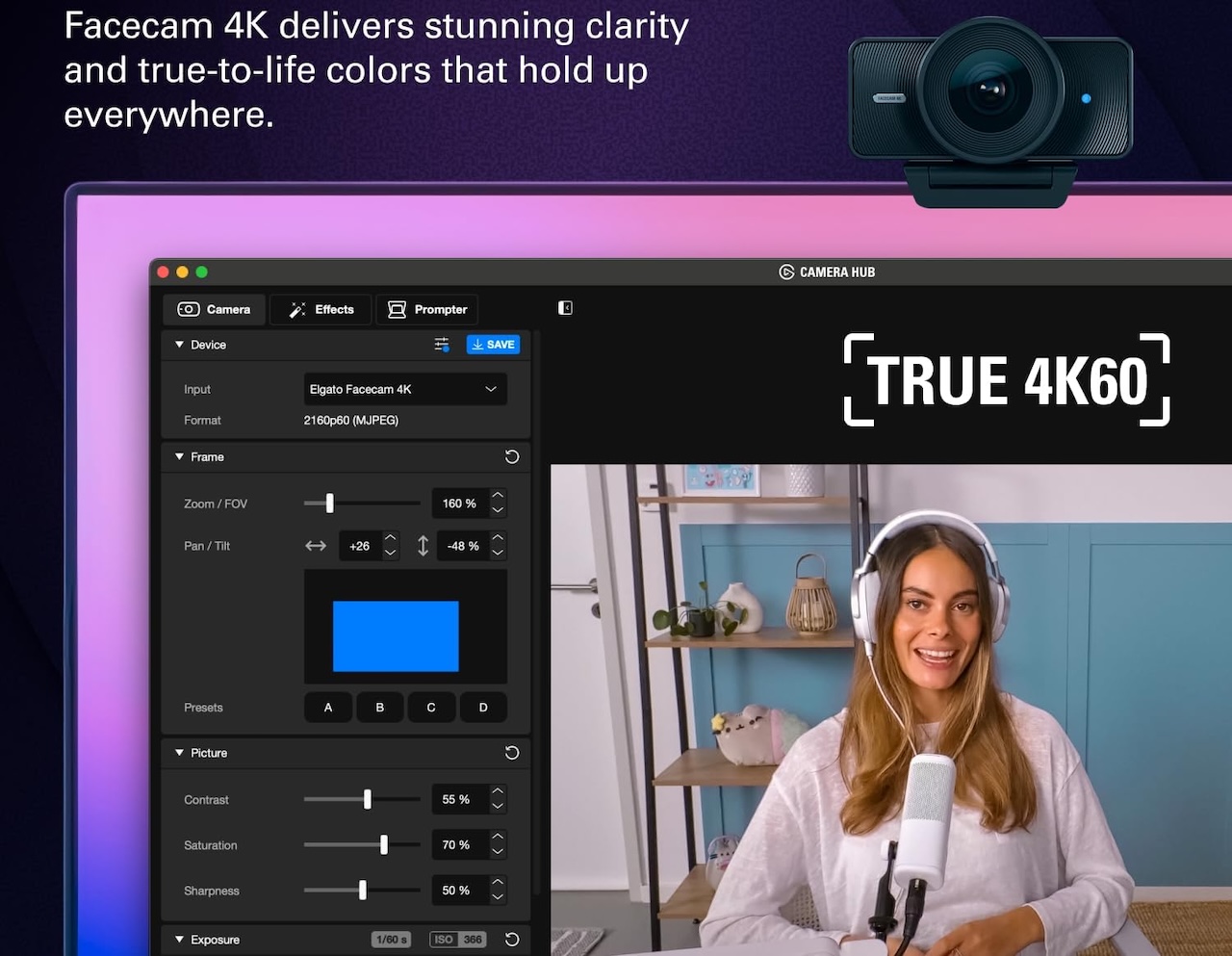
Most 4K webcams in 2024 and 2025 still capped at 30fps. The Elgato Facecam 4K records at 4K and 60fps, which is the difference between a video call that looks like a video call and one that looks like a stream. The Sony STARVIS 2 CMOS sensor handles low light better than its predecessor, and the manual controls through the Elgato Camera Hub software are the kind of feature that streamers and Twitch professionals care about.
If you have ever thought about dialing in your own focus, white balance, and exposure, the Facecam 4K is the webcam that gives you the controls. For most people on a normal Zoom call, the auto mode is fine, and the HDR mode helps when you have a window behind you. The thing the Facecam 4K does not do is track you. This is a fixed-frame camera for people who sit in one place and want the cleanest possible picture.
4. Logitech Brio 300: Best on a tight budget
Price: $46.99 (From $59.99)
Where to Buy: Amazon
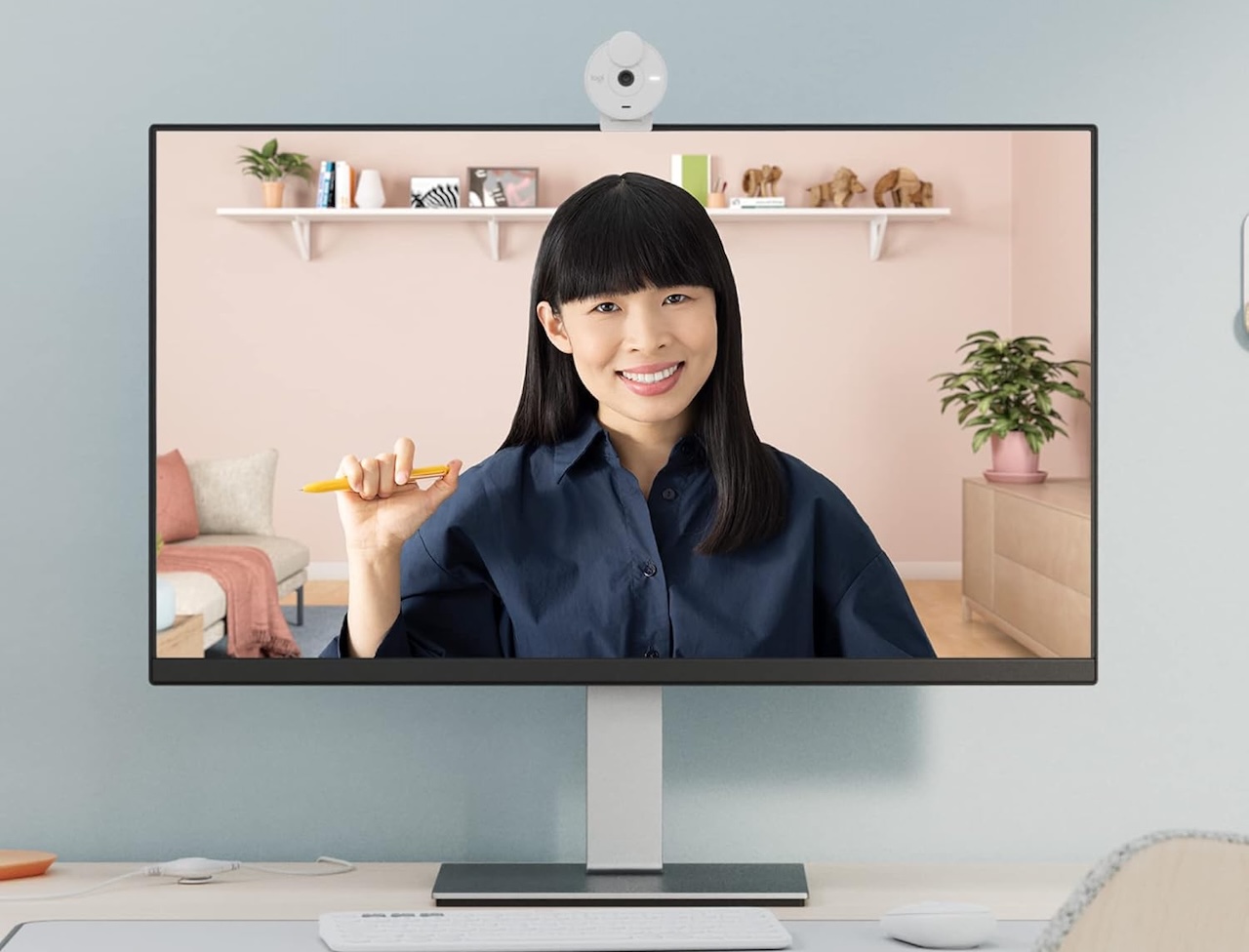
For most of the last decade, the safe recommendation for a sub-$100 webcam was a $40 off-brand 1080p. That recommendation is no longer correct. The Logitech Brio 300 ships at $59.99 with 1080p resolution, a 70° field of view, auto light correction, a noise-reducing mic, and a privacy shutter. The build quality feels closer to a $100 webcam than the $59.99 price tag suggests.
The Brio 300 is a 1080p webcam in a year when most flagship picks are 4K. That is the trade. You give up the resolution and the AI tracking and the wider field of view, and you get a webcam that works, that looks better than 95 percent of laptop built-in cameras, and that costs less than dinner. If you spend most of your calls in good lighting and you do not need the bells and whistles, this is the right pick. If you can live with 720p and a narrower 58° field of view, the Logitech Brio 100 drops the price to around $36, but the step down in resolution is real, and the Brio 300 stays the right call for most people.
5. OBSBOT Tiny 2 Lite: Best for hybrid presenters who walk and talk
Price: $159 (From $179)
Where to Buy: Amazon
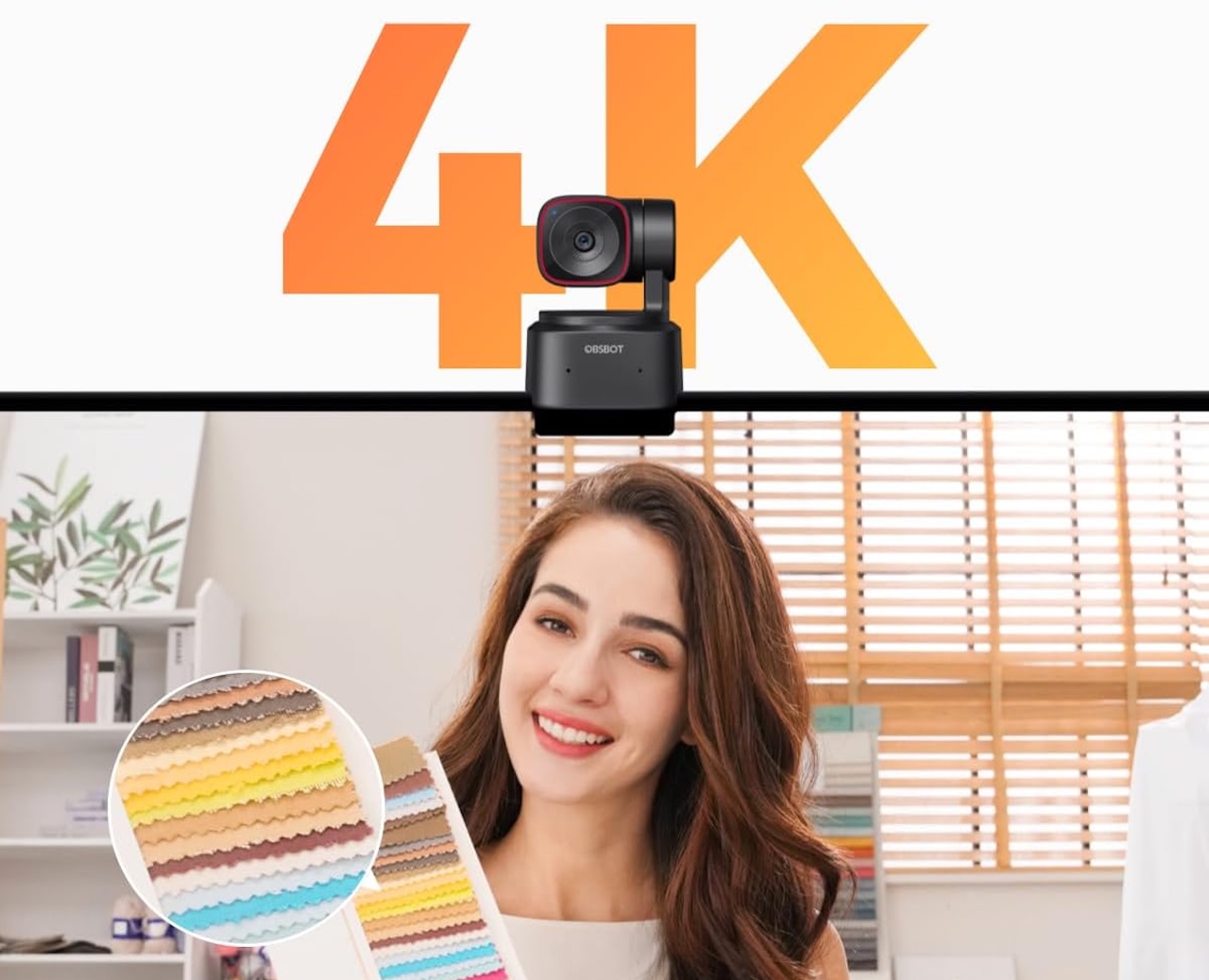
The OBSBOT Tiny 2 is a small AI-tracking camera that sits on a motorized base. The Lite version keeps the 4K resolution and the AI tracking and drops the price from the Tiny 2’s $299 launch to $159 to $179. OBSBOT released the Tiny 3 in January 2026 at $349 with a larger 1/1.28″ sensor and a tri-mic array, plus a Tiny 3 Lite at $199; the Tiny 2 Lite remains the best value pick if you don’t need the latest sensor. It uses a 1/2-inch sensor, supports HDR, and pans and tilts on two axes to follow you. The on-device AI means the tracking works without a software client running.
The Tiny 2 Lite is the pick if you teach, present, or run workshops from your desk and you want the camera to keep you framed even when you move. Gesture control lets you start and stop tracking without touching the camera. The audio is a known weak spot. If the call matters, use a separate mic. The Tiny 2 Lite is a camera first, and a really good one at $159 to $179.
6. Razer Kiyo Pro Ultra: Best for low-light home offices
Price: $399.99
Where to Buy: Amazon
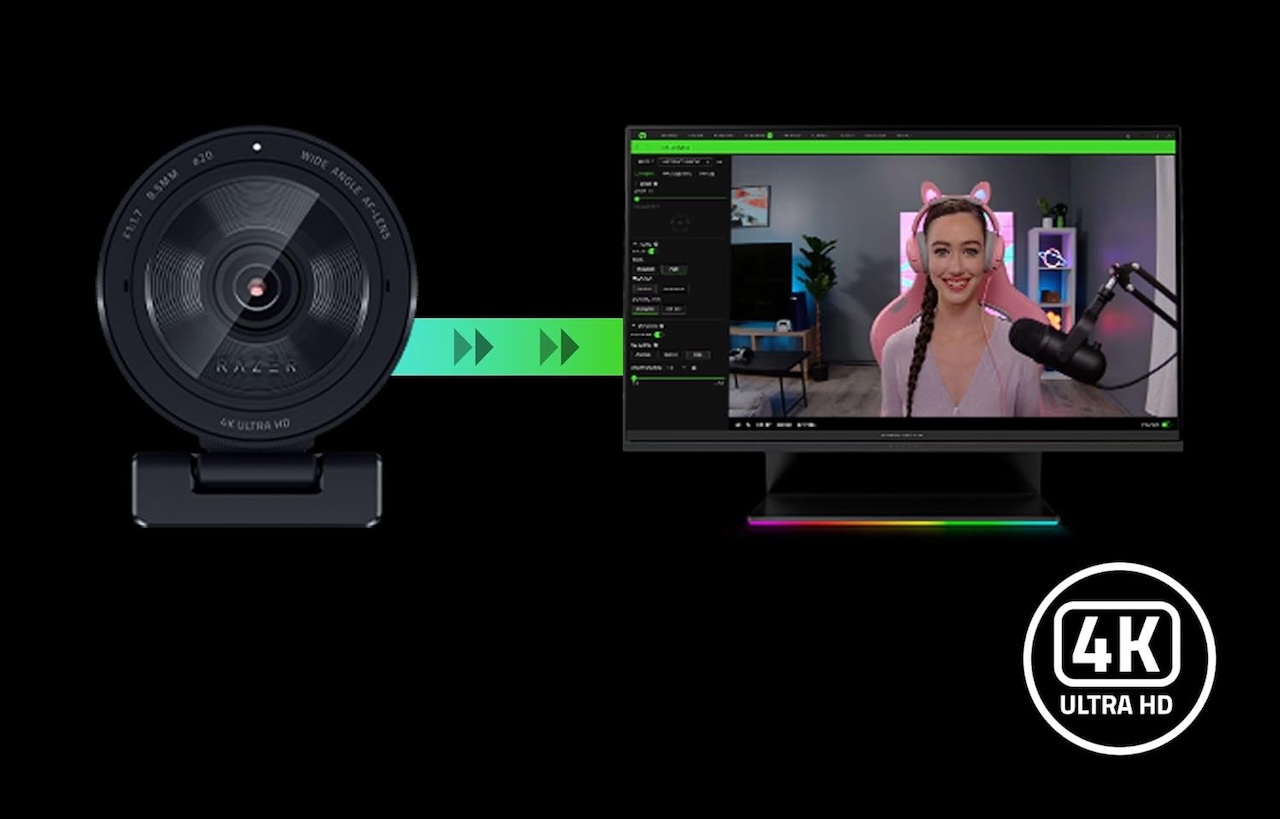
Most webcams make a home office at night look like a cave. The Razer Kiyo Pro Ultra does not. The Sony STARVIS 2 IMX585 sensor has a 2.9μm pixel pitch and an f/1.7 lens, and the result is the cleanest low-light image we have seen from a webcam in 2026. The resolution caps at 4K/30fps, and 1080p runs up to 60fps. Razer Synapse software gives you manual control over ISO, shutter, and white balance.
This is also the most expensive webcam in this guide. The Kiyo Pro Ultra launched at $299.99 in 2023, and pricing in 2026 has crept up to $400 in some retail channels. If you do not have a low-light problem, there are better values. If you do, this is the one that solves it.
What to look for in a 2026 work-from-home webcam
Resolution: 1080p is the new baseline, 4K is the upgrade. Most video calls still cap at 1080p on the receiving end, but a 4K sensor gives you digital zoom and headroom if you ever want to crop or pan in post.
AI tracking: only worth paying for if you actually move. The Insta360 Link 2 and OBSBOT Tiny 2 Lite are at their best when you stand up, turn around, or move around a whiteboard. If you sit in a fixed chair, you are paying for a feature you will not use.
Microphone quality: assume it is bad, plan around it. Every webcam in this guide has a usable mic for an emergency, but none of them is the right answer if you take a lot of calls. A $30 USB mic will outperform every webcam mic on the market. The webcam is for the picture.
Mount and cable: USB-C is the answer in 2026. Every pick in this list uses USB-C. Check the cable length and the mount before you buy. A webcam that does not fit your monitor or your desk is the wrong webcam, no matter the sensor.
Software: do not sleep on it. Logi Tune (Logitech), Elgato Camera Hub (Elgato), Insta360 Link Controller, OBSBOT Center, and Razer Synapse are all worth installing. They unlock the manual controls and the AI tuning that you paid for.
The bottom line
For most people, the Logitech MX Brio 705 for Business at $199 is the best webcam for working from home in 2026, balancing 4K image quality, AI face-based tuning, dual beamforming mics, and a built-in privacy shutter. If your day involves standing up or moving around the desk, the Insta360 Link 2 at $199 to $233 is the better pick. If you want the cleanest 4K image and you do not need tracking, the Elgato Facecam 4K at $199.99 is it. If $59.99 is the budget, the Logitech Brio 300 is the answer and it has been the answer for most of the last decade. If you teach, present, or run workshops, the OBSBOT Tiny 2 Lite at $159 to $179 gives you AI tracking without the $300 price tag. If your home office is dim and you cannot fix the lighting, the Razer Kiyo Pro Ultra is the only one of these that solves it.
The one to skip: the Elgato Facecam Pro. At $299.99 it uses an older Sony STARVIS sensor than the $199.99 Facecam 4K, which moved to STARVIS 2, with a less mature feature set. Spend the $100 you save on a better mic.
Auto Amazon Links: No products found.

Gadgeteer Comment Policy - Please read before commenting
You missed the Insta360 Link 2 Pro. I have the Brio MX 4K 705 and the Instra360 Link 2. The Insta360 Link 2 Pro is the best, followed by the Insta360 Link 2, and then a distant third is the Logitech Brio MX