Editor’s quote
One less box and cable to remember before CES.

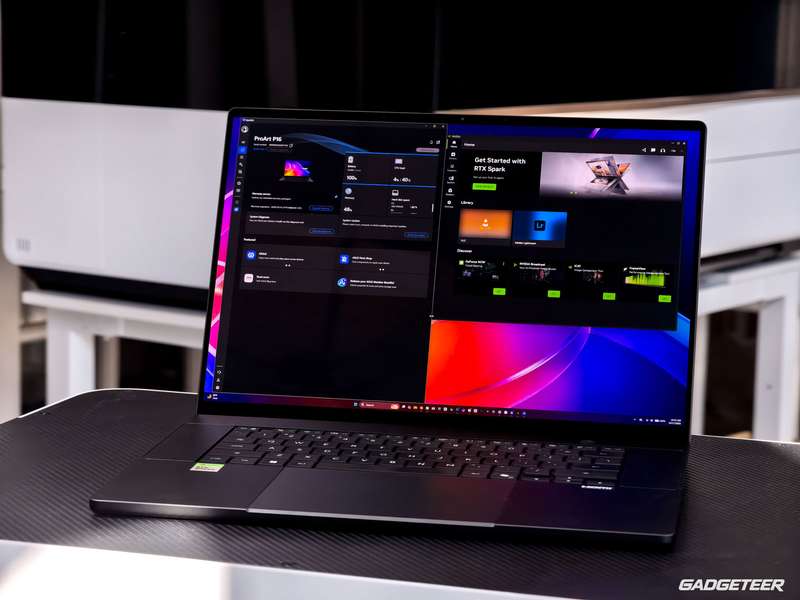
I’d been putting off adding a second SSD. Then local AI models, projects and original video footage left about 246GB free on the 2TB drive in my ASUS ProArt P16. With CES coming up, I wanted room for new work, not another evening deciding what to remove.
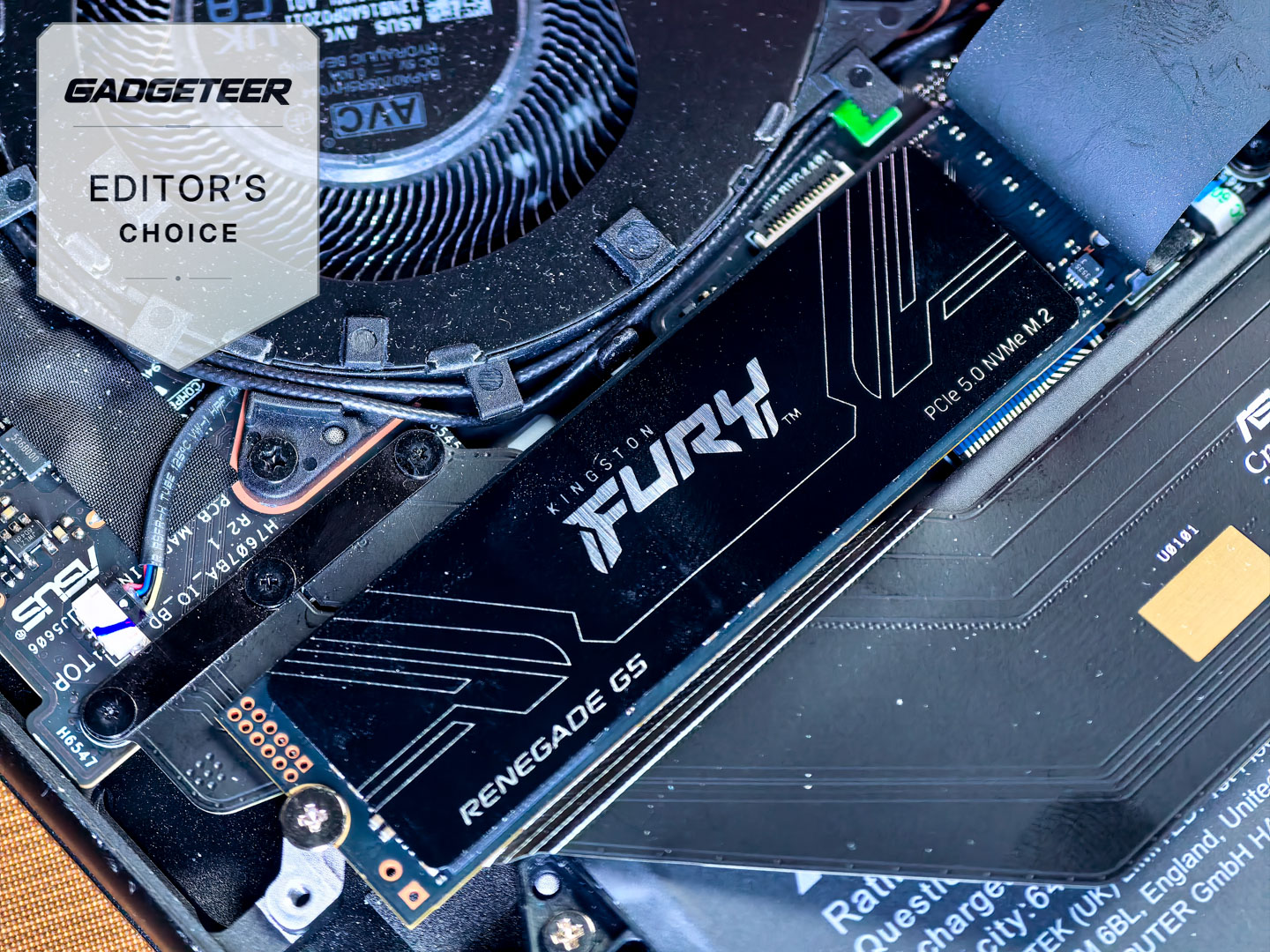
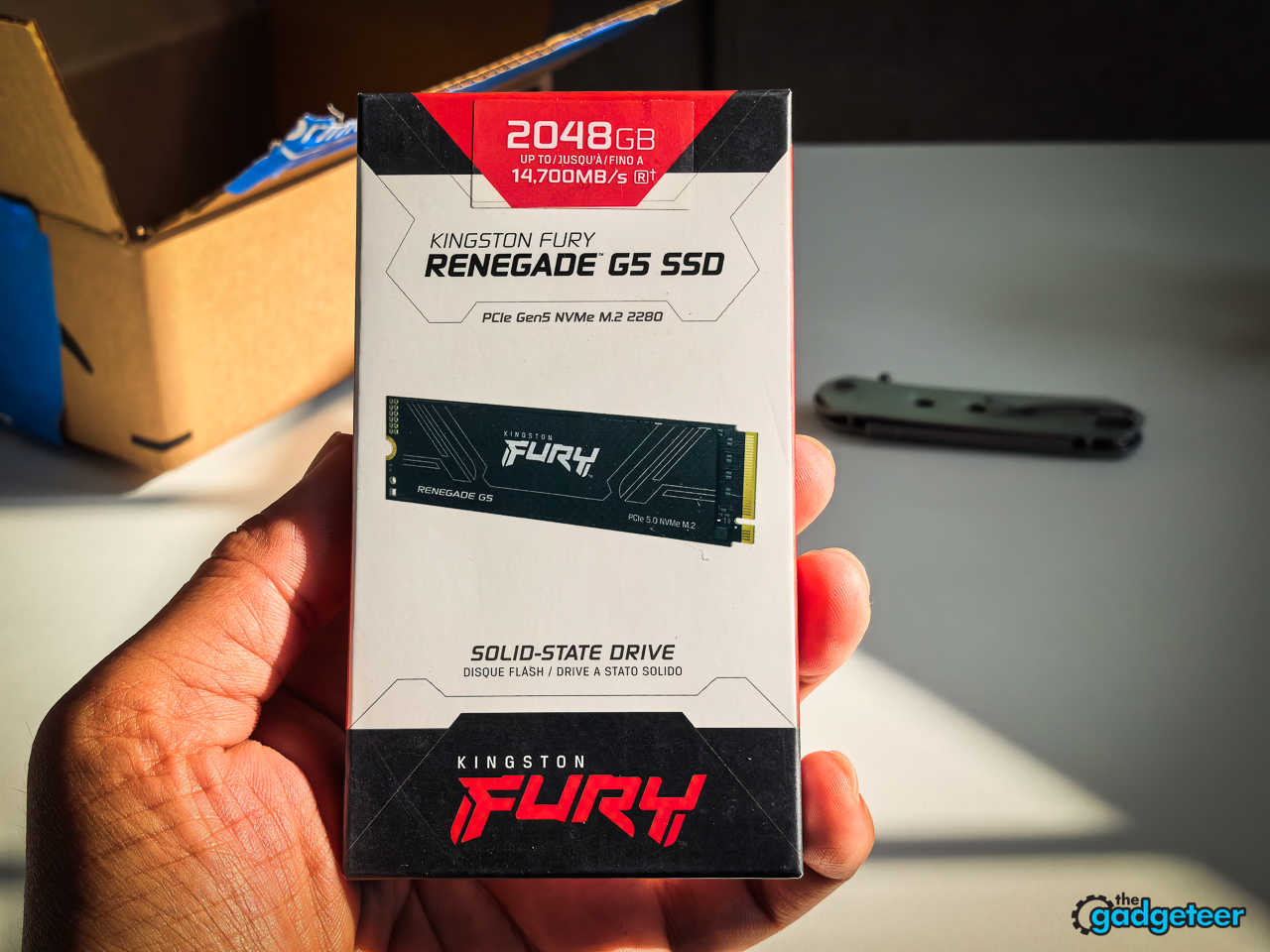
I already had the answer: the 2TB Kingston FURY Renegade G5 I’d used in an external HyperDrive dock for my earlier review with a MacBook Pro. Inside the P16, that storage comes with me when I pick up the laptop.
What is it?
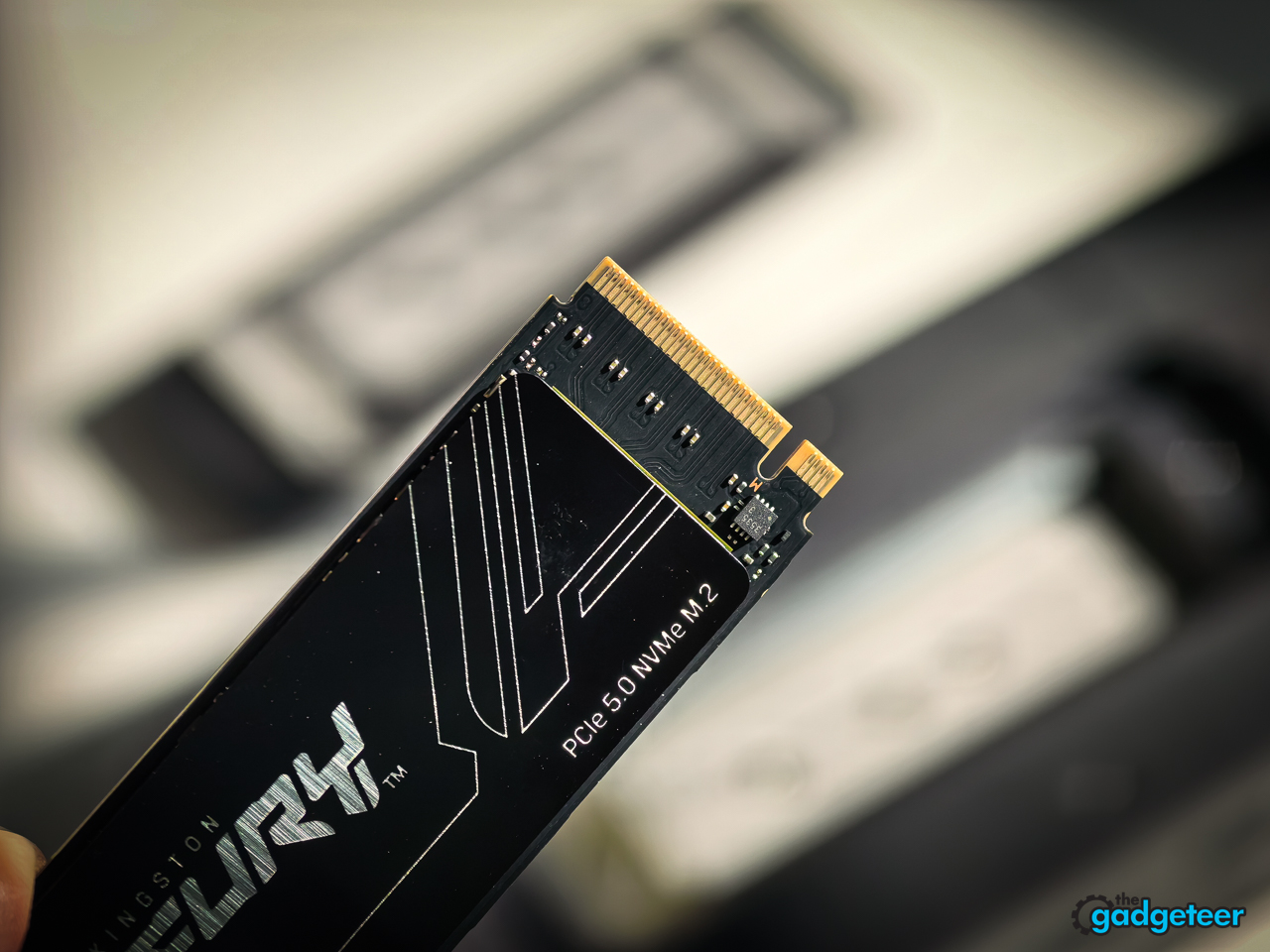
The FURY Renegade G5 is Kingston’s PCIe 5.0 ×4 NVMe SSD. My 2048GB version is model SFYR2S/2T0, a single-sided M.2 2280 drive measuring 80 × 22 × 2.3mm. The drive uses TLC flash and a DRAM cache, with a 2,000TB written endurance rating for this capacity. The warranty is limited to five years or the specified usage limit, whichever comes first.
Its advertised sequential speeds are up to 14,700MB/s read and 14,000MB/s write for this exact 2TB model. Those figures come from Kingston’s test platforms; the results below come from my laptop.
From a MacBook sidecar to an internal drive
I removed the Kingston from the dock and formatted it as NTFS for the ProArt.
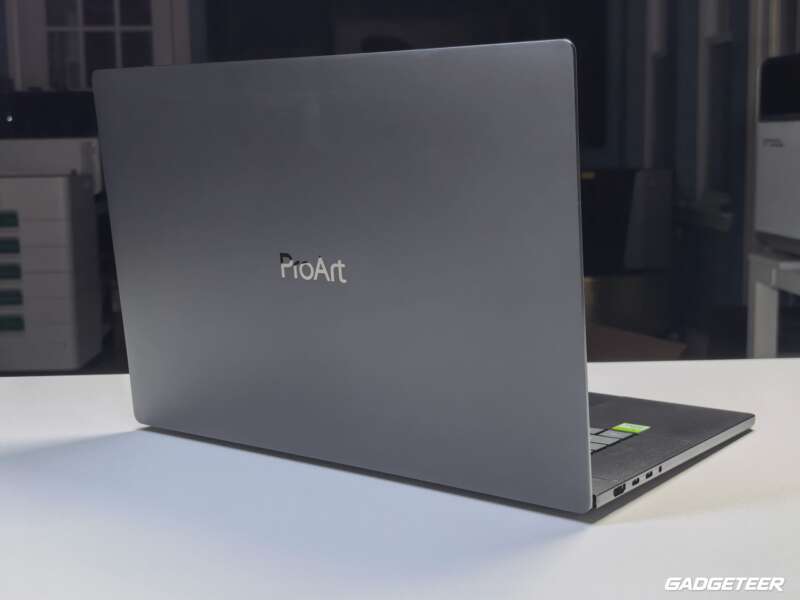
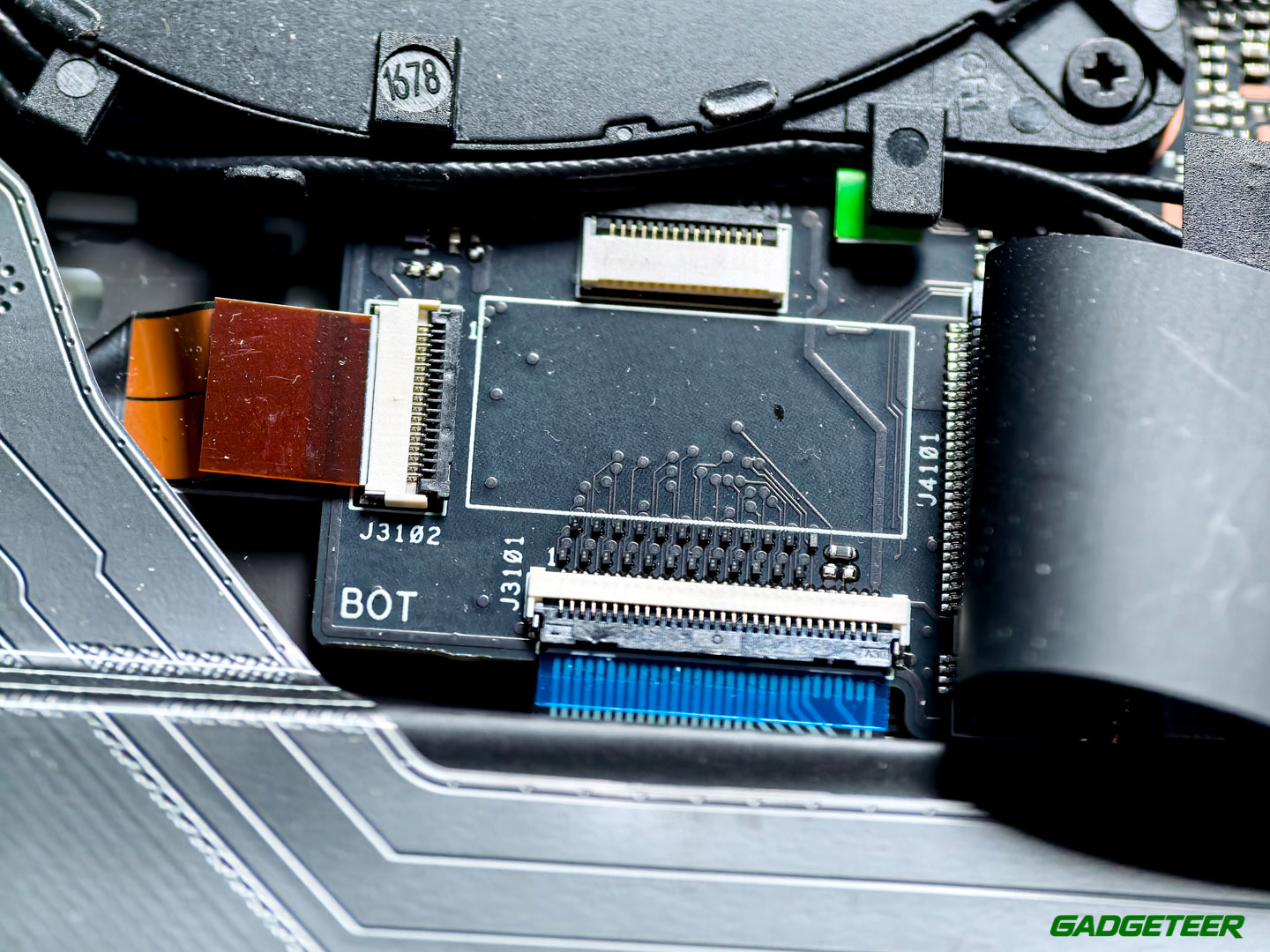
My laptop is the H7607BA version of the ASUS ProArt P16, with NVIDIA’s RTX Spark N1X. Its existing SanDisk PC SN5100S system drive stays in place.
Where my 2TB went
The models were only part of the storage squeeze. A separate shared collection of 12 model files occupied about 147GB. Project workspaces took roughly 566GB, original video another 442GB, and Downloads about 72GB. Those separate folders aren’t a complete storage breakdown, and the project figure includes more than model weights.
I also found a duplicate AI model taking up another 16.54GB. Other files only looked like duplicates, so I checked them before deleting anything.
Getting Windows to see it
The Kingston didn’t initially appear in Windows Disk Management, although BIOS listed both drives at 2048.4GB. It appeared as D: when I returned to Windows. I haven’t established why it was missing at first.
The Kingston’s read speeds in the P16
The factory SanDisk SN5100S 2TB family is a PCIe 4.0 ×4 QLC drive, rated for up to 7,300MB/s reads and 6,700MB/s writes. The Kingston brings a Gen5 TLC design to the comparison.
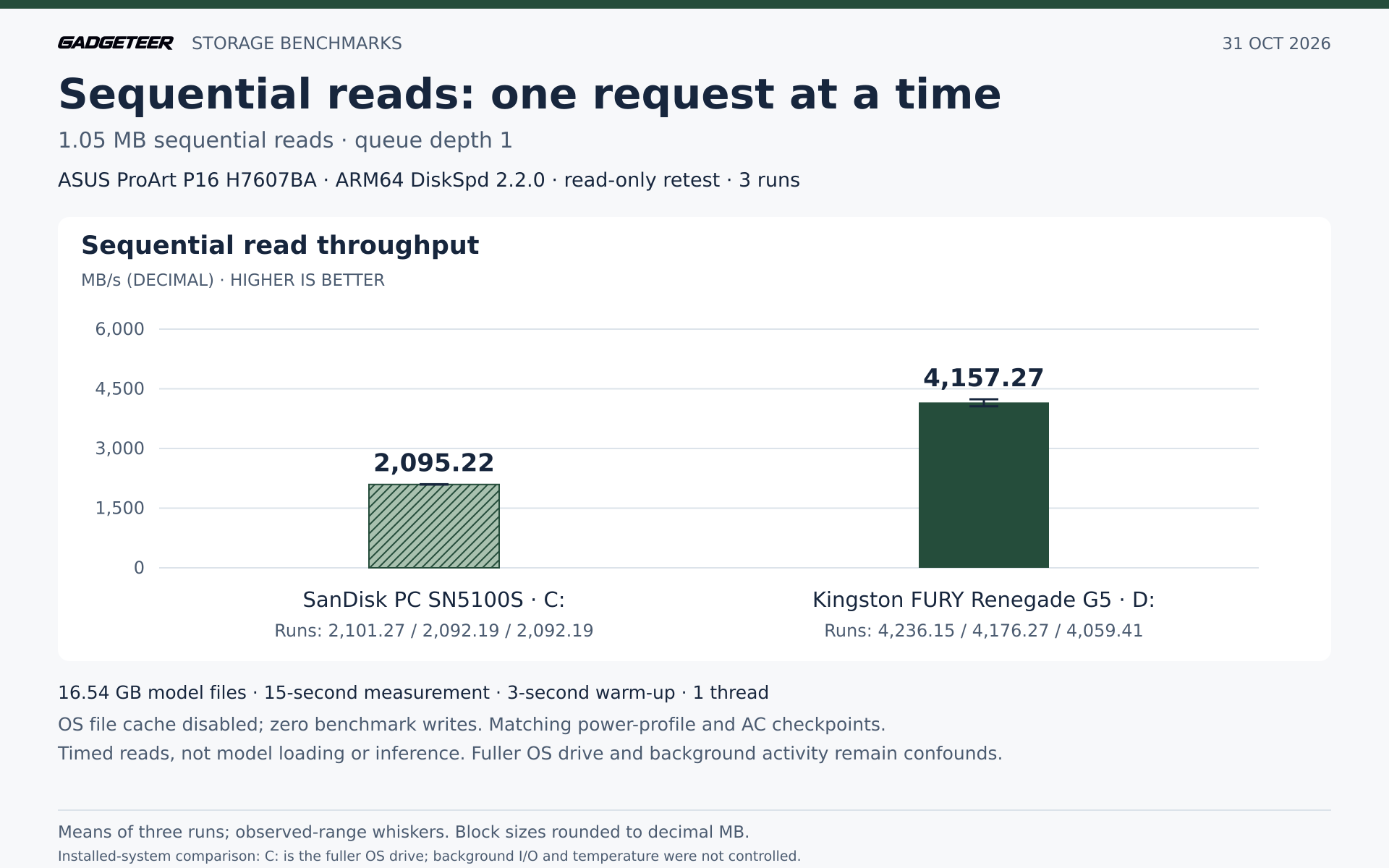
I tested matching copies of an actual 16.54GB Qwen model file, with three runs per drive in each workload. With one sequential-read request outstanding, the Kingston averaged 4,157.27MB/s versus 2,095.22MB/s for the SanDisk, nearly twice the throughput.
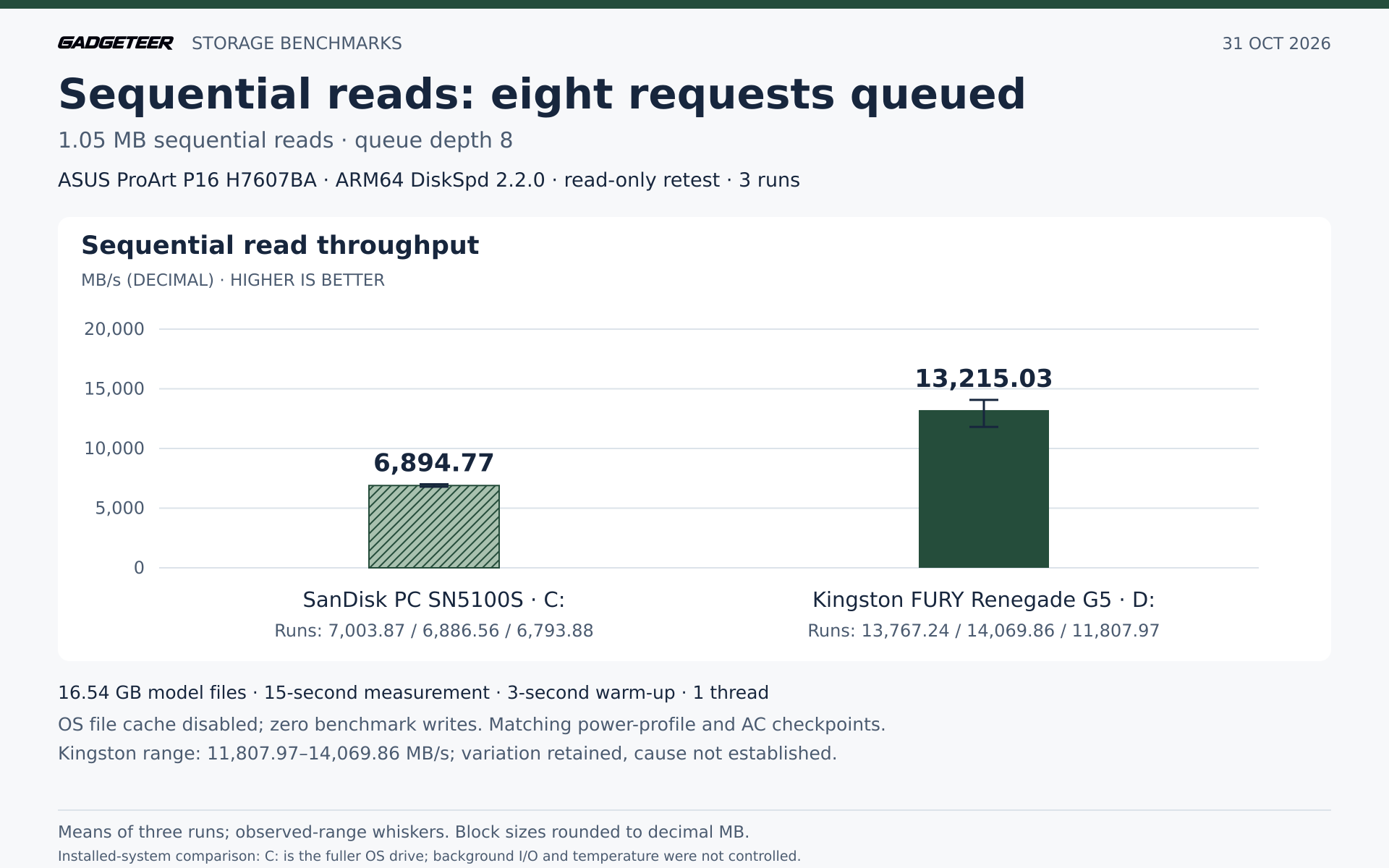
With eight requests outstanding, the Kingston averaged 13,215.03MB/s against the SanDisk’s 6,894.77MB/s. The larger queue lets more work reach the drive at once. The Kingston’s runs ranged from 11,807.97 to 14,069.86MB/s; I haven’t established why they varied.
For smaller-block random reads, the Kingston averaged 405.44MB/s against 230.54MB/s for the SanDisk.
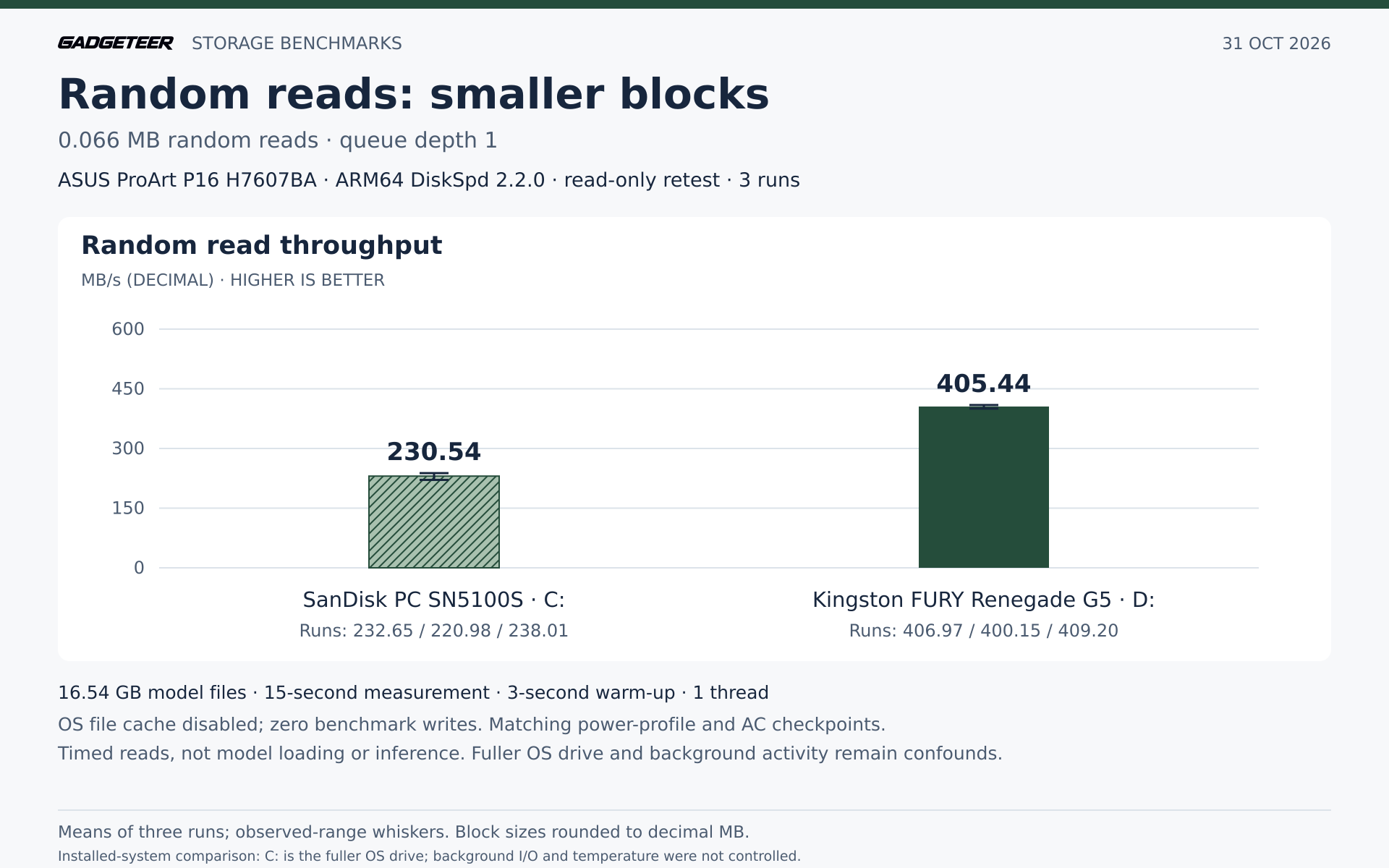
During testing, the SanDisk was the active Windows drive and about 80.6% occupied, versus 35.6% for the Kingston. Background activity and temperature weren’t controlled, so this isn’t an isolated Gen4-versus-Gen5 comparison. These file-read tests don’t measure model startup, answer generation or sustained thermal performance.
Test setup and detailed results
I used native ARM64 DiskSpd 2.2.0 with operating-system caching disabled, one thread, a three-second warmup and a 15-second measurement for each run. Sequential reads used rounded 1.05MB blocks at queue depths one and eight; random reads used rounded 0.066MB blocks at queue depth one. Both drives were BitLocker encrypted. The power-profile and AC-power checks matched across the runs, and the drive order was reversed in the second repetition.
The two model-file copies had previously matched hashes. Their sizes and modification times were checked for this test; I didn’t perform another full hash read immediately before these runs. All 18 benchmark runs wrote zero bytes. Timed reads could loop through the file. I didn’t pool this retest with the earlier results.

Read-only retest summary
ASUS ProArt P16 H7607BA, MB/s (decimal), higher is better
| Test | SanDisk PC SN5100S | Kingston FURY Renegade G5 |
|---|---|---|
| Sequential read, 1.05 MB, QD1 | 2,095.22 Range: 2,092.19–2,101.27 |
4,157.27 Range: 4,059.41–4,236.15 |
| Sequential read, 1.05 MB, QD8 | 6,894.77 Range: 6,793.88–7,003.87 |
13,215.03 Range: 11,807.97–14,069.86 |
| Random read, 0.066 MB, QD1 | 230.54 Range: 220.98–238.01 |
405.44 Range: 400.15–409.20 |
Test notes
- Arithmetic means and observed minimum-maximum ranges; block sizes rounded to decimal MB.
- 18 read-only runs on matching 16.54GB model files; zero benchmark writes.
- Matching power-profile and AC checkpoints; all three repeats per drive retained.
- Kingston QD8 range: 17.12% of its mean; cause of variation not established.
- File reads, not model loading or inference; no reliable write-speed comparison.
- Fuller active Windows drive; background activity and temperature weren’t controlled.
Putting the extra capacity to work
After copying, the Kingston held verified copies of about 442GB of camera media, 147GB of model-related files and 139GB from seven projects. In total, that’s 1,095 files and about 728GB, with matching hashes after copying. The Kingston still had about 1.32TB free. The originals were still in place when copying finished.
Frequently Asked Questions
Will this SSD fit my laptop?
Not every laptop has a compatible spare slot. My H7607BA P16 has two M.2 2280 PCIe 5.0 ×4 slots and requires single-sided SSDs because of components near the slot. This exact Kingston SFYR2S/2T0 meets that requirement. Check your laptop’s model-specific storage and clearance requirements.
What about write speeds?
I haven’t established a reliable write-speed comparison, so the verdict uses only the read tests.
Did adding the drive free space on my system drive?
A later check found the camera-media source folder empty and about 839GB free on the system drive. All 443 camera files remained on the Kingston, with paths, sizes and modification times matching the verified copy. I haven’t established how the camera originals were removed, and the model and project originals weren’t rechecked.
Final thoughts
At the observed $420 Amazon price for the 2TB model, this is a premium upgrade. I’d consider it for large media files and substantial local workloads in a compatible laptop, not just to add room for documents.
Price: $420 USD for the 2TB model
Where to buy: Amazon