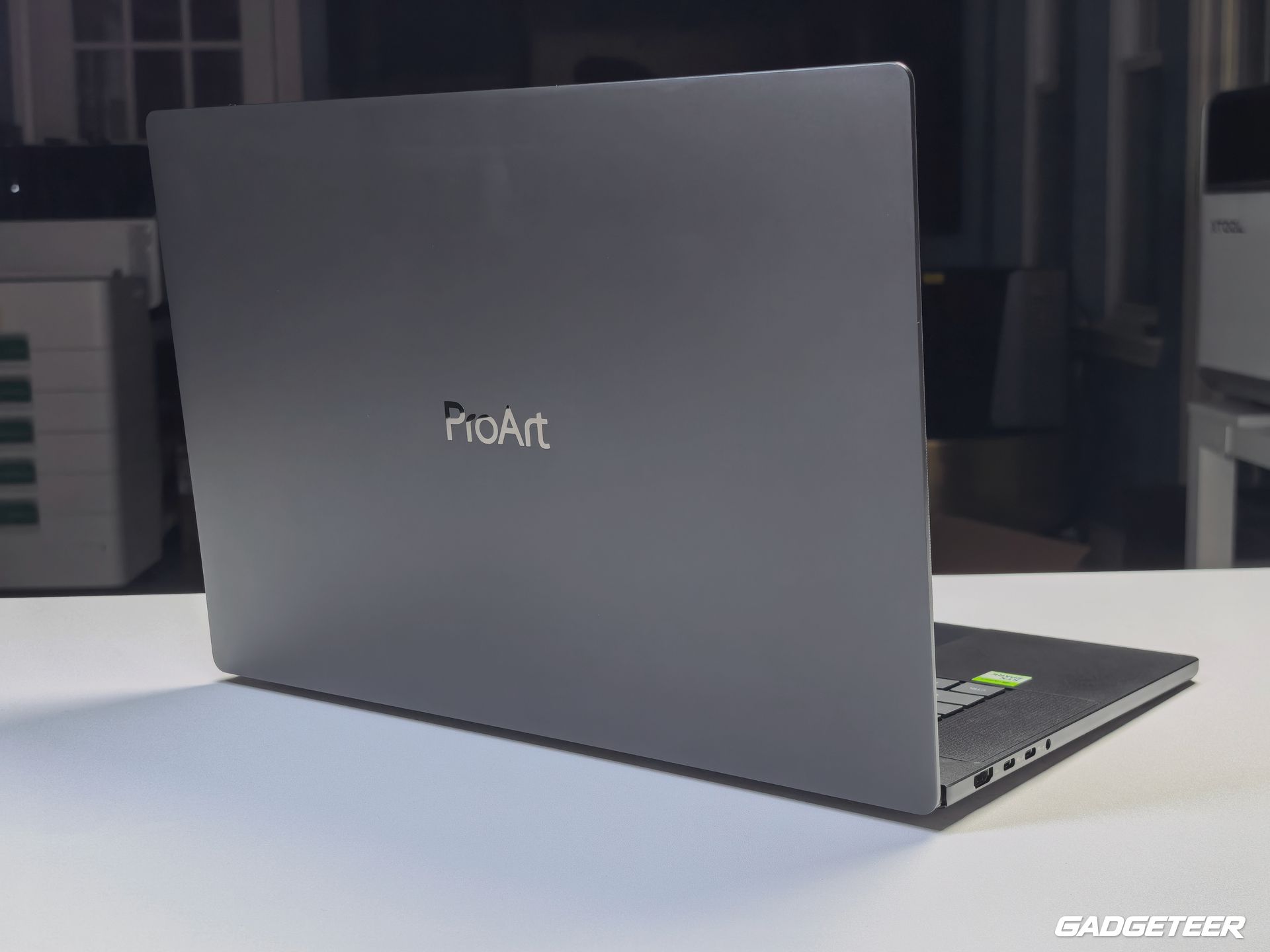
The ASUS ProArt P16 with NVIDIA RTX Spark puts a 16-inch OLED touchscreen, RTX graphics, and a full set of creator-friendly connections into a 3.9-pound laptop. I’ve unboxed it and taken a closer look around the hardware, from the way it sits in my hand to the ports along both sides.
The P16 H7607 pairs NVIDIA’s N1X processor with a useful set of tools for working away from a permanent desk. There’s a full-size SD card reader for footage, three USB4 ports for storage and displays, and a haptic touchpad for working without a mouse. A camera card, an external drive, and a bigger screen can all connect directly, which means fewer separate adapters to keep track of in a camera bag.
Out of the box
My review unit arrived in a ProArt presentation box, with the laptop seated in a fitted tray and covered in black protective wrapping. The charger and cable were in a separate accessory box.
The supplied adapter is rated at 140W and uses USB-C. It’s part of the travel kit to account for alongside the laptop, especially if the plan is to spend the day away from your usual desk.
A big screen in a slim body
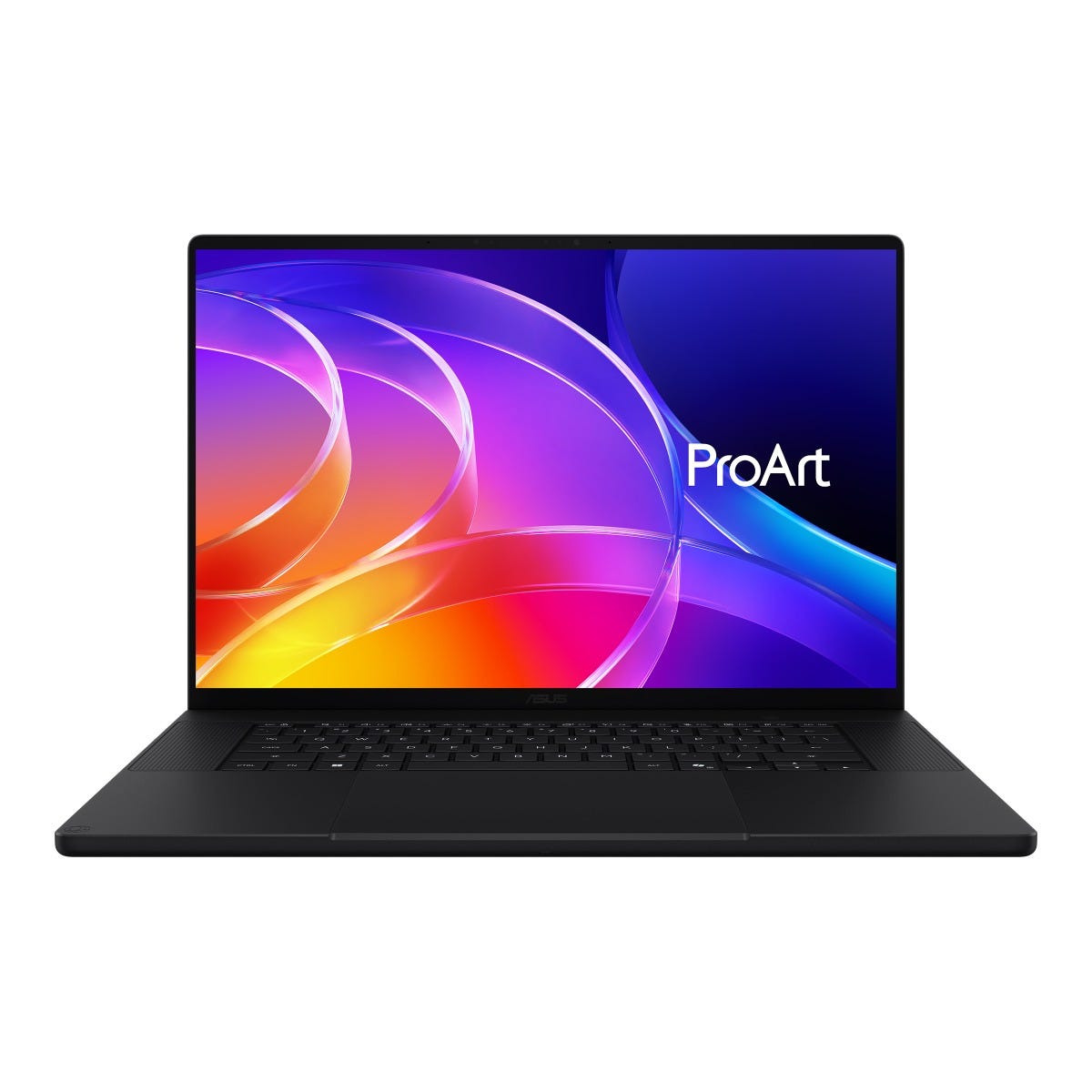
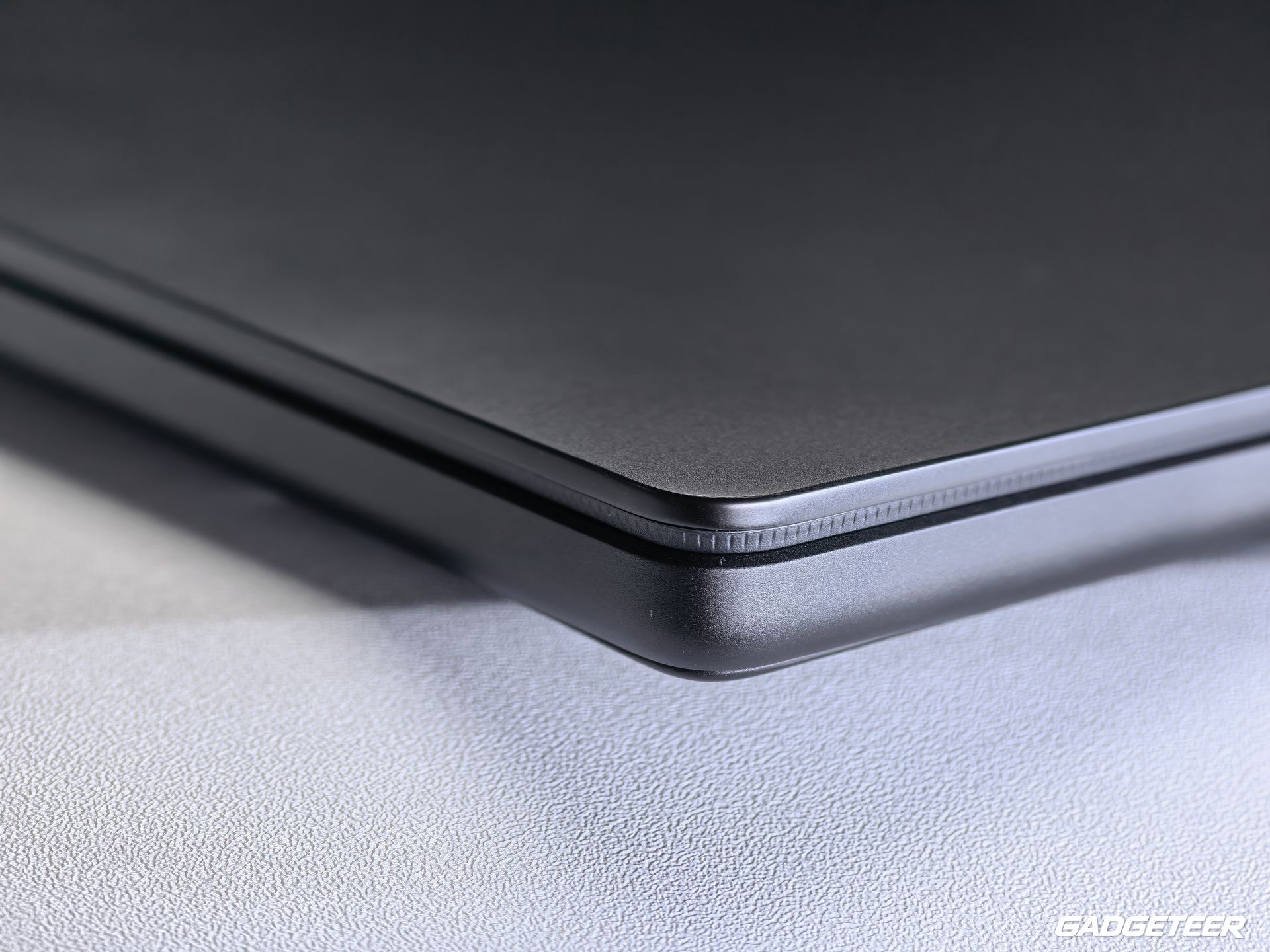
The ProArt P16 has a sandblasted Nano Black finish. The dark lid and simple exterior keep the design understated, while the keyboard and touchpad sit beneath that broad 16-inch screen.
It feels really balanced in my hand, even with that broad 16-inch footprint.
The body measures 13.94 by 9.57 inches and 0.51 to 0.63 inches thick. Those are the dimensions to compare with a bag’s laptop compartment when packing it alongside a camera, lenses, and storage. The laptop weighs 3.9 pounds before adding the charger and cable.
That’s the tradeoff with this size. You carry a larger machine, but you also bring a larger workspace. If you spend much of your day editing away from a monitor, having room for both the image and the controls around it is useful long before you start a demanding export.
OLED room for the picture and the timeline
The 16-inch touchscreen has a 3840 × 2400 resolution and a 120Hz refresh rate. Its 16:10 shape leaves more vertical room than a widescreen 16:9 panel: useful for a video preview above a timeline, or a photograph surrounded by editing tools. You can choose a comfortable interface scale rather than cramming every control into tiny text.
The panel supports the full DCI-P3 color gamut, and its anti-reflection coating is aimed at a familiar travel problem: working wherever there’s a seat, even when the lighting isn’t ideal. The brightness rating reaches up to 1,600 nits for HDR peaks. That applies to bright highlights in HDR content, not sustained brightness across the whole screen.
Touch and stylus support provide another way to interact with the canvas. For quick navigation or annotations, that puts the screen itself alongside the keyboard and touchpad as an input surface.
Camera card in, external drive connected
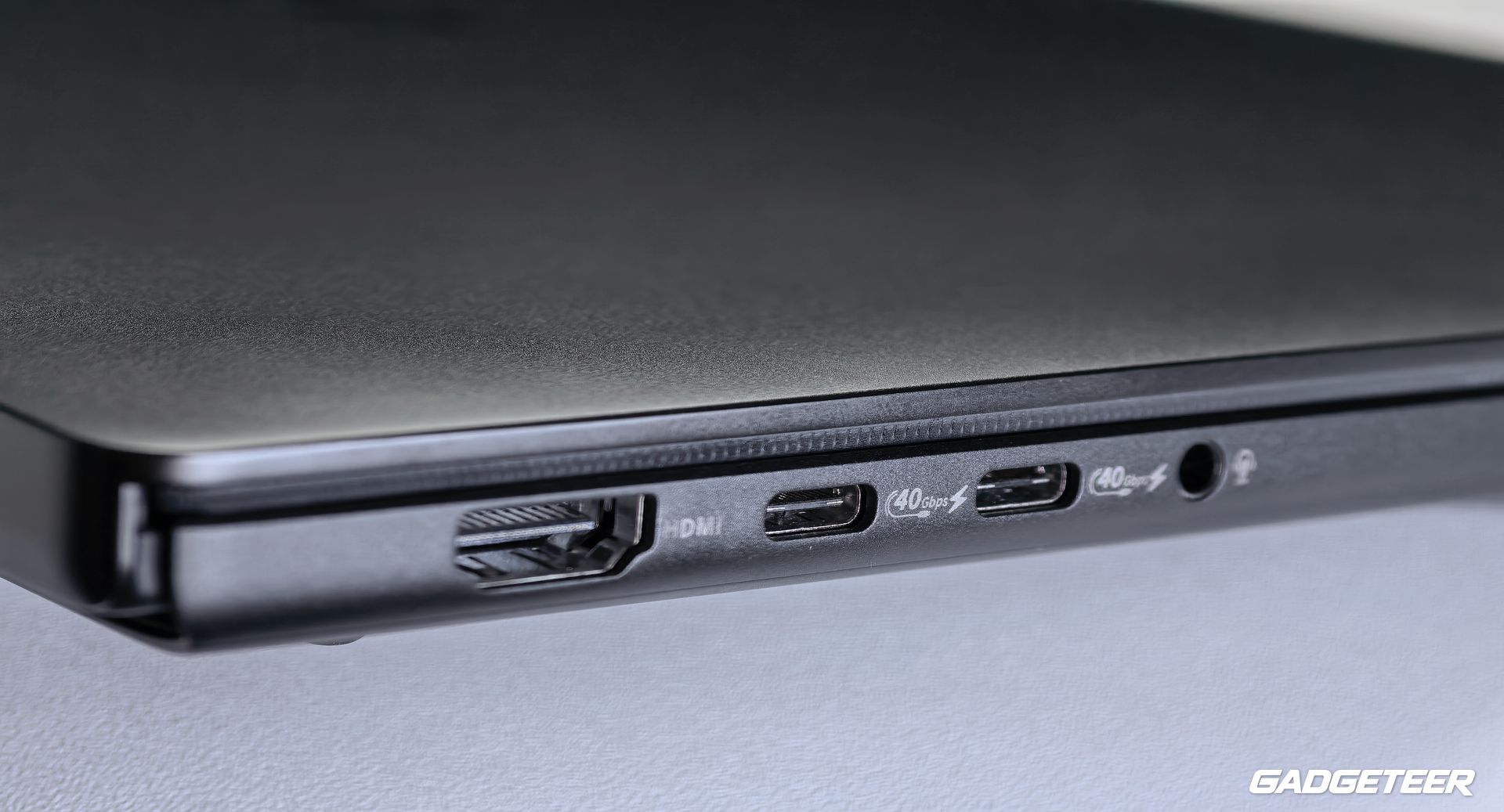
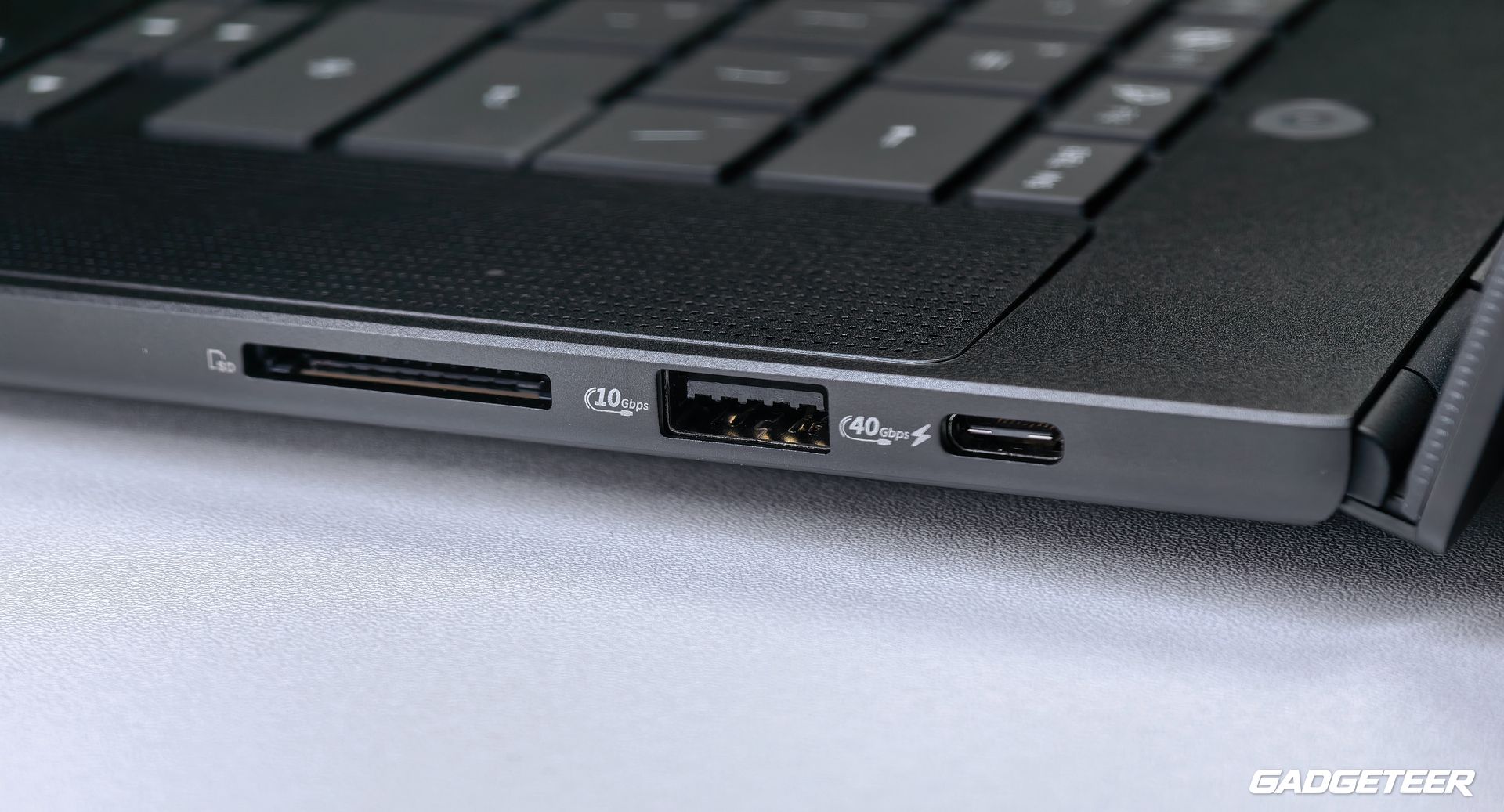
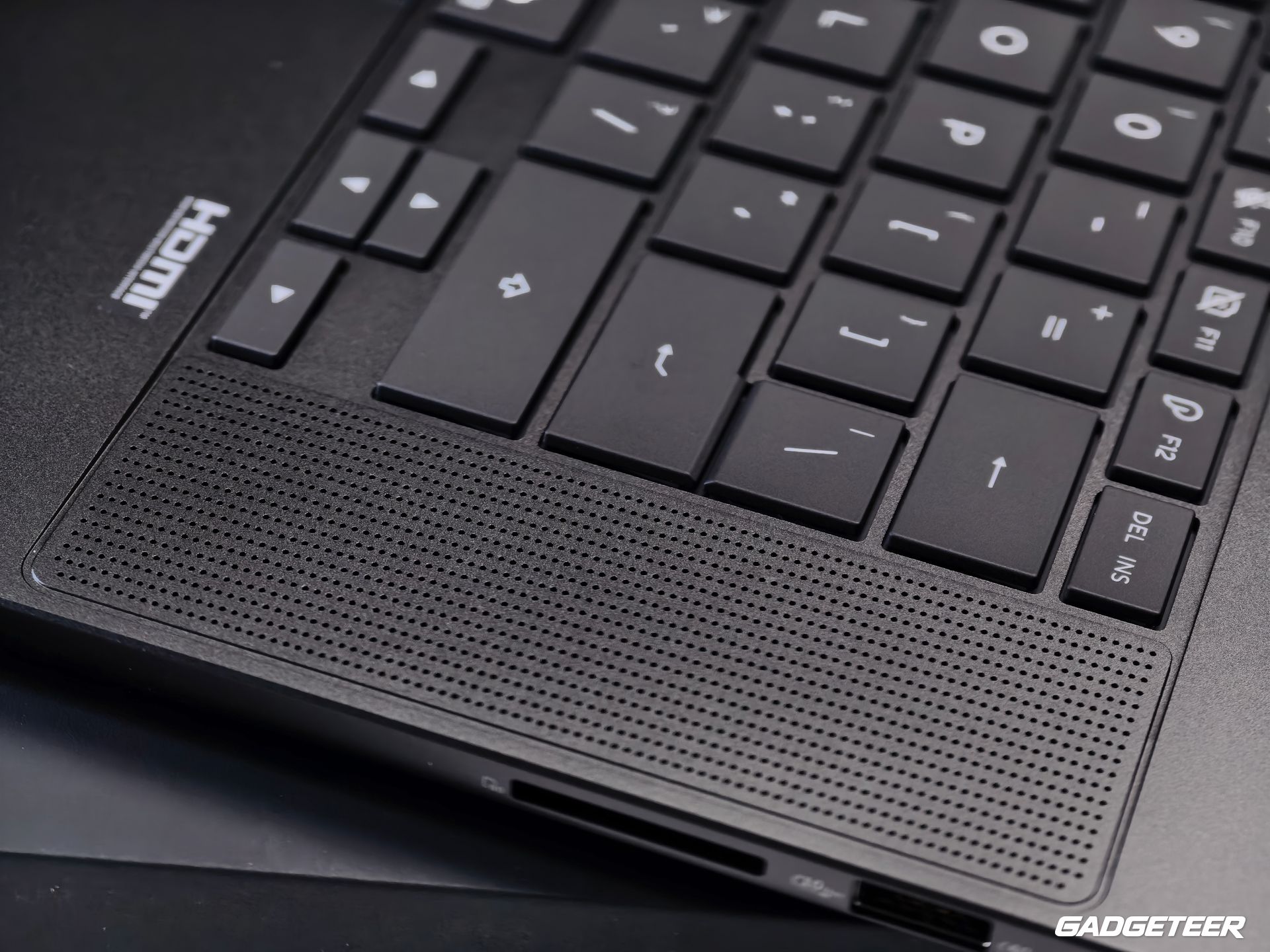
The connections are a big part of this walkaround. On the left are HDMI 2.1, two USB4 Type-C ports, and the headphone/microphone jack. On the right are another USB4 port, USB-A, and the full-size SD Express 7.0 reader.
A photographer can take an SD card from the camera and put it straight into the laptop. A video editor can connect an external drive for the project, while HDMI provides a direct path to a larger screen. USB-A also leaves a place for an existing mouse receiver or other familiar peripheral.
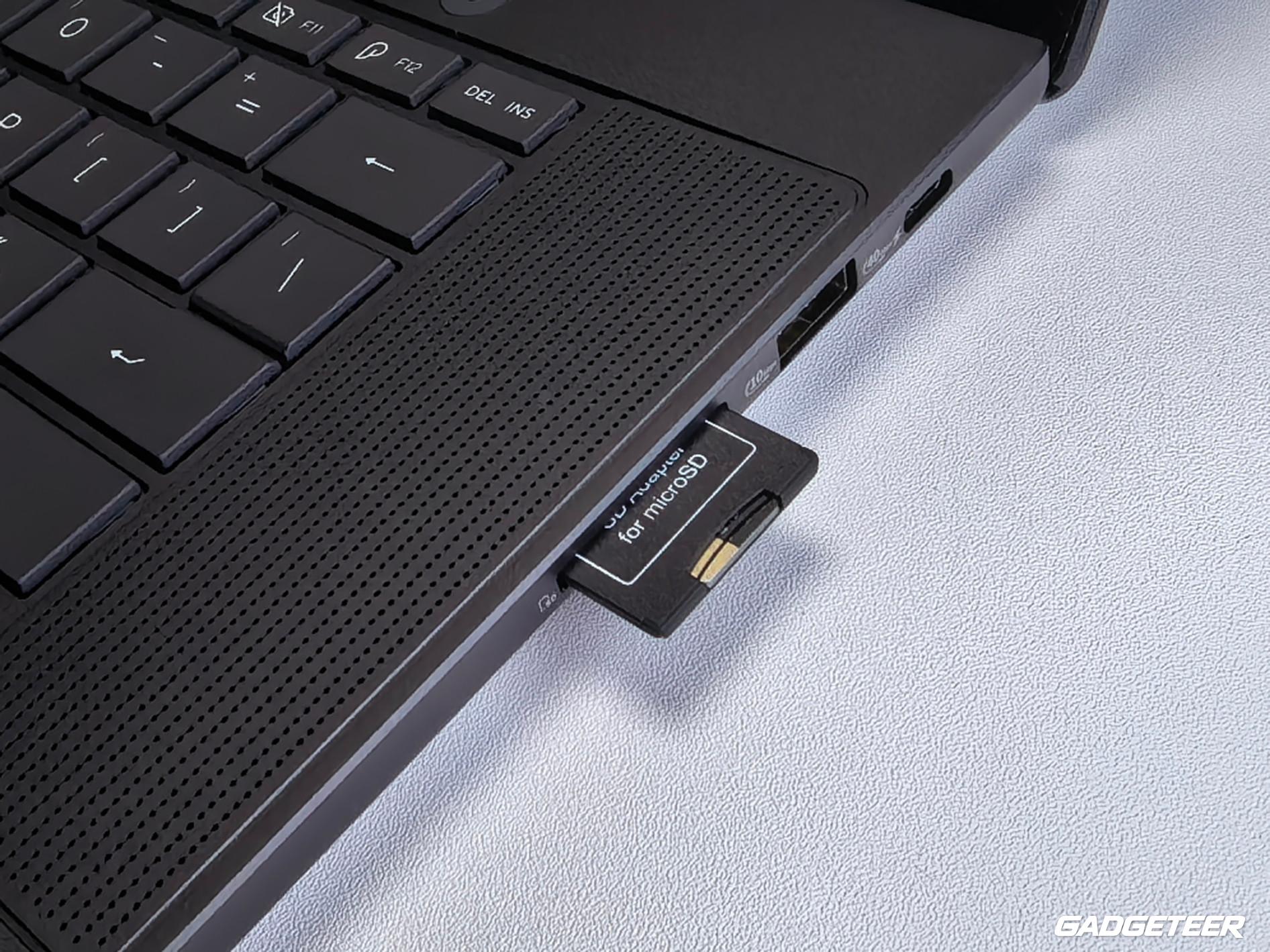
All three USB4 ports support display output, power delivery, and data rates up to 40Gbps. Having them on both sides gives you more choice about where cables run. Actual transfer speeds depend on the drive, cable, and workload, but the connections themselves give fast storage and docks room in the setup.
Back at a desk, those same ports let the P16 connect to a monitor and peripherals. On the road, the built-in card reader and HDMI connection reduce the number of separate adapters needed for those jobs.
Wi-Fi 7 and Bluetooth 5.4 cover wireless connections. Wi-Fi 7 needs a compatible network to use its newer capabilities, so it doesn’t make a hotel connection faster on its own.
What RTX Spark brings to the hardware
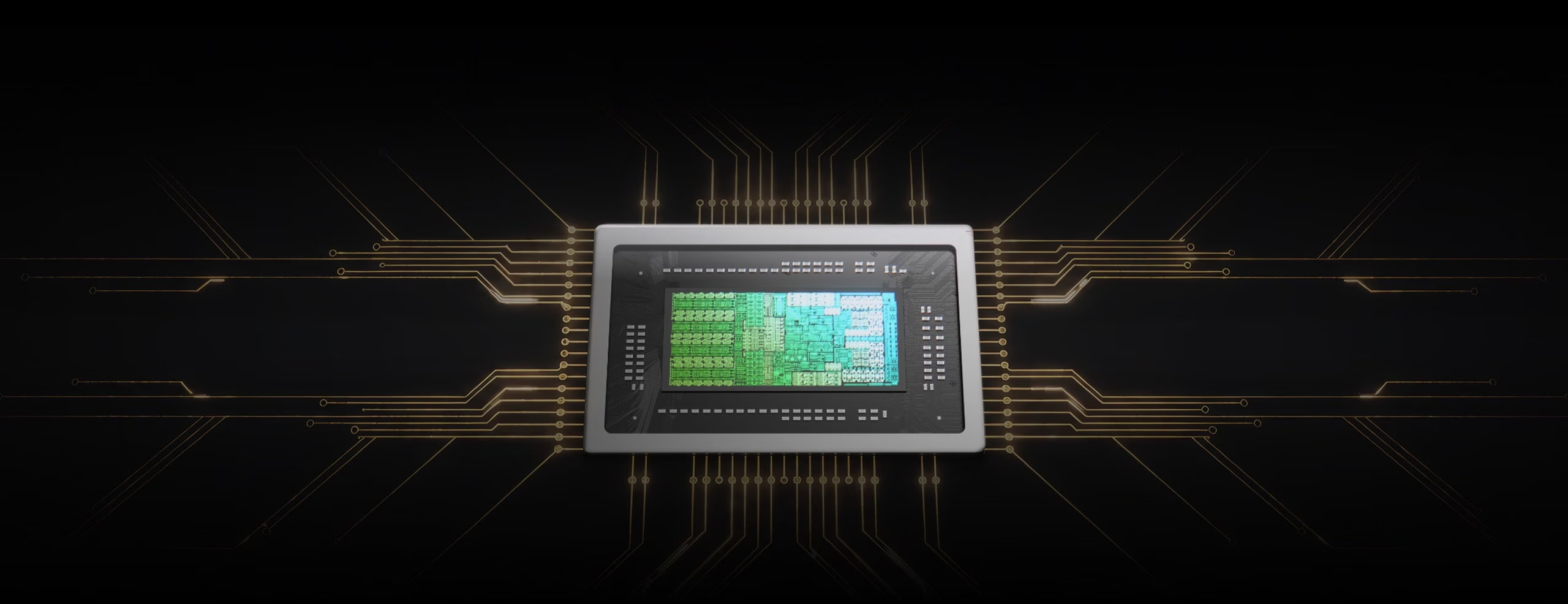
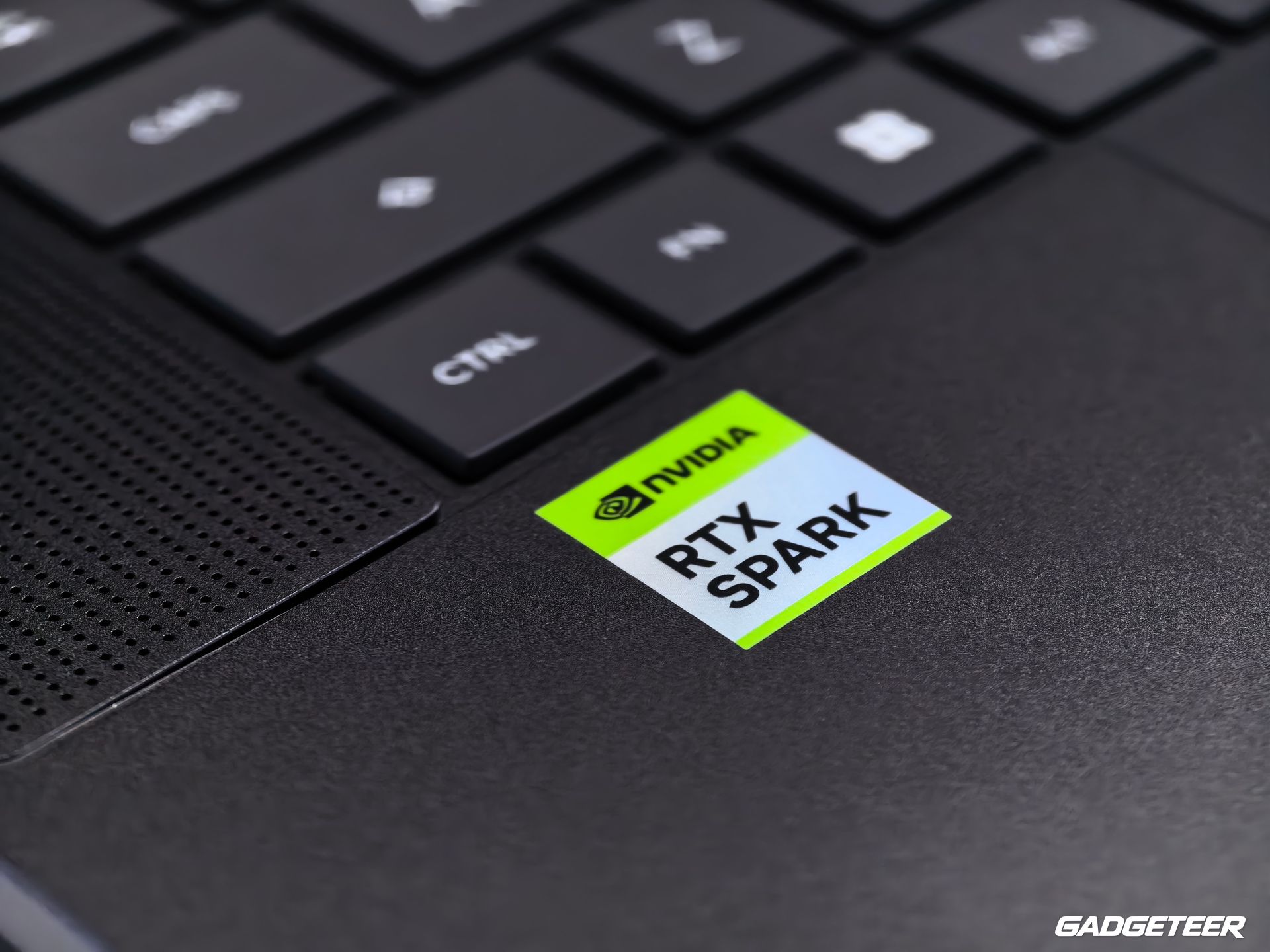
Inside, N1X combines a 20-core NVIDIA Grace CPU with a Blackwell RTX GPU containing 6,144 CUDA cores. The CPU and GPU share a unified memory pool. That puts general processing, graphics, and supported GPU-accelerated work within the same platform.
The CPU handles general application work, while supported tools can put parallel jobs such as effects, rendering, and local AI processing on the GPU.
That’s relevant to the way creative work overlaps. A video project can involve footage, effects, audio, and other applications open at the same time. A 3D project can call on both the CPU and GPU at different stages. The P16 puts those processing resources in the same laptop as the display and media connections, with gaming another use for its RTX graphics when the work is finished.
RTX Spark runs Windows on Arm, so check support for your specific applications, plugins, games, and anti-cheat software before replacing an existing setup. Native Arm software and emulated x86 applications use different execution paths.
Keyboard, haptic touchpad, and built-in audio
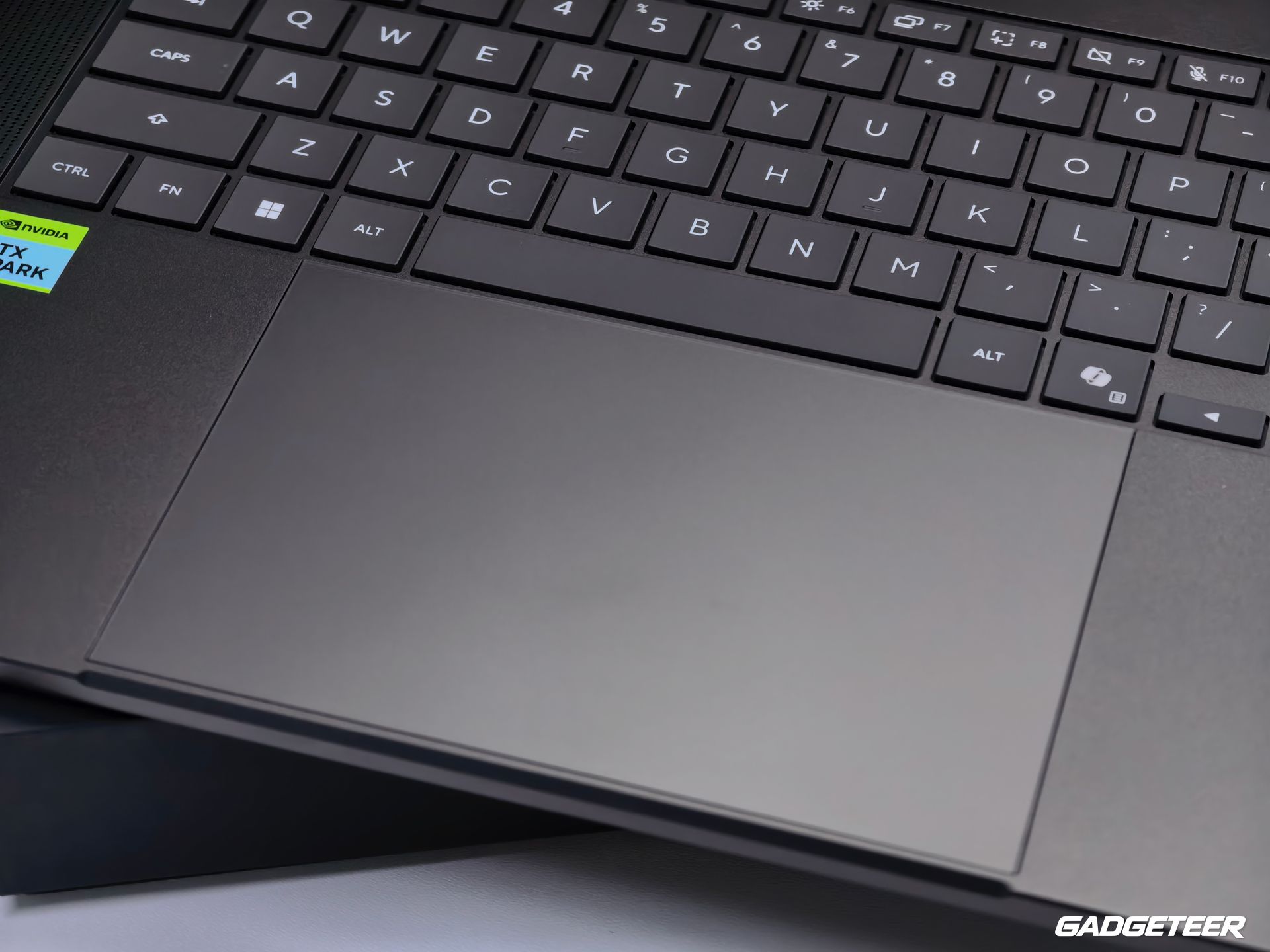
Looking down at the keyboard deck, there are speaker perforations beside the keys and a haptic touchpad below them. The backlit keyboard has 1.7mm of key travel. The pad uses feedback to produce its click response instead of relying on a conventional mechanical button. It gives the P16 a built-in way to navigate an edit when there isn’t room to spread out a mouse and pad.
Above the display, a Full HD infrared camera supports Windows Hello face sign-in. A microphone array handles voice input, while the six-speaker system supports Dolby Atmos. That covers calls and playback from the laptop itself, whether you’re checking a clip or watching something after the work is finished.
Packing the power for longer jobs
The P16 pairs a 99.9Wh battery with 140W USB-C charging. The adapter rating matters when packing for a long edit: a smaller phone charger isn’t an equivalent replacement. Battery runtime depends on the workload and display settings.
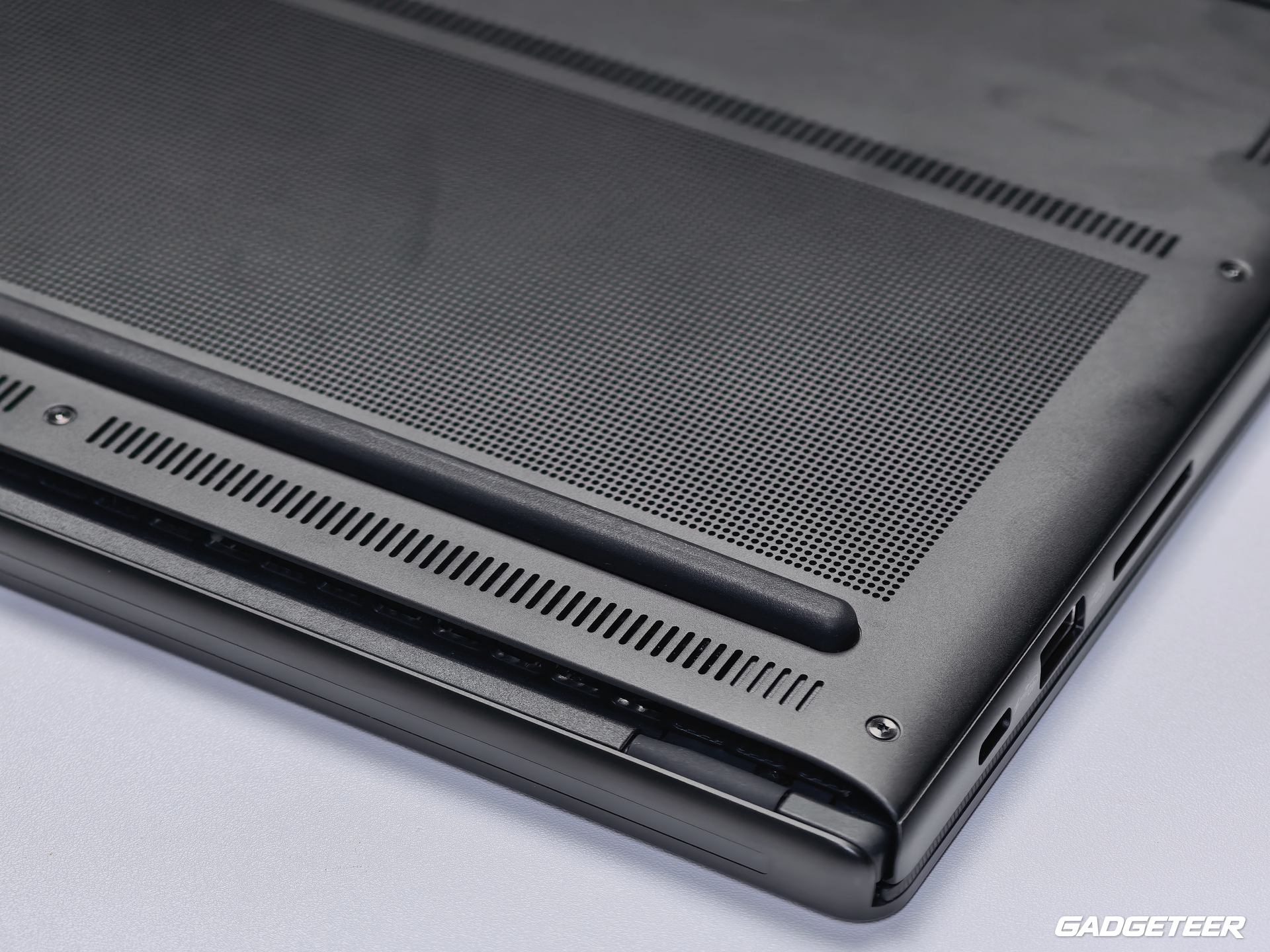
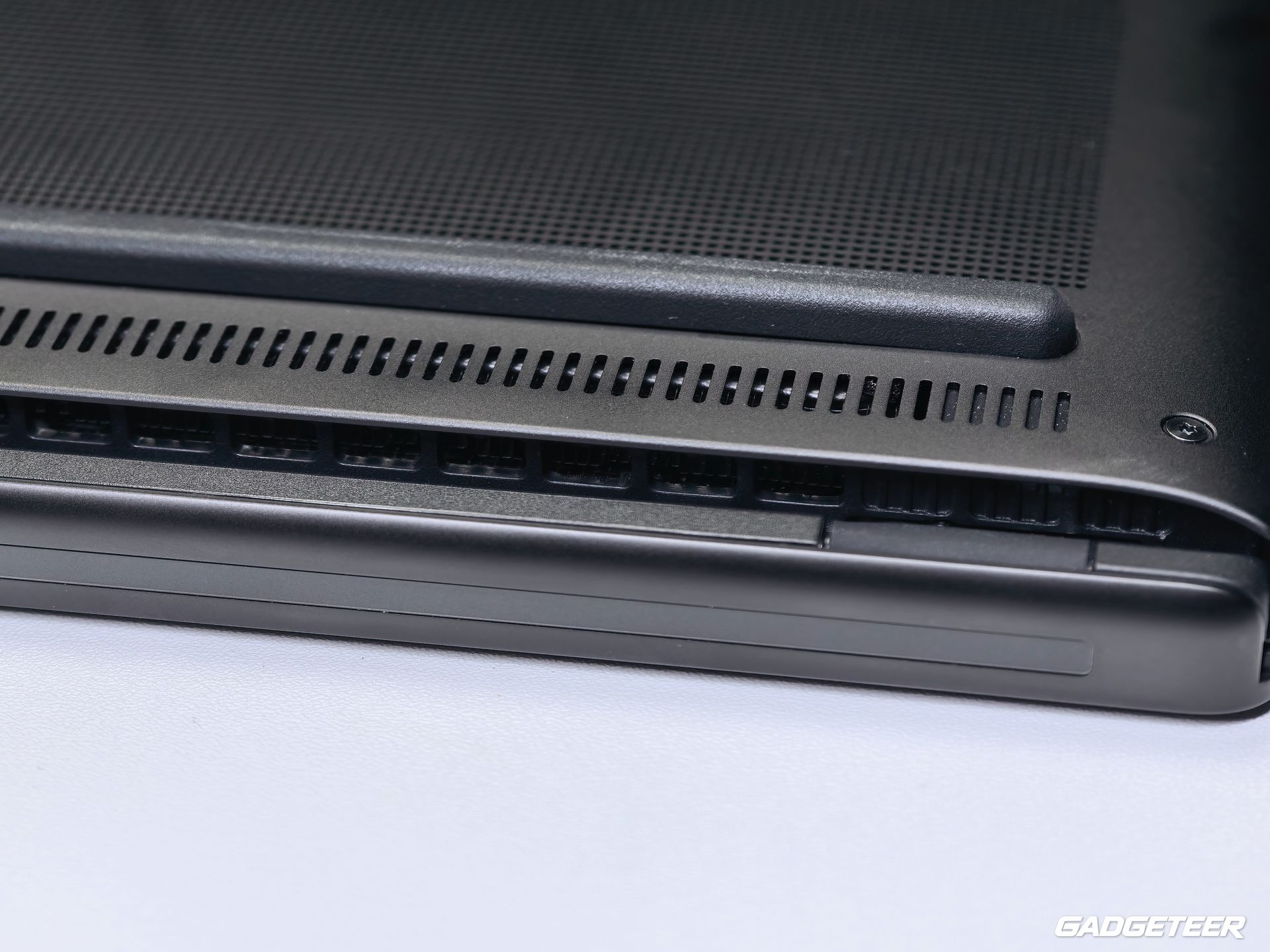
The underside vents and feet are visible when I turn the laptop over. Inside, the cooling layout uses two fans and heat pipes, with air intake through the keyboard and exhaust routed away from the screen at the hinge. Those details are especially relevant in a slim machine intended for work that can keep the processor busy for more than a few seconds.
The ProArt P16 brings a large OLED canvas, direct camera-card access, versatile connections, and NVIDIA RTX Spark processing into one portable setup. For a creator moving between a desk, a shoot, and a temporary workspace, those are useful pieces to have together.